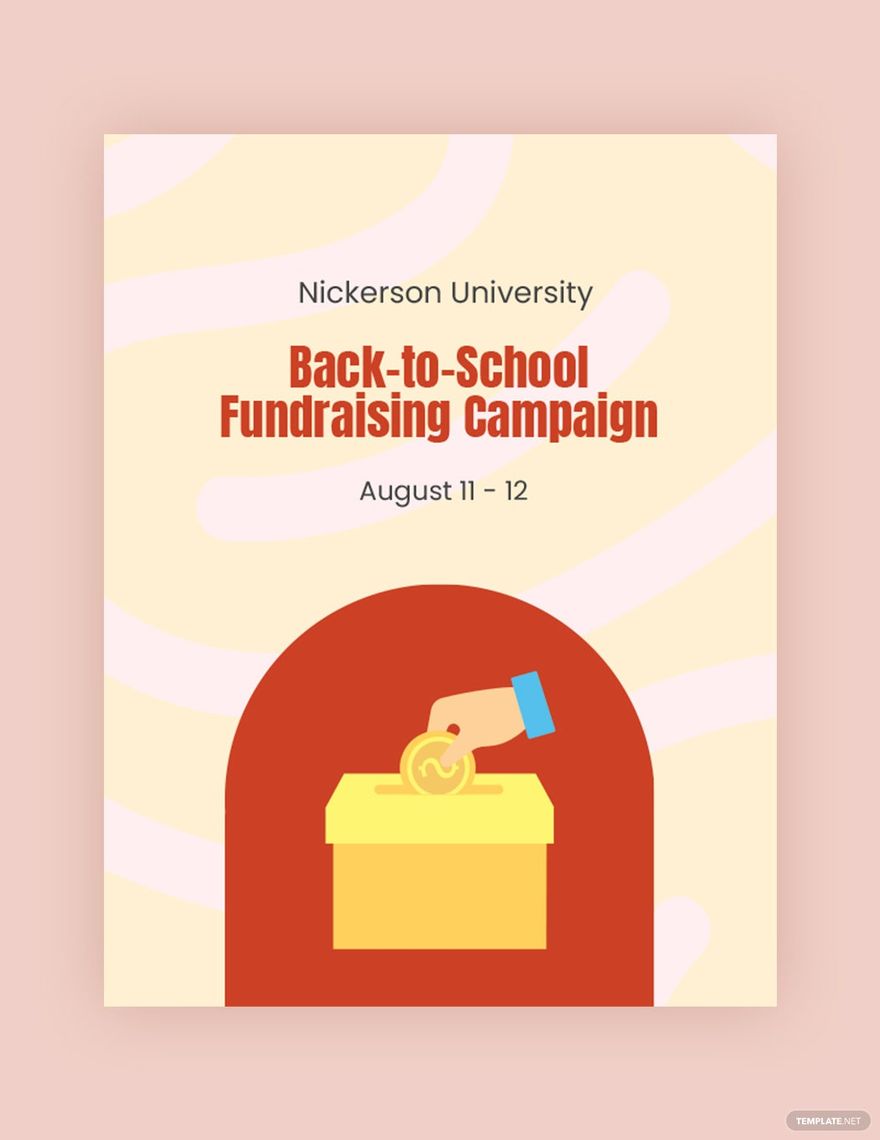
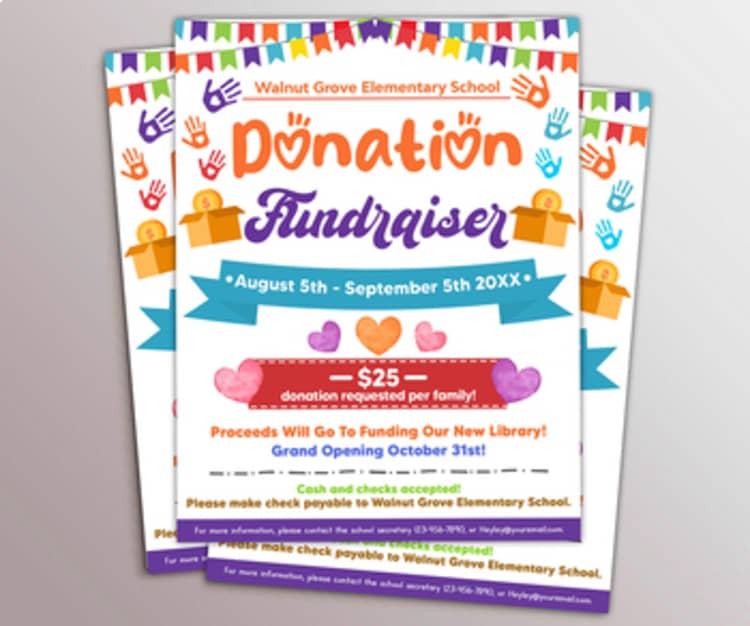
Creating an engaging flyer for your school fundraiser can make all the difference in turnout and support. With a School Fundraiser Flyer Free Google Docs Template, you can easily create a vibrant and informative flyer that captures attention and conveys all the necessary details about your event. In this article, I’ll guide you through customizing this template, making practical decisions for printing, and preparing your flyer for distribution.

Why Use a Google Docs Template for Your Fundraiser Flyer?
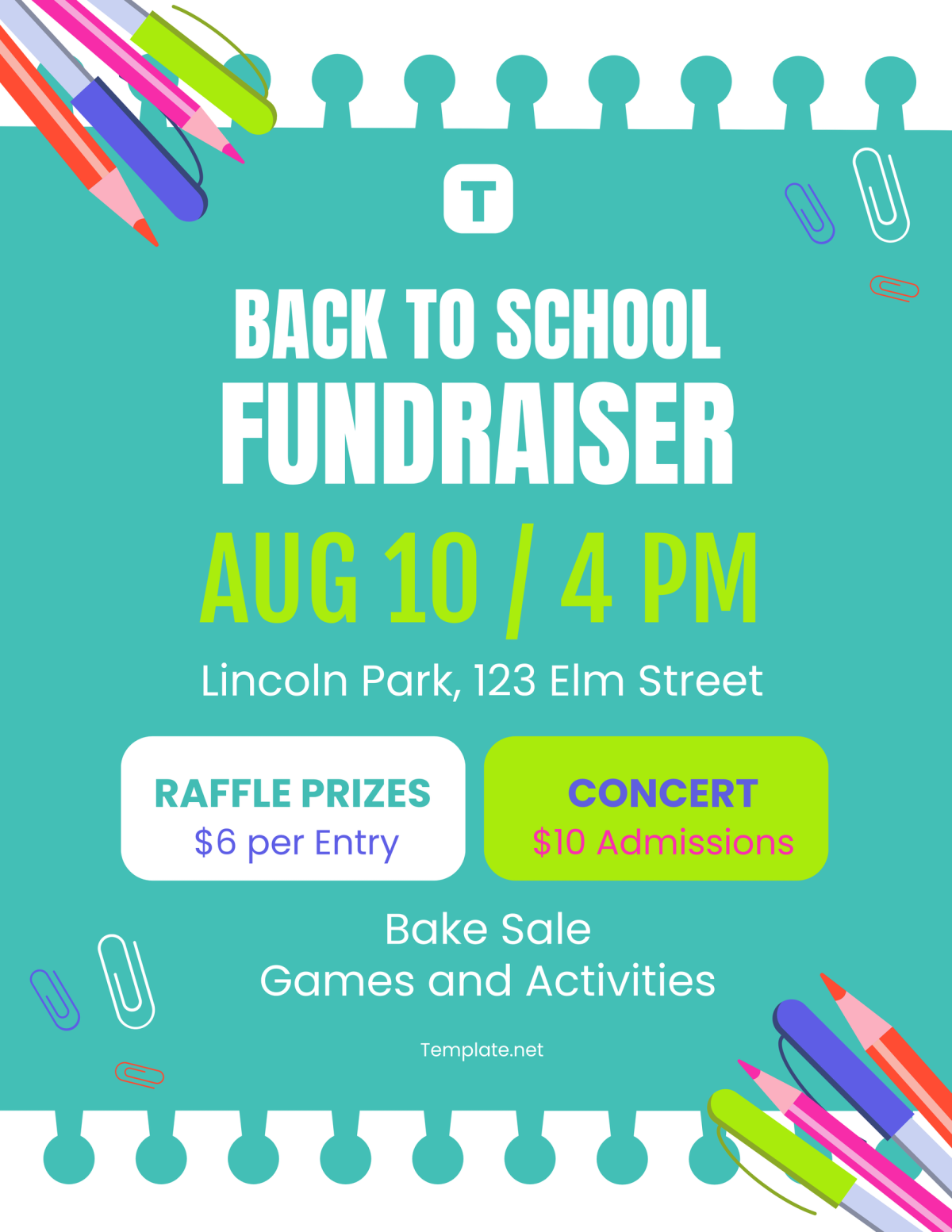
Google Docs templates are user-friendly and accessible. You can edit them directly in your browser without needing special software. This is especially handy for parents and teachers who may not have design experience. The School Fundraiser Flyer Free Google Docs Template allows you to customize every aspect of the flyer, from colors and fonts to the content. Plus, you can share it with others for collaborative input, making it easy to get feedback from your team.
Customizing Your Flyer Template
Once you’ve downloaded the template, it’s time to make it your own. Here are some practical tips for customization:
- Edit Text: Replace placeholder text with your fundraiser’s details. Include the event name, date, time, location, and a brief description of what the funds will support. Make sure this information is clear and concise.
- Choose Images: A great flyer often includes eye-catching visuals. You can add images of your school, previous events, or even logos of sponsors. Just ensure that any images you use are high-quality and relevant.
- Play with Colors and Fonts: Adjust the colors to match your school’s colors or the theme of the fundraiser. Google Docs makes it easy to change font styles and sizes, so feel free to experiment until you find a look that feels right.
- Add Contact Information: Don’t forget to include contact details for anyone who might have questions about the event. This could be your email or a phone number for the event coordinator.
Downloading and Printing Your Flyer
Once you’re satisfied with your flyer, it’s time to download and print it. The template is typically available in Google Docs, allowing you to download it in multiple formats, including PDF and Microsoft Word. Here’s how to proceed:
- Download Options: For printing, I recommend downloading it as a PDF. This format preserves your layout and design, minimizing the chances of any reformatting issues that can occur with other file types.
- Printer Setup: Check your printer settings to ensure they are configured correctly. Most home printers handle standard paper sizes like 8.5×11 inches well, which is a common flyer size. If you plan to use thicker paper or cardstock, ensure your printer can accommodate it.
- Paper Choices: The type of paper you use can affect the overall look of your flyer. For a professional feel, consider using glossy or matte presentation paper. If you want to laminate the flyers for durability, cardstock is a great option.
Distributing Your Flyers Effectively
After printing, it’s time to distribute your flyers! Here are some effective ways to get them into the hands of potential supporters:
- School Events: Hand them out during school events, such as parent-teacher meetings or school plays. This is a great way to reach those who are already engaged with the school community.
- Local Businesses: Ask local businesses if you can leave a stack of flyers at their locations. This can help spread the word beyond the school walls.
- Community Boards: Post your flyers on community boards in libraries, grocery stores, and community centers. Many people look for local events in these spaces.
- Digital Distribution: If you have a school newsletter or social media pages, consider sharing a digital version of the flyer. This can help reach a wider audience quickly.

Next Steps After Downloading the Template
Now that you have a clear idea of how to customize, download, and distribute your School Fundraiser Flyer Free Google Docs Template, it’s time to take action! Start by downloading the template and filling it with your unique details. Remember to keep your audience in mind, ensuring that your flyer is not only informative but also visually appealing.
Once printed, get your flyers out there to promote your fundraiser effectively. With a little creativity and effort, you can create a flyer that not only looks great but also helps your school achieve its fundraising goals.
School Fundraiser Flyer Free Google Docs Template Gallery