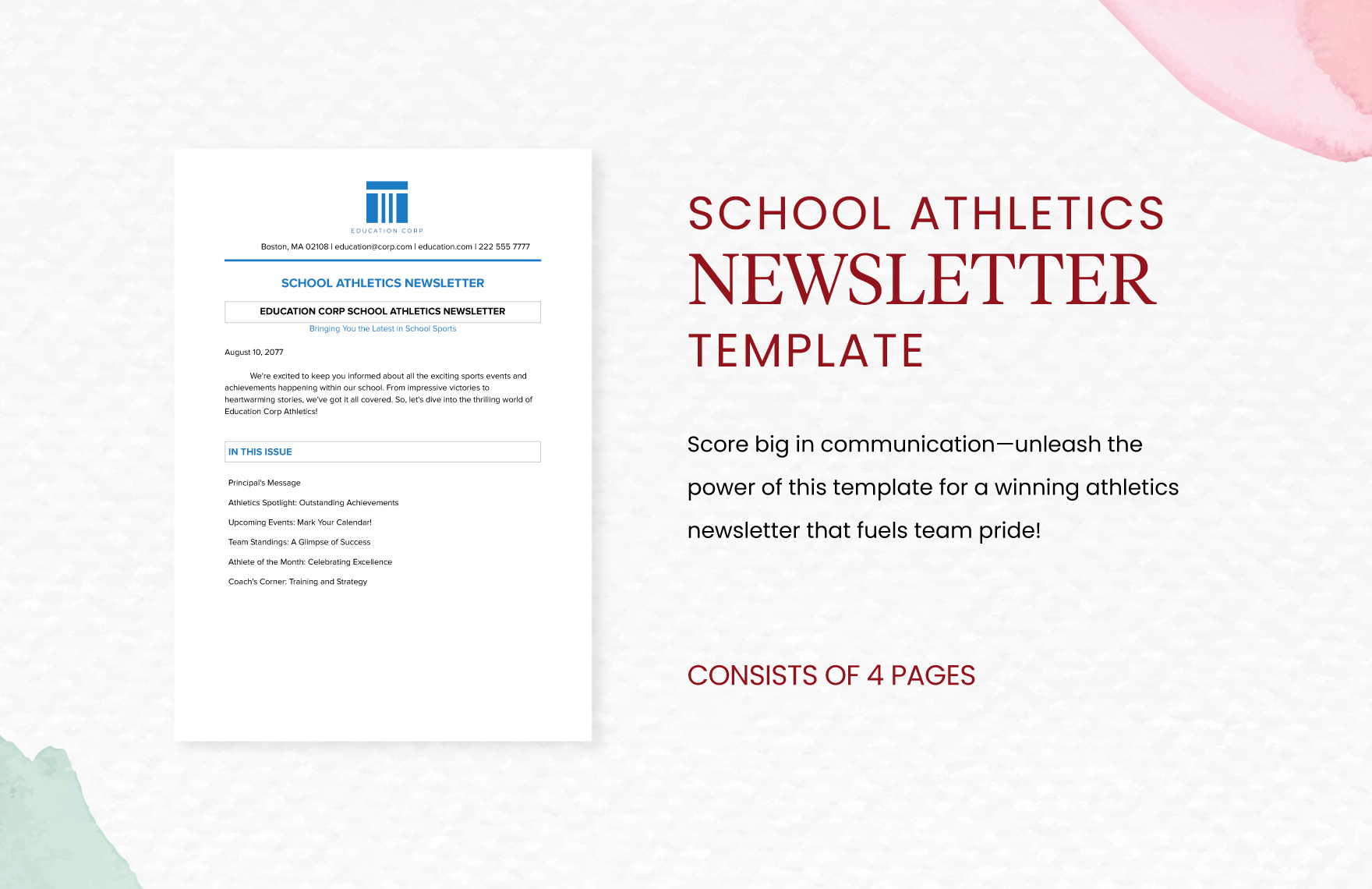
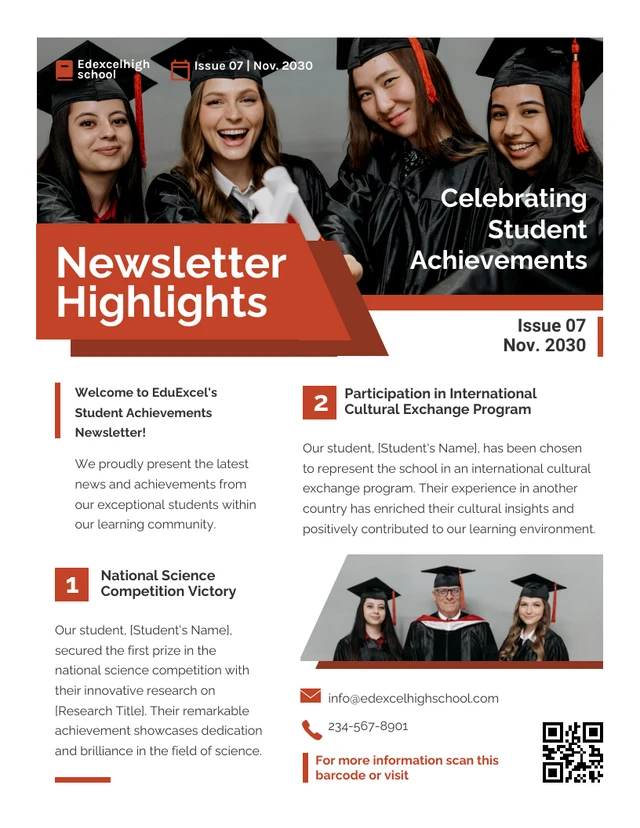
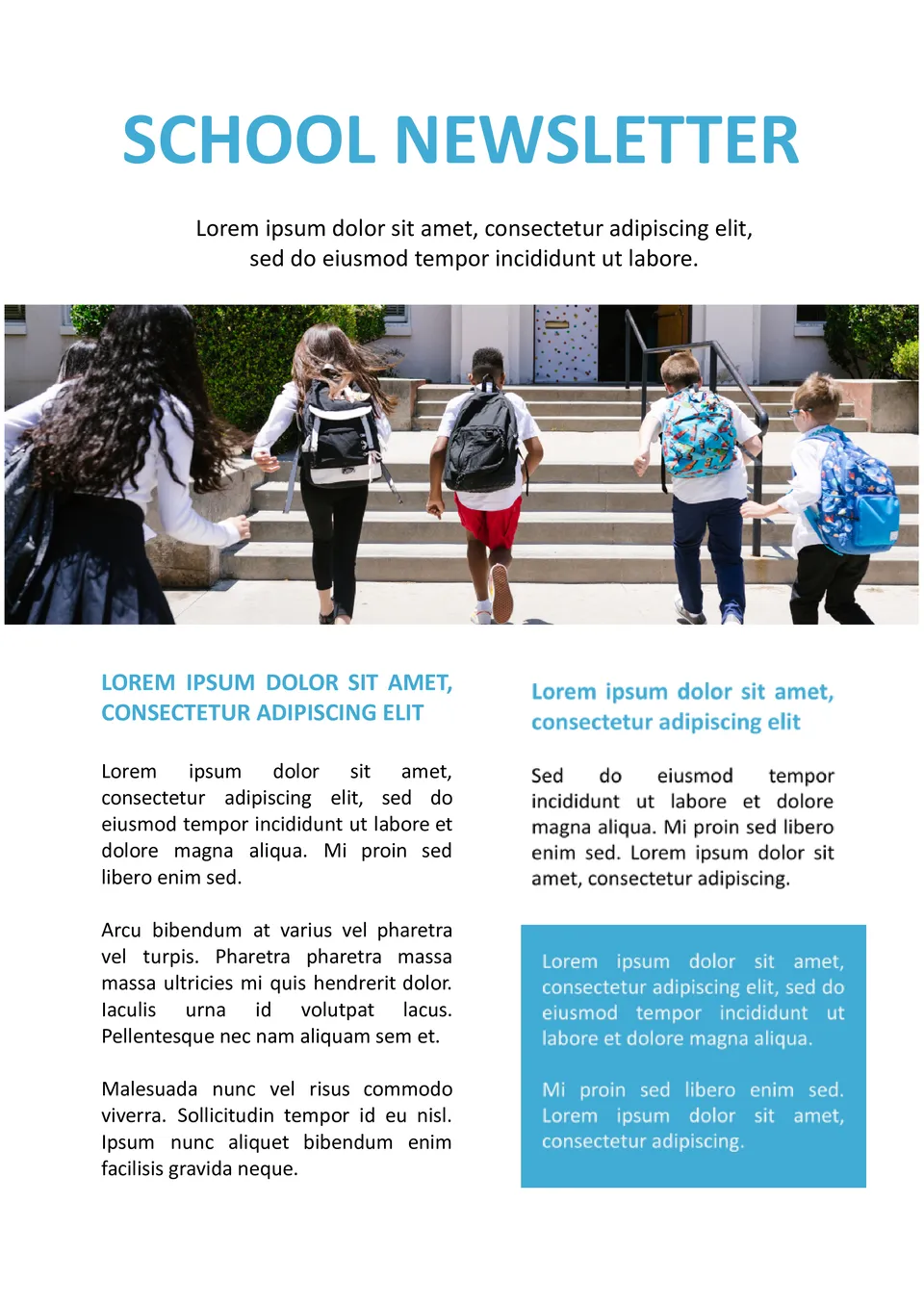
Creating a newsletter for school awards and achievements is a fantastic way to recognize students’ hard work and accomplishments. The School Awards and Achievements Newsletter Free Google Docs Template allows you to do just that, providing a ready-to-edit format that’s easy to customize. With a clean design, this template helps you convey pride and positivity while keeping parents and students informed.
Understanding the Template Format
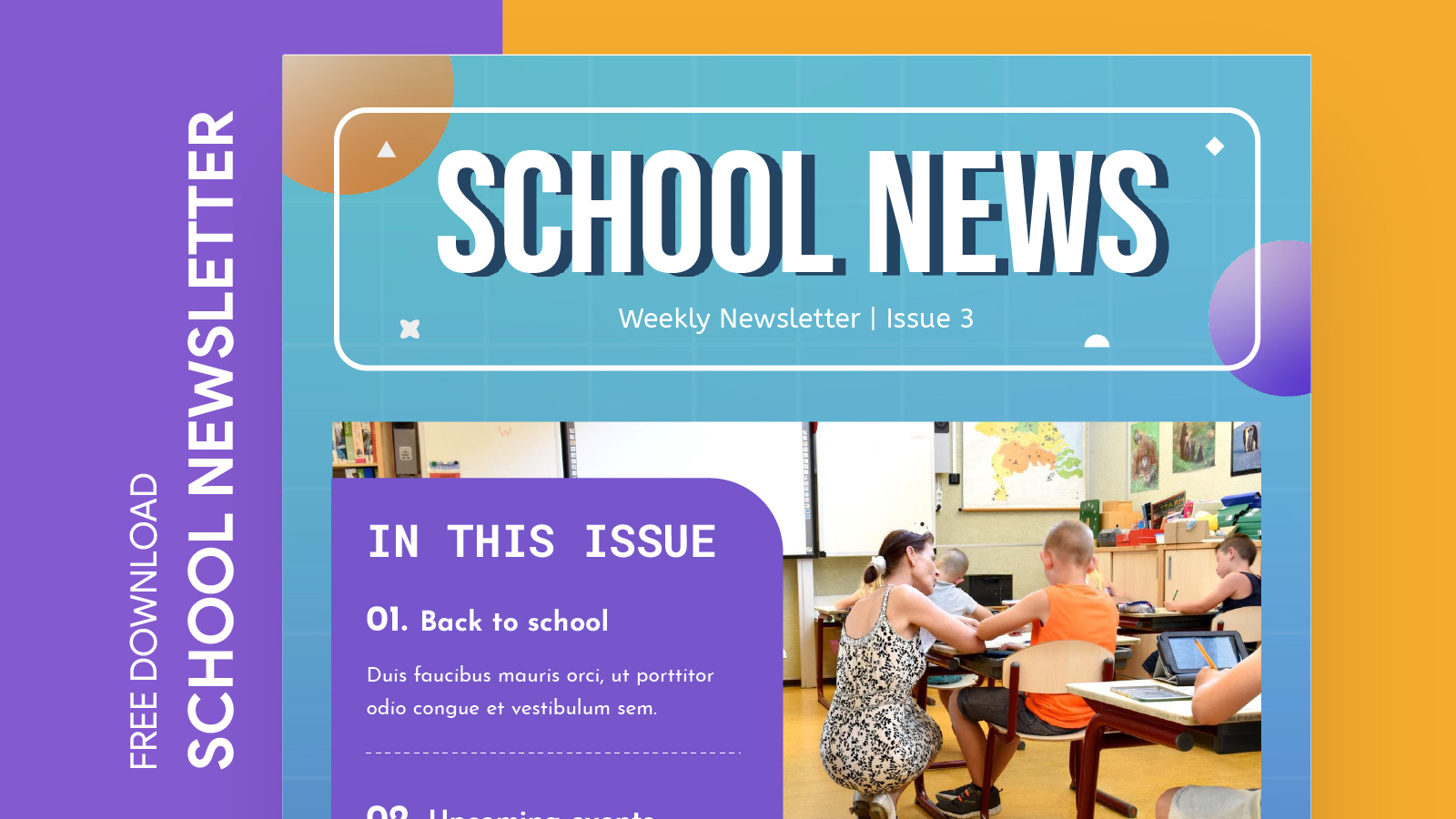
This Google Docs template is designed to be user-friendly and adaptable for various school settings. It typically comes in a portrait layout, which is ideal for home printers. If you’re planning to print multiple copies, this format will help you save on paper and ink while ensuring a professional look.
The template is specifically sized for standard letter paper (8.5 x 11 inches), which is the most common print size. This means it will fit easily into binders or folders, making it simple to distribute at school events or parent-teacher meetings.
Customizing Your Newsletter
One of the best features of the School Awards and Achievements Newsletter Free Google Docs Template is its customizability. You can easily modify text, colors, and images to reflect your school’s branding or the specific event you’re highlighting. Here’s how to make it your own:
- Text: Replace placeholder text with details about the awards and achievements. Be sure to highlight the students’ names, the awards they received, and any relevant comments from teachers or staff.
- Colors: Adjust the color scheme to match your school colors or the theme of the event. This simple change can make the newsletter more visually appealing and engaging.
- Images: Adding images of the award ceremonies or candid shots of the students receiving their awards can give a personal touch to the newsletter. Ensure to get permission if you’re including student photos.
Practical Printing Tips
When it comes to printing your newsletter, there are a few best practices to keep in mind to ensure high-quality results:
- Paper Choice: While standard printer paper works fine, using a heavier cardstock can give your newsletter a more polished feel. This is especially beneficial if you plan on displaying the newsletters prominently.
- Printer Settings: Before hitting print, double-check your printer settings. Using the “high quality” option can make a significant difference in the clarity of colors and images in your newsletter.
- Test Print: Always do a test print on regular paper first. This way, you can see how the layout looks and make any necessary adjustments before printing on your final paper choice.
Distributing the Newsletter
Once your School Awards and Achievements Newsletter is printed, it’s time to distribute it! Here are a few effective ways to get it into the hands of parents and students:
- Email: If you’re looking for an eco-friendly option, consider converting your document to a PDF format and emailing it to parents. This way, they can easily print it at home if they wish.
- School Events: Hand out printed newsletters during school events such as award ceremonies or open houses. This ensures that parents receive the information directly.
- Bulletin Boards: Posting copies on school bulletin boards can also help celebrate students’ achievements and keep the school community informed.
Celebrating Achievements Beyond the Newsletter
While the School Awards and Achievements Newsletter Free Google Docs Template is a great tool for recognition, think about how you can further celebrate student achievements:
- Social Media: Share highlights from the newsletter on your school’s social media platforms. This can increase visibility and allow a wider audience to celebrate the successes of the students.
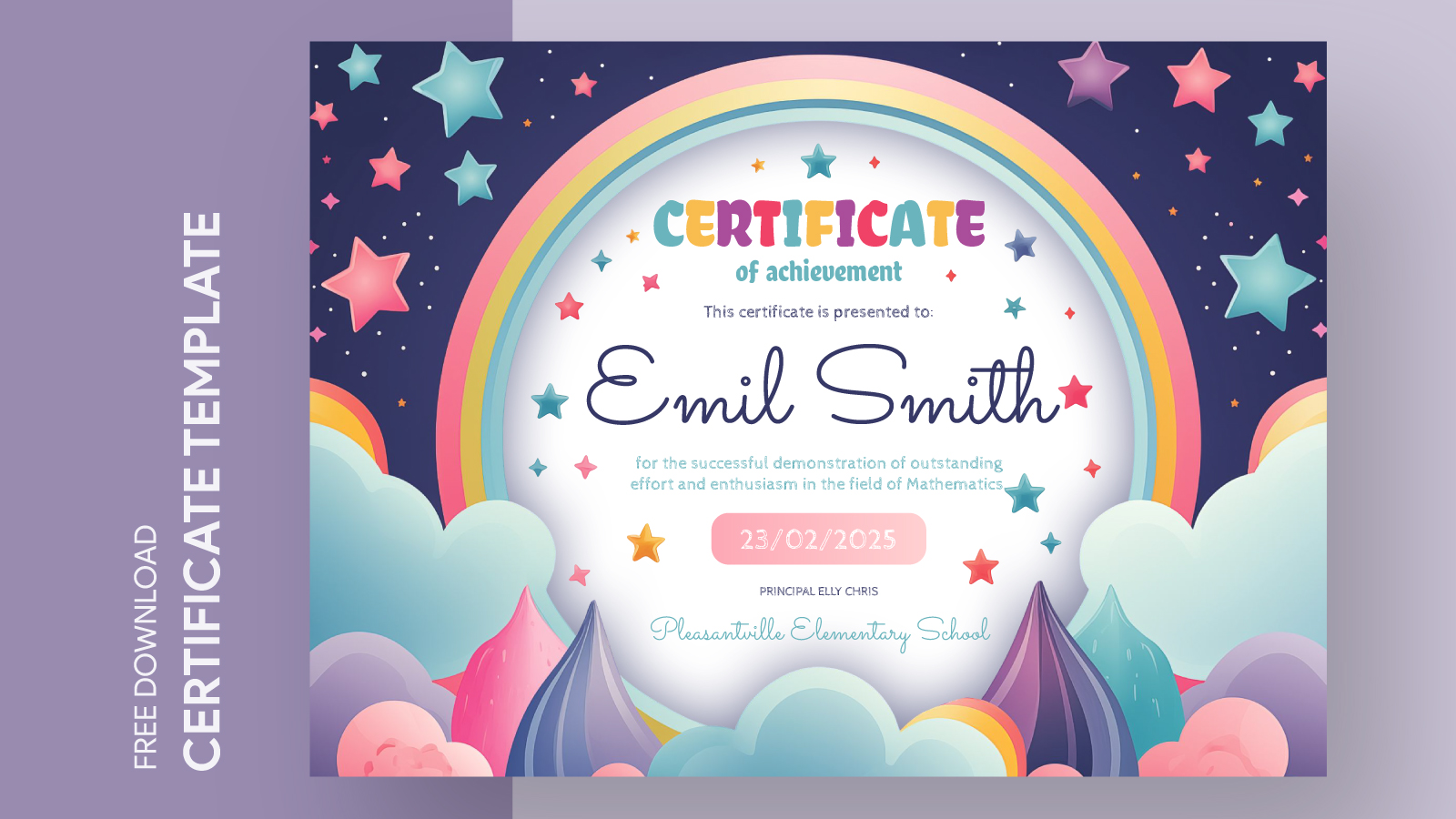
- Certificates: Create accompanying certificates for students recognized in the newsletter. This adds a tangible element to their achievements and can be a source of pride.
- Spotlight Features: Consider creating a “student of the month” feature in your newsletter to give ongoing recognition to students who demonstrate exceptional qualities or achievements.
By using the School Awards and Achievements Newsletter Free Google Docs Template, you can create a meaningful tool that not only informs but also inspires and celebrates the hard work of students. Remember that the key to a successful newsletter lies in thoughtful customization and presentation.
As you prepare to share your newsletter, keep in mind that clarity and celebration should be at the forefront. Watch for any formatting issues when printing, especially if you have a lot of images or color. A little attention to detail can make a significant impact in how your newsletter is received!
School Awards and Achievements Newsletter Free Google Docs Template Gallery