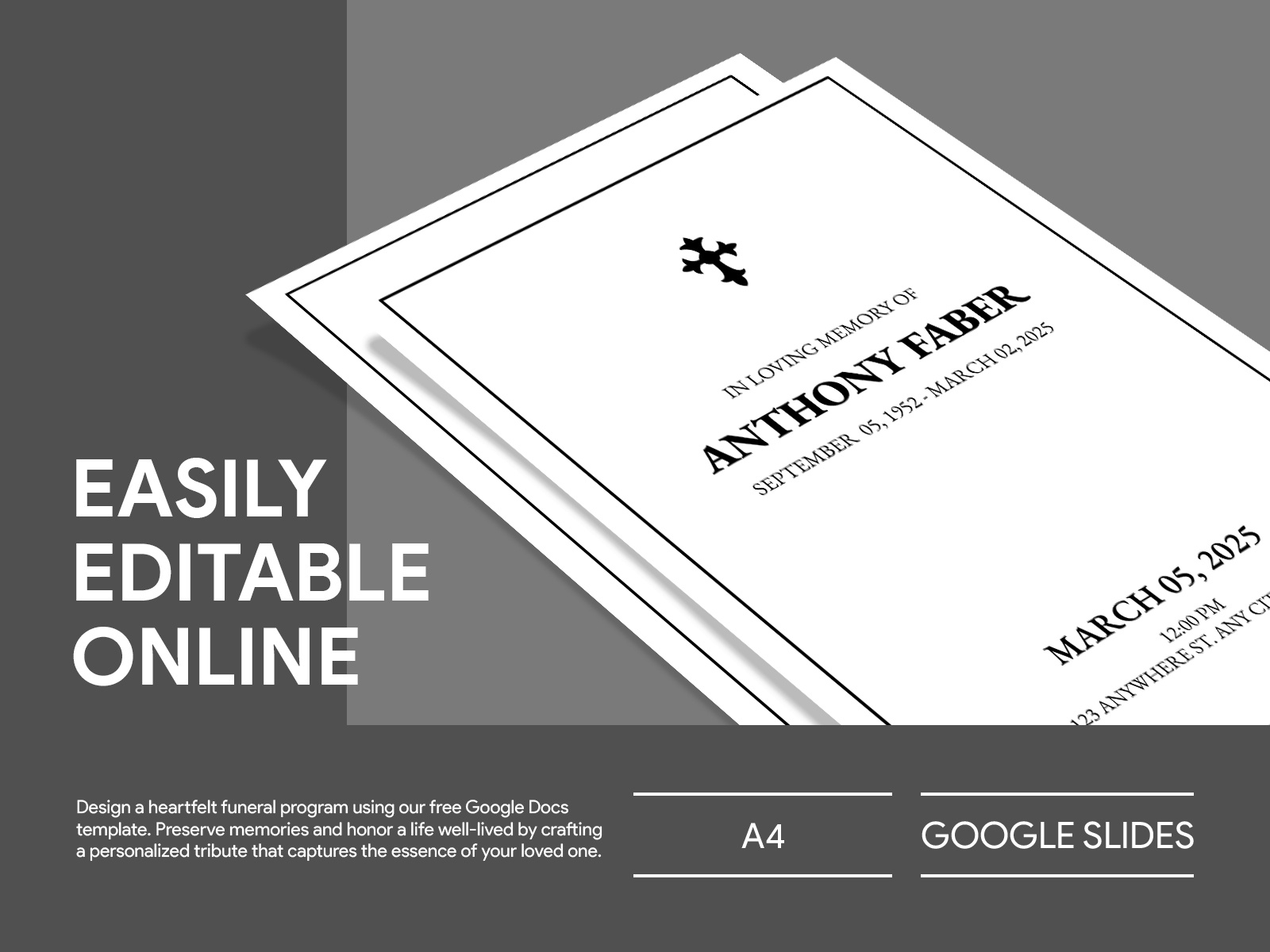
When you’re planning a funeral, every detail matters, and a well-crafted program can help guide attendees through the service while honoring the memory of the deceased. The Sample Funeral Program Free Google Docs Template stands out because it’s not just a standard design; it’s specifically tailored for ease of use and customization, allowing you to create a heartfelt tribute without the stress of starting from scratch.
Understanding the Layout of the Funeral Program Template
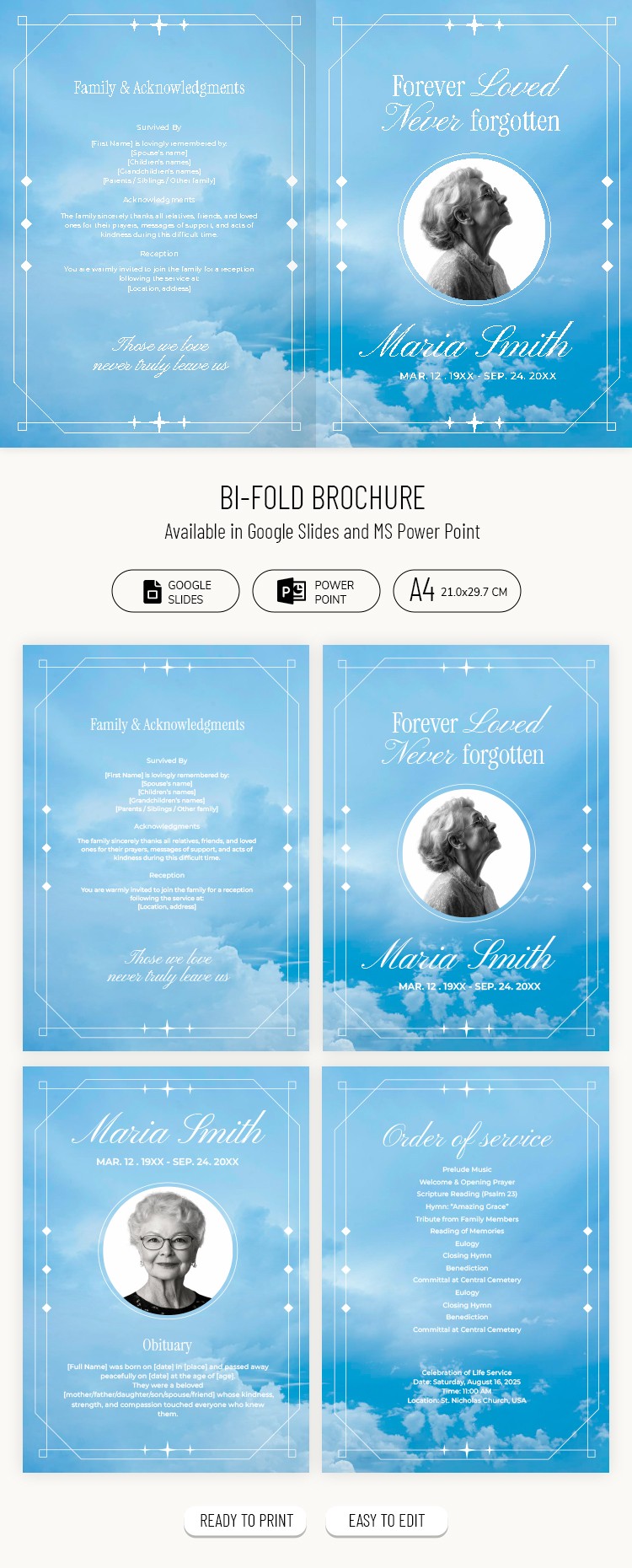
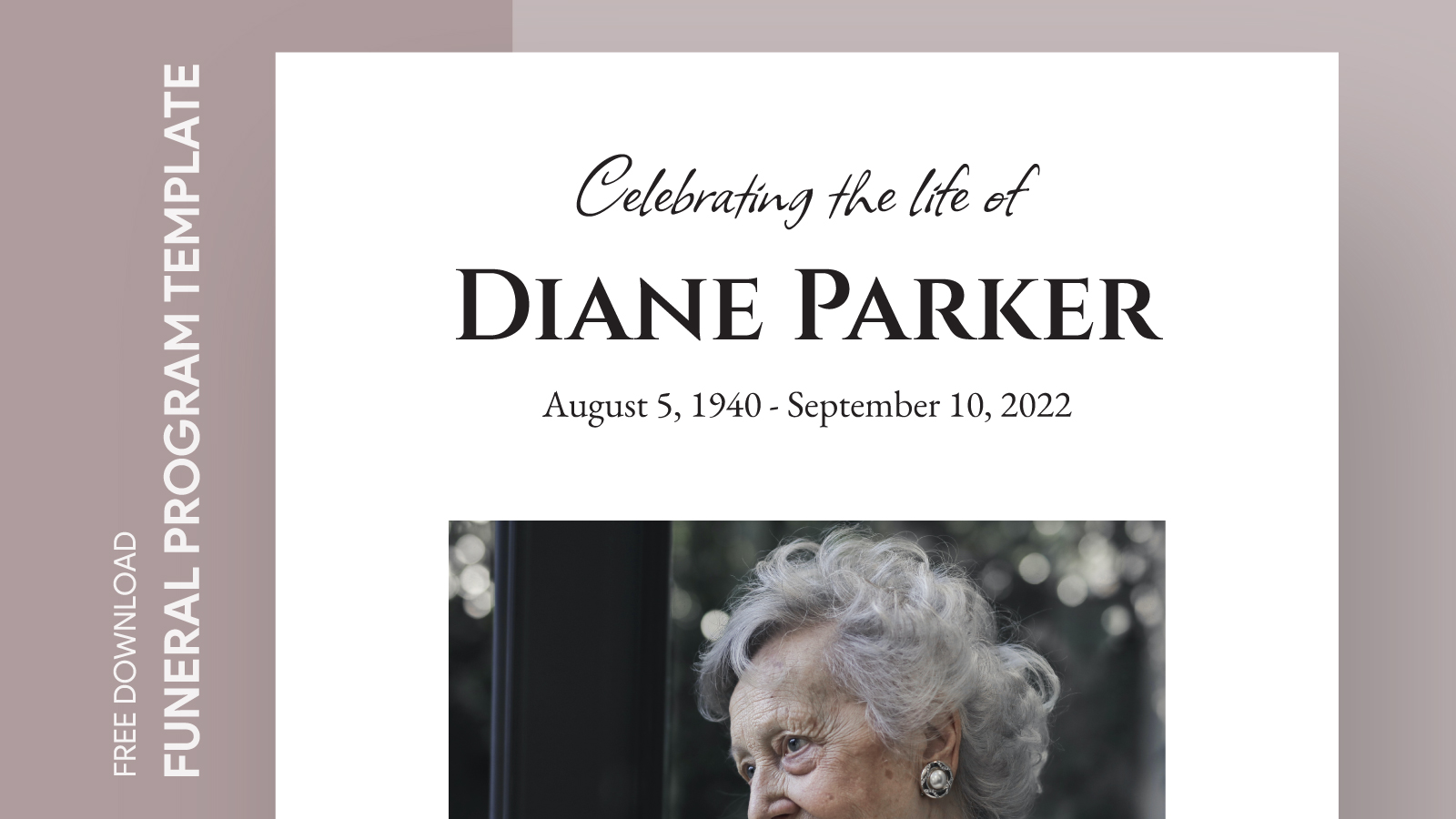
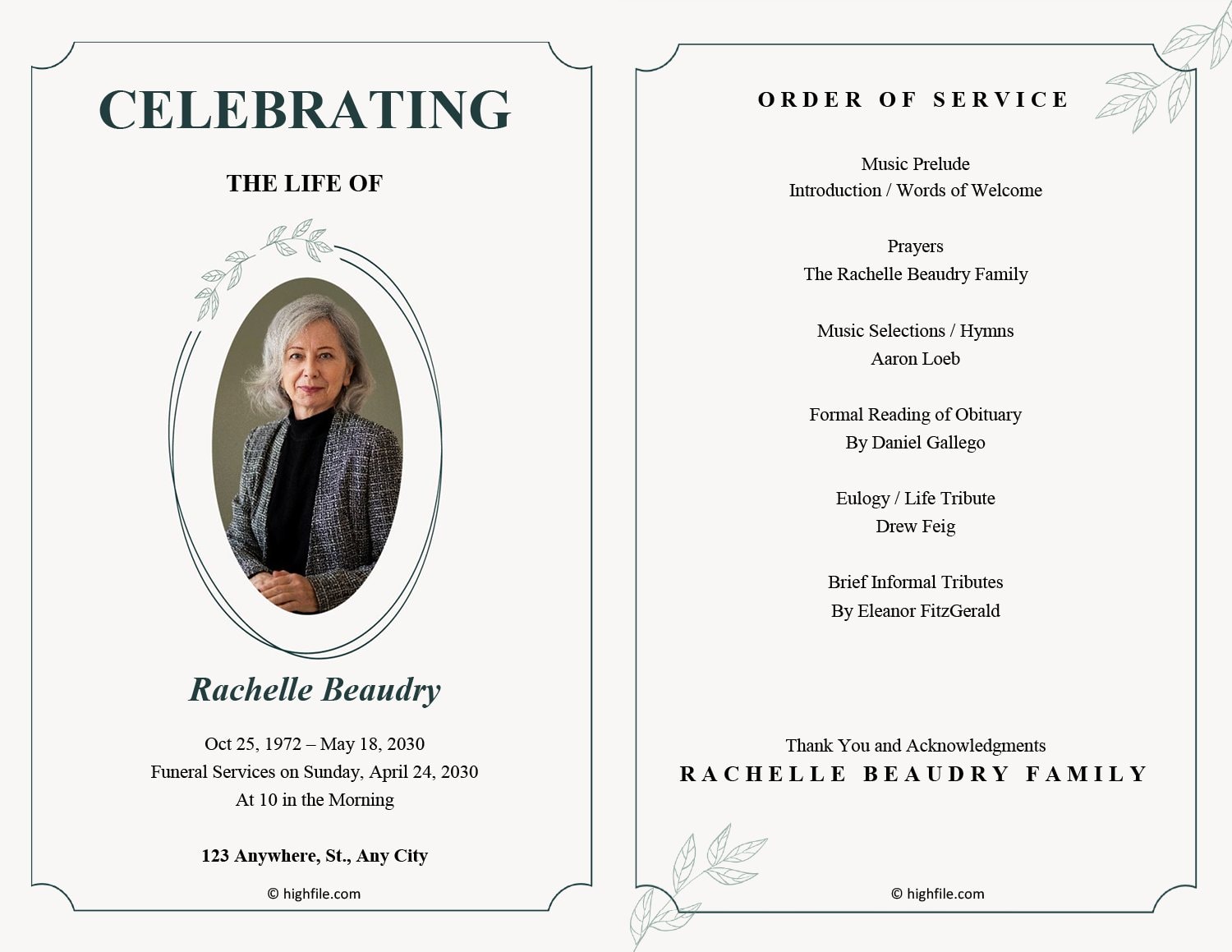
The typical layout of a funeral program includes essential sections: an order of service, an obituary, and personal tributes. With this Google Docs template, you’ll find a clean, organized format that allows you to present information clearly. The front cover usually features the name of the deceased, along with their photo and dates of birth and passing.
Inside, there are designated spaces for:
- Order of Service: This outlines the sequence of events during the service, making it easier for attendees to follow along.
- Obituary: Here, you can include a brief biography, highlighting significant milestones in the deceased’s life.
- Personal Tributes: Family members and friends can share memories or messages, creating a more intimate feel.
Using a Google Docs template means you can easily adjust these sections to fit your needs. You can add or remove sections based on the service’s requirements, ensuring that the program is as personal as possible.
Customizing Your Funeral Program
Customization is one of the most powerful features of the Sample Funeral Program Free Google Docs Template. Once you download the template, you can change fonts, colors, and images to reflect the personality of your loved one.
Personal Touches
Consider incorporating:
- Photos: Adding images from different stages of life can be a beautiful way to celebrate the person’s journey.
- Favorite Quotes or Poems: Including meaningful quotes can provide comfort and a personal touch.
- Music Selections: If there are specific songs that were significant to the deceased, listing them can be a lovely tribute.
And don’t forget about the practical details! You can also customize the program to include the venue address and directions, which is particularly helpful for guests unfamiliar with the location.
Downloading and Printing Your Template
After personalizing your program, you’ll want to think about how to get it printed. The Google Docs format allows for easy downloading. You can choose to print directly from Google Docs or download it as a PDF for a more polished finish, which often avoids any formatting issues that can arise with image files.
Printing Options
Here are some useful tips for printing your funeral program:
- Paper Size: Most funeral programs are printed on standard letter-sized paper (8.5 × 11 inches) folded in half, but you can adjust the size based on your preference.
- Print Quality: Consider a higher print quality if you are using a home printer, especially for photos. Alternatively, using a professional printing service may yield better results.
- Cardstock vs. Standard Paper: Cardstock offers durability if the program will be handled frequently, while standard paper is lighter and might be more cost-effective for larger quantities.
Using the Program in Your Planning Process
Integrating the Sample Funeral Program Free Google Docs Template into your planning process can streamline your preparations. It allows you to focus on what truly matters—celebrating the life of your loved one.
As you work through your plans, consider the following:
- Timeline: Start your program early in the planning process, so you have ample time to collect information and make adjustments.
- Collaboration: Share the document with family members or close friends who might want to contribute to the program. Google Docs allows for real-time collaboration, making it easy to gather input.
This template not only serves a functional purpose but can also be a source of comfort as you reflect on your loved one’s life and legacy.
Final Considerations for Your Funeral Program
Creating a funeral program is an emotional task, but with the right resources, it can also be a meaningful one. The Sample Funeral Program Free Google Docs Template helps simplify the process while allowing for personalization.
When you decide to use this template, remember that it’s not just about the final product; it’s about the journey of remembering and honoring a life well-lived. Whether you choose to print it on standard paper or opt for a more durable cardstock, this template will serve as a lasting tribute that guests can take home as a keepsake.
With these practical details in mind, you’re now equipped to create a meaningful funeral program that reflects the essence of your loved one. The next steps are in your hands: download the template, customize it, and begin the process of honoring a cherished life.
Sample Funeral Program Free Google Docs Template Gallery