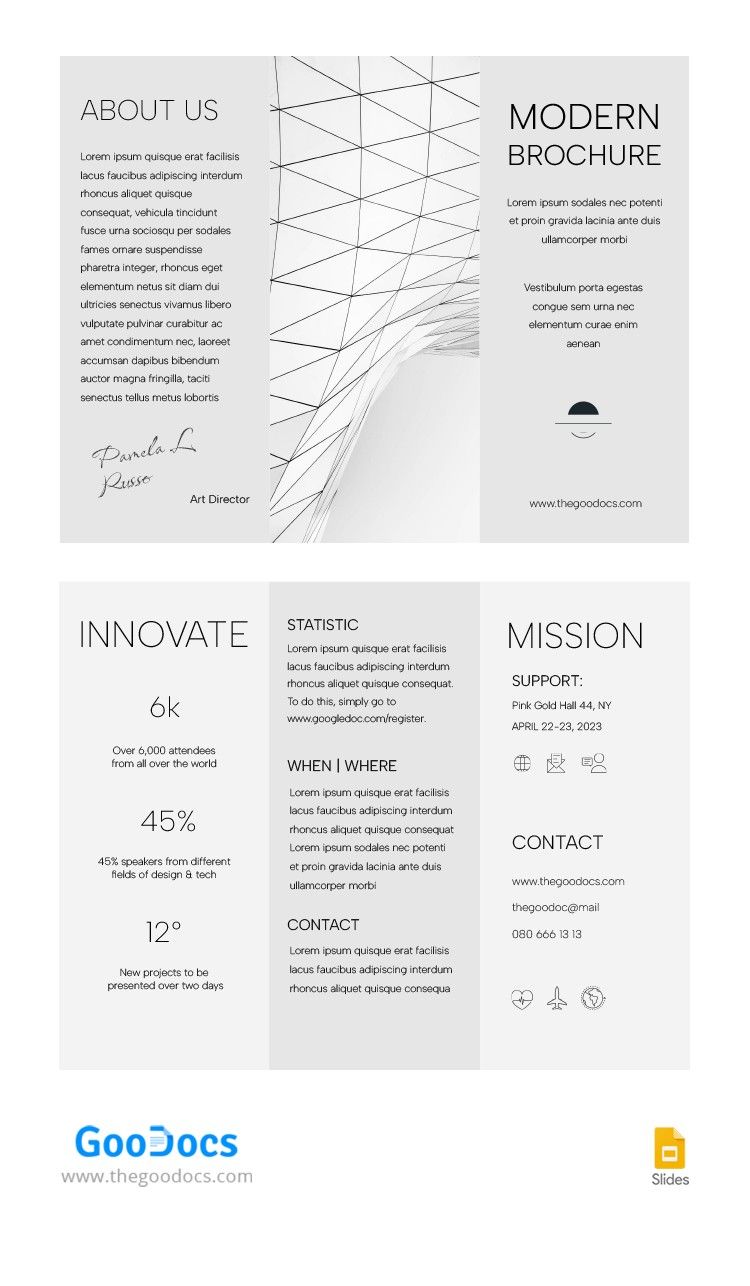
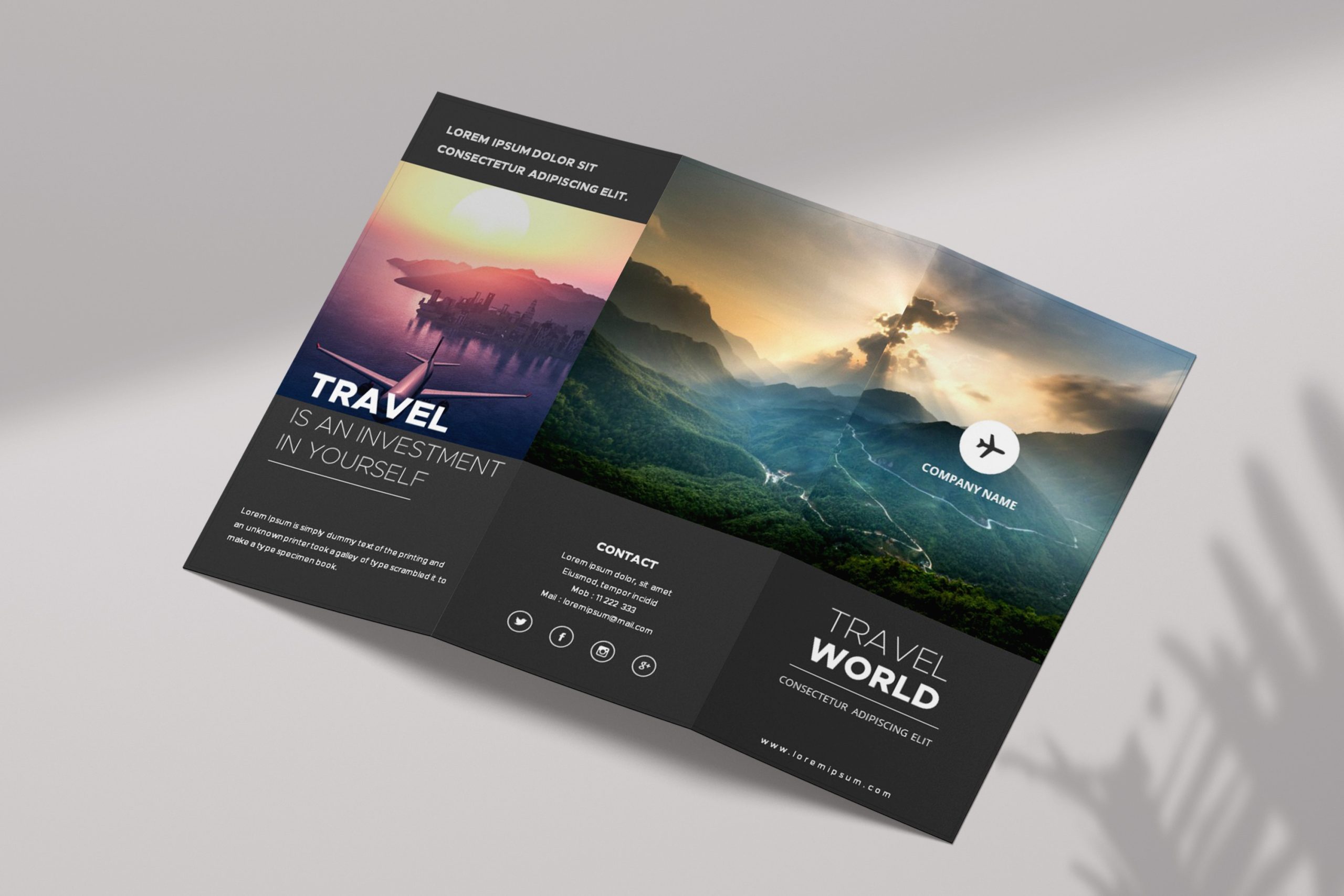
Creating a sales brochure can feel daunting, especially if you’re trying to communicate essential information about a product or service. That’s why I was thrilled to find the Sales Brochure Free Google Docs Template. This resource stands out because it offers a structured yet flexible layout that you can easily customize to fit your needs. Whether you’re a parent looking to promote a fundraiser or a small business owner trying to catch the eyes of potential customers, this template can help you effectively showcase your offerings.
Customizing Your Sales Brochure
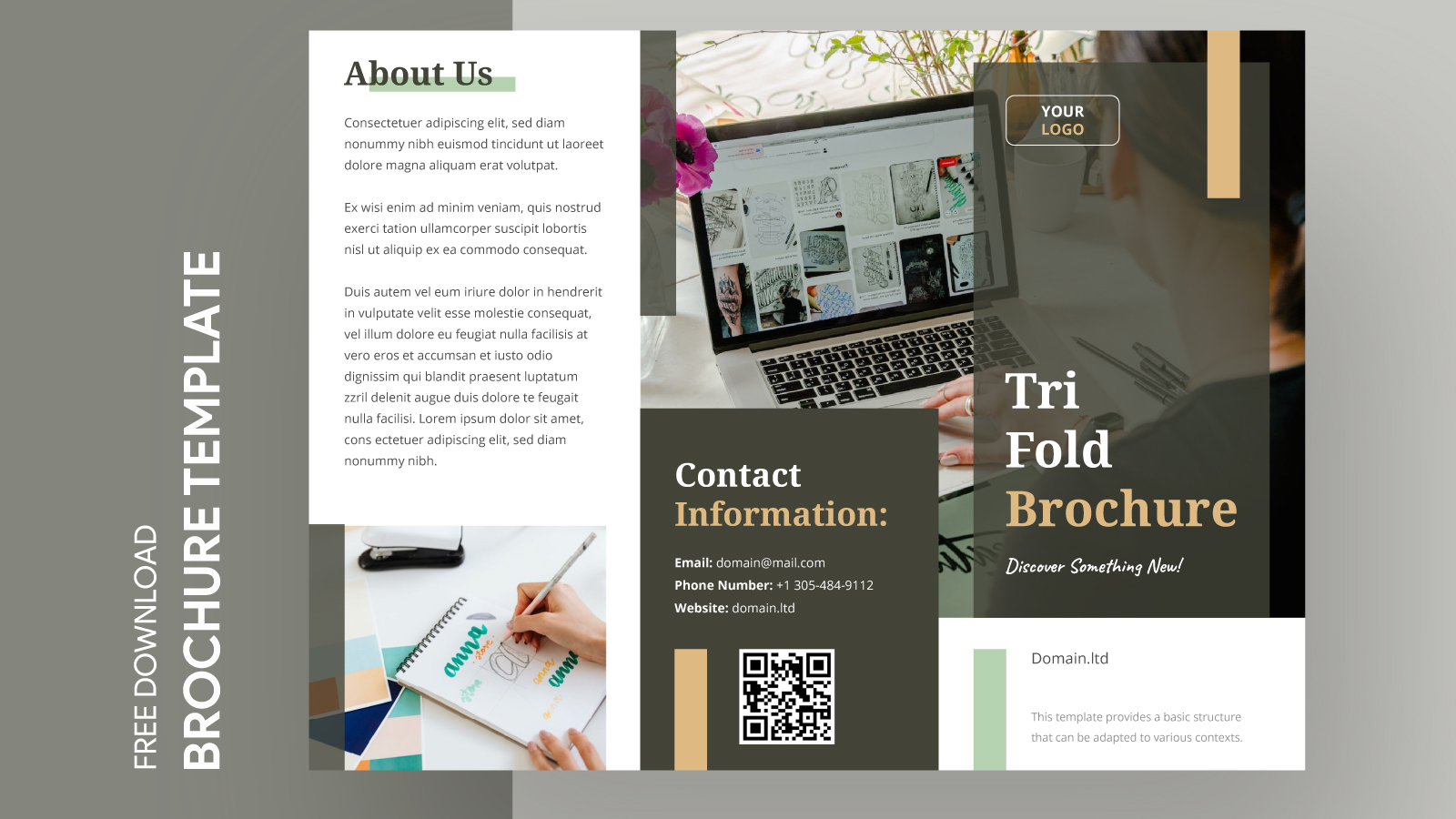
One of the most significant advantages of using the Sales Brochure Free Google Docs Template is its easy customization features. You can modify text, colors, and images directly in Google Docs, which is a user-friendly platform.
For example, if you’re promoting a bake sale for your child’s school, you can easily update the template with your event details, change the colors to match the school’s colors, and add mouth-watering photos of the treats. Alternatively, if you’re a small business owner, you can replace the sample content with your product descriptions and professional images. This flexibility allows you to create a brochure that genuinely reflects your brand or event.
What’s more, you can customize the layout to suit the amount of information you want to include. If you have a lot to say, opt for a multi-panel layout; if your message is straightforward, a single-panel design may suffice.
Practical Considerations for Use
When it comes to printing your brochure, you have several options to consider. Portrait or landscape layouts can significantly affect how your brochure is perceived, so choose based on your content. Portrait layouts work well for brochures that include longer text, while landscape is often more visually appealing for those that rely heavily on images.
Consider your paper type too. Cardstock is excellent for durability, especially if your brochure will be handed out at events or left in high-traffic areas. However, if you’re just printing a few copies for a casual event, standard printer paper will suffice.
And don’t forget about the print settings! If you’re using a color printer, ensure that you select the best quality settings to make your images pop. If you’re in a hurry, draft mode can save you time but may not produce the best results.
Downloading and Accessing the Template
Accessing the Sales Brochure Free Google Docs Template is straightforward. You can download it directly from websites that offer printable resources. Just make sure you have a Google account to edit the document. Once downloaded, you can personalize it right in your browser without needing any additional software.
After customization, you can save your brochure as a PDF for high-quality printing. PDFs maintain the formatting and layout, ensuring that your final product looks as polished as it does on-screen.
While you’re at it, keep an eye on the sharing settings if you plan to collaborate with others. Google Docs allows you to share the document with friends or family, so they can provide input or help with edits in real time. This feature can be especially helpful if you’re working on a team project.
Real-World Applications
The sales brochure template is versatile and can be adapted for various scenarios. For instance, if you’re running a community event, you could use it to promote local businesses or activities. The brochure could include sections for event details, a map, and even coupons for local shops.
If you’re a parent involved in fundraising, this template can help you create eye-catching brochures that inform the community about your cause. You could include details about the event, how funds will be used, and ways to get involved.
In a business setting, you might use the template to introduce a new product line. Include testimonials, benefits, and a call to action to encourage potential customers to make a purchase.
This is where the template shines—its adaptability to meet your specific needs.
Sales Brochure Free Google Docs Template Gallery