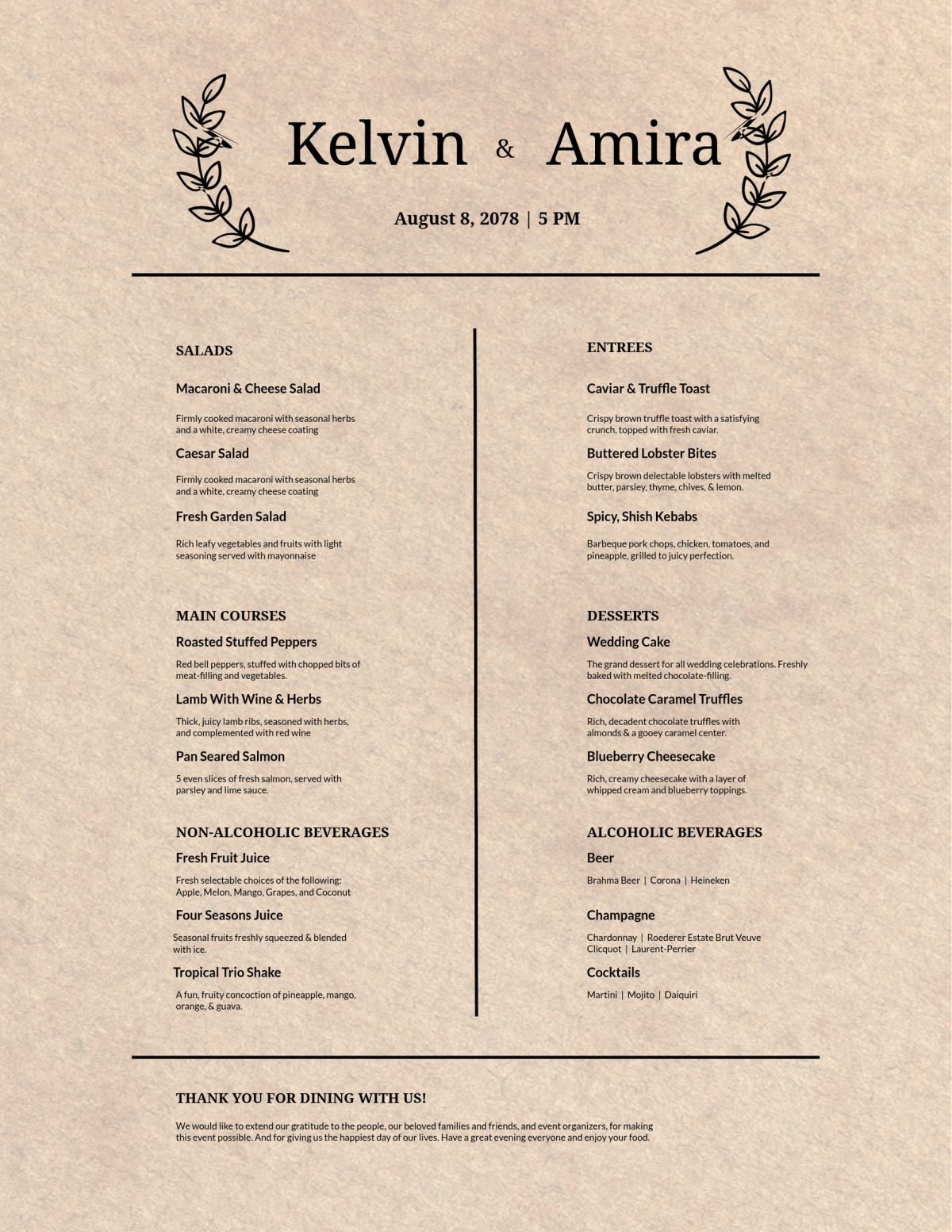
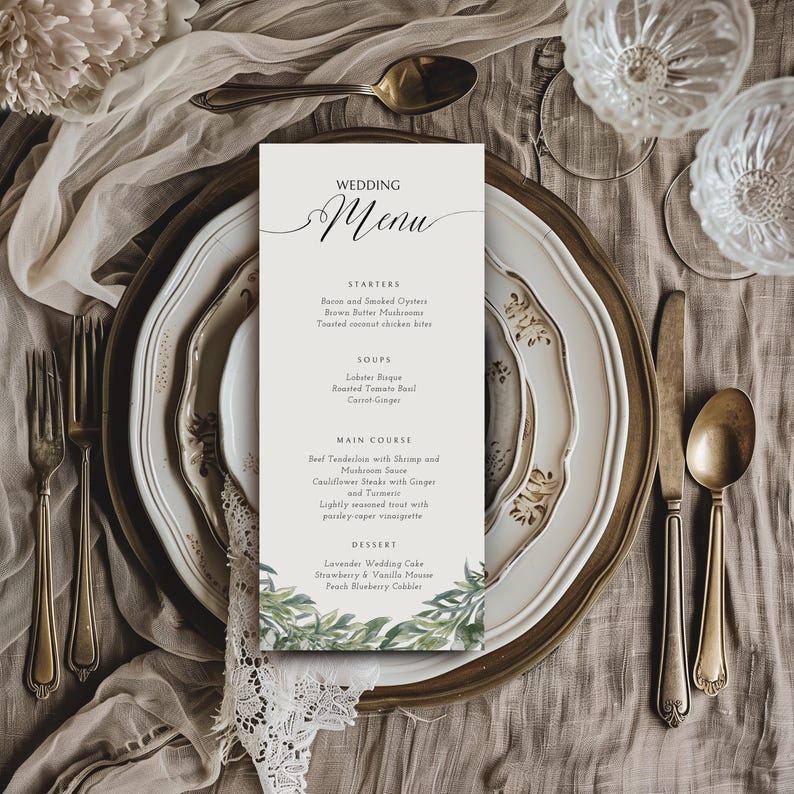
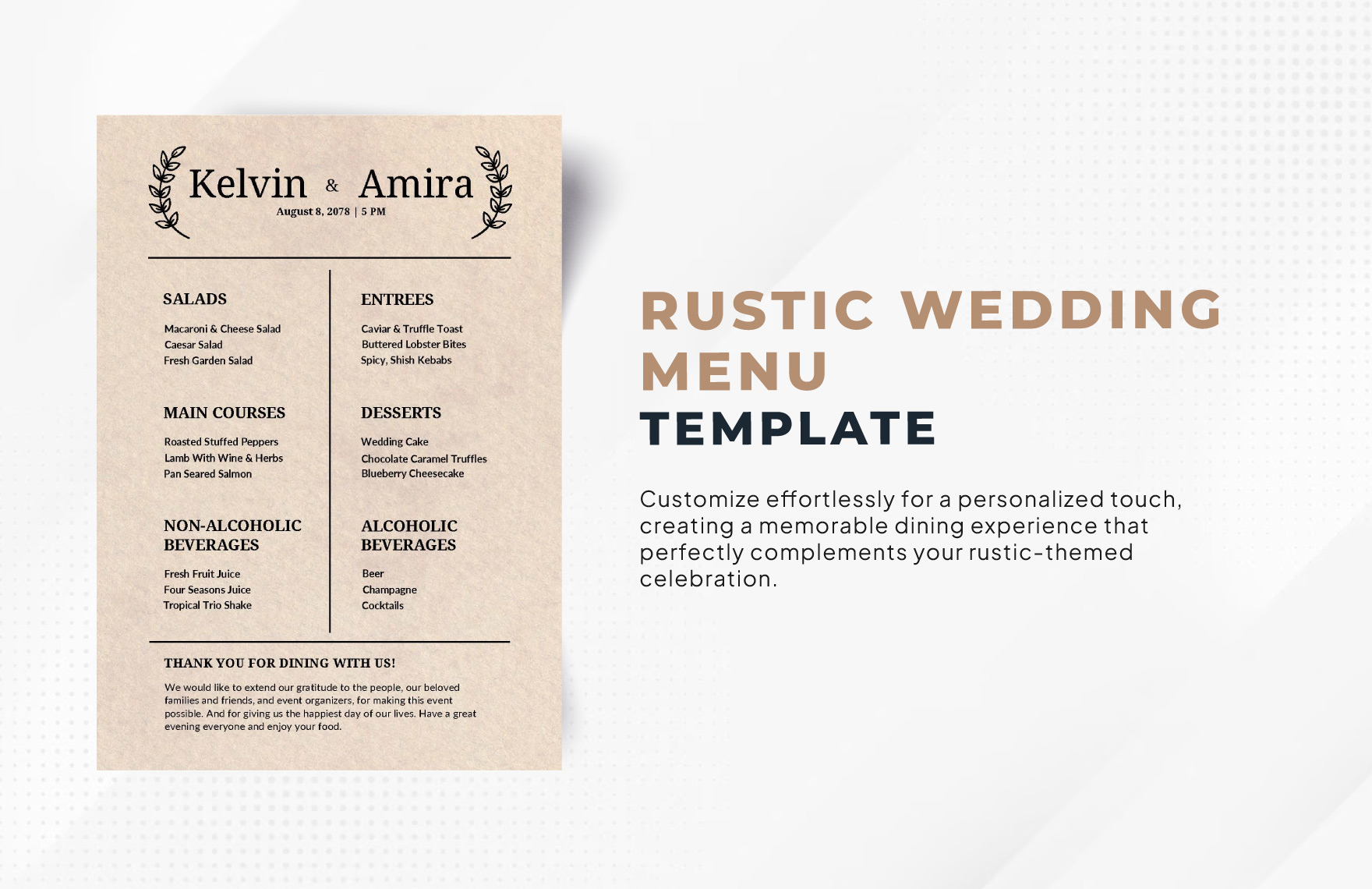
When you’re planning a rustic wedding, the details matter. One of those details that can really tie your theme together is the menu. A well-designed Rustic Wedding Menu Free Google Docs Template can help you create a beautiful, cohesive look for your reception. This template is not only aesthetically pleasing, but it’s also easy to customize and print. Let’s explore how you can make the most of this resource.
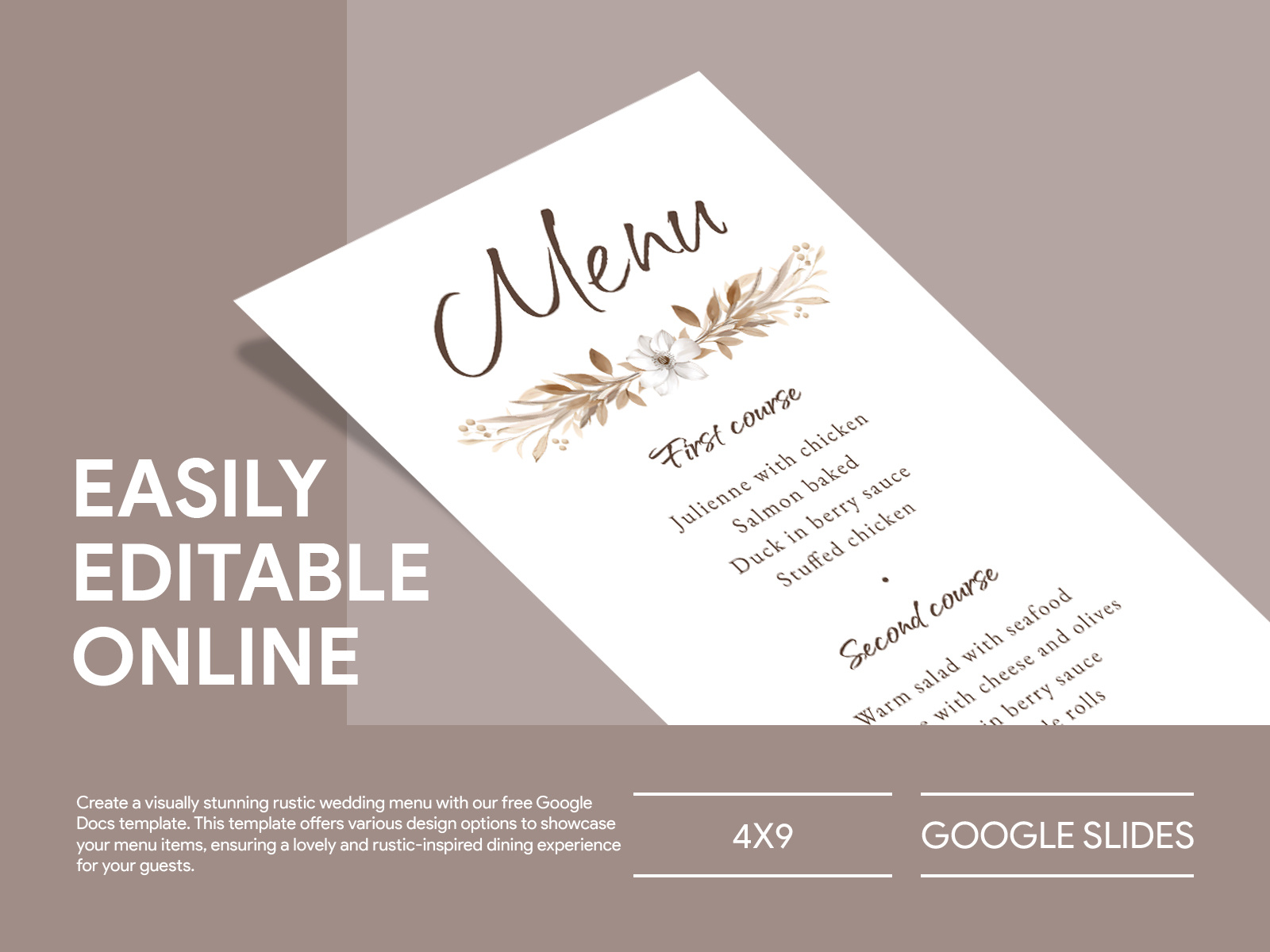
Customizing Your Rustic Wedding Menu
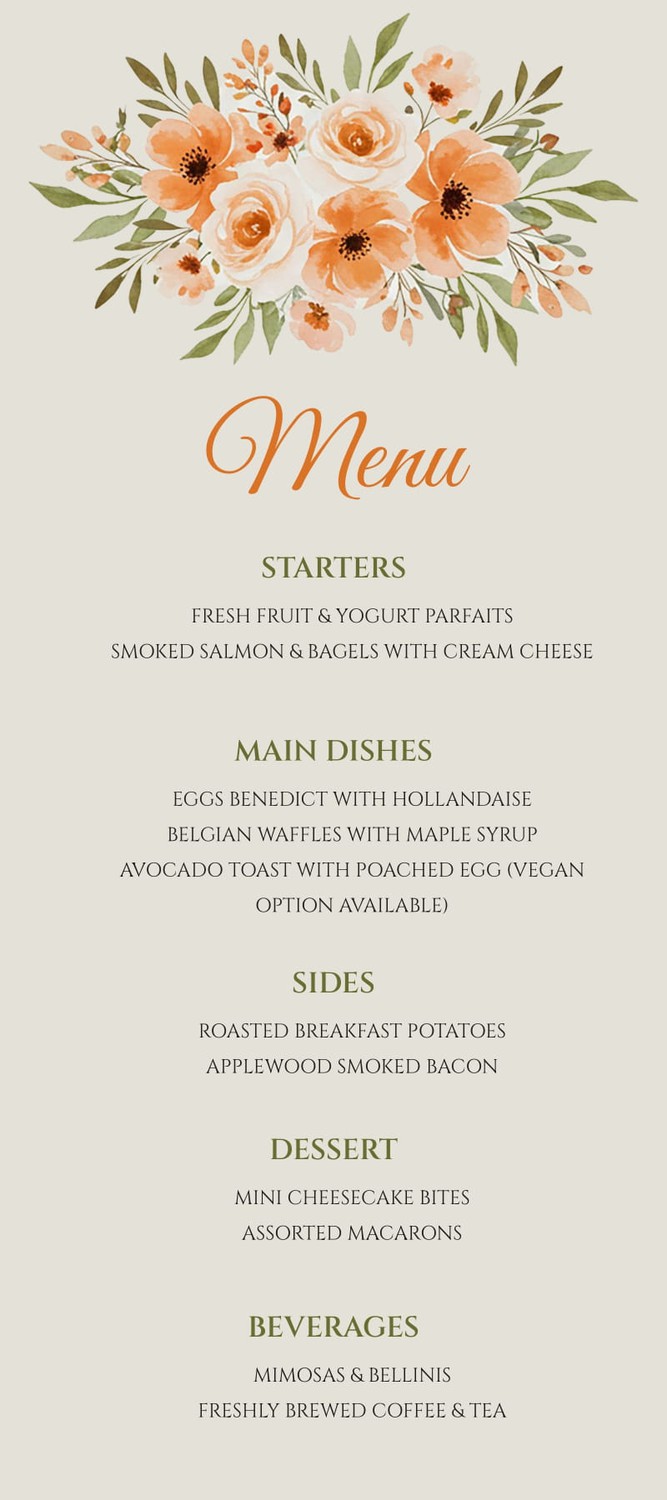
The first step in using your Rustic Wedding Menu Free Google Docs Template is customization. Google Docs allows you to edit text easily, which is perfect for personalizing your menu. You can change the font, colors, and layout to match your wedding theme. For a rustic feel, consider using earthy tones and fonts that resemble handwritten scripts.
Here’s how to start:
- Open the Template: Click on the link to download the template, and once it’s opened in Google Docs, make a copy to your own drive.
- Edit Sections: You can replace the placeholder text with your menu items, including appetizers, main courses, and desserts.
- Add Personal Touches: Include your names and wedding date on the menu to make it more personal.
Remember, the goal is to create a menu that reflects your personality as a couple while complementing the rustic theme of your wedding.
Organizing Your Menu Content
When it comes to organizing your menu items, clarity is key. You want your guests to easily read and understand what’s being served. Here are some practical tips:
- Categorize Items: Group your dishes into categories like Starters, Main Courses, and Desserts. This helps guests quickly find what they’re interested in.
- Use Descriptive Language: Adding a brief description of each dish can entice guests and set expectations. For example, instead of just “Roast Chicken,” you might write “Herb-Crusted Roast Chicken with Seasonal Vegetables.”
- Consider Dietary Needs: If you know that some guests have dietary restrictions, mention these on the menu. Indicate if a dish is vegetarian, gluten-free, or contains nuts.
Choosing the Right Paper for Printing
Once your menu is customized, it’s time to think about printing. The type of paper you choose can significantly impact the final look of your menu. Here are some options to consider:
- Cardstock: This is a popular choice for wedding menus. It’s sturdy and gives a more professional feel. Aim for a weight of at least 80 lb for a quality look.
- Text Weight Paper: If you’re looking for something lighter, a 24 lb text paper can work, especially if you plan to laminate your menus for durability.
- Natural Textures: For a rustic feel, consider papers with a natural texture or a subtle pattern. This can enhance the overall aesthetic of your wedding decor.
Printing and Displaying Your Menus
After selecting your paper, you’ll want to print your menus in a way that showcases them beautifully. Here are a few tips to ensure a smooth printing process:
- Printer Settings: If you’re using a home printer, set it to high-quality printing. Make sure to choose the right paper type in your printer settings to get the best results.
- Size Matters: Most wedding menus are printed in standard sizes like 5×7 or 8.5×11. Ensure that the template is set to your desired size before printing.
- Display Options: Think about how you want to present your menus. Consider using decorative stands, placing them in frames, or even attaching them to a rustic wooden board for a charming display.
Hand Delivering Vs. Mailing Menus
If you’re considering sending your menus to guests ahead of time, you’ll need to think about mailing versus hand-delivering. Here are some practical points to keep in mind:
- Envelope Sizing: Standard envelopes like A7 (5.25 x 7.25 inches) work well for 5×7 menus. For larger menus, consider A6 or A5 envelopes.
- Postage Considerations: Heavier cardstock may require additional postage, so it’s wise to weigh your envelopes before mailing them out.
- Hand Delivery: If you’re delivering menus by hand, you can skip the envelopes and place the menus directly at each table setting. This adds a personal touch and can be more environmentally friendly.
Your Rustic Wedding Menu Free Google Docs Template is an excellent starting point for creating a memorable dining experience for your guests. By customizing your menu thoughtfully, organizing the content, selecting the right paper, and considering how you’ll deliver them, you can ensure that this detail enhances your wedding’s rustic charm.
Rustic Wedding Menu Free Google Docs Template Gallery