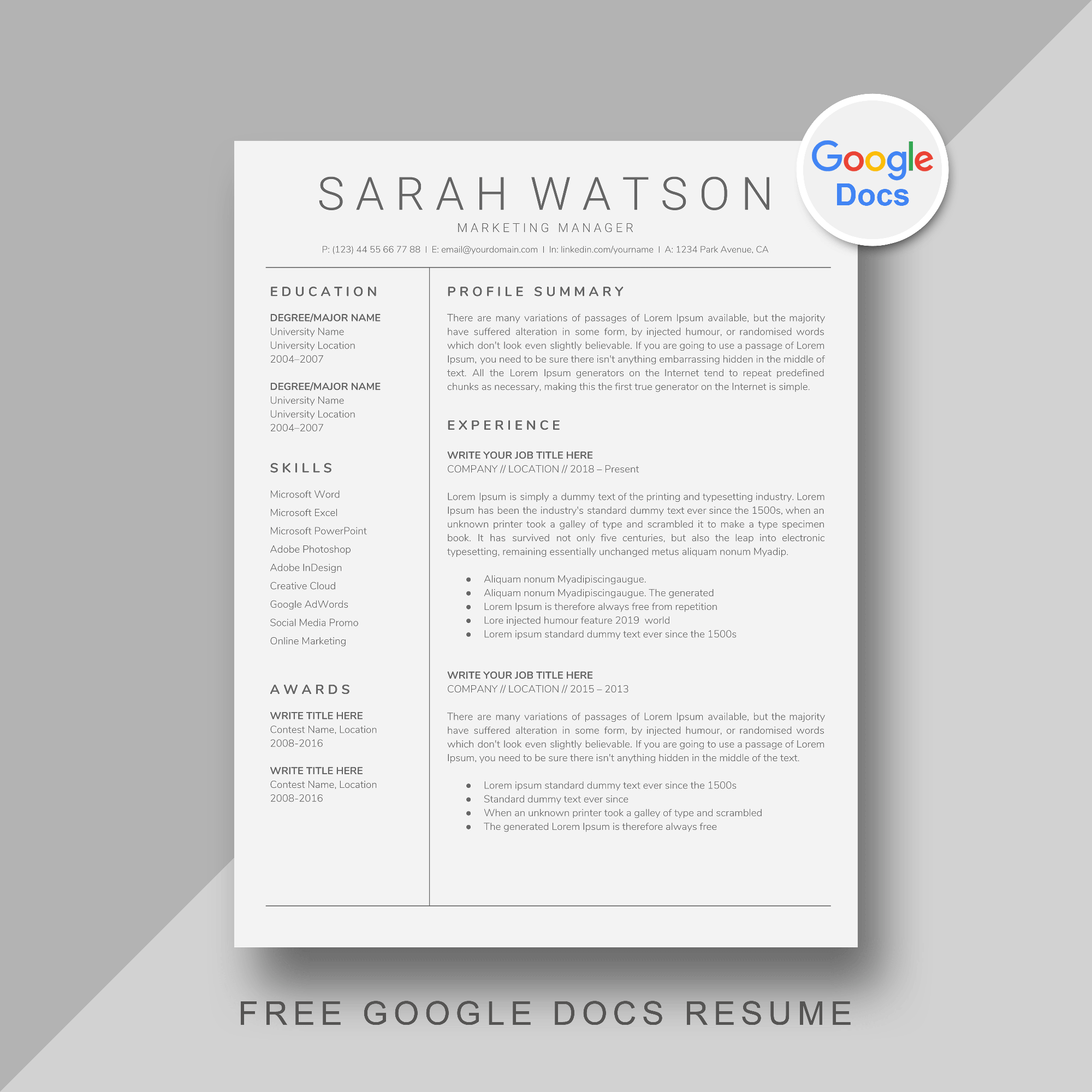
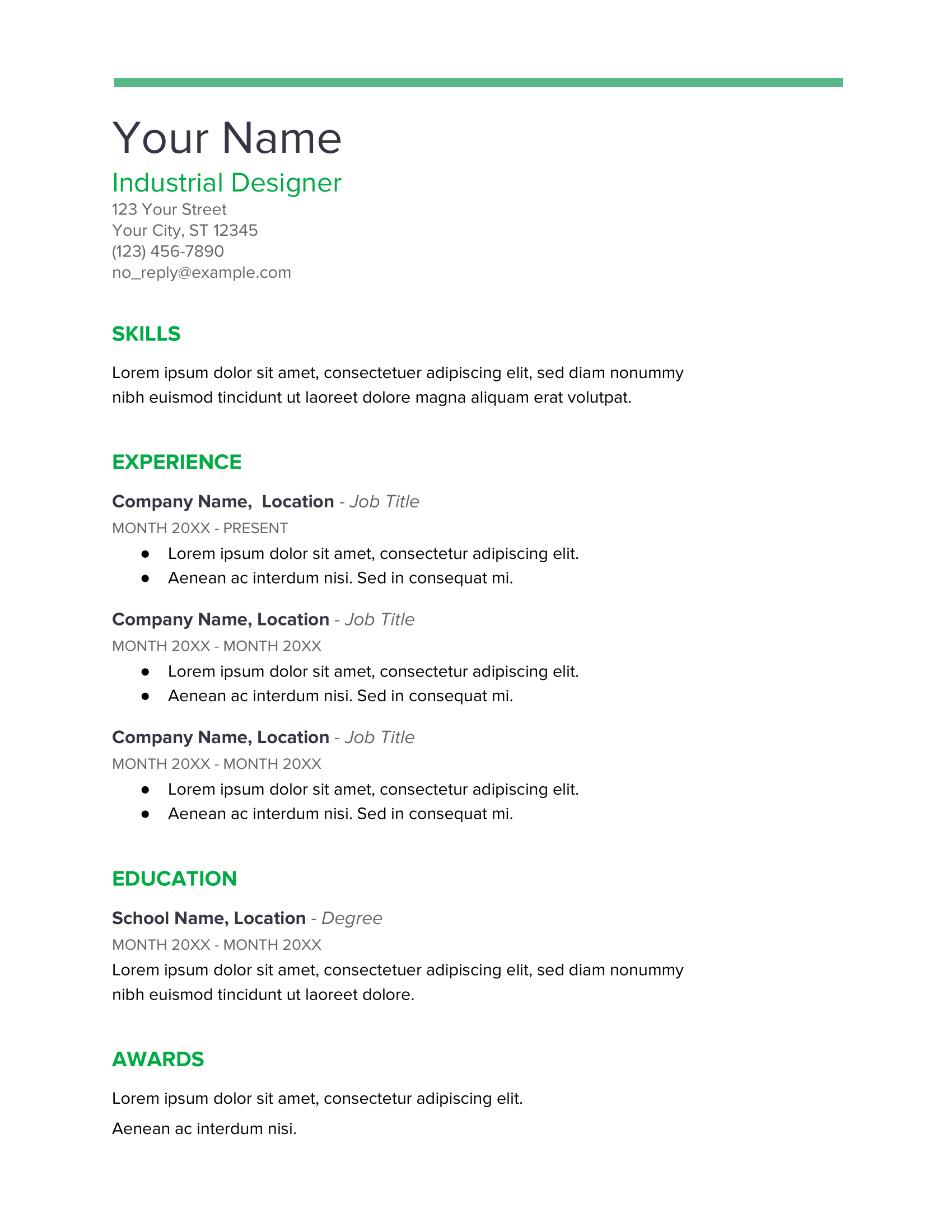
When it comes to job searching, having a standout resume is essential. The Red Resume Free Google Docs Template is an excellent choice for anyone looking to make a bold impression. Its vibrant design and clear layout help your skills and experiences shine. You may have come across a plethora of templates, but this one stands out for its eye-catching color and user-friendly customization options.
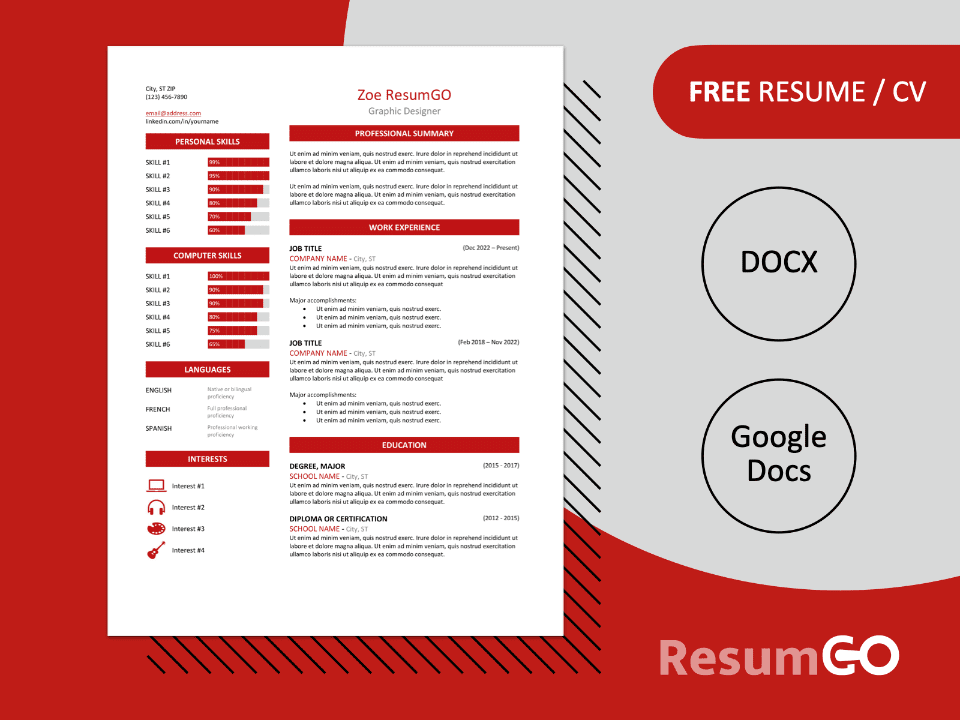
Understanding the Layout of the Red Resume Template
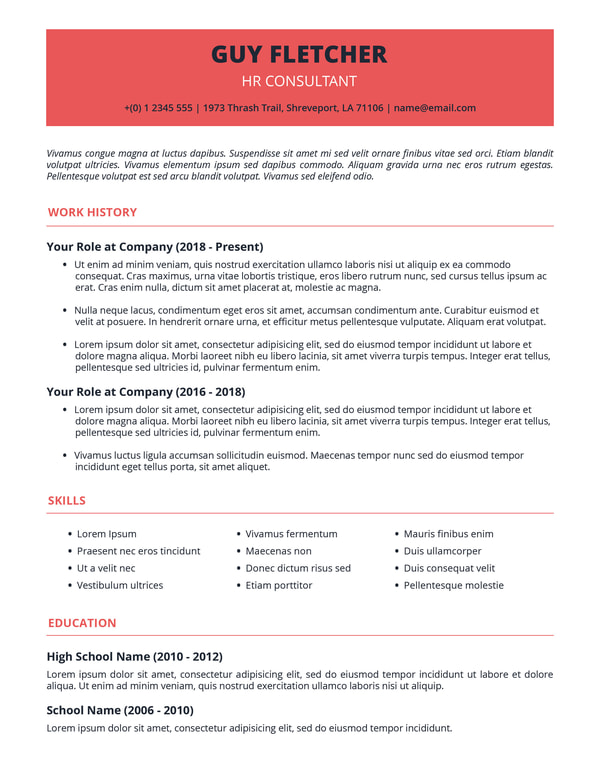
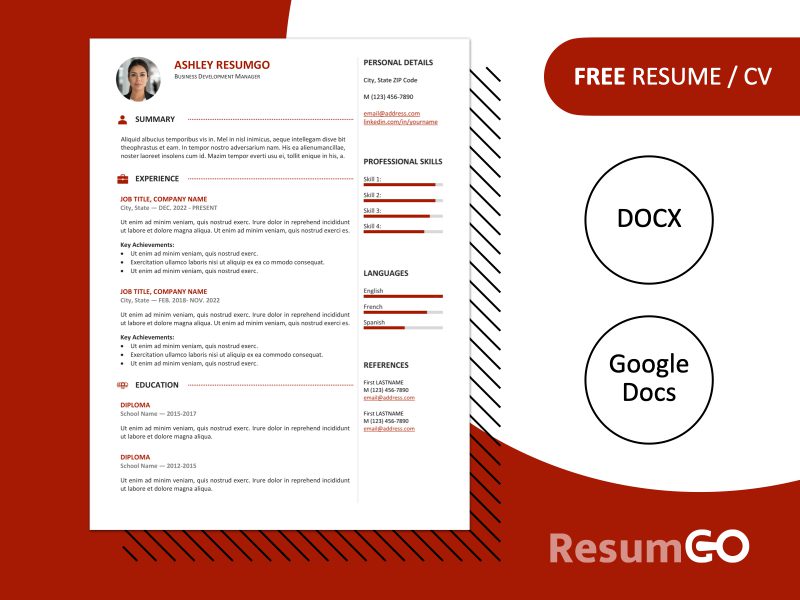
The Red Resume Free Google Docs Template features a clean, modern layout that includes distinct sections for your information. The top of the template typically showcases your name in a larger font, which immediately grabs attention. Below that, you’ll find space for your contact information—this is where you can include your phone number, email, and LinkedIn profile if applicable.
The sections are clearly delineated, with headings for your objective, experience, education, and skills. This structured format not only makes it easy for hiring managers to scan but also allows you to present your qualifications logically. The use of red accents throughout the template adds a touch of personality without overwhelming the reader, making it a perfect balance between professionalism and flair.
Customizing Your Resume
Customizing the Red Resume Free Google Docs Template is a breeze, even if you’re not particularly tech-savvy. Here’s how you can make it your own:
- Access the Template: First, you’ll need to open Google Docs. If you don’t have an account, it’s free to set one up. Once you’re logged in, you can search for the Red Resume template in the template gallery.
- Edit Text Fields: Click on any text box to start editing. Replace the sample text with your own information. Be sure to highlight your most relevant experiences and skills tailored to the job you’re applying for.
- Adjust Sections: You might want to rearrange sections based on what’s most relevant to your application. For example, if you’re a recent graduate, you might want your education to come before your work experience.
- Change Colors: If you prefer a different color scheme, you can easily alter the red accents to another shade that fits your personality or industry. Just highlight the text or shapes, click the color option, and choose your preferred hue.
- Add Icons or Graphics: If you want to make it even more personalized, consider inserting small icons next to your contact information or section headings. This can add a unique touch that reflects your personal brand.
Best Practices for Printing and Using Your Resume
Once you’ve customized your Red Resume Free Google Docs Template, it’s time to print or download it. Here are some tips to ensure it looks its best:
- Paper Quality: For a professional finish, consider printing on high-quality paper, such as cardstock or a heavier weight printer paper. This adds a tactile element that can make your resume feel more substantial.
- Print Settings: Make sure to set your printer to the correct dimensions, typically 8.5 x 11 inches for resumes. Portrait layout generally works best for most home printers.
- PDF Format: If you’re submitting your resume electronically, save it as a PDF. This helps maintain your formatting, ensuring that it appears the same to every recipient.
- Proofread: Before printing or sending, double-check your resume for any typos or errors. Having a fresh set of eyes can also help catch mistakes you might have overlooked.
Real-World Application: Using the Template Effectively
The Red Resume Free Google Docs Template is versatile enough for various fields. Whether you’re applying for a creative position in marketing or a more traditional role in finance, this template can adapt to your needs.
For instance, if you’re in a creative industry, you might want to emphasize projects or portfolios in your experience section. On the other hand, if you’re entering a more conservative field, stick to professional language and highlight relevant work experiences and education.
Moreover, this template is a fantastic tool for students or recent graduates who might be entering the job market for the first time. It allows them to present their internships, volunteer work, and education in a way that looks polished and professional.
Final Considerations
When it comes to job applications, standing out is key. The Red Resume Free Google Docs Template not only serves as a canvas for your professional story but also gives you the flexibility to adapt it to your style.
You can choose between printing it on high-quality paper for in-person interviews or saving it as a PDF for online applications. Either way, this template will help you present yourself confidently and effectively.
As you personalize your resume, remember that it should reflect who you are while also making a strong case for why you’re the right fit for the job. With this template, you’re well on your way to creating a resume that truly represents you.
Red Resume Free Google Docs Template Gallery