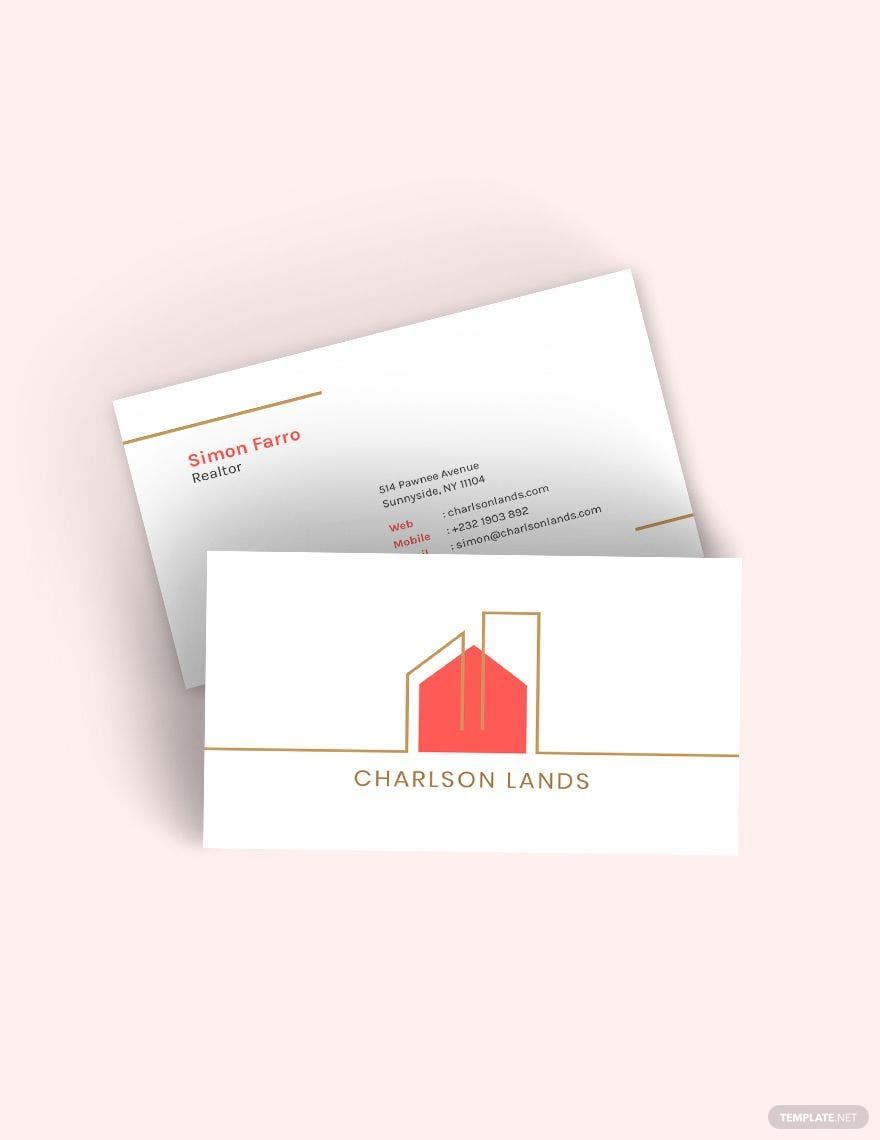
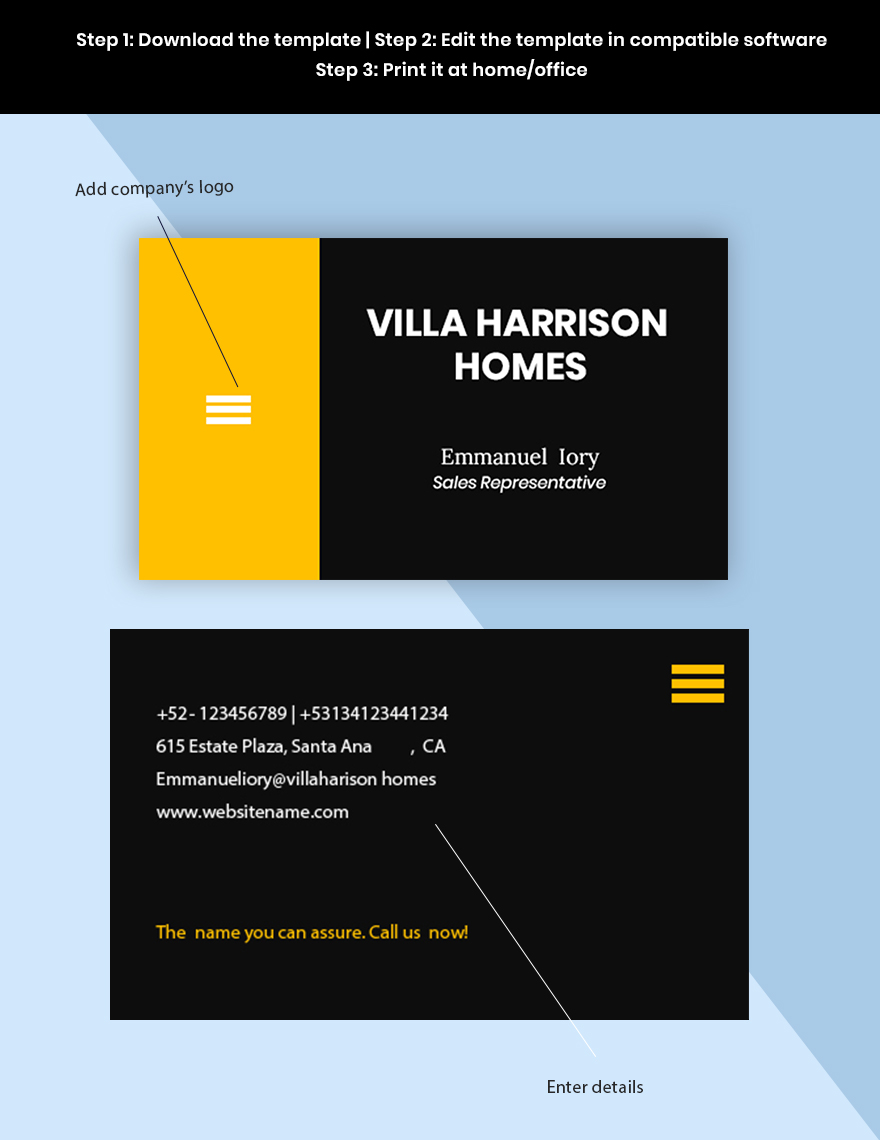
When you’re sitting down for a Sunday night planning session or gearing up for a busy week in real estate, having a professional business card at your fingertips can make all the difference. A well-designed card not only communicates your contact details but also reflects your brand. This is where the Realtor Business Card Free Google Docs Template comes in handy, allowing you to create a personalized card that suits your style and business needs.
Why Opt for a Free Google Docs Template for Your Realtor Card?
Finding the right balance between aesthetics and functionality can be challenging, especially when you’re juggling multiple responsibilities as a parent and a realtor. A free Google Docs template offers a straightforward solution. It’s user-friendly, easily customizable, and allows you to access your design from anywhere, whether you’re at home, at a coffee shop, or waiting for your kids after school.
The biggest advantage? You can make changes on the fly. If you’ve just updated your phone number or added new services, simply open your template, make the necessary adjustments, and you’re good to go. Plus, it eliminates the need for expensive design software or hiring a graphic designer, which is a win for your budget.
Customizing Your Realtor Business Card
Once you’ve downloaded the Realtor Business Card Free Google Docs Template, it’s time to get creative. Here are some practical tips to help you customize your card effectively:
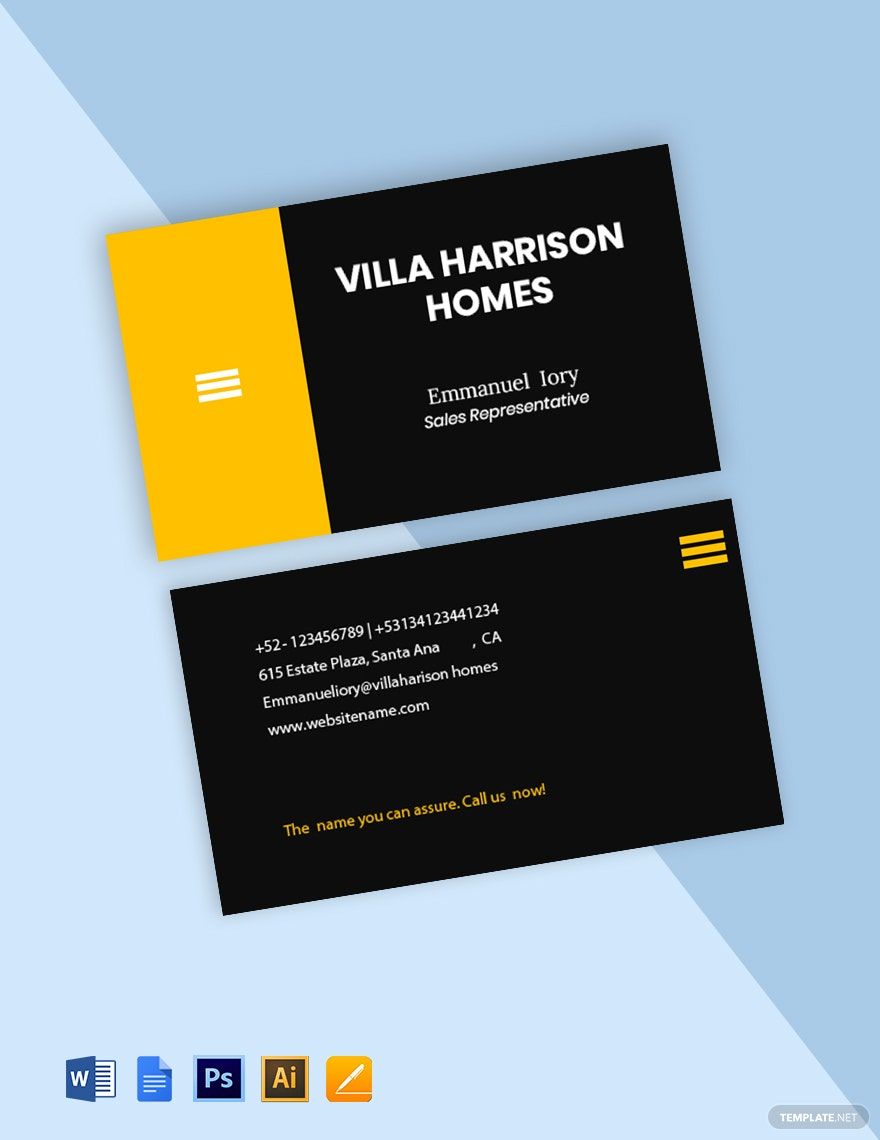
- Choose the Right Layout: Most business cards are designed to be either landscape or portrait. For a more traditional look, consider a landscape layout (3.5″ x 2″). This size fits perfectly in wallets and cardholders. If you want something unique, a portrait layout can stand out in a stack.
- Branding Elements: Incorporate your logo and color scheme. If you don’t have a logo yet, consider creating a simple text-based design that highlights your name and profession. This is particularly important in real estate, where branding can significantly impact your recognition in the market.
- Contact Information: Ensure that your name, phone number, email, and website are clearly visible. You might also want to include your social media handles if they are relevant to your business. Just remember to keep it clean and uncluttered; too much information can overwhelm potential clients.
- Paper Choices: When it comes to printing your cards, choose a heavier cardstock (at least 14 pt) for a professional feel. This also ensures durability, especially if you plan to hand them out frequently. If you’re mailing them out, consider a lighter weight to keep postage costs down.
Mailing Vs. Hand-Delivering Your Business Cards
Deciding how you distribute your cards can influence your design choices. If you plan to hand them out at networking events or open houses, focus on a design that’s eye-catching and memorable. However, if you’re mailing them to potential clients or contacts, consider the following:
- Envelope Sizing: Standard business envelopes (4.125″ x 9.5″) work well for mailing cards. Make sure your card fits comfortably inside to avoid bending or damage.
- Postage Considerations: A standard business card typically weighs about 10 grams. If you’re mailing several cards at once, check with your postal service to ensure you have the correct postage. Using a heavier cardstock might increase the weight, so factor that into your mailing costs.
- Delivery Options: If you’re hand-delivering, consider adding a personal touch, like a handwritten note on the back of the card. This can make a lasting impression on potential clients.
Tips for Effective Networking With Your Cards
Your business card is more than just a piece of paper; it’s a networking tool that can open doors to new opportunities. Here are a few strategies to maximize your card’s impact:
- Always Carry Them: Whether you’re at school events, playdates, or local gatherings, having your business cards on hand can lead to unexpected conversations about your real estate services.
- Follow Up: After handing out your card, follow up with a quick email or a social media message. Mention where you met and reference your card; this can help solidify your connection.
- Ask for Cards in Return: When networking, be proactive in asking for others’ cards. This can create a mutual exchange that fosters relationships and opens the door for future collaborations.
- Use Your Cards as a Conversation Starter: Don’t just hand them out—use them to introduce yourself and your services. A friendly approach can help break the ice and lead to meaningful conversations.
By using the Realtor Business Card Free Google Docs Template, you can create a professional and personalized card that suits your needs. Remember to keep your design simple yet effective, so it stands out in a crowded market. With a bit of creativity and strategic networking, your cards can become a powerful tool in your real estate business.
Realtor Business Card Free Google Docs Template Gallery