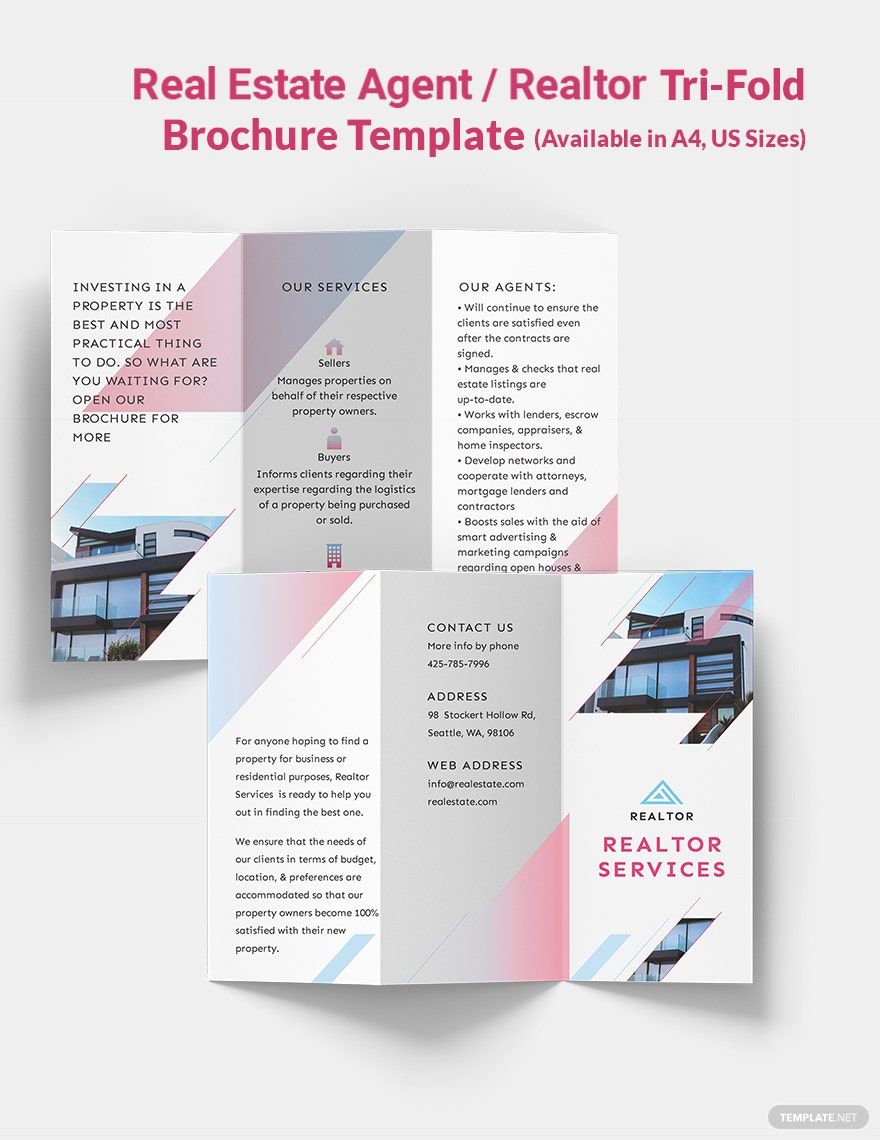
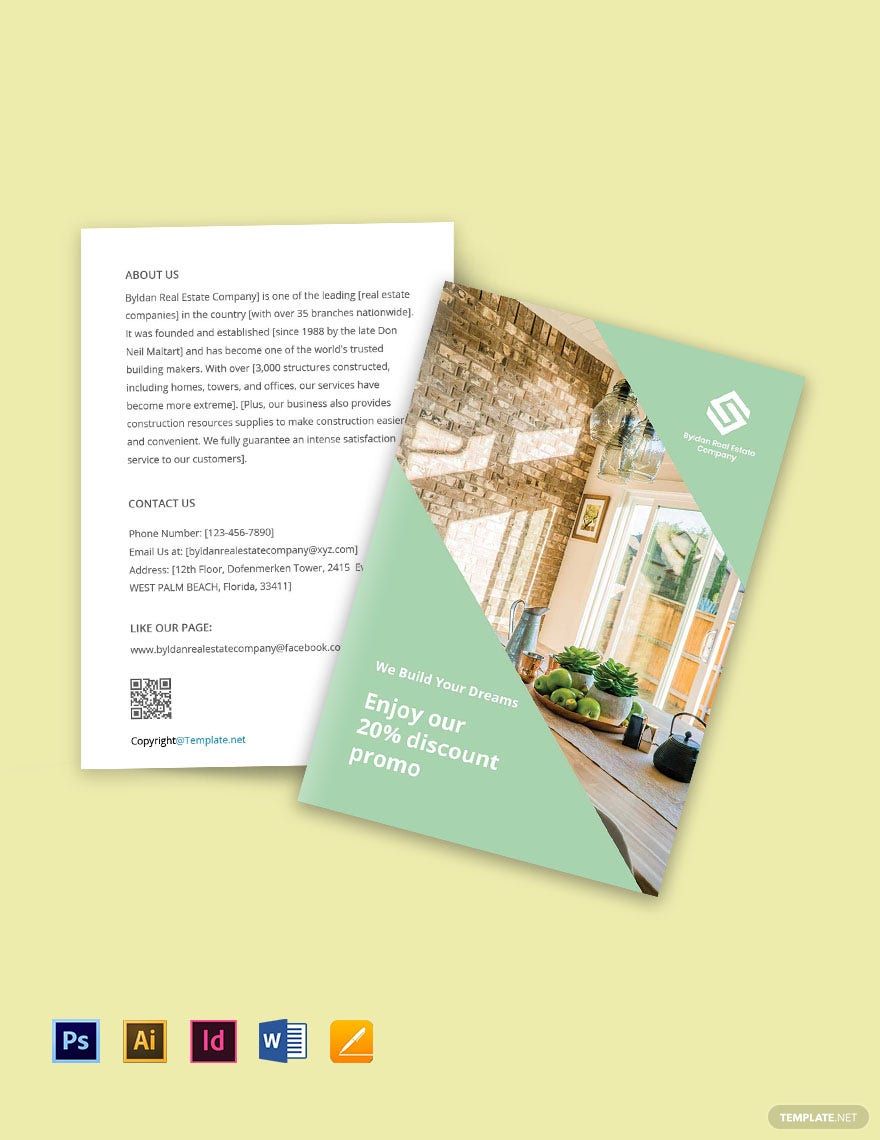
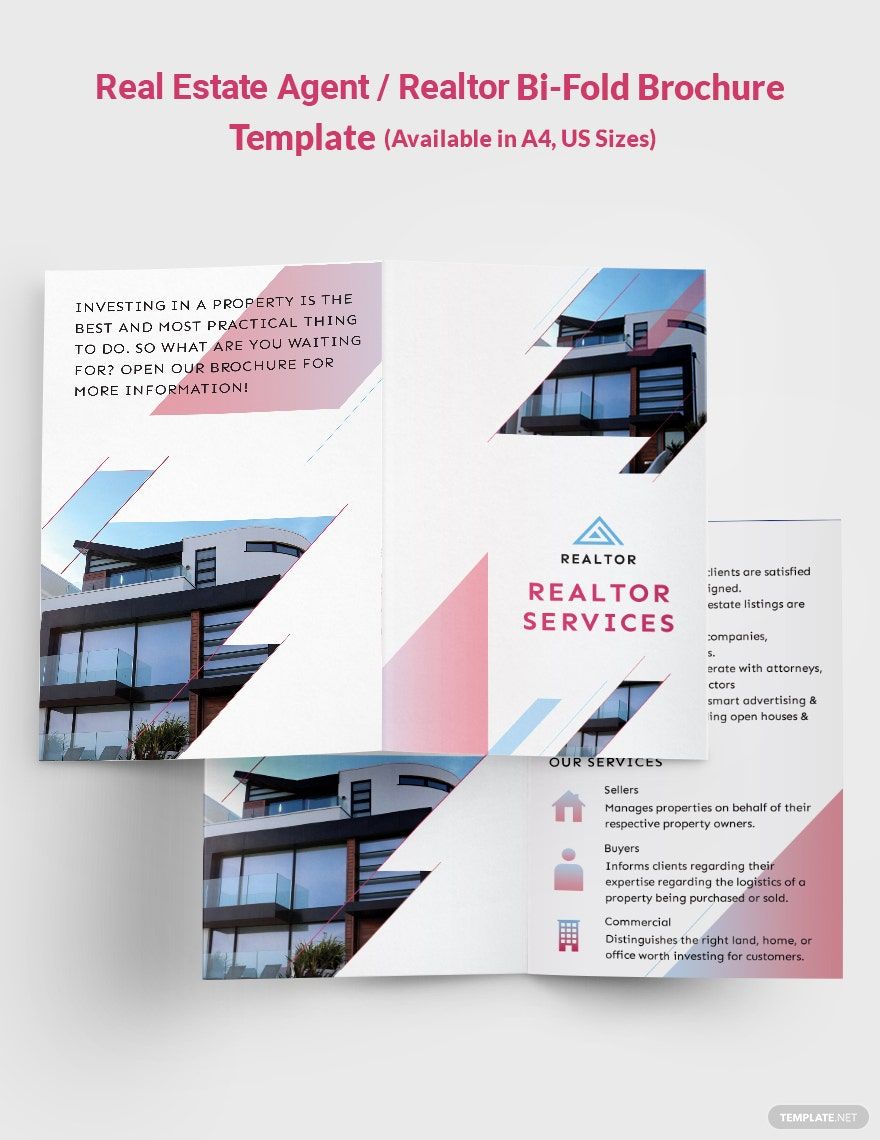
When you’re seeking a professional look for your real estate listings, the Real Estate Brochure Free Google Docs Template is a fantastic resource. This template is designed to showcase properties beautifully and can be customized to suit your needs. With a standard size of 8.5 x 11 inches, it’s perfect for easy printing on most home printers. Here’s how to make the most of it.
Customizing the Template
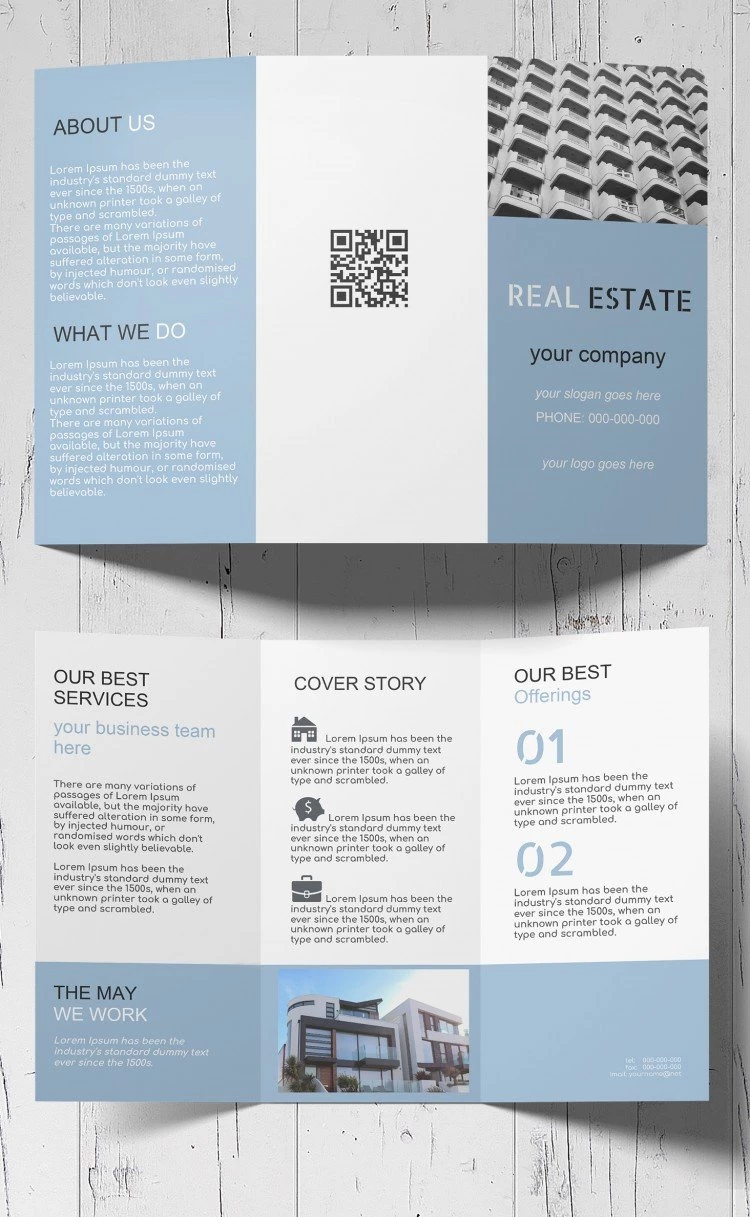
One of the best features of the Real Estate Brochure Free Google Docs Template is its flexibility. You can easily personalize it by changing the text, colors, images, and layout. Start by replacing the default text with property details, such as the number of bedrooms, bathrooms, square footage, and any unique features of the home. Including high-quality images is crucial; they can make or break the appeal of your brochure.
Image Quality Matters
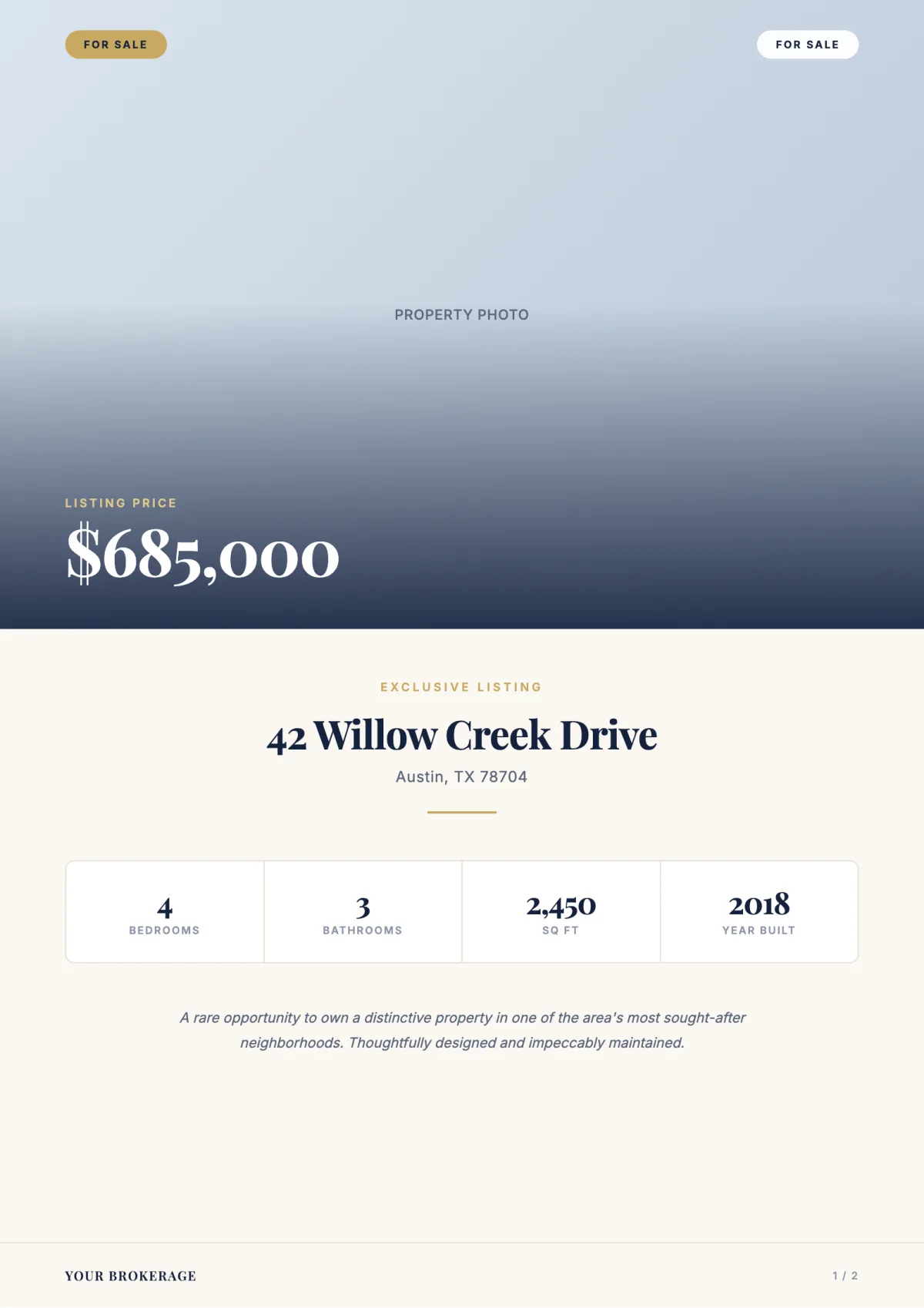
When adding images, aim for high-resolution photographs. Blurry or low-quality images can detract from your brochure’s professionalism. Use images that highlight the best aspects of the property, like the living room, kitchen, and outdoor space. If you’re unsure about the size and placement, Google Docs allows you to resize images easily to fit the layout.
Downloading and Printing Tips
Once you’ve customized your brochure, it’s time to download and print. The template is available in Google Docs, which means you can easily access it from any device with internet connectivity. If you prefer offline access, you can download it as a PDF or Microsoft Word document. Here’s how to proceed:
- In Google Docs, click on “File.”
- Select “Download” and choose your preferred format — PDF is often best for printing.
- Save the document to your device.
For printing, use high-quality paper—preferably a heavier cardstock. This not only enhances the look but also ensures durability. Make sure your printer is set to the highest quality print settings for the best results. If you’re printing several copies, consider using a local print shop for a professional finish.
Printer Setup
When setting up your printer, ensure it’s compatible with the paper size you’re using. Most home printers can handle standard letter size (8.5 x 11 inches), but always check the printer’s specifications if you’re using heavier paper. Also, select the correct orientation in your printer settings, as brochures typically print in landscape mode.
Practical Uses for Your Brochure
The Real Estate Brochure Free Google Docs Template can serve multiple purposes. Whether you’re a real estate agent looking to market a property or a homeowner wanting to sell your house, this template can help you present your information clearly and attractively. You can distribute the brochures at open houses, include them in mailings, or even hand them out at local businesses to increase visibility.
Target Audience
Consider who your audience is when customizing the brochure. First-time homebuyers may appreciate details about local schools or community amenities, while investors might be more interested in ROI and rental potential. Tailoring your content to your audience will make your brochure more effective.
Additional Design Elements
If you want to take your brochure a step further, consider incorporating design elements like icons or infographics. These can visually represent information, such as property features or market trends. Tools like Canva or Adobe Spark can help create these elements, which can then be imported into your Google Docs template.
Color Schemes and Fonts
Keep your color scheme consistent with your branding. Use colors that evoke the feelings you want to convey—trust, warmth, and professionalism. Similarly, choose fonts that are easy to read and match the tone of your message. Avoid overly decorative fonts that may distract from the information.
Final Touches and Considerations
Before printing, review your brochure carefully. Check for typos, ensure all images are properly aligned, and confirm that the layout looks balanced. It’s often helpful to print a test page to see how everything looks in physical form.
If you’re using the brochure for a specific event, be mindful of deadlines. Plan your printing schedule accordingly to ensure you have enough time to distribute them.
The Real Estate Brochure Free Google Docs Template is a powerful tool for anyone looking to market properties effectively. By customizing it thoughtfully, using high-quality images, and considering your audience, you can create a brochure that stands out. Just remember to pay attention to the details—this can make a significant difference in how your properties are perceived.
Real Estate Brochure Free Google Docs Template Gallery