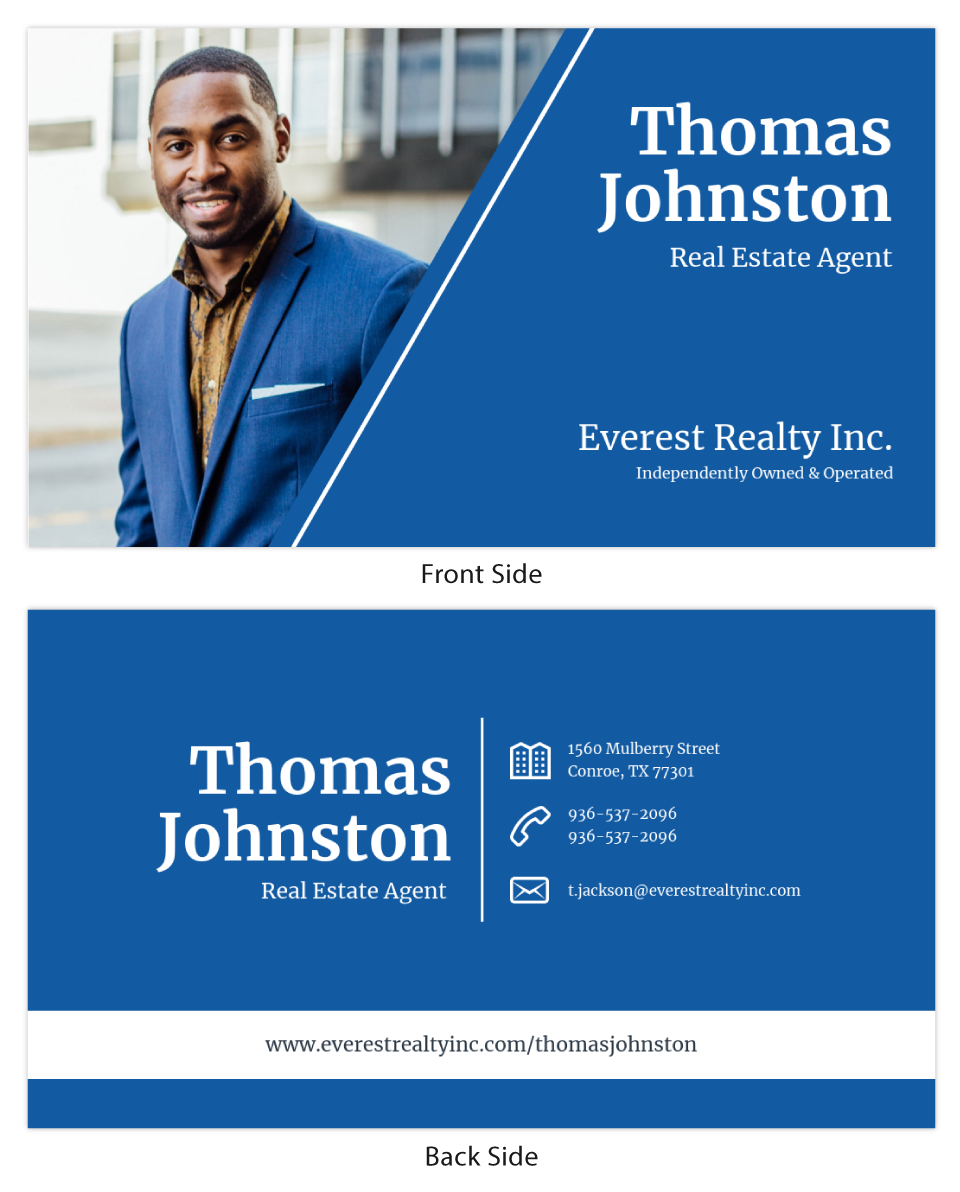
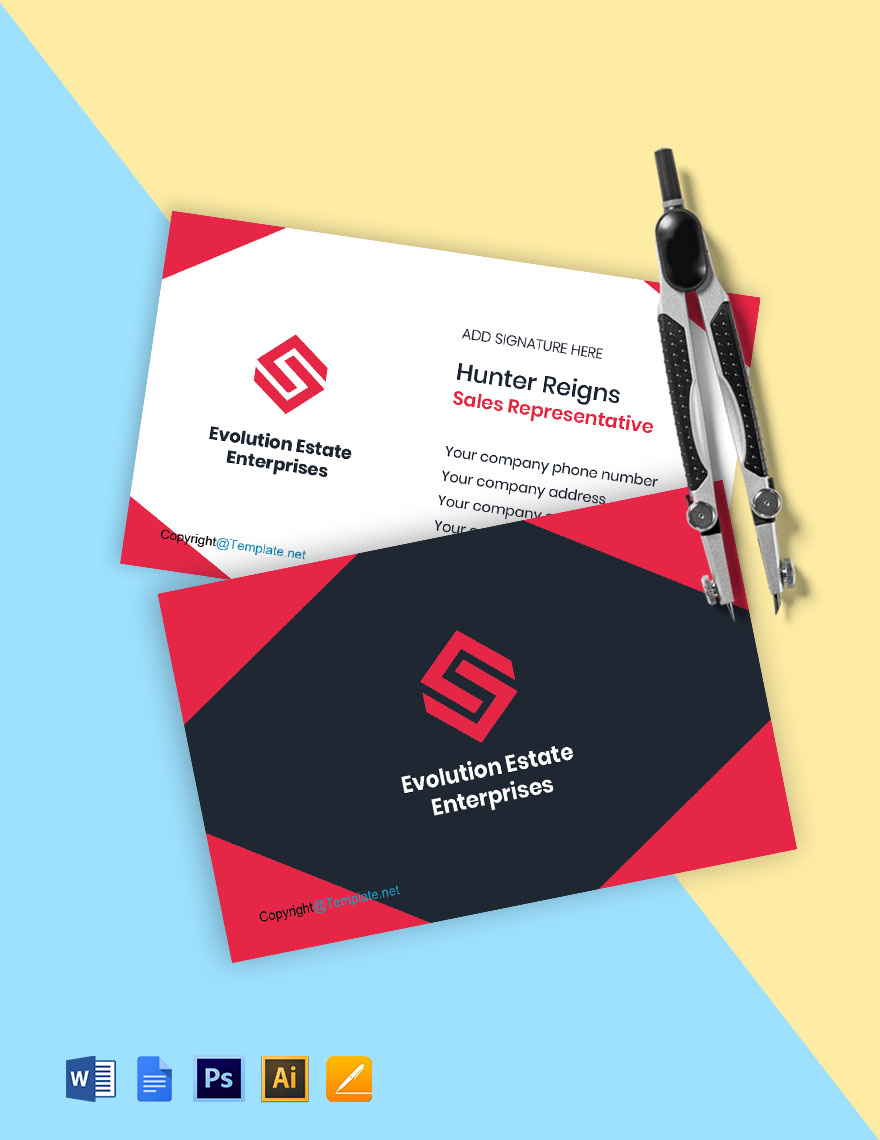
Business cards are essential tools for networking, especially in the real estate industry. With a well-designed card, you can leave a lasting impression on potential clients and partners. The Real Estate Agent Business Card Free Google Docs Template allows you to create a professional-looking card that reflects your brand and services.
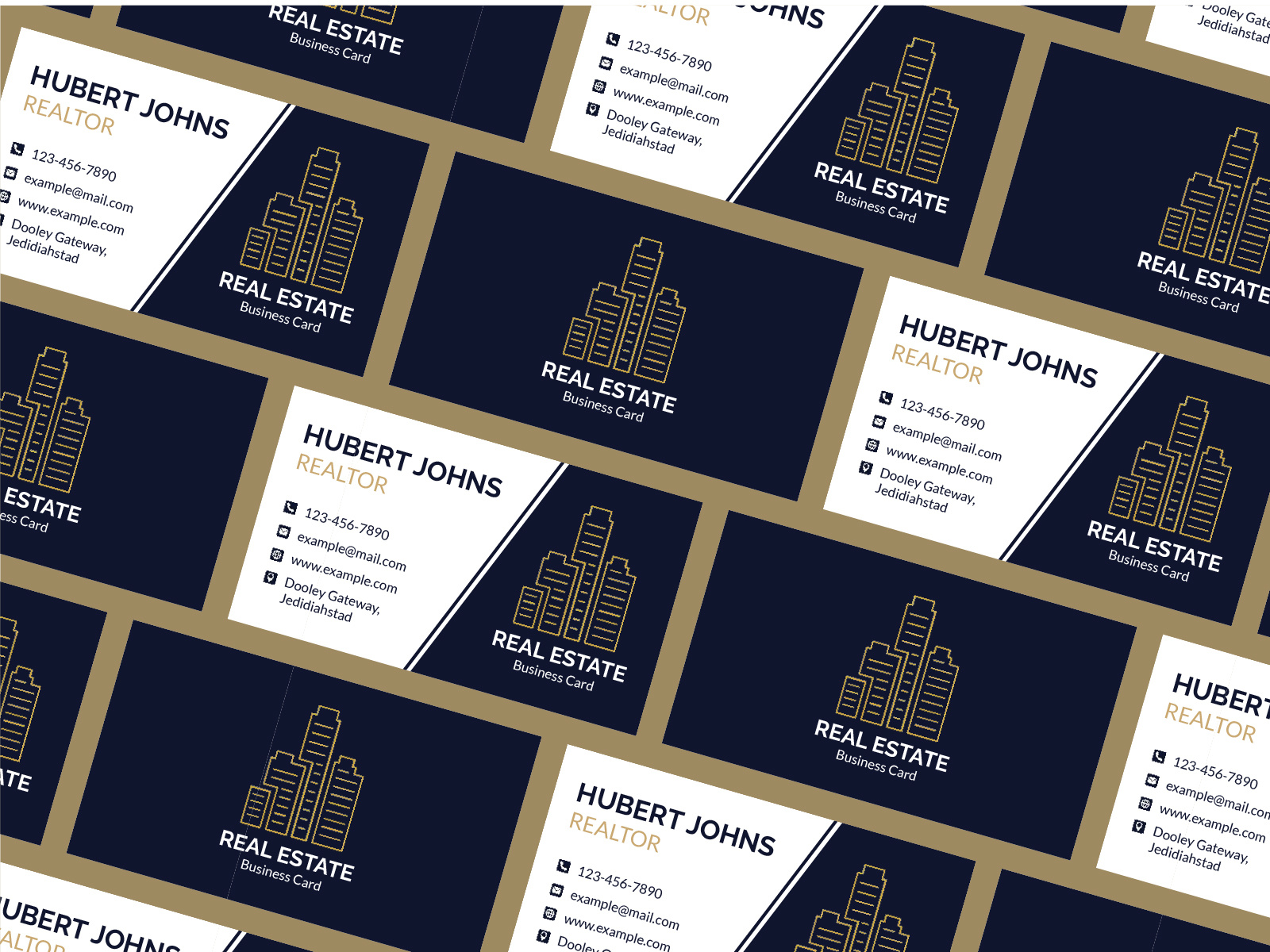
Exploring the Design of the Real Estate Agent Business Card Template

The template is designed in a standard size of 3.5 x 2 inches, which fits perfectly in most wallets and cardholders. This size is the most common for business cards, ensuring that your contact information is easily accessible. The layout typically includes sections for your name, title, company name, phone number, email address, and website.
When you open the template in Google Docs, you’ll see placeholders for each of these sections. This makes it easy to customize your card with your personal touch. You can adjust font sizes and colors to match your branding, ensuring that the card is not just functional but visually appealing too.
Customizing Your Business Card
Customization is where the real magic happens. The Real Estate Agent Business Card Free Google Docs Template allows you to modify various elements to suit your style. Here are some tips for effective customization:
- Choose the Right Fonts: Select easy-to-read fonts that reflect your personality. A modern sans-serif font can convey professionalism, while a more playful script font might reflect a friendly approach.
- Color Scheme: Stick to a color palette that aligns with your brand identity. If your real estate agency uses specific colors, incorporate those into your card design. This consistency helps reinforce your brand image.
- Add a Logo: If you have a logo, include it prominently on your business card. This visual element strengthens brand recognition and gives your card a polished look.
- Consider a Tagline: Adding a short tagline can summarize what you offer. For example, “Your trusted partner in finding the perfect home” can add a personal touch to your card.
Printing Options for Your Business Card
Once you’ve customized your card, the next step is printing. Here are some considerations to ensure your business cards turn out great:
- Paper Quality: Opt for cardstock rather than regular printer paper. Cardstock is thicker and more durable, which gives your card a professional feel. A weight of 14pt to 16pt is common for business cards.
- Finish: You can choose between a matte or glossy finish. Matte finishes are often easier to write on, while glossy finishes can enhance colors and images. If you plan to write notes on your cards, a matte finish is the better choice.
- Print Settings: When printing, use a high-quality setting on your printer. This ensures that colors are vibrant and text is crisp. If your printer allows, print on both sides to include additional information, such as a list of services or a QR code linking to your website.
Fold Techniques for a Professional Finish
While business cards are typically printed flat, if you decide to create a dual-sided card or include additional elements, folding can enhance the presentation. Here’s how to achieve a clean fold:
- Use a Bone Folder: This tool helps create sharp, clean folds without damaging the card. It’s especially useful if you’re folding a thicker cardstock.
- Align Edges Carefully: When folding, make sure the edges align perfectly. Misalignment can make your card look unprofessional.
- Score Before Folding: If you’re creating a card that folds, scoring the paper lightly along the fold line can help ensure a neat crease.
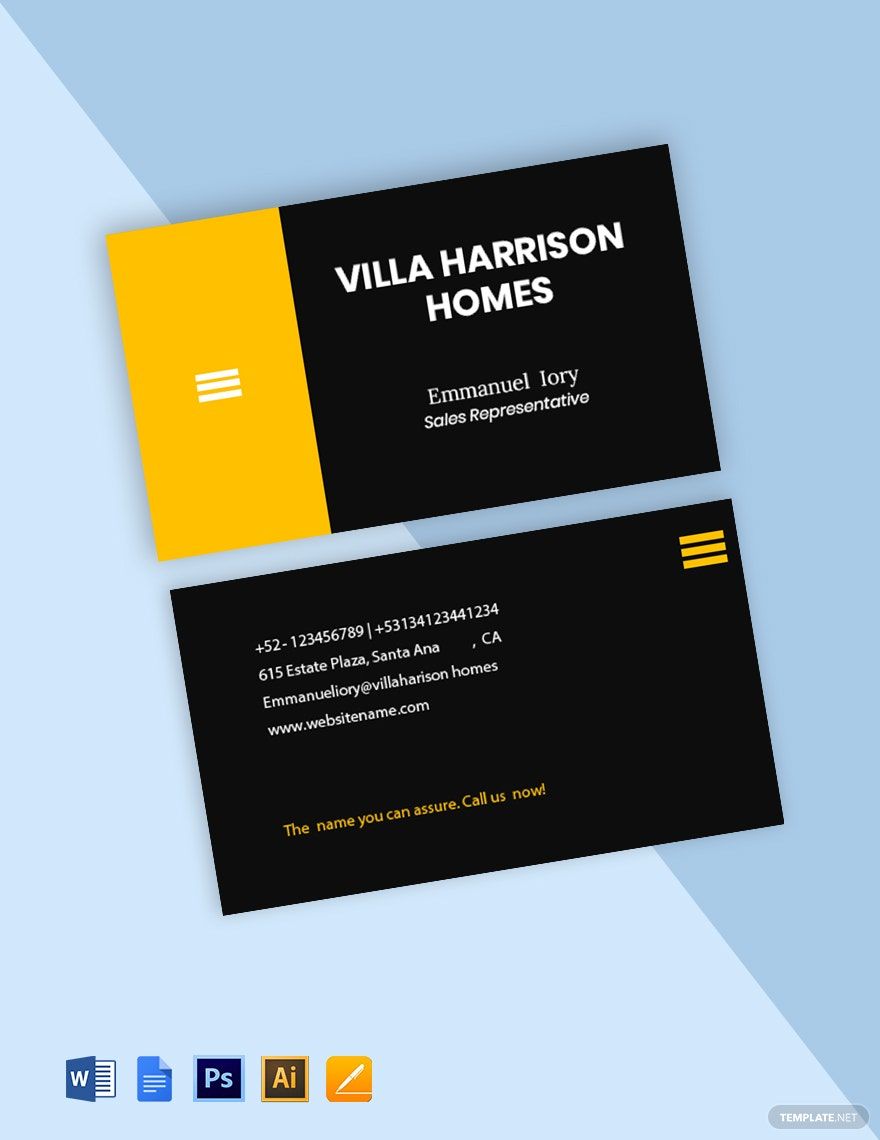
How to Use Your Business Cards Effectively
Now that you have your business cards printed and ready, it’s time to think about how to use them effectively:
- Always Carry Them: Keep a stack of business cards in your wallet or purse so you’re always prepared to network. You never know when an opportunity may arise.
- Hand Them Out Strategically: When meeting potential clients, hand them your card along with a brief introduction. Reinforce your brand by mentioning your services or unique selling points.
- Follow Up: If you give your card to someone, consider following up with a quick email or message. Reference your conversation and remind them of your services, creating a stronger connection.
The Real Estate Agent Business Card Free Google Docs Template offers a straightforward way to create a professional card that can help you stand out in a competitive market. By paying attention to layout, customization, printing options, and effective usage, you can ensure that your business card works hard for you. One detail to consider when designing your card is the inclusion of a QR code that links directly to your online portfolio or listings, providing potential clients with immediate access to your work.
Real Estate Agent Business Card Free Google Docs Template Gallery