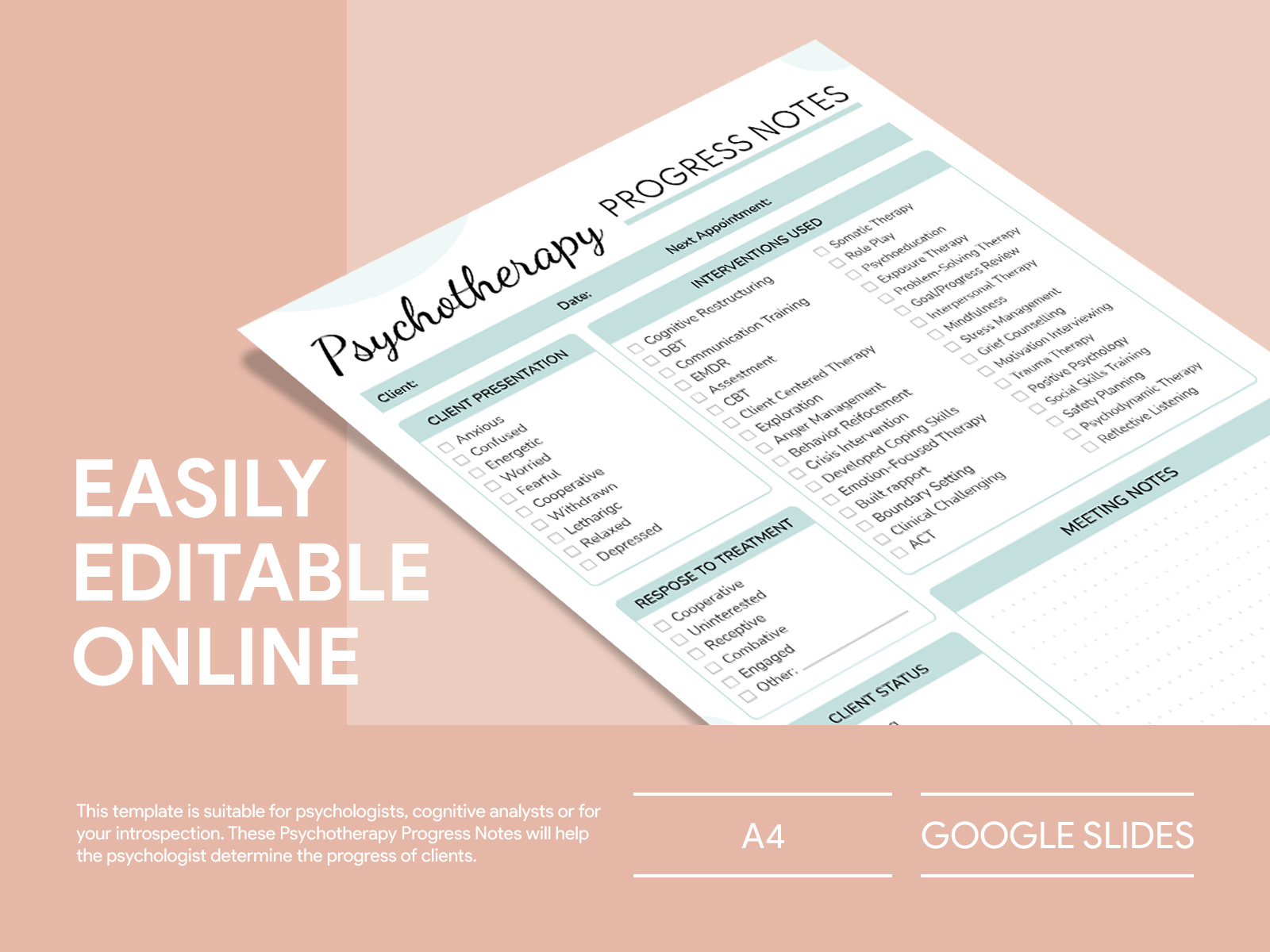
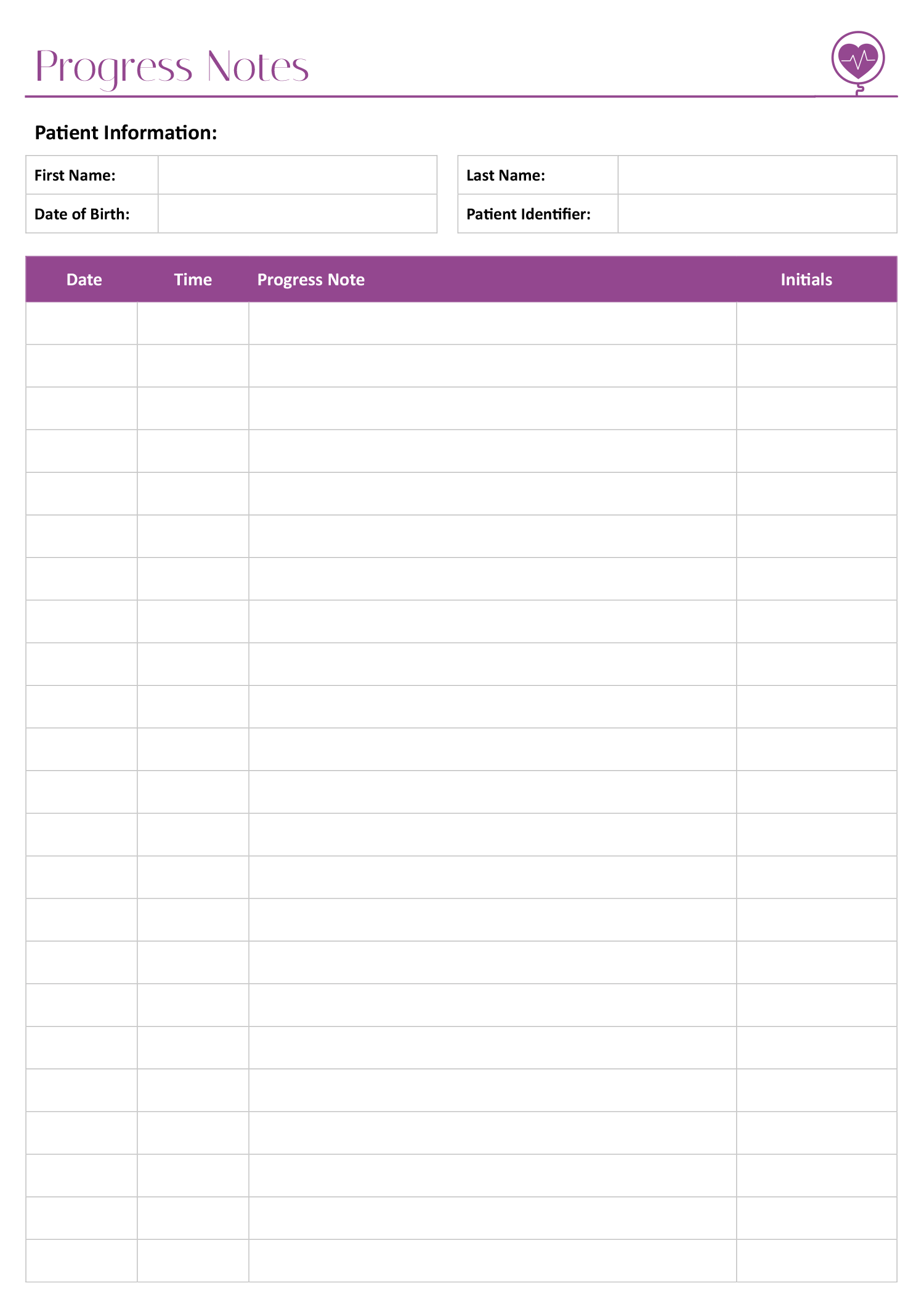
When it comes to keeping track of your child’s progress, having a reliable system can make all the difference. The Progress Notes Free Google Docs Template offers a simple, effective way to document important milestones, notes, and observations. This handy resource allows you to customize and personalize your notes, ensuring you capture everything you need to support your child’s development.
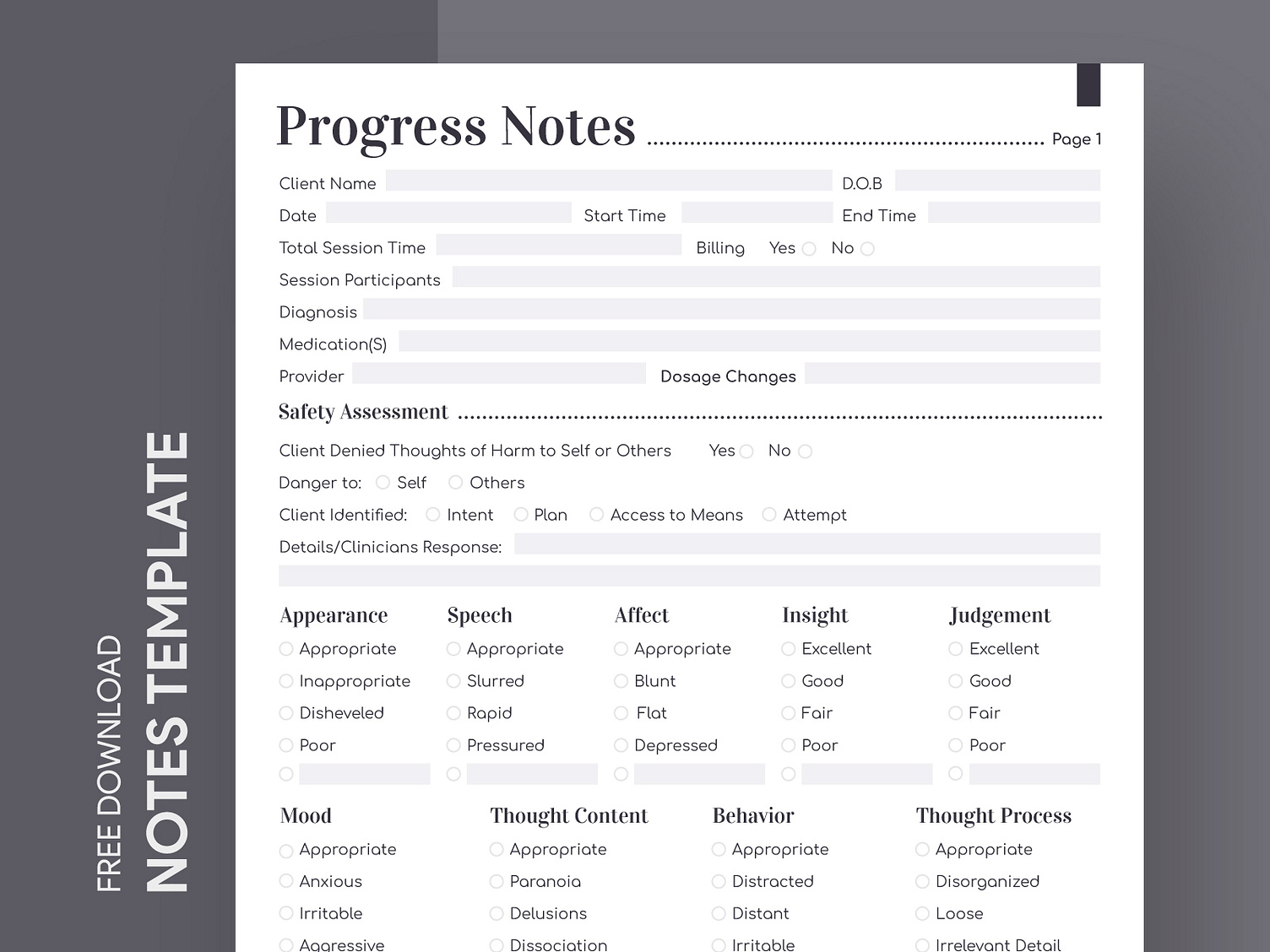
Why Use a Progress Notes Template?
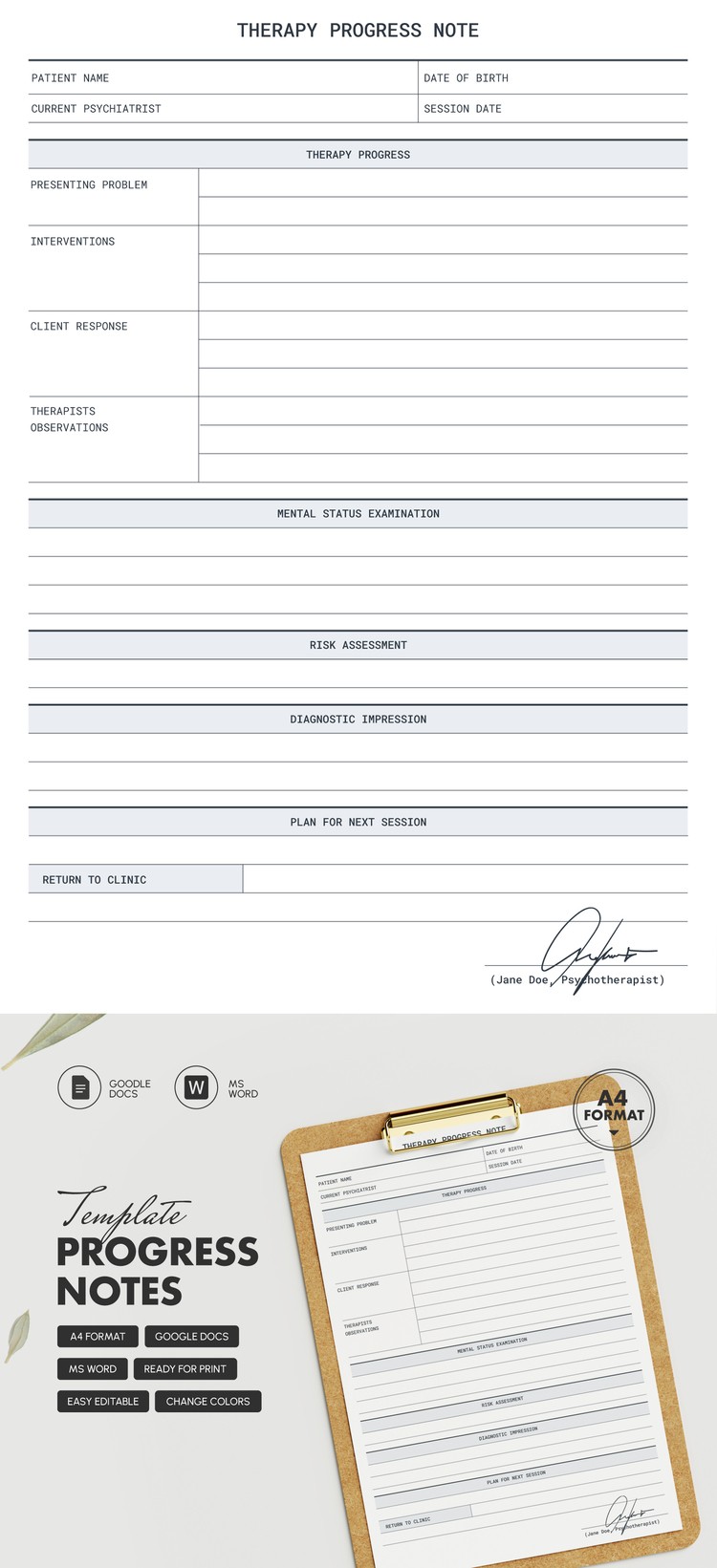
Using a template for progress notes streamlines the documentation process. Instead of starting from scratch each time, you have a structured format that prompts you to include essential information. The Progress Notes Free Google Docs Template is designed for flexibility, allowing you to adapt it to your specific needs. This means If you are tracking academic achievements, behavioral changes, or other developmental milestones, you can easily do so without missing important details.
Not only does this template save time, but it also helps maintain consistency in how you record your child’s progress. Parents, teachers, and caregivers can all benefit from having standardized notes, making it easier to communicate about a child’s development during meetings or conferences.
Key Features of the Progress Notes Template
The Progress Notes Free Google Docs Template comes with several features that make it user-friendly and practical:
- Customizable Sections: You can modify sections to include specific areas of focus, such as academics, social skills, or emotional development.
- Easy Sharing: Since it’s hosted on Google Docs, you can easily share the document with teachers, therapists, or other caregivers, facilitating collaborative discussions about your child’s progress.
- Accessible Anywhere: With Google Docs, you can access and update the notes from any device with internet connectivity, whether you’re at home or on the go.
- Print-Friendly: If you prefer physical copies, you can print the notes directly from Google Docs, allowing for easy record-keeping.
How to Download and Use the Template
Getting started with the Progress Notes Free Google Docs Template is straightforward. Here’s a step-by-step guide to help you:
- Access the Template: Click on the link provided on the printable-resource website to access the Google Docs template.
- Make a Copy: Once you open the template, go to “File” and select “Make a copy.” This allows you to personalize your version without altering the original.
- Customize Your Notes: Edit the template to suit your needs. You can add or remove sections, change headers, and adjust the layout if necessary.
- Fill in the Details: Start documenting progress by filling out the template regularly. This could be weekly, monthly, or at any interval that works for you.
- Share or Print: When you need to share your notes, simply click the “Share” button in the top right corner. If you want a hard copy, choose “Print” from the File menu.
Tips for Effective Note-Taking
To maximize the benefits of using the Progress Notes Free Google Docs Template, here are some practical tips:
- Be Consistent: Try to fill out the template regularly. Consistent entries help in spotting trends over time, making it easier to assess progress.
- Use Specific Examples: When noting progress, provide specific examples. Instead of saying “did well in school,” mention the subjects where improvement was noted or specific assignments that were completed successfully.
- Involve Your Child: Encourage your child to participate in the process by discussing their feelings about their progress. This can foster a sense of ownership and motivate them to continue improving.
- Review Regularly: Set aside time to review the notes periodically. This can help you identify patterns and understand areas where your child may need additional support.
Making the Most of Your Progress Notes
The Progress Notes Free Google Docs Template is more than just a document; it’s a tool for creating a supportive environment for your child. By effectively tracking and documenting their progress, you can make informed decisions about their education and personal development.
One concrete tip to act on: set a reminder on your phone to update the progress notes every Friday. This will help you stay on track and ensure that you’re consistently documenting your child’s growth.
Progress Notes Free Google Docs Template Gallery