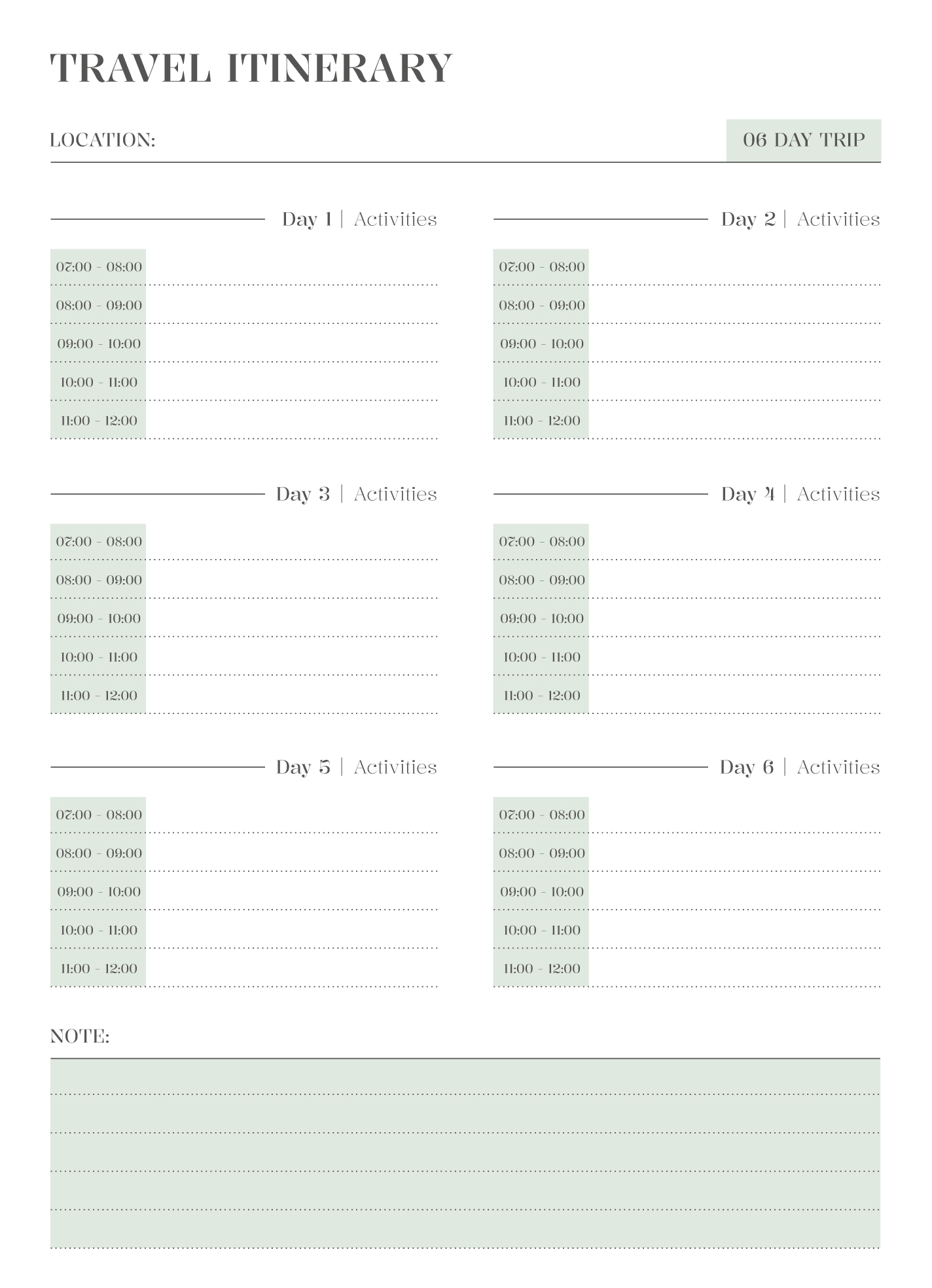
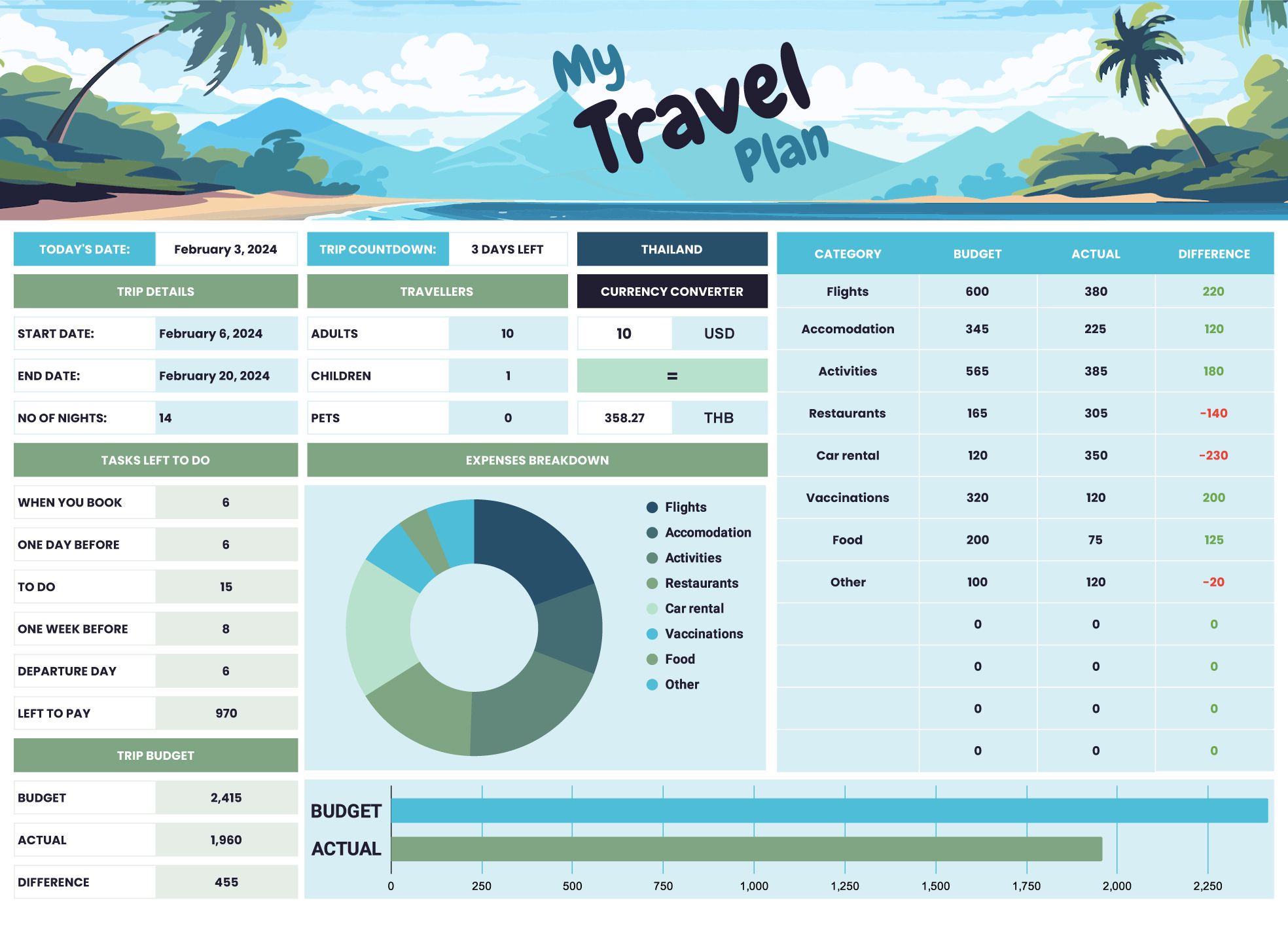
When planning a trip, having a well-organized itinerary can make all the difference. The Professional Travel Itinerary Free Google Docs Template is designed to help you keep all your travel details in one accessible location. This template is ideal for busy parents or anyone looking to streamline their travel planning process. With its user-friendly layout and customizable sections, it’s never been easier to ensure your travel plans go off without a hitch.
Understanding the Layout of the Template
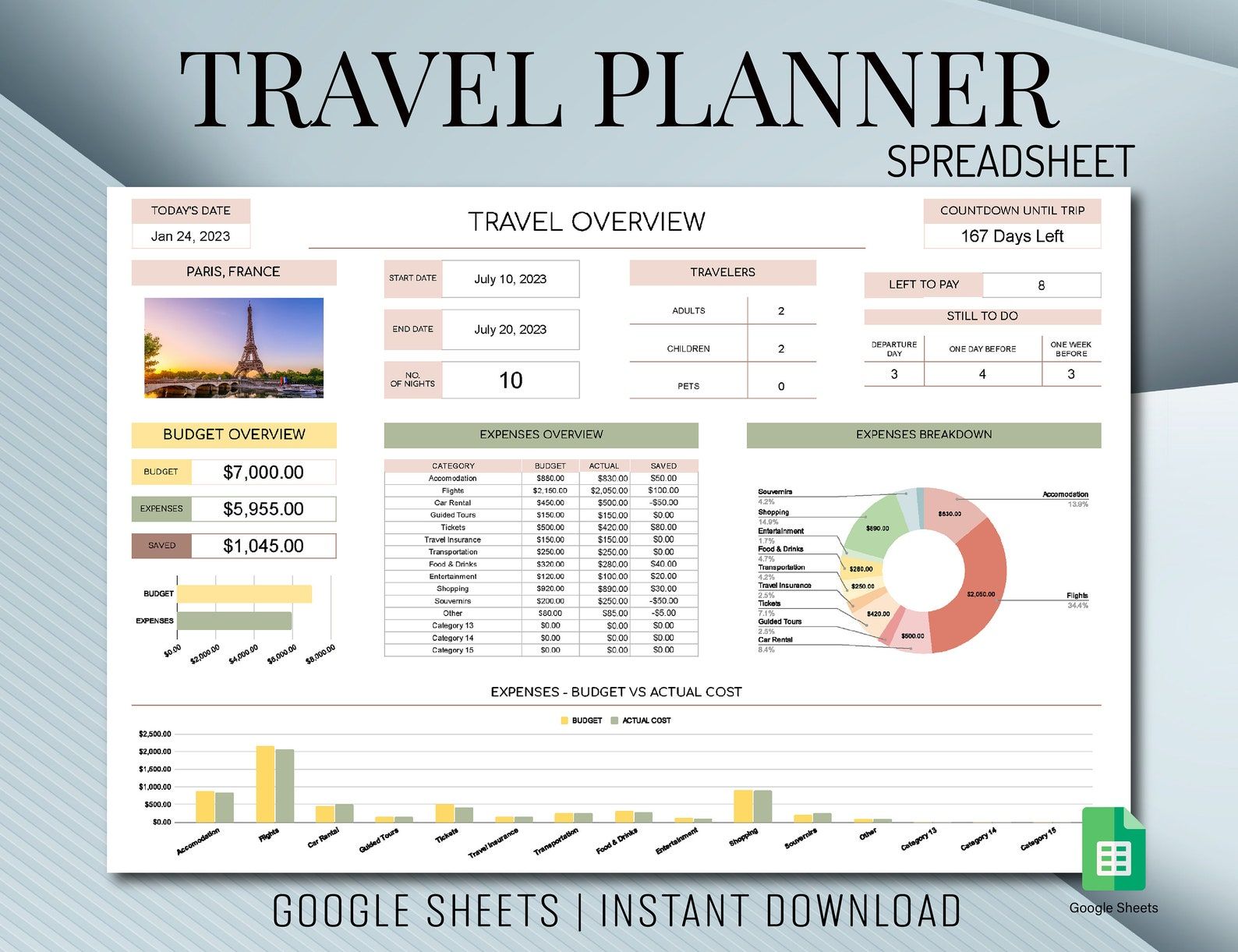
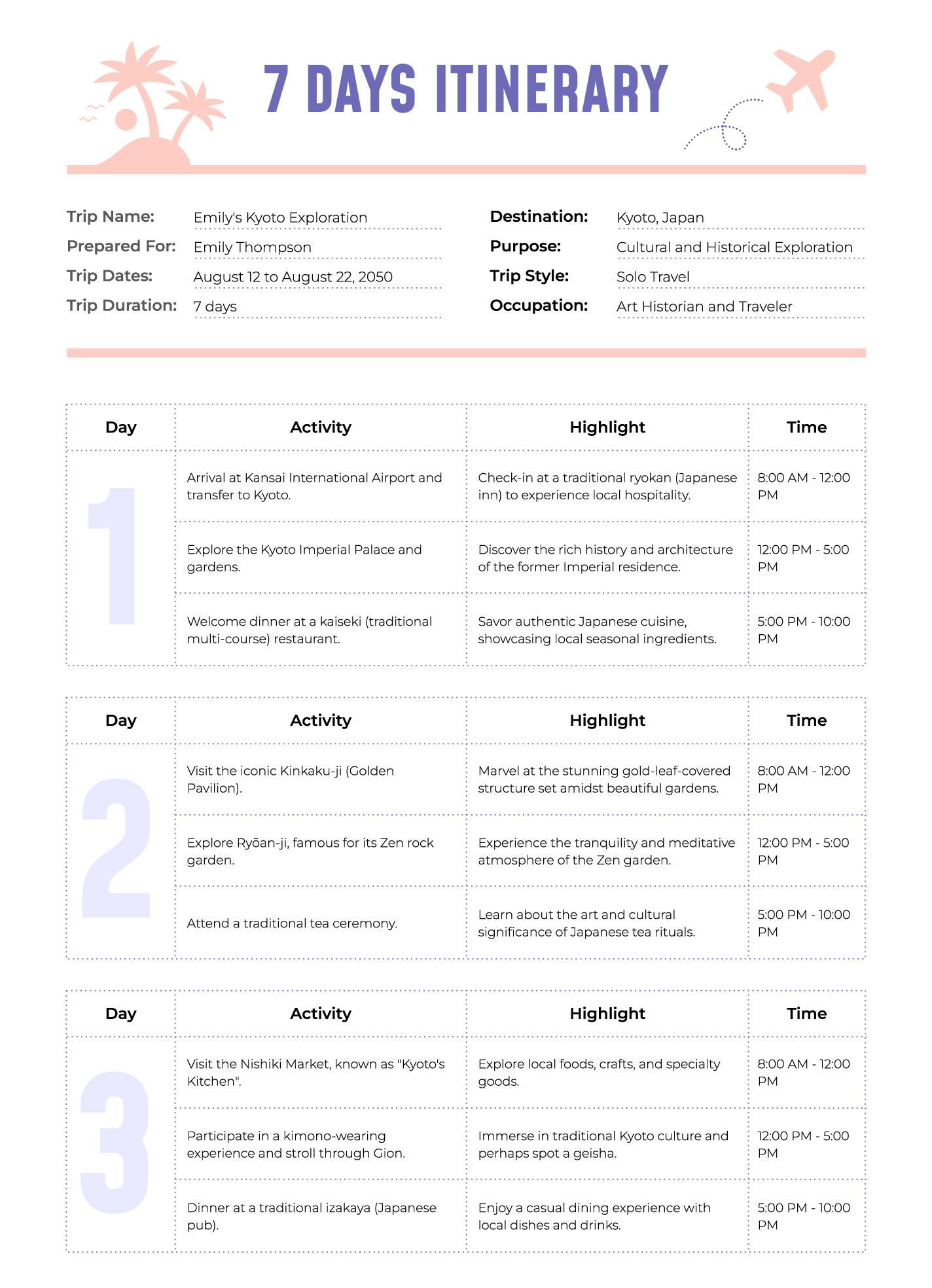
This template is structured to provide clarity and ease of use. The layout typically features several key sections:
- Travel Dates: A clear space to outline your departure and arrival dates.
- Destination Details: Sections for each stop on your journey, including city, accommodations, and contact information.
- Itinerary Breakdown: An organized schedule where you can jot down daily activities, including times and locations.
- Important Contacts: A dedicated space for emergency contacts, local services, and any other relevant numbers.
The clean, logical flow of the template allows you to visualize your trip easily, ensuring that you can find information quickly when you need it. Plus, the sections can be customized to fit your unique travel needs; If you are going on a family vacation or a solo business trip, you can adapt the template as required.
Customizing Your Travel Itinerary
One of the standout features of the Professional Travel Itinerary Free Google Docs Template is its flexibility. You can easily modify the fields to suit your trip. Here are some ideas for customization:
- Add or Remove Sections: If you need more space for specific details or wish to eliminate unnecessary fields, feel free to adjust the template.
- Incorporate Color Coding: Use different colors for various parts of your trip, like flights, hotel stays, or activities, making it visually easier to differentiate tasks at a glance.
- Link Important Information: If your itinerary includes website links (like restaurant reservations or museum tickets), you can hyperlink them directly in the document for quick access.
This adaptability is essential for parents who juggle numerous details when traveling with kids. You can include notes about child-friendly activities or adjustments for nap times, ensuring that your itinerary caters to the whole family.
Printing and Formatting Considerations
When it comes to printing your travel itinerary, taking a few extra steps can enhance usability. Here are some practical tips:
- Paper Size: Use standard letter size (8.5 x 11 inches) for easy printing. Portrait orientation is usually best for this type of document, as it allows for more vertical space and clearer layout.
- Print Settings: If possible, select the ‘actual size’ option in your printer settings to maintain the template’s design integrity. This ensures that all sections are readable and well-organized.
- Laminating: If you want to keep your itinerary safe from spills or tears, consider laminating it. This way, you can easily write notes on it with a dry-erase marker and wipe them off later.
By paying attention to these details, you can create a printed itinerary that not only looks professional but is also practical for use during your travels.
Real-Life Use Cases for the Itinerary Template
The Professional Travel Itinerary Free Google Docs Template isn’t just a fancy document; it has real-world applications that can make your travel experience smoother. Here are a couple of scenarios:
- Family Vacation: If you’re heading to a theme park, you can outline activities by the hour, including meal breaks and rest times. This helps manage expectations and keeps everyone on the same page.
- Business Trip: For work-related travel, you can list meeting times, locations, and contact information for clients or colleagues. Having everything in one document ensures that you won’t miss an important appointment.
These examples illustrate how versatile this template can be, catering to various travel styles and needs.
The Final Touches: Making It Yours
After customizing, printing, and preparing your Professional Travel Itinerary Free Google Docs Template, consider a few last touches to enhance its functionality:
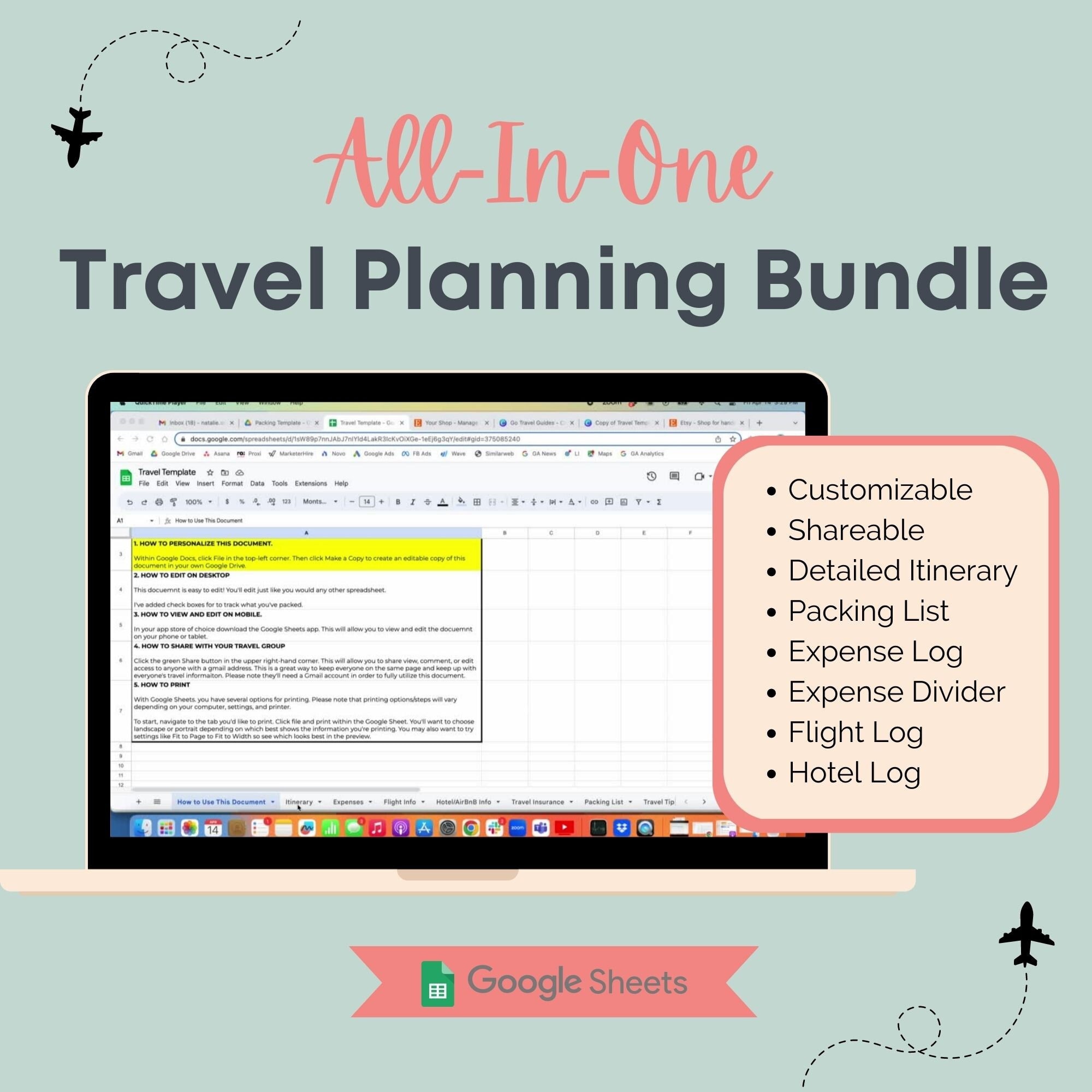
- Digital Access: Save a digital copy on your phone or tablet for easy access while on the go. Google Docs allows you to view and edit your itinerary from anywhere, which is super helpful if plans change.
- Share with Family: If you’re traveling with others, share the document via Google Drive. This way, everyone can have the latest version and add their notes or changes.
- Backup Plan: Always keep a backup of your itinerary, whether it’s a printed copy in your bag or a screenshot on your phone. You never know when technology might fail.
With these final touches, you’ll be fully prepared for your next adventure, confident in your organized travel plans. Whether for a quick getaway or an elaborate vacation, this template will help you stay on top of your itinerary and enjoy your travels to the fullest.
Professional Travel Itinerary Free Google Docs Template Gallery