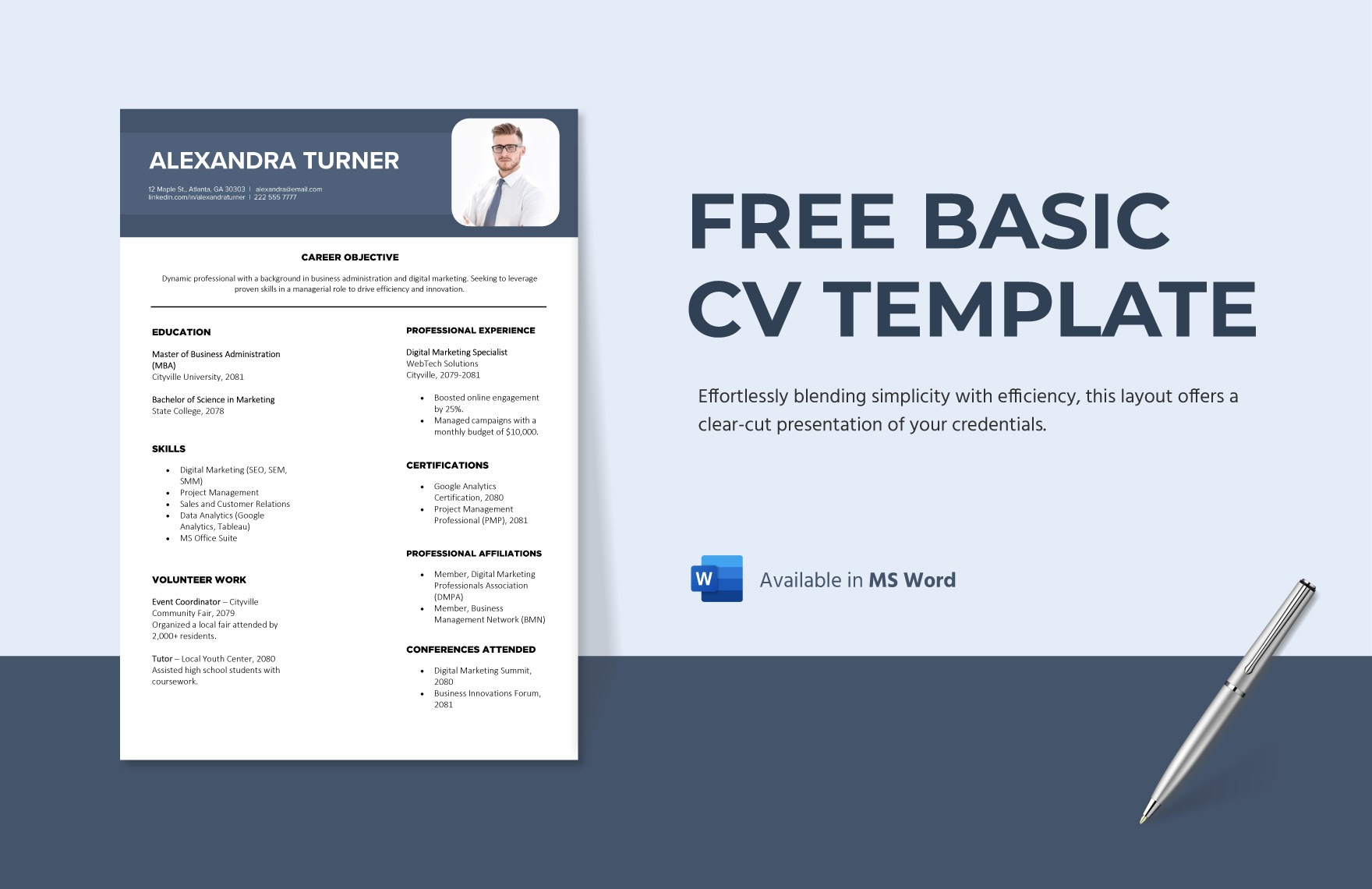
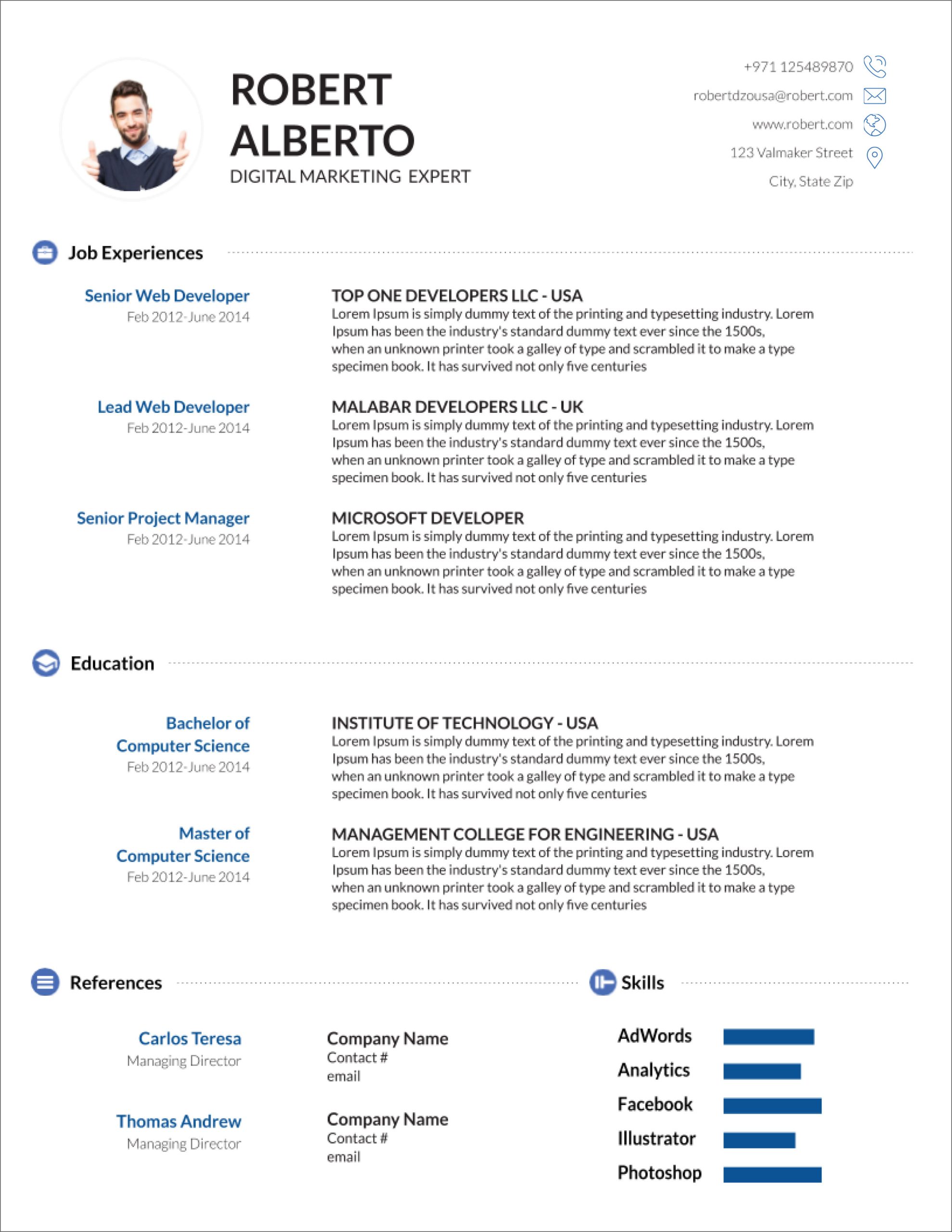
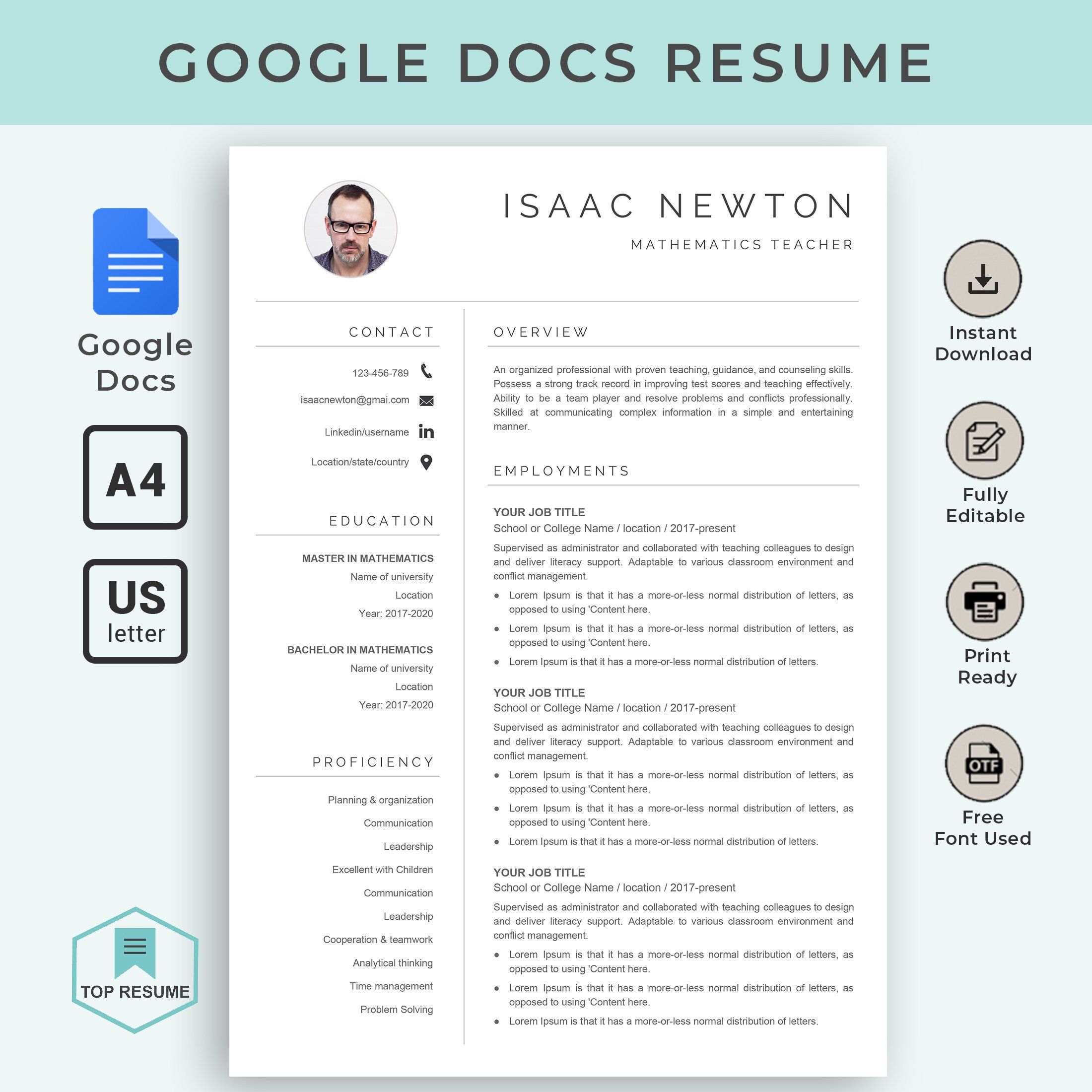
Creating a professional CV is crucial for job seekers, and using a template can simplify the process significantly. The Professional Simple CV Free Google Docs Template is designed to help you produce a clean, modern CV that highlights your skills and experience effectively. With this template, you can save time while ensuring your CV looks polished and ready to impress potential employers.
What’s Included in the Template?
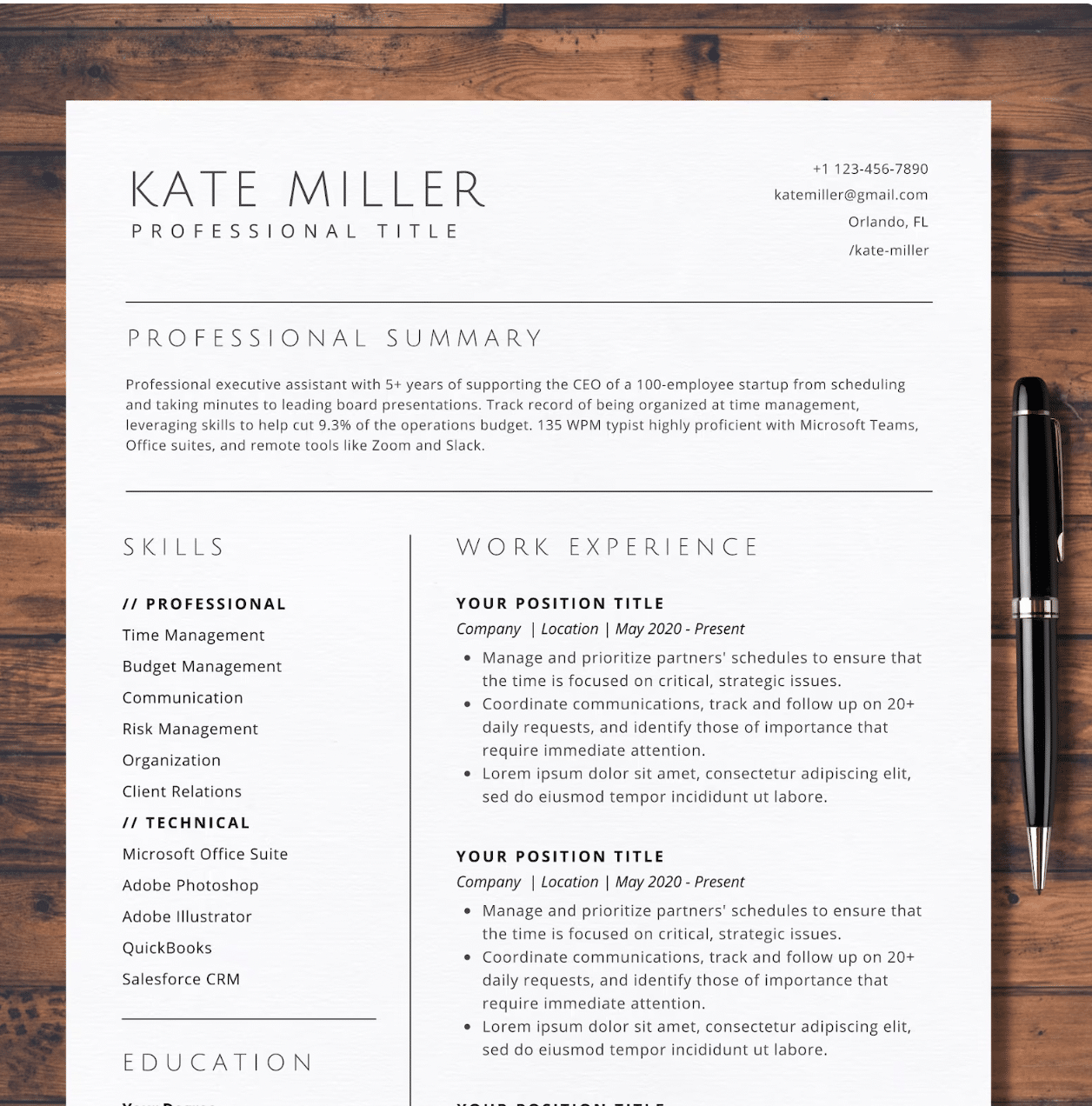
When you download the Professional Simple CV Free Google Docs Template, you’ll find several key sections ready for customization. The template typically includes:
- Contact Information: Your name, phone number, email, and LinkedIn profile.
- Objective Statement: A brief overview of your career goals and what you bring to the table.
- Work Experience: A structured layout to detail your previous roles, responsibilities, and achievements.
- Education: Space to list your academic qualifications.
- Skills: A section to highlight relevant skills tailored to the job you’re applying for.
- References: An area where you can note available references upon request.
You’ll notice that everything is editable, allowing you to personalize each section to reflect your unique qualifications and experiences.
Customizing Your CV
One of the best features of the Professional Simple CV Free Google Docs Template is its flexibility. You can easily modify fonts, colors, and even the layout to match your personal style or the specific industry you’re targeting. Here are some tips for customization:
- Fonts: Stick to professional fonts like Arial or Calibri. They are easy to read and look clean on paper.
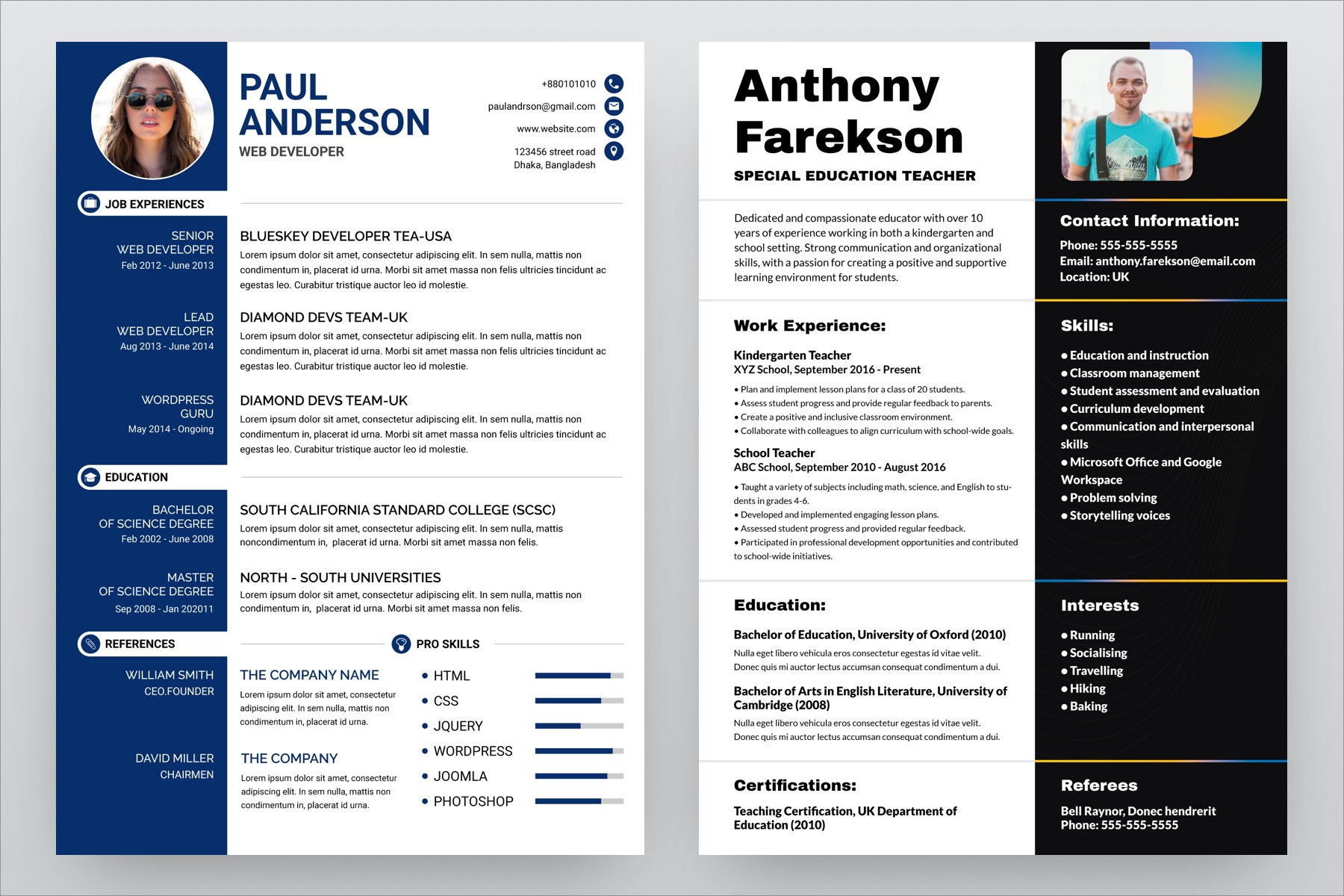
- Colors: While it’s tempting to use bright colors, consider subtle tones that maintain professionalism. A touch of color in headings can add personality without overwhelming.
- Layout Adjustments: Feel free to rearrange sections based on what you want to emphasize. If you have more relevant work experience than education, consider putting the work experience section at the top.
Downloading and Printing Your CV
Getting started with the Professional Simple CV Free Google Docs Template is a straightforward process. Here’s how you can download and prepare your CV for printing:
- Access the Template: Click on the link provided on the printable-resource website to access the template in Google Docs.
- Make a Copy: Use the “File” menu to create your own copy of the template. This ensures you won’t accidentally overwrite the original.
- Customize: Fill in your details in each section, ensuring all information is accurate and up-to-date.
- Download Options: Once you’re satisfied with your CV, you can download it. Google Docs allows you to save your document in various formats, such as PDF or Word. The PDF format is recommended for printing as it preserves your formatting.
Printer Setup
Before printing, ensure your printer settings are correctly configured. Here are some practical tips:
- Paper Size: Standard A4 or letter size (8.5 x 11 inches) is typically used for CVs. Check your printer settings to confirm it’s set to the correct size.
- Print Quality: Opt for a higher quality (best or high) setting to ensure your text is sharp and professional-looking.
- Test Print: It’s wise to do a test print on regular paper to check for any formatting issues before using high-quality paper.
Choosing the Right Paper
The type of paper you choose can make a difference in the overall presentation of your CV. Here are a few recommendations:
- Standard Printer Paper: This works well for most applications. Choose a weight of around 20 lb for a classic feel.
- Heavyweight Paper: If you want to make a stronger impression, consider using 24 lb or heavier paper. It feels more substantial and professional.
- Color: Stick with white or off-white for a clean look. Avoid colored paper unless you’re in a creative field where it might be more acceptable.
Final Tips for a Winning CV
As you finalize your CV, remember that clarity and conciseness are key. Recruiters often skim through many applications, so you want yours to stand out for the right reasons. Here are some last-minute tips:
- Brevity: Aim for one page unless you have extensive experience that warrants additional space.
- Bullet Points: Use bullet points for your work experience to make it easier to read.
- Proofread: Always double-check for spelling and grammar errors. You might even ask a friend to review it for you.
Lastly, keep in mind that while templates provide a great starting point, your CV should reflect your personal brand. Avoid generic phrases and customize your content to align with the job description you’re targeting. This will not only enhance your chances of standing out but also ensure that you present yourself in the best light possible.
Professional Simple CV Free Google Docs Template Gallery