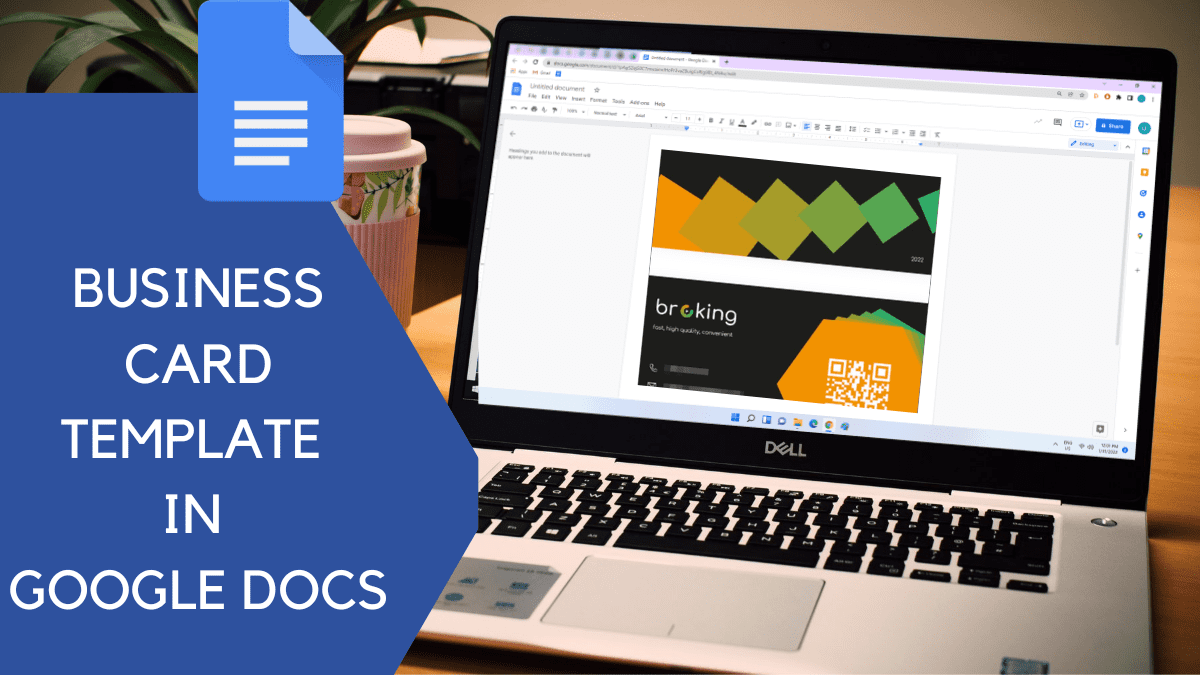
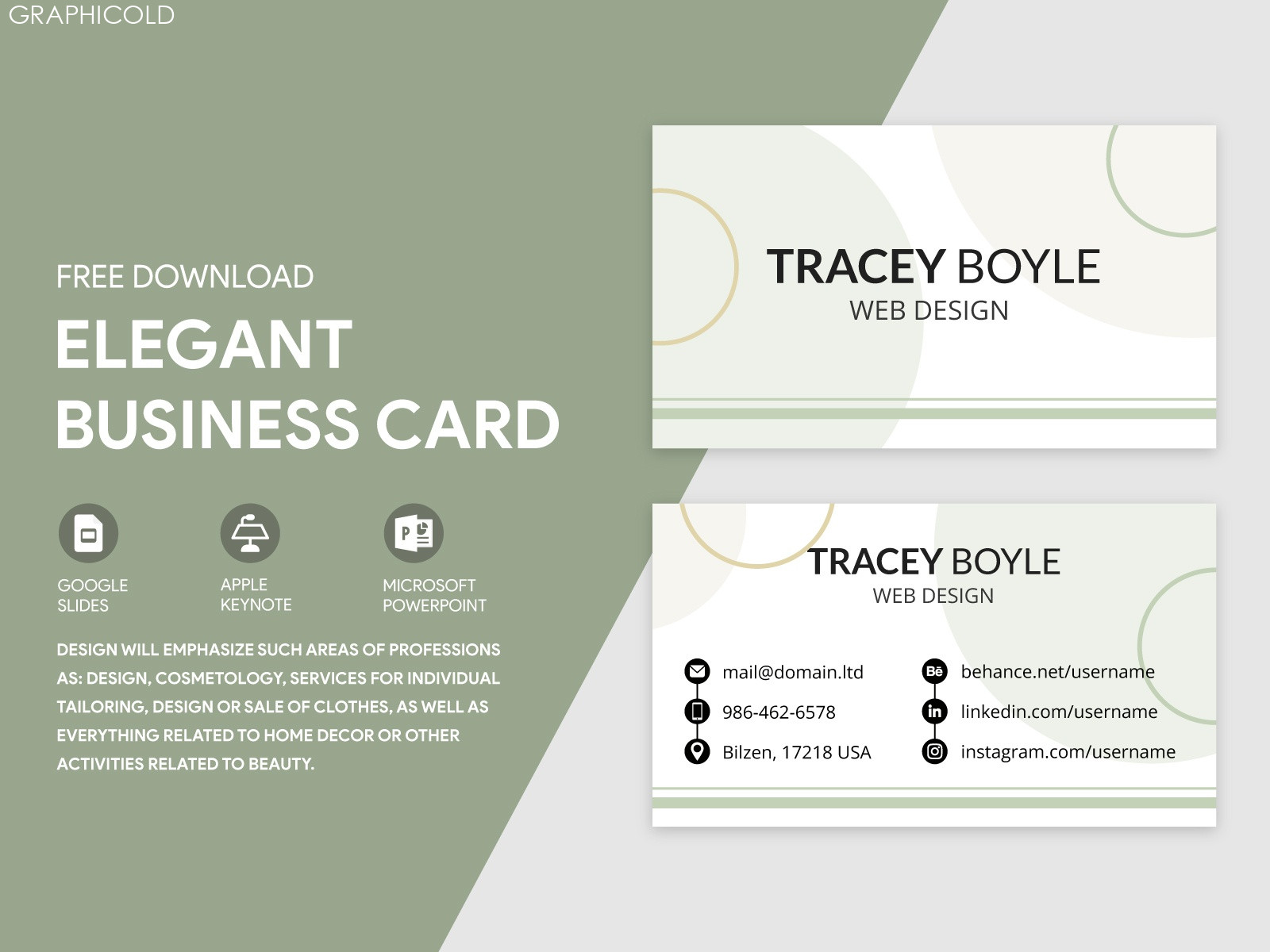
Creating a professional business card is a key step in establishing your brand identity. If you are a freelancer, entrepreneur, or part of a corporate team, having a well-designed business card can make a significant impact. This Professional Business Card Free Google Docs Template offers you a straightforward way to design and print your cards without the need for expensive software or design skills.
Why Choose a Google Docs Template?
Using a Google Docs template for your business card is a practical choice. Unlike other design software, Google Docs is user-friendly and easily accessible from any device with internet access. You can edit your card anytime, anywhere, which is especially convenient for those who are always on the go or working from different locations. This template allows for collaborative editing, so if you’re working in a team, everyone can contribute to the design in real-time.
Features of the Professional Business Card Free Google Docs Template
The Professional Business Card Free Google Docs Template is designed with usability in mind. Here are some key features you can expect:
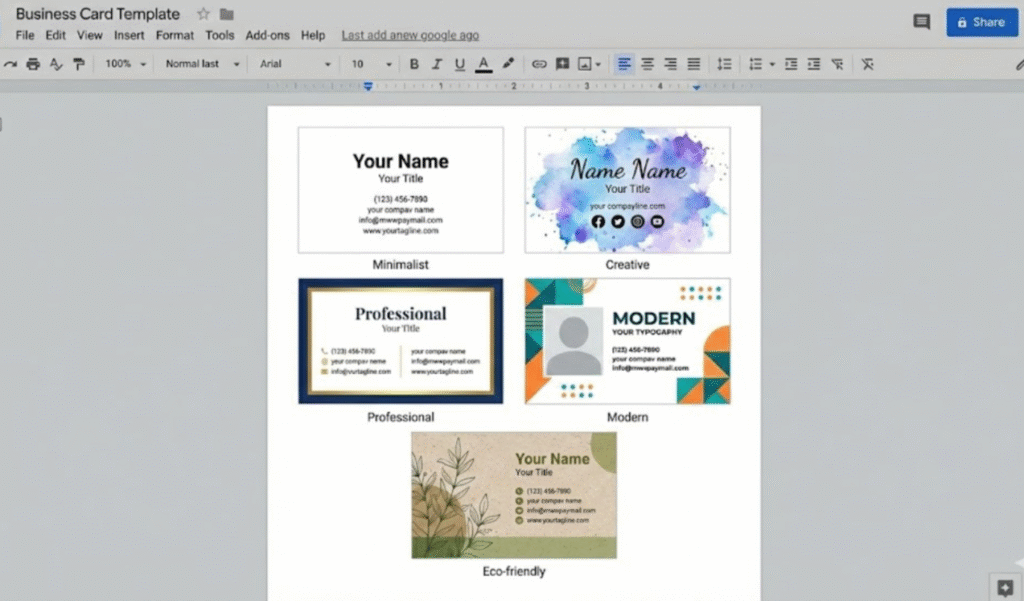
- Customizable Layouts: The template comes with various layouts to suit your branding needs. You can choose from horizontal or vertical orientations, depending on your preference.
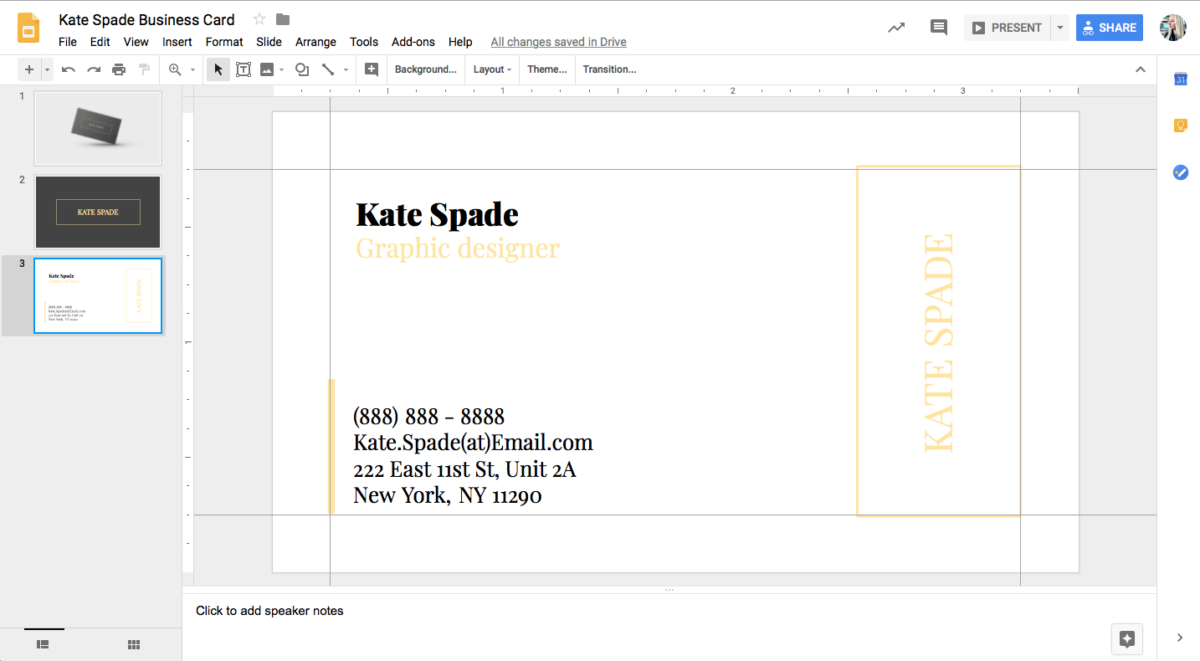
- Easy Editing: With simple text boxes, you can easily input your name, title, contact information, and any other details you want to include.
- Image Insertion: Add your company logo or any graphic elements that represent your brand. This helps to create a cohesive look that aligns with your visual identity.
- Print Ready: The template is formatted for standard business card sizes (3.5 x 2 inches), making it easy to print on cardstock without any resizing issues.
Personalizing Your Business Card
Personalization is key when it comes to making your business card stand out. Here are some tips to ensure your card reflects your personality and brand:
- Choose the Right Color Scheme: Select colors that represent your brand. If you’re in a creative industry, vibrant colors might work well, while more conservative fields may benefit from a classic black-and-white palette.
- Font Selection: Use fonts that are readable and reflective of your brand’s tone. For instance, a tech startup might go for modern sans-serif fonts, while a law firm might prefer traditional serif fonts.
- Information Hierarchy: Make sure the most important information (like your name and title) stands out. You can achieve this through size and boldness, ensuring that the reader can quickly grasp who you are and what you do.
Printing Your Business Card
Once you’ve customized your Professional Business Card Free Google Docs Template, it’s time to print. Here are some considerations to keep in mind:
- Paper Quality: Using thick cardstock not only feels more professional but also holds up better over time. Aim for a weight of at least 80 lb cover stock for durability.
- Printer Settings: If you’re printing at home, select the highest quality setting on your printer. This will ensure that colors come out vibrant and text is sharp.
- Cutting: If you’re printing at home, remember to use a paper cutter for clean edges. A straight edge and a utility knife can also work well if you don’t have access to a cutter.
Using Your Business Card Effectively
Your business card is a tool for networking, so knowing how to use it effectively is crucial. Here are some practical ways to ensure your card gets into the right hands:
- Networking Events: Always carry a few cards with you to networking events. When you meet someone new, hand them your card as a follow-up to your conversation.
- Follow-Up: If you’ve met someone interesting, send them an email and attach a digital version of your business card. This keeps your information fresh in their mind.
- Social Media Integration: Consider adding a QR code to your card that links to your LinkedIn profile or website. This makes it easy for others to connect with you online.
Creating a memorable and effective business card has never been easier thanks to templates like the Professional Business Card Free Google Docs Template. With just a few clicks, you can design a card that perfectly represents you and your brand. Start personalizing your template today and get ready to make a great first impression!
Professional Business Card Free Google Docs Template Gallery