Creating festive cards for the holidays can be a delightful experience, especially when you have access to a printable Christmas card template online. These templates not only save you time but also allow for personalization, ensuring your cards stand out. If you are looking to send heartfelt wishes to friends and family or create festive greetings for colleagues, using an online template simplifies the process.
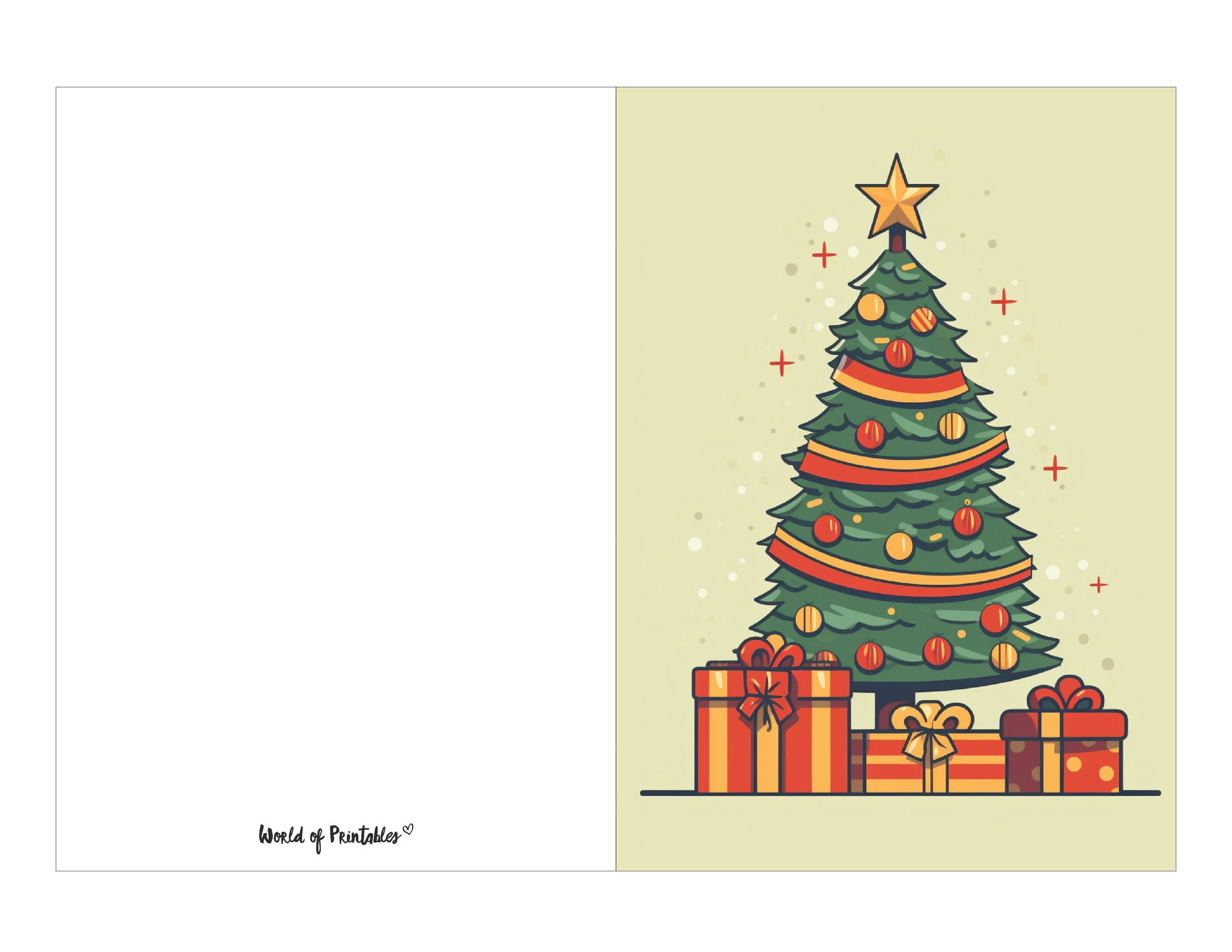
Choosing the Right Printable Christmas Card Template
When selecting a printable Christmas card template online, consider the style and message you want to convey. Templates come in various designs, from traditional and elegant to fun and whimsical. Some templates allow you to add your own photos, making them even more special. Look for options that offer customizable text fields so you can easily add your own greetings.
File Formats and Compatibility
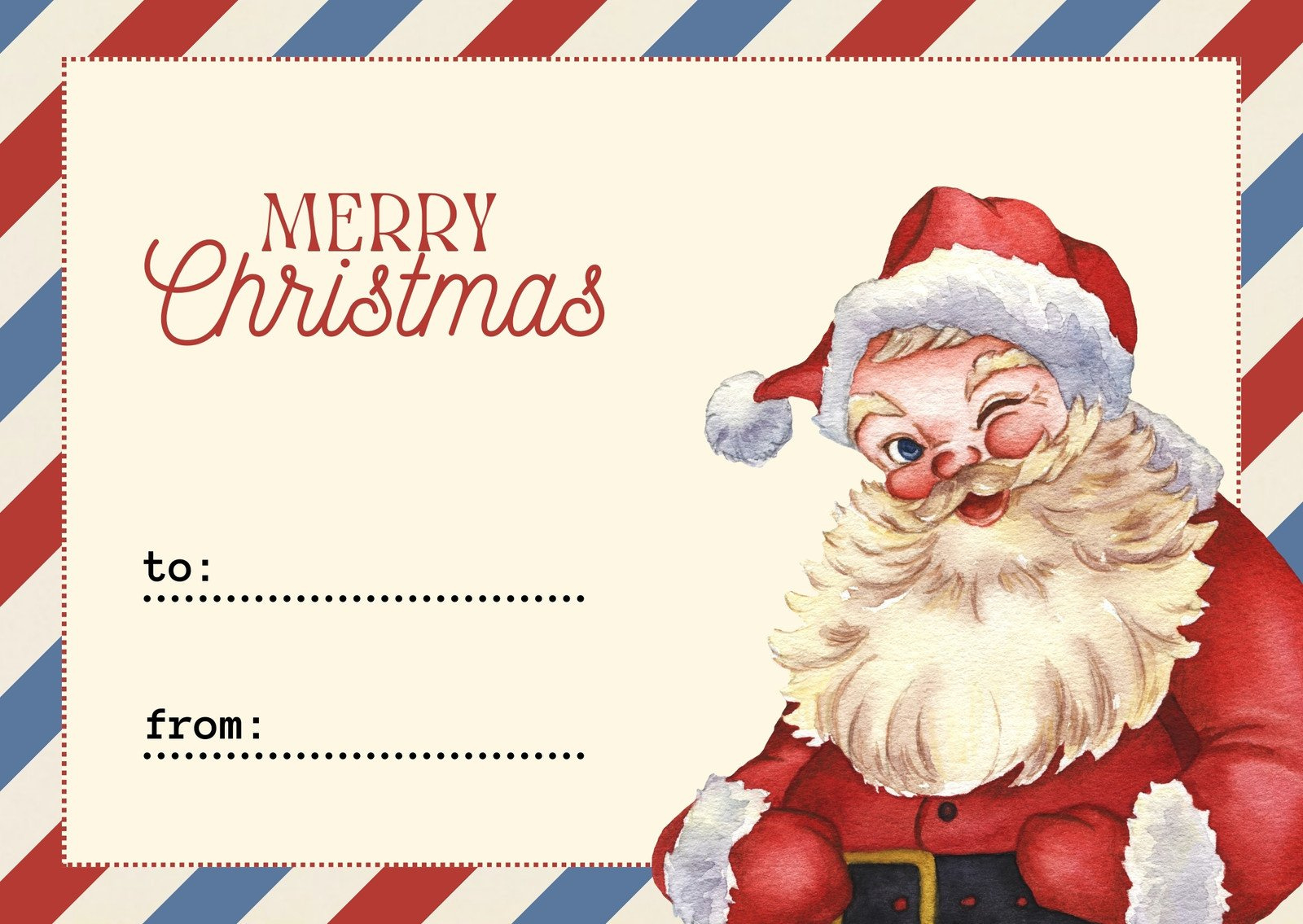
Most templates are available in PDF or image formats like JPEG or PNG. PDF files are often the best choice because they maintain the layout when printed. Make sure your printer is set to print at 100% to avoid any scaling issues. If you choose an image format, check that your software can handle the file without altering its dimensions, particularly if you plan to print at standard sizes like 5×7 inches.
Preparing for Printing
Before you hit that print button, you’ll want to make some decisions about paper and ink. For Christmas cards, thicker cardstock (around 80 lb to 110 lb) is a popular choice. This weight gives your cards a professional feel and helps them stand up nicely when displayed. If you’re going for a more glossy finish, opt for a photo paper that enhances colors.
Printer Settings
Make sure your printer settings are calibrated for the paper type you choose. If using cardstock, select the appropriate media type in your printer settings to ensure optimal results. You might also want to run a test print on regular paper first to check for alignment and color before committing to your cardstock.
Mailing Vs. Hand-Delivering Your Cards
Deciding whether to mail or hand-deliver your cards can influence your choice of paper and envelope. If you’re mailing your cards, consider the weight of your chosen paper, as this will affect postage. Standard envelopes for 5×7 cards typically measure 5.25 x 7.25 inches. Make sure to purchase envelopes that match your card size, and consider using a slightly heavier paper if you want your cards to feel more substantial when they arrive at their destination.
Postage Considerations
For standard-sized cards, the postage is usually straightforward. However, if your card is particularly thick or includes embellishments, you may need additional postage. It’s also a good idea to double-check with your local postal service, as rates can vary, especially during the busy holiday season.
Personalizing Your Cards
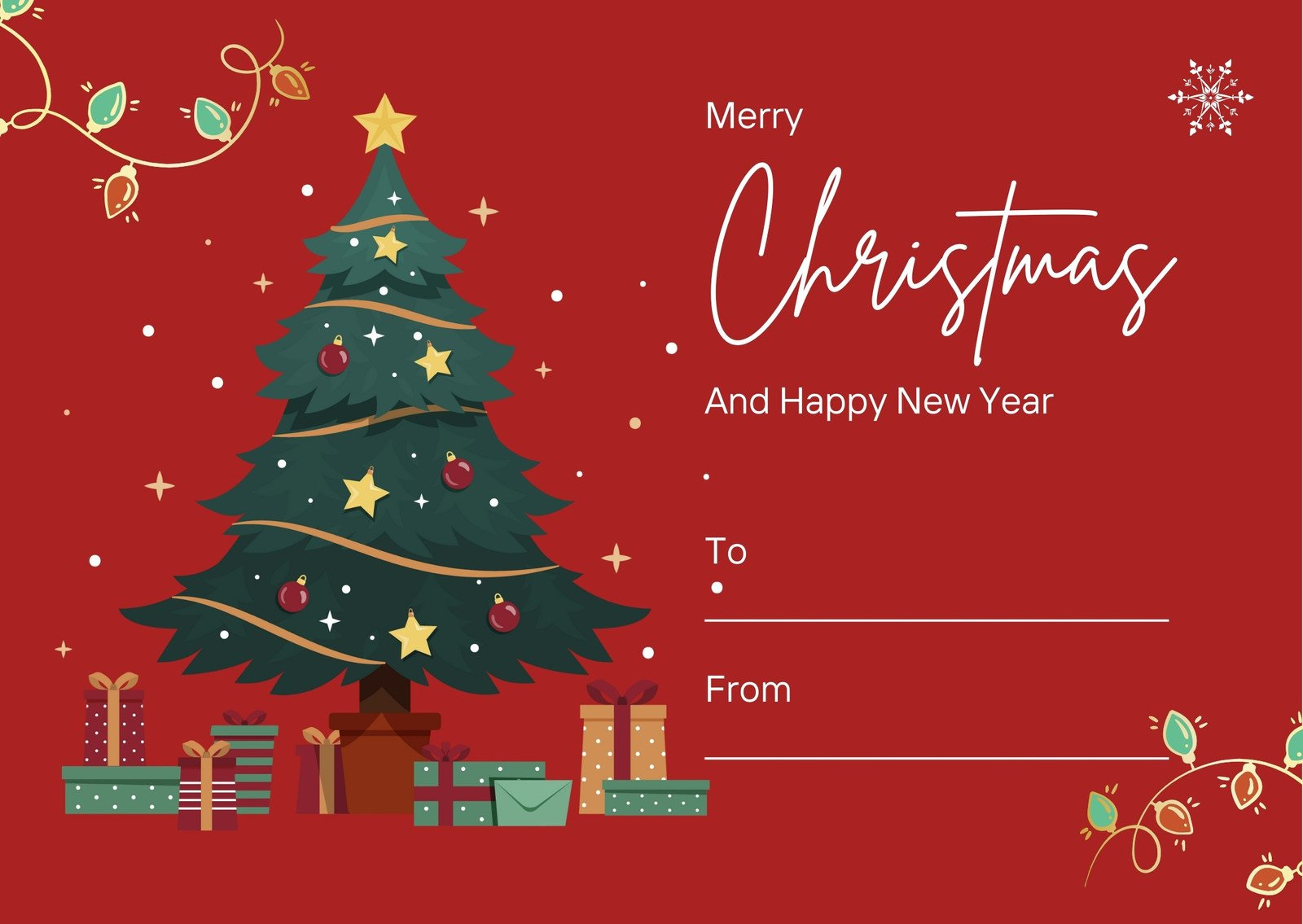
One of the best parts of using a printable Christmas card template online is the ability to personalize each card. Many templates allow you to incorporate personal touches, such as family photos or handwritten notes. Consider using a signature or a short, heartfelt message that reflects your personality and relationship with the recipient.
Final Touches
After printing, take a moment to inspect each card. Trim any edges if necessary, and ensure that any added elements, like stickers or ribbons, are securely attached. If you’re hand-delivering cards, consider placing them in decorative bags or boxes for an extra festive touch.
With these tips in mind, you’re ready to create beautiful holiday greetings using a printable Christmas card template online. Enjoy the process, and let your creativity shine through as you spread joy this holiday season!


