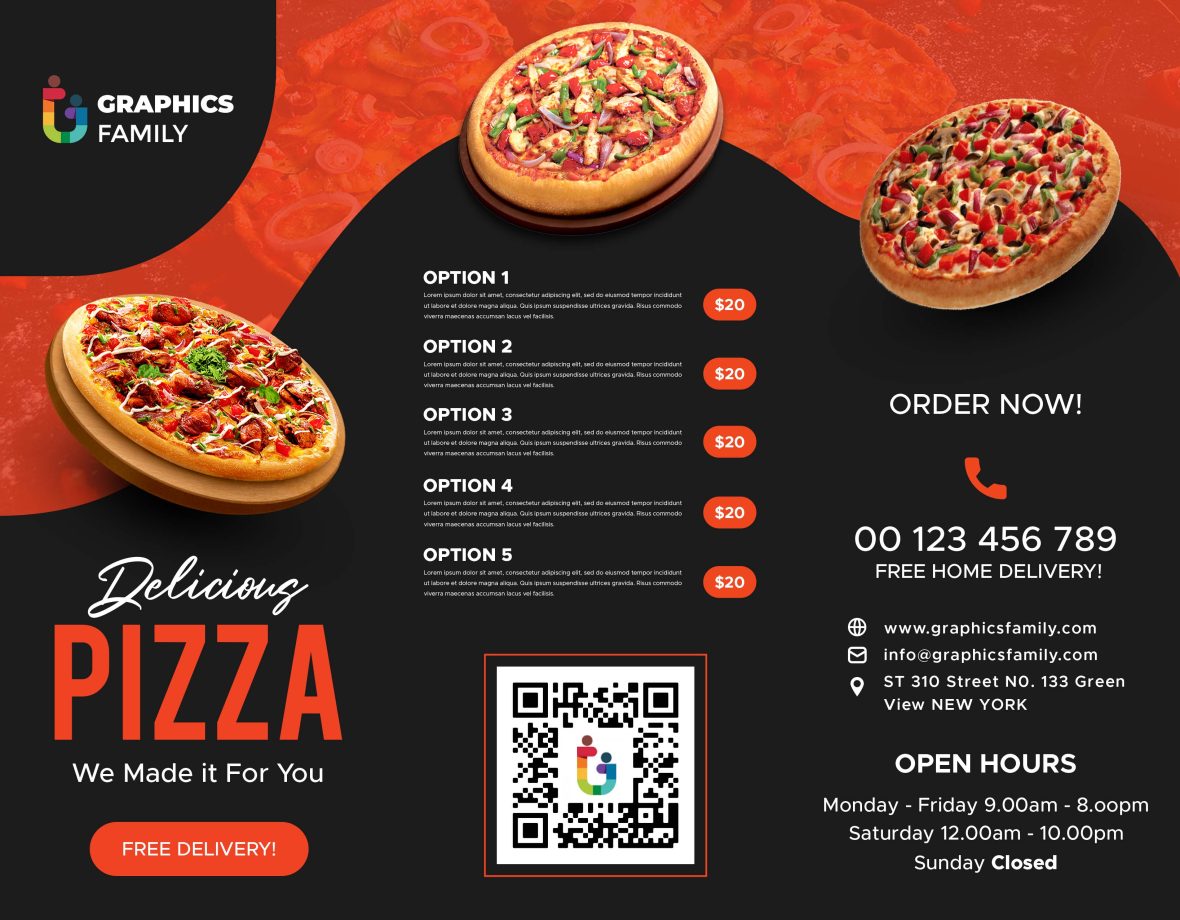
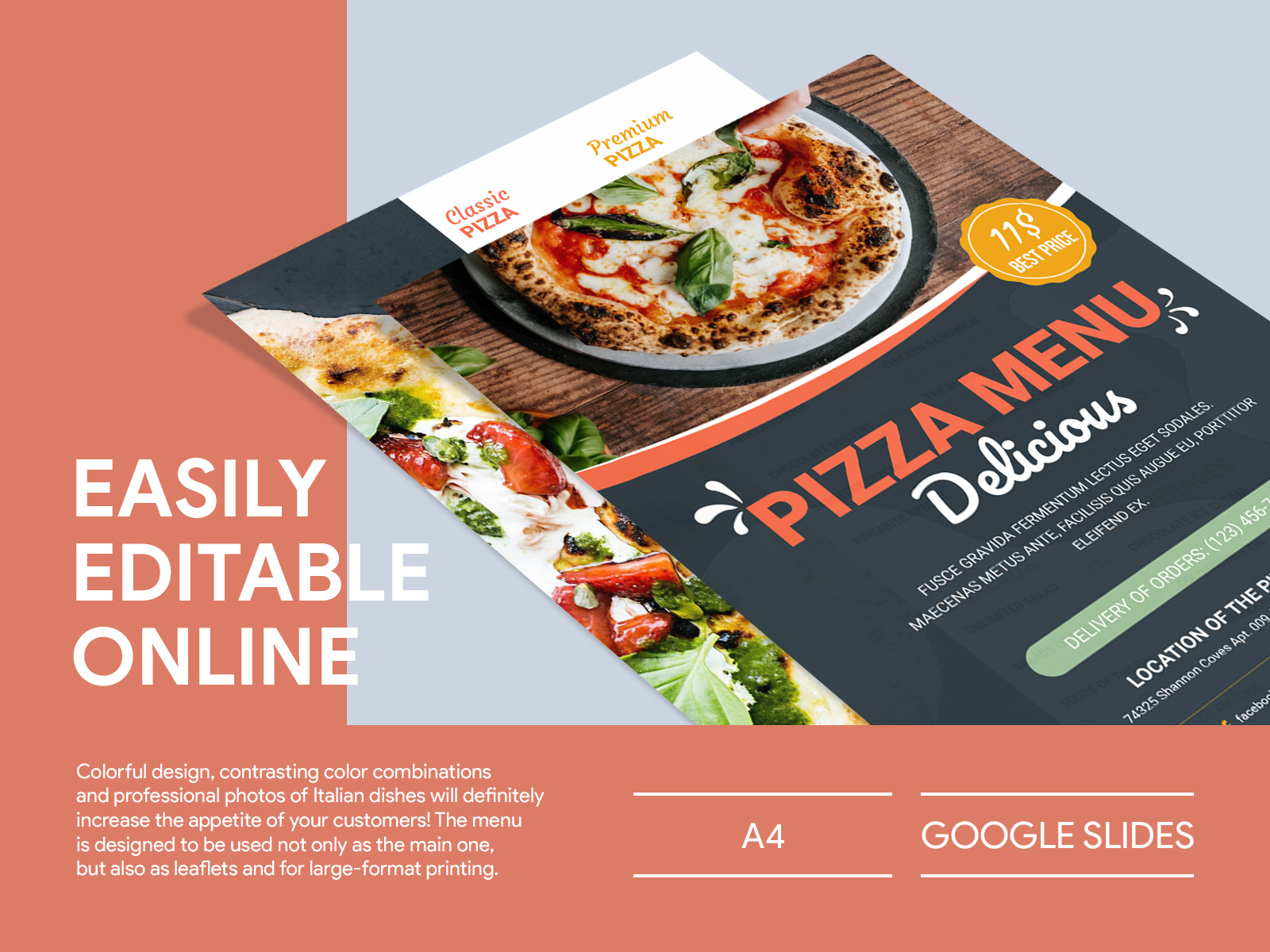
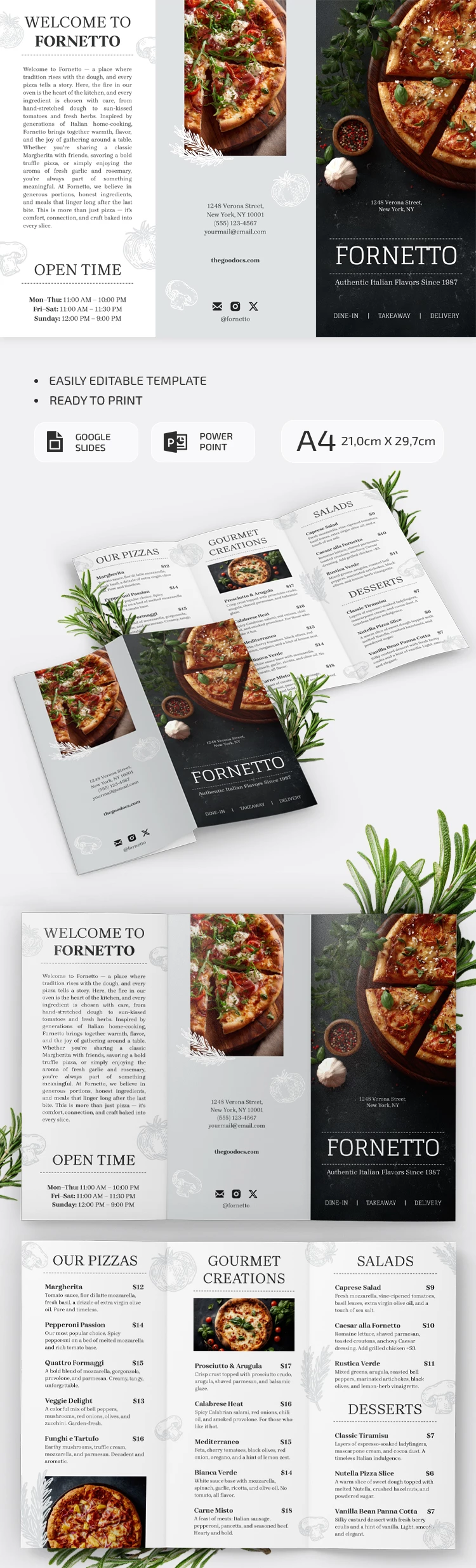
Creating an appealing brochure for your pizza restaurant can significantly enhance your marketing efforts. A well-designed brochure is not just informative; it also attracts potential customers and communicates your brand effectively. The Pizza Restaurant Brochure Free Google Docs Template is an excellent resource that allows you to create a professional-looking brochure in no time. This template is customizable, easy to use, and perfect for anyone looking to promote their pizza business.
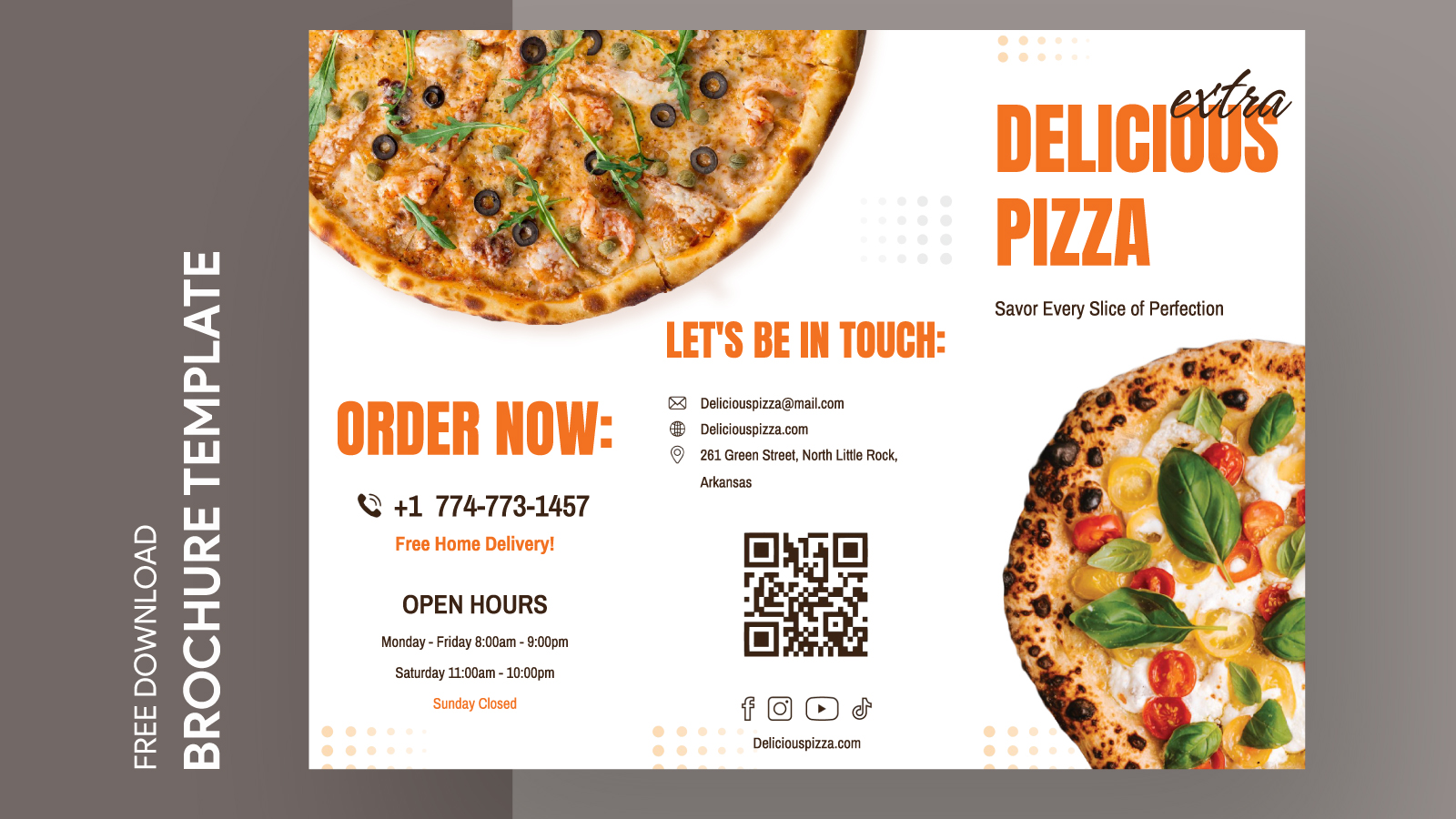
Features of the Pizza Restaurant Brochure Template
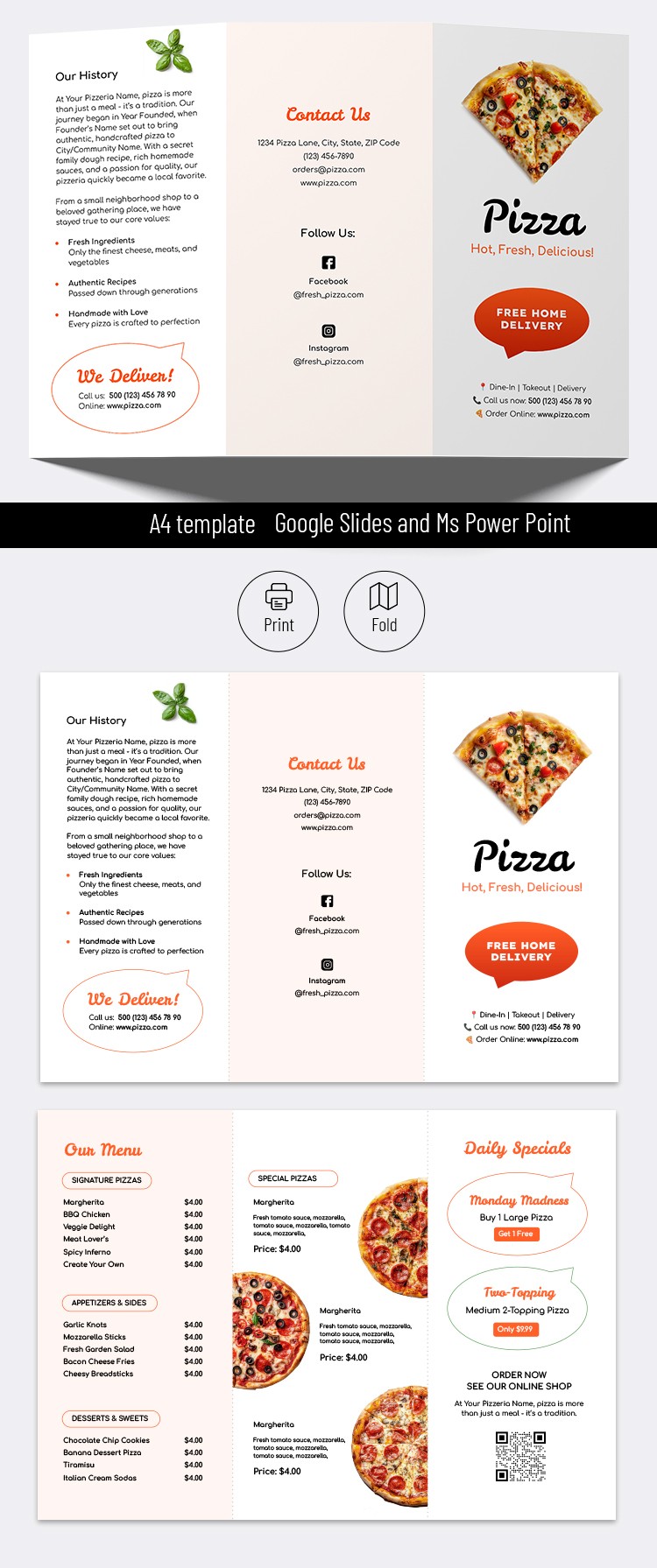
This template is designed with versatility in mind. It offers several features that make it suitable for various pizza restaurant themes. Here’s what you can expect:
- Customizable Layout: You can easily modify the layout to fit your restaurant’s unique style. Change colors, fonts, and images to reflect your brand identity.
- User-Friendly Format: Created in Google Docs, the template is accessible and easy to edit, even for those who may not have advanced design skills.
- Print-Ready Design: The brochure is formatted for standard printing sizes, making it easy to print from your home or commercial printer.
How to Download and Use the Template
Getting started with your Pizza Restaurant Brochure Free Google Docs Template is straightforward. Here’s a step-by-step guide to help you through the process:
- Access the Template: Click on the download link provided on the resource website. You will be directed to Google Docs.
- Make a Copy: Once opened, go to ‘File’ > ‘Make a copy’ to save it to your own Google Drive. This allows you to edit the template without altering the original.
- Edit Your Details: Replace the placeholder text with your restaurant’s information, including your menu items, prices, and contact details. You can also add photos of your dishes to make it visually appealing.
- Adjust Layout as Needed: Feel free to rearrange sections or add new ones. If you want to highlight special promotions or events, this is the time to do it.
- Print or Share: Once you are satisfied with the design, you can print it directly from Google Docs or download it as a PDF for high-quality printing.
Tips for Effective Brochure Design
Creating a brochure is more than just filling in spaces with text and images; it’s about crafting a message. Here are some tips to ensure your pizza restaurant brochure stands out:
- Clear Call to Action: Make sure to include a clear call to action, such as “Order Now” or “Visit Us Today.” This encourages potential customers to take immediate action.
- High-Quality Images: Use high-resolution images of your pizzas and other offerings. Visual appeal is crucial in the food industry.
- Concise Information: Keep text concise and to the point. Use bullet points for easy readability and highlight key features of your restaurant.
Printing and Distribution Considerations
Once your brochure is designed, think about how you will distribute it. Here are some practical tips for printing and getting your brochure into the hands of potential customers:
- Paper Type: Opt for a thicker cardstock to give your brochure a professional feel. This is especially important if it will be handled frequently.
- Color Printing: Full-color printing typically yields the best results, as it showcases your food images vibrantly. If you’re on a budget, consider printing in color on the front and black and white on the back.
- Distribution Channels: Consider placing your brochures in local businesses, community centers, or at events. You can also include them with takeout orders.
Pizza Restaurant Brochure Free Google Docs Template Gallery