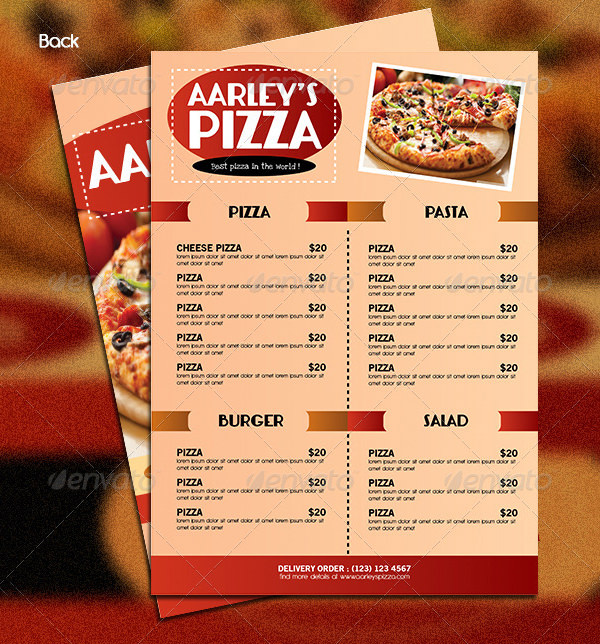
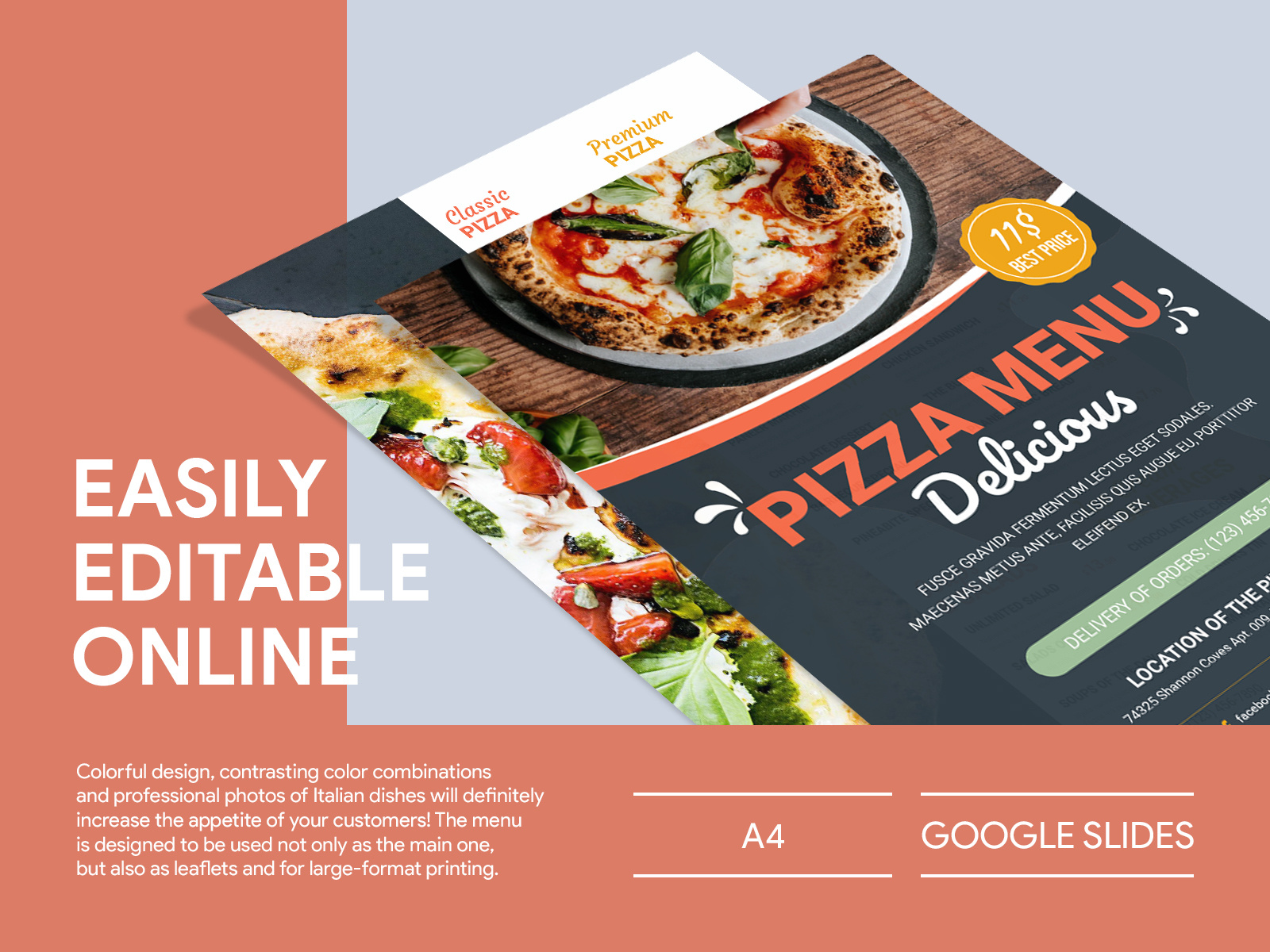
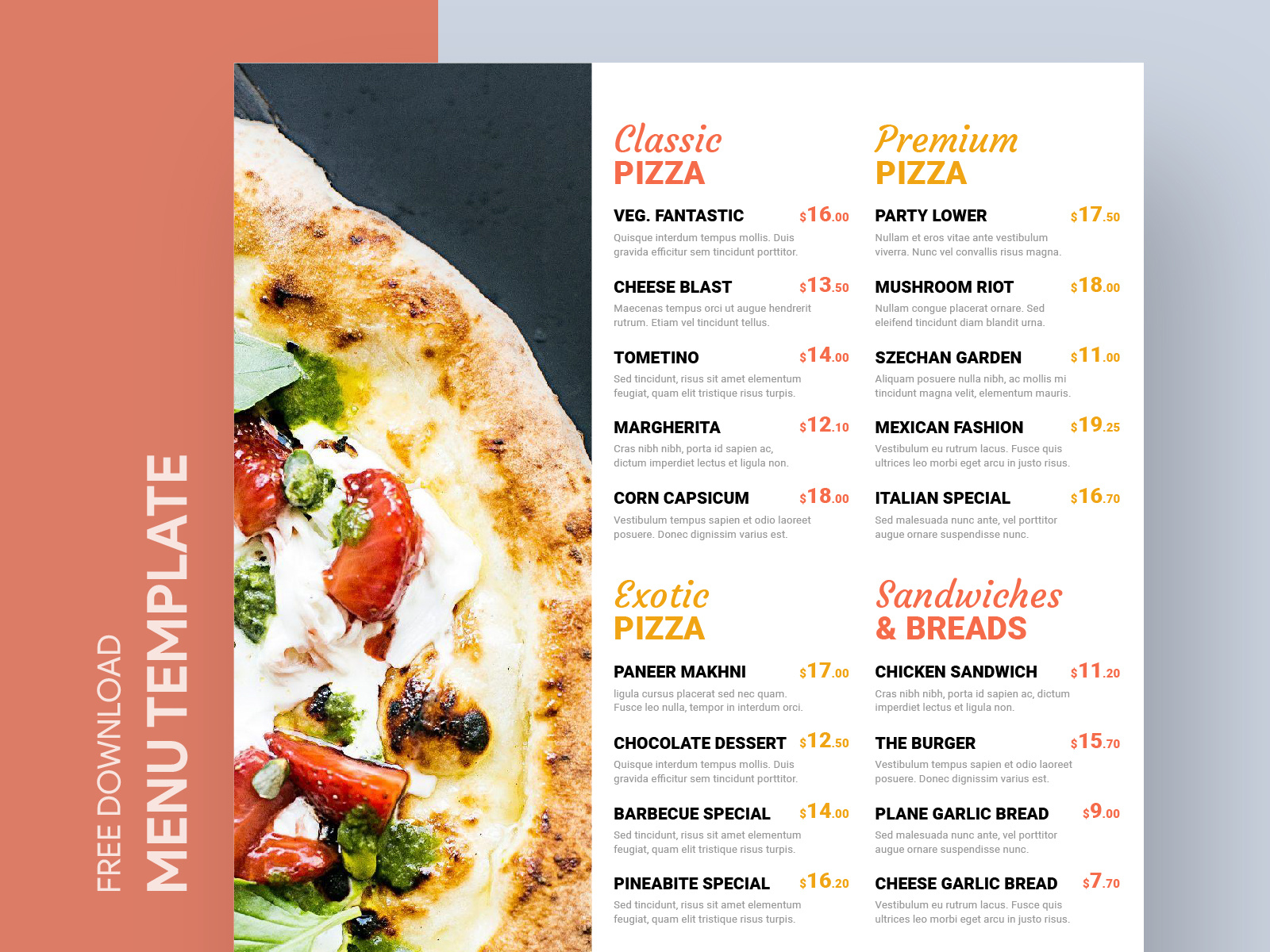
When it comes to hosting a get-together or planning a family pizza night, having a well-organized pizza menu can make all the difference. The Pizza Menu Free Google Docs Template is designed to help you present your pizza options in a clear, inviting way. This resource simplifies the process of creating a menu that reflects your unique style while providing an easy-to-read format for your guests.
Why Use a Pizza Menu Template?
A dedicated pizza menu template allows you to focus on your delicious offerings rather than spending time on design. With the Pizza Menu Free Google Docs Template, you can easily customize your menu to suit the occasion—whether it’s a birthday party, a casual dinner with friends, or a family gathering. This template provides a professional look that can elevate your event.
Customization Options
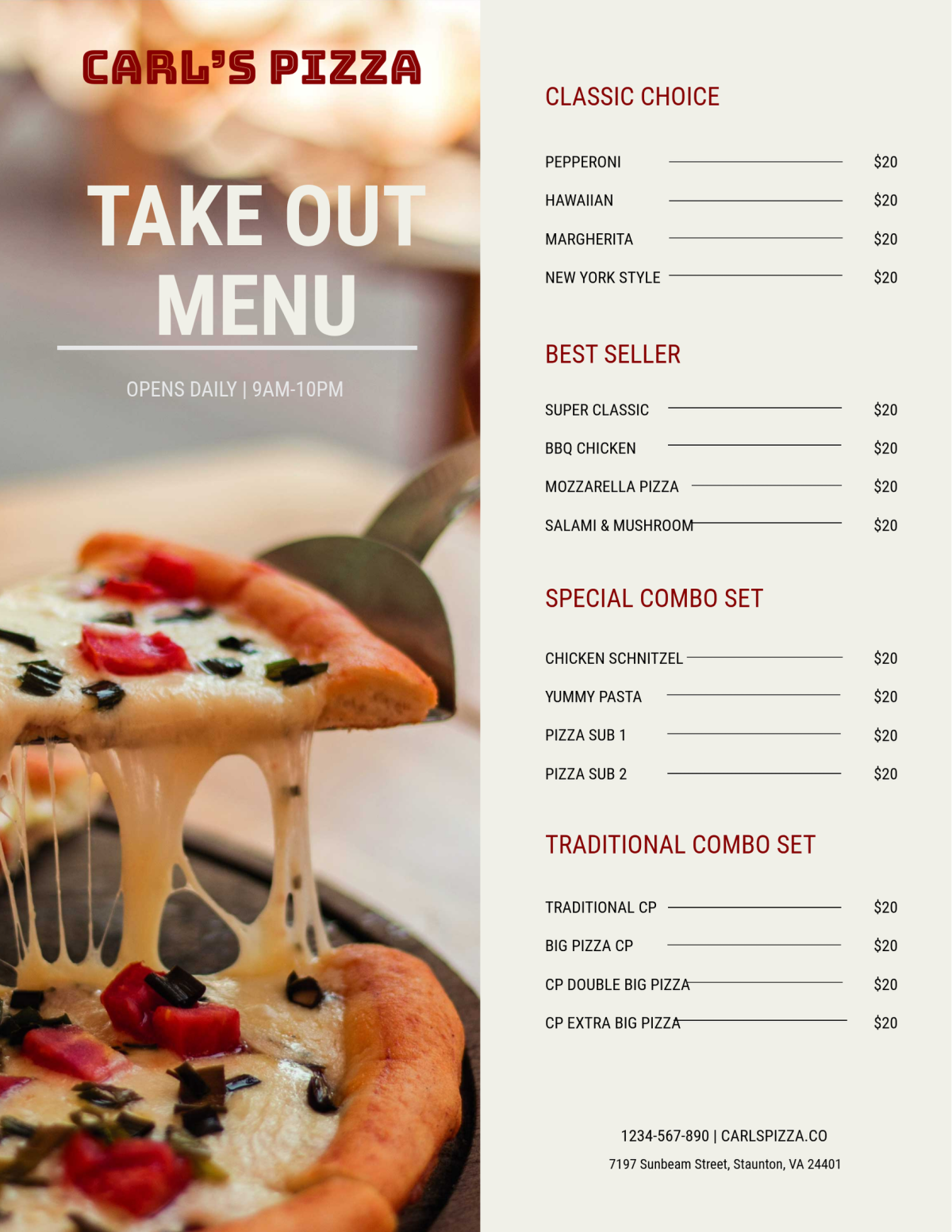
One of the most significant advantages of using this template is the flexibility it offers. You can easily alter the content to feature your favorite pizzas, sides, and drinks. Here are some customization options to consider:
- Add Your Logo: Personalize your menu by adding your restaurant or family logo at the top. This small detail can make your menu feel more official and tailored to your event.
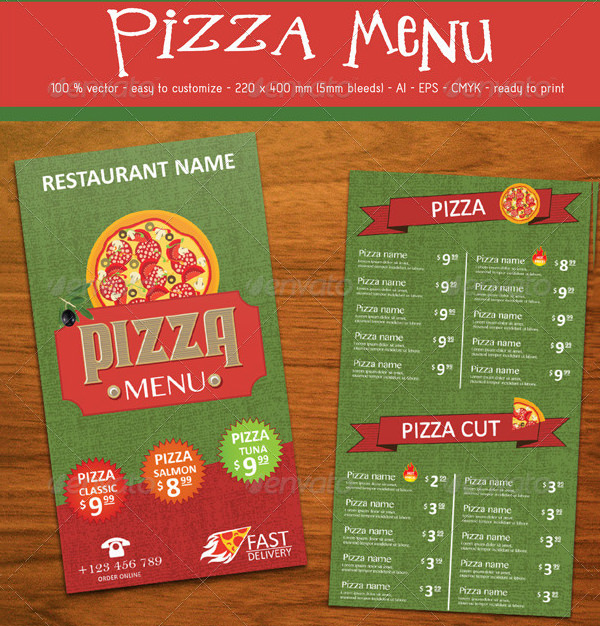
- Choose Your Colors: The template allows you to adjust the color scheme to match your party theme. Whether you prefer vibrant reds and greens for a classic Italian feel or a more modern monochrome palette, you can easily make those changes.
- Include Descriptions: Make your menu more appealing by adding brief descriptions of each pizza. Highlighting special ingredients or unique flavors can entice your guests and help them make informed choices.
Organizing Your Menu
A well-organized menu is crucial for ensuring your guests can quickly find what they’re looking for. The Pizza Menu Free Google Docs Template helps you categorize your offerings effectively. Here’s how to structure your menu:
Pizza Types
Start with a section dedicated to different types of pizzas. You can categorize them into:
- Classic Pizzas: Margherita, Pepperoni, and Cheese.
- Specialty Pizzas: BBQ Chicken, Veggie Delight, and Hawaiian.
- Personalized Pizzas: Allow guests to choose their toppings for a custom experience.
Side Dishes and Drinks
Don’t forget to include side dishes and drinks! Consider adding sections for:
- Starters: Garlic bread, salads, and dipping sauces.
- Beverages: Soft drinks, wines, or even craft beers that pair well with your pizza selection.
This organization not only helps guests make quick decisions but also enhances their overall experience.
Printing and Display Options
Once you’ve customized your Pizza Menu Free Google Docs Template, it’s time to think about how you’ll present it. Here are some practical tips for printing and displaying your menu effectively:
- Paper Selection: For a professional touch, consider printing on cardstock. It’s sturdier than regular paper and holds up better if you plan to laminate your menu for repeated use.
- Size Matters: Decide whether you want a full-page menu or a smaller, more portable option. Common sizes like 8.5×11 inches work well for menus that will be placed on tables, while smaller sizes like 5×7 are great for handouts.
- Presentation Style: You can display your menus in several ways, such as in a frame, on a clipboard, or even as part of a buffet table setup. Each option gives a different vibe, so choose what best fits your event.
Making the Most of Your Menu
Now that you have your Pizza Menu Free Google Docs Template ready, think about how you can enhance the experience for your guests. Here are some ideas:
- Interactive Elements: Consider providing a section where guests can mark their favorite pizzas or suggest new toppings. This can help you improve future menus based on their feedback.
- Pairing Suggestions: If you’re feeling creative, add a section with recommended drink pairings for each pizza. This can guide your guests in making their meal choices more enjoyable.
- Seasonal Specials: If your event coincides with a holiday or season, don’t hesitate to create a special section for seasonal pizza options, like a pumpkin spice pizza for fall or a fresh tomato basil pizza for summer.
By using the Pizza Menu Free Google Docs Template, you’re not only simplifying your planning but also creating an enjoyable experience for your guests. This resource provides the perfect foundation for making your pizza night memorable.
Next Steps
Now that you have all the information you need, it’s time to download the template and start customizing! Get creative with your menu design, print it out, and get ready to impress your family and friends with a delicious selection of pizzas that everyone will love. Enjoy your pizza night!
Pizza Menu Free Google Docs Template Gallery