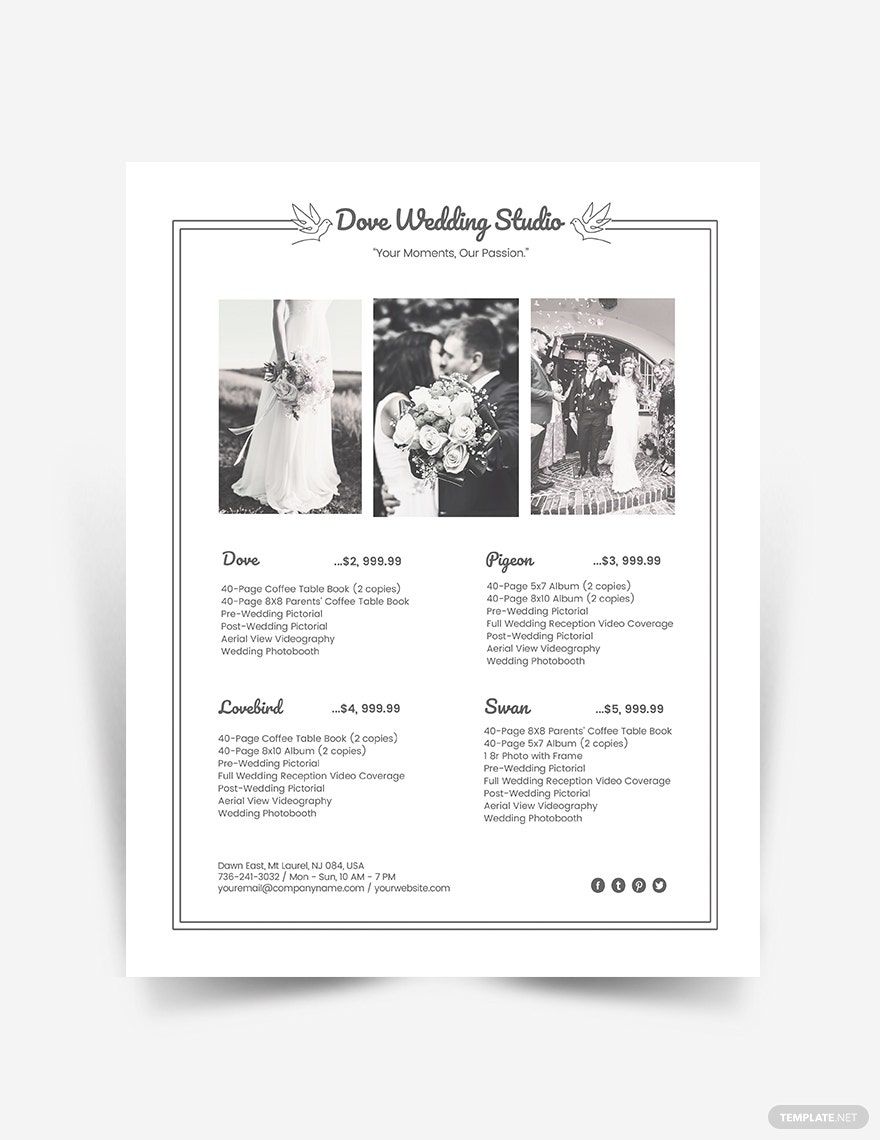
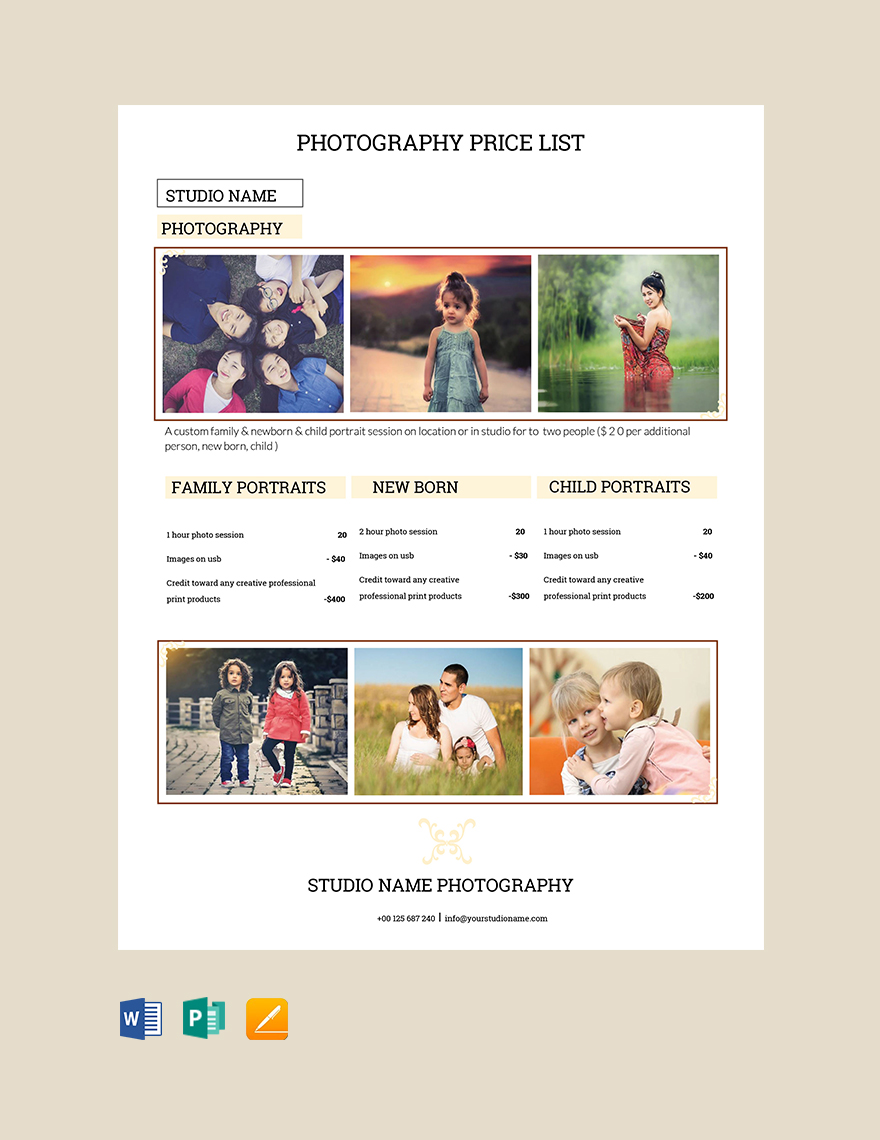
Creating a photography price list can often feel like a daunting task, especially if you’re just starting out or looking to refresh your existing pricing strategy. The Photography Price List Free Google Docs Template offers a user-friendly solution that allows you to customize your offerings according to your unique services. This template not only saves you time but also helps you present a professional image to potential clients.
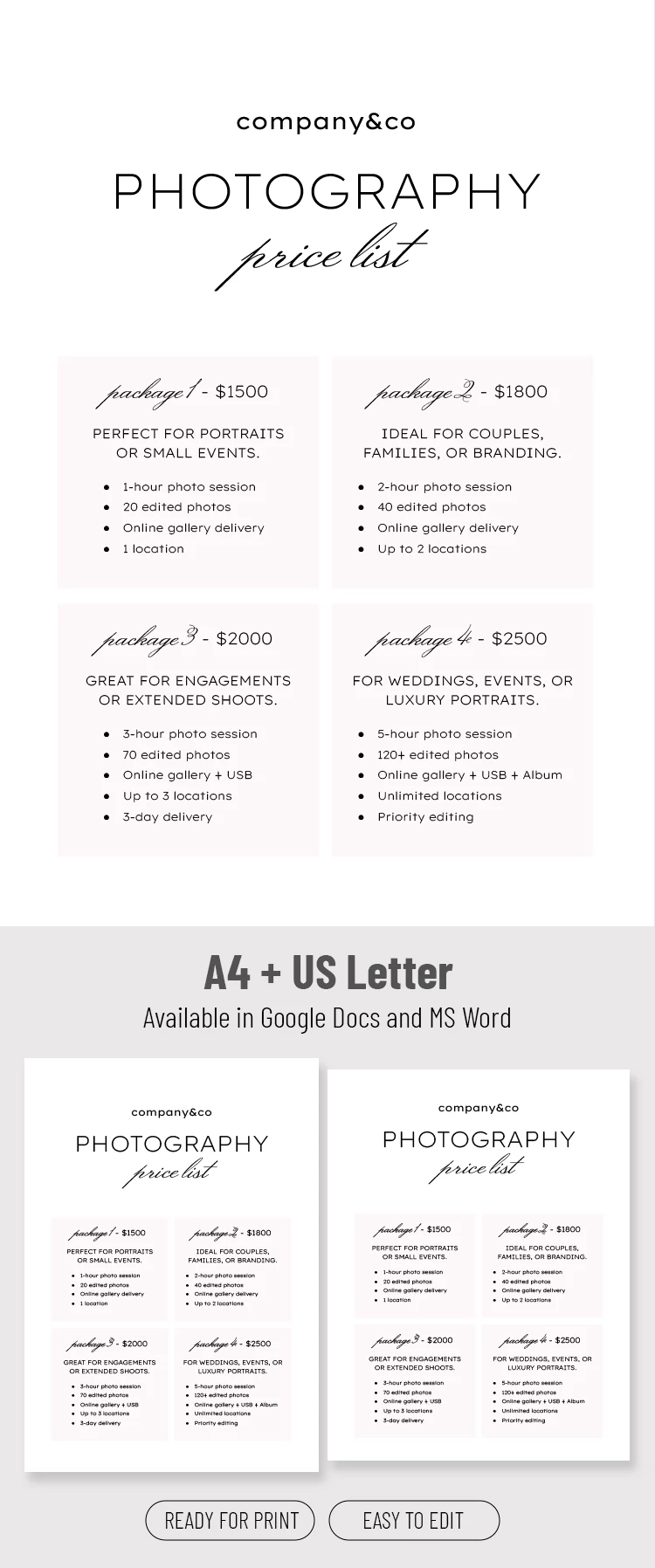
Understanding the Template Layout
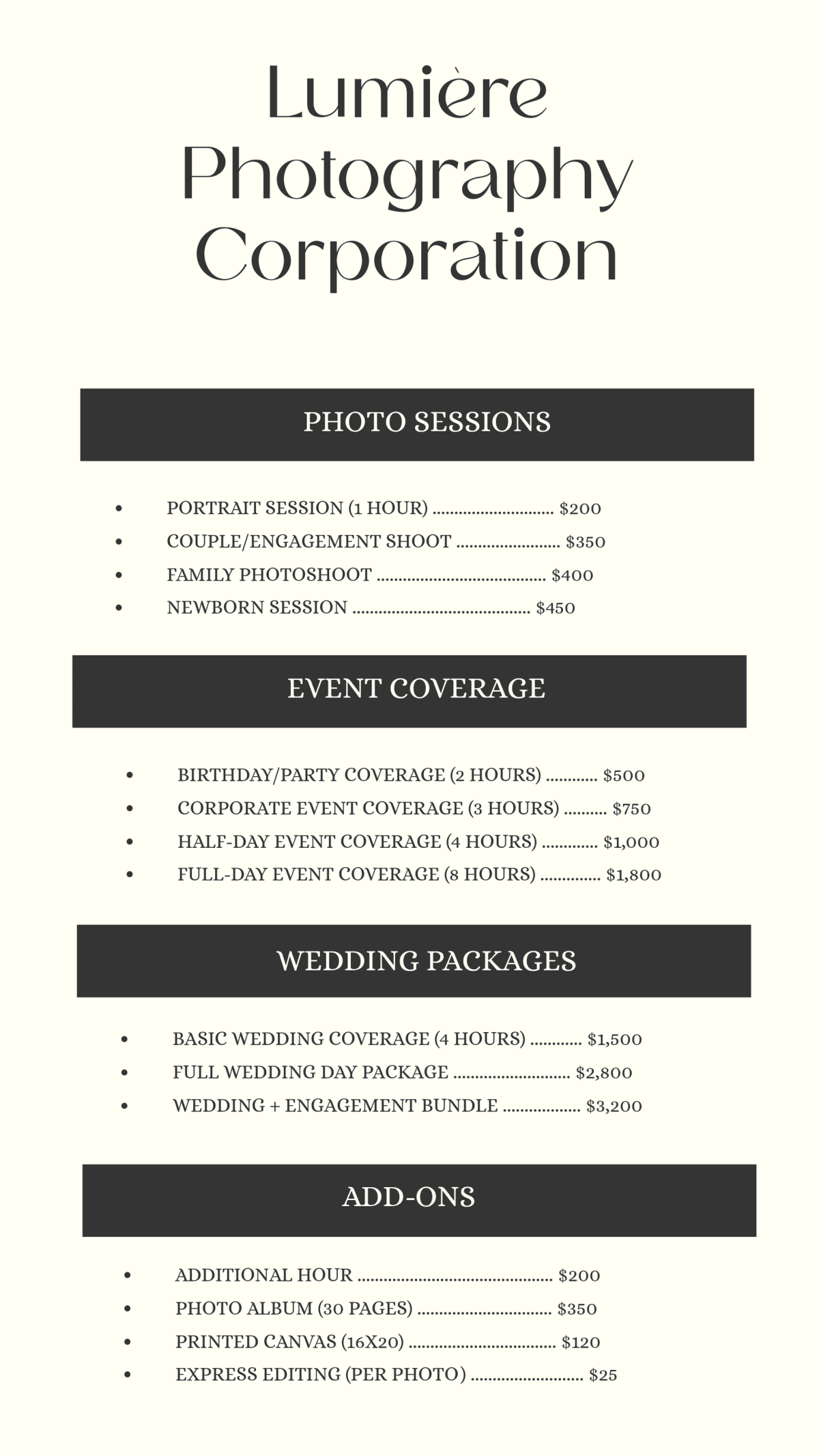
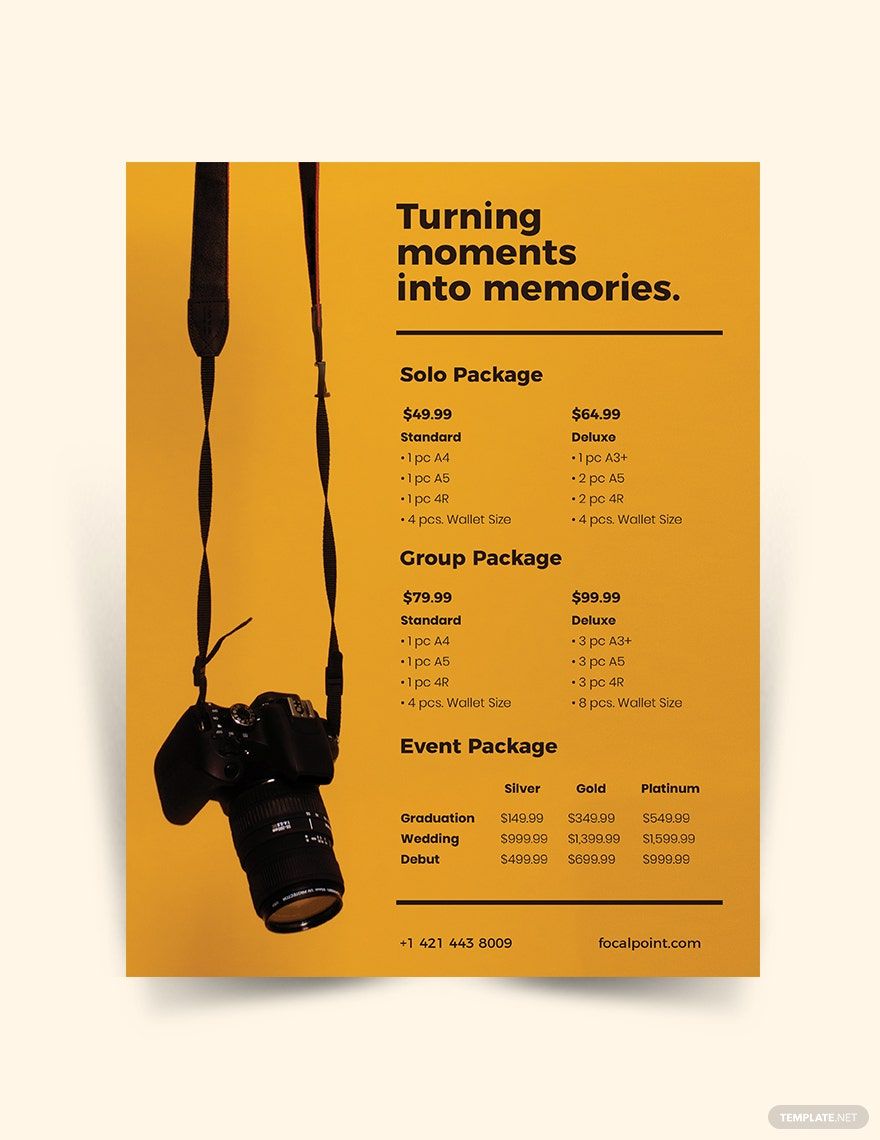
The layout of the Photography Price List Free Google Docs Template is designed with clarity and organization in mind. You’ll notice that it includes distinct sections dedicated to different types of photography services, such as portraits, weddings, events, and more. Each section allows you to specify the type of service, the duration, and the pricing, giving your clients a straightforward understanding of what you offer.
You can easily modify these sections to fit your specific needs. For instance, if you specialize in newborn photography, adding a section for “Newborn Sessions” with tailored pricing is as simple as clicking and typing. The clean, minimalistic design also ensures that your prices stand out, making it easy for clients to see what they’re paying for at a glance.
Customizing Your Price List
One of the best features of this template is its customizability. You can adjust not only the text but also the colors and fonts to match your brand. This is essential because your price list is often the first impression potential clients have of your business. By incorporating your logo and brand colors, you create a cohesive look that reinforces your identity as a photographer.
To customize the template, simply click on the text boxes to edit them. If you want to change the font, you can highlight the text and select your preferred style from the font menu at the top. This flexibility allows you to create a document that feels personal and professional simultaneously.
Practical Use Cases for the Template
Using the Photography Price List Free Google Docs Template can fit seamlessly into your workflow. Once customized, you can download it as a PDF for a polished look or print it out for in-person consultations. The template is particularly useful for pricing discussions during client meetings, as it allows you to quickly reference your services and adjust based on their needs.
Additionally, consider using the template for online distribution. You can send it as an attachment in emails or share it through your website. This makes it easy for clients to access your pricing at their convenience, which could lead to increased bookings.
Tips for Printing and Distribution
When it comes to printing your price list, consider using quality paper to enhance the professional feel. Standard letter size (8.5 x 11 inches) is the most common format and works well with most home printers. If you plan to hand out physical copies, cardstock can be a great choice for durability, especially for events or fairs.
If you’re distributing the price list digitally, saving it as a PDF ensures that the formatting remains intact, regardless of the device your clients use. This prevents any potential issues that might arise from using different word processing software.
Photography Price List Free Google Docs Template Gallery