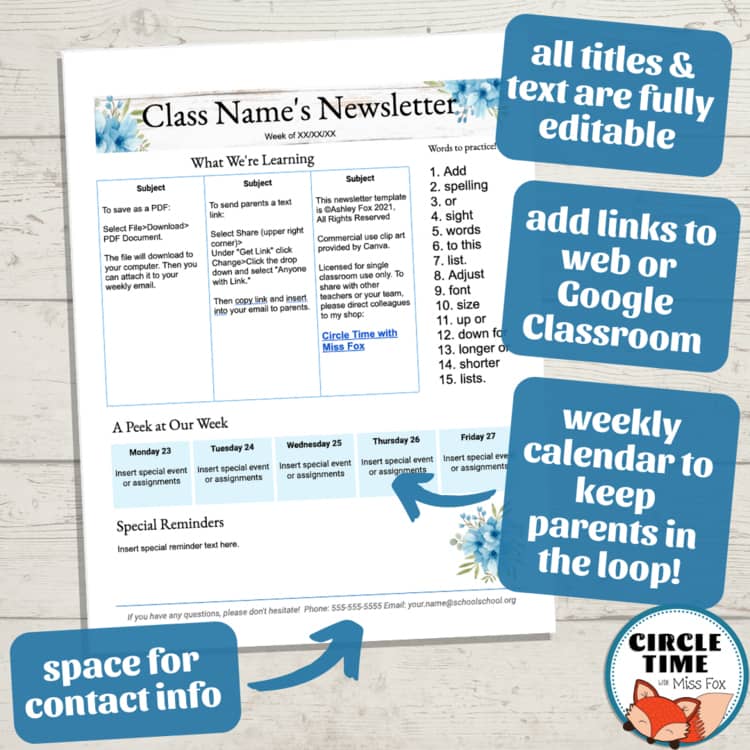
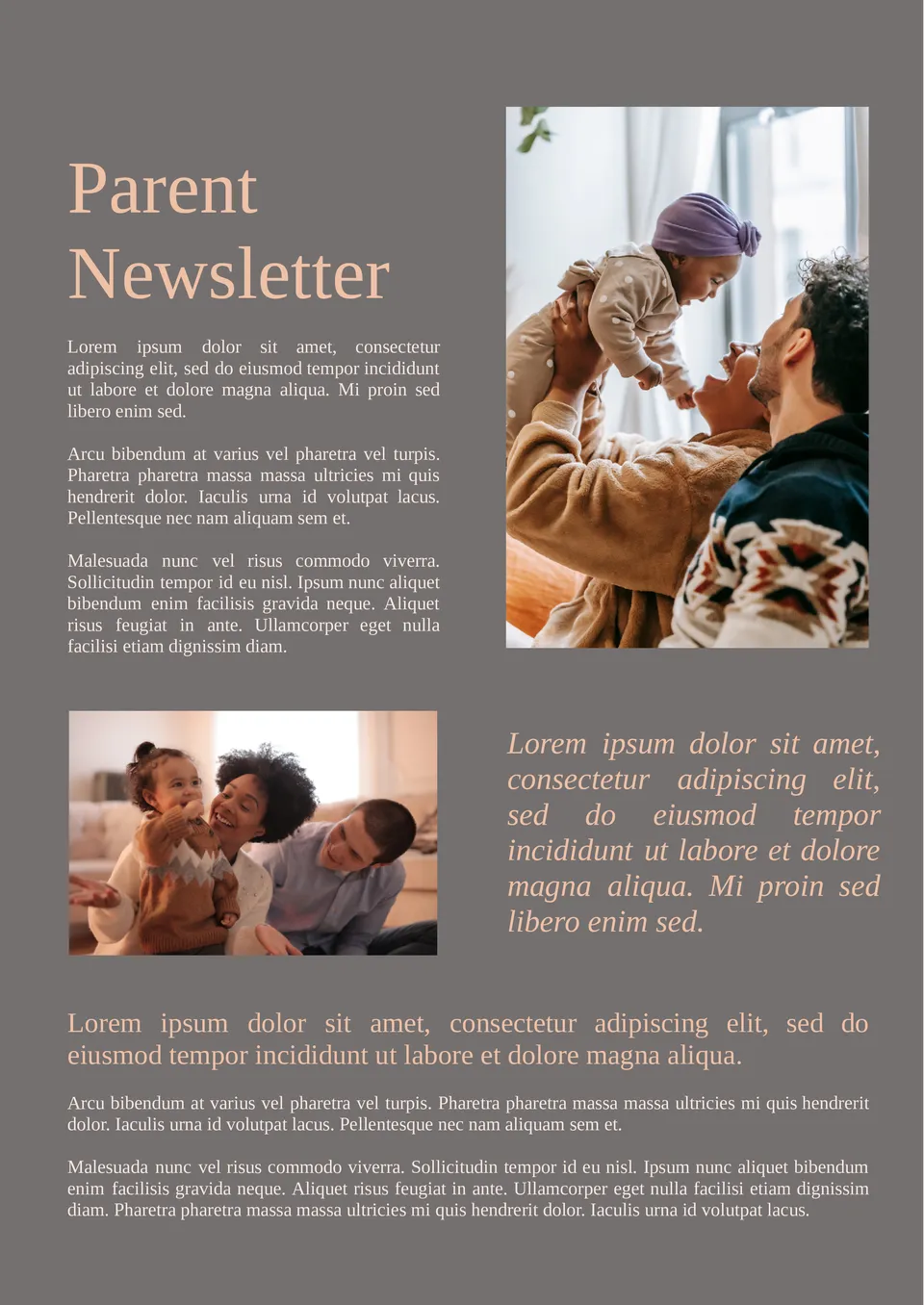
Creating a parent newsletter can feel like a daunting task, especially when trying to keep everyone informed about school events, policy changes, and important dates. However, the Parent Newsletter Free Google Docs Template is designed to simplify this process. It’s user-friendly and highly customizable, making it a great resource for teachers and school administrators alike.
What Makes This Template Stand Out?
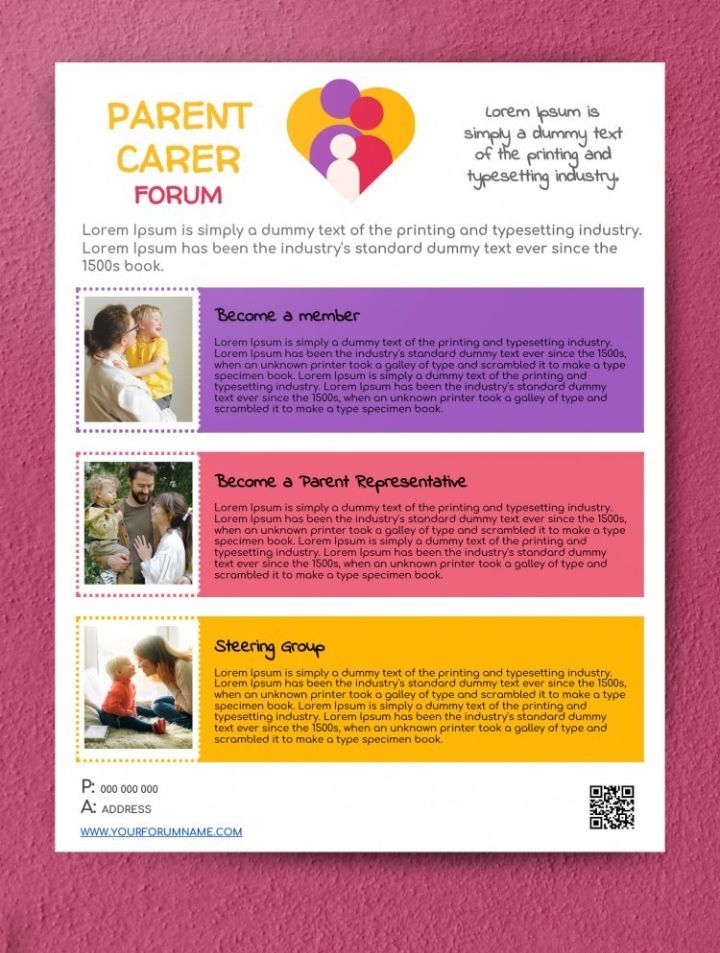
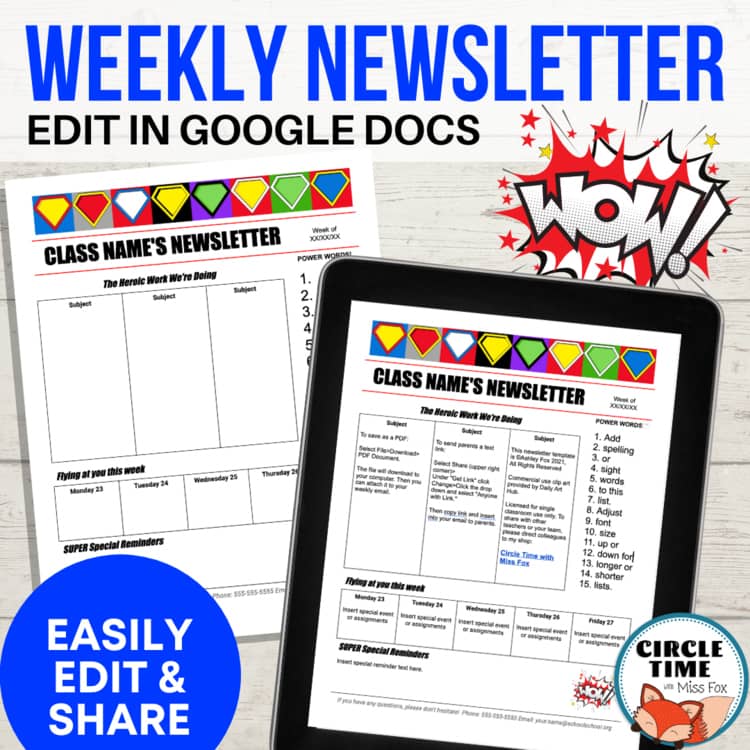
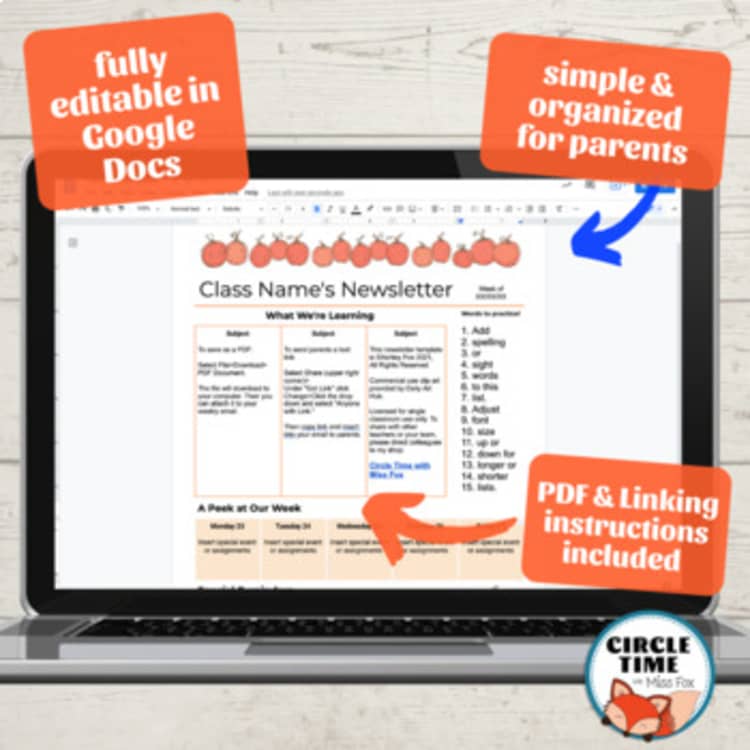
One of the standout features of this template is its flexibility. Unlike static templates you might find in print shops or other online resources, this Google Docs template allows you to edit text, change colors, and even add images or graphics that reflect your school’s branding. You can easily adapt it for different grades, themes, or specific events. Need to highlight a fundraiser or an upcoming field trip? Just replace the relevant sections with your content.
You can also collaborate in real-time. This means multiple teachers can add their input or updates without the hassle of email chains. Plus, since it’s in Google Docs, you can access it from anywhere with an internet connection.
Customization Options
Customization is one of the key advantages of using the Parent Newsletter Free Google Docs Template. Here are some aspects you can modify:
- Text Layout: You can choose between a traditional multi-column layout or a single-column format, depending on how much information you need to convey. A multi-column layout is often more eye-catching and allows for more diverse content.
- Color Schemes: Change the colors to match your school’s colors or to reflect seasonal themes. This can make your newsletter visually appealing and relevant to upcoming events.
- Images and Logos: Adding images or your school’s logo can help personalize the newsletter. Visual elements can grab attention, making important announcements stand out.
- Content Sections: The template comes with predefined sections like “Upcoming Events,” “Important Announcements,” and “Volunteer Opportunities.” You can easily add, remove, or rename these sections based on your needs.
Even if you’re not tech-savvy, these features are straightforward enough that anyone can make adjustments with minimal effort.
Practical Uses for the Template
The versatility of the Parent Newsletter Free Google Docs Template makes it suitable for various scenarios beyond just regular newsletters. Here are a few practical uses:
- Monthly Updates: Keep parents informed with monthly newsletters detailing what has been accomplished in the classroom, upcoming curriculum changes, or special projects.
- Event Announcements: Use the template to create stand-alone flyers for events, such as parent-teacher conferences, school performances, or open houses.
- Special Editions: For holidays or major school events, you can create special editions of your newsletter that highlight relevant activities, celebrations, or themes.
- Feedback Mechanism: Include a section for parents to provide feedback or suggestions. This can be a simple Google Form link that allows you to gather input efficiently.
Downloading and Printing Tips
Once you’ve customized your newsletter, downloading and printing it should be a breeze. Here are some tips to ensure it looks great:
- File Format: When downloading, choose the PDF format for the best print quality. PDFs preserve your formatting, ensuring that nothing shifts when printed.
- Paper Size: Standard letter size (8.5×11 inches) works well for most newsletters, but if you want something different, the template can easily be adjusted to accommodate different paper sizes.
- Print Settings: If you’re printing at home, ensure your printer settings are set to “best quality” for the clearest print. For a professional look, consider using a local print shop.
- Cardstock vs. Regular Paper: If you plan to distribute your newsletters in a way that they might get folded or handled often, using cardstock can be a smart choice. It holds up better over time.
Parent Newsletter Free Google Docs Template Gallery