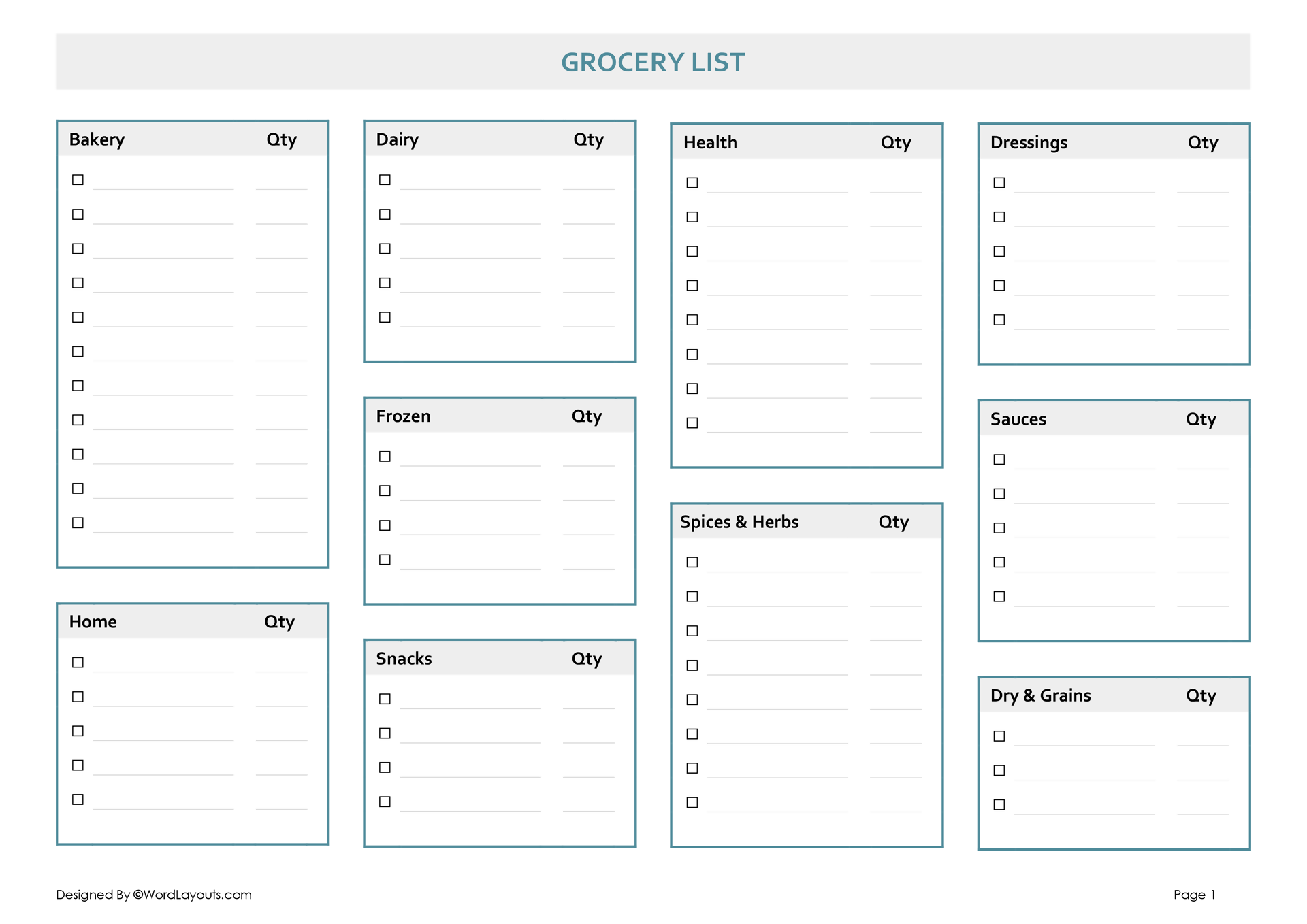
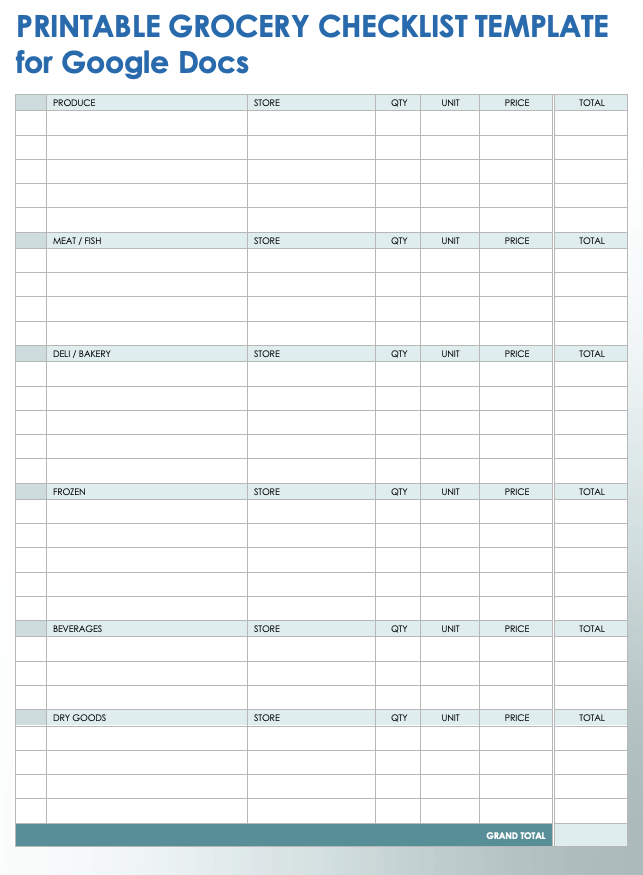
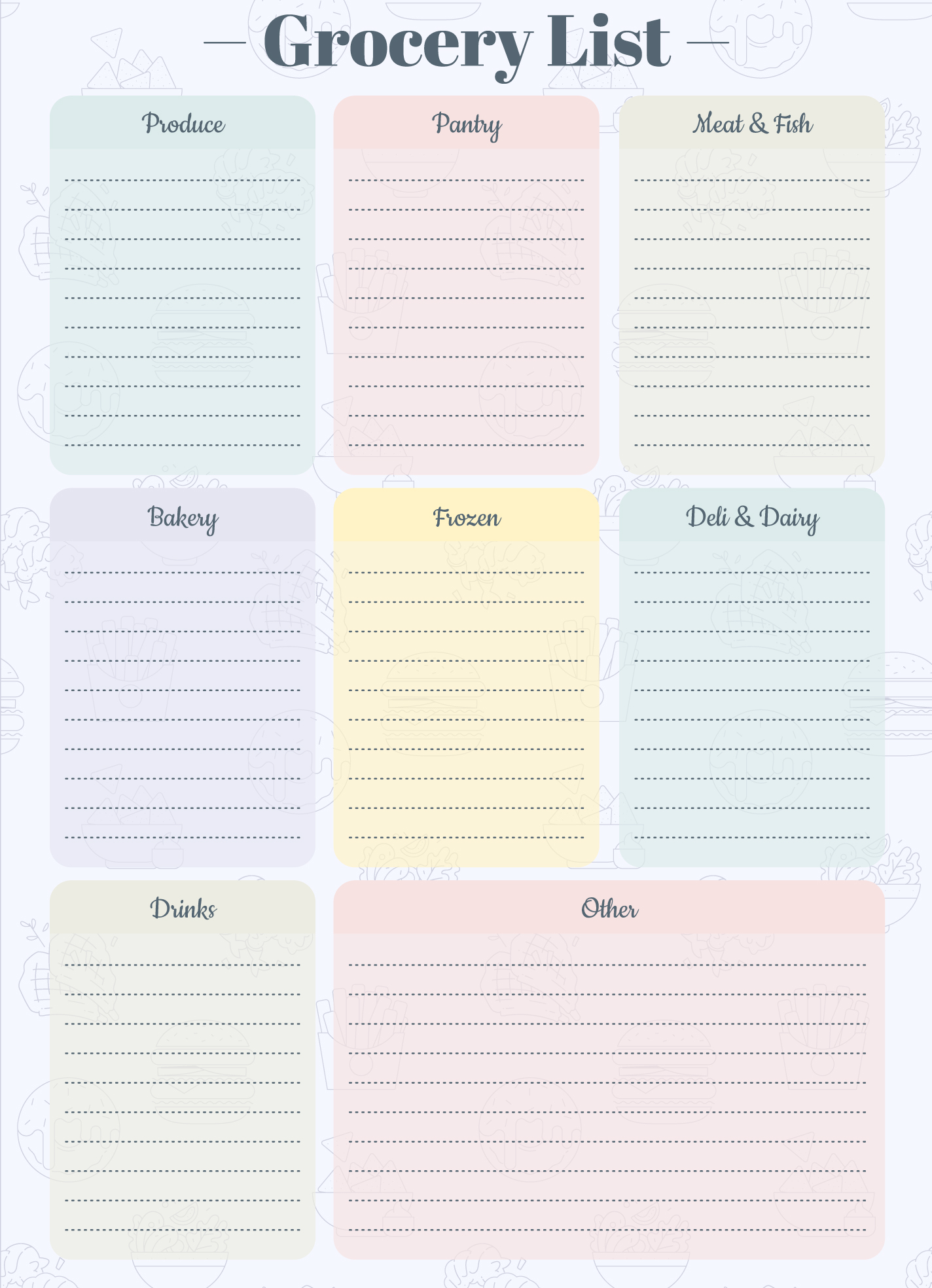
Creating a well-structured grocery list can make your shopping trips smoother and more efficient. The Organized Grocery List Free Google Docs Template is designed specifically for those who want to save time and stay organized while grocery shopping. This handy tool allows you to list items by category, ensuring you don’t forget anything and can easily navigate the store.
Understanding the Layout of the Template
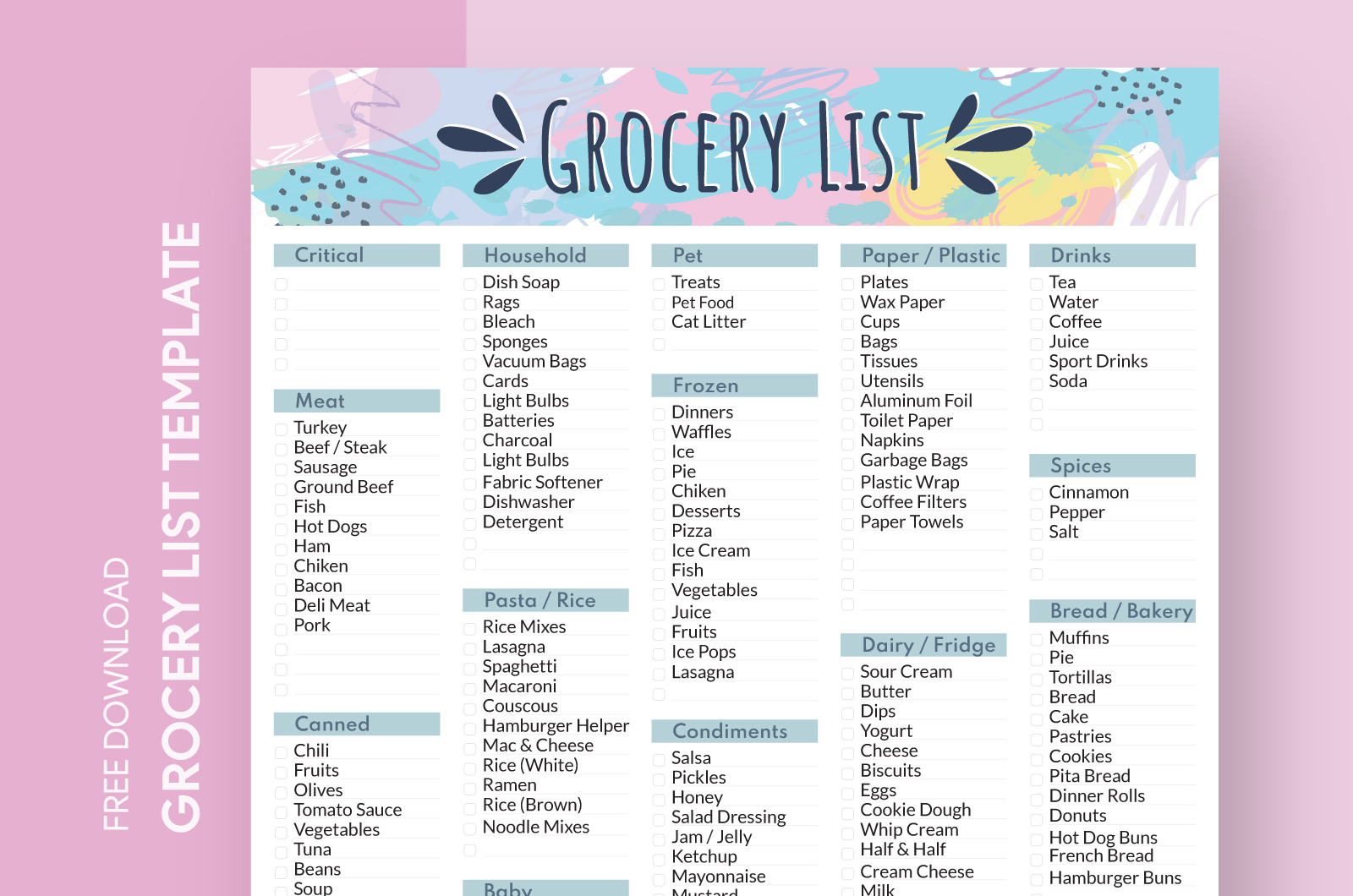
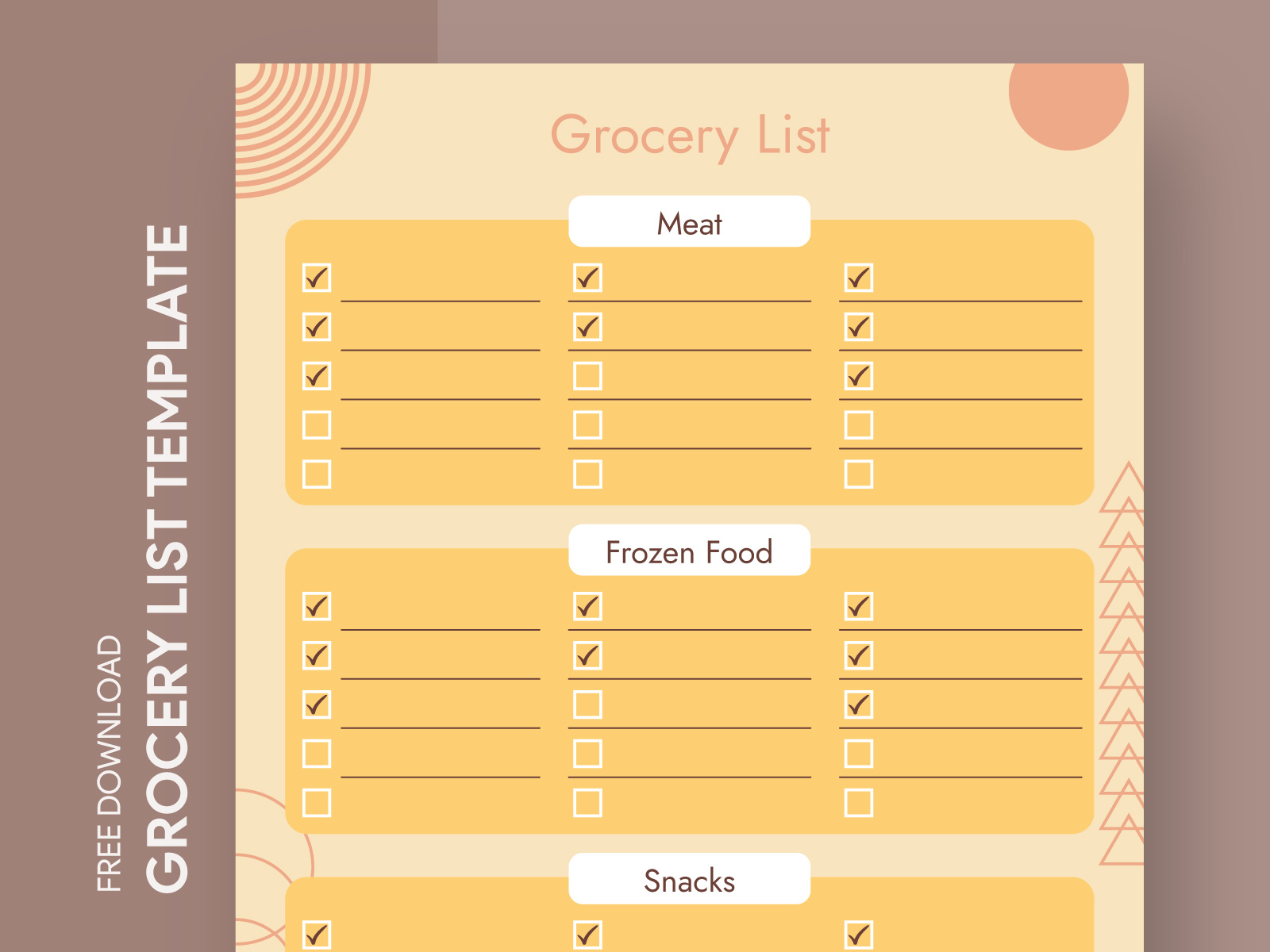
When you first open the Organized Grocery List Free Google Docs Template, you’ll notice its clean, user-friendly design. The template typically includes sections for different categories such as Produce, Dairy, Meat, and Snacks. This layout not only helps you to keep your list organized but also speeds up your shopping process. You can quickly tick off items as you shop, making it easier to focus on the task at hand.
The template is formatted for easy printing on standard letter-sized paper (8.5 x 11 inches), which is ideal for most home printers. However, if you prefer a more compact size, you can adjust the settings in Google Docs before printing. Just remember to check the print preview to ensure everything fits perfectly on the page.
Customizing Your Grocery List
One of the best features of the Organized Grocery List Free Google Docs Template is its customizability. You can easily modify the list to fit your specific needs. For instance, if you frequently shop for bulk items or have a specific dietary requirement, you can add new categories or subcategories to the template.
Consider adding a section for “Weekly Specials” or “Meal Prep Items” if those are relevant to your shopping habits. You can also color-code items or use bold text for important items, making them stand out at a glance. Google Docs allows for straightforward text formatting, which means you can personalize the list in a way that suits your style.
How to Download and Use the Template
Getting started with the Organized Grocery List Free Google Docs Template is quick and easy. Simply click on the link to access the template, and then select “Make a copy” to save it to your Google Drive. This step is crucial as it allows you to edit the document without altering the original template.
Once you have your copy, you can start filling in your grocery items right away. If you prefer to write by hand, simply print it out after you’ve added your items. Remember to double-check your list before heading to the store to ensure you have everything you need.
Practical Tips for Efficient Grocery Shopping
To make the most of your Organized Grocery List Free Google Docs Template, consider these practical shopping tips:
- Plan Your Meals: Before creating your grocery list, take a moment to plan your meals for the week. This will help you determine exactly what you need and prevent impulse purchases.
- Stick to the List: When you arrive at the store, try to stick to your list as closely as possible. This helps avoid unnecessary spending and keeps your shopping focused.
- Organize by Store Layout: If you’re familiar with your grocery store’s layout, arrange your list in the order of items as they appear in the store. This can save you time and reduce the chances of missing anything.
- Use a Digital Device: If you prefer, you can access the Google Docs template on your smartphone while you shop. This allows you to make quick adjustments or add items on the go.
By incorporating these tips with the Organized Grocery List Free Google Docs Template, you can enhance your shopping experience, ensuring that you get everything you need without the stress of forgetting items.
Organized Grocery List Free Google Docs Template Gallery