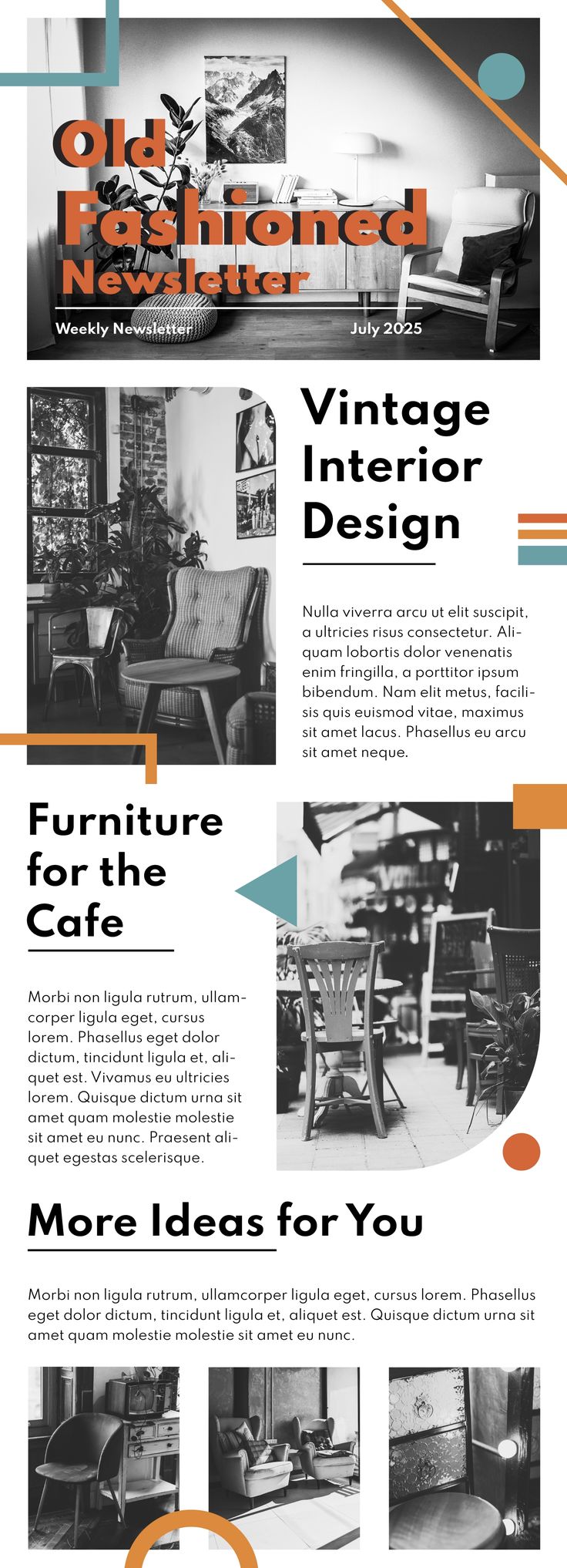
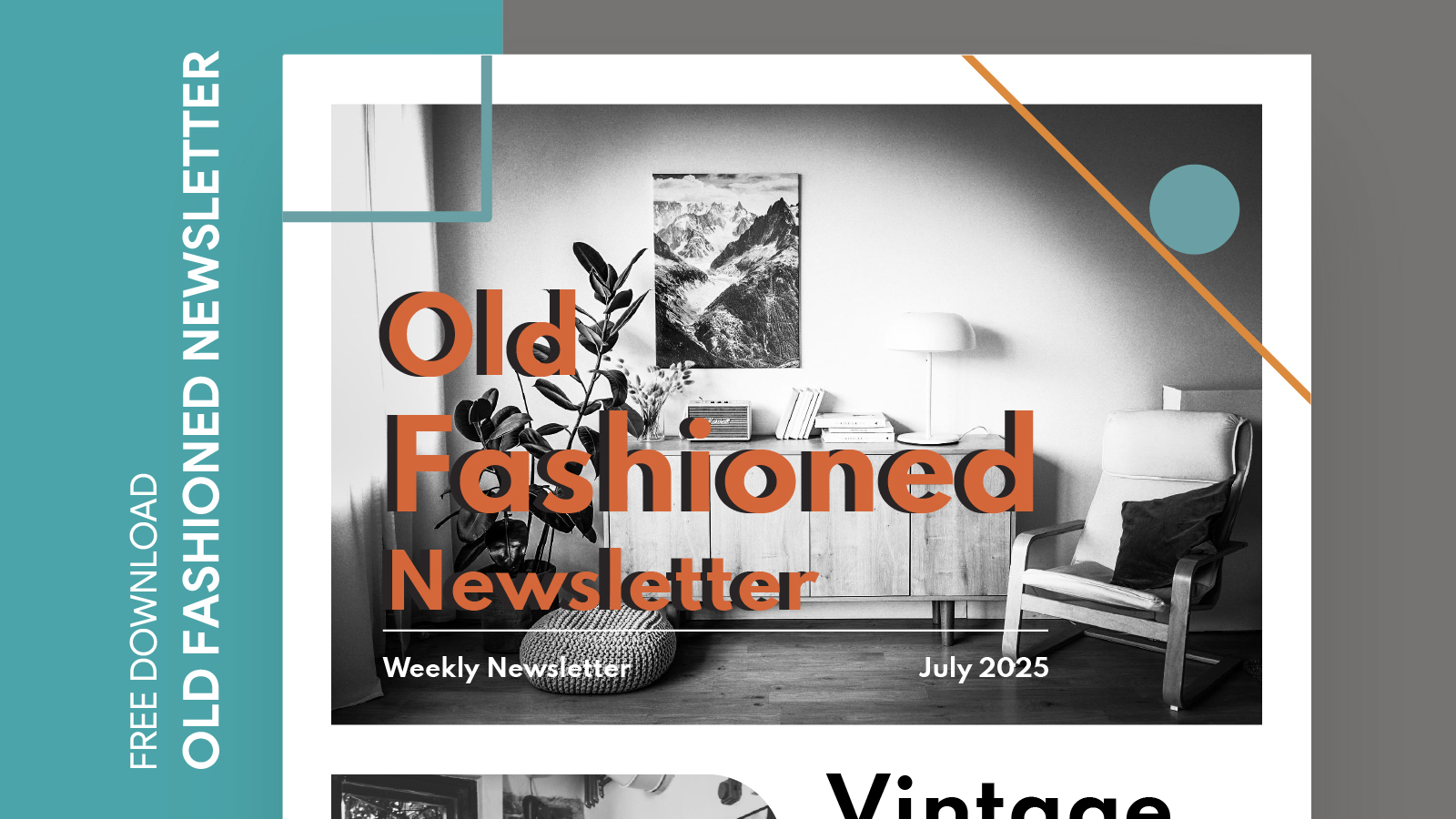
Creating a newsletter can feel like a daunting task, especially if you’re trying to capture that nostalgic appeal of an old-fashioned format. The Old Fashioned Newsletter Free Google Docs Template stands out from other resources because it combines classic design with modern functionality, making it easy for anyone to customize and use. If you are preparing a newsletter for your family, a community group, or a school project, this template offers a straightforward solution that simplifies the process.
Understanding the Template Layout
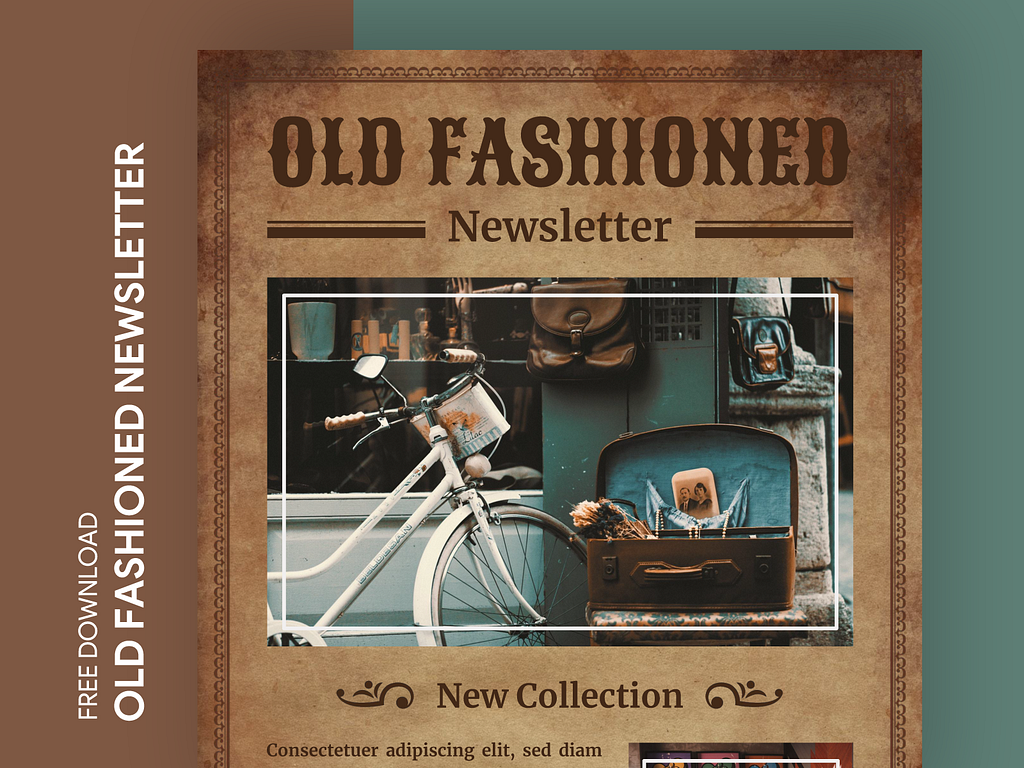
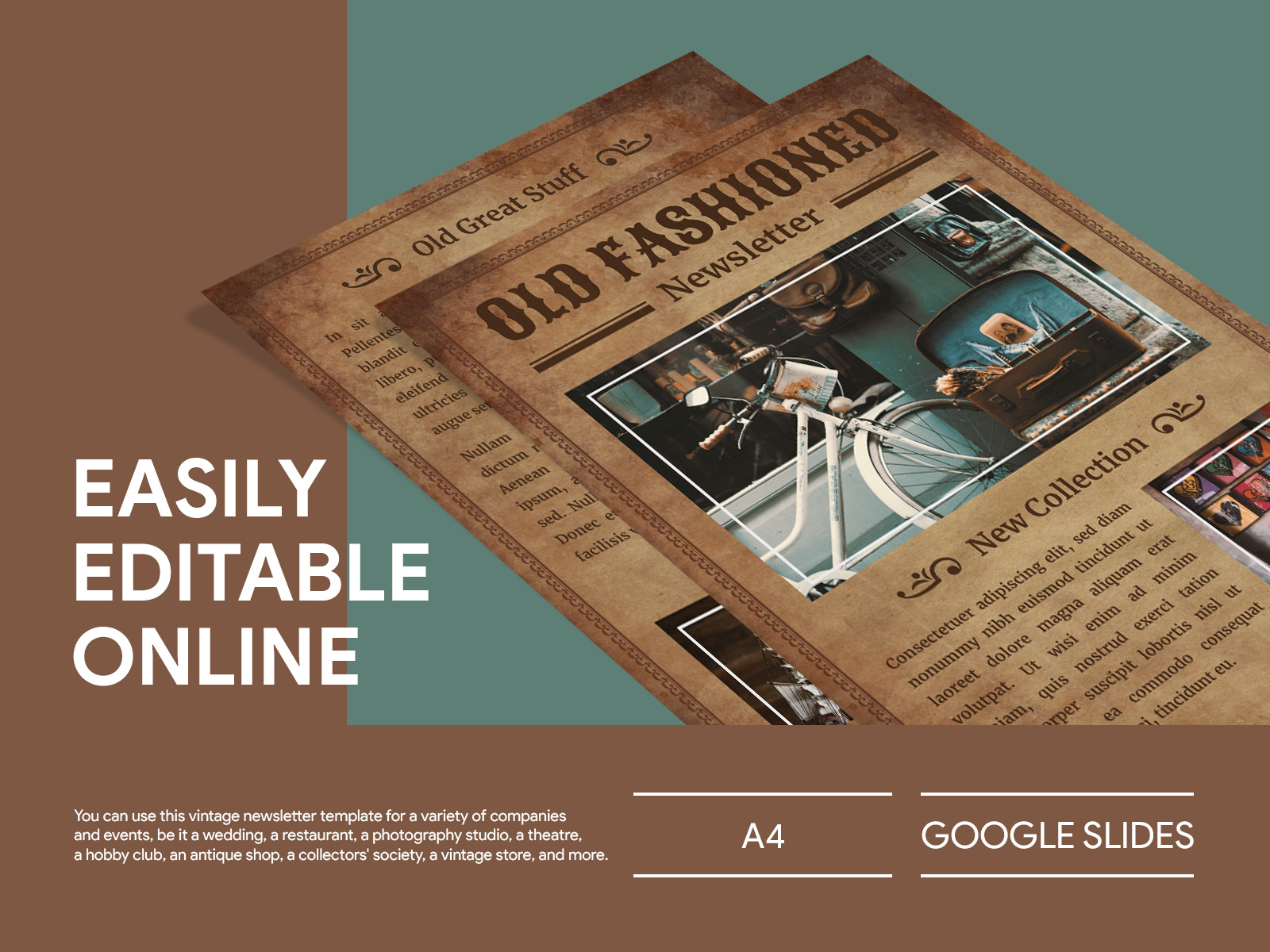
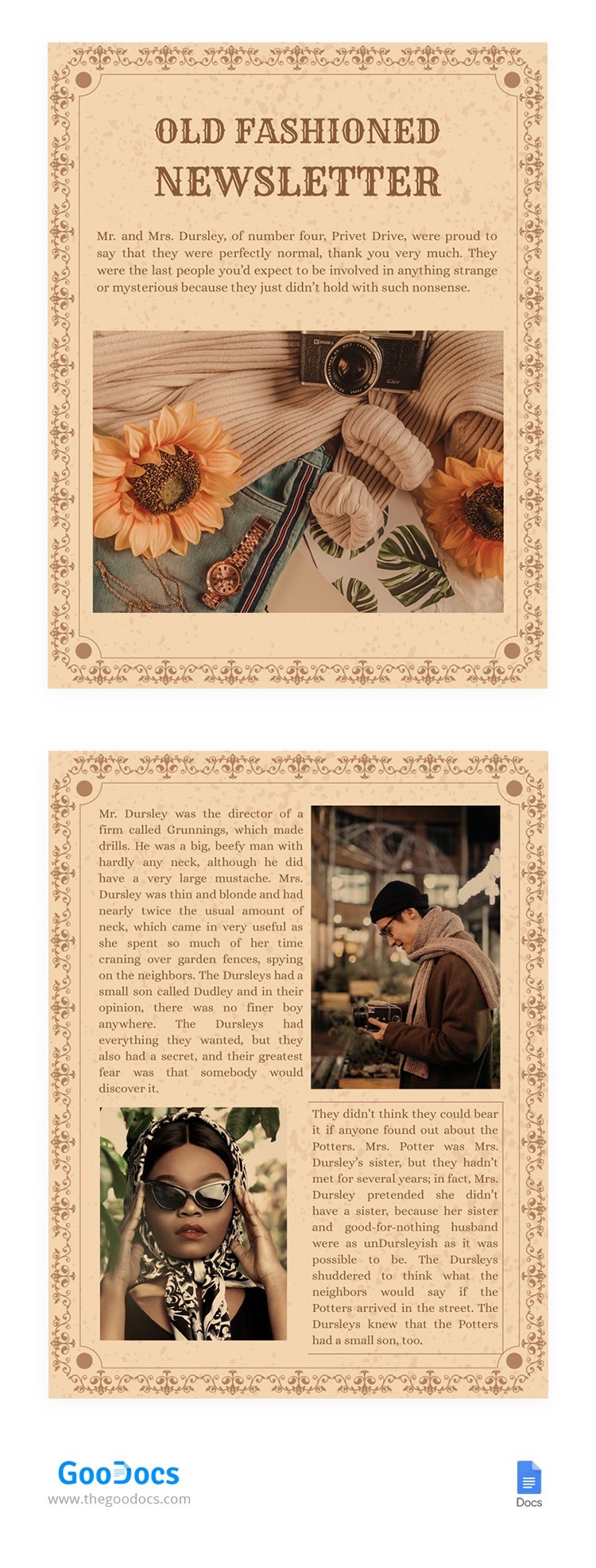
The layout of the Old Fashioned Newsletter template is designed with clarity and aesthetics in mind. At first glance, you’ll notice that it features a traditional column format, reminiscent of newspapers from earlier decades. This classic design not only provides a nostalgic feel but also organizes information in a way that is easy for readers to digest.
The template typically includes sections for headlines, subheadings, and body text, allowing you to categorize your content effectively. You can easily adjust the font style to match the tone of your newsletter, whether it’s formal or casual. The use of larger font sizes for titles helps draw attention, while smaller text can be used for articles or announcements.
You’ll also find designated areas for images or graphics, which can enhance your newsletter’s visual appeal. Including visuals can be particularly effective in engaging your audience and breaking up text-heavy sections.
Customizing Your Newsletter
One of the standout features of the Old Fashioned Newsletter Free Google Docs Template is the ease of customization. You can quickly alter colors, fonts, and layouts to fit your specific needs or preferences. Here are some practical steps to guide you through the customization process:
- Headlines and Titles: Start by entering your newsletter title and date at the top. Choose a bold font for the title to ensure it’s eye-catching. You might opt for a classic serif font to reinforce the old-fashioned theme.
- Sections and Content: Decide on the major sections you want to include. Common sections might be “Community News,” “Events,” or “Spotlight Stories.” Each section can be easily edited to reflect your content.
- Images and Graphics: Incorporate images that complement the text. You can drag and drop images directly into the template, making it user-friendly. Remember to choose high-quality images that resonate with your audience.
- Color Scheme: Stick with a color palette that reflects the old-fashioned aesthetic, such as muted tones or pastel colors. This choice can evoke nostalgia and enhance the overall feel of your newsletter.
- Final Touches: Before printing or distributing your newsletter, review it for any typos or layout issues. Google Docs allows you to share the document with others for collaborative editing, so consider getting feedback from friends or family.
Printing and Distribution Tips
When it comes to printing your customized newsletter, there are several factors to consider for the best results. Here are some tips to ensure your printed newsletters look as good as they do on screen:
- Paper Type: For a professional finish, consider using a heavier cardstock or matte paper. This will lend your newsletter a more substantial feel, aligning with the old-fashioned theme.
- Print Settings: If you’re using a home printer, set the print quality to high. This will ensure that images and text are sharp and clear. Portrait layout works best for most home printers, so make sure your document is set accordingly.
- Distribution: Once printed, you can either hand out newsletters physically or distribute them digitally by converting the document to a PDF. PDFs maintain formatting across devices and can be easily emailed or uploaded to websites.
Real-World Uses for Your Newsletter
The applications of the Old Fashioned Newsletter Free Google Docs Template are virtually limitless. Here are a few scenarios where this template can shine:
- Family Updates: Share family news, updates on children’s achievements, or upcoming events. This can be a fun way to keep extended family members in the loop.
- Community Groups: If you’re part of a neighborhood association or hobby group, use the newsletter to inform members about meetings, projects, and community events.
- School Projects: Students can utilize this template for school assignments, creating informative newsletters about historical events or science topics. It’s a creative way to engage peers and teachers alike.
- Special Occasions: Consider designing a newsletter for holidays or family reunions, highlighting shared memories, upcoming plans, and important announcements.
The versatility of this template allows you to adapt it to suit various needs, making it a valuable resource for anyone looking to create an engaging newsletter.
One detail to keep in mind is that Google Docs allows you to easily track changes and collaborate with others, making it easier than ever to create high-quality newsletters with input from family or friends.
Old Fashioned Newsletter Free Google Docs Template Gallery