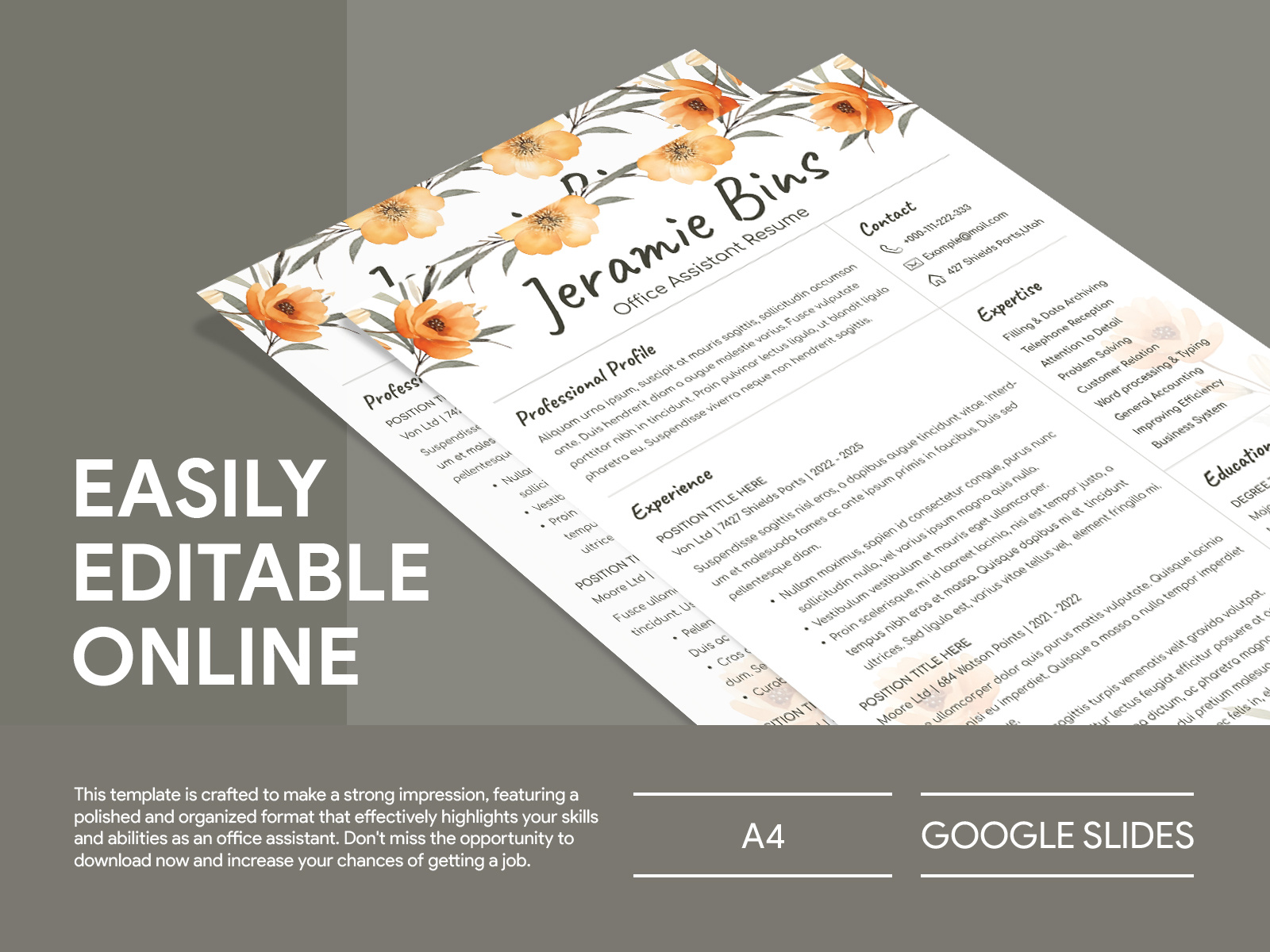
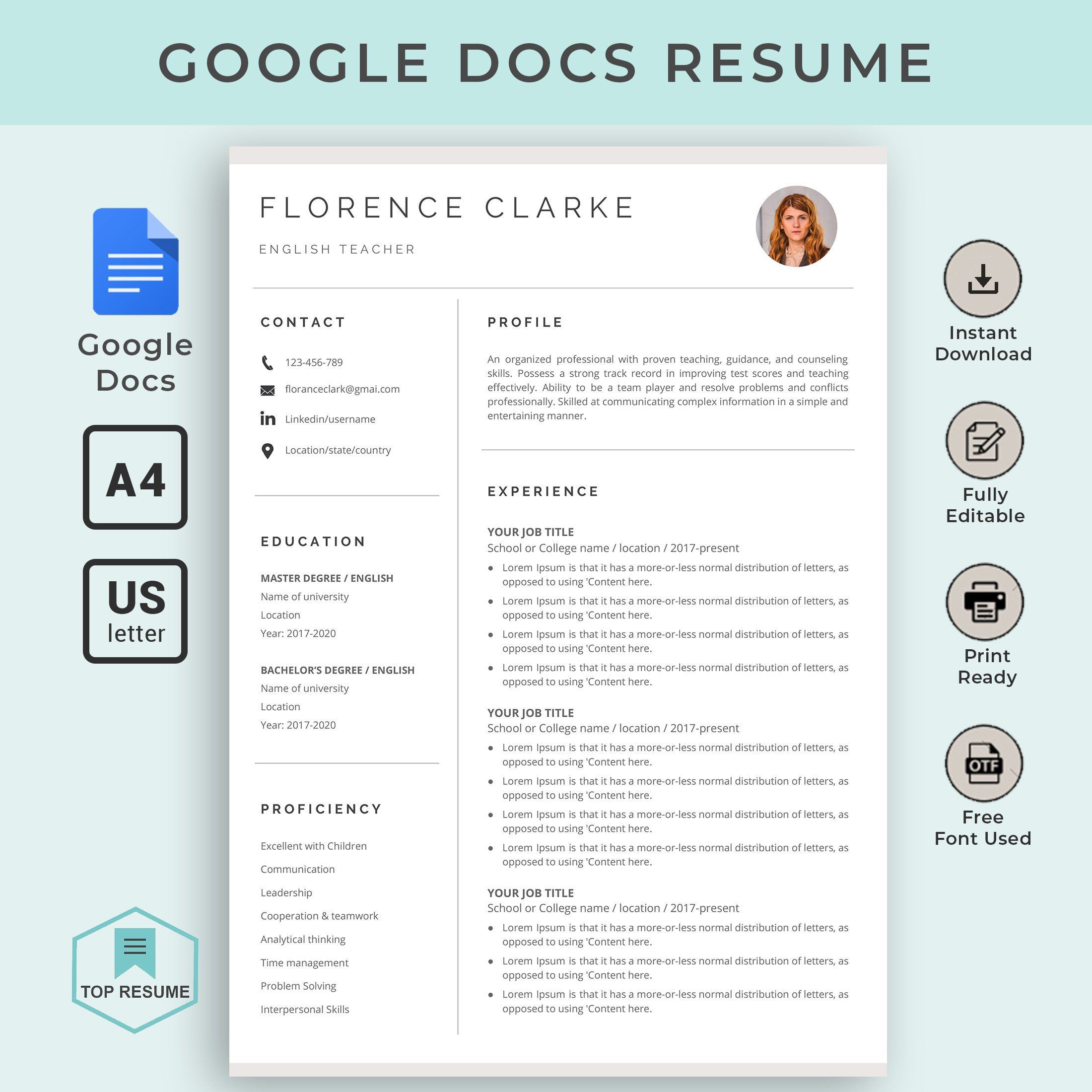
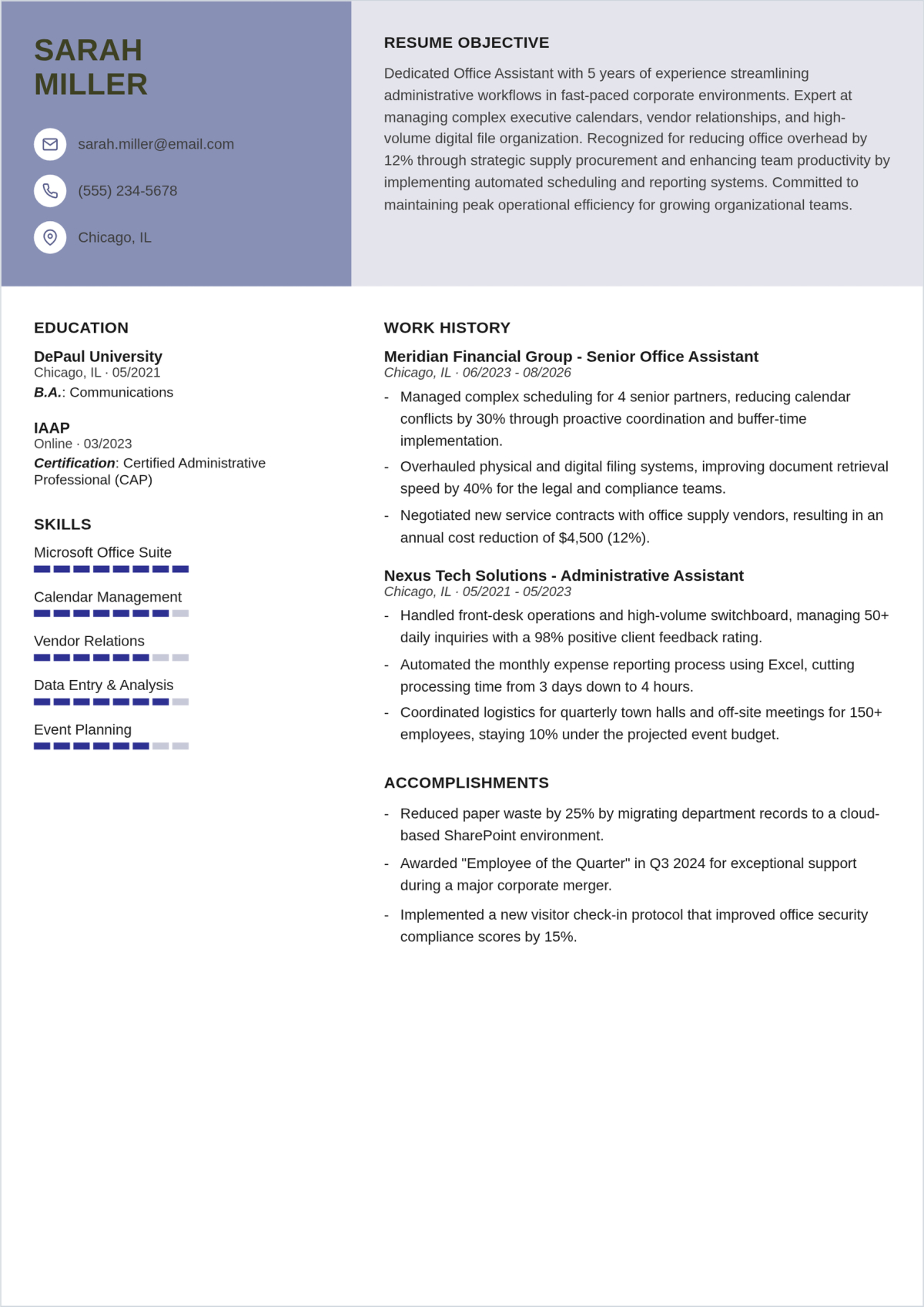
When you’re on the hunt for a job, having a well-crafted resume is essential, especially for an office assistant position. A great starting point is the Office Assistant Resume Free Google Docs Template, which you can easily download and customize. This template is designed to help you showcase your skills and experience in a professional manner, making it easier for you to catch the attention of potential employers.
What’s Included in the Template?
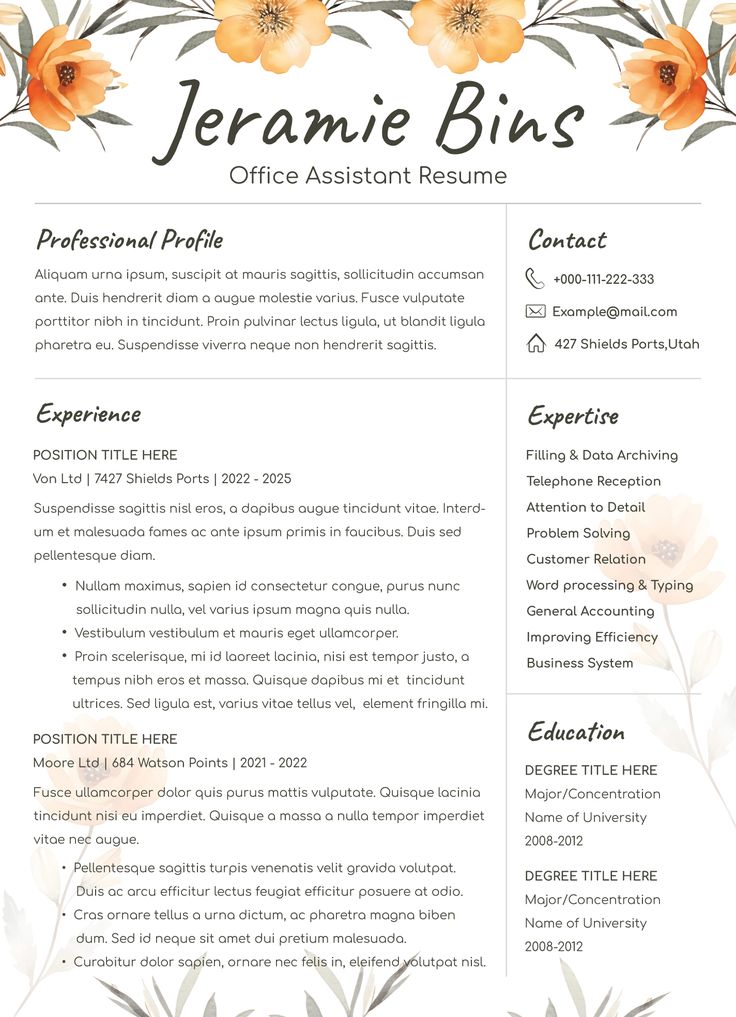
This handy template comes with a clean, professional layout that includes all the sections you need to present your qualifications effectively. Here’s a quick breakdown of what you’ll find:
- Contact Information: A dedicated section where you can easily add your name, phone number, email, and address. This is crucial for employers to reach out to you.
- Objective Statement: A brief, impactful statement that highlights your career goals and what you can bring to the office assistant role. This sets the tone for the rest of your resume.
- Work Experience: A section to detail your previous jobs, including your role, company name, and dates of employment. You can also include bullet points to summarize your responsibilities and achievements.
- Education: List your educational background here, including any relevant certifications or coursework related to office administration.
- Skills: A handy area to showcase your specific skills such as proficiency in Microsoft Office, communication skills, and time management.
Customizing the Template
One of the best things about the Office Assistant Resume Free Google Docs Template is how easy it is to customize. You can change the text to reflect your own experiences, adjust the layout if needed, and even modify the colors to match your personal style.
To get started, simply download the template from the resource website. Once it’s in Google Docs, you can edit it directly in your browser. This means you don’t need to worry about formatting issues that often come with different word processors. Plus, Google Docs automatically saves your changes, so you won’t lose any progress.
Tips for Customization
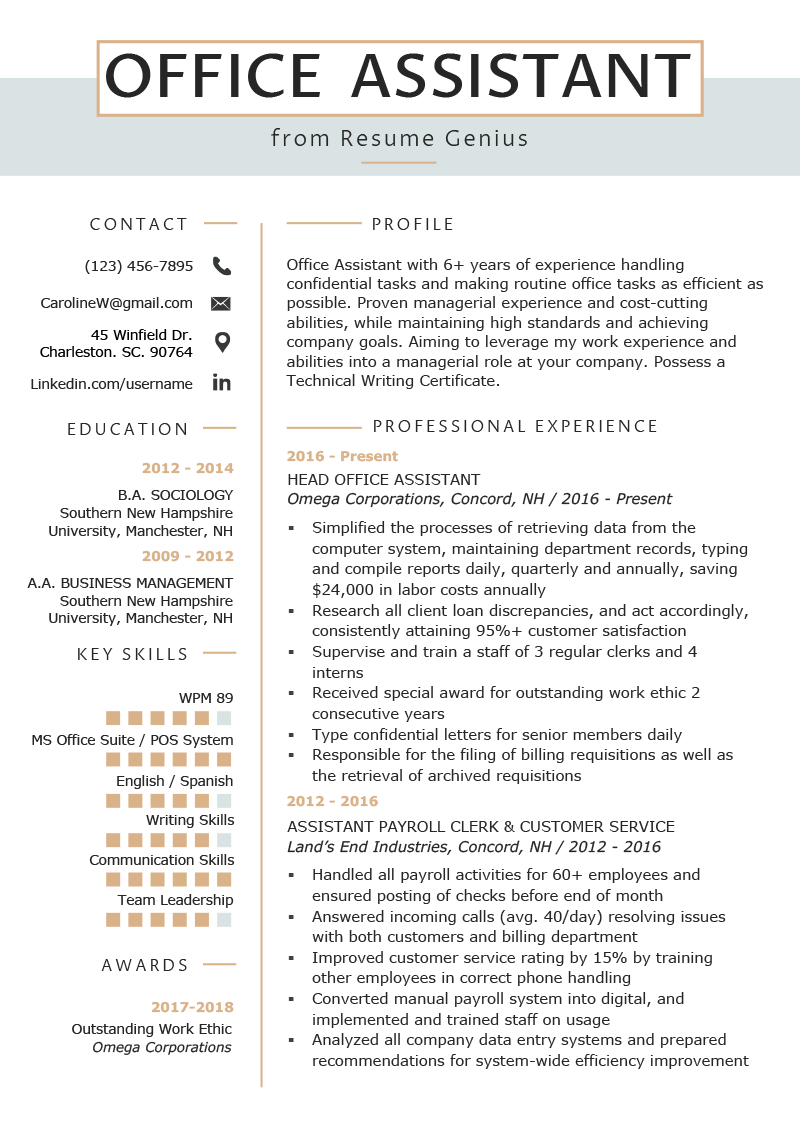
- Tailor Your Objective: Make sure your objective statement reflects the specific job you’re applying for. Mention the company’s name and how you can contribute to their success.
- Quantify Your Achievements: Whenever possible, use numbers to highlight your accomplishments. For example, “Managed office supplies for a team of 15, reducing costs by 20%” is more impactful than just saying you managed supplies.
- Use Keywords: Job descriptions often contain keywords that employers are looking for. Incorporate these keywords into your resume to help it stand out.
Printing and Formatting
Once you’ve customized your resume, it’s time to print it out or send it digitally. Here are a few tips to ensure your resume looks professional:
- Paper Quality: If you’re printing your resume, opt for a high-quality paper, like white or off-white cardstock. This gives a sturdy feel, which can make a good impression.
- Portrait Layout: Most professional resumes are formatted in portrait layout, which is the standard for printing. This layout works best with home printers and standard paper sizes like 8.5” x 11”.
- Check Margins: Ensure that your margins are set to at least 0.5 inches on all sides. This keeps the text from looking cramped and makes it easier to read.
Downloading the Template
To download the Office Assistant Resume Free Google Docs Template, visit the printable-resource website and follow the instructions. Usually, you’ll find a direct link that allows you to download the template as a Google Docs file. If you prefer, you can also save it as a PDF for emailing to employers.
Remember to double-check the download settings to ensure you’re getting the right version. Google Docs allows you to save your work in various formats, so choose PDF for a professional look when sending it out.
Office Assistant Resume Free Google Docs Template Gallery