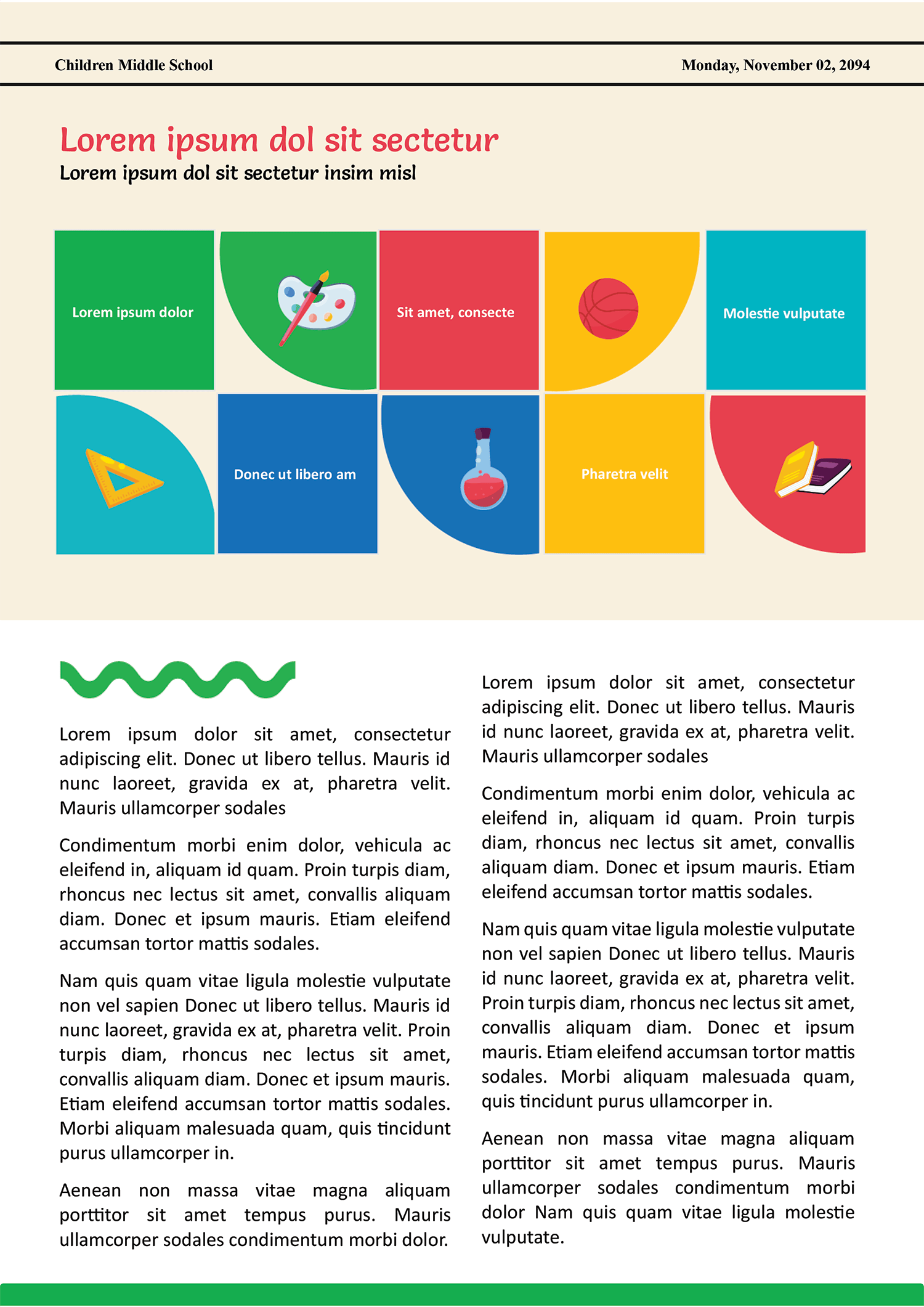
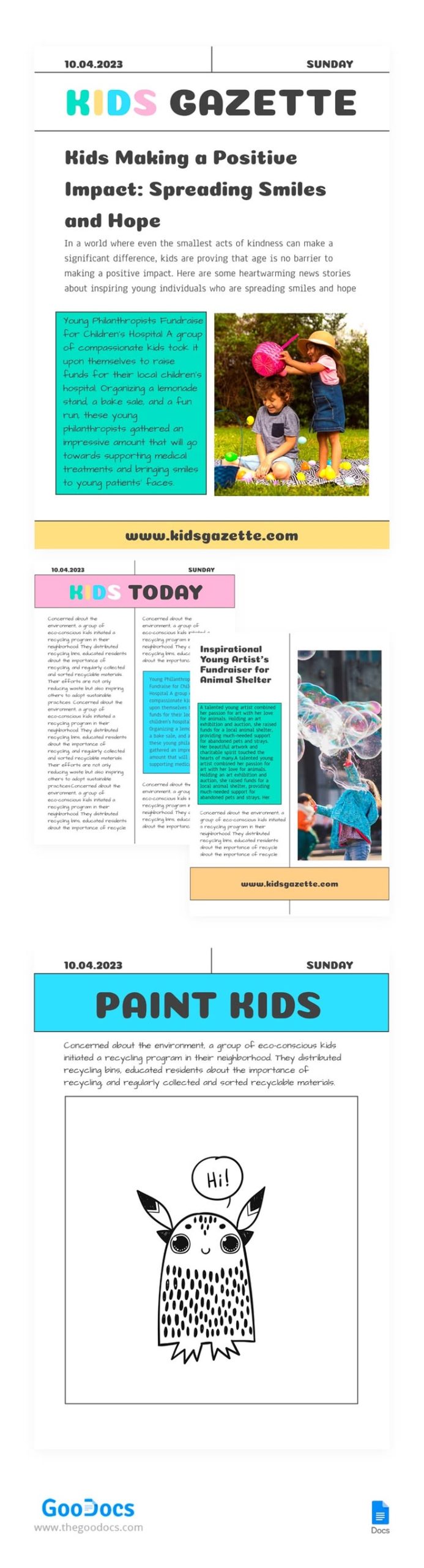
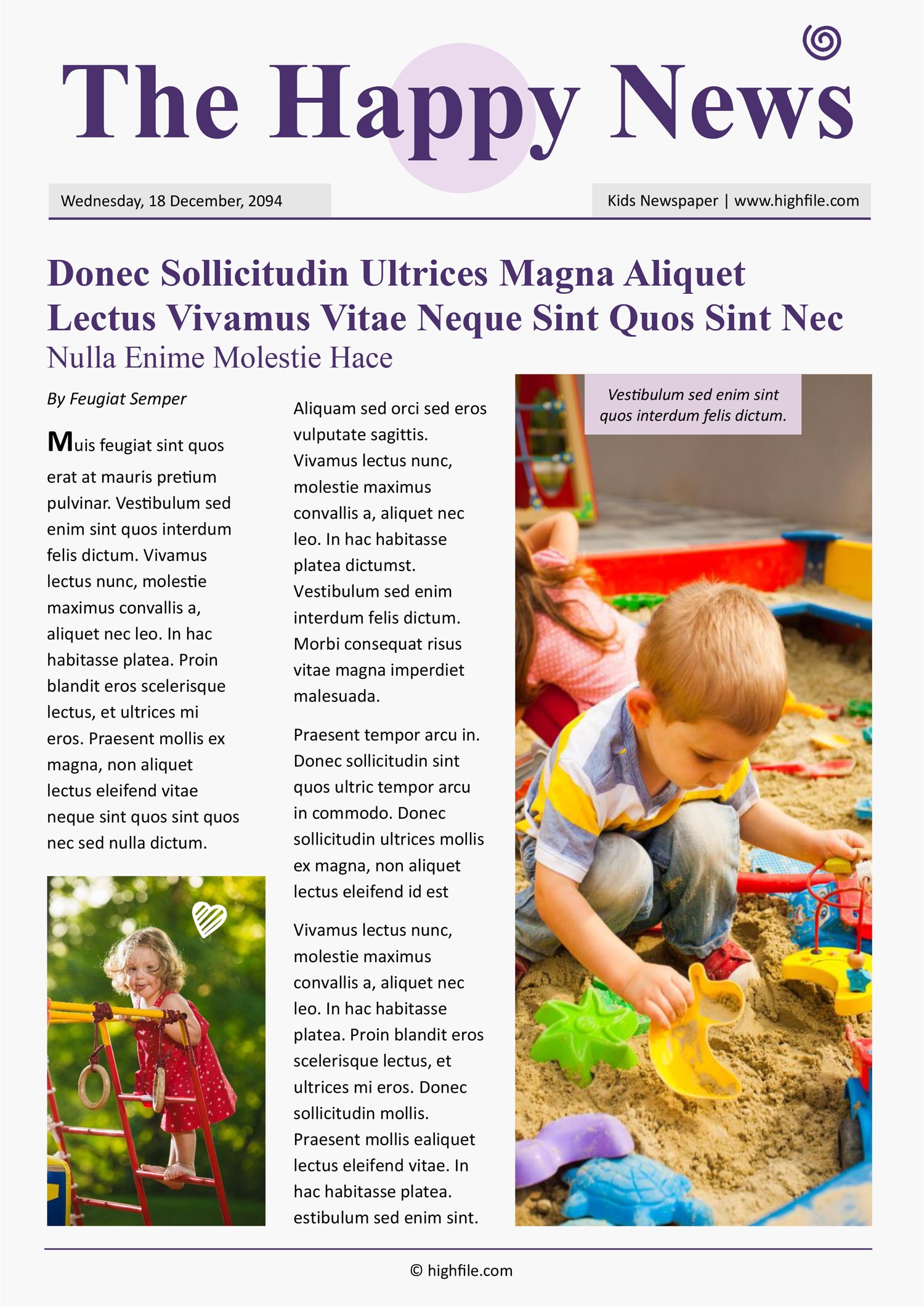
Creating a newspaper template specifically designed for kids can be a fun and educational activity. The Newspaper For Kids Free Google Docs Template stands out among similar resources because it offers a simple yet effective layout that encourages creativity while teaching essential skills like writing, layout design, and teamwork. This template can be customized easily to fit various educational themes or personal projects, making it a go-to resource for both parents and teachers.
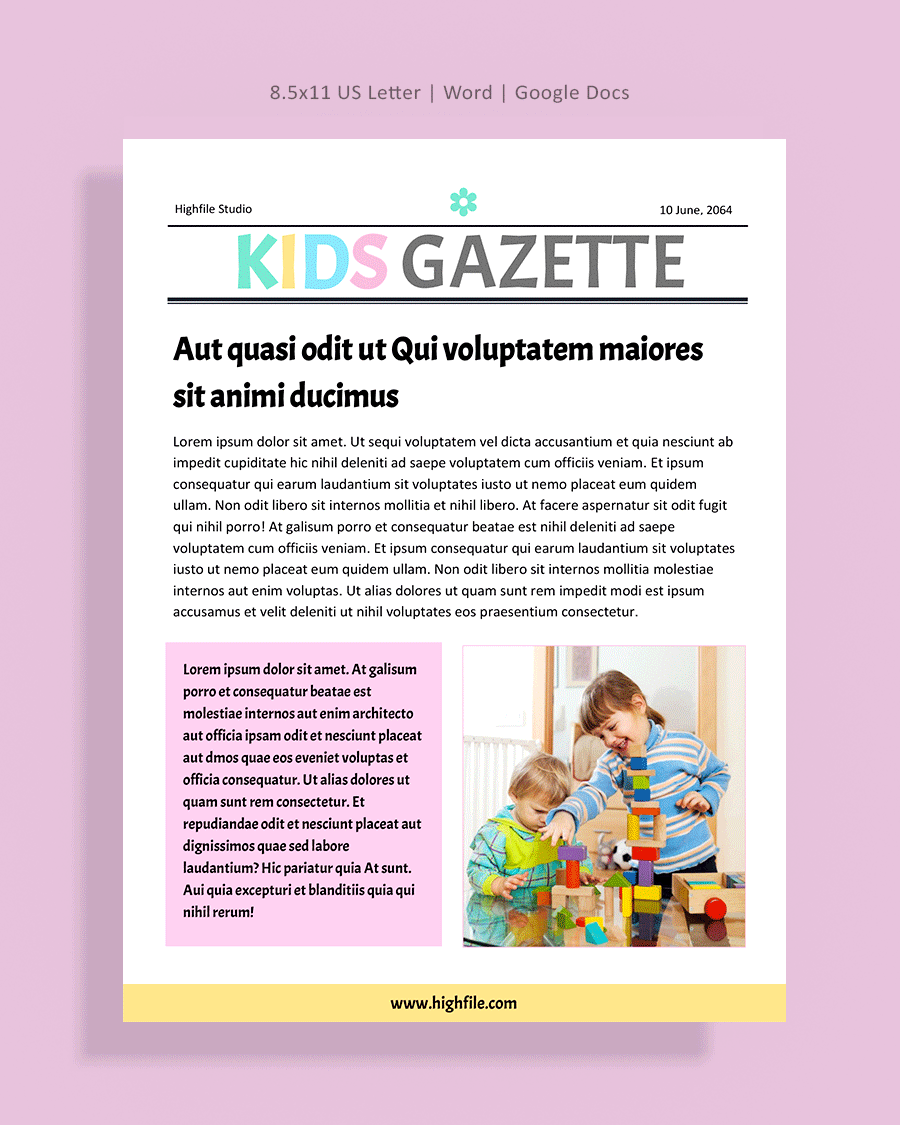
What You Can Customize in the Template
One of the key advantages of the Newspaper For Kids Free Google Docs Template is its flexibility. You can easily modify sections to suit your children’s interests or the topics you want to cover. Here are some customization options:
- Headlines and Articles: Kids can write their own articles, allowing them to explore various subjects, from local events to fictional stories. You can encourage them to think critically about newsworthiness and how to present information engagingly.
- Images and Graphics: The template allows for easy integration of images. Children can include drawings or photos related to their articles, enhancing the visual appeal and making the newspaper more engaging.
- Sections and Layout: The template often includes various sections like sports, entertainment, and opinion pieces. You can add or remove sections based on what suits your educational goals or the interests of your children.
And remember, since it’s available in Google Docs, multiple users can collaborate in real-time. This feature makes it ideal for classroom projects where teamwork is essential.
Real Use Cases for the Template
There are several practical scenarios where the Newspaper For Kids Free Google Docs Template can be utilized:
Classroom Projects
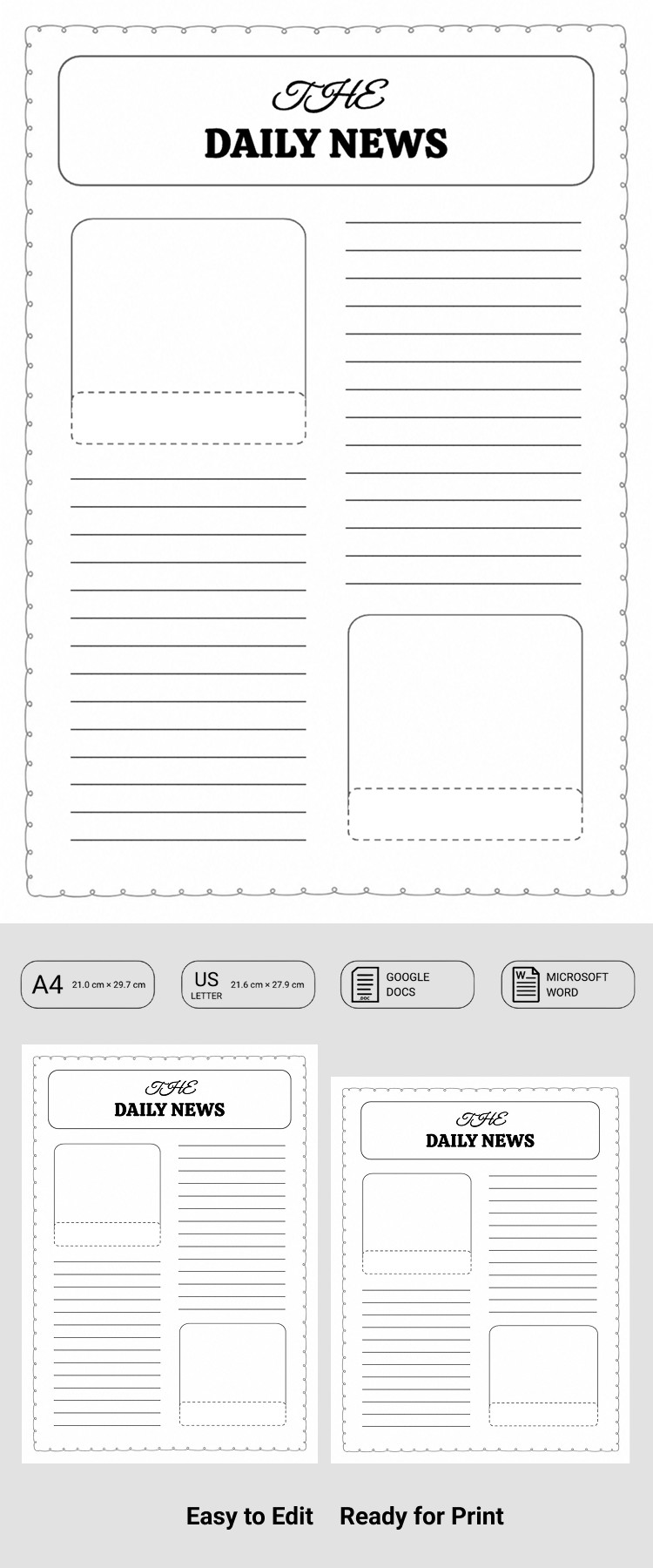
Teachers can use this template for group projects. Assign students different sections of the newspaper to promote collaboration and allow them to express their creativity. Each student can be responsible for writing an article and working on the layout for their section, fostering a sense of ownership and teamwork.
Home Activities
Parents can leverage this template for fun home learning activities. For example, if your child has just learned about a historical event, they can create a newspaper about it, summarizing what they learned in a kid-friendly format. This method not only reinforces their learning but also helps develop writing skills.
Special Events
The template can also be used for specific events like birthdays or family reunions. Kids can create a special edition newspaper highlighting the day’s events, interviews with family members, or fun facts about the guest of honor. This can be a delightful keepsake that captures memories in a unique way.
How to Download and Print the Template
Getting your hands on the Newspaper For Kids Free Google Docs Template is straightforward. Here are the steps to download and print it effectively:
- Access Google Docs: You can find the template in the Google Docs template gallery or through a direct link provided by your resource site.
- Make a Copy: Once you open the template, make a copy to your Google Drive. This allows you to edit it without affecting the original.
- Customize It: Modify the template according to your needs. Add text, images, and sections as needed.
- Print Options: When it’s time to print, ensure that your printer settings are adjusted for the best quality. Portrait orientation usually works best for newspapers. If you’re printing in color, use high-quality paper for a more professional look.
And if you plan on distributing the newspapers, consider printing on heavier paper or cardstock for durability.
Additional Features to Consider
While the Newspaper For Kids Free Google Docs Template is a fantastic resource, there are some additional features you might want to think about:
- Digital vs. Physical: Decide whether you want your kids to create a digital version they can share online or a physical copy that can be passed around. Digital copies are great for minimizing paper waste and can be easily shared with family and friends.
- Incorporating Art: Encourage your kids to illustrate their articles. This could be done digitally or even with traditional art supplies. Art adds a personal touch and enhances the overall experience.
- Feedback and Revision: After the newspaper is completed, consider setting up a feedback session where kids can present their articles. This promotes public speaking and allows them to revise based on peer input.
By considering these extra features, you can enhance the learning experience and make the project more engaging for kids.
Choosing the right setup for the Newspaper For Kids Free Google Docs Template can significantly affect how much fun your kids have while learning. Whether you opt for a collaborative classroom project or an engaging home activity, this template can serve as a versatile tool in your educational toolkit.
Newspaper For Kids Free Google Docs Template Gallery