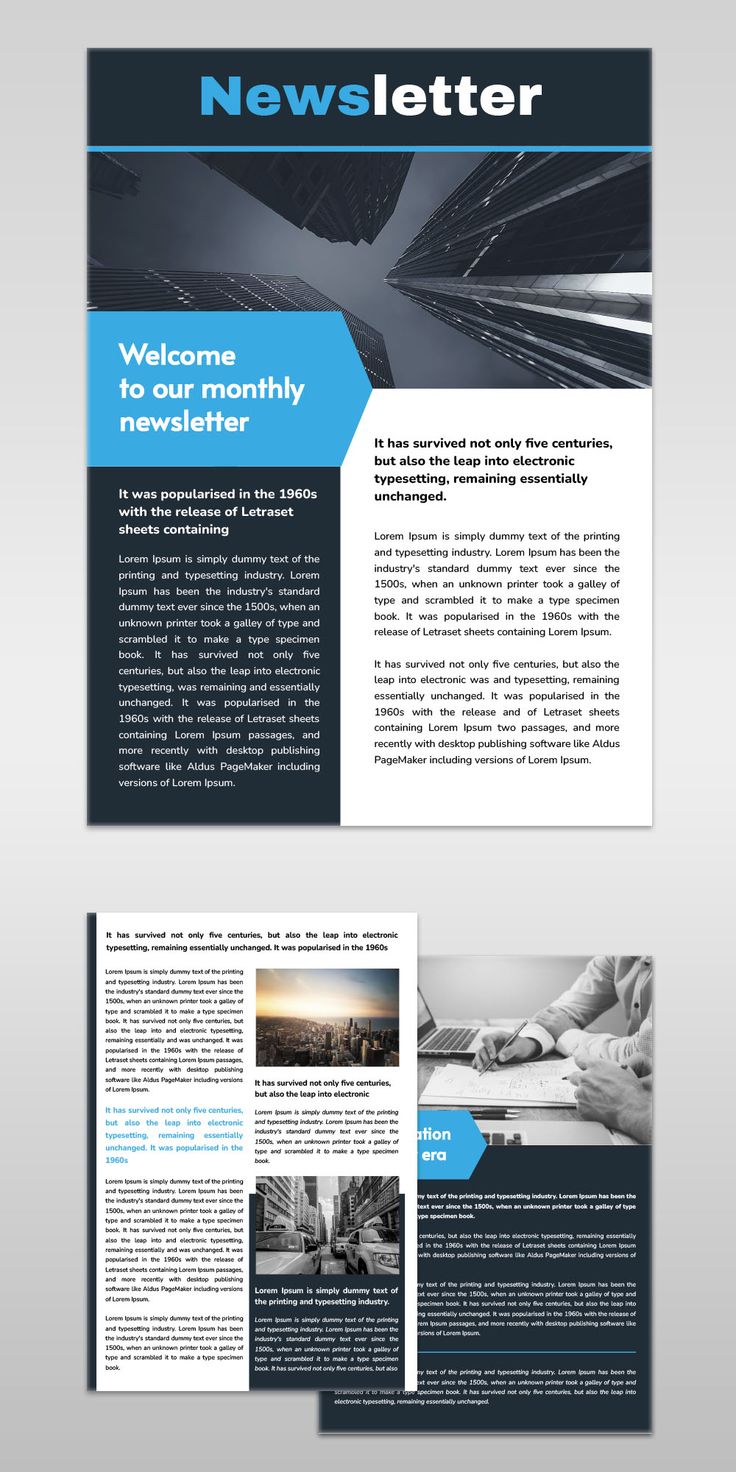
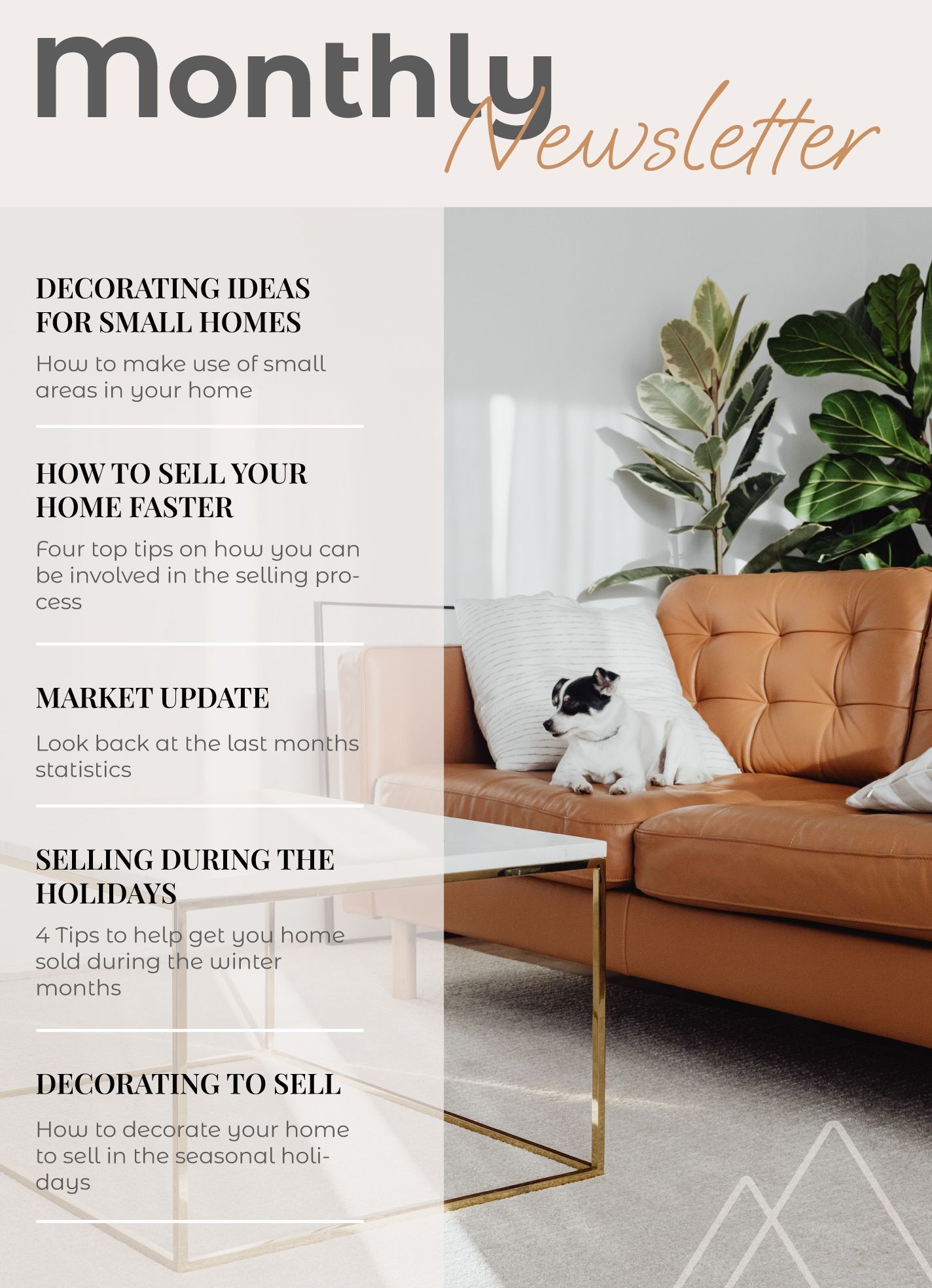
Creating a monthly newsletter can feel daunting, especially if you’re starting from scratch. While many templates offer a one-size-fits-all approach, the Monthly Newsletter Free Google Docs Template stands out by allowing you to customize it to fit your unique style and needs. This specific template is perfect for parents looking to keep their family updated on activities, events, or changes, and it provides a user-friendly format that’s easy to adapt.
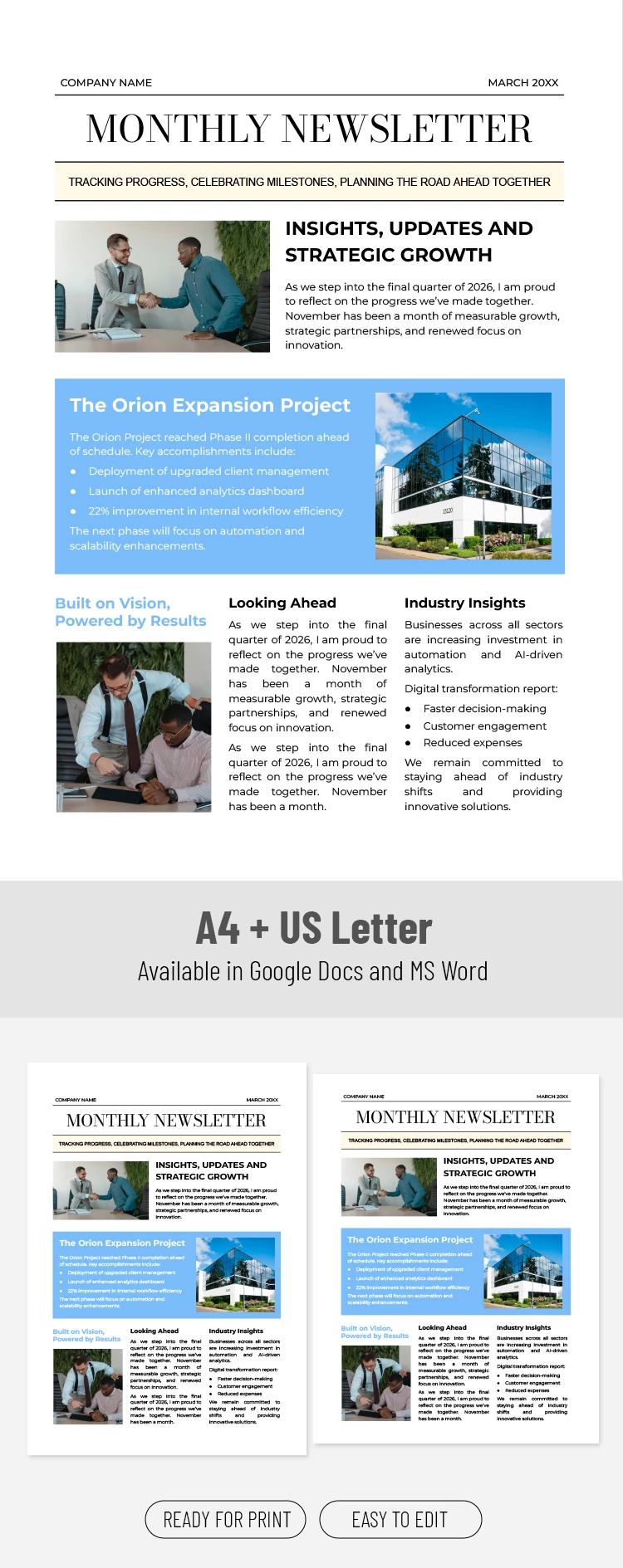
What Makes This Template Unique?
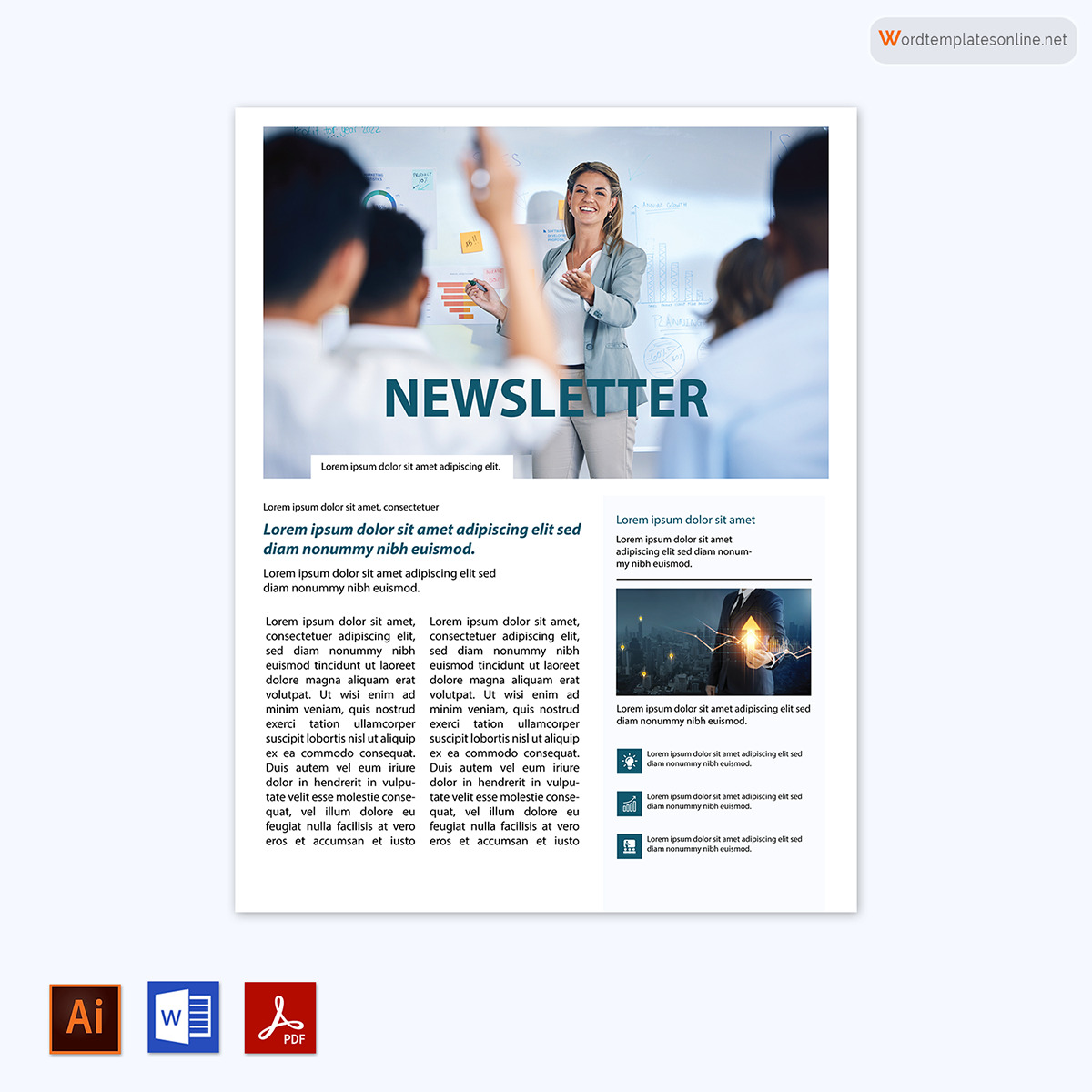
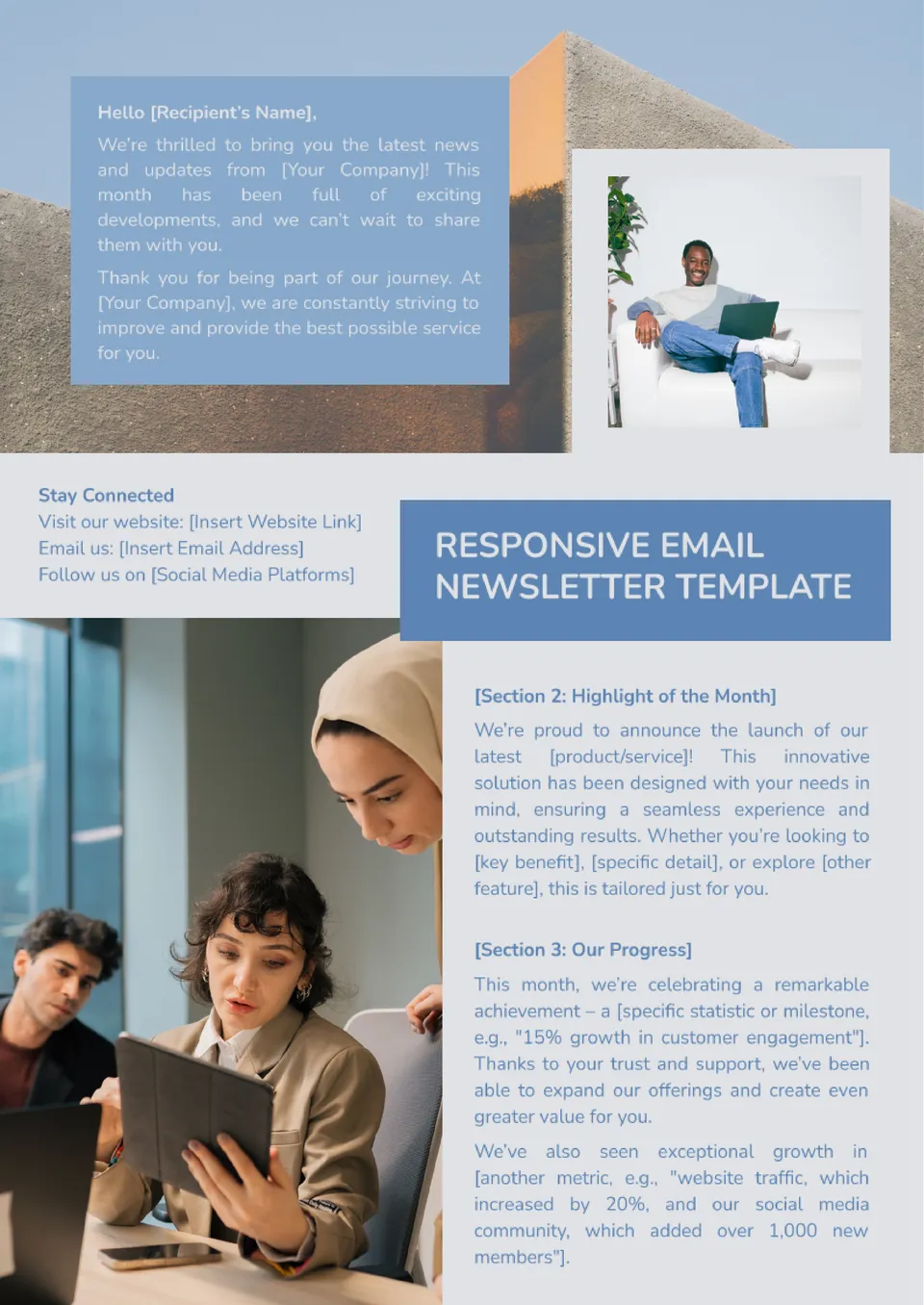
Unlike generic templates you might find online, this Monthly Newsletter Free Google Docs Template is specifically designed for ease of use. You can easily modify text, colors, and images to match your family’s personality or the theme of your newsletter. The layout is clean and visually appealing, making it easy to read and engaging for your audience.
You can easily add headings for different sections, such as “Upcoming Events,” “Family Highlights,” or “Fun Activities.” This flexibility allows you to tailor the content to suit your specific audience, whether it’s other parents, family members, or friends.
Customization Options
When you download the Monthly Newsletter Free Google Docs Template, you’ll find various customization options:
- Text Fields: The template includes pre-set text fields where you can fill in your content. This makes it easy to update each month without needing to start from scratch.
- Color Schemes: You can change colors to fit seasonal themes or family preferences. Want a spring vibe? Go for pastels. Need something festive for December? Bright reds and greens will do the trick.
- Images and Graphics: Add family photos or fun graphics to make the newsletter visually appealing. You can easily insert images directly from your Google Drive or upload them from your computer.
- Sections and Layout: Feel free to add or remove sections as needed. If your family has a lot going on one month, you might want to add a section for “Extra Events.” On quieter months, you might condense it down to just a couple of highlights.
Practical Uses for the Template
So, how can you put this template to good use? Here are a few ideas:
- Family Updates: Share what’s happening in your family, including birthdays, achievements, or milestones. It’s a great way to keep extended family in the loop.
- Community Engagement: If you’re part of a parent group or neighborhood association, this template can help you inform others about upcoming events or initiatives.
- School Projects: This newsletter can serve as a fun way to communicate with your child’s classmates and their families about school activities or projects.
- Seasonal Themes: Use it for holiday newsletters, back-to-school updates, or summer activity plans. Each month can have a different flair depending on the time of year.
Downloading and Printing Tips
Getting started with the Monthly Newsletter Free Google Docs Template is straightforward. Here are some practical tips to ensure you have a smooth experience:
- Download the Template: Go to the link where the template is hosted, and click on the “Make a copy” option to save it to your own Google Drive. This way, you can modify it without affecting the original.
- Printing Considerations: If you plan to print the newsletter, consider using a heavier paper stock for a more professional feel. Standard letter size (8.5 x 11 inches) is typically best for home printers.
- Check Layout Settings: Before printing, double-check your printer settings. Portrait layout usually works best for newsletters, but you can experiment with landscape if you want a wider format.
- Color vs. Black and White: Think about whether you want it in color or black and white. Color adds vibrancy, but black and white can save on ink costs. If you go for color, ensure your printer is set up for high-quality printing.
- Final Proof: Always do a final proofread before sending it out or printing. Having a fresh set of eyes look over it can catch typos or formatting issues you might have missed.
Things to Watch Out For
While the Monthly Newsletter Free Google Docs Template is designed to be user-friendly, there are a few things to keep in mind to maximize its effectiveness:
- File Compatibility: Ensure you’re using Google Docs for editing. If you download it as a different file type, you might lose formatting.
- Image Quality: When adding images, use high-resolution photos to avoid pixelation when printing. Low-quality images can detract from the overall look of your newsletter.
- Overloading with Information: It’s tempting to fill every inch of space, but too much information can overwhelm your readers. Keep it concise and focused on key messages.
By using the Monthly Newsletter Free Google Docs Template, you’re setting yourself up for success in creating an engaging, personalized newsletter. With its customization options and practical uses, you can maintain an effective line of communication with your family and community.
Monthly Newsletter Free Google Docs Template Gallery