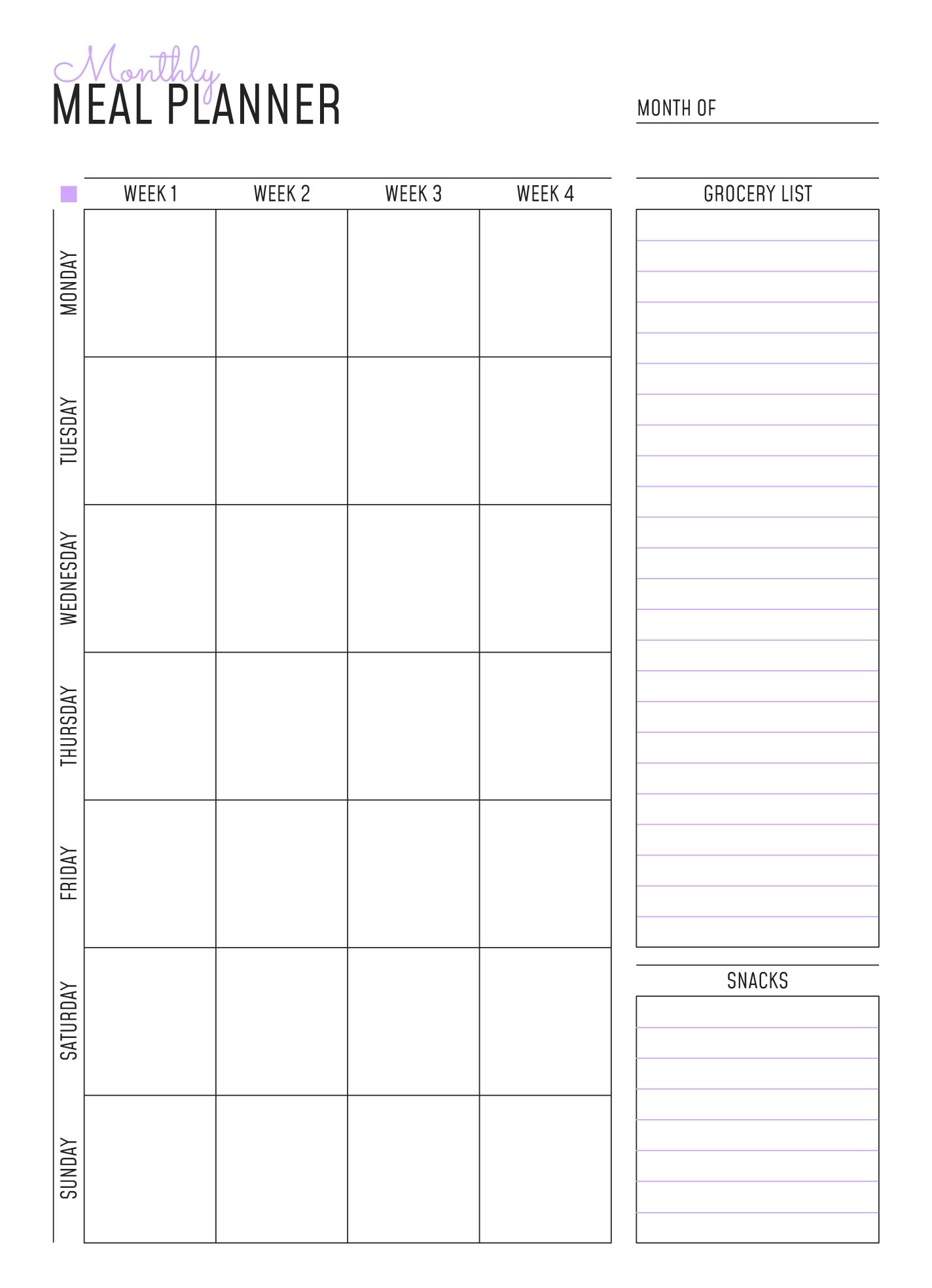
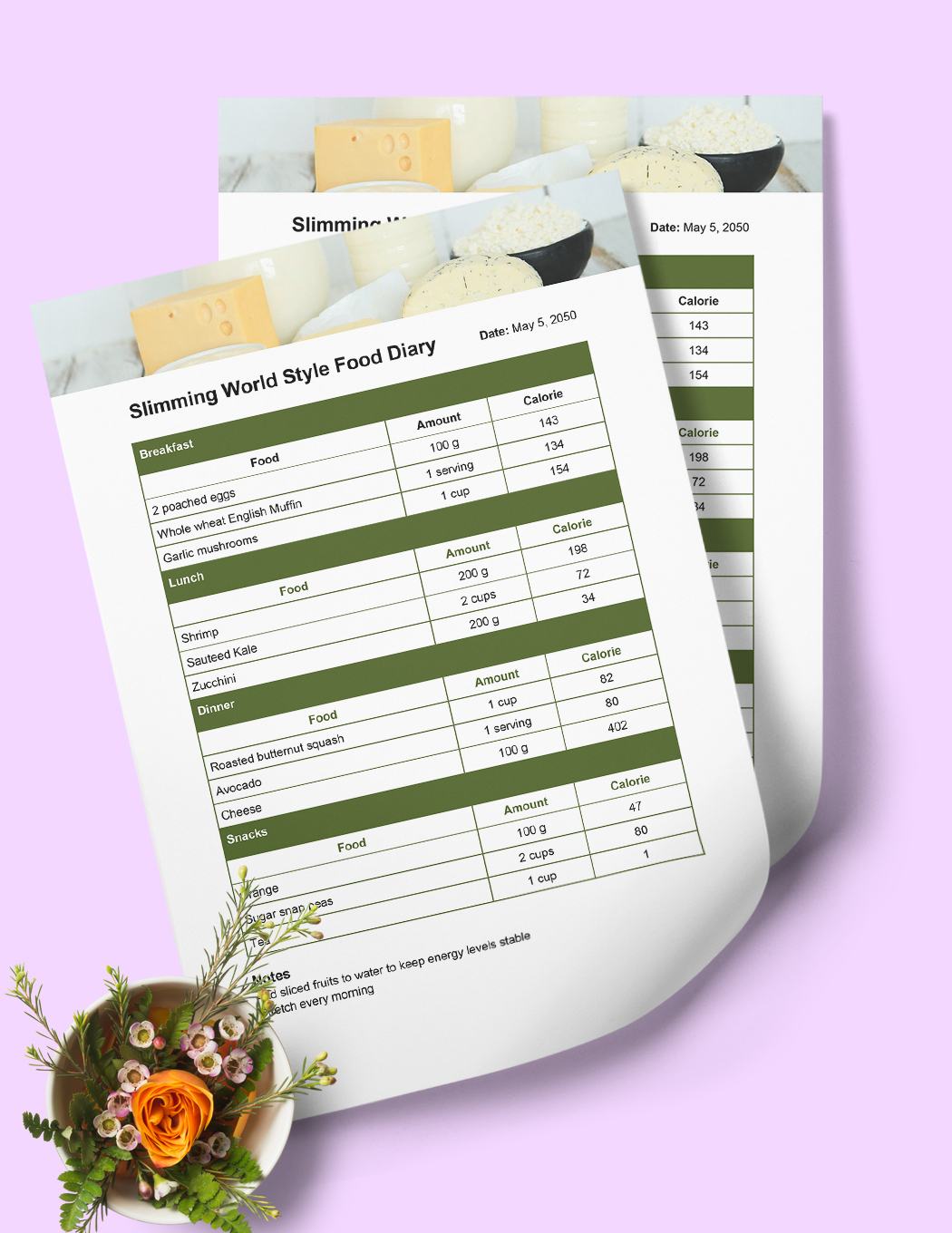
Meal planning can feel overwhelming, especially when juggling a busy family life. While there are countless meal planning templates available, a Monthly Meal Planner Free Google Docs Template stands out due to its versatility and ease of use. Unlike generic meal planning sheets, this template is designed specifically for families, making it ideal for organizing meals and grocery lists effortlessly.
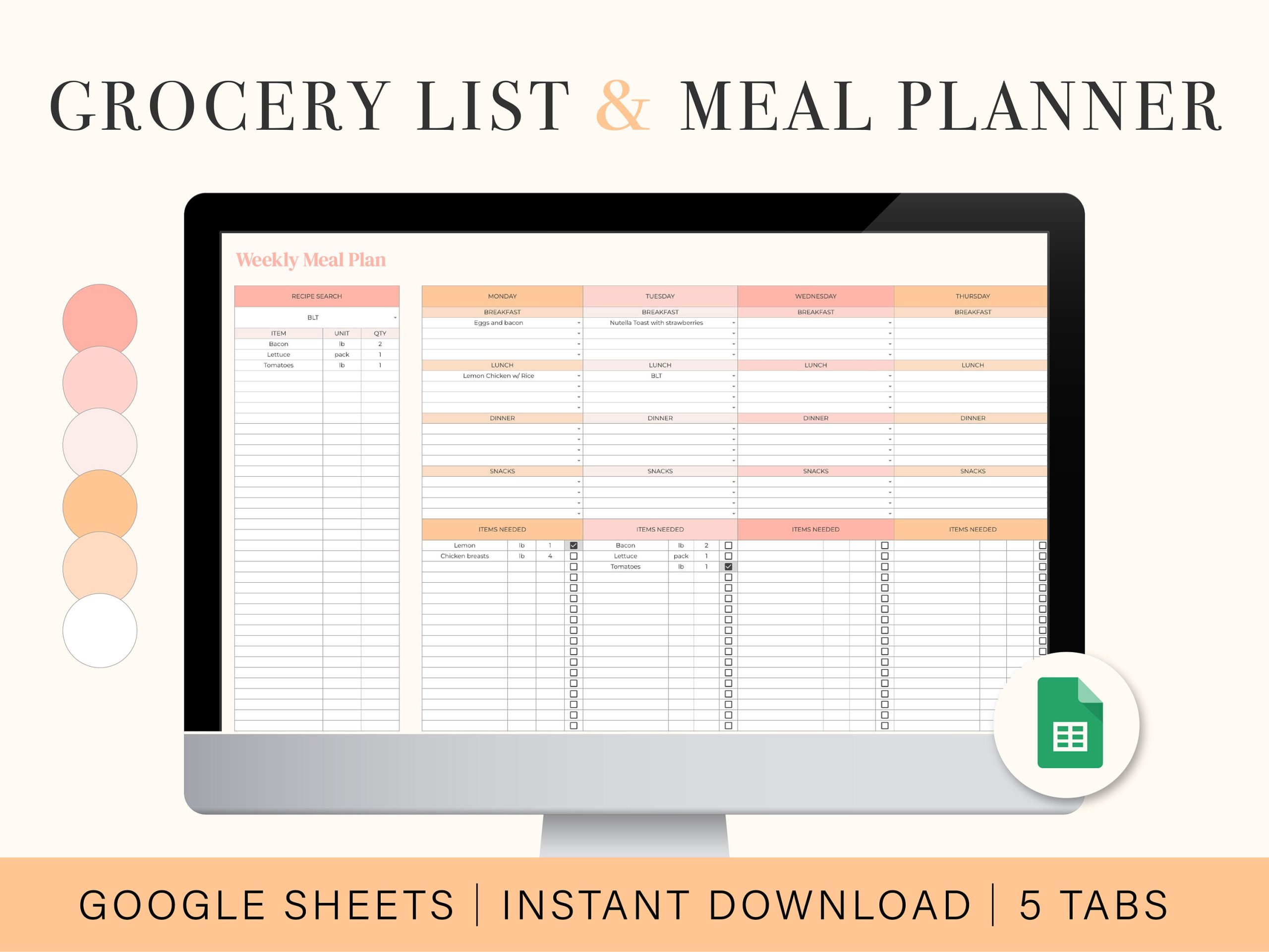
What Makes the Google Docs Template Ideal for Families?
Using a Google Docs template offers several advantages for parents. First, it’s easily accessible from any device with internet access. This means you can plan meals on the go, If you are at home or waiting in the carpool line. Plus, the collaborative features allow you to share the planner with family members, making meal decisions a team effort.
You can customize it to fit your family’s needs. Whether you prefer a detailed breakdown of meals by day or a simple overview for the month, this template allows you to adjust accordingly. You can add or remove sections as needed, ensuring it works best for you.
Sections of the Monthly Meal Planner
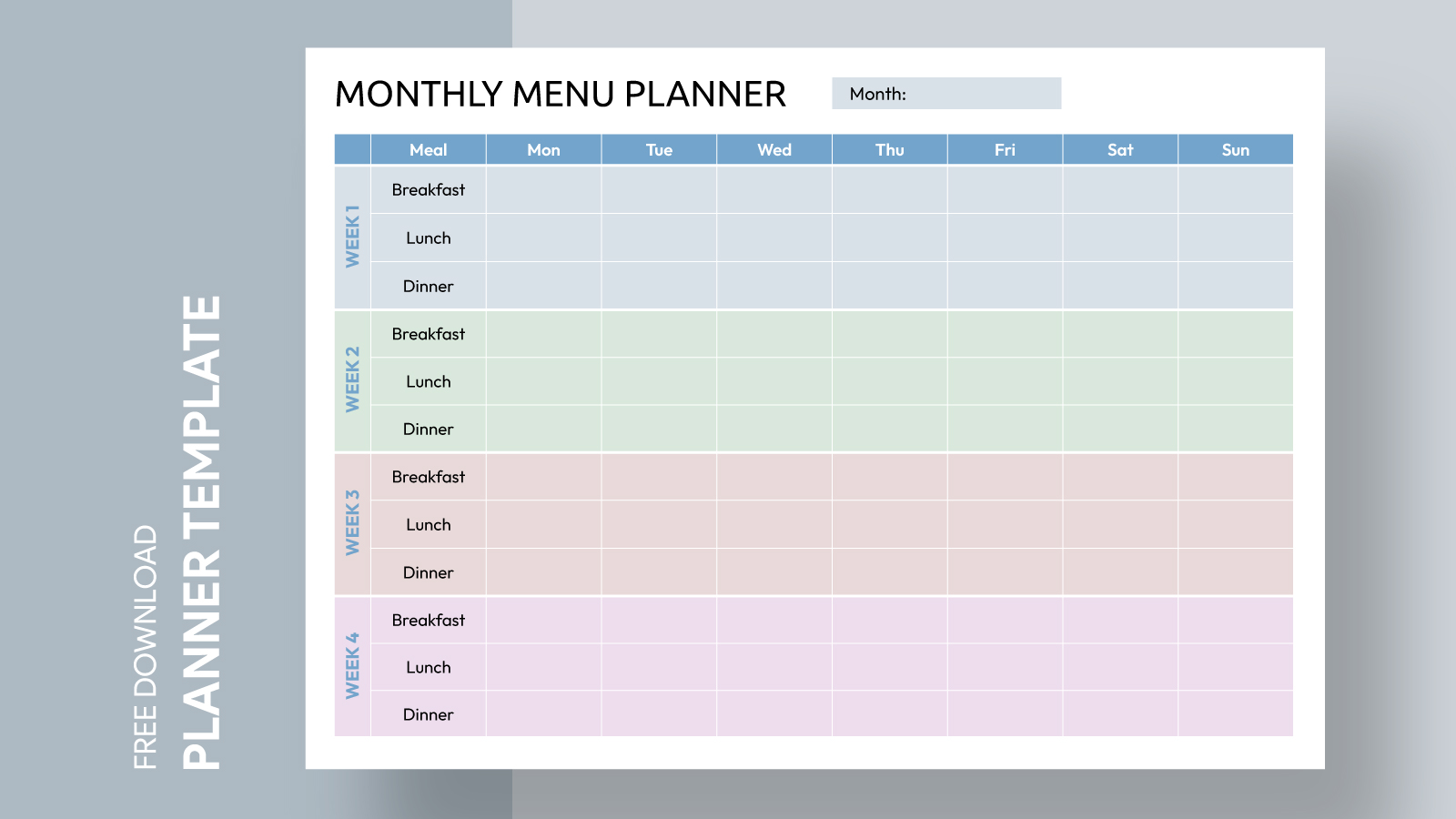
A well-structured meal planner typically includes several key sections, each serving a distinct purpose. Here’s a look at what you can expect from the Monthly Meal Planner Free Google Docs Template:
Weekly Meal Planning Sections
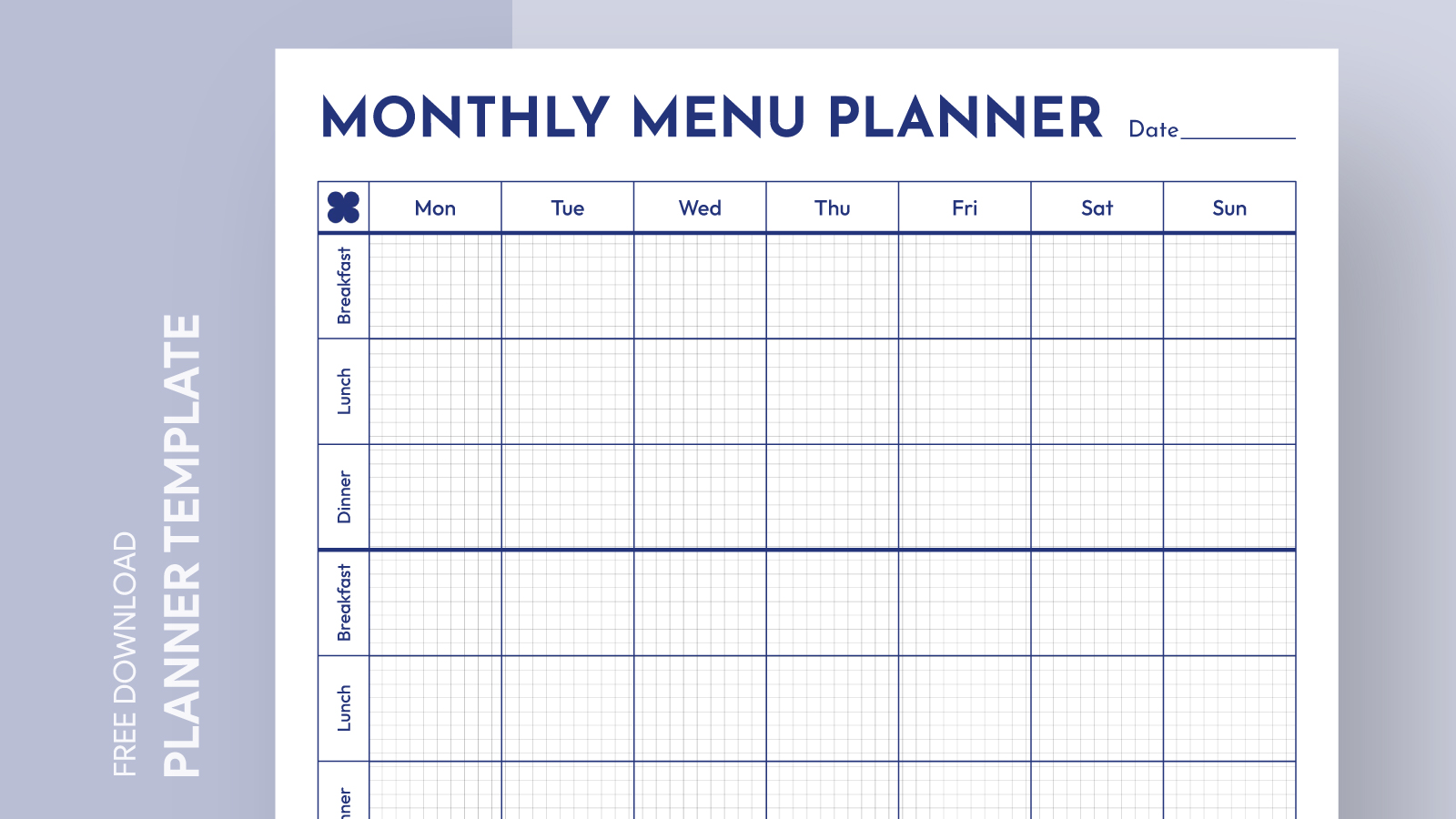
This is where you’ll outline meals for each day of the week. You can create a grid format, allowing you to list breakfast, lunch, and dinner. This section helps you visualize what your family will eat, making it easier to prepare and shop accordingly.
Grocery List
An organized grocery list is essential for effective meal planning. The template often includes a dedicated section for listing items needed for the week. You can categorize items by type, such as produce, dairy, and grains, which can save time during shopping trips.
Notes and Adjustments
Life happens, and sometimes meal plans need adjustment. This section allows you to jot down notes about what worked or didn’t work during the week. Maybe a recipe didn’t go over well, or you discovered a new favorite dish. Keeping track of these details helps refine your meal planning process over time.
Customization Options
One of the best features of using a Google Docs template is the ability to customize it to fit your family’s lifestyle. Here are some practical options to consider:
Layout Choices
You can choose between a portrait or landscape layout. A portrait layout tends to work better for most home printers, while landscape provides more horizontal space for those who like detailed meal descriptions.
Color Coding
Using color coding can help you quickly identify different types of meals or dietary needs. For example, you might highlight vegetarian meals in green and gluten-free options in blue. This visual element can make meal planning not just practical but also engaging for the whole family.
Printable Options
While the template is designed for digital use, you might prefer to have a physical copy. If so, printing your planner on cardstock can provide durability, especially if you plan to laminate it for repeated use. This way, you can write on it with dry-erase markers and easily wipe it clean for the next month.
Getting Started
To begin using the Monthly Meal Planner Free Google Docs Template, you’ll first need to access it through Google Drive. If you don’t already have a Google account, creating one is simple and free. Once you have the template open, you can start by filling in the current month and planning your meals accordingly.
You might find it helpful to dedicate a specific day each week to meal planning. Many families choose Sundays to prepare for the upcoming week. This routine can lead to more efficient grocery shopping and reduce the stress of last-minute meal decisions.
Practical Tips for Effective Meal Planning
Here are a few additional tips to maximize the use of your meal planner:
- Involve Your Family: Make meal planning a family activity. Ask your kids for their meal preferences and incorporate them into your planner. This not only gets them excited about meals but also helps reduce food waste.
- Batch Cooking: Consider preparing larger quantities of certain meals to save time during the week. Use your planner to designate which meals will be batch-cooked and when.
- Seasonal Ingredients: When planning meals, try to incorporate seasonal fruits and vegetables. They’re often fresher and more affordable, making your grocery list more manageable.
- Stay Flexible: Life is unpredictable, and sometimes you may need to swap meals around. Your planner should be a guide, not a strict rulebook.
Monthly Meal Planner Free Google Docs Template Gallery