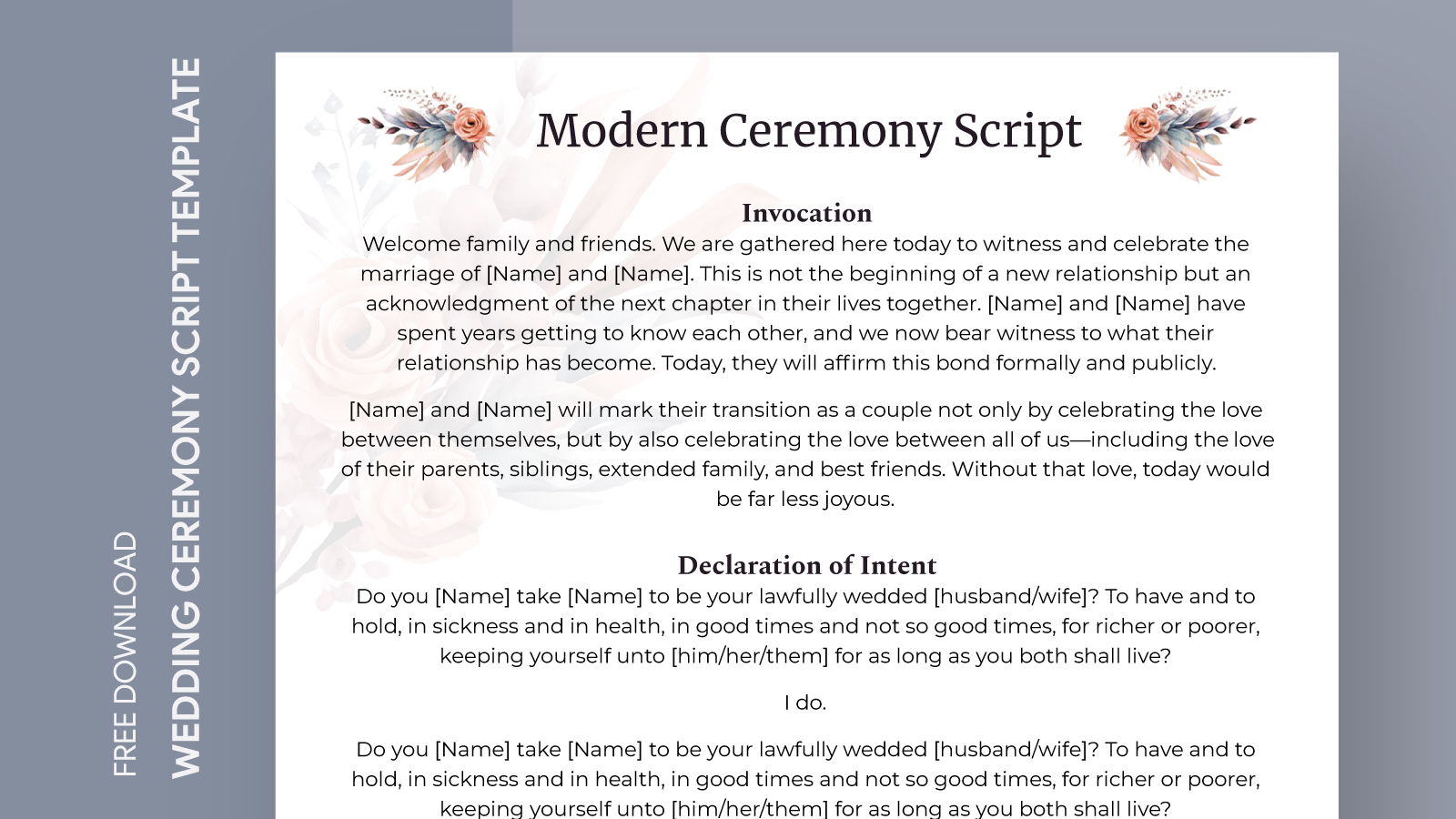
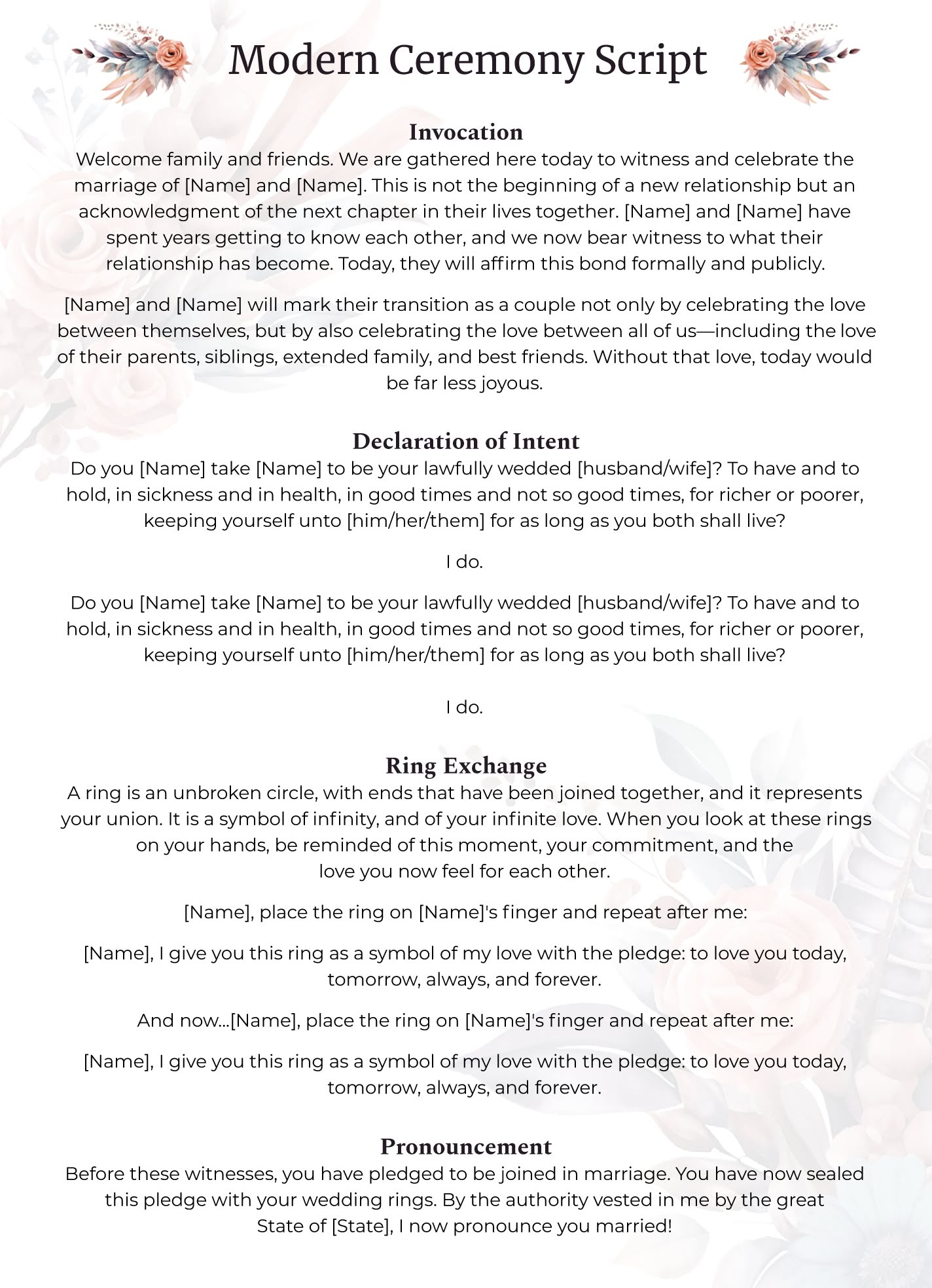
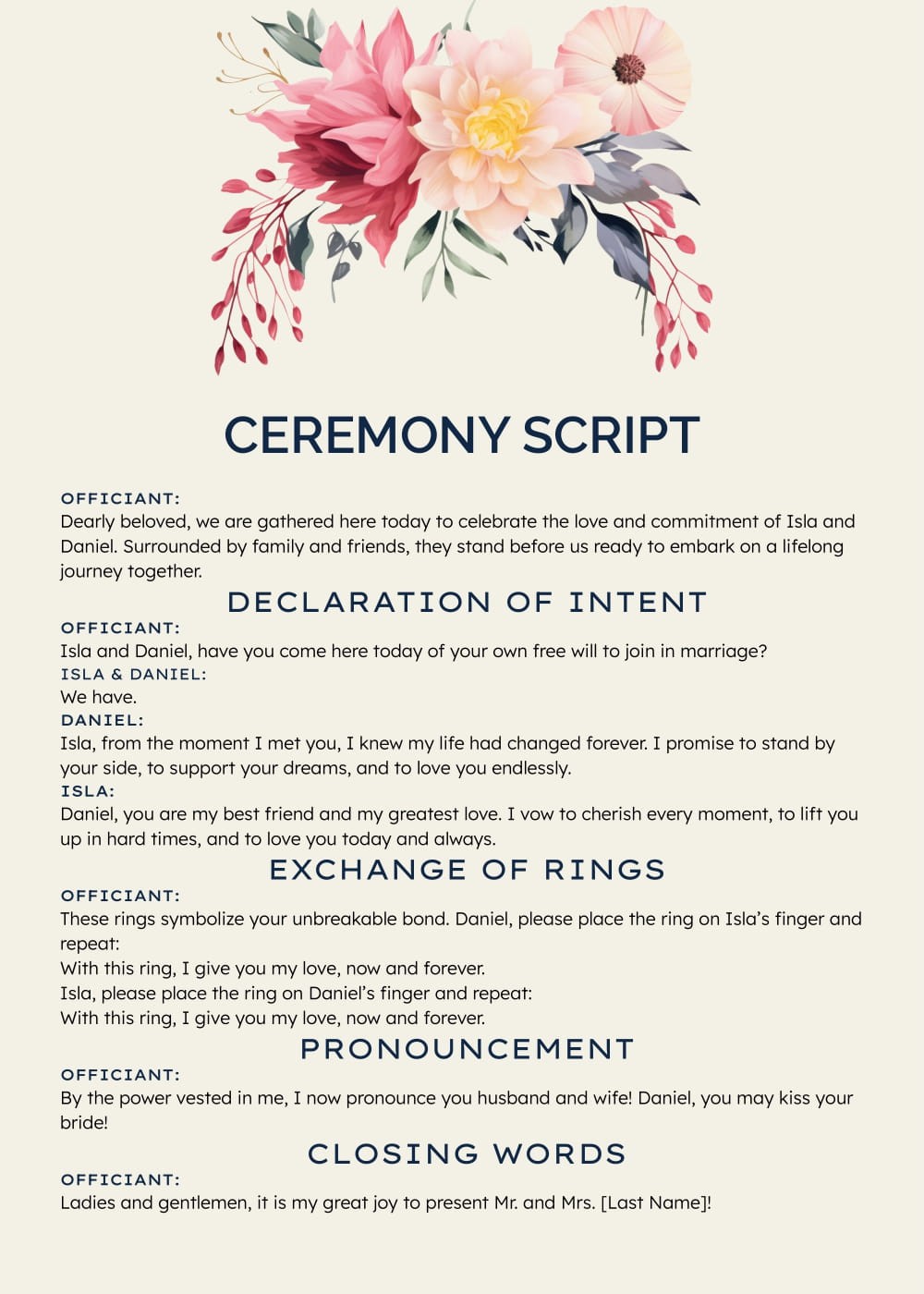
Planning a wedding can be both exciting and overwhelming. One of the essential elements of your special day is the ceremony script, which sets the tone for the entire event. The Modern Wedding Ceremony Script Free Google Docs Template offers a straightforward, customizable solution for couples looking to create a meaningful and personal ceremony. This template allows you to focus on your love story, ensuring your vows and readings resonate with you and your guests.
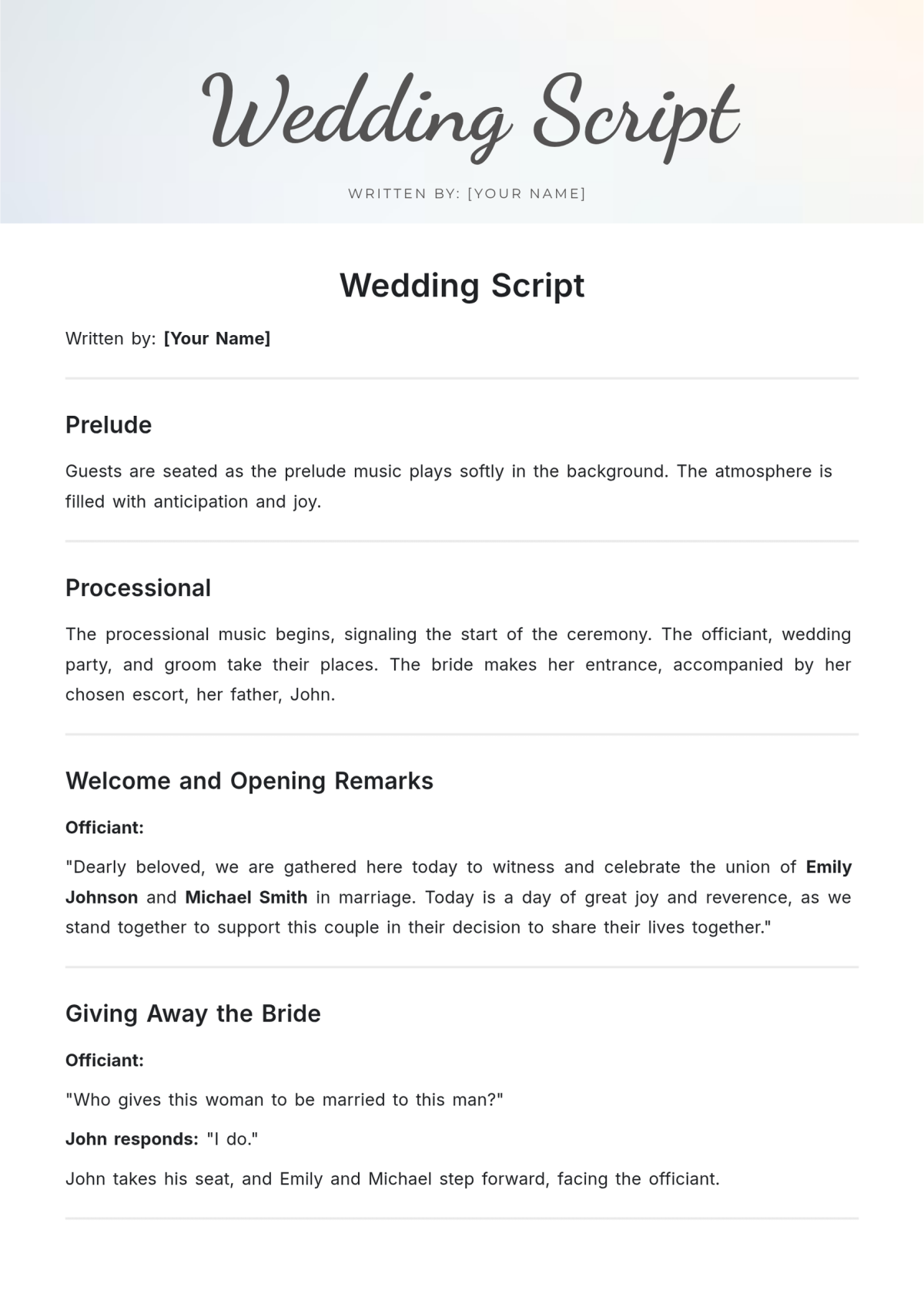
Understanding the Template’s Features
The Modern Wedding Ceremony Script template is designed to be user-friendly and flexible, catering to different styles and preferences. Here are some of the key features that make it a valuable resource:
- Editable Format: Available in Google Docs, the script can be easily modified to suit your specific needs. You can change wording, add elements like personal vows, or rearrange sections as you see fit.
- Structured Layout: The template provides a clear and organized structure, which includes sections for the welcome, readings, vows, and closing remarks. This helps ensure you don’t miss any important components.
- Guidance for Personalization: Helpful notes throughout the template suggest ways to personalize your ceremony, such as including family traditions, cultural elements, or specific readings that hold meaning for you.
This template helps you avoid the stress of starting from scratch, allowing you to focus on crafting a ceremony that truly reflects your relationship.
Customizing Your Ceremony Script
When using the Modern Wedding Ceremony Script Free Google Docs Template, customization is key. Here are some practical tips on how to tailor it to your needs:
- Choose Your Tone: Decide if you want your ceremony to be formal, casual, or somewhere in between. The template allows for easy adjustments in language and style to match your vision.
- Incorporate Personal Touches: Add anecdotes, inside jokes, or special memories to make your ceremony unique. For example, if you have a favorite quote or poem, consider including it in the readings section.
- Select Readings and Music: The template provides sections for readings and music. Think about what resonates with you as a couple. Whether it’s a classic love poem or a contemporary song lyric, these elements can enhance the emotional impact of your ceremony.
By taking the time to personalize your script, you create a ceremony that feels authentic and special to both of you.
Practical Considerations for Downloading and Printing
Once you’ve customized your script, you’ll want to consider how to download and print it. Here are some practical steps to ensure you get the best results:
- Google Docs to PDF: After finalizing your script, you can easily download it as a PDF. This format preserves the layout and ensures it looks great when printed.
- Choose the Right Paper: For printing, consider using a heavier paper stock or cardstock if you want a more formal look. This will give your script a polished appearance and durability, especially if you plan to keep it as a keepsake.
- Print Options: If you’re printing at home, check your printer settings to ensure the layout is correct. Portrait orientation typically works best for scripts, as it aligns with standard reading practices.
Make sure to print a few copies for your officiant and any participating family members or friends. Having extras on hand can help avoid any last-minute scrambling.
Sharing and Rehearsing Your Ceremony
After customizing and printing your script, it’s beneficial to share it with your officiant and anyone involved in the ceremony. Here’s how to approach this:
- Rehearsal: Schedule a rehearsal to go over the script together. This will help everyone feel comfortable with their roles and the flow of the ceremony. Practicing also allows you to make any necessary adjustments based on how it feels in real time.
- Feedback: Don’t hesitate to ask for input from your officiant or trusted friends. They can provide valuable insights on the script’s tone and flow, ensuring it resonates well with your guests.
Including others in this process not only helps you refine your script but also fosters a sense of community as you prepare for your big day.
Making the Most of Your Wedding Script
Finally, think about how you want to preserve your wedding script after the ceremony. Here are two great options:
- Framing: Consider framing your final script as a keepsake. This can serve as a beautiful reminder of your vows and the promises you made to each other.
- Digital Archive: Save a digital copy in your wedding album or personal files. This way, you can revisit your ceremony’s words and memories in the years to come.
The Modern Wedding Ceremony Script Free Google Docs Template is more than just a document; it’s the foundation for a memorable and heartfelt ceremony. By customizing it thoughtfully and incorporating personal touches, you can create a script that reflects your unique love story.
Modern Wedding Ceremony Script Free Google Docs Template Gallery