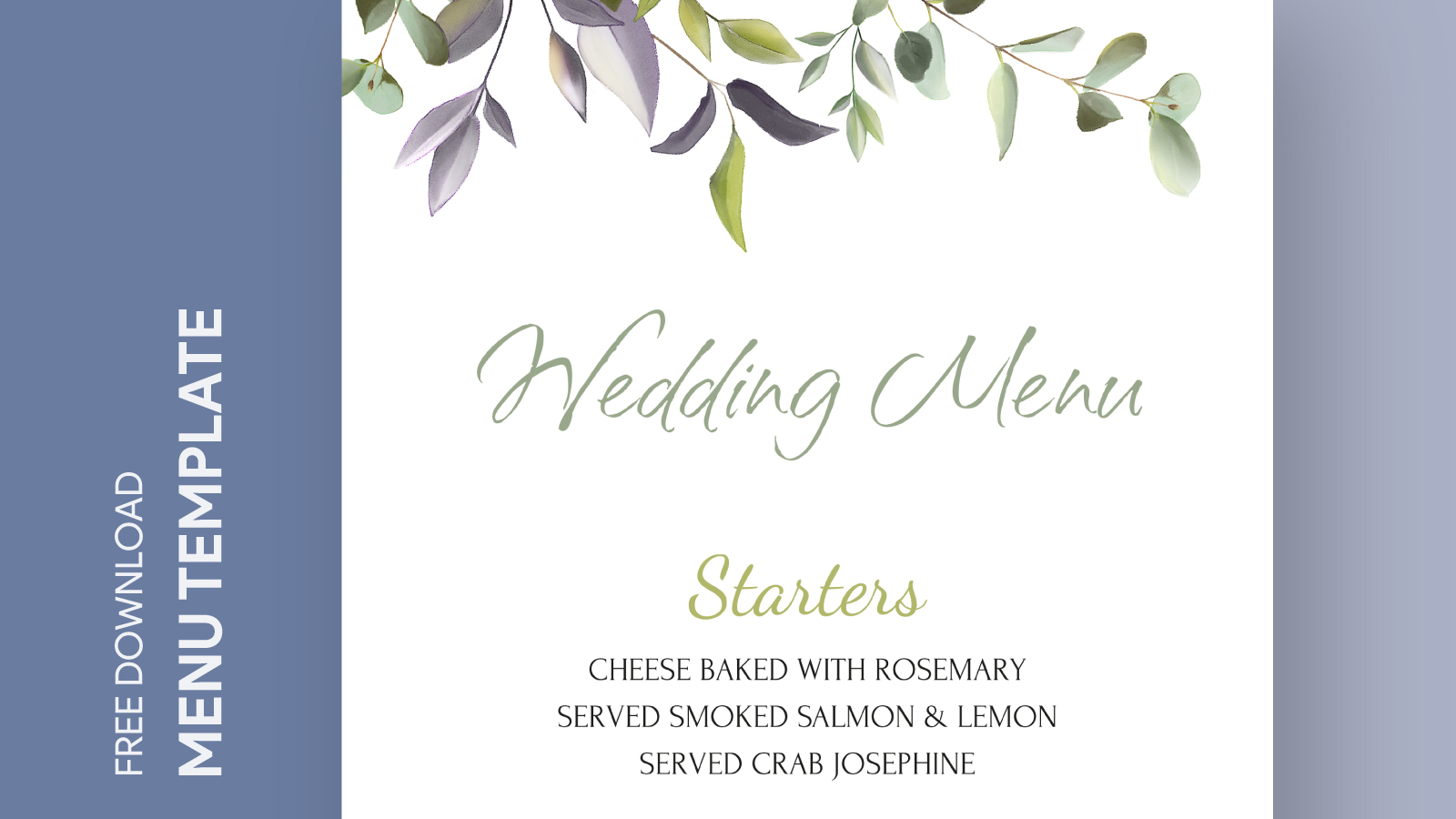
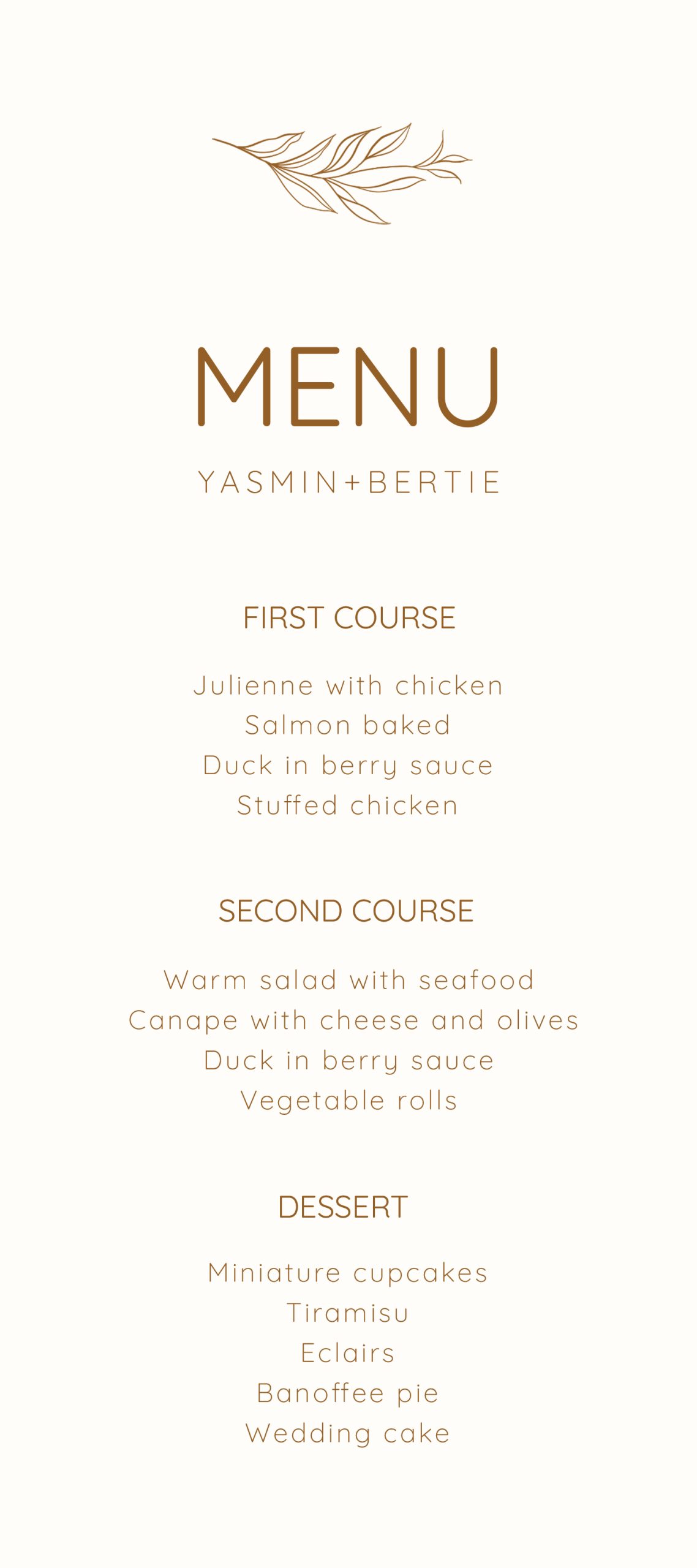
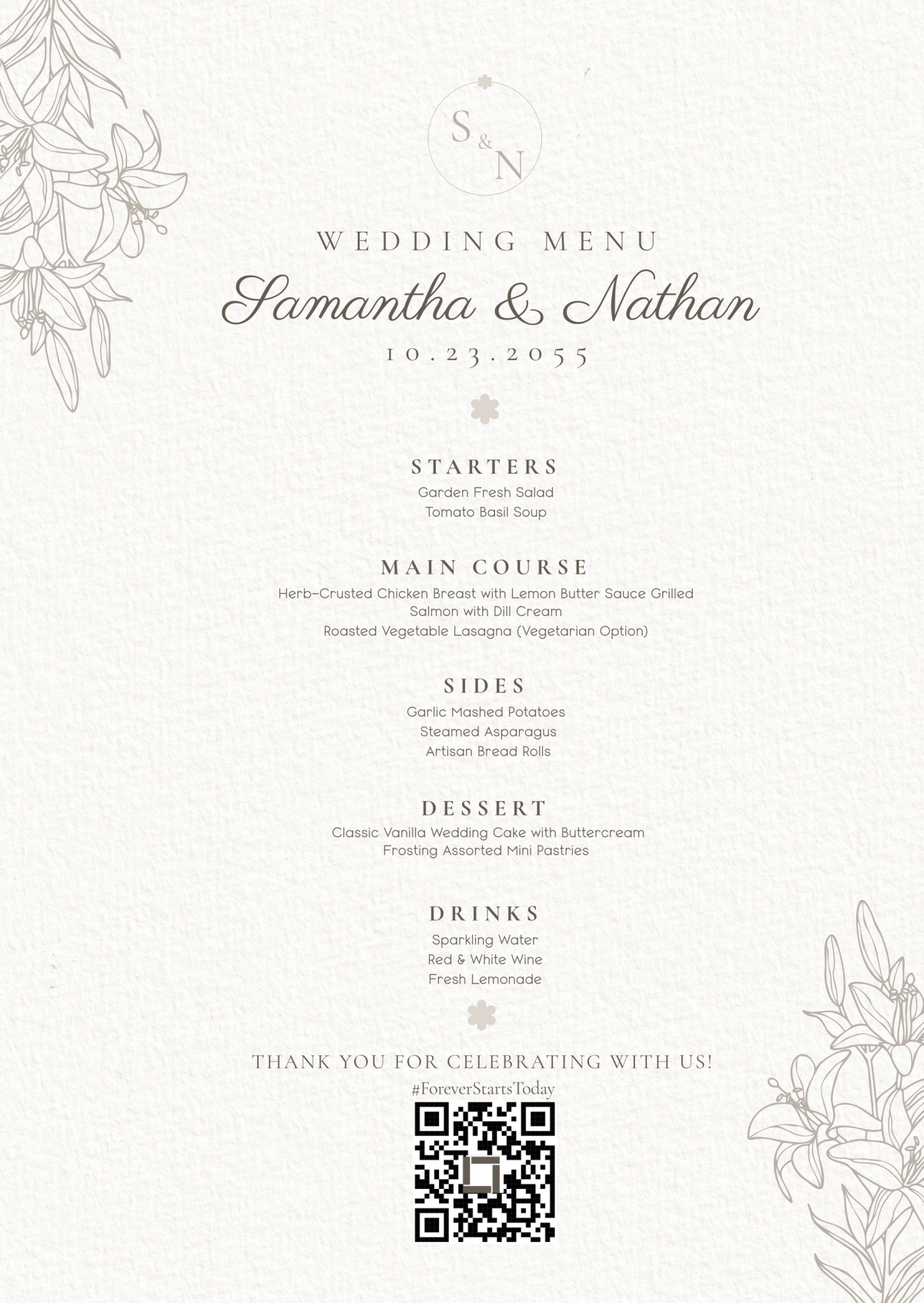
Planning a wedding can feel like a whirlwind of details, especially as the big day approaches. Picture this: it’s a cozy Sunday afternoon, and you’re curled up with a cup of tea, sifting through your wedding checklist. You realize you need to finalize the menu for the reception, and that’s when you reach for the Minimalist Wedding Menu Free Google Docs Template. This stylish and easy-to-use resource will help you create a beautiful menu that reflects your wedding theme while keeping things organized and elegant.
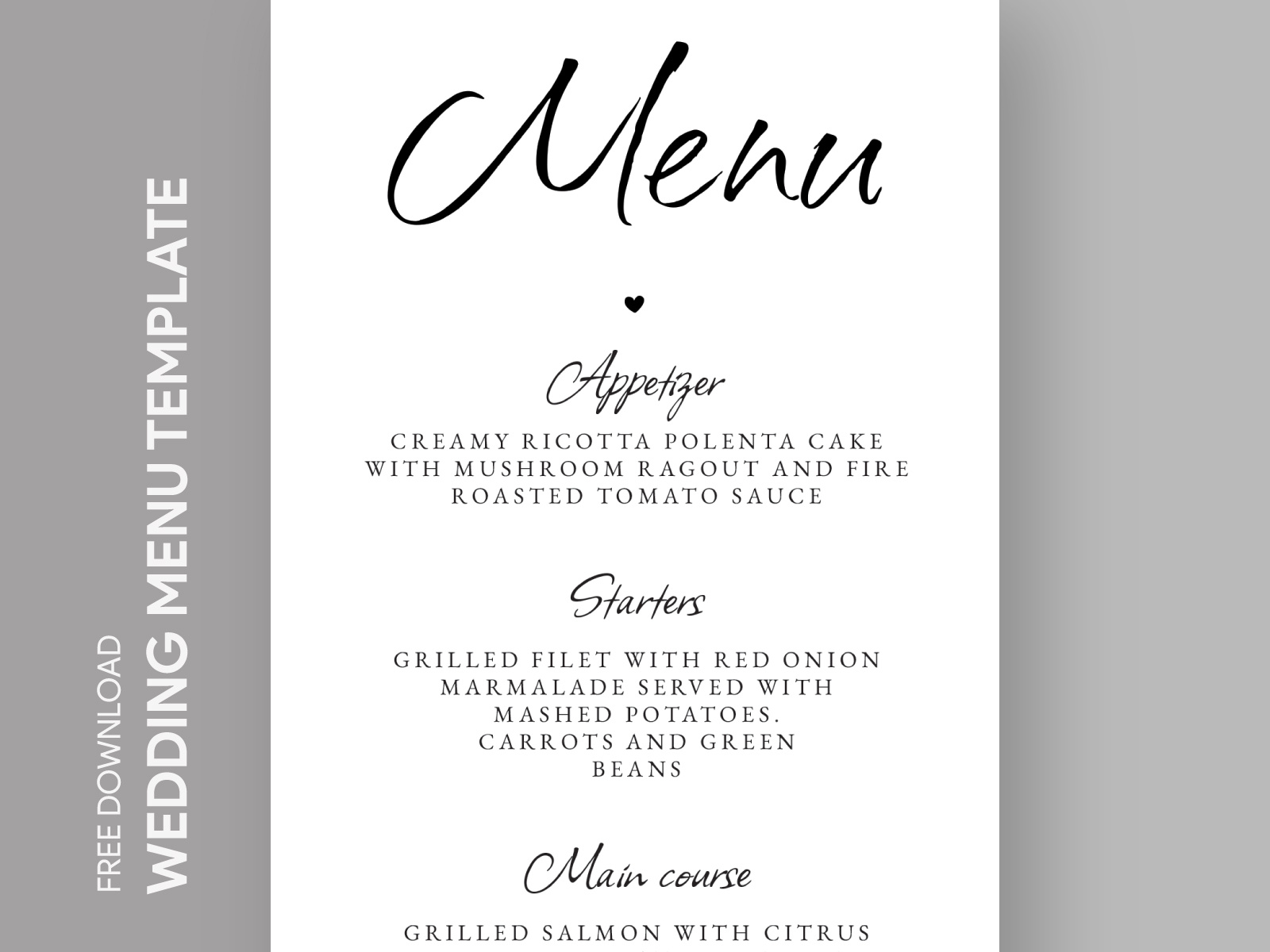
Why Choose a Minimalist Wedding Menu?
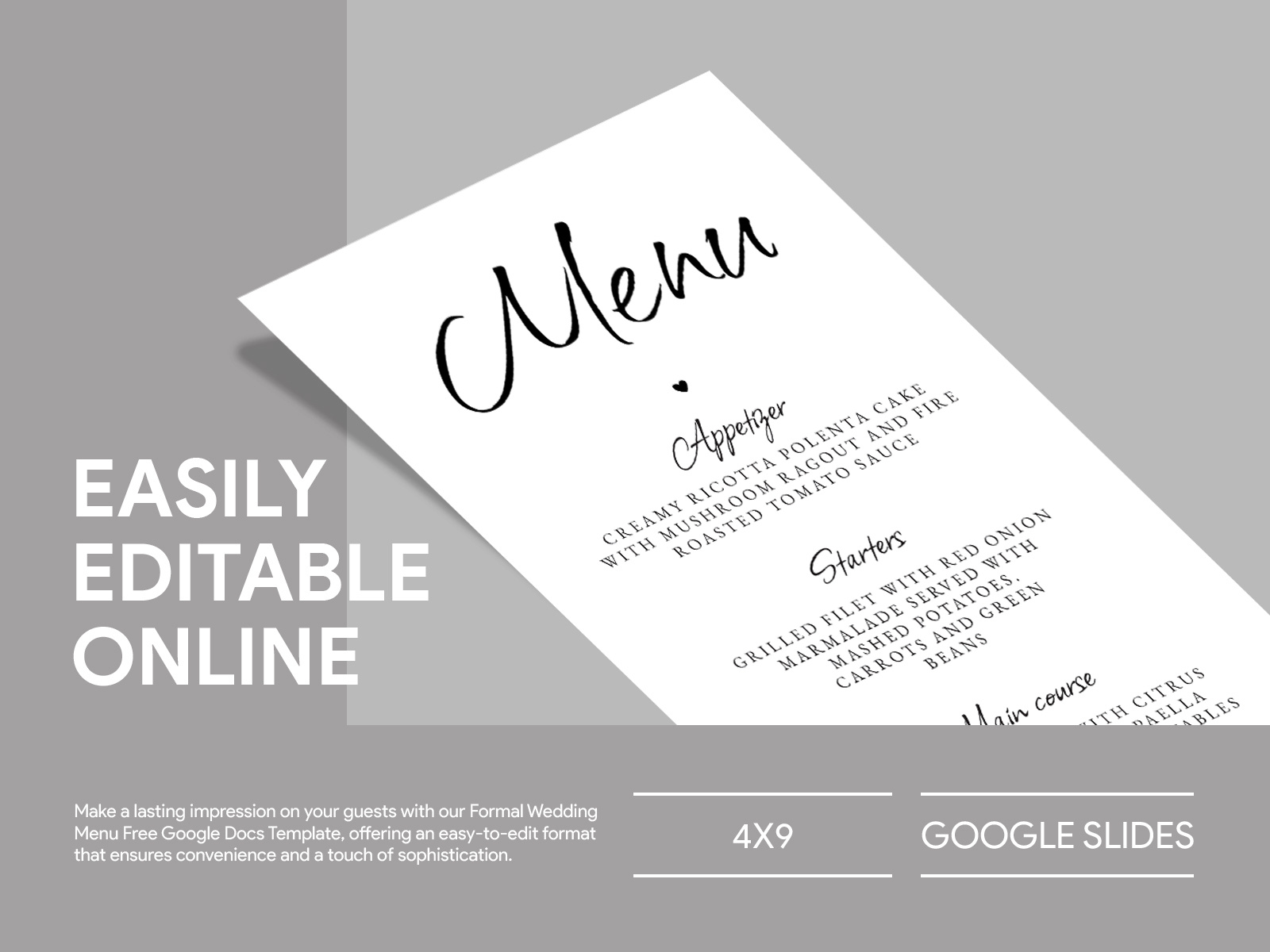
Minimalism in wedding planning has gained popularity for good reasons. A minimalist wedding menu not only looks sophisticated but also helps your guests focus on the food and the experience rather than being overwhelmed by options. By using a free Google Docs template, you can easily customize it to fit your unique wedding style.
Imagine a simple yet elegant design that allows each dish to shine. You can choose to include just the essentials or add a personal touch with a small story behind each dish. This approach not only saves you time but also enhances the overall aesthetic of your wedding.
Customizing Your Free Template
When you download the Minimalist Wedding Menu Free Google Docs Template, you’ll find it’s incredibly user-friendly. You can customize various elements such as:
- Fonts and Colors: Choose fonts that match your wedding’s theme. Elegant serif fonts can add a classy touch, while modern sans-serif fonts can keep it fresh and contemporary. Adjusting the colors to match your wedding palette is a breeze.
- Menu Items: Whether you’re serving a plated dinner, buffet, or a mix, you can easily insert your chosen dishes. Include appetizers, main courses, and desserts, or highlight any special dietary options you might have.
- Layout Options: Most templates come with different layout options. Portrait layouts tend to work better for most home printers, while landscape can provide a more expansive view of your menu items. Decide which works best for your table settings.
- Personal Touches: Consider adding a small note or quote that resonates with you as a couple. This can make your menu not just a list of food, but a small piece of your love story.
Printing and Displaying Your Menu
Once you’ve customized your menu to perfection, it’s time to think about printing and displaying it. Here are some tips to ensure your menus look their best:
- Paper Choice: Opt for a heavier cardstock for a more professional feel, especially if you plan to laminate them for durability. Standard sizes like 5×7 inches or 8.5×11 inches are commonly used, but make sure to consider how they will fit on your tables.
- Printer Settings: If you’re printing at home, make sure your printer settings are adjusted correctly for optimal quality. Use the highest quality print settings for the best results. If you’re unsure, test print on regular paper first.
- Presentation: Consider how you’ll display your menus. A simple tent-style card can add elegance to each table setting. You might also want to use decorative holders or stands that tie into your wedding theme.
Mailing or Hand-Delivering Your Menus
As you finalize your wedding plans, think about how you’ll get your menus to your guests. If you’re hand-delivering invitations and want to include the menu, ensure the sizes fit well in your envelopes. Standard A7 envelopes work well for 5×7 menus, while A8 envelopes are a good fit for 5.5×8.5 menus. If mailing, be mindful of postage costs based on weight and size. Heavier cardstock may require additional postage, so check with your local postal service.
In case you’re considering digital invitations, you can also send a digital version of your menu as a PDF attachment. This option is great for last-minute changes and keeps guests informed without the need for physical printing.
Minimalist Wedding Menu Free Google Docs Template Gallery