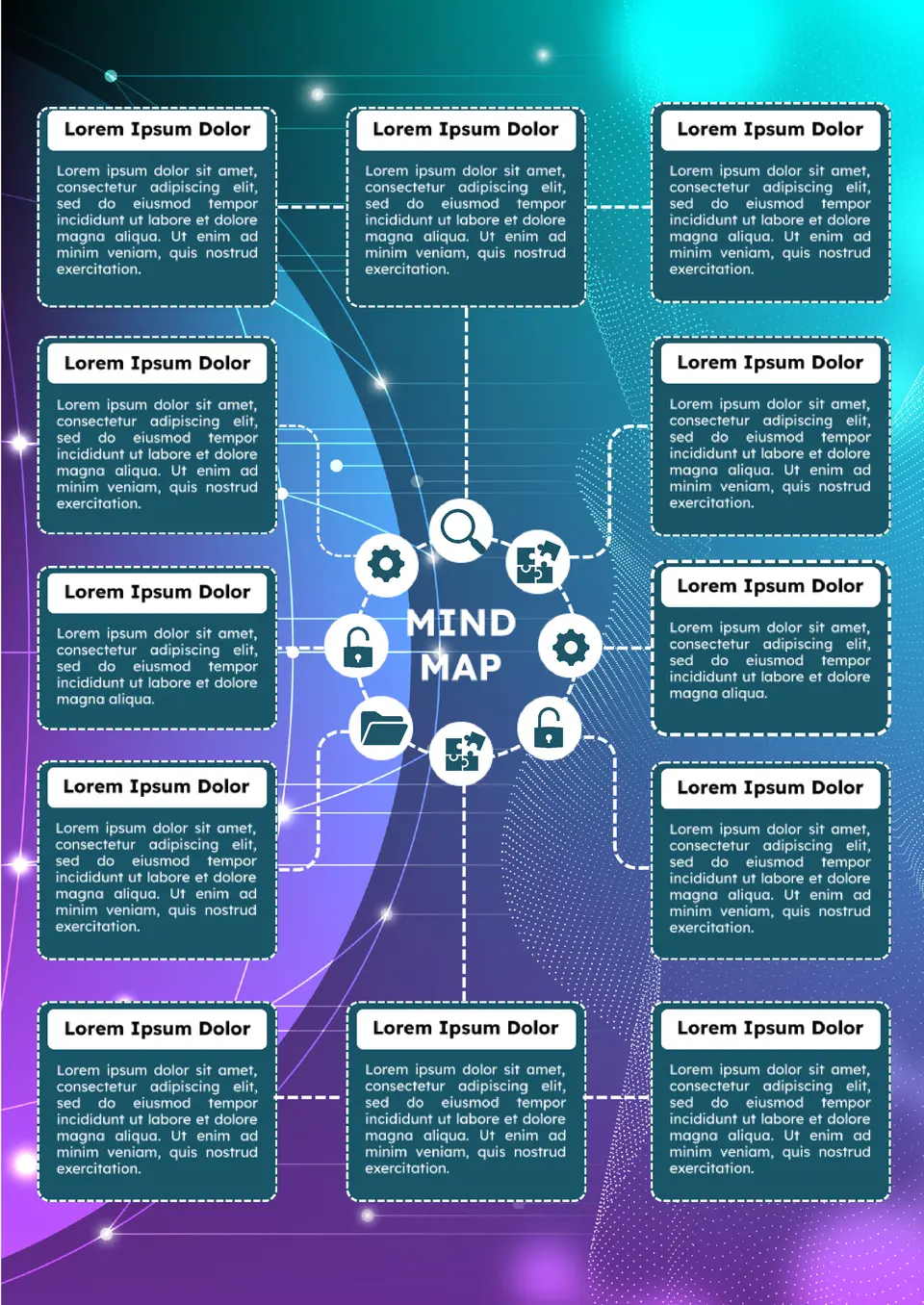
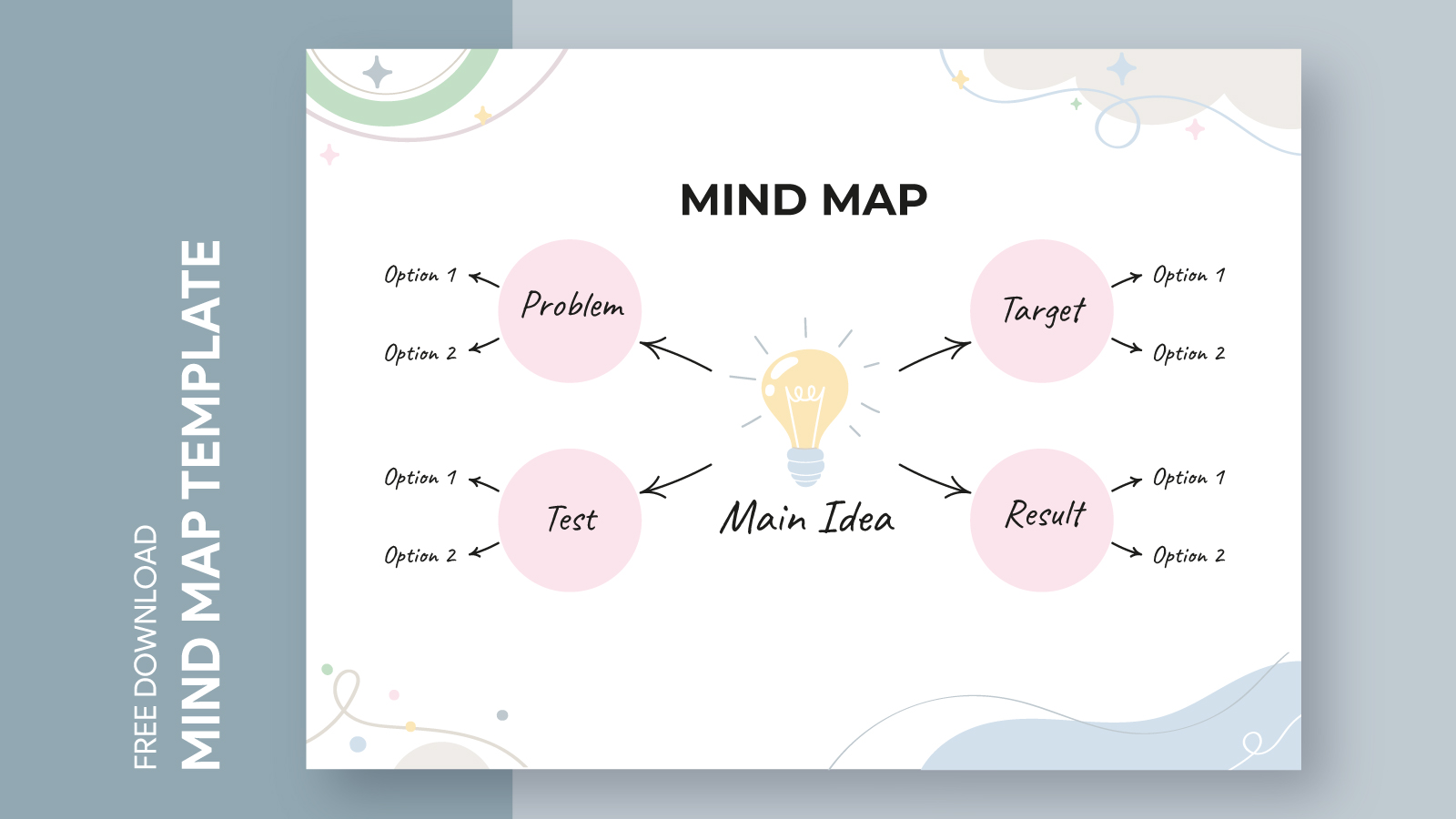
When it comes to organizing thoughts and ideas, nothing quite matches the effectiveness of a mind map. The Mind Map Connection Diagram Free Google Docs Template stands out among the myriad of resources available, offering a clear, customizable way to visualize connections between concepts. This template is not just a pretty layout; it’s a practical tool that can be adapted for various purposes, whether you’re planning a family event, launching a project, or helping kids with school assignments. Let’s explore how you can make the most of this template!
Understanding the Mind Map Connection Diagram
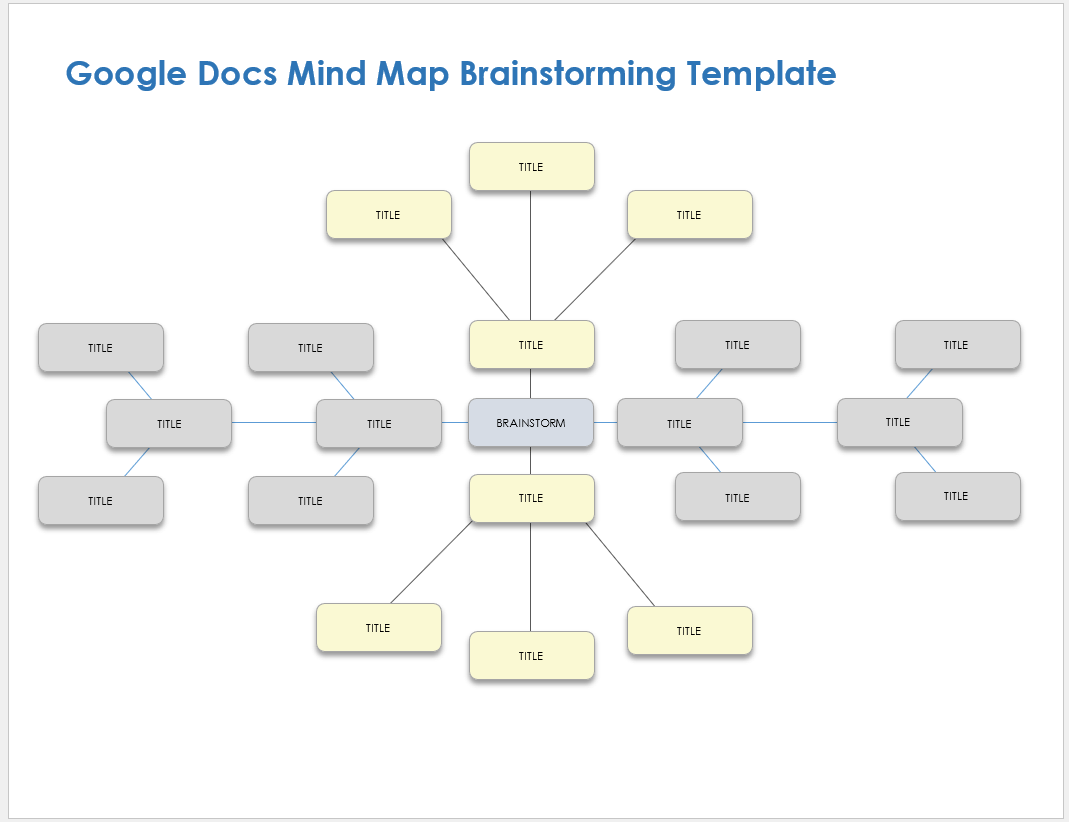
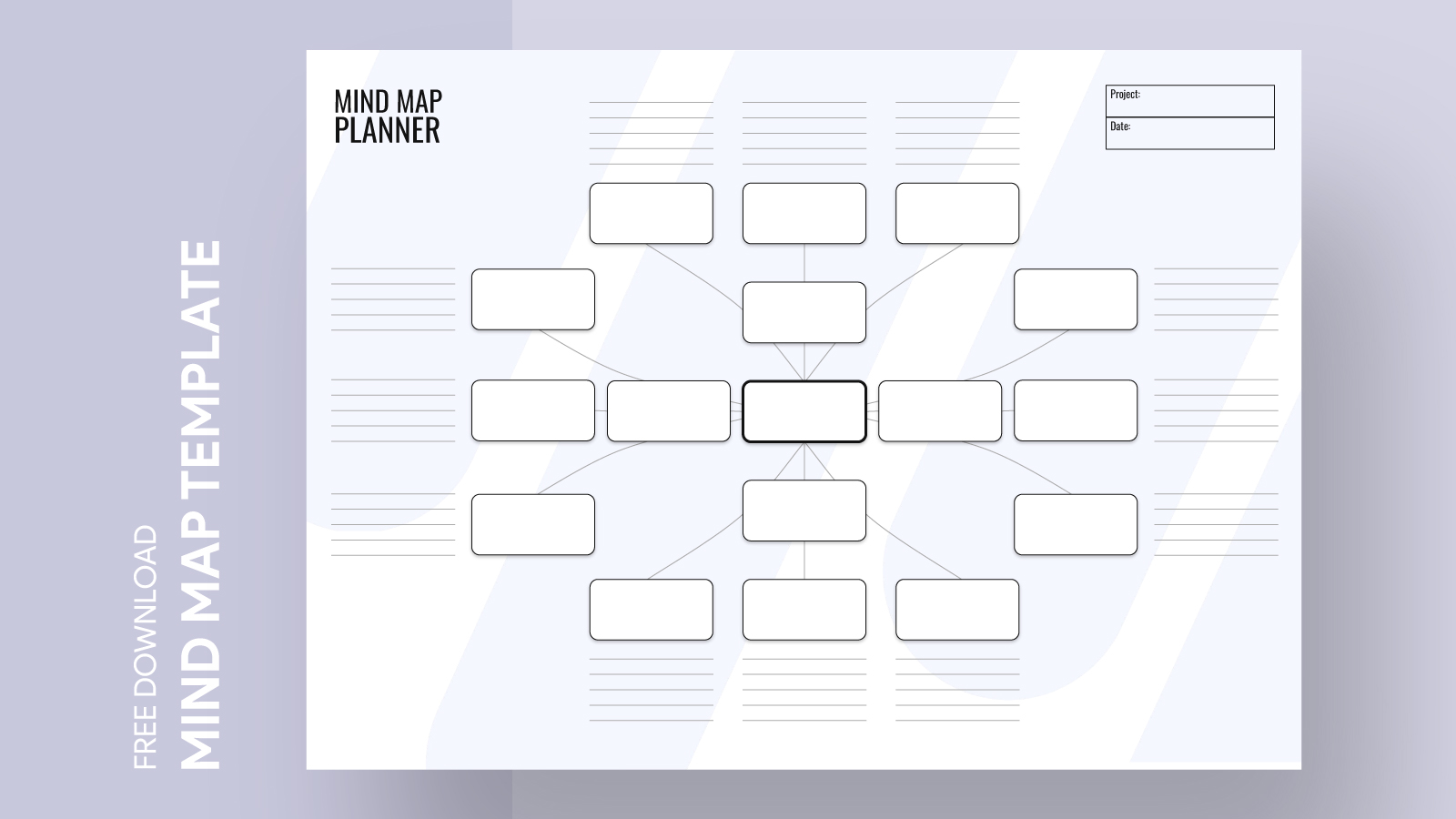
A mind map is a diagram used to visually organize information, where a central idea branches out into related subtopics. The Mind Map Connection Diagram Free Google Docs Template allows you to easily create a structured layout that highlights relationships between different ideas. This is especially useful for parents helping children with homework or for anyone who needs to brainstorm effectively.
Key Features of the Template
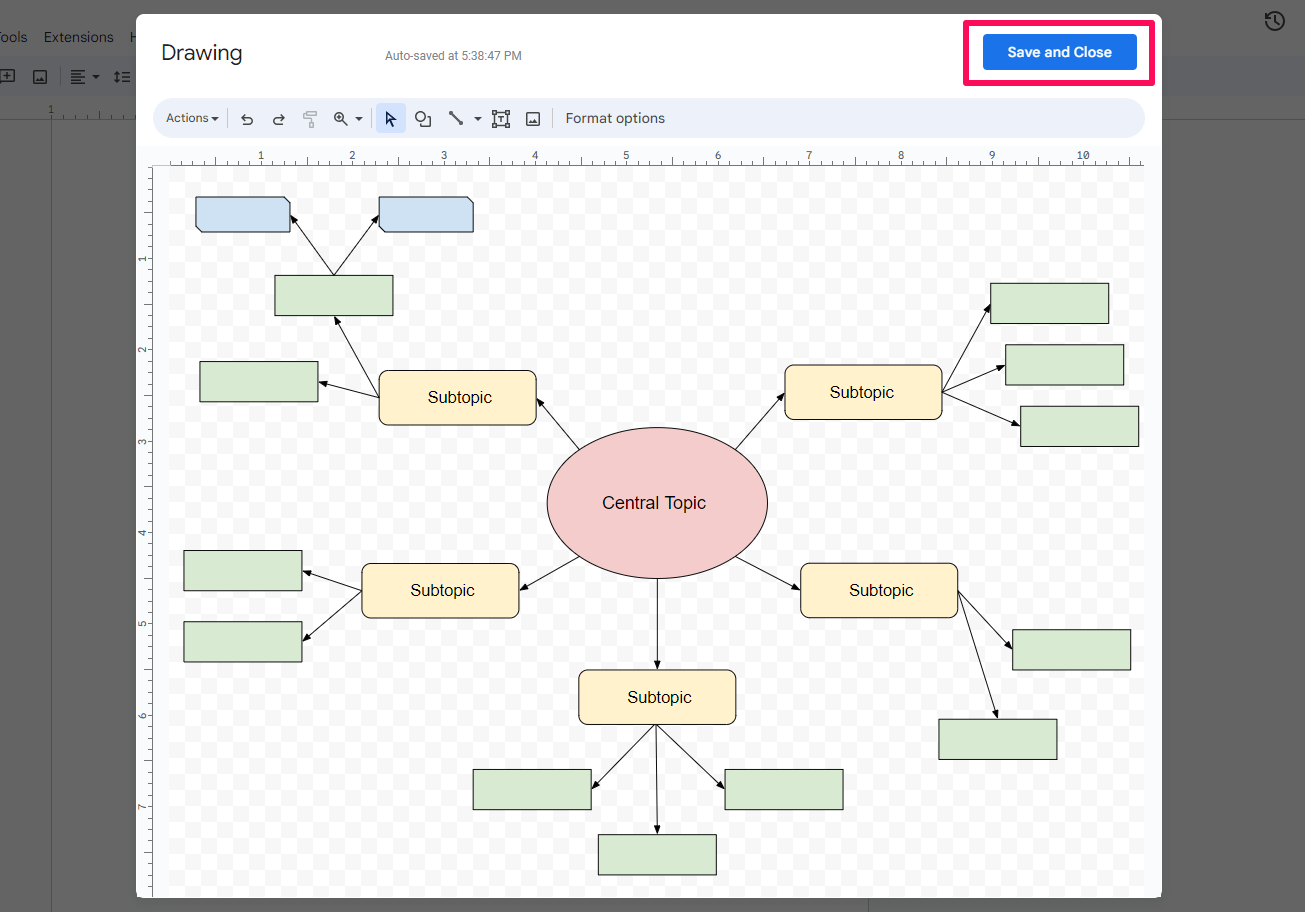
This Google Docs template includes several essential features:
- Central Node: The starting point for your main idea.
- Branches: Lines connecting the central node to subtopics, which can be customized with your own text.
- Color Coding: Different colors can help categorize ideas, making it visually appealing and easier to interpret.
- Easy Customization: You can easily add or remove branches as your thoughts evolve.
But here’s the kicker: Unlike many other templates that can feel overwhelming, this one’s straightforward and user-friendly. You can jump right in without needing to navigate complex features or tools.
Customizing Your Mind Map Connection Diagram
One of the best aspects of the Mind Map Connection Diagram Free Google Docs Template is its flexibility. You can customize it in several ways to fit your needs:
Layout Options
You can choose different layouts depending on your preference. A radial layout, where branches extend from a central point, works well for brainstorming sessions. If you’re focusing on a linear progression of ideas, a hierarchical layout might suit you better. Google Docs allows you to drag and drop elements, making real-time adjustments a breeze.
Paper Size and Format
When it comes to printing, you’ll want to consider the paper size. Standard letter size (8.5×11 inches) is ideal for most home printers. If you’re looking to create a more extensive mind map, consider using legal size (8.5×14 inches) for additional space. And remember, printing in color can enhance the visual distinction between different branches.
Practical Uses for the Mind Map Connection Diagram
So how can you incorporate this template into your routine? Here are some practical ideas:
For Parents and Students
If you’re a parent helping your child with a project, use the mind map to outline key points and ideas. It can help your child visualize the subject matter and organize their thoughts effectively. This approach not only aids comprehension but also enhances retention.
For Family Planning
Planning a family vacation? Use the mind map to list destinations, activities, and budgeting in one central visual space. You can branch off into categories like accommodations, travel logistics, and must-see attractions. This ensures that nothing gets overlooked.
For Personal Projects
If you’re working on a personal project, be it a blog, a home improvement task, or even a small business idea, the mind map can help you plot out your strategy. By connecting different elements, you can see how various parts of your project interact and where you might need to focus your efforts.
Downloading and Using the Template
Getting your hands on the Mind Map Connection Diagram Free Google Docs Template is straightforward. Simply head to the resource website, find the template, and click to download. Once you have it in Google Docs, you can start customizing right away.
Printing Tips
When you’re ready to print, here are a few tips to ensure the best results:
- Use High-Quality Paper: If you plan on displaying your mind map or using it as a reference, consider printing on cardstock. It holds up better than regular paper and is less prone to creasing.
- Check Print Settings: Make sure to select the correct paper size in your print settings to avoid any cropping issues.
- Color vs. Black and White: While a colorful mind map is visually stimulating, black and white can be more practical if you’re printing many copies or if color ink is a concern.
You can also share the document directly with family members or collaborators through Google Docs, making it a collaborative effort.
Mind Map Connection Diagram Free Google Docs Template Gallery