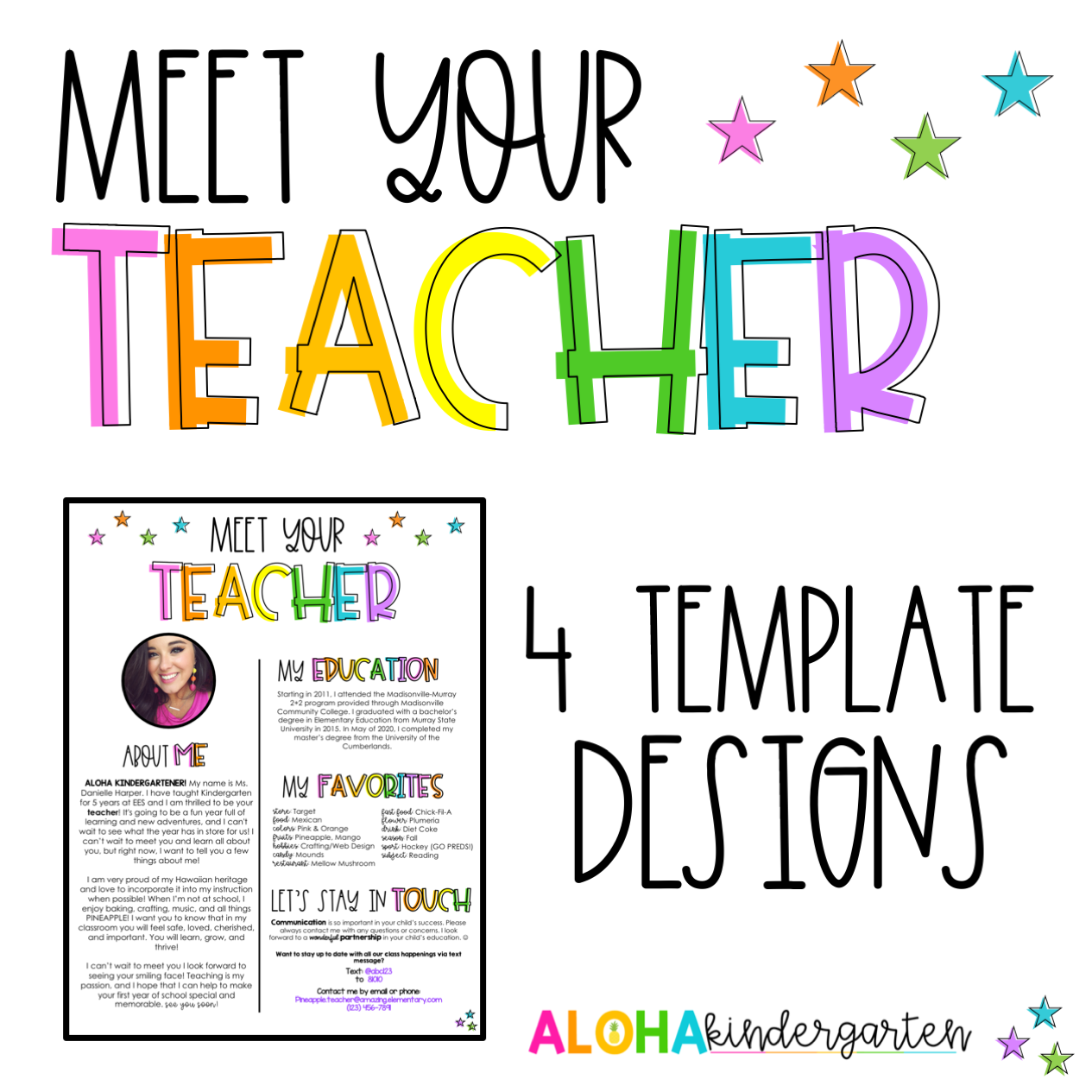
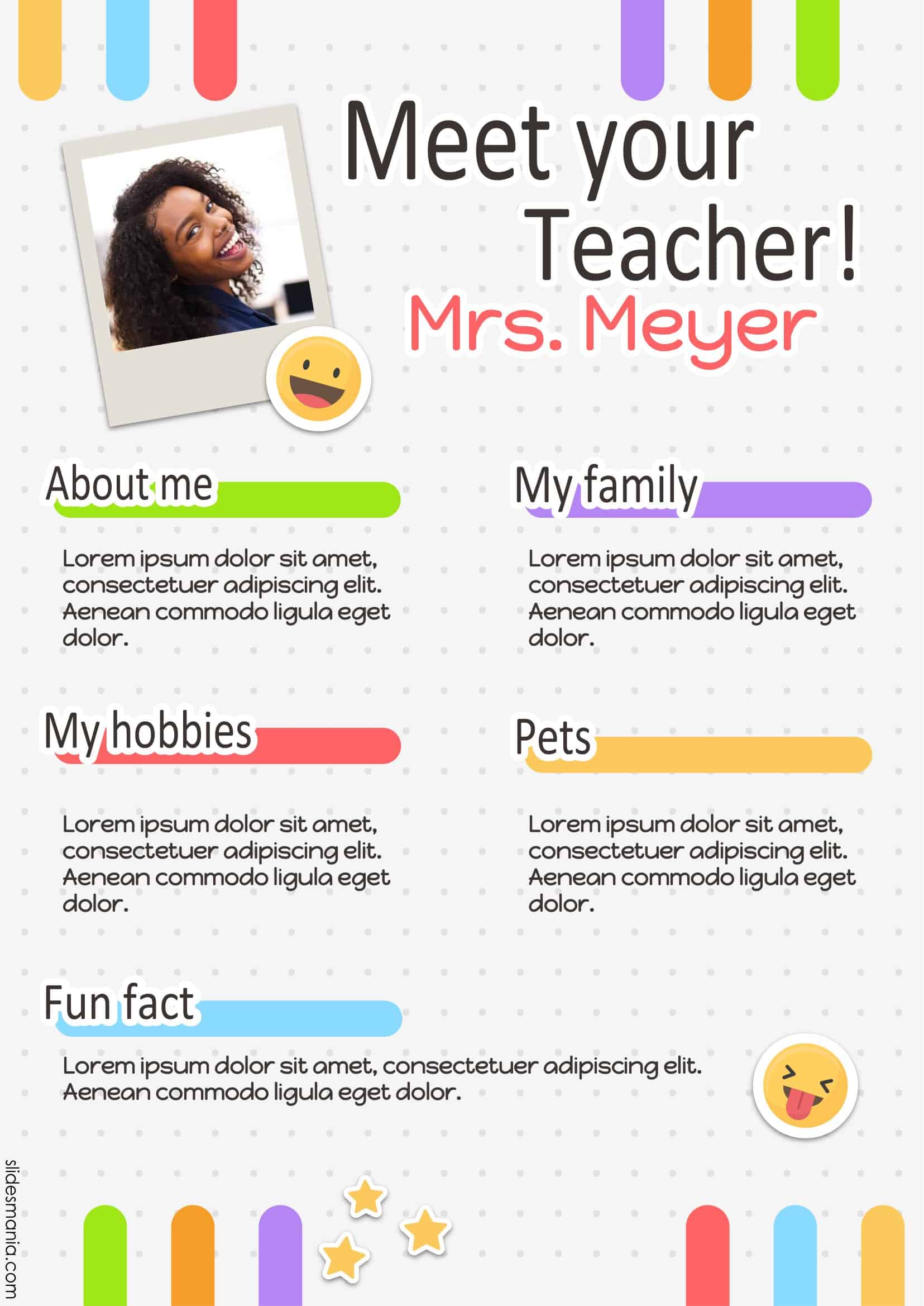
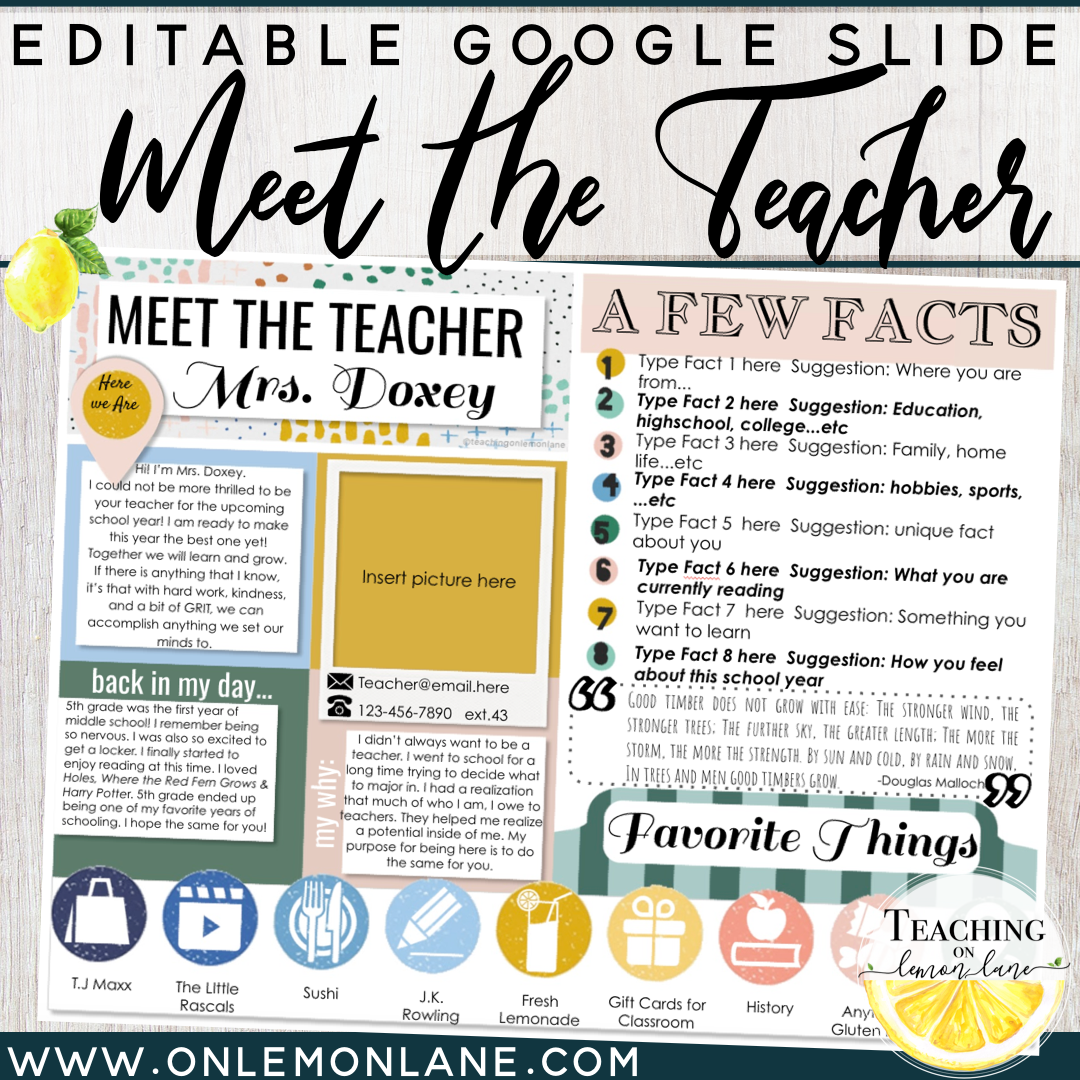
An invitation to meet the teacher night can set the tone for a positive school year. It’s an essential event where parents get to know their child’s teacher, understand the curriculum, and establish a partnership in their child’s education. Using a Meet The Teacher Night Announcement Free Google Docs Template can simplify the process of creating an effective and visually appealing announcement.
Why Use a Google Docs Template?
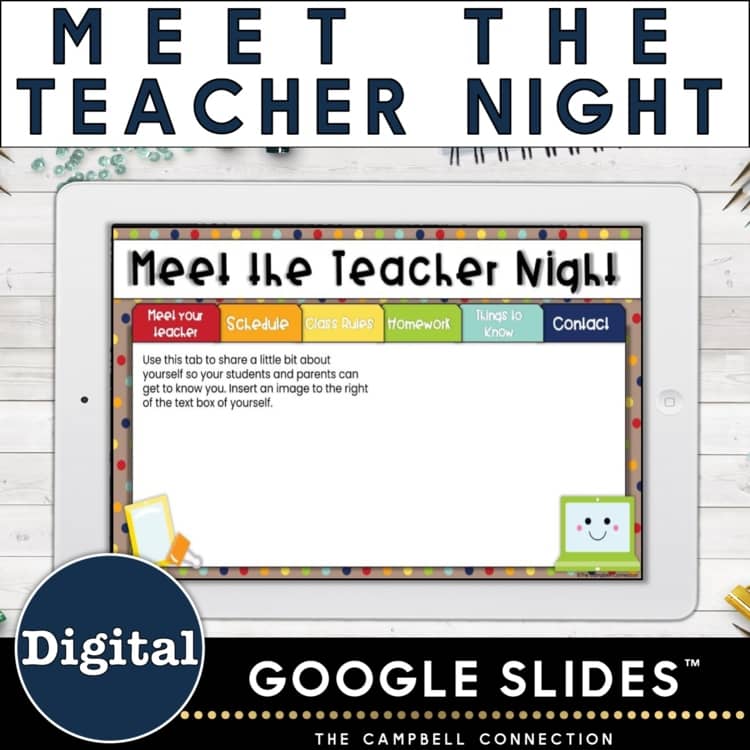
Using a Google Docs template for your announcement is not just convenient; it’s also efficient. The template is designed to be easily editable, allowing you to customize details such as the date, time, and location of the event. Plus, Google Docs automatically saves your changes, so you don’t have to worry about losing your work.
The template is typically formatted to fit standard paper sizes, such as letter size (8.5 x 11 inches), which makes printing straightforward. If you are printing at home or at a local print shop, this size is compatible with most printers, ensuring that your announcement looks professional.
Customizing Your Announcement
The beauty of a Google Docs template lies in its flexibility. You can personalize it to suit your school’s branding or your personal style. Here are some elements you can customize:
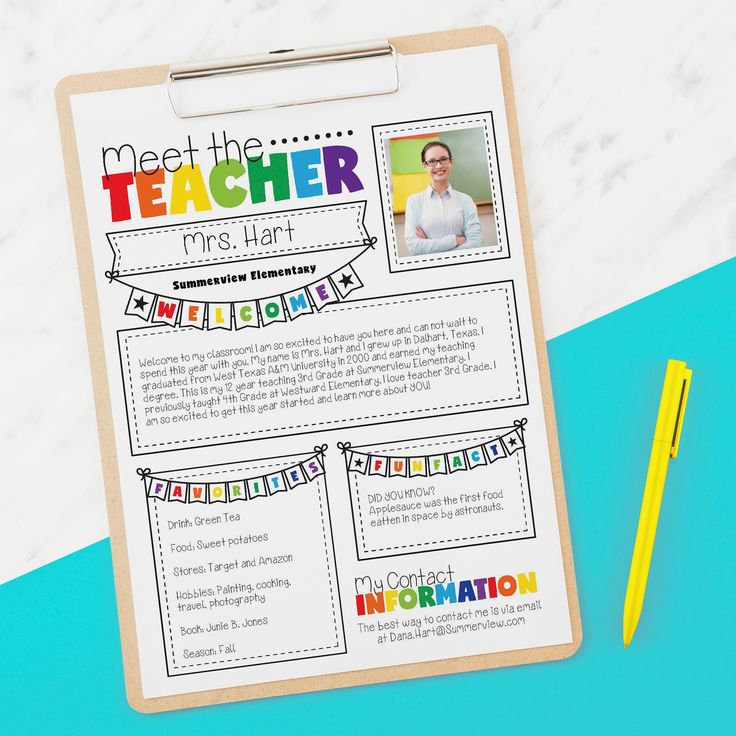
- Event Details: Include specific information like the date, time, and location. It’s also beneficial to mention the purpose of the event to encourage attendance.
- Teacher Introduction: A brief introduction about yourself can help parents feel more connected. You might include your teaching philosophy or background.
- Contact Information: Providing your email or phone number allows parents to reach out with any questions.
- Visual Elements: Many templates come with placeholders for images. Adding a school logo or a friendly photo can make your announcement more inviting.
To get started, simply click on the template link, and it will open in Google Docs. From there, you can edit the text directly in the document. You can also change fonts and colors to match your personal or school branding.
Downloading and Printing Your Template
Once you’ve finished customizing the template, it’s time to download and print it. Google Docs allows you to download your document in several formats, including PDF and Word. For printing purposes, I recommend using the PDF format. It preserves the formatting and ensures that everything appears as intended.
When printing, consider the following:
- Paper Choice: Standard printer paper (20 lb) is sufficient for most announcements, but if you want something more durable, consider using cardstock. It holds up better and gives a more professional feel.
- Print Settings: Set your printer to “portrait” layout for the best results. This orientation is typically more visually appealing for flyers and announcements.
- Test Print: Before printing multiple copies, do a test print to check for any formatting issues. This step can save you time and paper in the long run.
Distributing Your Announcement
Once printed, you’ll need to distribute your announcement effectively. Here are some methods you might consider:
- Direct Mail: Sending the announcement home with students is traditional and effective. Make sure to use envelopes if you want to keep them neat.
- School Newsletter: If your school has a monthly newsletter, consider including your announcement there. This can reach a broader audience and ensure that parents are aware of the event.
- Digital Sharing: If parents are more connected digitally, consider sharing the announcement via email or on the school’s social media pages. You can also convert the Google Docs template into a shareable link for quick access.
Follow-Up Communication
After distributing your announcements, it’s essential to follow up with parents. A simple reminder a few days before the event can help ensure attendance. You can send a brief email or text message reiterating the event details and expressing your excitement to meet everyone.
This follow-up can also serve as an opportunity to clarify any questions parents might have about the event. It demonstrates that you value their involvement and are committed to fostering a strong home-school connection.
By utilizing the Meet The Teacher Night Announcement Free Google Docs Template, you’re not just creating an invitation; you’re laying the groundwork for a collaborative and supportive educational environment. So, get started on your template today, and make that first impression count!
Meet The Teacher Night Announcement Free Google Docs Template Gallery