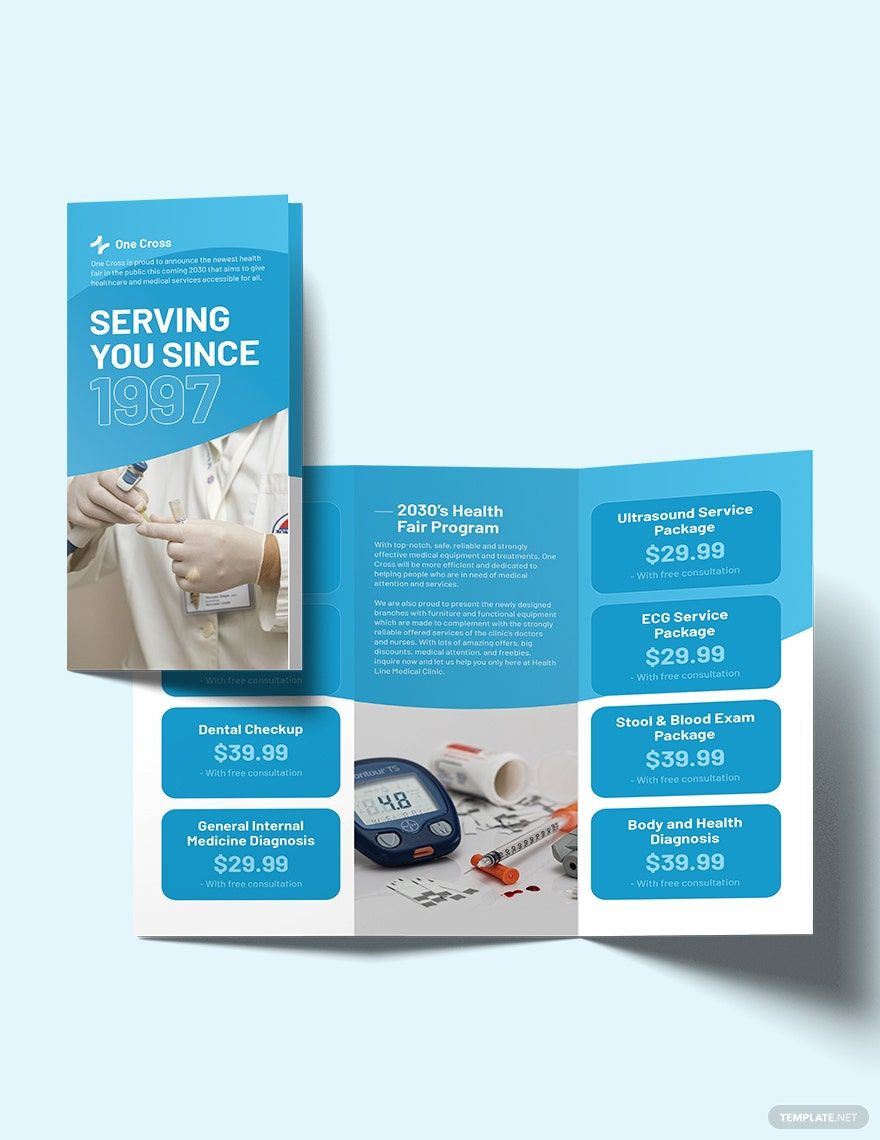
Creating a medical trifold brochure can seem daunting, especially if you’re new to design or don’t have experience with graphic software. However, the Medical Trifold Brochure Free Google Docs Template simplifies this process, making it accessible for everyone, even if you’re just a parent looking to share important health information. This template is user-friendly and perfect for creating brochures that effectively communicate medical services, information, or events.
Understanding the Layout of the Brochure
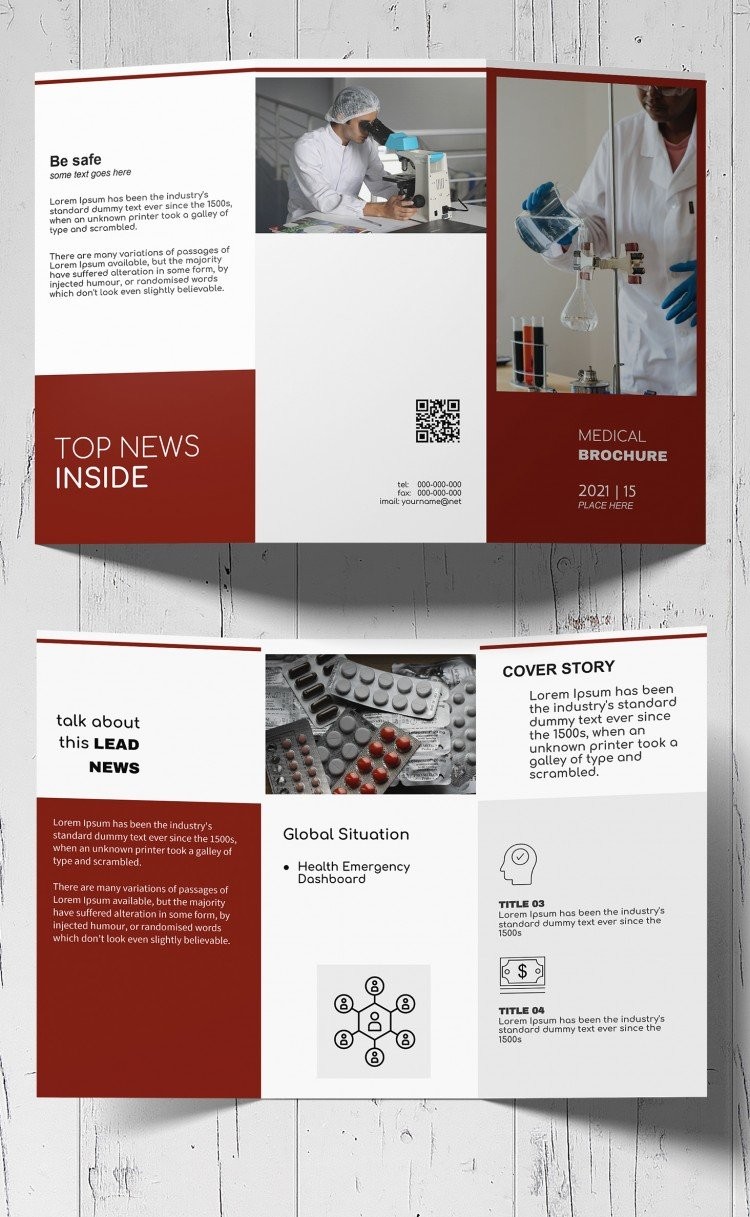
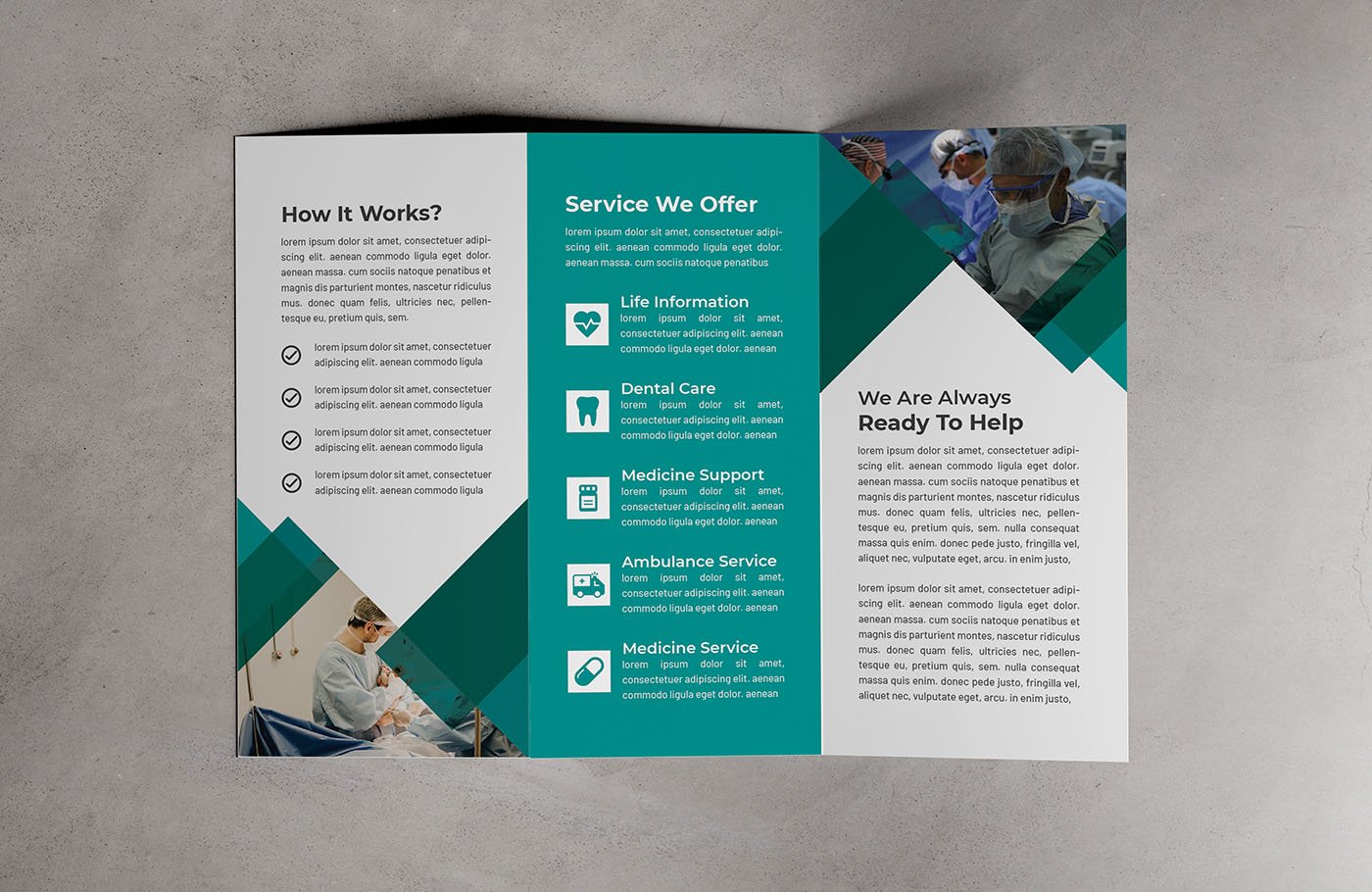
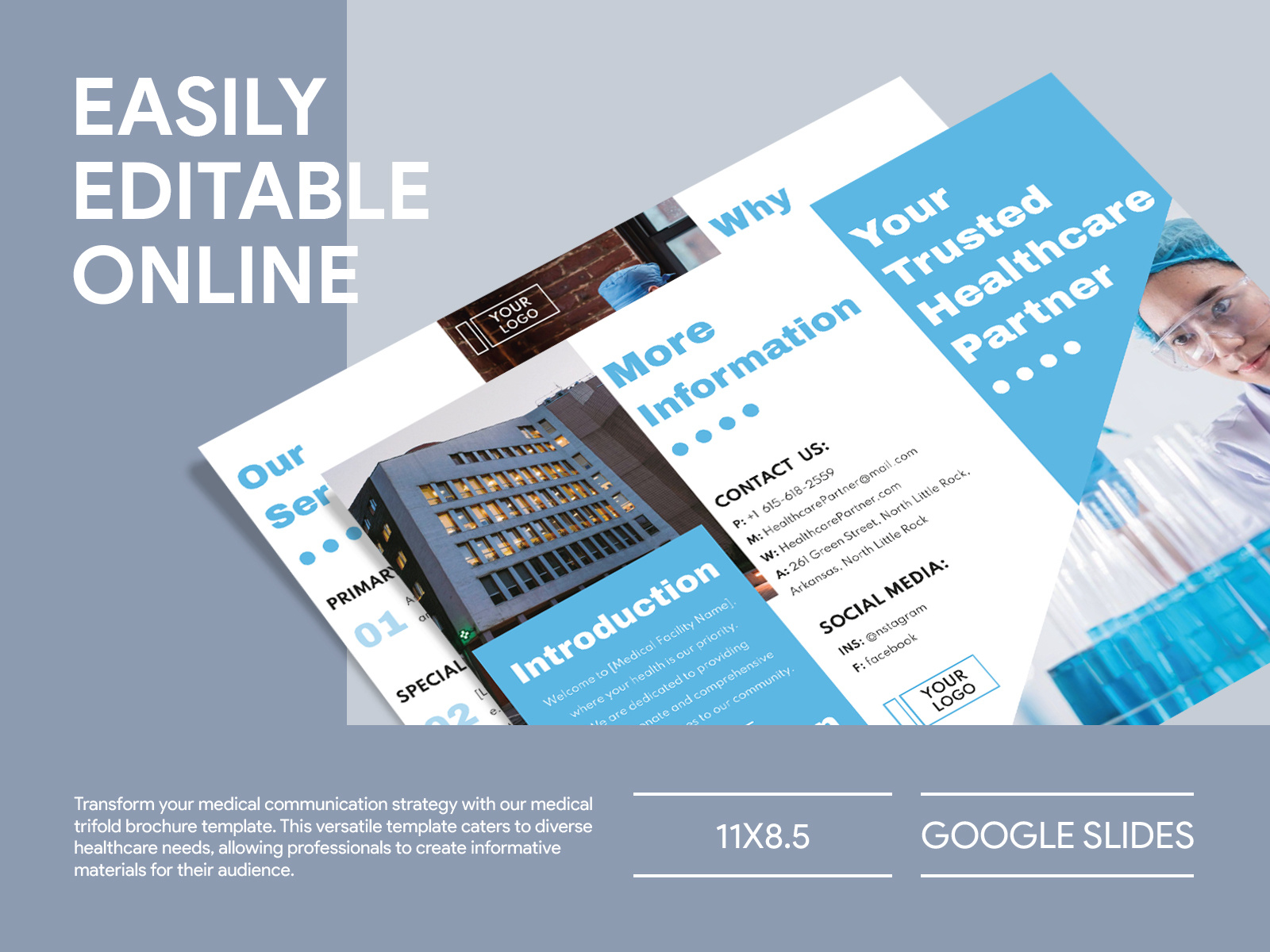
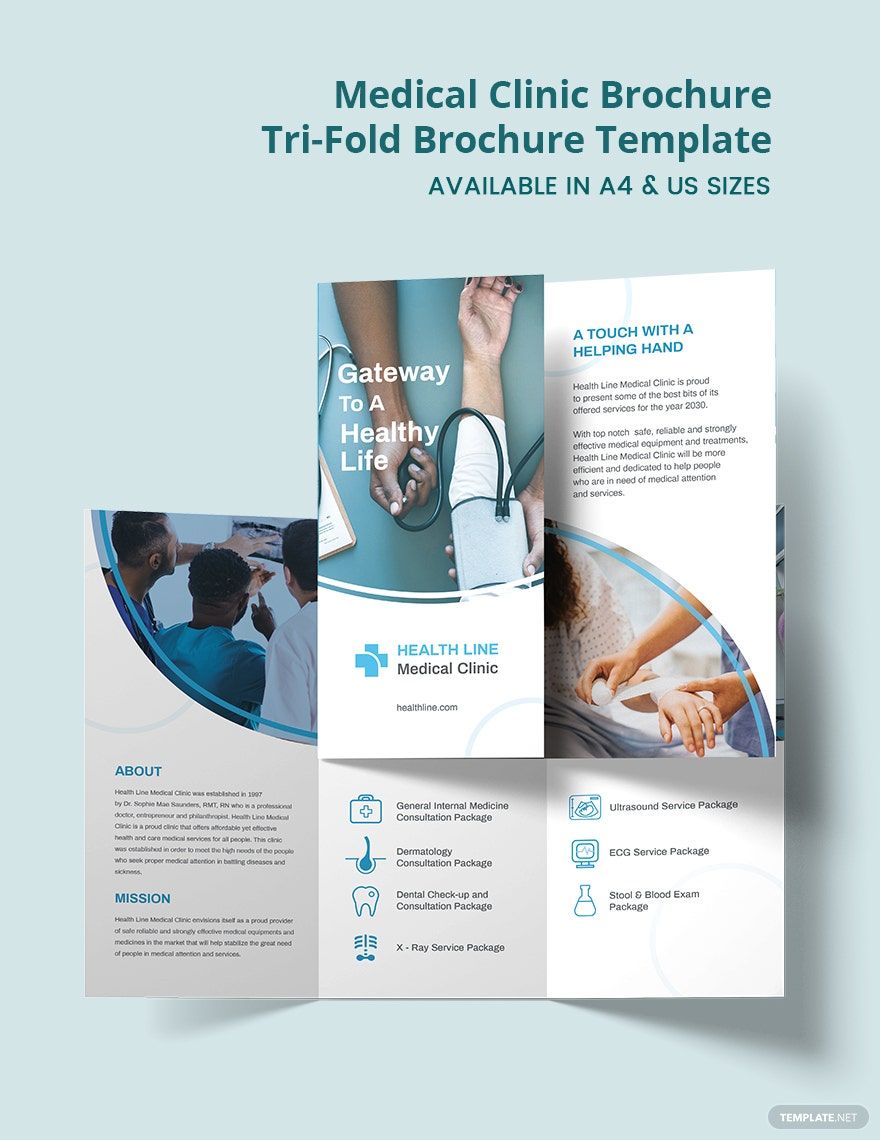
The trifold design is a classic choice that folds into three sections, which provides ample space for content without overwhelming the reader. Each panel serves a specific purpose:
- Front Cover: This is the first impression, so it should include the title and an engaging image or logo that represents your medical practice or event.
- Inside Panels: These typically include detailed information. One panel can describe services offered, while another can list contact information and hours of operation. The third panel can be reserved for testimonials or patient information.
- Back Cover: This is where you can add additional contact details, QR codes for easy access to your website, or social media links.
Each section of the brochure is designed to provide a logical flow of information, guiding the reader through the content effortlessly. The careful arrangement of sections helps ensure that essential information catches attention quickly.
Customizing the Template to Fit Your Needs
One of the best features of the Medical Trifold Brochure Free Google Docs Template is its flexibility. You can easily customize each section to suit your specific needs. Here’s how:
- Text Editing: Click on any text box to edit the content. You can change the font style, size, and color to match your branding.
- Images: You can insert images by selecting the image placeholder, clicking on “Insert Image,” and choosing from your computer or Google Drive. This allows you to include logos or relevant graphics that enhance your message.
- Color Scheme: Use Google Docs’ formatting options to adjust the background color of your panels. This can help differentiate between sections or match your practice’s color palette.
You don’t need to be a graphic designer to make it appealing—just keep your audience in mind and ensure that the brochure is clean and easy to read.
Printing and Distribution Considerations
When it comes to printing your trifold brochure, there are a few practical tips to keep in mind:
- Paper Size: The standard size for trifold brochures is 8.5 x 11 inches. This is a common size that fits easily into standard envelopes and is convenient for mailing or handing out.
- Paper Type: If you want a more professional look, consider using a heavier paper stock. Cardstock is a great option, as it holds up better to handling and looks more polished. If you’re planning to laminate them for durability, opt for a gloss finish that will protect your brochure and enhance its visual appeal.
- Printer Settings: If you’re printing at home, ensure your printer settings are adjusted to “Best Quality” for the best color accuracy. Portrait layout tends to work better for most home printers, but always do a test print to check alignment before printing multiple copies.
Once printed, these brochures can be distributed in various ways. You could hand them out at community health fairs, place them in waiting rooms, or even mail them directly to patients or community members.
Why Choose a Google Docs Template?
Using the Medical Trifold Brochure Free Google Docs Template has several advantages:
- Accessibility: Google Docs is free and available on any device with internet access, making it easy for anyone to use.
- Collaboration: If you’re working with a team, the template allows multiple users to edit simultaneously. This is perfect for gathering input from different members of your practice.
- Easy Sharing: Once your brochure is complete, you can share it directly with others via email or by providing a link, making it simple to distribute your information quickly.
In summary, the Medical Trifold Brochure Free Google Docs Template is a valuable resource for anyone looking to convey important medical information in an organized and visually appealing way. With its user-friendly design and customization options, you’ll be able to create a professional brochure that meets your specific needs. And remember, whether you choose to print on standard paper or cardstock, this template makes the process straightforward and stress-free. You have the tools to create a brochure that not only informs but also resonates with your audience.
Medical Trifold Brochure Free Google Docs Template Gallery