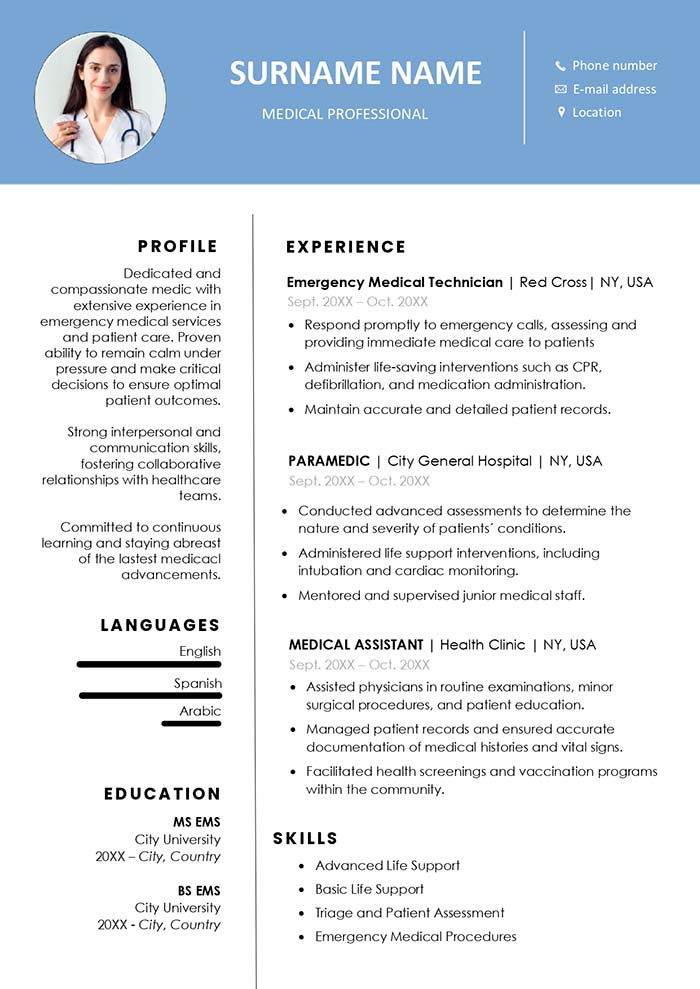
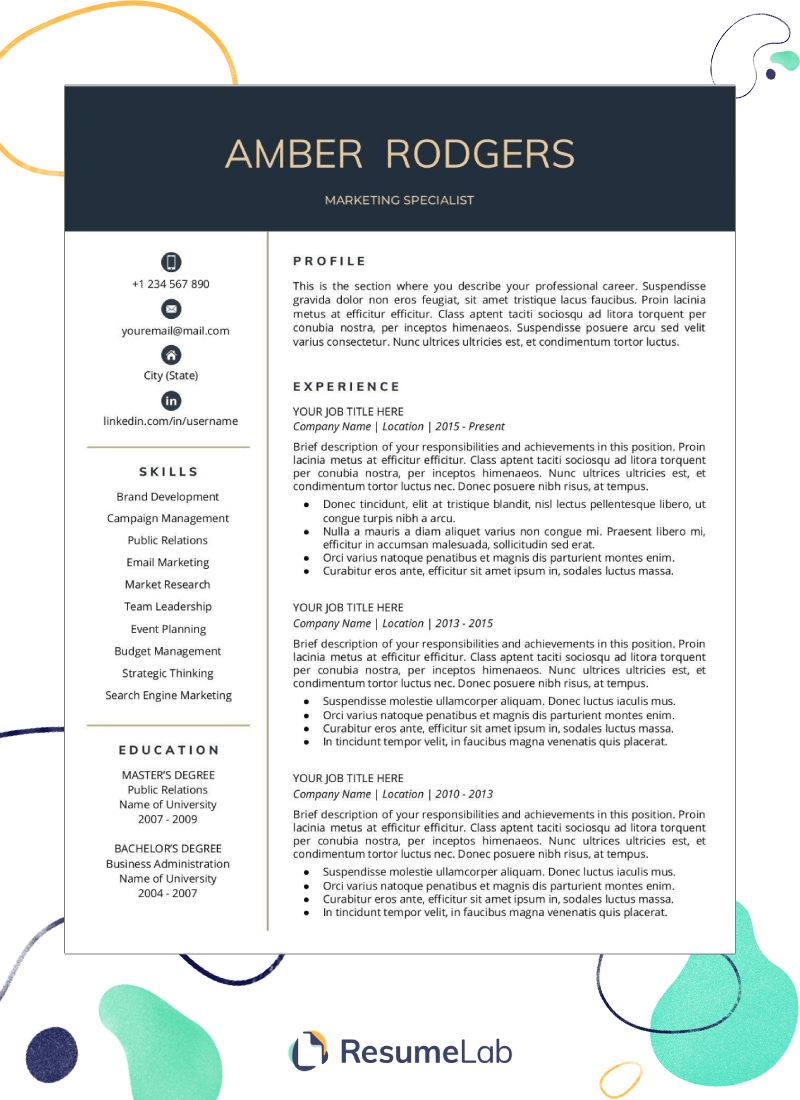
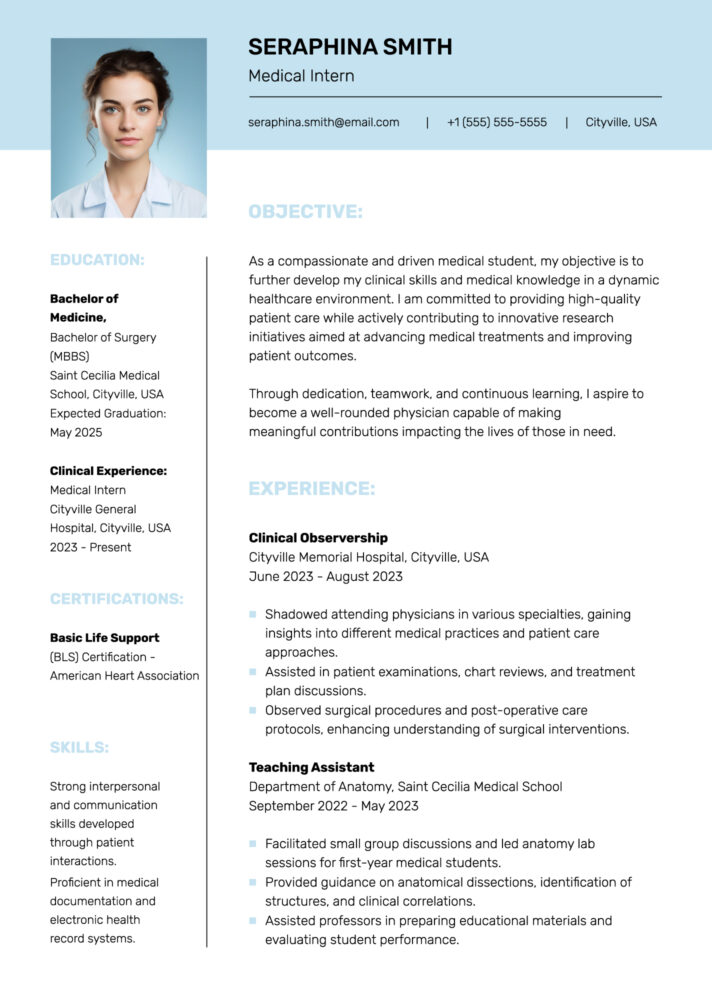
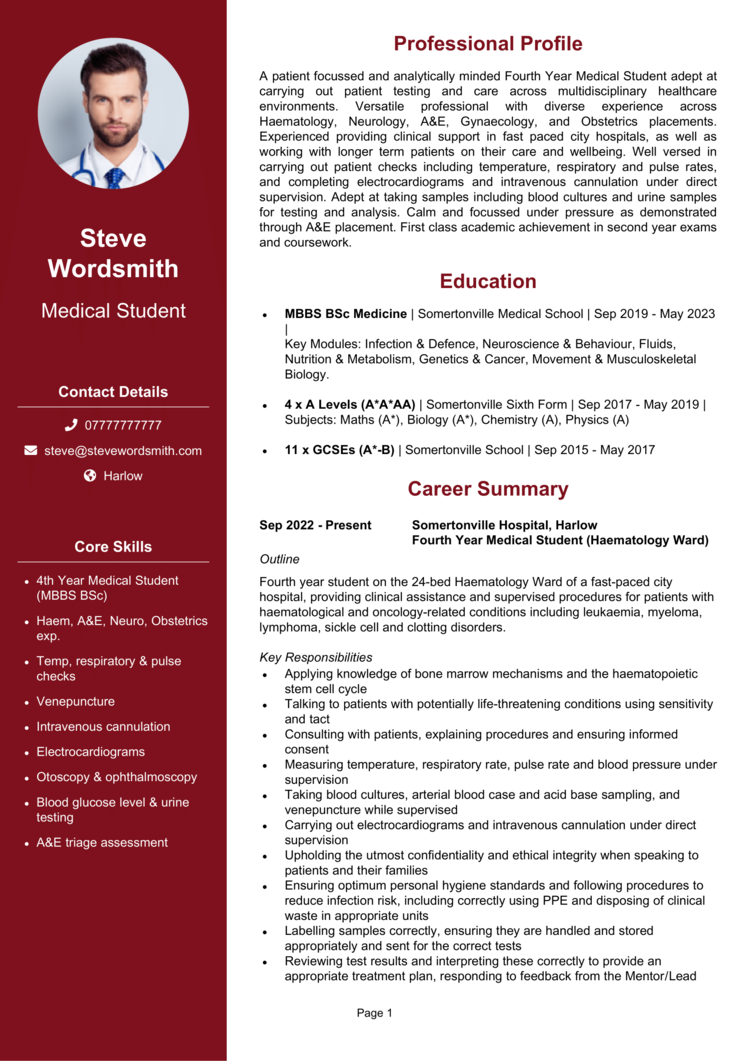
Creating an effective CV is crucial for medical students aiming to secure internships, residency positions, or any related opportunities. A well-structured CV highlights your academic achievements, clinical experiences, and skills that make you a strong candidate in the medical field. The Medical Student CV Free Google Docs Template is designed to help you present your qualifications clearly and professionally.
Essential Features of the Medical Student CV Google Docs Template
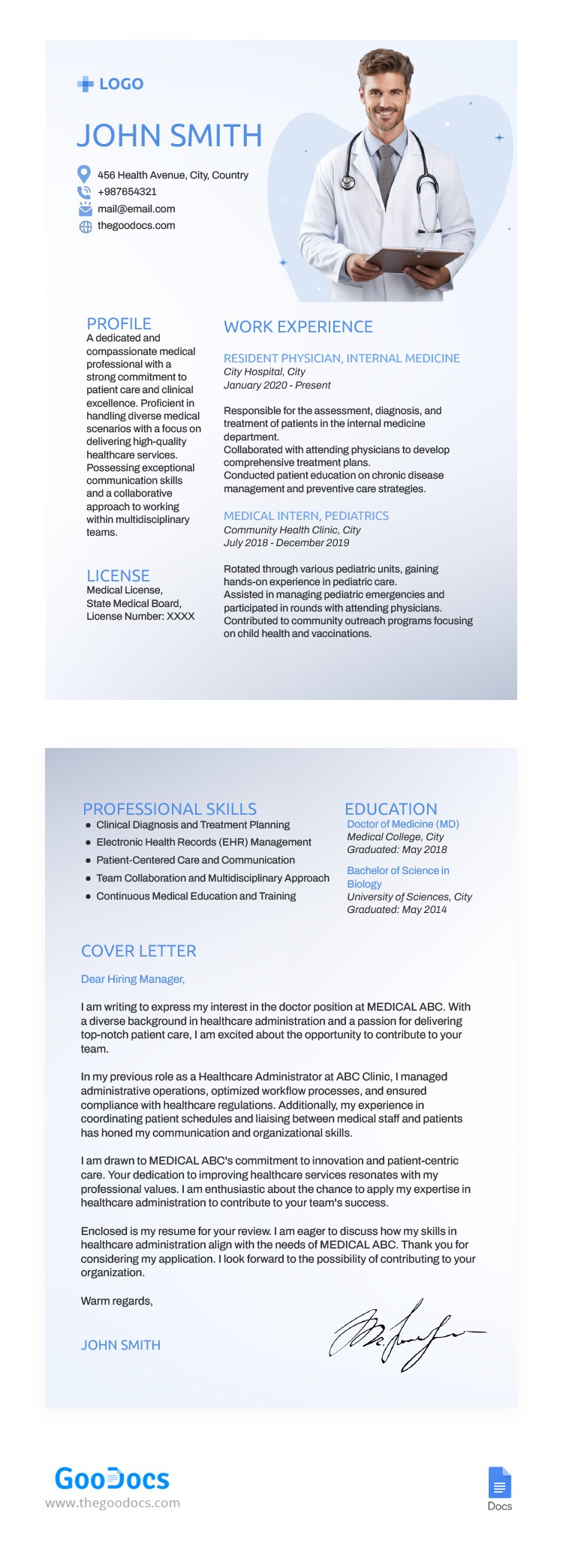
This Google Docs template includes several distinct sections tailored for medical students. You can easily customize the following parts:
- Contact Information: Include your name, phone number, email, and LinkedIn profile. Make sure this is up-to-date, as it’s the first thing potential employers will see.
- Education: List your medical school, undergraduate degree, and any relevant coursework. This section should reflect your academic journey, highlighting honors and awards.
- Clinical Experience: Document any rotations, internships, or volunteer work. Use bullet points to describe your responsibilities and what you learned in each role. This not only showcases your experience but also your ability to reflect on it.
- Research Experience: If you’ve participated in any research projects, include them here. Detail your role, the research focus, and any publications or presentations resulting from your work.
- Skills: Highlight both hard and soft skills, such as proficiency in medical software, languages spoken, and interpersonal skills.
- References: You can include references or state that they are available upon request. Make sure to ask your references for permission beforehand.
Customization Options
When using the Medical Student CV Free Google Docs Template, you have the flexibility to modify it to fit your unique profile. Here are some tips on how to make the most of it:
- Font and Layout: Choose a font that is professional yet readable. Standard options like Arial or Times New Roman are often best. Maintain a consistent layout with clear headings for each section.
- Colors and Design: While a simple black-and-white design is often safest, adding a subtle color can make your CV stand out. Just ensure it remains professional—pastel shades can work well.
- File Format: After customizing, you can download your CV in various formats, including PDF for a polished look when sending it to potential employers. PDFs also help maintain your formatting across different devices.
Printing Your CV
Once you’ve customized your CV, printing it properly is essential for a professional presentation. Here are practical tips:
- Paper Quality: Use high-quality paper, such as 24 lb or heavier, for a more substantial feel. This can make a positive impression during interviews.
- Printer Settings: If you’re printing at home, set your printer to the highest quality available. Ensure your margins are correctly set to avoid any cut-off text.
- Double-Sided Printing: If your CV is more than one page, consider printing double-sided to save paper and keep your documents together.
Practical Tips for Using the Template
Using the Medical Student CV Free Google Docs Template effectively involves understanding its purpose and tailoring it to your needs. Here are some practical considerations:
- Keep It Concise: Aim for one page where possible, especially if you’re early in your medical career. Focus on the most relevant experiences and skills.
- Update Regularly: As you gain more experience, revisit your CV to add new achievements and roles. Regular updates ensure you’re always ready for new opportunities.
- Seek Feedback: Before finalizing your CV, seek feedback from mentors or peers. They can provide insights that you might overlook.
- Use Action Verbs: Start bullet points with strong action verbs like “developed,” “coordinated,” or “assisted.” This makes your responsibilities sound more impactful.
- Tailor for Each Application: Customize your CV for each position you apply for, emphasizing the most relevant experiences for that specific role.
By utilizing the Medical Student CV Free Google Docs Template, you can create a professional and effective CV that showcases your qualifications and sets you apart in the competitive field of medicine. So, download the template today, customize it to reflect your journey, and get ready to impress your future employers!
Medical Student CV Free Google Docs Template Gallery