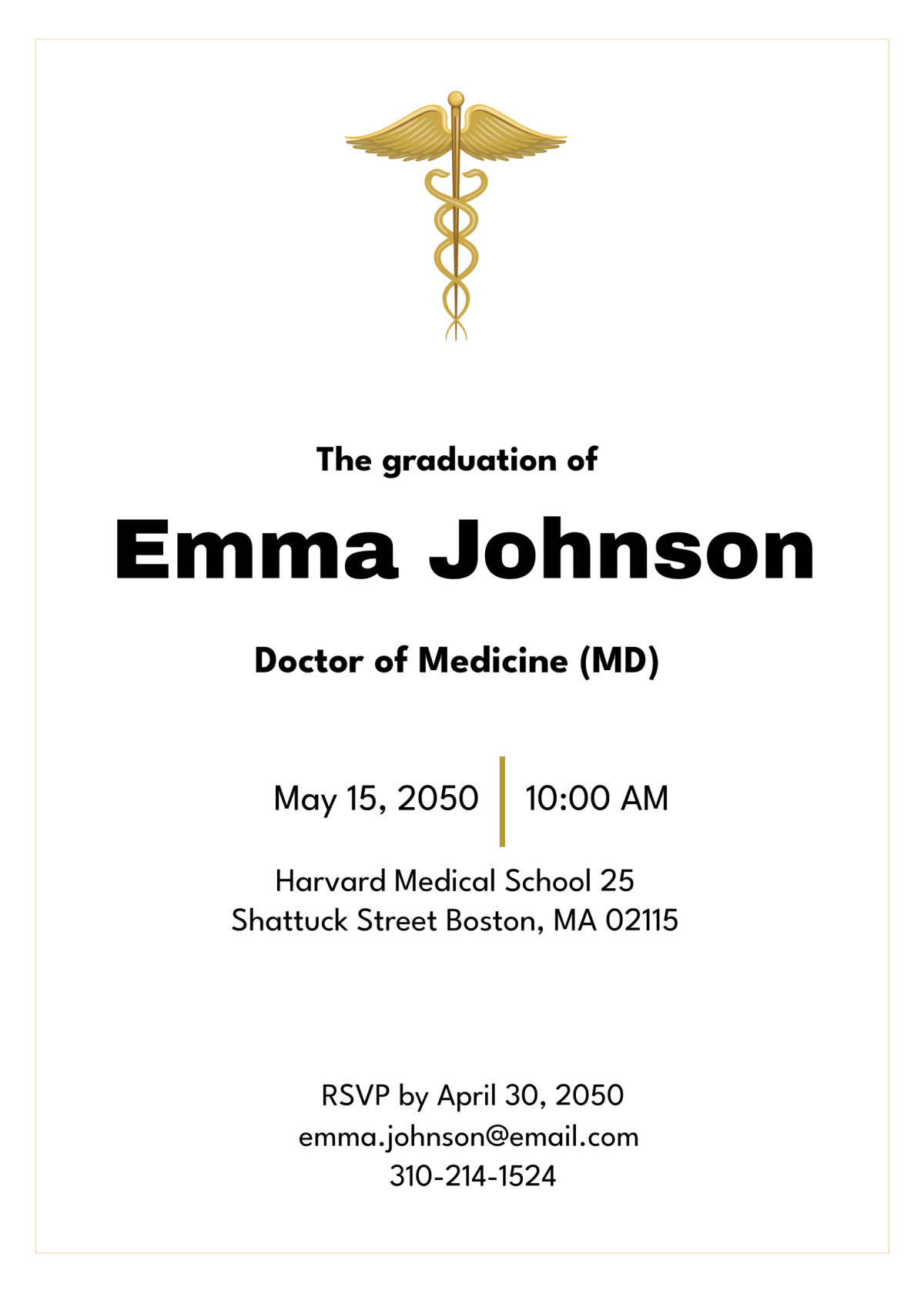
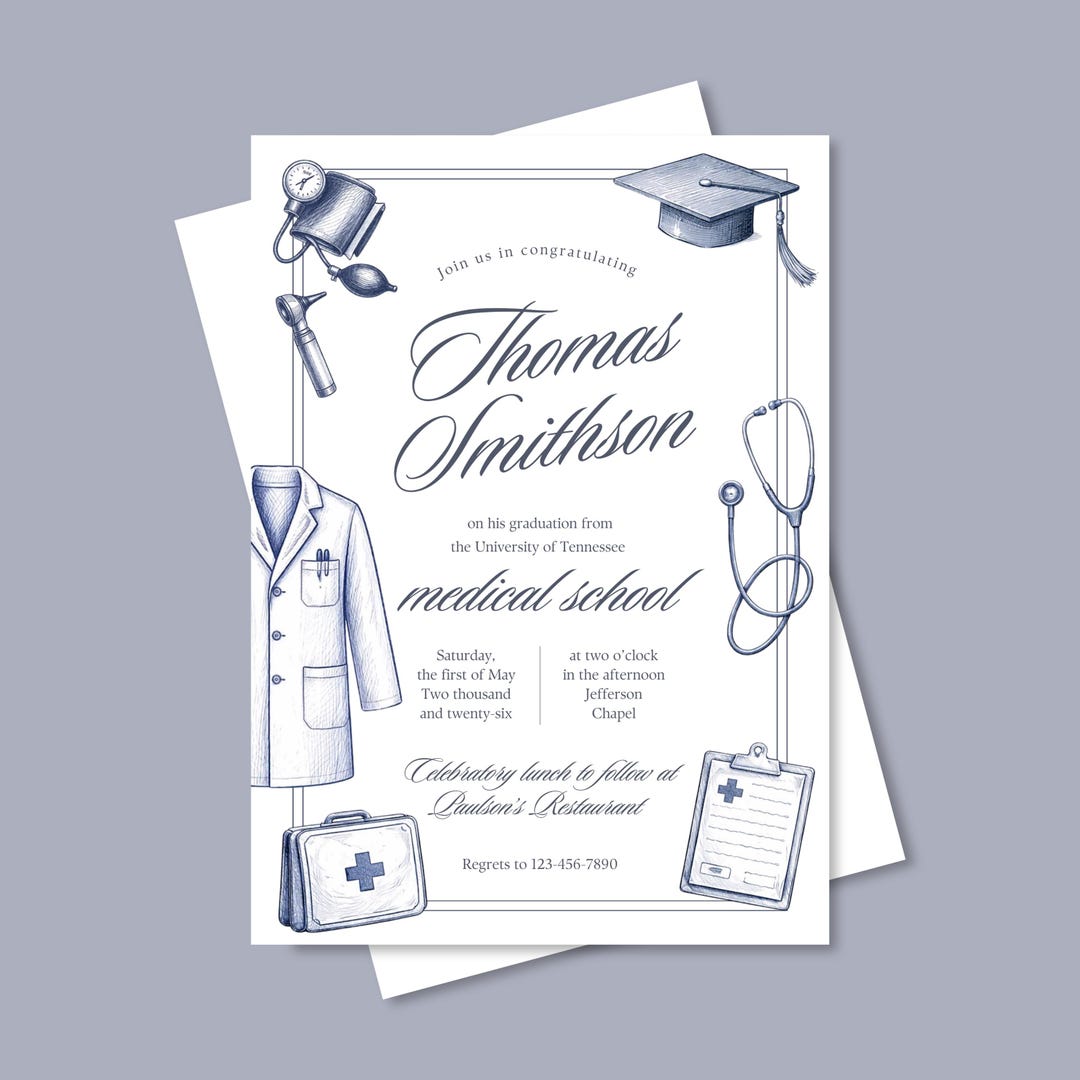
Graduating from medical school is a significant milestone, and sharing this achievement with family and friends deserves a special announcement. The Medical School Graduation Announcement Card Free Google Docs Template stands out because it’s designed with personalization in mind, allowing you to effortlessly create a beautiful card that reflects your achievements. This guide will walk you through the layout, wording options, and practical printing tips to help you make the most out of this template.
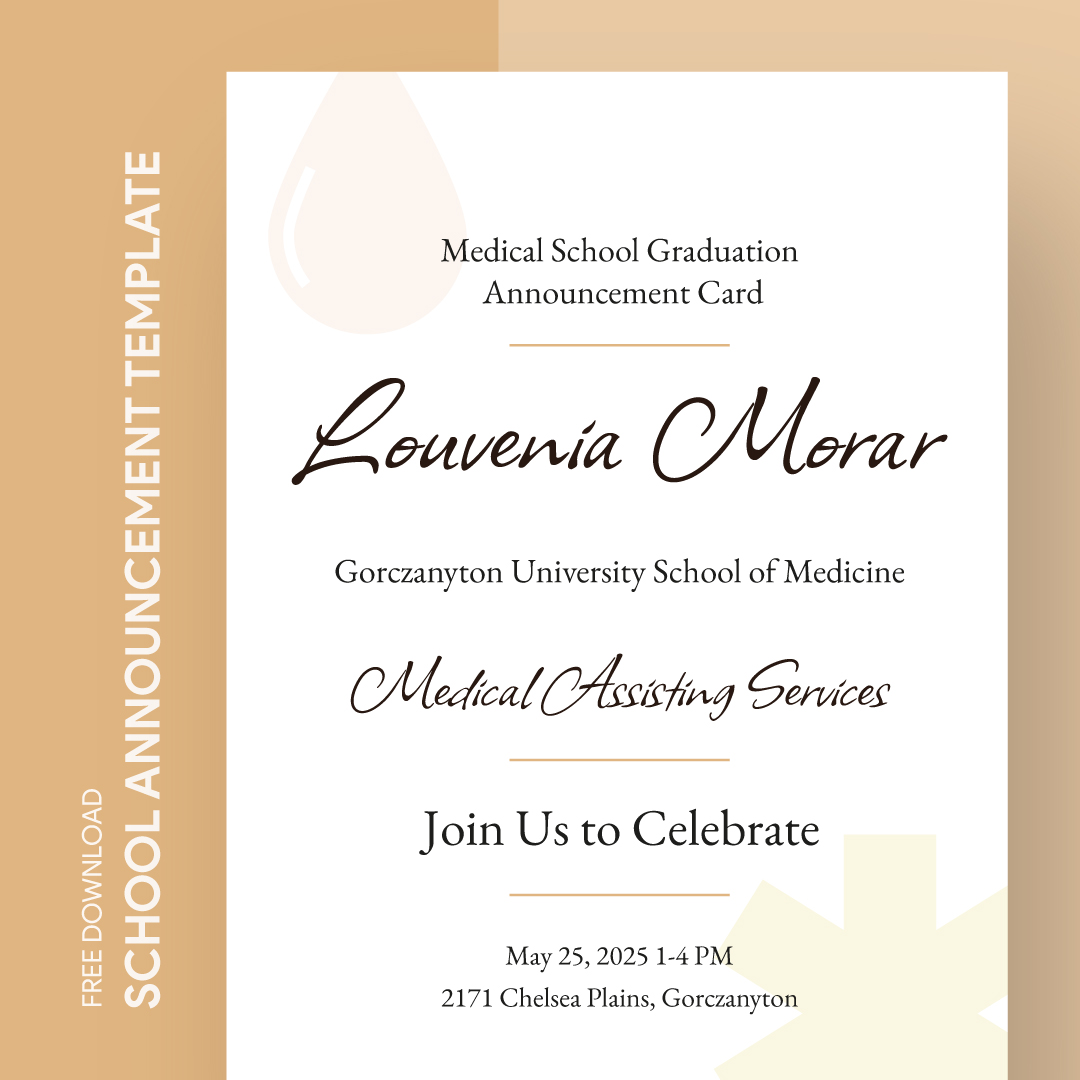
Understanding the Layout of the Announcement Card
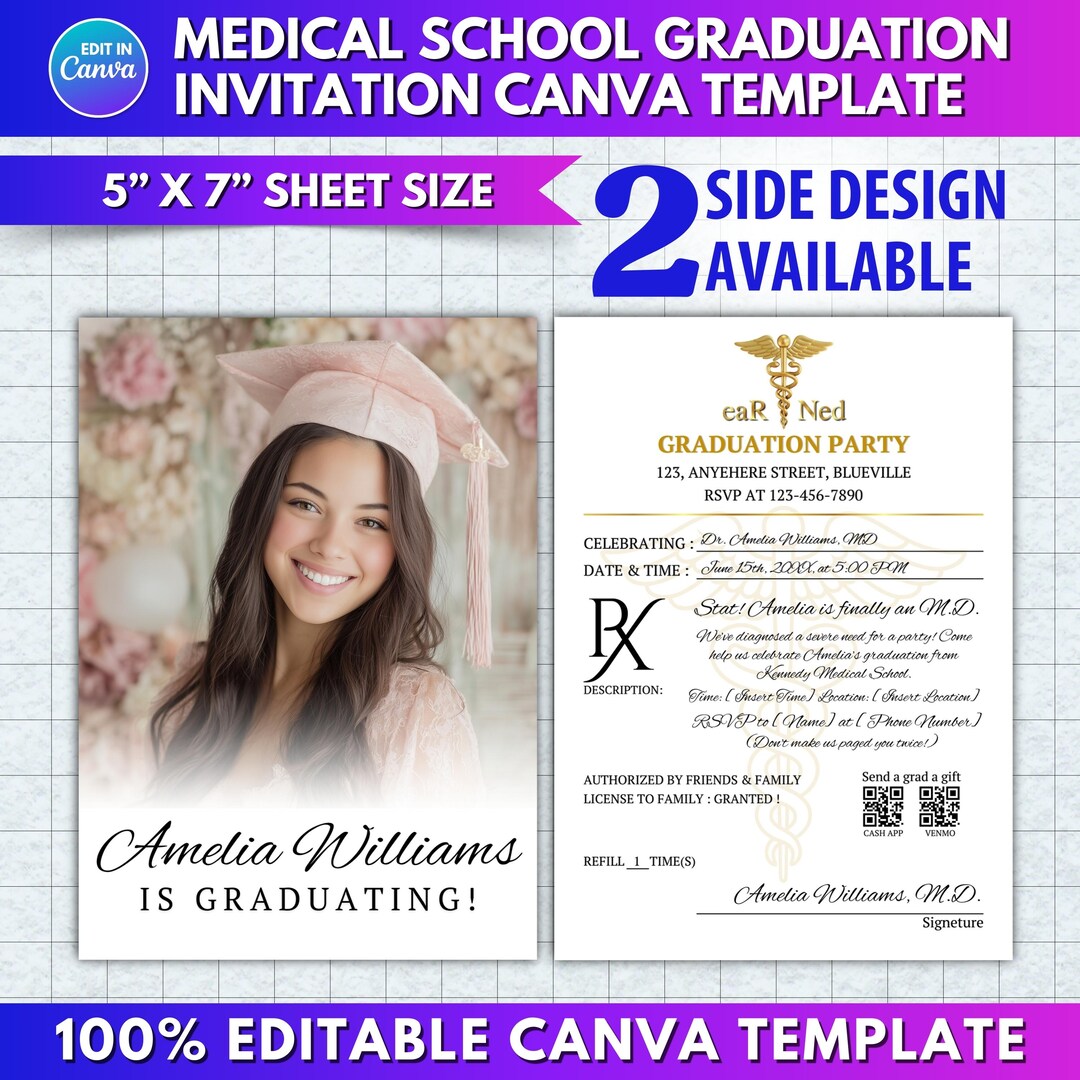
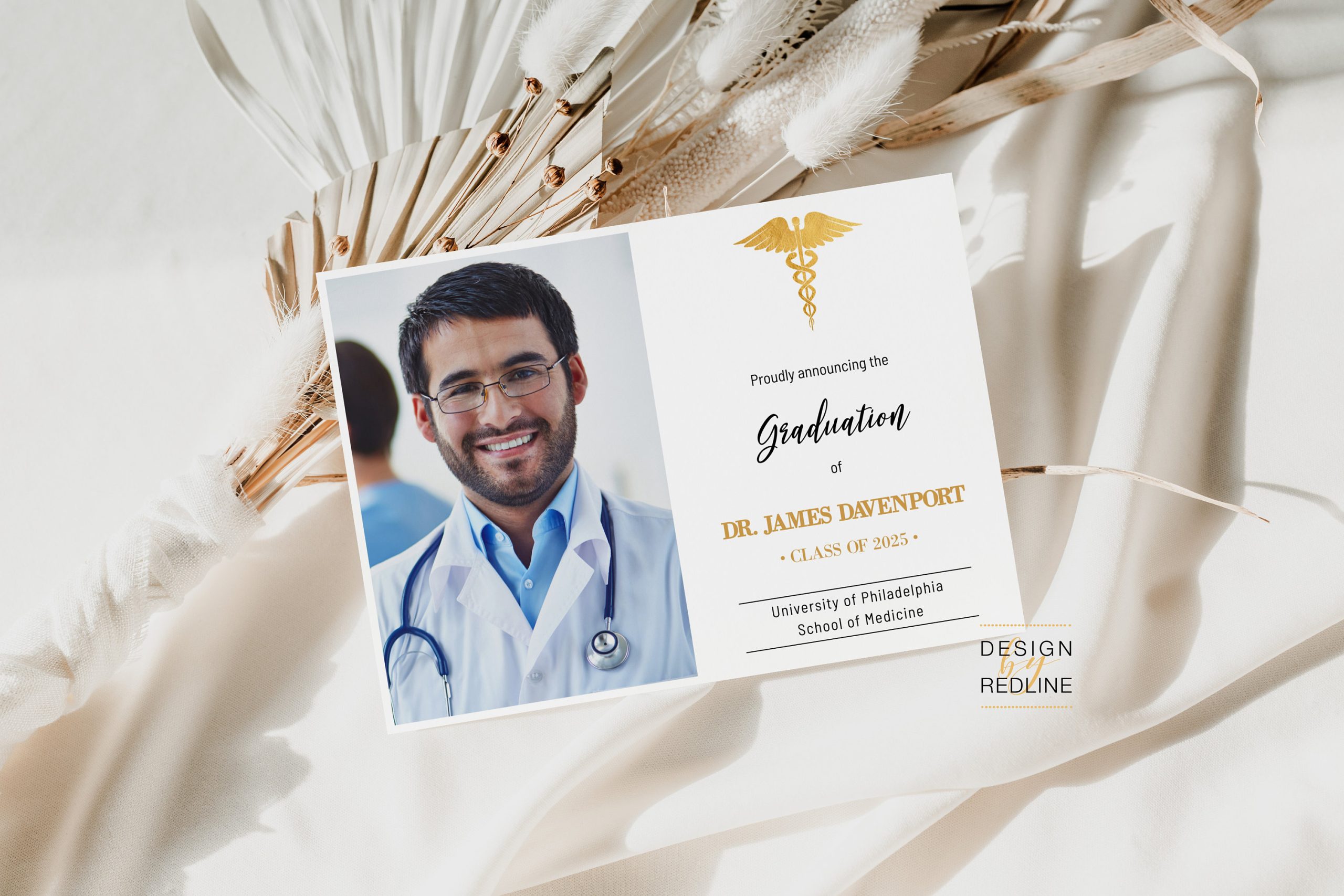
The layout of the Medical School Graduation Announcement Card template is user-friendly, making it easy for you to customize. This card typically features a clean and elegant design, which includes:
- Header Section: This is where you can prominently display “Graduation Announcement.” It sets the tone for the card, so consider using a larger, bolder font.
- Main Body: This section includes key details like your name, degree, and graduation date. Some templates may also have space for a personal message or a quote that resonates with your journey.
- Footer Section: Often reserved for details about your graduation ceremony or a personal touch such as a thank you note or a favorite quote.
The overall design is optimized for both portrait and landscape orientations, allowing you to select the one that best fits your aesthetic. Portrait layout tends to work better for most home printers, making it a practical choice for printing at home.
Personalizing Your Announcement
When it comes to wording, the Medical School Graduation Announcement Card Free Google Docs Template offers flexibility. Here are some personalization options to consider:
- Your Name and Credentials: Clearly state your full name followed by your degree (e.g., Doctor of Medicine) and any honors or distinctions.
- Graduation Date: Include the date of your graduation ceremony. This is typically formatted as Month Day, Year (e.g., May 15, 2024).
- Ceremony Details: If you want to invite friends and family to the ceremony, include the date, time, and location.
- Personal Message: Consider adding a heartfelt message or quote that reflects your journey through medical school. It could be an inspirational quote or a simple thank you to those who supported you.
And don’t forget to use a font that’s easy to read but also matches the formality of the occasion. A combination of serif and sans-serif fonts can create a nice visual contrast.
Paper and Printing Choices
Choosing the right paper for your graduation announcement card is essential for a polished look. Here are some tips on what to consider:
- Cardstock vs. Regular Paper: Cardstock is thicker and more durable than regular paper, making it an excellent choice if you plan to send these announcements through the mail. It holds up better and gives a professional feel.
- Size: The most common size for announcement cards is 5×7 inches. This size is easy to handle and fits standard envelopes, which you can also find readily available.
- Finishing Options: Consider using a matte or glossy finish based on your preferences. Glossy finishes can enhance color vibrancy, while matte finishes provide a sophisticated look.
When printing your cards, make sure to adjust your printer settings accordingly. Using the best quality setting will ensure that your text and images come out sharp and clear. If you’re uncertain about printing at home, many local print shops can help you with your project and provide additional paper options.
Delivery and Usage of Your Announcement Cards
Once your Medical School Graduation Announcement Cards are printed and ready, think about how you want to deliver them.
- Mailing: If you choose to mail the cards, make sure to use appropriate stamps and consider adding a personal touch like handwriting the addresses or including a personal note in each envelope.
- Digital Sharing: For friends and family who are far away, consider taking a high-quality photo of your announcement card and sharing it digitally via email or social media. This way, you can still celebrate your achievement with everyone, regardless of distance.
These announcements can also serve as keepsakes for your loved ones. Encourage them to save the card as a reminder of your hard work and dedication.
Creating and sending out your Medical School Graduation Announcement Card Free Google Docs Template can be a rewarding experience. You not only celebrate your achievement but also share it with those who supported you along the way. Remember, the most memorable announcements come from the heart, so let your personality shine through in your design and message. A final tip: consider adding a small photo of yourself in your graduation attire to make the card even more special.
Medical School Graduation Announcement Card Free Google Docs Template Gallery