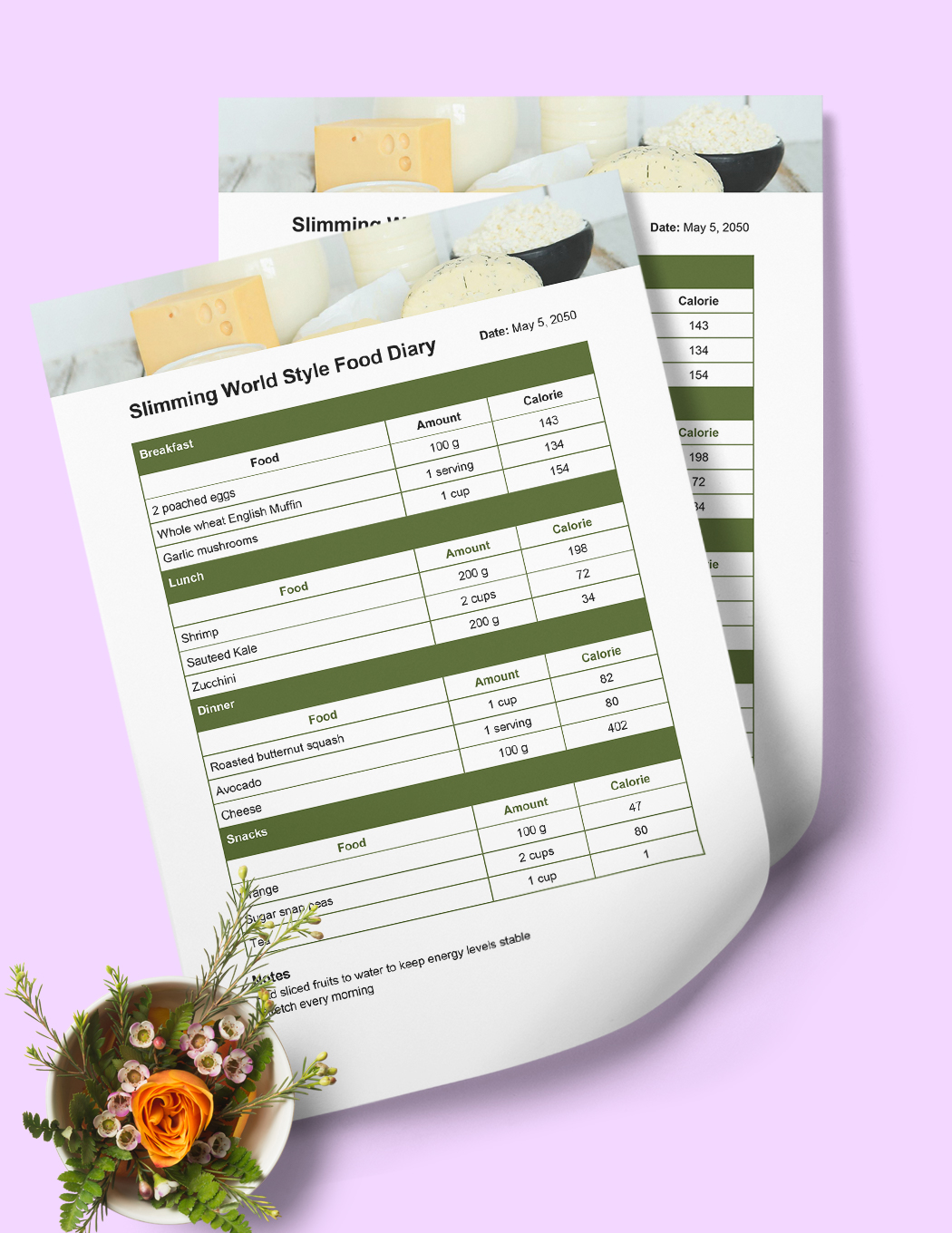
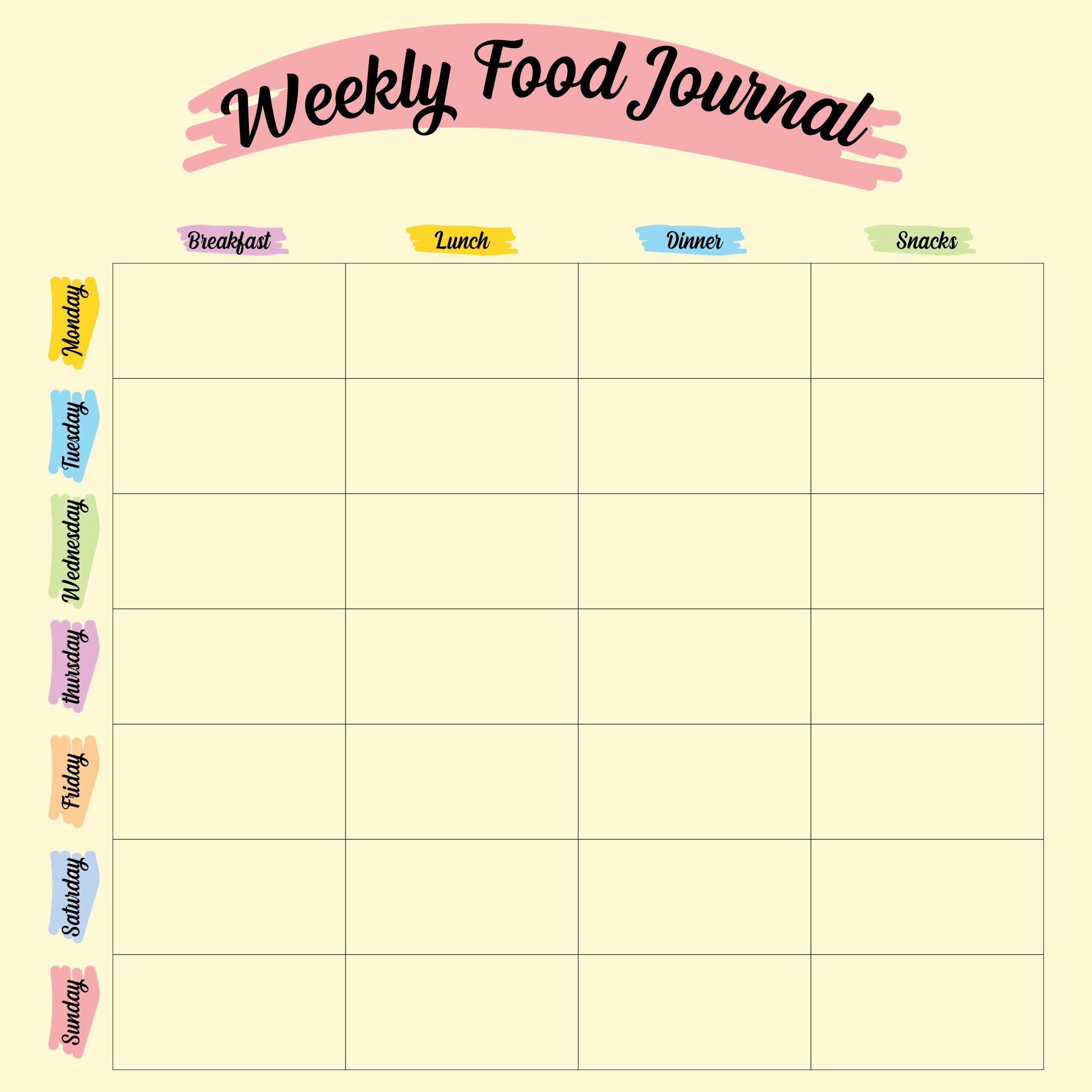
Meal planning can sometimes feel daunting, especially if you’re juggling work, family, and a busy life. That’s where the Meal Planner Free Google Docs Template can make a difference. It’s designed to simplify your meal planning process, making it easier for you to organize your meals and grocery lists without the hassle of complicated software or apps. Whether you’re a seasoned planner or just getting started, this template offers a straightforward way to lay out your meals for the week and ensure you have everything you need on hand.
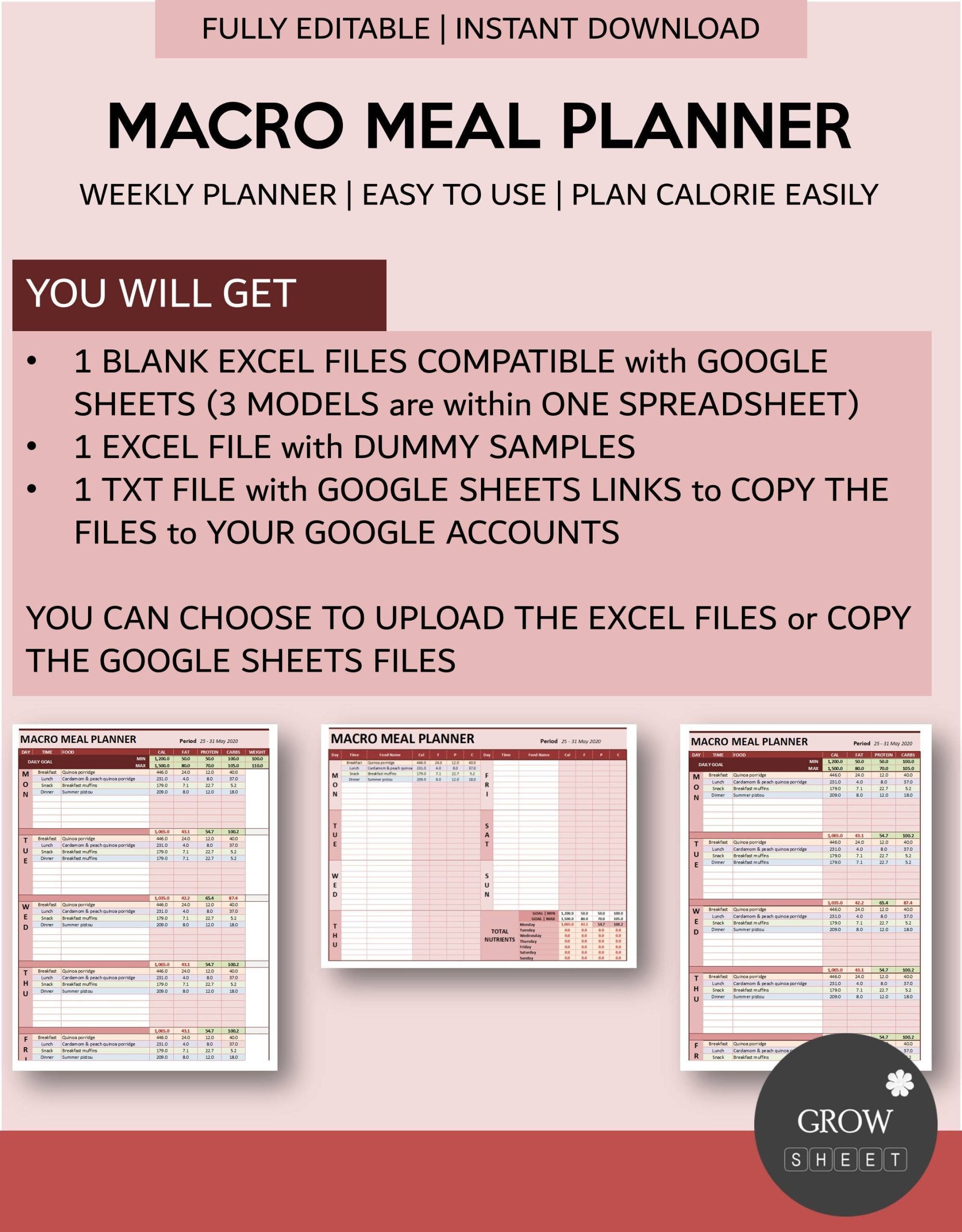
Understanding the Layout of the Meal Planner
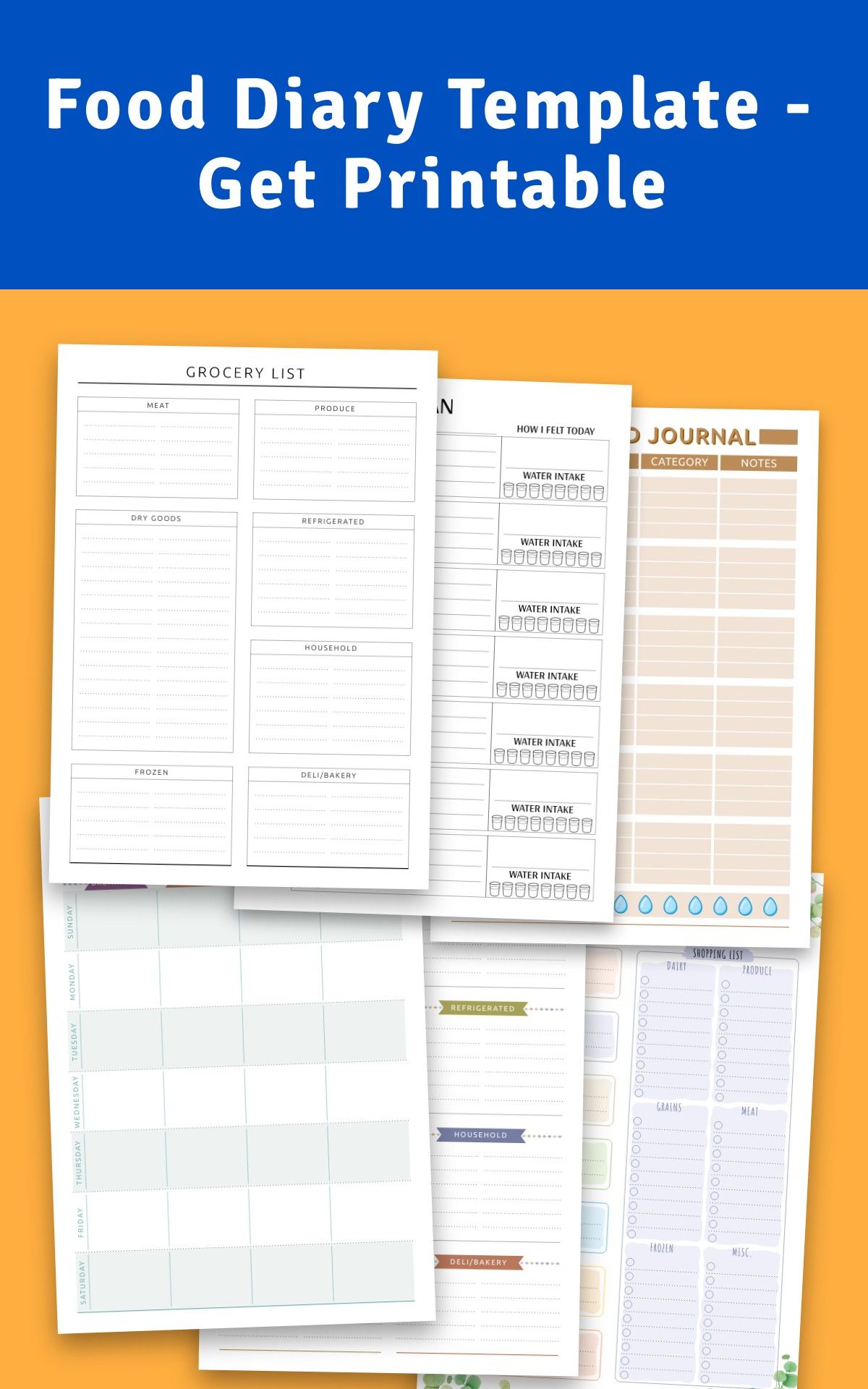
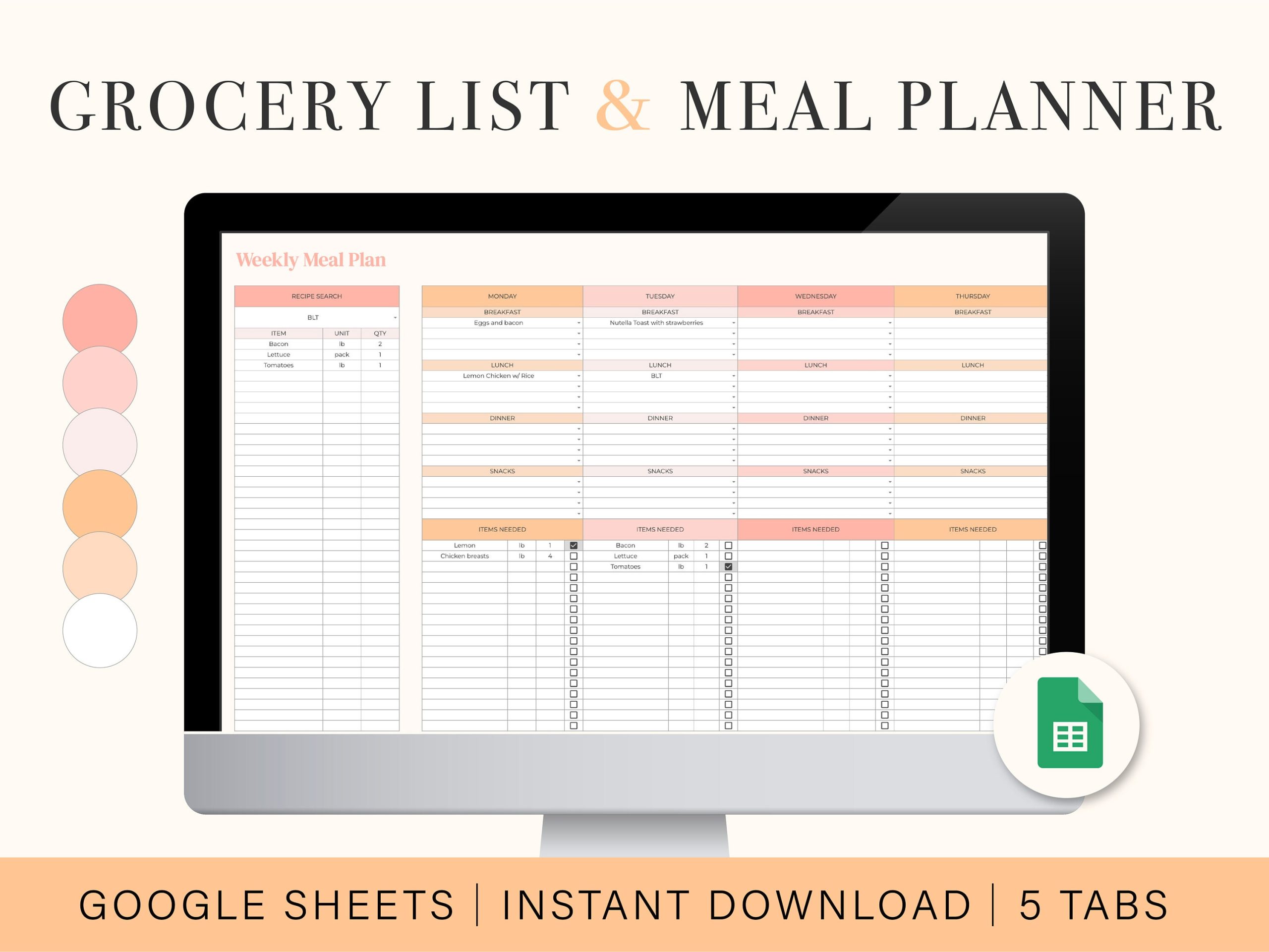
The Meal Planner Free Google Docs Template features a user-friendly layout that is easy to navigate. At first glance, you’ll notice several distinct sections that cater to various aspects of meal planning:
- Weekly Meal Overview: This section allows you to plan out meals for each day of the week. It typically includes spaces for breakfast, lunch, dinner, and snacks. This comprehensive layout helps you visualize your meals at a glance.
- Grocery List: Alongside your meal planning, there’s a dedicated area for your grocery list. This feature allows you to jot down all the ingredients you’ll need based on your planned meals, which saves time during your shopping trips.
- Notes Section: Here, you can write down any special notes, such as dietary restrictions, recipe ideas, or reminders about what to prep in advance. This space can be invaluable for keeping track of any changes or ideas that pop up throughout the week.
- Habit Tracker: Some versions of the template may include a habit tracker, allowing you to monitor your eating habits, water intake, or even exercise routines. This can help reinforce healthy habits as you plan your meals.
Customizing Your Meal Planner
One of the significant advantages of the Meal Planner Free Google Docs Template is its customization options. Since it’s in Google Docs, you can easily modify the template to fit your specific needs. You can:
- Change Colors: If you prefer a particular color scheme, you can adjust the colors of the text and background easily.
- Add or Remove Sections: If you find that you don’t need a habit tracker or want to include a section for meal prep times, you can add or eliminate sections as you see fit.
- Include Links to Recipes: You can add hyperlinks to your favorite recipes directly within the template. This way, accessing your meal ideas becomes a breeze.
Tips for Using the Meal Planner Effectively
To get the most out of your Meal Planner Free Google Docs Template, consider the following tips:
- Plan Ahead: Take some time each week, perhaps on a Sunday, to sit down and plan your meals. This helps ensure you have everything you need before the week starts.
- Involve the Family: Get input from family members about what meals they’d like to see. This not only makes meal planning more enjoyable but also increases the likelihood that everyone will eat what’s prepared.
- Prep in Batches: After planning, consider prepping meals or ingredients in batches. For example, chop vegetables or cook grains in advance to save time during the week.
- Review and Adjust: After using the planner for a few weeks, review what worked and what didn’t. Adjust your meal planning strategy accordingly to make it even more effective.
Printable Options for Your Planner
Although the primary format is Google Docs, you can also print the Meal Planner Free Google Docs Template for a physical copy. Here are a few tips for printing:
- Paper Size: Use standard letter size (8.5 x 11 inches) for easy printing. This size fits well in most binders.
- Print Settings: When printing, select portrait orientation for a more natural fit. If you want to laminate your planner for reuse, consider using cardstock for durability.
- Lamination: If you plan to write on the printed version, you might want to laminate the pages. This way, you can use dry-erase markers to jot down your meals and wipe them clean for the next week.
Using the Meal Planner Free Google Docs Template can be a useful option in your meal preparation routine. Its layout is designed to support your meal planning efforts, helping you stay organized and ensuring you have a variety of meals throughout the week.
The most useful detail to remember is that you can easily adapt the template to suit your needs and preferences, making it a flexible tool in your kitchen arsenal.
Meal Planner Free Google Docs Template Gallery