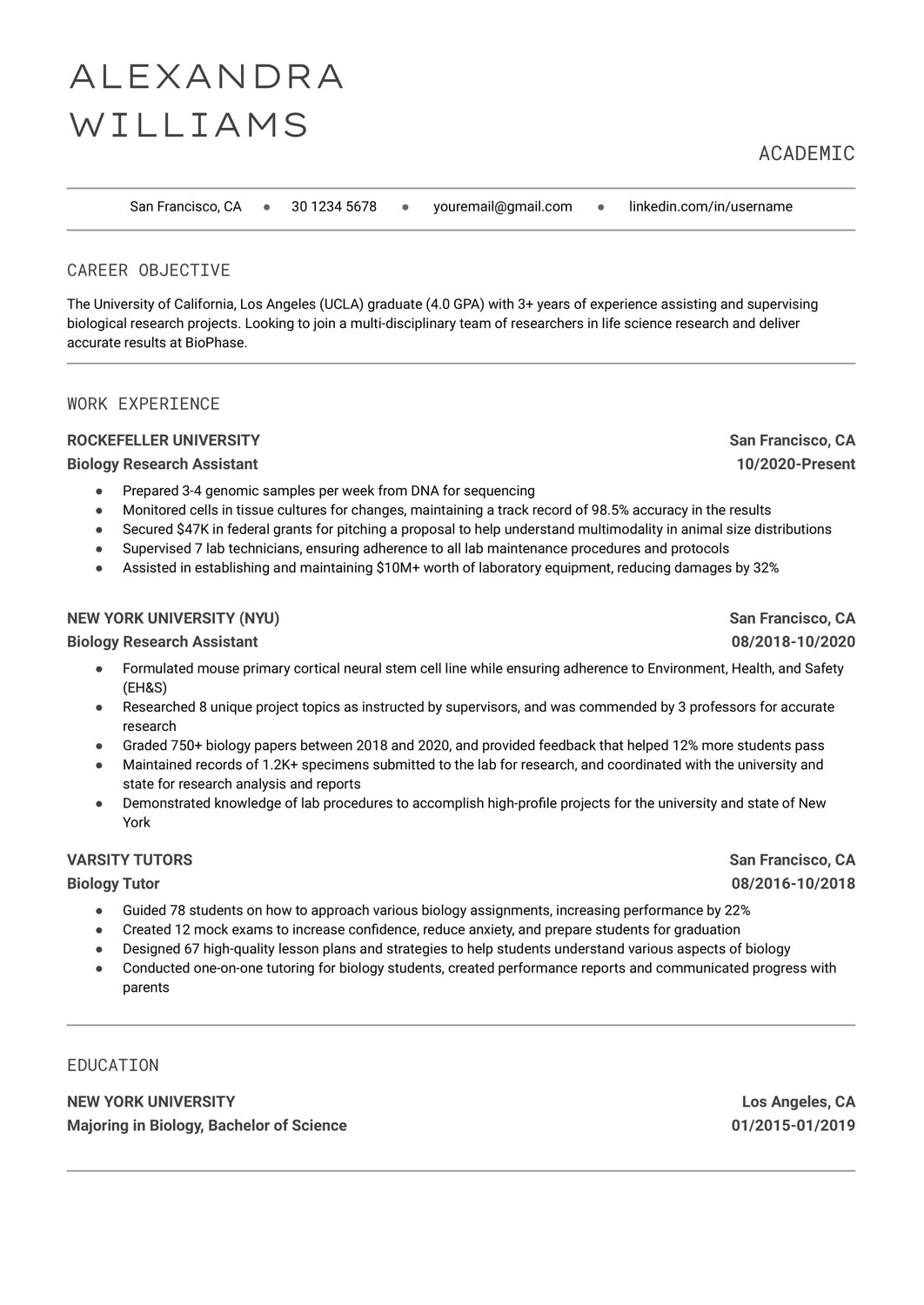
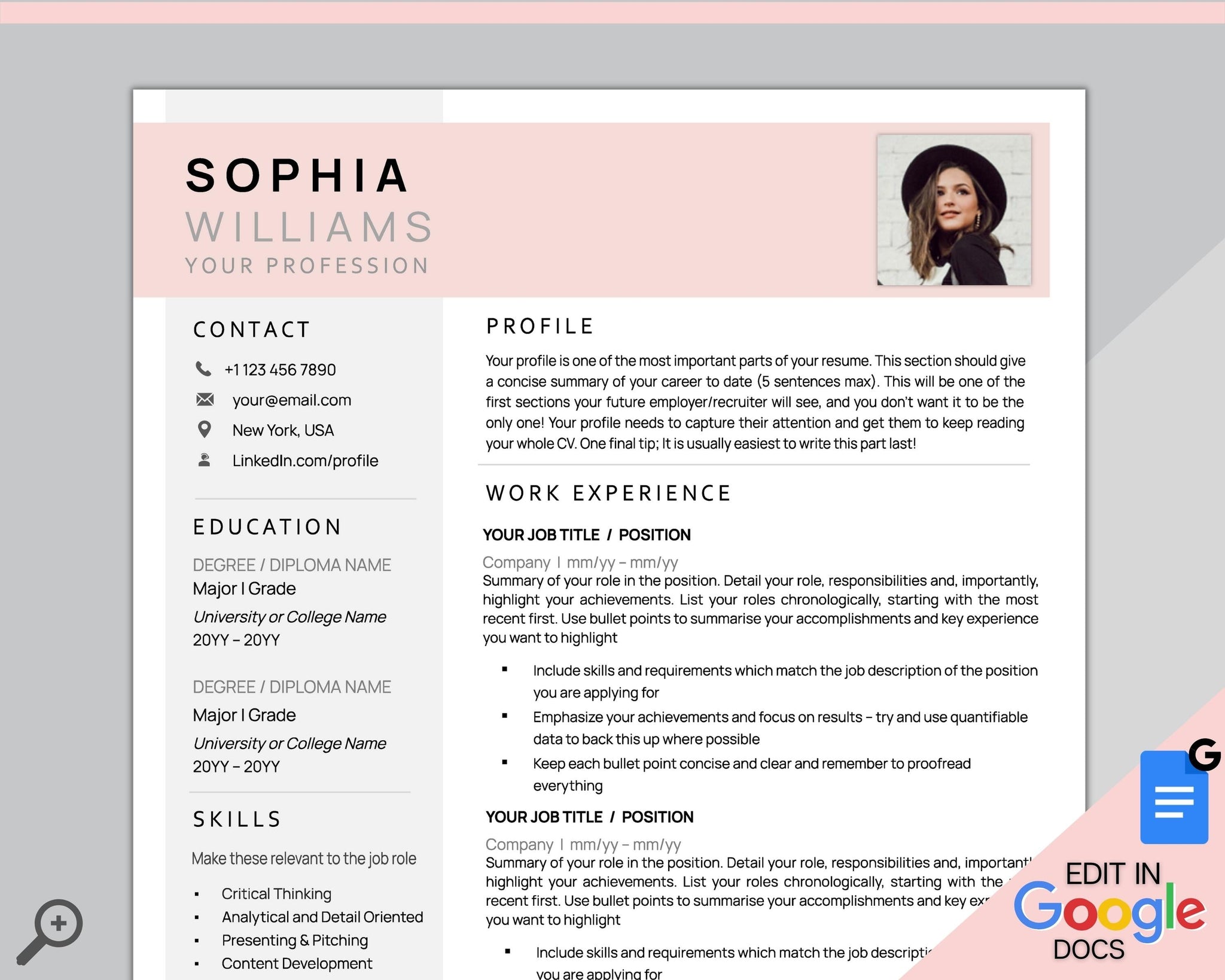
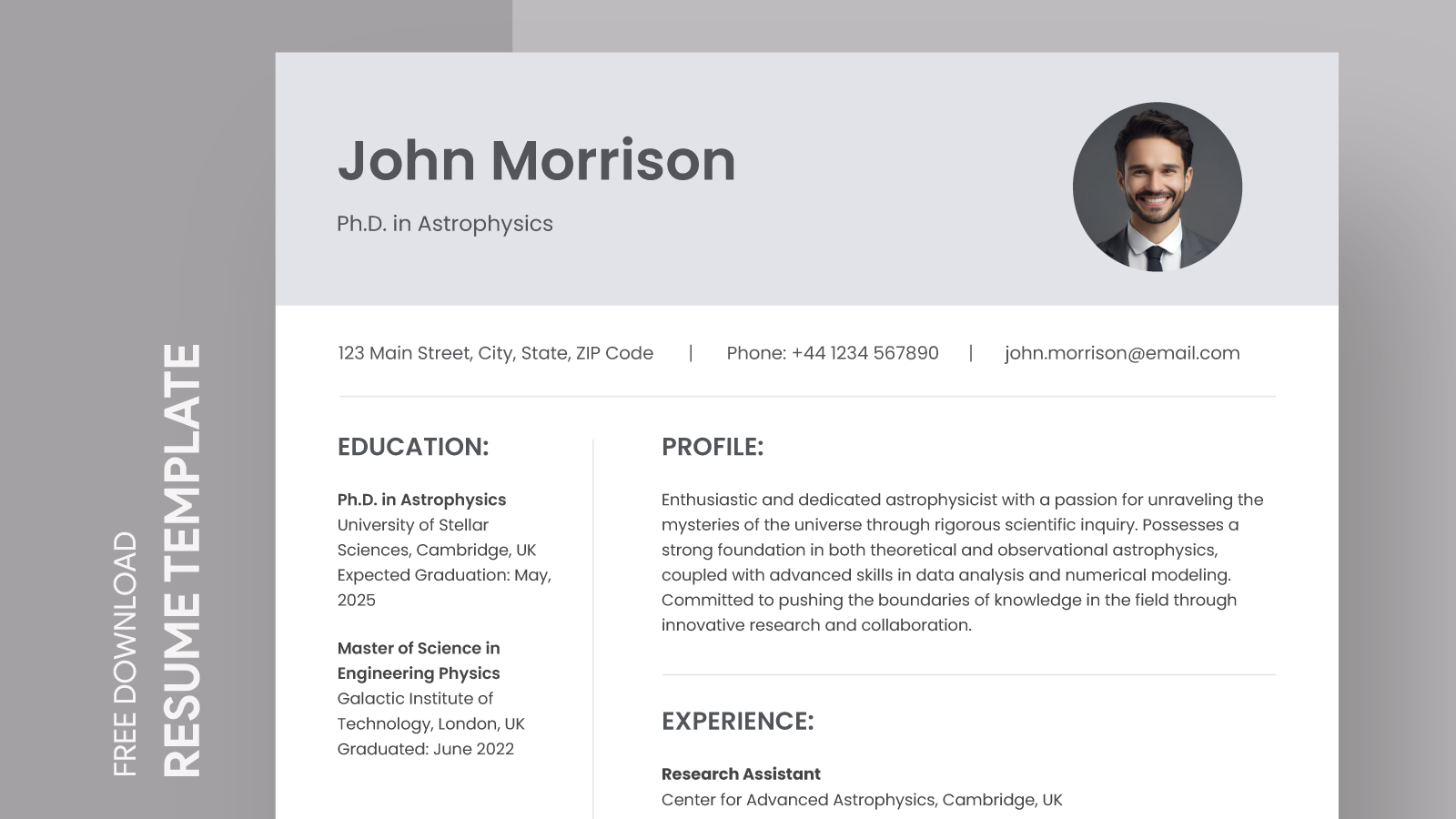
Creating a standout academic CV can be a daunting task, especially when you’re trying to balance clarity and professionalism. The Light Gray Minimalistic Academic CV Free Google Docs Template offers a refreshing solution. This template is designed with simplicity in mind, allowing you to present your qualifications and experiences in a clean, organized format without overwhelming details.
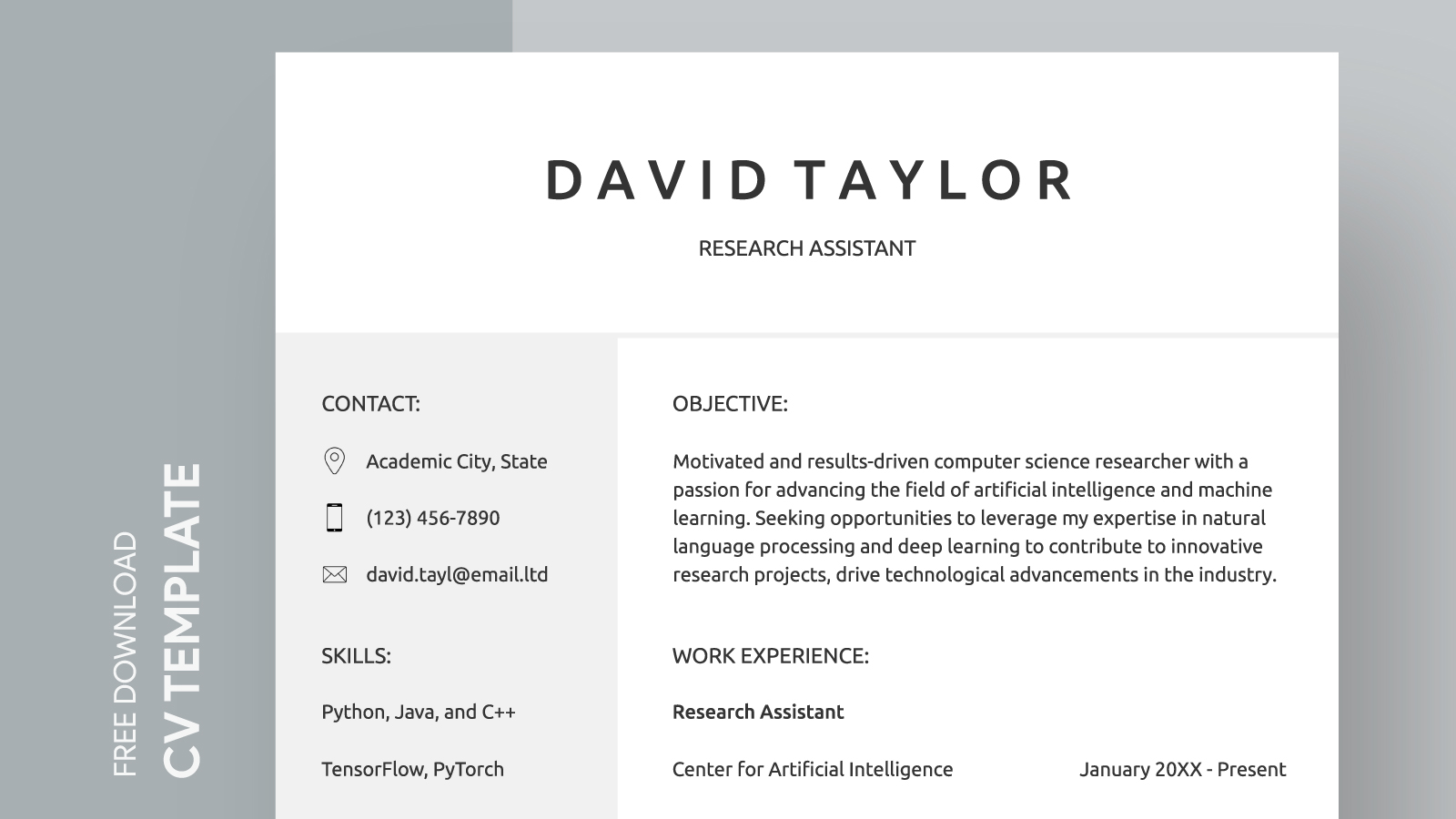
Features of the Light Gray Minimalistic Academic CV Template
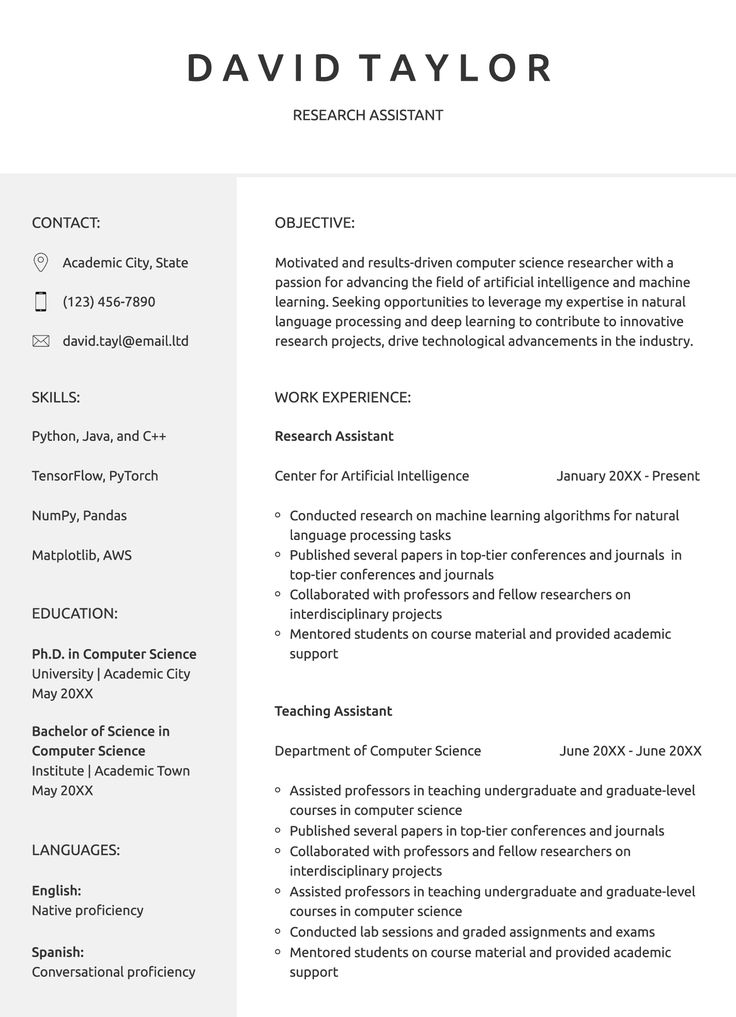
This template stands out for its minimalistic design, which emphasizes your content rather than flashy graphics. You’ll find that it includes sections for your personal information, education, work experience, skills, and publications. The light gray color scheme adds a touch of elegance while keeping the overall look professional. Here are some specific features that make this template a practical choice:
- Customizable Sections: You can easily modify the headings and content to fit your personal needs. Whether you want to highlight teaching experience or research projects, the template allows for flexibility.
- User-Friendly Format: Built in Google Docs, you can access and edit your CV from anywhere. This feature is especially handy for busy parents or professionals who might need to make updates on the go.
- Print-Friendly: The design is optimized for printing, ensuring that your CV looks great on paper. If you’re applying to academic positions that require physical copies, this is a significant advantage.
How to Customize Your CV Template
When you download the Light Gray Minimalistic Academic CV Free Google Docs Template, you’ll notice how simple it is to customize. Here’s a step-by-step guide to personalizing it for your needs:
- Personal Information: Start by replacing placeholder text with your name and contact details. Be sure to include your email address and a professional phone number.
- Education Section: List your degrees in reverse chronological order. Include the institution’s name, degree type, and graduation date. This section is crucial for academic positions, so make sure it’s accurate and clear.
- Work Experience: Highlight relevant positions. Use bullet points for responsibilities and achievements to make them easy to read. Remember, clarity is key—don’t overwhelm with too much text.
- Skills and Publications: Tailor these sections to reflect your strengths and any published work. Including a mix of hard and soft skills can show the breadth of your capabilities.
- Formatting: Adjust font sizes or styles if needed, but keep the overall aesthetic consistent. The light gray background is meant to enhance readability, so avoid heavy contrasts that might detract from this.
Practical Decisions for Downloading and Using the Template
Before you hit that download button, consider the following practical aspects:
- Format: The template is available in Google Docs format, making it easy to edit without worrying about compatibility issues. If you prefer Word, you could convert it after customization, though some formatting might change.
- Paper Choices: If you plan to print your CV, consider using a heavier paper stock. A good choice is 32 lb paper, which feels more substantial and professional than standard printer paper.
- Layout Options: The template is designed for an A4 or letter size, but you might need to adjust margins if you’re printing at home. Always run a test print to ensure everything aligns correctly.
Utilizing the Template Effectively
Once you have your CV tailored to your liking, think about how you will use it. Here are a couple of practical suggestions:
- Digital Applications: Save your final version as a PDF for any online applications. This format preserves your layout and ensures that potential employers see your CV exactly as you intended.
- Networking Events: If you’re attending academic conferences or networking events, print several copies. Having a professional CV on hand can open doors for opportunities and collaborations.
By utilizing the Light Gray Minimalistic Academic CV Free Google Docs Template, you’re making a smart choice for a resource that not only looks professional but is also user-friendly. The ease of customization and clear layout will help you present your qualifications effectively. Whether you’re applying for teaching positions, research opportunities, or further academic pursuits, this template is a practical tool to have in your arsenal. Choose your preferred layout and paper type, and you’ll be ready to impress potential employers.
Light Gray Minimalistic Academic CV Free Google Docs Template Gallery