When it comes to organizing thoughts, whether for school, work, or personal projects, having the right tools can make all the difference. The Letter Lined Paper Free Google Docs Template stands out from other templates because it offers a clean, customizable layout that’s easy to use right away. You can adjust it to fit your needs, making it an ideal choice for anyone looking to improve their writing process.
Features of the Free Google Docs Letter Lined Paper Template
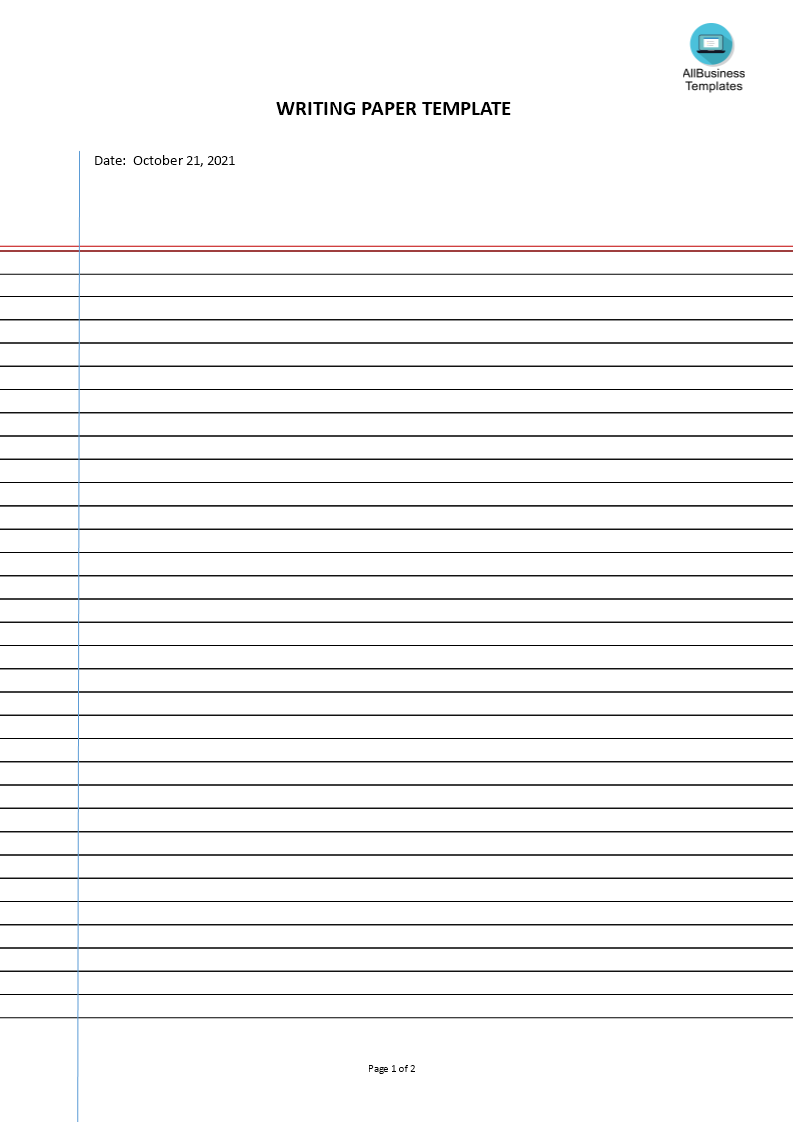
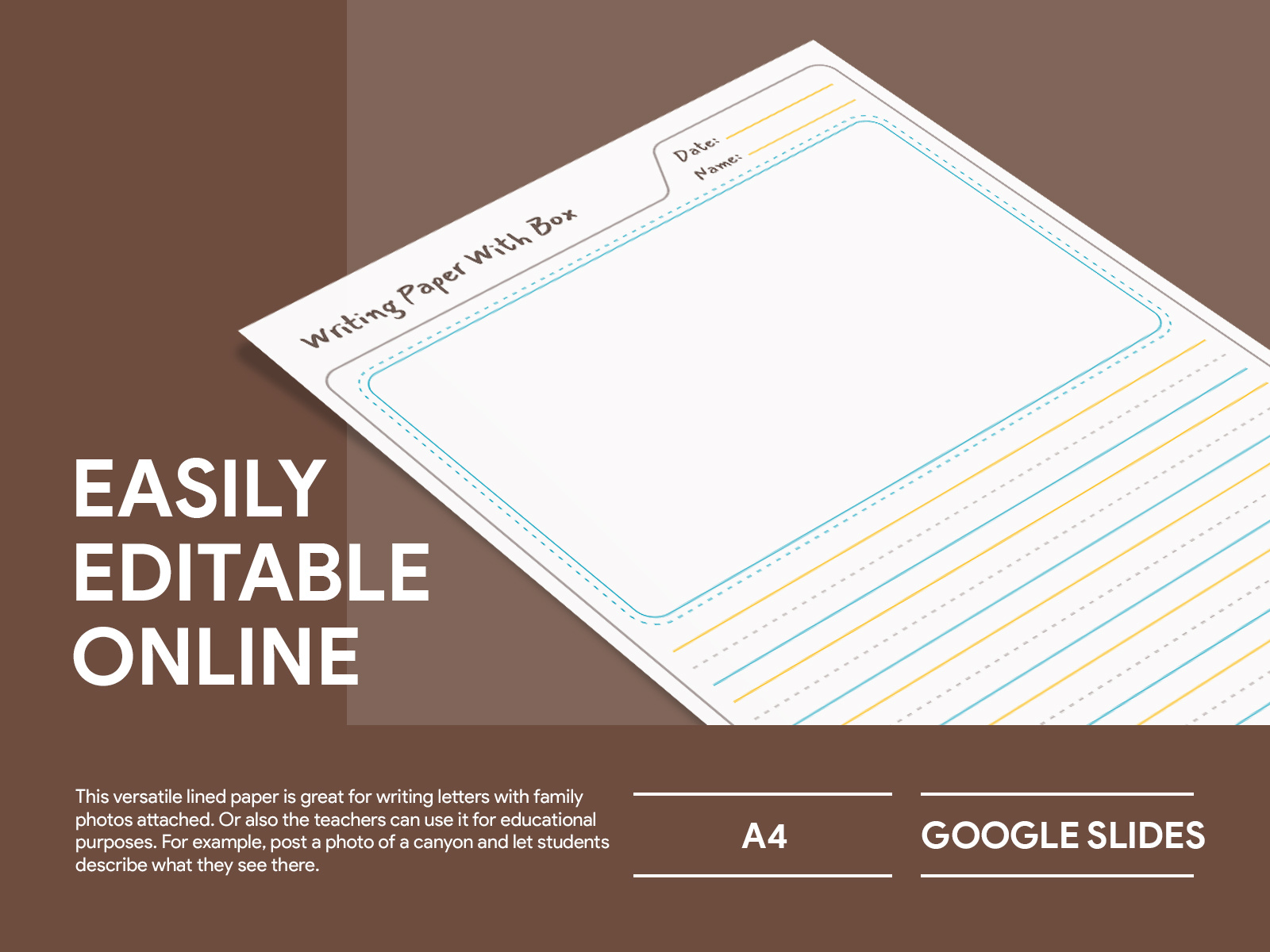
This Google Docs template is designed with a simple yet effective layout. The lines are evenly spaced, making it easy to write legibly. It typically includes features like:
- Standard Letter Size: 8.5 x 11 inches, perfect for printing and binding.
- Customizable Line Spacing: You can adjust the spacing to suit your handwriting style or the age group of the user.
- Easy Access: Since it’s a Google Docs template, you can access it anywhere with an internet connection.
You won’t have to worry about formatting issues that often occur with other types of templates. This one is ready to go as soon as you open it.
Customizing Your Template
One of the great things about the Letter Lined Paper Free Google Docs Template is how customizable it is. Once you open the template in Google Docs, you can make changes to suit your specific needs.
Adjusting Line Spacing
If you prefer wider lines for larger handwriting, you can easily modify the line spacing. This is particularly useful for younger children or anyone who finds it challenging to write neatly.
Adding Margins and Headers
You can also add margins or headers if you want to include a title or date. This makes it a helpful tool for organizing notes or journaling. Consider adding a header with your name and the date to keep your documents organized.
Changing Background Color
For a more personalized touch, you can change the background color. This feature can make the paper more visually appealing, especially for children who might be more engaged with colorful materials.
Practical Uses in Everyday Life
You might be wondering how you can incorporate this lined paper template into your daily routine. Here are a few ideas:
- Journaling: Use the template for daily journaling. The lined format helps keep your thoughts organized.
- Note-Taking: Whether you’re in a meeting or attending a lecture, this template can help you jot down important points without the hassle of loose sheets of paper.
- Creative Writing: For aspiring writers, having a dedicated lined paper can help you focus on your story without distractions.
This template fits seamlessly into existing routines, allowing you to easily integrate it into your writing or note-taking habits.
Downloading and Printing the Template
Getting started with the Letter Lined Paper Free Google Docs Template is straightforward. Here’s how to download and print it:
- Access Google Docs: Open your Google Drive and select the template from the template gallery.
- Make a Copy: Click on “File” and select “Make a copy” to save it to your own drive.
- Customize: Once saved, you can edit the template to fit your needs.
- Print: To print, simply click on “File” then “Print”. Adjust your printer settings as necessary.
For those who prefer physical copies, printing on heavier paper like cardstock can provide a more durable writing surface.
How This Template Fits Into Your Organization System
If you’re someone who uses planners, journals, or other organizational tools, integrating the Letter Lined Paper Free Google Docs Template can enhance your system. You can create a dedicated section for notes, ideas, or journaling. This way, everything is in one place, improving your overall productivity.
Consider using it alongside other templates, like calendars or checklists, to have a comprehensive system that covers all your planning needs. This method not only keeps you organized but also makes it easier to review your progress.
The most useful detail to remember is that you can easily share your customized template with others, whether it’s for group projects or collaborative writing. Just make sure to adjust the sharing settings in Google Docs to allow access.
Letter Lined Paper Free Google Docs Template Gallery