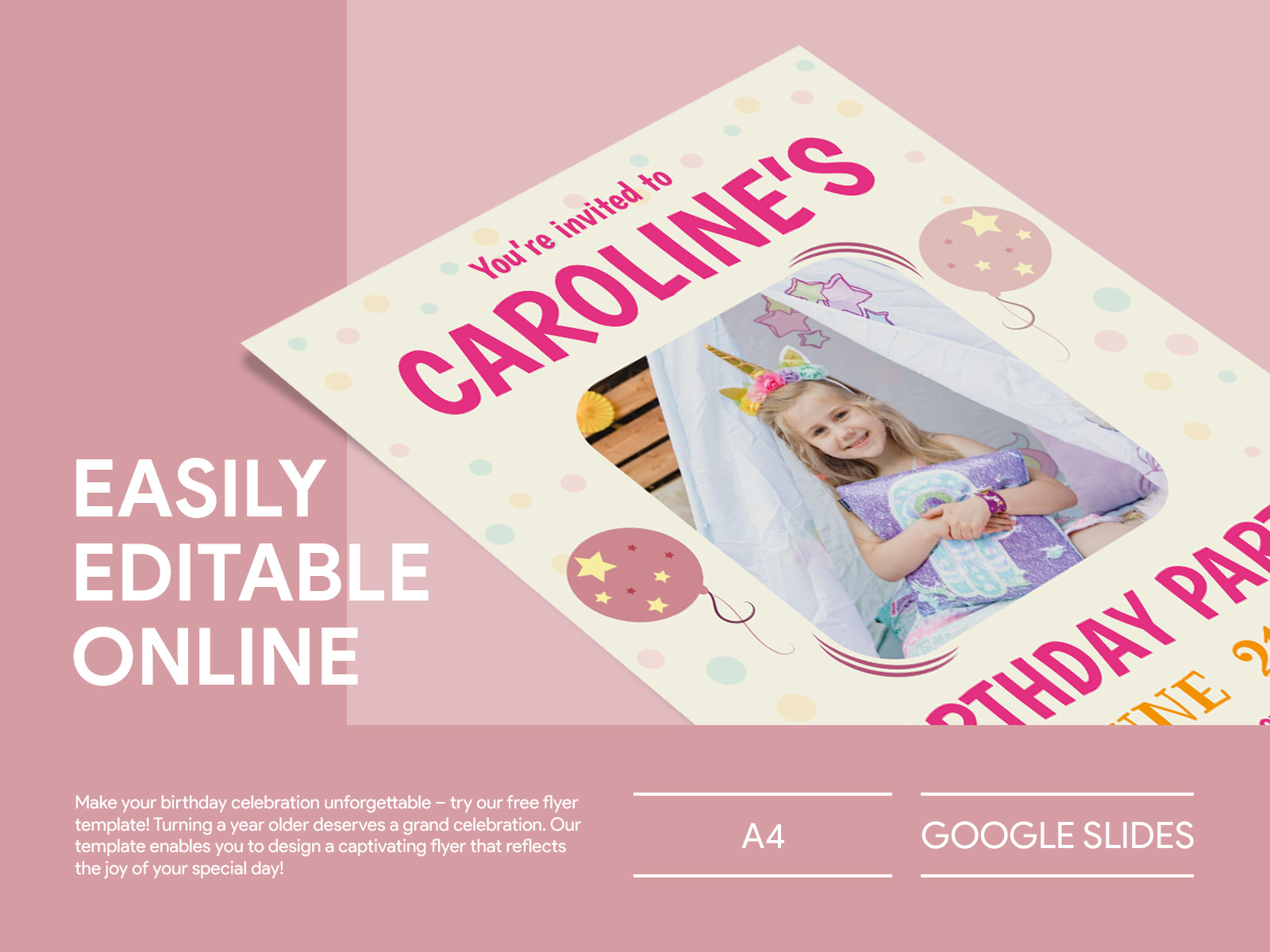
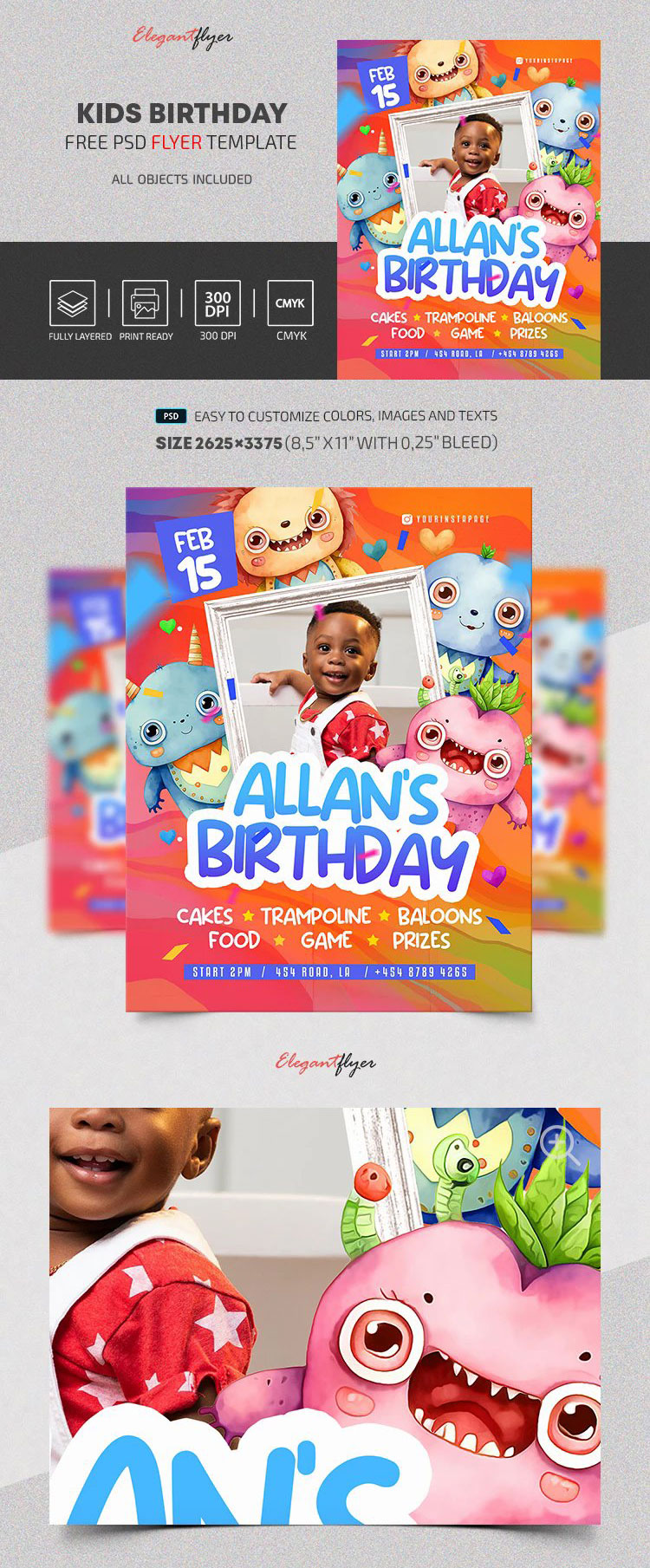
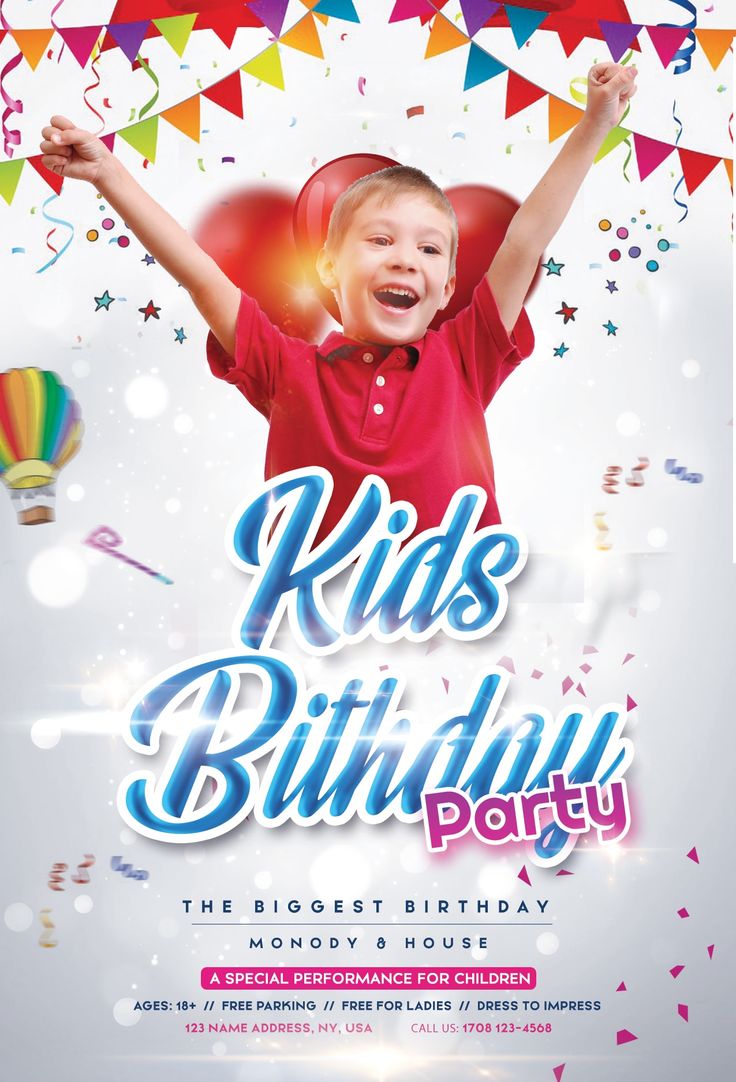
Planning a birthday party for your child can be both exciting and overwhelming. One essential element that often gets overlooked is the invitation. That’s where a Kids Birthday Party Flyer Free Google Docs Template comes in handy. With this resource, you can create an eye-catching flyer that captures the essence of your child’s celebration. Let’s explore how to customize and utilize this template effectively.
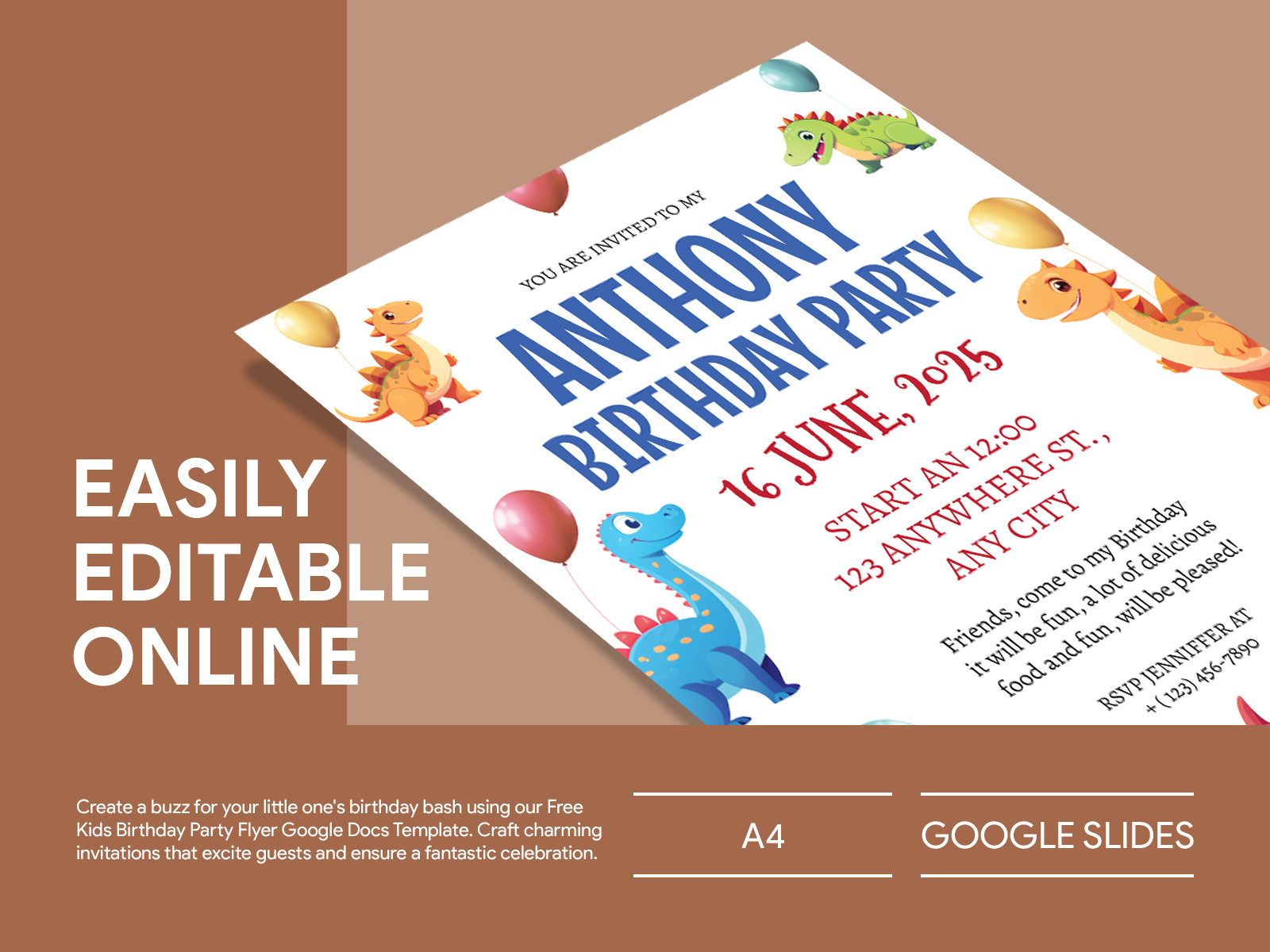
Why Choose a Google Docs Template for Kids Birthday Flyers?
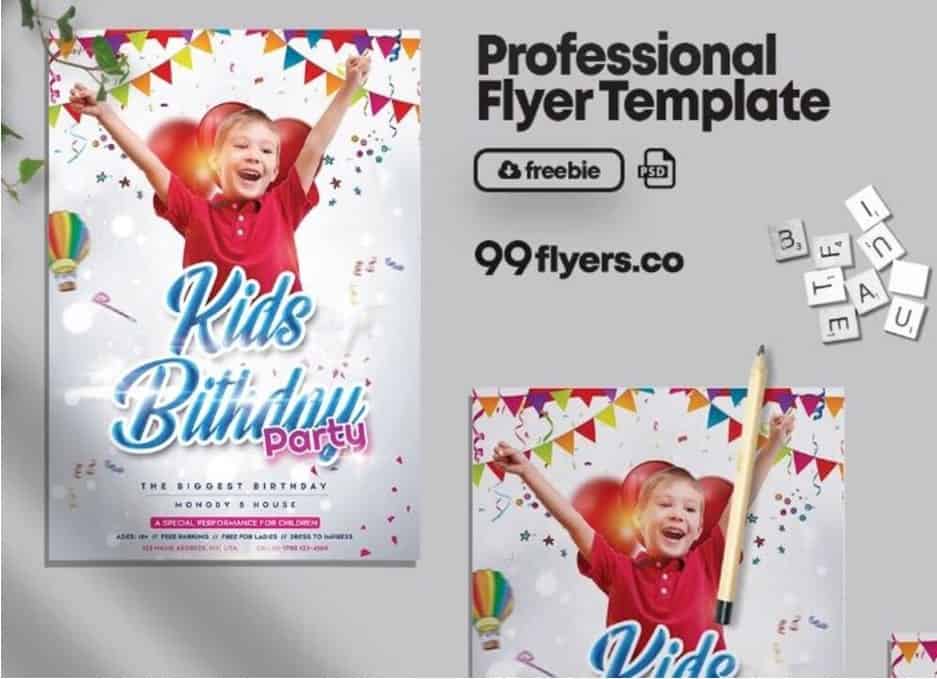
Using a Google Docs template for your party flyer simplifies the process significantly. First, Google Docs is user-friendly and accessible from any device with internet access. You can quickly make changes on the fly, and it saves automatically, so you won’t lose your work if your device shuts down unexpectedly.
Additionally, templates are designed to be easily customizable. You can adjust colors, fonts, and images to match your party theme. Whether you’re throwing a princess-themed bash or a superhero celebration, you can personalize the flyer to reflect your child’s interests.
Customizing Your Kids Birthday Party Flyer
Once you’ve downloaded the Kids Birthday Party Flyer Free Google Docs Template, it’s time to make it your own. Here’s a step-by-step guide to customization:
- Open the Template: Click on the link to your template. If it prompts you to make a copy, accept that option so you can edit it.
- Edit Text: Replace the placeholder text with your party details. Include the date, time, location, and RSVP information. You can also add a catchy tagline that suits the theme, like “Join us for a magical adventure!”
- Change Colors and Fonts: To make the flyer visually appealing, consider changing the colors and fonts. Select hues that match your party theme. For example, use pastel colors for a princess party or bold colors for a superhero theme.
- Add Images: You can insert images or graphics that align with your theme. Click on “Insert,” then “Image,” to upload pictures from your computer or search for them online. Just ensure you have permission to use any images you choose.
- Adjust Layout: If needed, you can modify the layout. Google Docs allows you to easily shift text boxes and images around to fit your design. Consider whether a portrait or landscape orientation works best for your flyer.
Printing Your Flyer
Once your flyer looks perfect, it’s time to print it out. Here are some practical tips to ensure your printed flyer looks just as good as it does on screen:
- Choose the Right Paper: For a vibrant finish, opt for a heavier paper, like cardstock, which holds ink better and feels more substantial. Standard letter-sized paper (8.5 x 11 inches) works well for most flyers.
- Printer Settings: When printing, make sure your printer settings are set to the highest quality. If your printer allows, choose the option for “photo quality” to enhance the colors and details.
- Test Print: Before printing multiple copies, do a test print. This will help you see how the colors look on paper and ensure everything is aligned correctly.
Distributing Your Flyers
Now that you have your beautifully designed flyers, it’s time to share them with your guests. Here are some ideas for distribution:
- Hand Deliver: If you’re inviting friends from school or your neighborhood, consider hand-delivering the flyers. Kids love receiving something special, and it adds a personal touch.
- Digital Copies: You can also convert your flyer to a PDF and send it via email or share it on social media. This way, you can reach family and friends who may live far away.
- Community Boards: Check if local community centers or libraries have bulletin boards where you can post your flyer. This is a great way to invite new friends to your party.
Final Tips for a Successful Party
As you finalize your Kids Birthday Party Flyer Free Google Docs Template, remember that the invitation sets the tone for the entire event. Be sure to include any special instructions, like dress code or themes.
Also, keep in mind that kids love fun activities! Consider adding a note about any games or entertainment planned for the day. This will help build excitement leading up to the party.
With your flyer ready, you can focus on other aspects of the party planning. Whether it’s picking out decorations, arranging food, or planning games, you’re now equipped with a fabulous invitation that will surely get everyone excited about your child’s special day!
Kids Birthday Party Flyer Free Google Docs Template Gallery