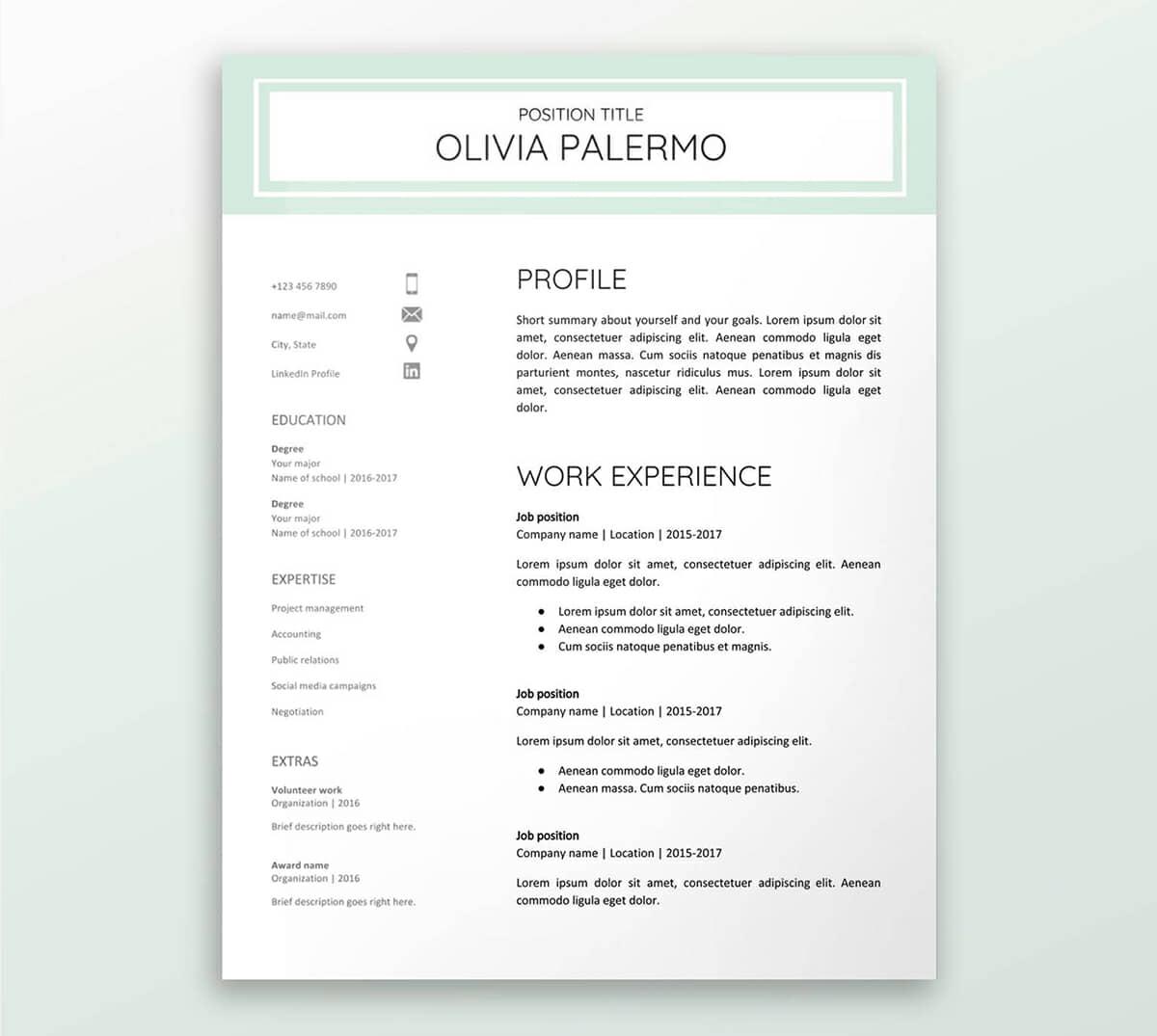
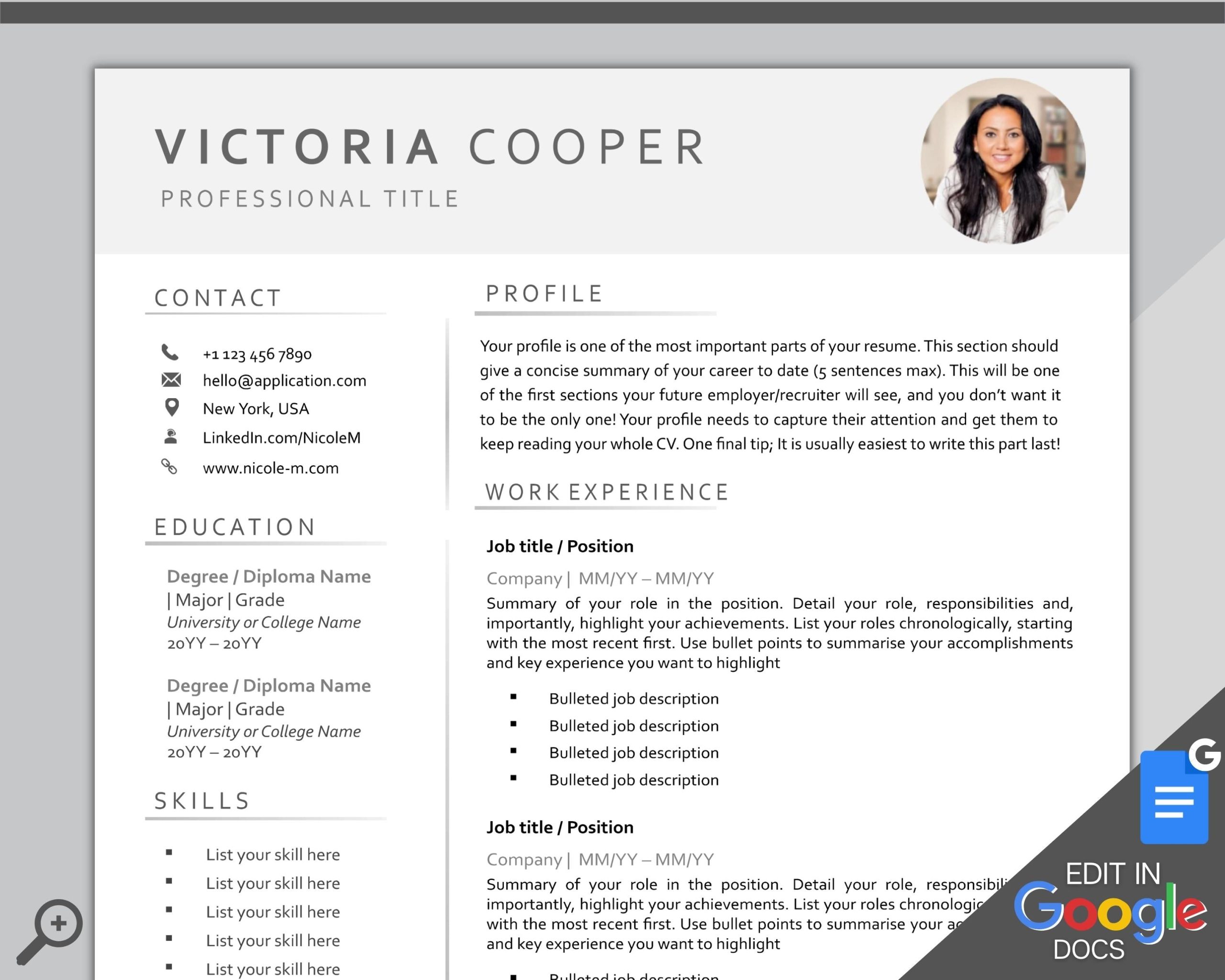
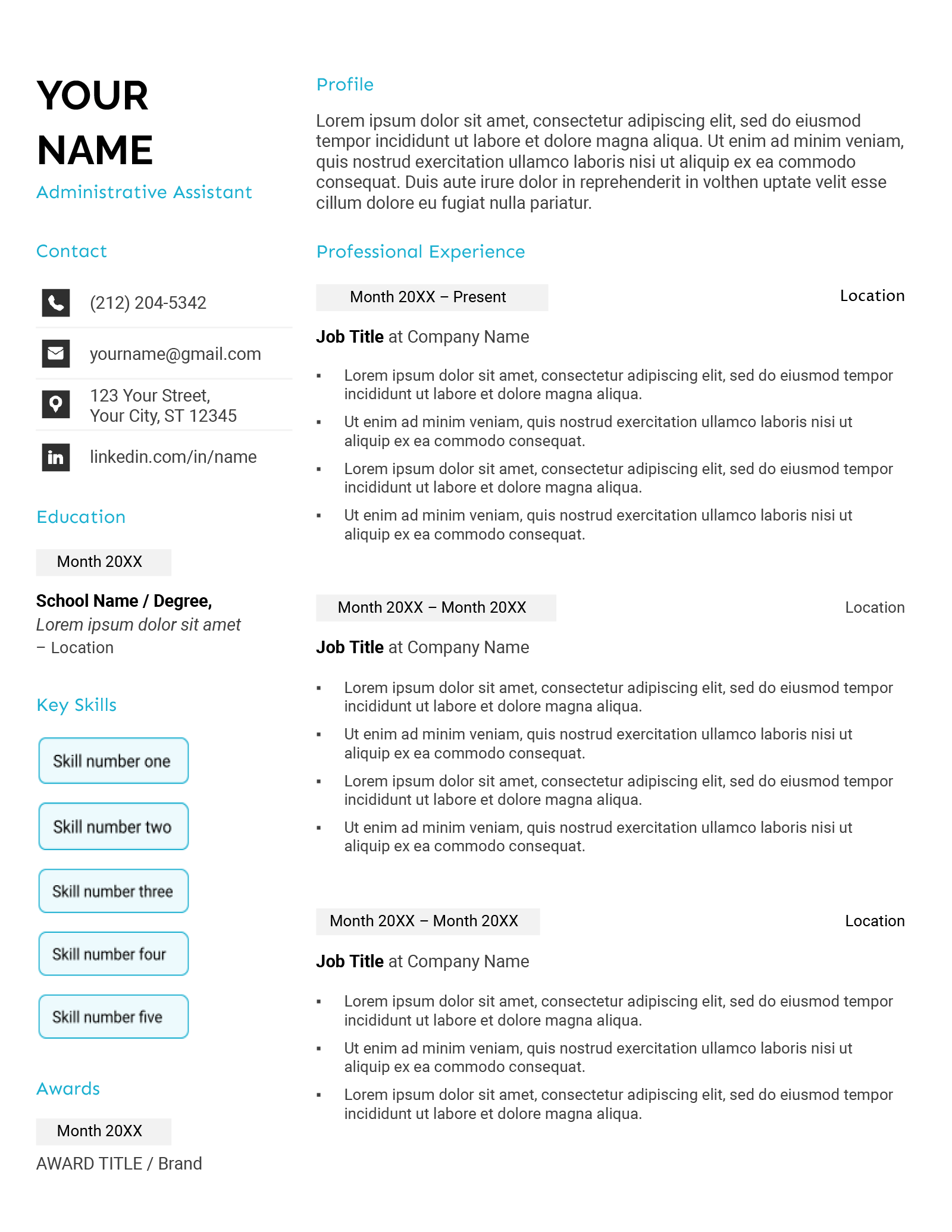
Creating a standout resume is essential in today’s competitive job market, especially if you’re a parent juggling multiple responsibilities. The Job-winning Resume Free Google Docs Template offers a user-friendly solution to craft a professional resume without the hassle. This template is designed to help you present your skills and experiences effectively while allowing you to customize it to fit your unique career journey.
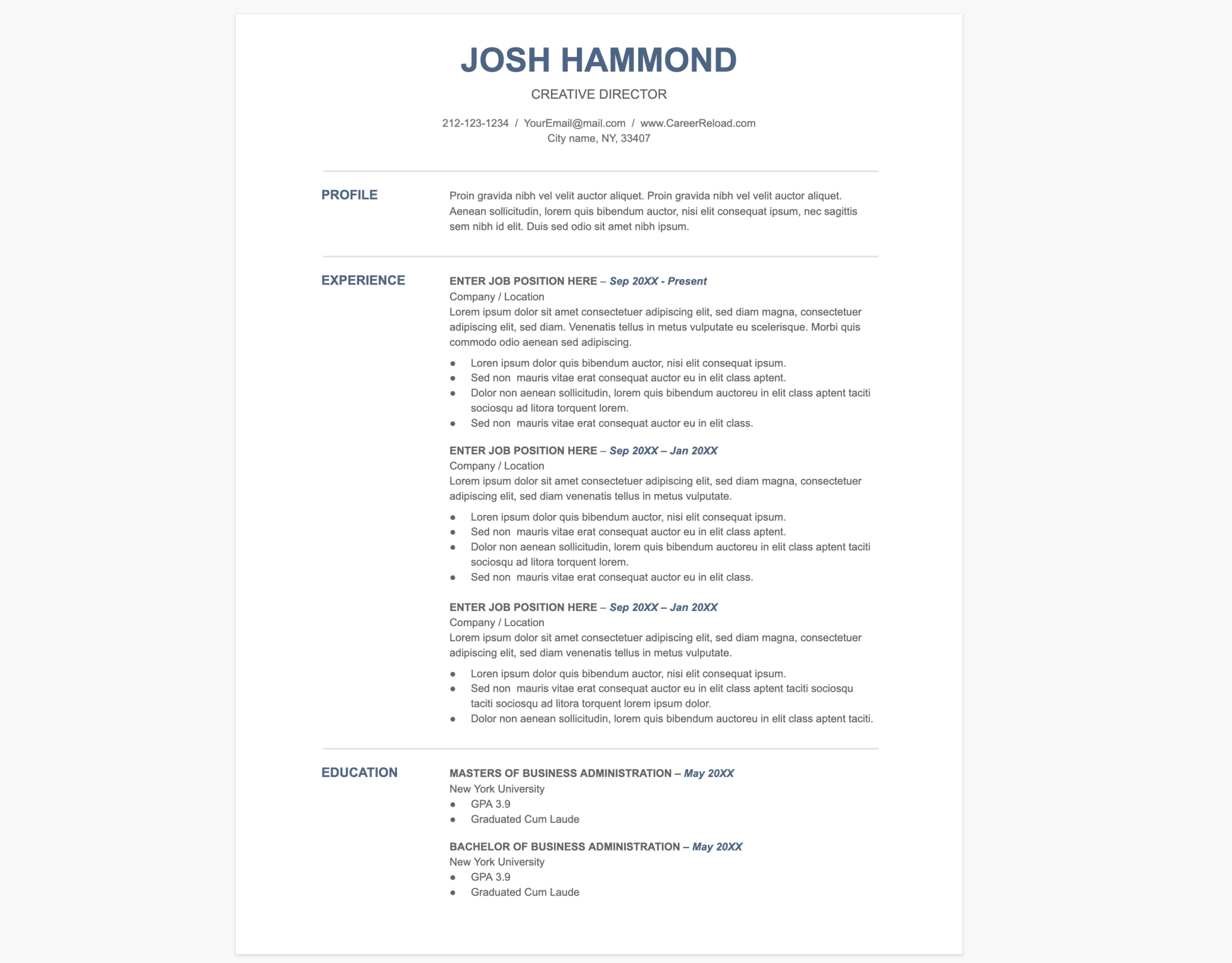
Why Use a Google Docs Template for Your Job-winning Resume?
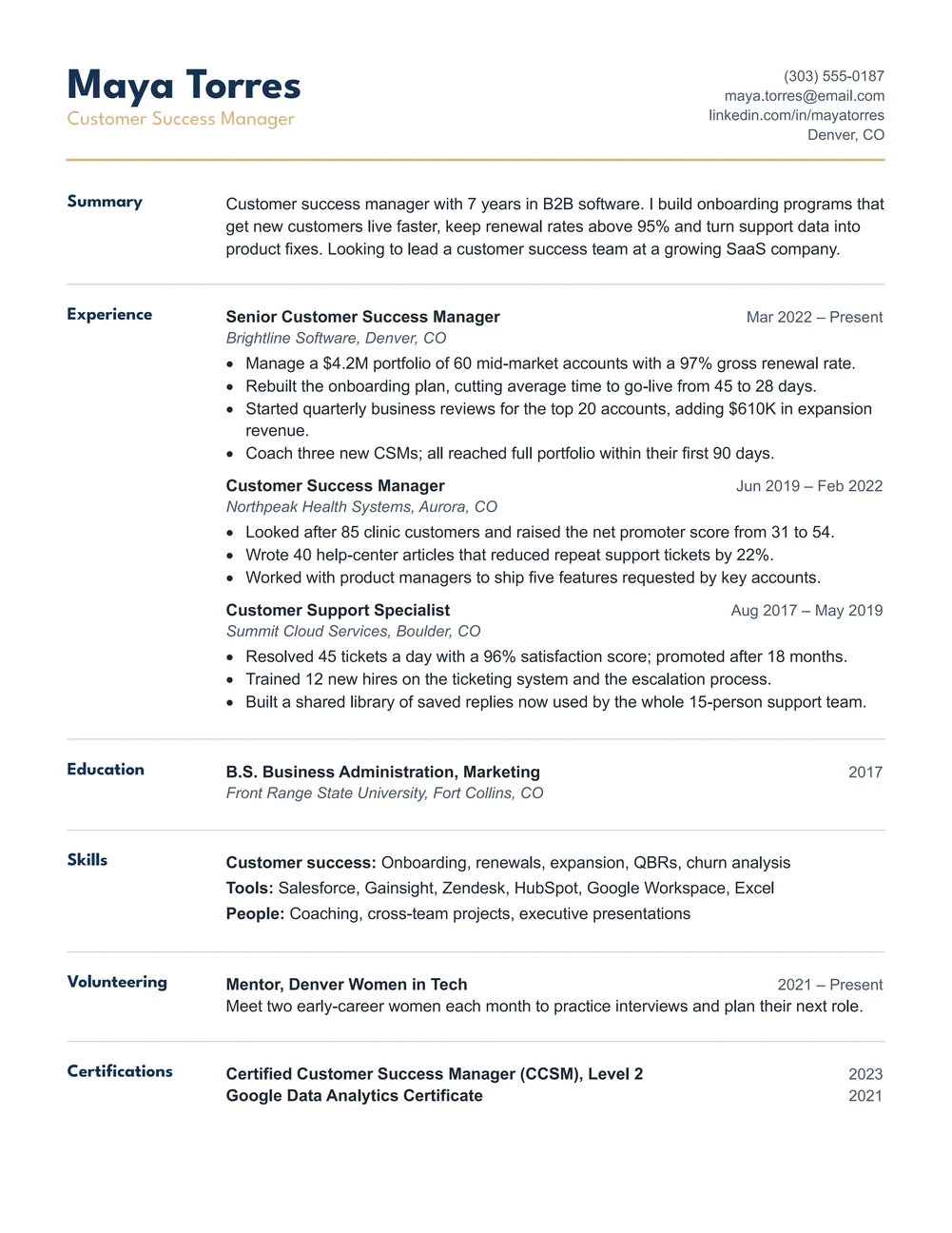
Using a Google Docs template for your resume has several benefits. First, Google Docs is cloud-based, meaning you can access it from anywhere, If you are at home or on the go. This is particularly useful for busy parents who may need to work on their resumes during small windows of free time.
Another advantage is the ease of collaboration. If you want feedback from a partner or a friend, sharing a Google Docs file is straightforward. You can allow others to edit or comment, making it easier to refine your resume. Plus, the format is compatible with most devices, ensuring that you don’t face any issues when applying online.
Customization Options Available
The Job-winning Resume Free Google Docs Template is not just a one-size-fits-all solution. It allows for extensive customization to suit your needs. Here are some key areas where you can make adjustments:
- Fonts and Colors: You can choose fonts and colors that reflect your personality or industry standards. For instance, a creative role may benefit from a more playful font, while a corporate job might require something more traditional.
- Sections: Decide which sections are most relevant to your experience. You can add or remove sections such as “Volunteer Work,” “Certifications,” or “Professional Summary” based on what best showcases your qualifications.
- Layout: The template is designed in a clean layout that you can easily modify. For example, if you prefer a two-column format to save space and organize information better, you can adjust the layout accordingly.
Practical Use Cases for the Template
This template is particularly useful for parents re-entering the workforce, recent graduates, or anyone looking to transition careers. Here are a couple of scenarios where this template can be your best ally:
- Returning to Work After a Break: If you’ve taken time off to raise children or manage family responsibilities, this template can help you highlight transferable skills gained during that time. You can emphasize volunteer work, freelance projects, or any relevant training you’ve undertaken.
- Career Change: If you’re looking to switch fields, the template allows you to showcase your adaptable skills rather than just job titles. This is crucial when applying for positions that may not directly relate to your previous roles.
Downloading and Printing Your Resume
Once you’ve customized the Job-winning Resume Free Google Docs Template to your satisfaction, downloading and printing it is straightforward. Here’s how to do it effectively:
- Download as PDF: For most job applications, a PDF format is preferred. It preserves your formatting and ensures that the resume appears as intended. Simply go to “File” > “Download” > “PDF Document”.
- Printing Options: If you plan to print your resume, consider using high-quality paper. Standard sizes like A4 or Letter work best. If you have a color printer, using a light color for the background can enhance the visual appeal, but be cautious not to overdo it.
- Check Printer Settings: Make sure to check the printer settings before printing. Setting the printer to “Best Quality” will ensure that the text and graphics are crisp and professional.
Final Considerations When Using the Template
Before you finalize your resume, take a moment to review these essential tips:
- Tailor for Each Job Application: Always customize your resume for each position you apply to. Highlight the most relevant skills and experiences for the job description.
- Proofread: Mistakes can give a poor impression. Use tools like Grammarly or ask a friend to review your resume for typos and grammatical errors.
- Keep it Concise: Aim for one page unless you have extensive experience. Hiring managers often prefer concise resumes that get to the point quickly.
The Job-winning Resume Free Google Docs Template offers you the flexibility to create a professional document that represents your best self. With its customization options, practical use cases, and easy download and print features, you’re well on your way to landing your next job.
Job-winning Resume Free Google Docs Template Gallery