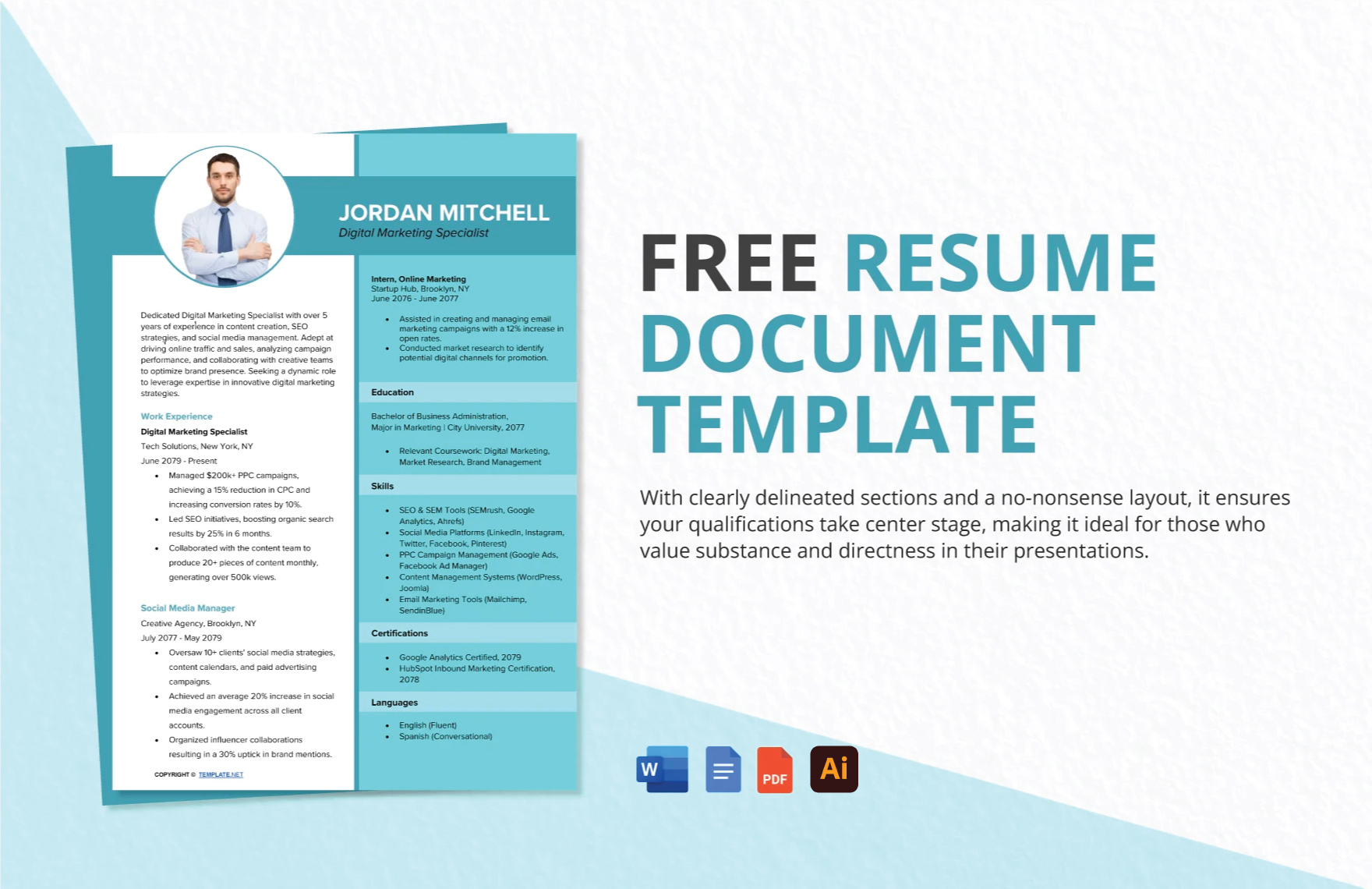
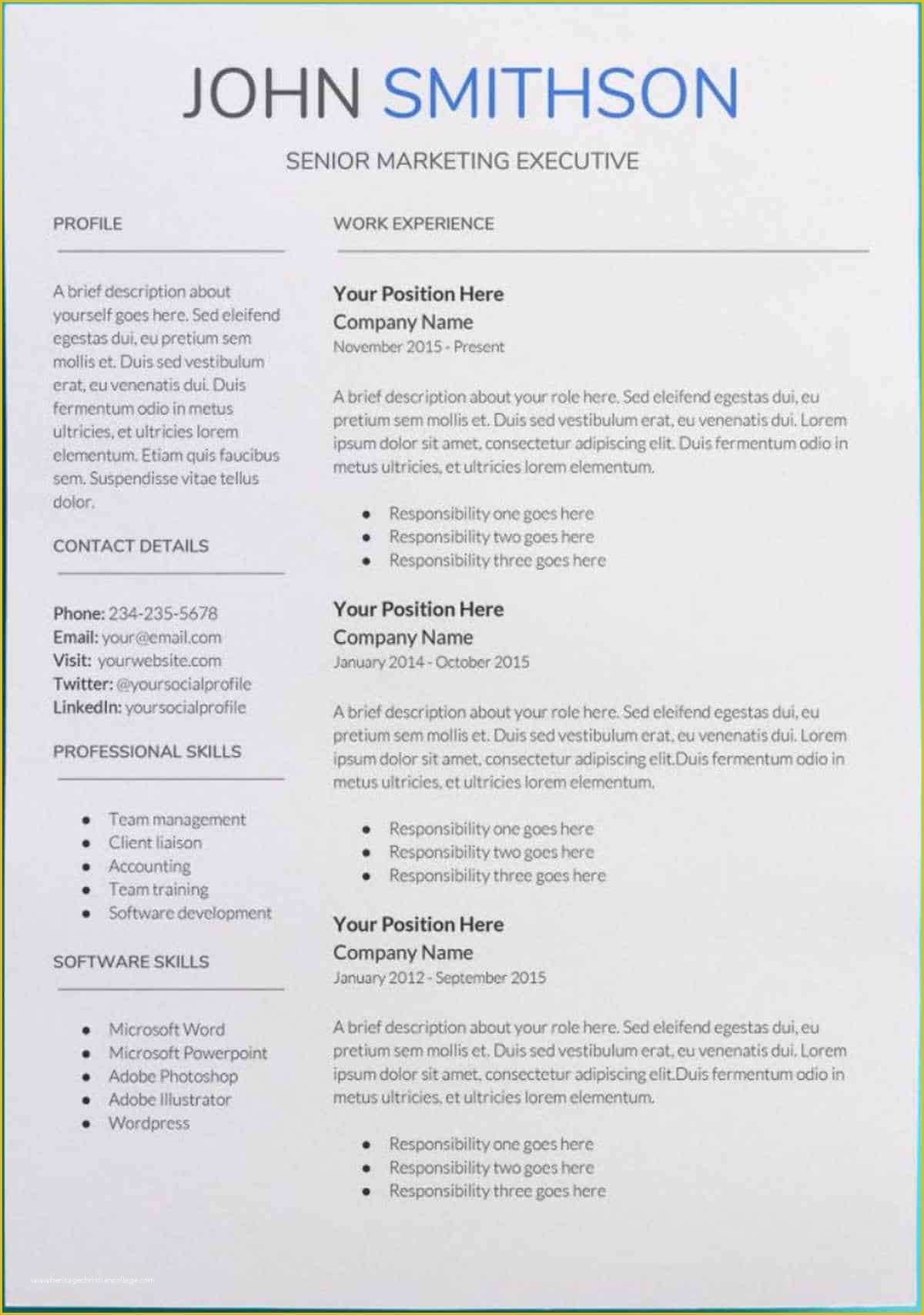
When it comes to job hunting in the IT sector, having a standout resume is essential. The IT Resume Free Google Docs Template is designed specifically for tech professionals like you, making it a fantastic resource to highlight your skills and experience. This template simplifies the process, allowing you to focus on what really matters: landing that dream job.
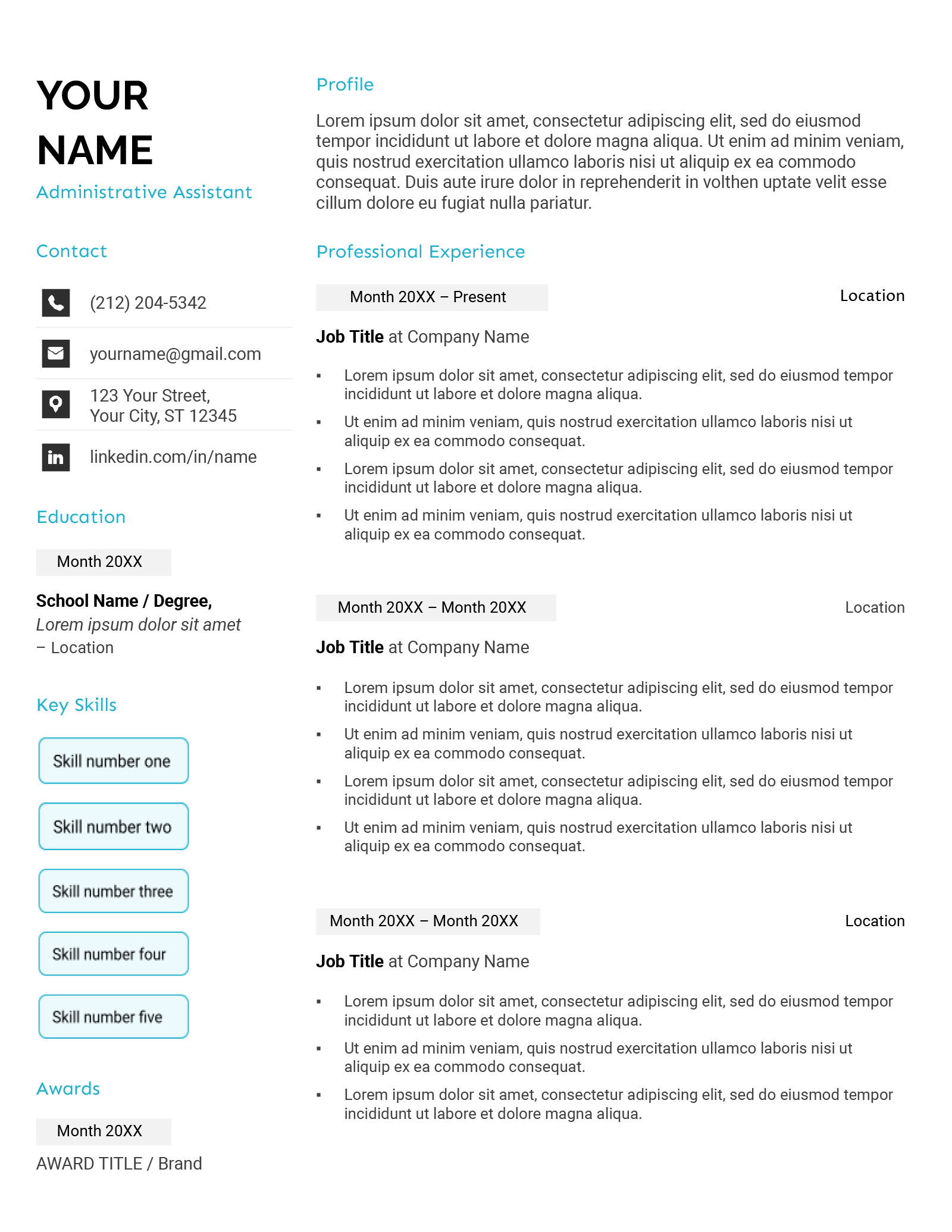
Layout and Design Choices
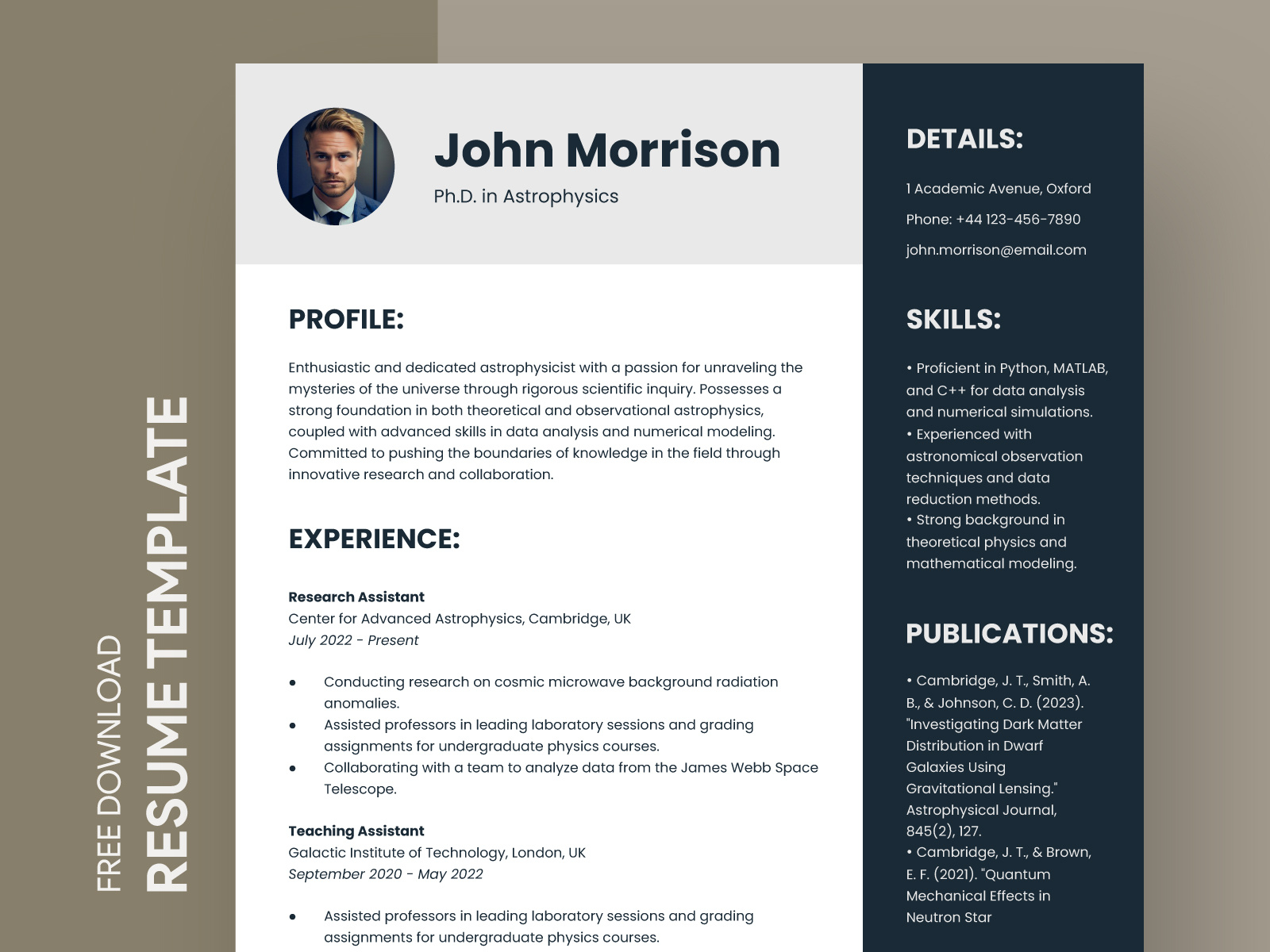
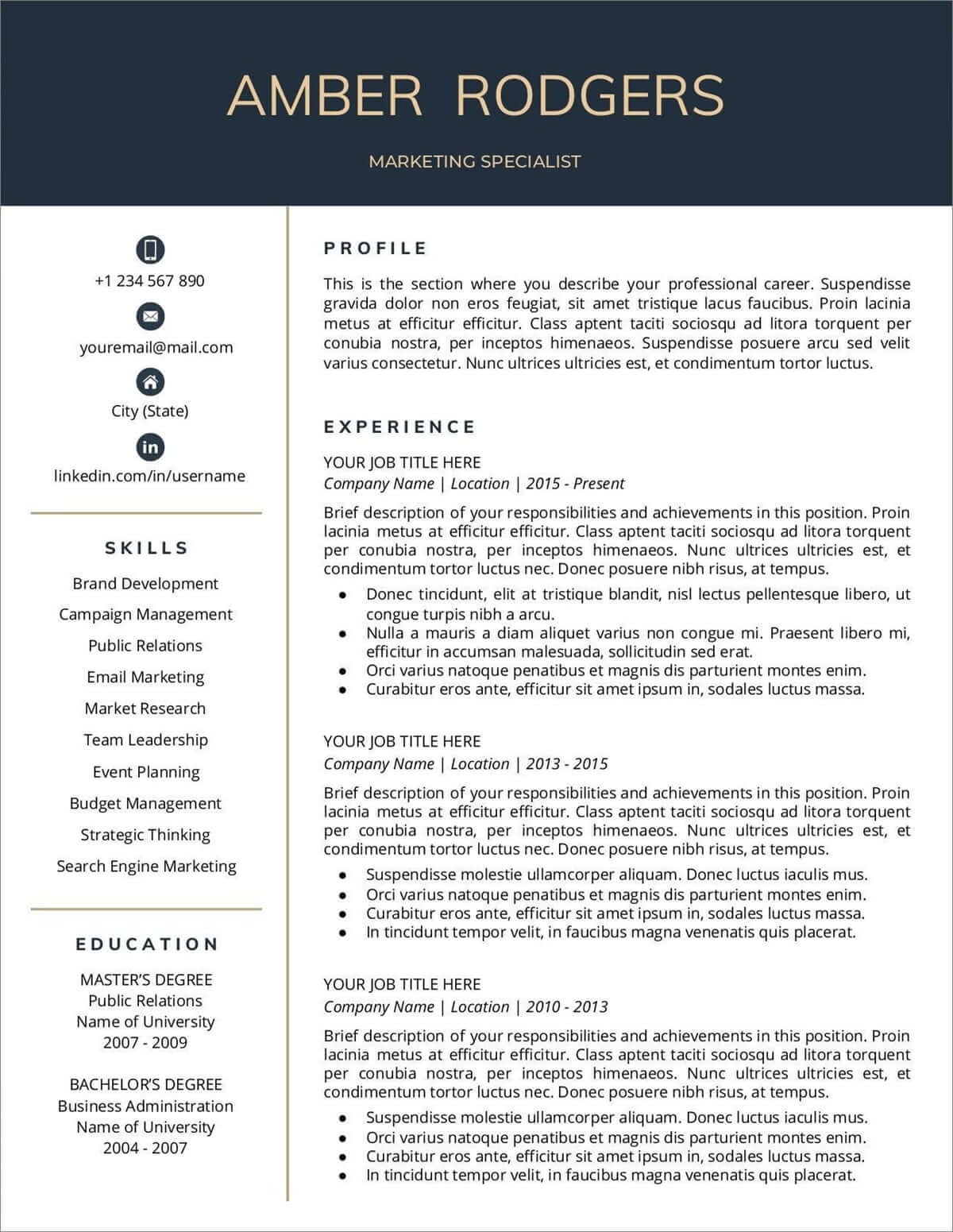
One of the first things you’ll notice about the IT Resume Free Google Docs Template is its clean and modern layout. The design is not only visually appealing but also strategically structured to catch the eye of hiring managers.
The template features distinct sections for your contact information, summary, skills, work experience, education, and certifications. This clear organization makes it easy for potential employers to scan through your qualifications quickly. You can customize each section according to your unique skills and experiences.
A common choice for resumes is to use a portrait layout, which tends to print better on standard letter-sized paper (8.5” x 11”). This template adheres to that format, ensuring that your resume looks professional both on screen and in print.
Customizing Your IT Resume
Customizing the IT Resume Free Google Docs Template is straightforward. Google Docs allows you to click and edit text directly, so you can easily replace the placeholder text with your information.
- Contact Information: Start with your name, phone number, email, and LinkedIn profile. Make sure this section is prominent since it’s the first thing employers will see.
- Summary: This is your chance to make a strong impression. Summarize your key qualifications and what you bring to the table. Focus on your technical skills and any relevant experiences that set you apart.
- Skills Section: List your technical skills, programming languages, and tools that are relevant to the job. Use bullet points for clarity. This is where you can tailor your resume for specific job applications by including keywords from job descriptions.
- Work Experience: This section should detail your previous roles. Start with your most recent position and work backward. For each job, include your title, the company’s name, your tenure, and a few bullet points describing your responsibilities and achievements. Quantify accomplishments whenever possible to demonstrate your impact.
- Education and Certifications: List your degrees and any certifications relevant to the IT industry. This could include CompTIA, AWS, or Cisco certifications, which are highly regarded in the field.
Practical Decisions for Downloading and Printing
When you’re ready to print your resume, there are a few practical decisions to consider. Since this template is in Google Docs, you’ll want to ensure that your formatting remains intact when downloading.
- File Format: Download your resume as a PDF to prevent any formatting issues that can occur when sharing the document. PDFs maintain your design and layout precisely as you set them.
- Paper Choice: If you’re printing your resume, consider using a high-quality paper, like a heavier cardstock or a smooth finish paper. This adds an extra touch of professionalism.
- Printer Settings: Make sure to set your printer to the correct paper size (8.5” x 11”) and choose the best quality print setting. This will ensure that your resume looks sharp and professional.
Real Use Cases for the Template
The IT Resume Free Google Docs Template can cater to various job applications within the tech industry. Whether you’re applying for a software development role, a system administrator position, or even an IT support job, this template can be tailored to fit your needs.
For example, if you’re transitioning from a junior developer to a more senior role, you can adjust the summary and skills sections to reflect your growth and new competencies. By emphasizing relevant technologies or projects you’ve worked on, you can show hiring managers that you’re ready for the next step in your career.
Another use case is for recent graduates entering the IT workforce. The template allows you to highlight internships, academic projects, and relevant coursework in a way that showcases your potential and eagerness to learn.
IT Resume Free Google Docs Template Gallery