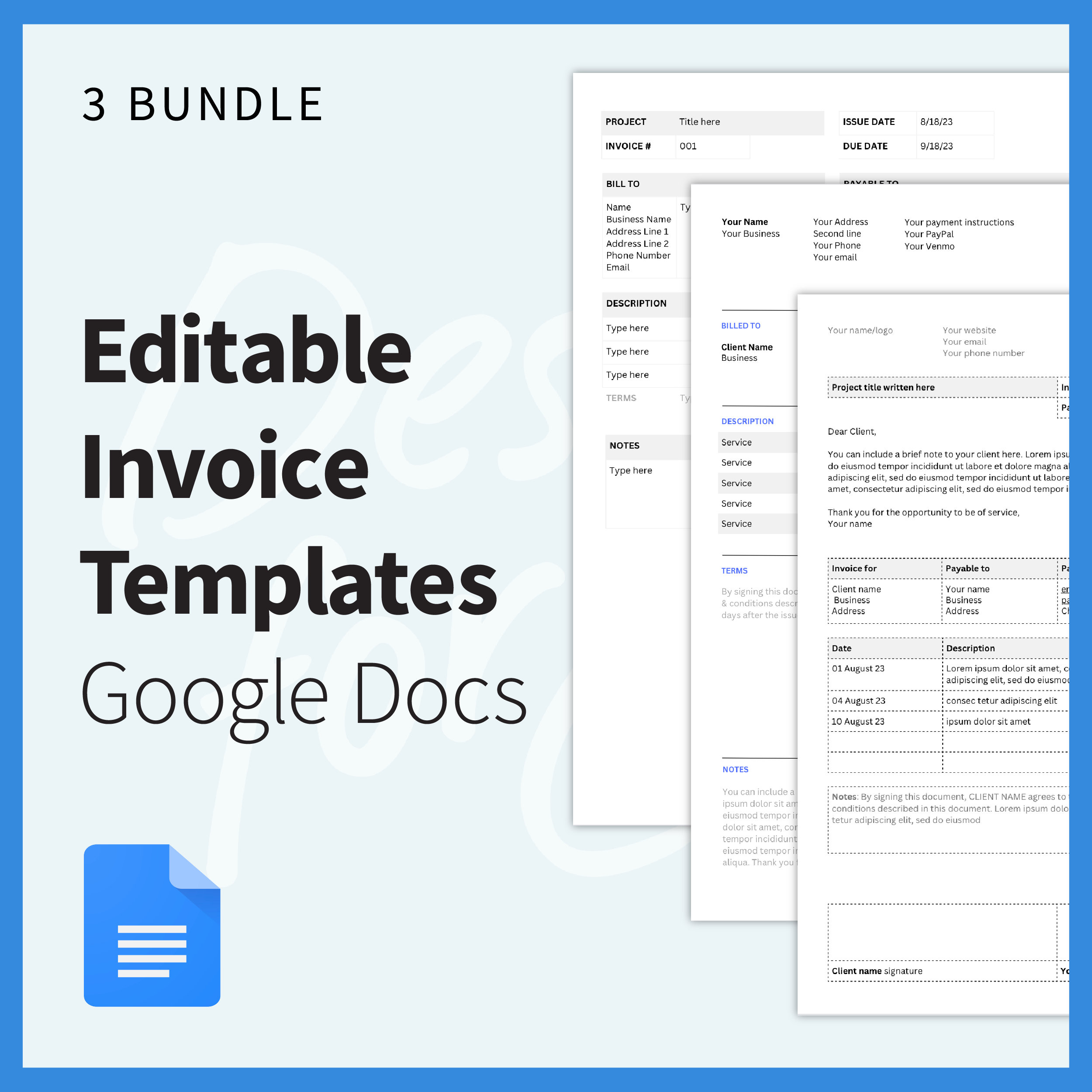
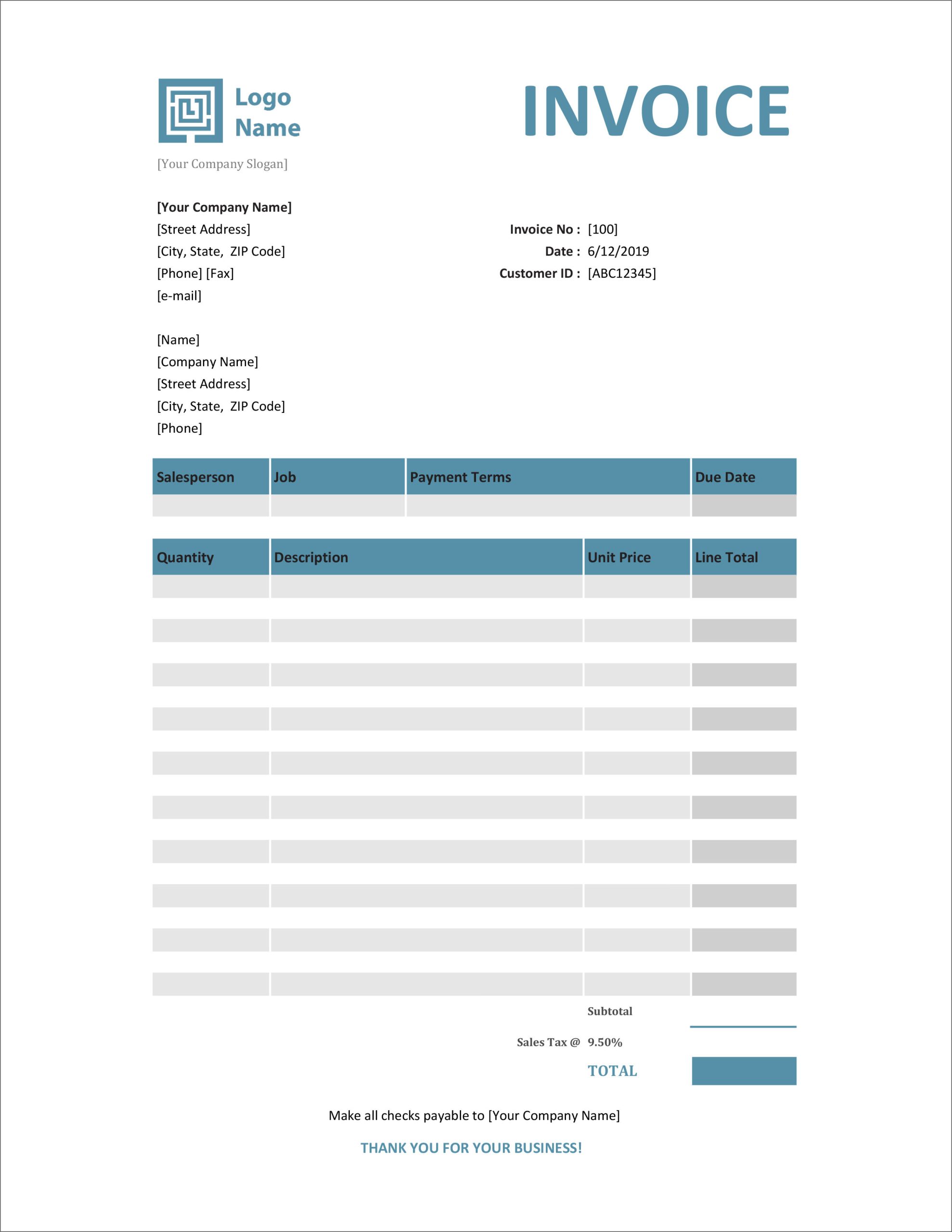
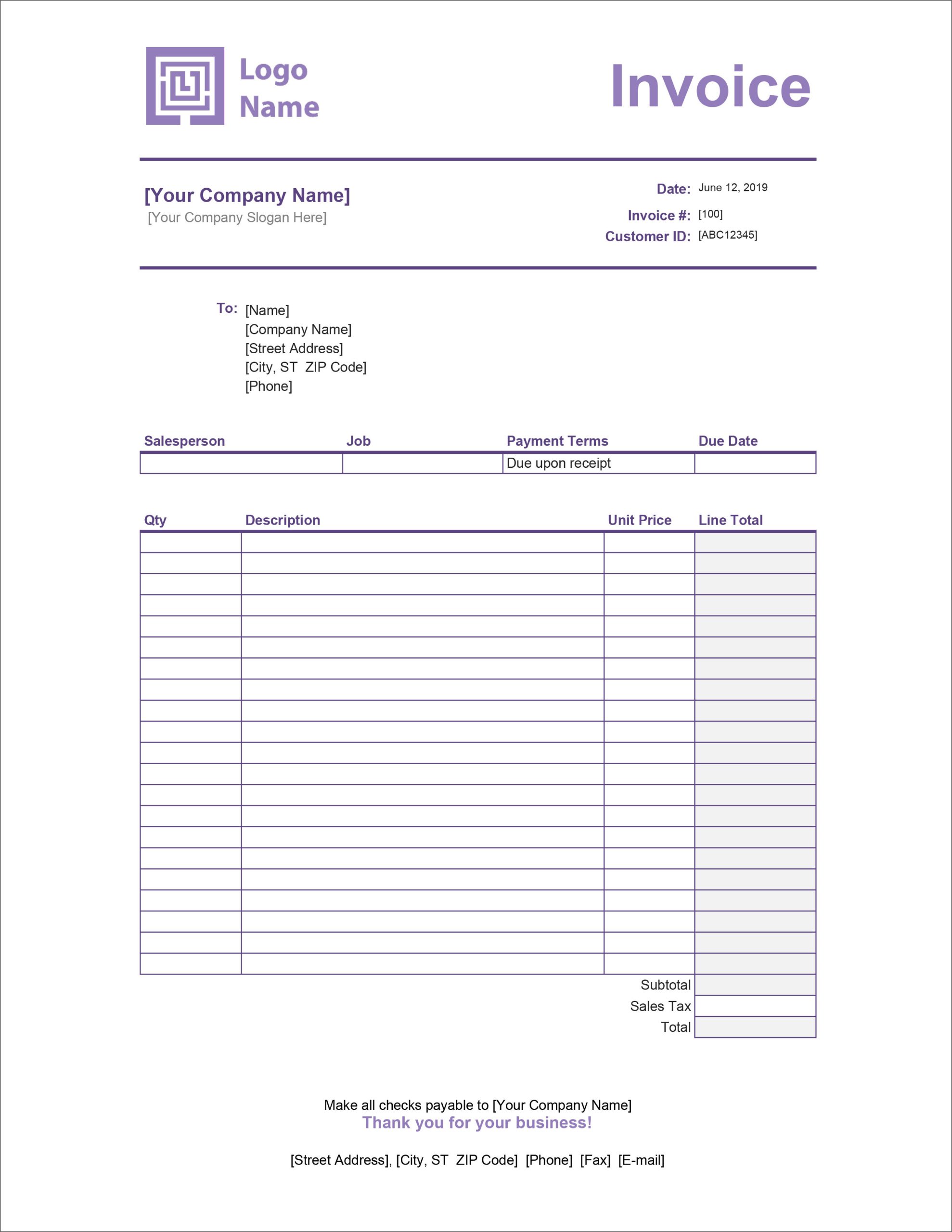
Creating an invoice for services can be a daunting task, especially if you’re juggling multiple responsibilities at home. The Invoice for Services Free Google Docs Template stands out by offering a straightforward, user-friendly format that simplifies billing. If you are a freelancer or need to bill for services rendered in your family business, this template can be a real lifesaver.
Customizing Your Free Google Docs Invoice Template
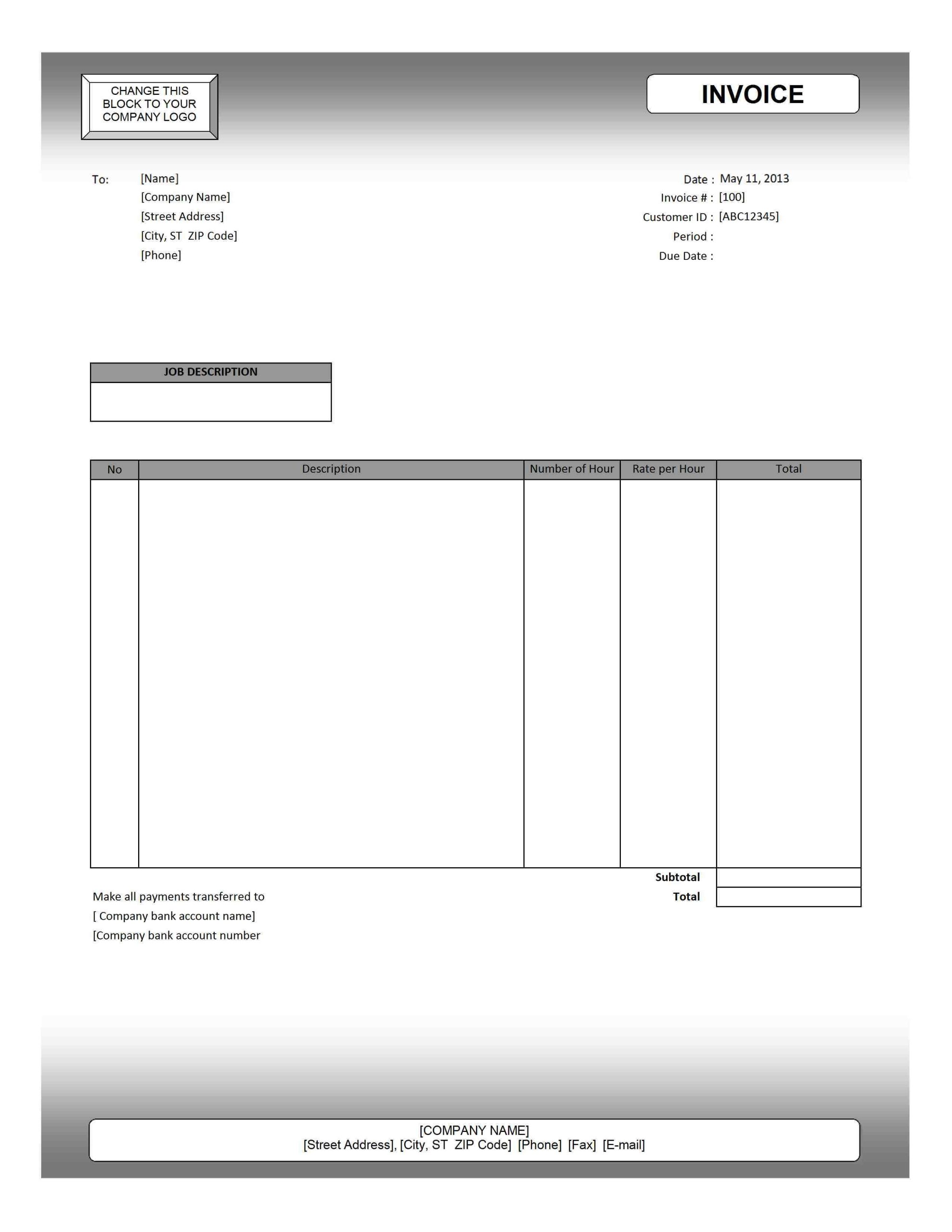
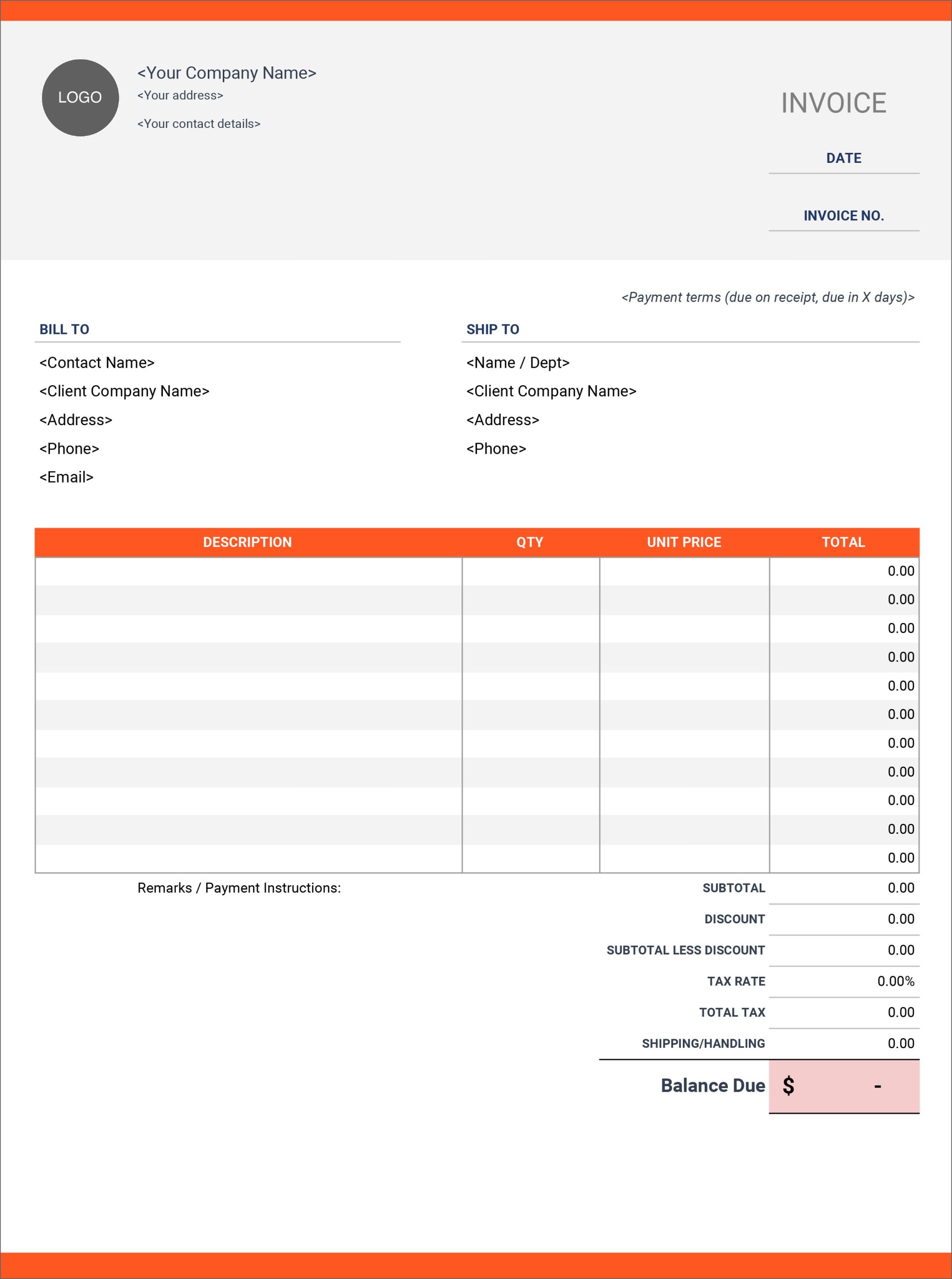
One of the first things you’ll notice about the Invoice for Services Free Google Docs Template is its flexibility. You can easily customize it to fit your specific needs. The template allows you to input your business name, logo, contact information, and the services rendered.
You can also adjust the layout and color scheme to match your branding or personal style. This is particularly important if you’re looking to maintain a professional appearance when dealing with clients. You’ll find that a well-designed invoice can enhance your credibility.
And if you’re worried about how to get started, Google Docs makes it easy with its intuitive interface. All you need to do is click on the text fields, replace the placeholder text with your information, and you’ll have a personalized invoice ready in no time.
Practical Uses for the Invoice Template
The Invoice for Services Free Google Docs Template is not just a document; it can be an integral part of your financial management system. Here are a few practical applications:
- Freelance Work: If you’re a freelancer, this template allows you to bill clients accurately for your services. Whether you’re a graphic designer or a writer, having a consistent invoice can streamline your payment process.
- Family Business: For parents running a small business or side hustle from home, this template can help you keep track of income and expenses. It’s an easy way to document services rendered, ensuring that you don’t overlook any payments.
- Household Services: If you provide services like babysitting, pet sitting, or tutoring, this invoice template can formalize your transactions. It helps set clear expectations with your clients regarding payment.
By incorporating this template into your routine, you can maintain better financial records and ensure timely payments.
Downloading and Printing Your Invoice
Downloading the Invoice for Services Free Google Docs Template is a breeze. Simply click the link, and you can save it directly to your Google Drive. From there, you can edit it at any time, making it a convenient option for ongoing projects or repeat clients.
When it comes to printing, ensure that you choose the right paper size. Standard letter size (8.5 x 11 inches) is typically used for invoices, but you can adjust the size within Google Docs if needed. Depending on your printer, you might want to experiment with different paper types.
- Standard Printer Paper: This is the most common choice and works well for most situations. It’s cost-effective and readily available.
- Cardstock: If you want a more professional feel, consider printing on cardstock. It’s thicker and holds up better, especially if you plan to present your invoice in person.
Make sure to check your printer settings before printing to avoid any formatting issues. This way, you can ensure that the final product looks clean and professional.
Invoice for Services Free Google Docs Template Gallery