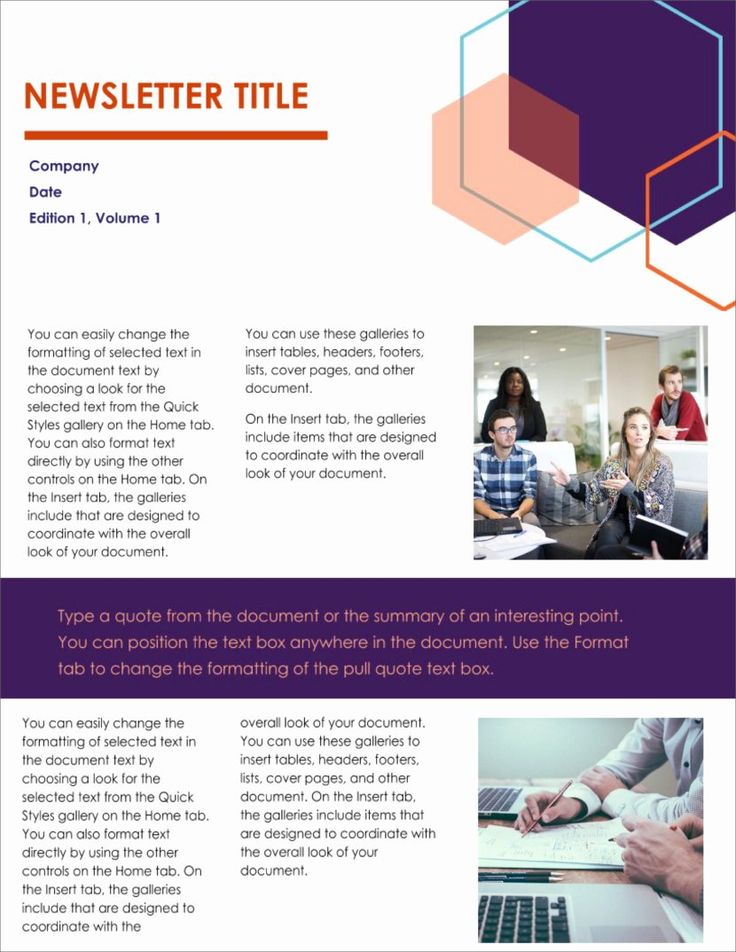
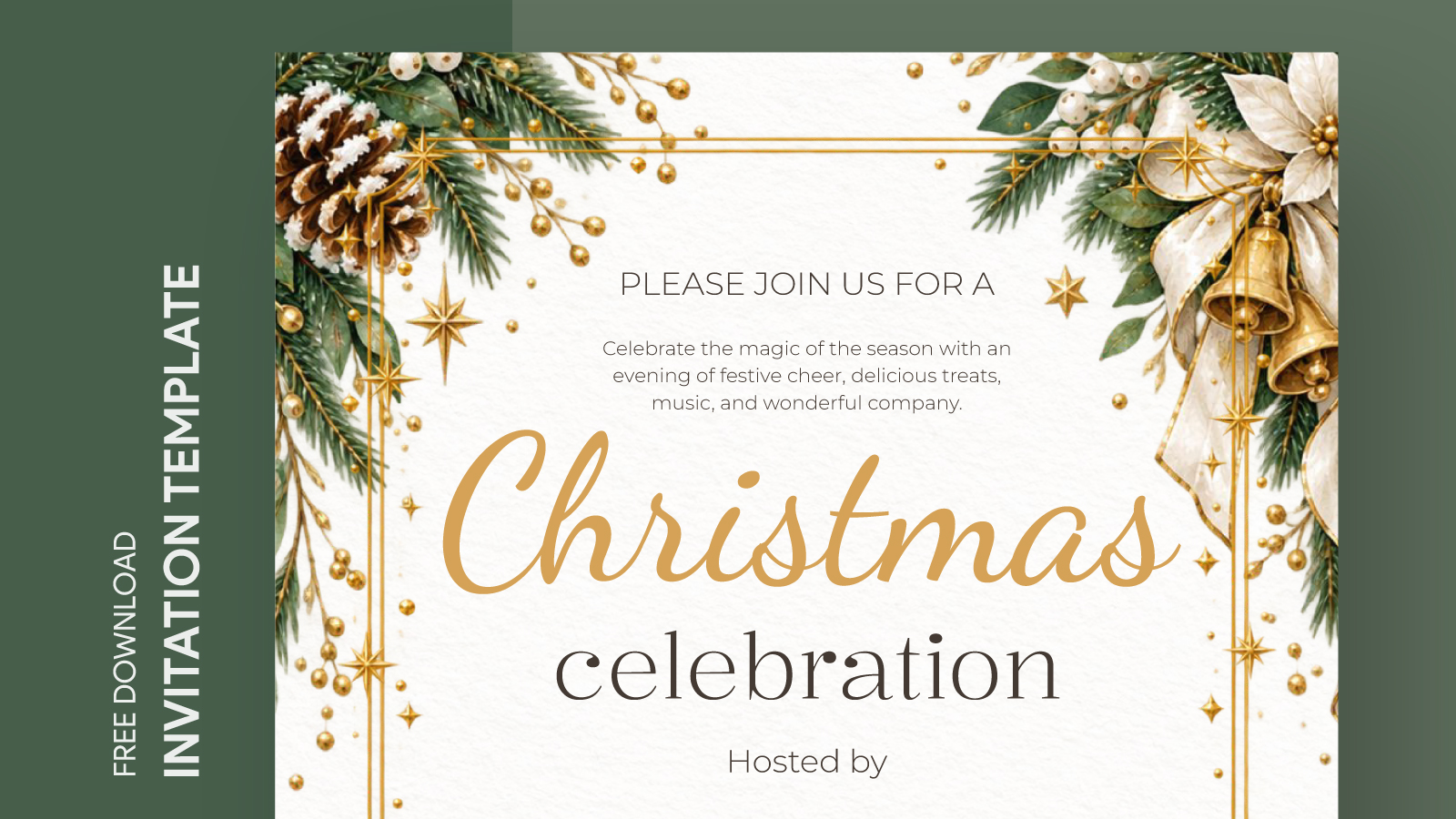
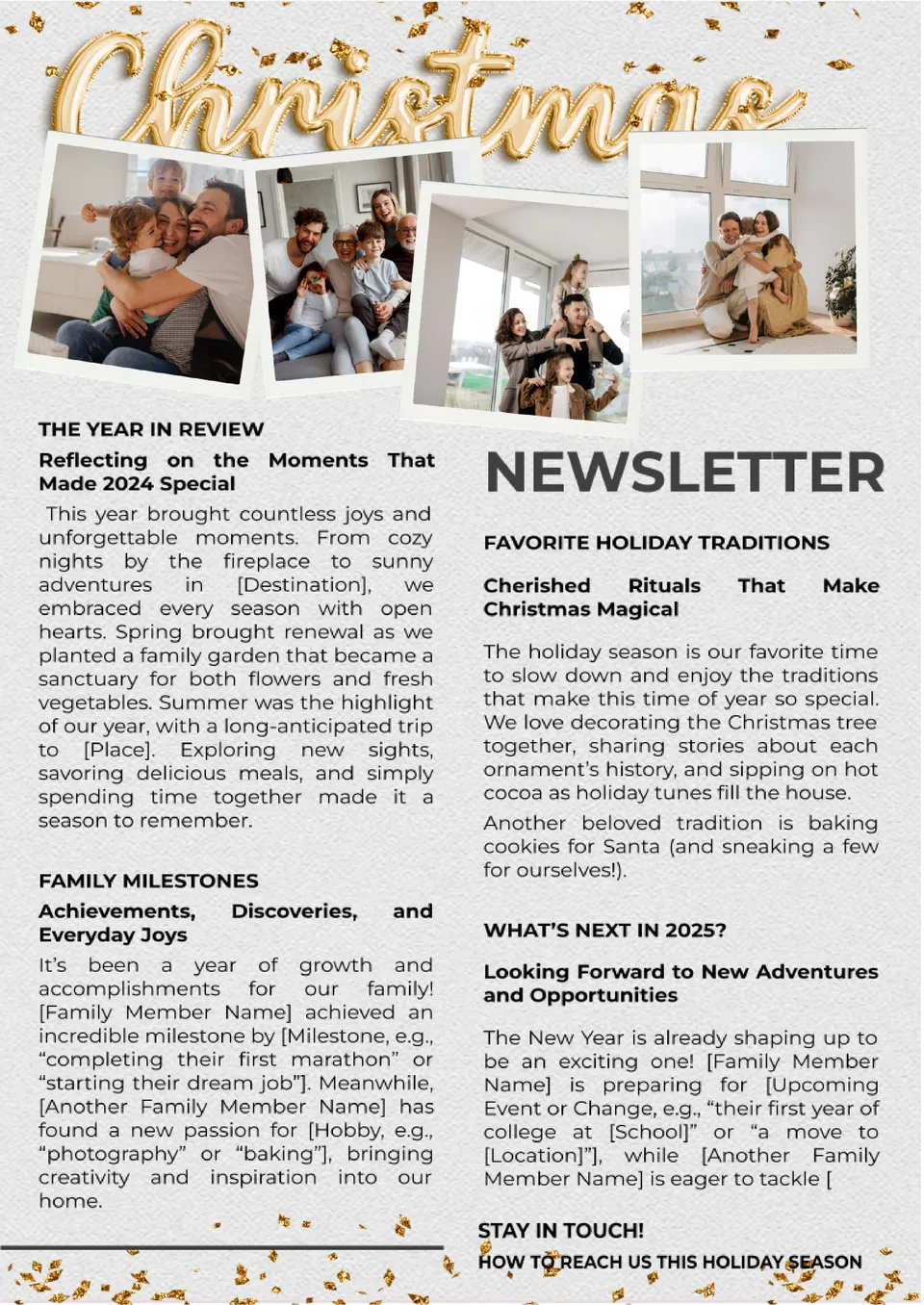
Creating a holiday business newsletter can be a great way to connect with clients, update them on your offerings, and spread some festive cheer. The Holiday Business Newsletter Free Google Docs Template simplifies this process, allowing you to create a professional-looking newsletter that captures the holiday spirit without needing extensive design skills. If you are running a small business, a freelance service, or a larger organization, this template is designed to meet your needs.
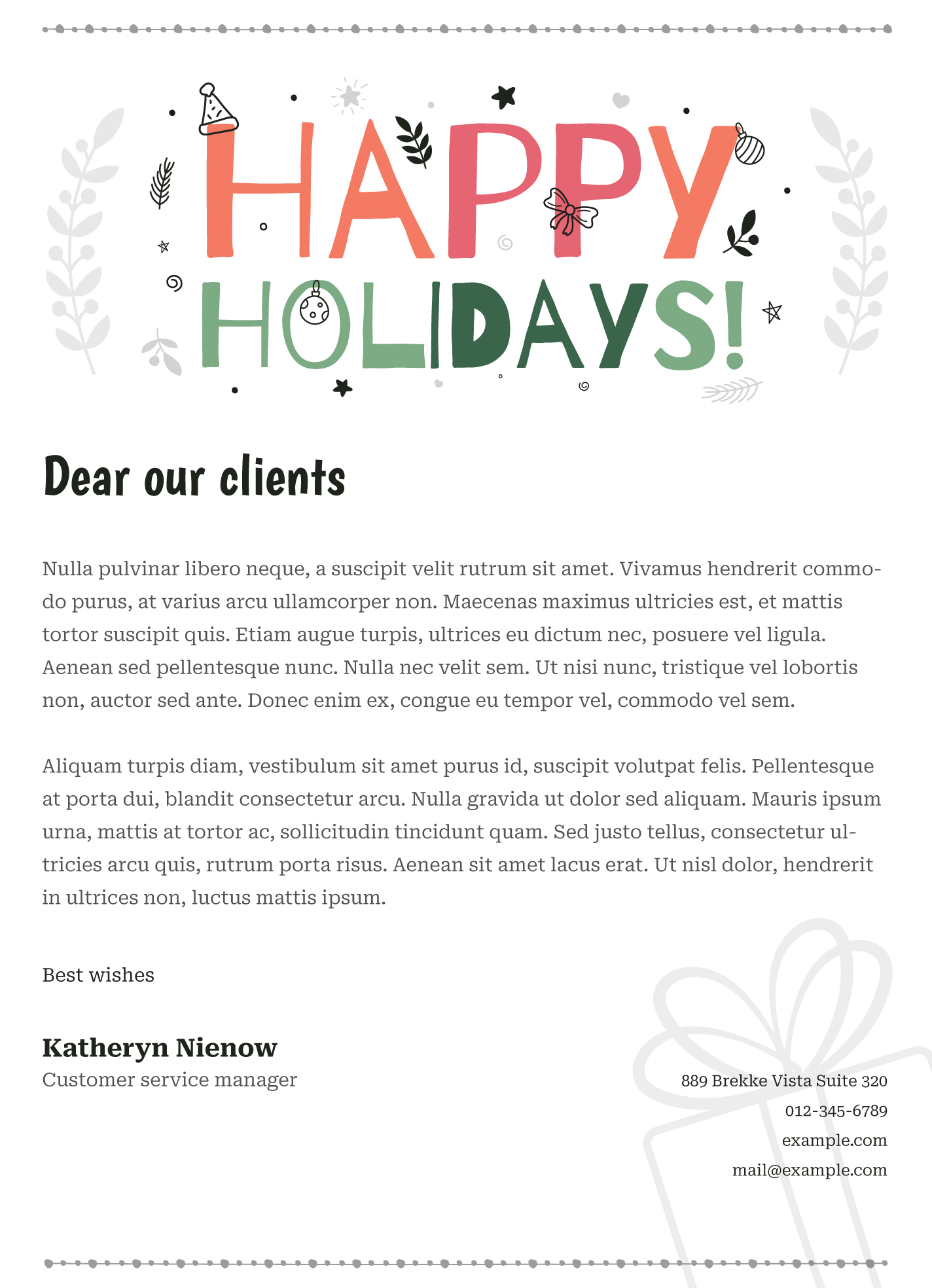
Features of the Holiday Business Newsletter Template
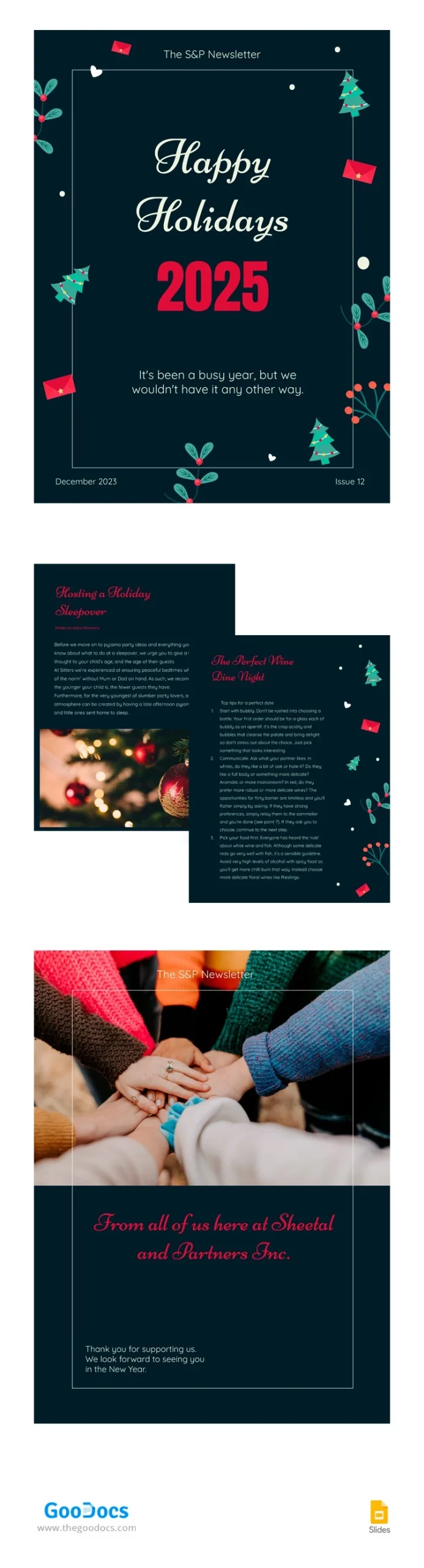
When using the Holiday Business Newsletter Free Google Docs Template, you’ll find a range of features that make it user-friendly and efficient. The template typically includes:
- Customizable Sections: You can easily adjust each section to fit your business’s unique voice and branding. Personalize the header with your logo, modify the color scheme to reflect your brand, and add images that resonate with your audience.
- Pre-Formatted Layout: The template comes with a clean, organized layout that helps your content shine. This can save you time since you won’t have to worry about formatting issues.
- Easy Collaboration: Since it’s in Google Docs, sharing the document with team members for input or edits is straightforward. You can work collaboratively in real-time, which is excellent for gathering ideas or feedback.
- Print and Digital Ready: The template is designed for both digital distribution and printing. You can send it as a PDF via email or print it out for in-person delivery.
How to Customize Your Newsletter
Customizing the Holiday Business Newsletter Free Google Docs Template is simple and can be done in just a few steps. Here’s a practical guide to help you get started:
- Download the Template: First, access the template through your Google Docs account. Make sure to save a copy to your drive to start editing.
- Edit Text: Change the placeholder text to include your business information, holiday greetings, and any updates you want to share. Don’t forget to include a personal note; it can really enhance your connection with your audience.
- Add Images: Visuals are key to making your newsletter engaging. Include holiday-themed images or photos of your products/services. Ensure they are high-quality to maintain a professional appearance.
- Adjust Colors and Fonts: Change the colors and fonts to match your brand. This small detail can make a significant difference in how your newsletter is perceived.
- Include Call-to-Action: Don’t forget to add a clear call-to-action, whether it’s visiting your website, signing up for a promotion, or contacting you for more information.
Best Practices for Distribution
Once your newsletter is ready, it’s time to think about how to distribute it effectively. Here are some best practices:
- Email Distribution: Use an email marketing platform to send your newsletter. This allows you to track open rates and engagement. Make sure to segment your audience to send targeted messages.
- Social Media Sharing: Share snippets of your newsletter on social media platforms. This can help reach a broader audience and encourage more people to check out the full newsletter.
- Print Copies: If applicable, print copies for local distribution. Consider placing them in your store or at local events to capture the attention of potential clients.
Common Pitfalls to Avoid
When creating your holiday newsletter, be mindful of these common pitfalls that can detract from its effectiveness:
- Overloading with Information: While you want to share relevant updates, too much content can overwhelm your readers. Focus on the most critical points and keep your messaging clear and concise.
- Ignoring Design Consistency: Inconsistencies in colors, fonts, and layout can make your newsletter look unprofessional. Stick to a cohesive design that reflects your brand.
- Forgetting to Proofread: Spelling and grammatical errors can undermine your credibility. Always proofread your newsletter several times or have someone else review it before sending it out.
By keeping these tips in mind, you can create a holiday business newsletter that not only informs but also engages your clients effectively.
Holiday Business Newsletter Free Google Docs Template Gallery