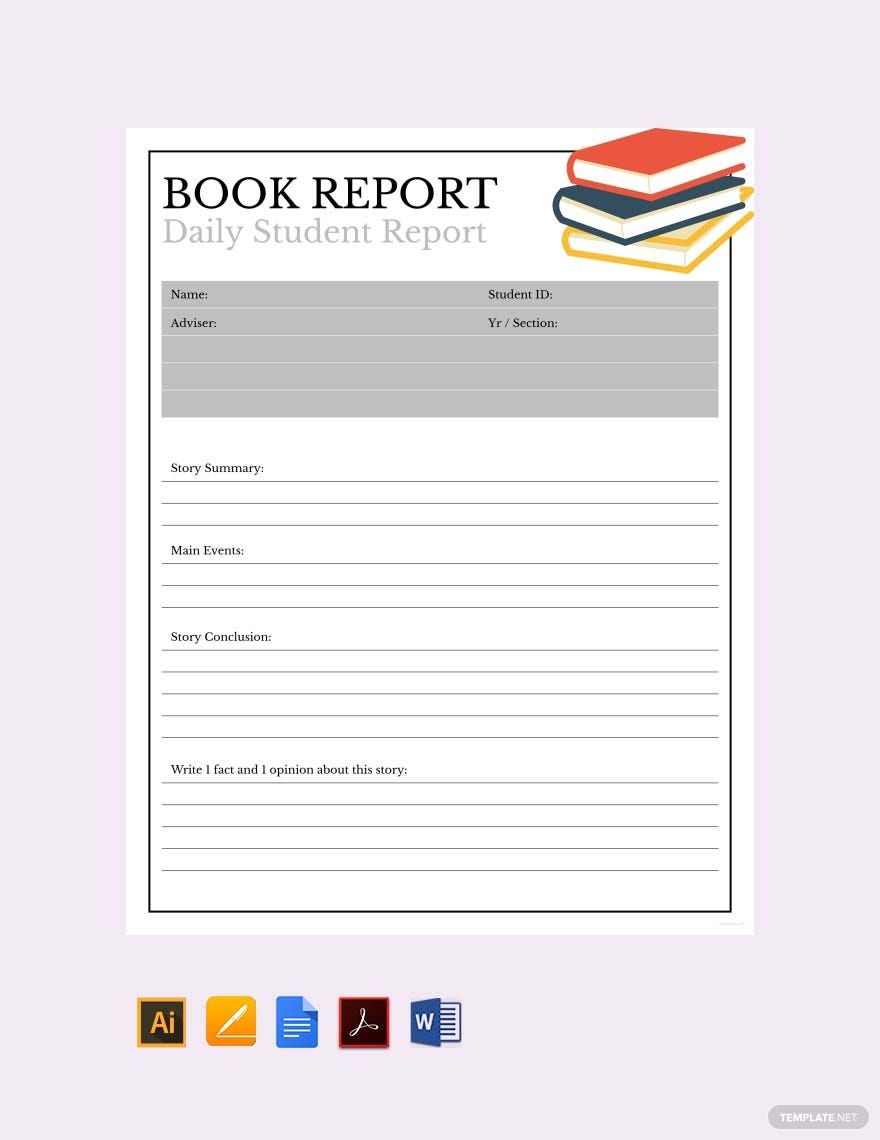
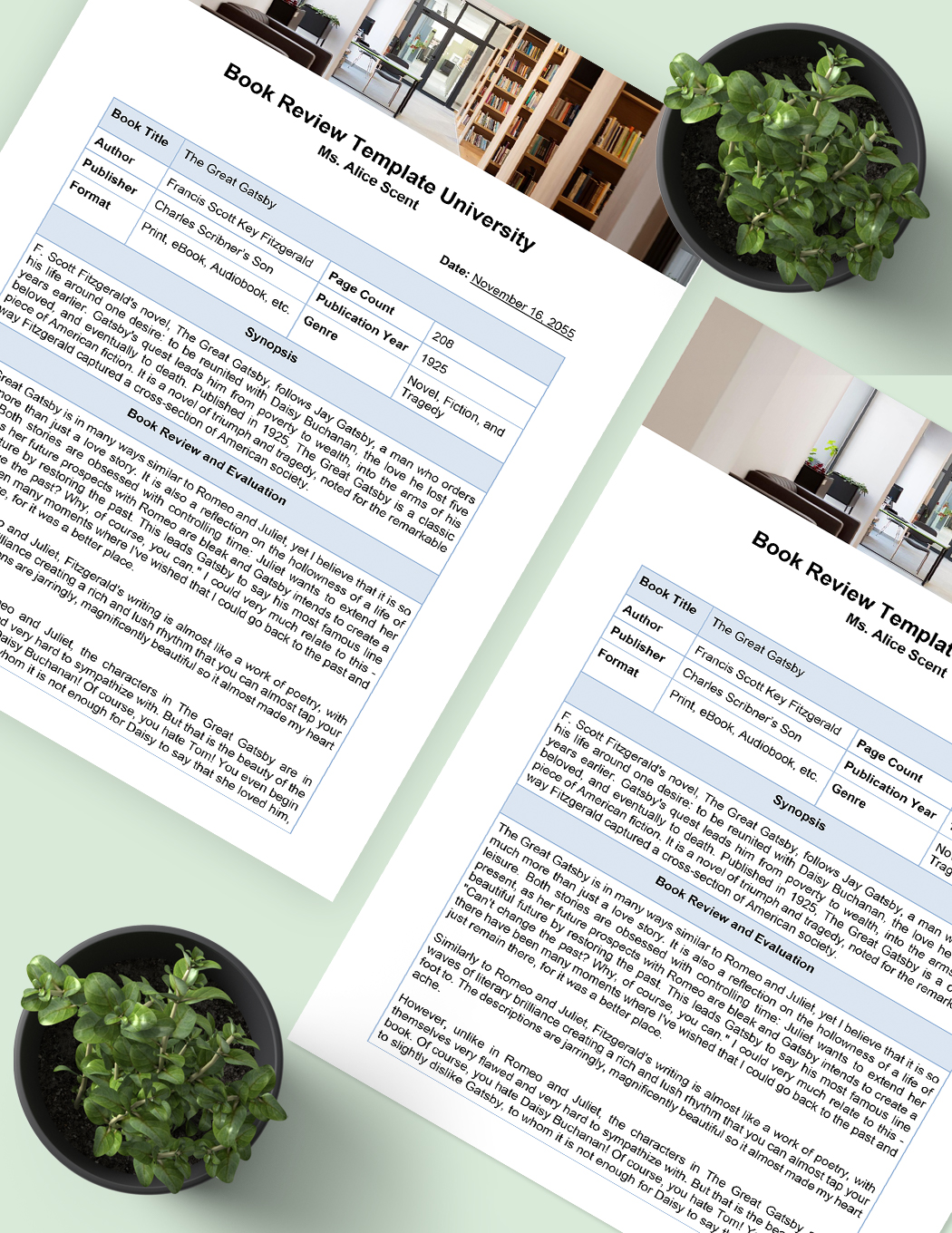
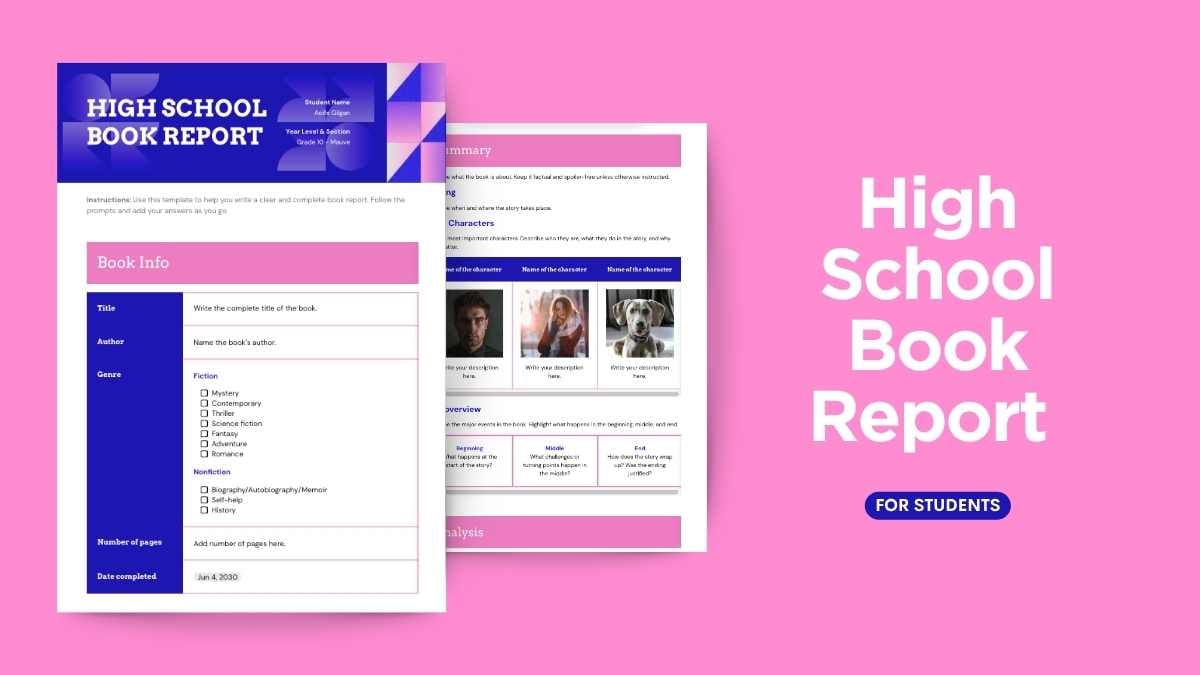
When it comes to crafting a high school book report, organization is key. Having a solid template can make the writing process smoother and more structured. That’s where the High School Book Report Free Google Docs Template comes into play. This versatile resource is designed specifically for high school students, providing a clear framework for summarizing the story, analyzing characters, and sharing personal reflections.
Understanding the Template’s Layout
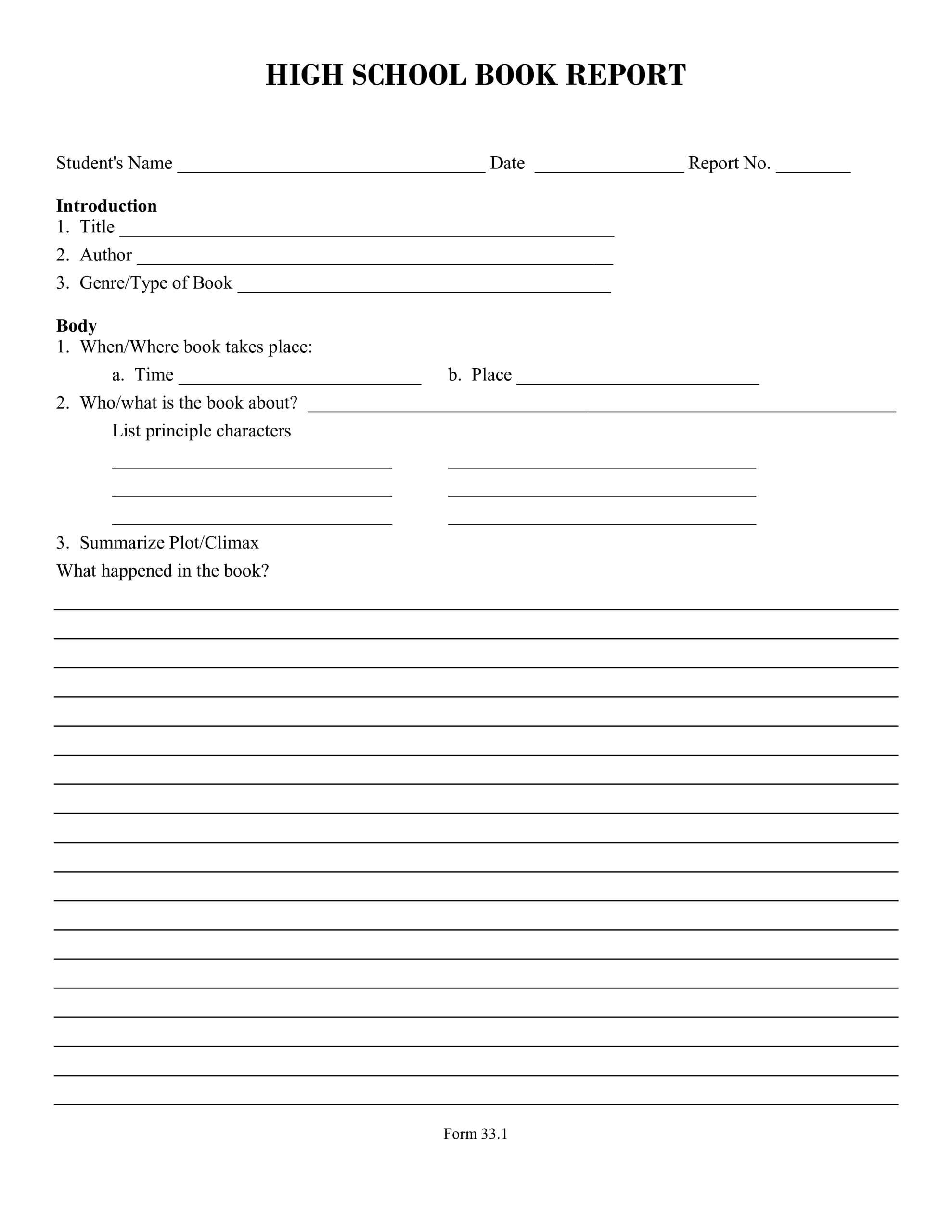
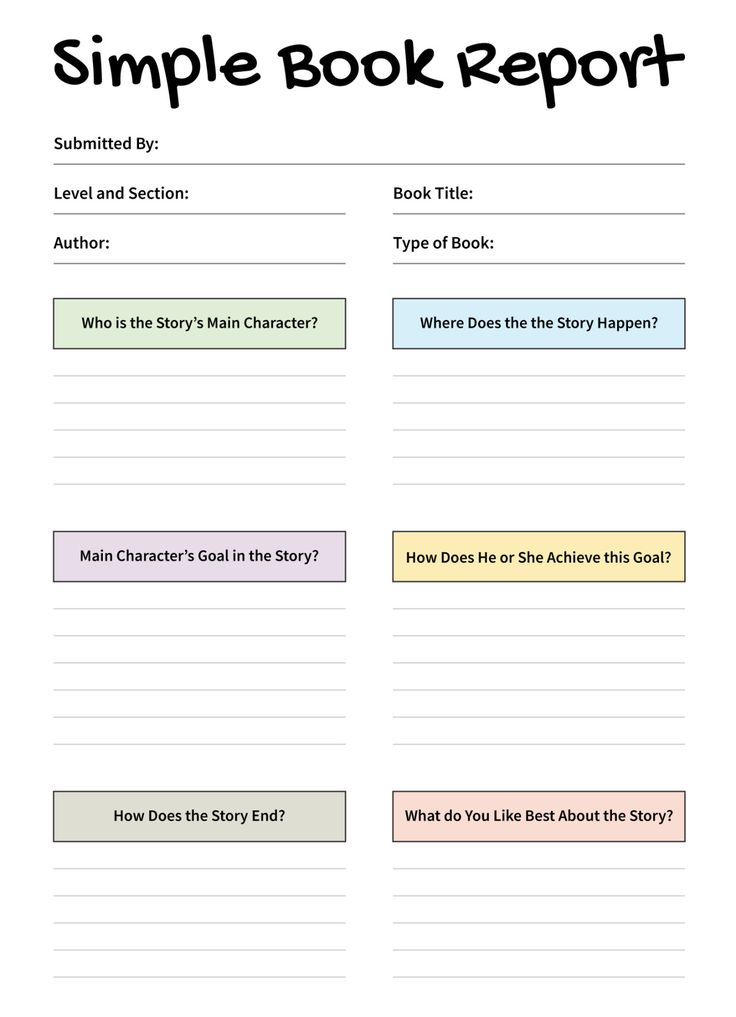
The first thing you’ll notice about this template is its clean, user-friendly layout. It typically consists of several sections, each guiding your student through the essential components of a book report. Here’s a breakdown of what you can expect:
- Title Section: Students can easily fill in the title of the book, the author’s name, and any other relevant details.
- Summary Section: This area prompts them to summarize the plot in a concise yet thorough manner, helping them focus on the main events without getting bogged down in unnecessary details.
- Character Analysis: This section encourages students to delve into the main characters, their motivations, and their development throughout the story.
- Themes and Messages: Here, students can explore the central themes of the book, providing a platform for critical thinking and personal interpretation.
- Personal Reflection: This final area allows students to express their own opinions and feelings about the book, which can be particularly valuable for their engagement with the material.
Customizing Your Book Report Template
One of the standout features of the High School Book Report Free Google Docs Template is its customizability. Since it’s created in Google Docs, you can easily modify it to better suit your student’s needs. Here are a few tips to make the most of this template:
- Change Fonts and Colors: Encourage your child to personalize the template by adjusting font styles and colors, making it visually appealing to them.
- Add Images or Graphics: If the book has a cover image or relevant illustrations, consider incorporating them into the report. This can enhance the overall presentation and make the report stand out.
- Supplement with Notes: Students can add notes or comments in the margins to clarify their thoughts or highlight quotes they find significant.
Practical Use Cases for the Template
This template is not just a document; it’s a tool that can help students develop essential skills for both writing and critical thinking. Here are a few practical scenarios where this template can be especially beneficial:
- Homework Assignments: If your child needs to submit a book report for school, this template provides a structured approach, reducing the stress of figuring out what to write.
- Book Clubs: For students involved in book clubs, using this template can help them prepare for discussions by organizing their thoughts and insights effectively.
- Summer Reading Projects: Many schools assign summer reading projects. This template can help students maintain a record of their thoughts and analyses throughout their reading.
Downloading and Printing the Template
Getting started with the High School Book Report Free Google Docs Template is straightforward. Here’s how you can download, print, and adapt it for your needs:
- Access the Template: You can typically find the template on various printable-resource websites. Simply search for “High School Book Report Free Google Docs Template” to locate it.
- Download or Make a Copy: Once you’ve found the template, you can either download it as a PDF or make a copy directly in your Google Drive. Making a copy allows for easy editing.
- Print Settings: If your student prefers a physical copy, ensure you use a standard letter size (8.5 x 11 inches) for printing. Adjust your printer settings to portrait layout, which is commonly more suitable for documents of this nature.
- Paper Quality: Consider using a heavier paper stock if the report is to be presented or submitted physically. This can enhance the overall appearance and durability of the report.
High School Book Report Free Google Docs Template Gallery