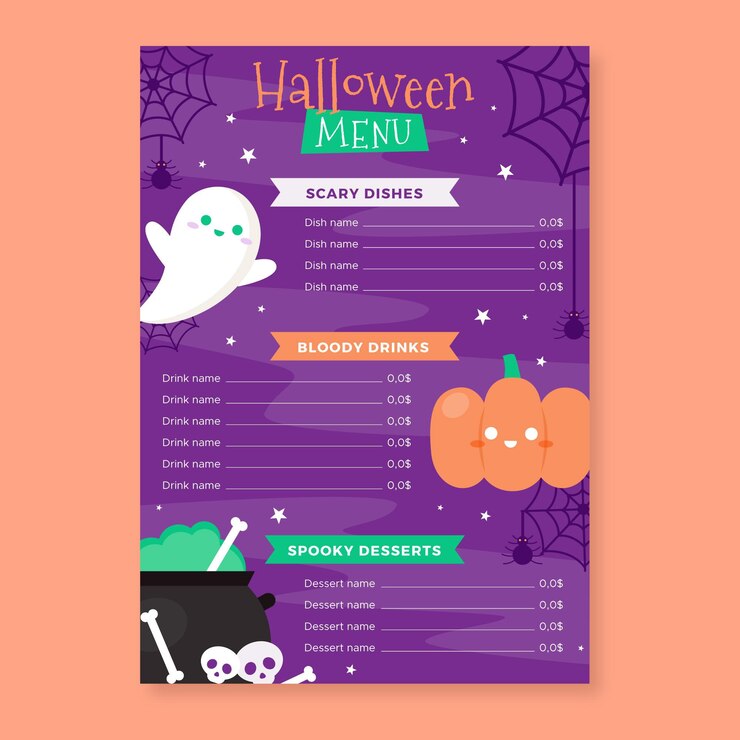
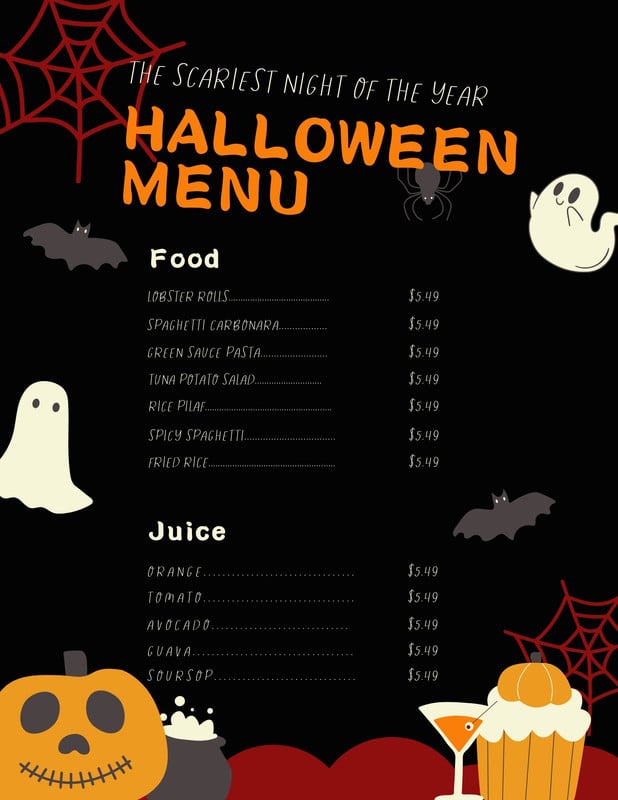
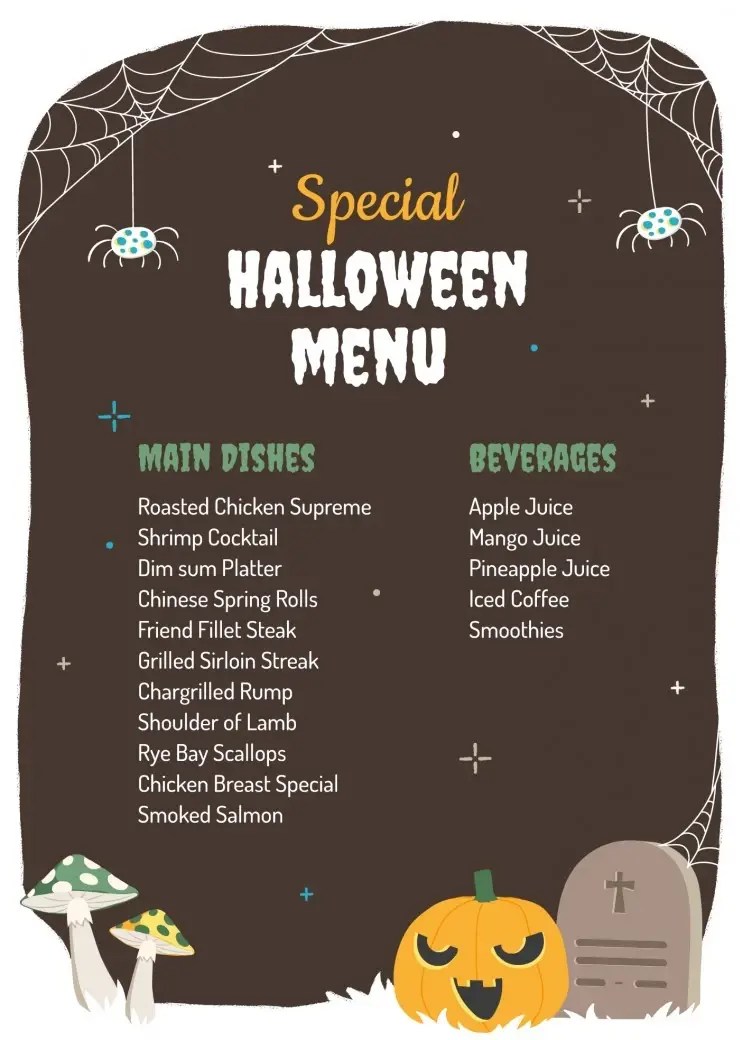
Planning a Halloween party can be a delightful and creative venture, especially when it comes to organizing your menu. If you’re looking for an easy way to create a festive dining experience, the Halloween Menu Free Google Docs Template is a fantastic resource. This template allows you to customize your menu to fit your theme, ensuring that your food choices reflect the spooky spirit of the season.
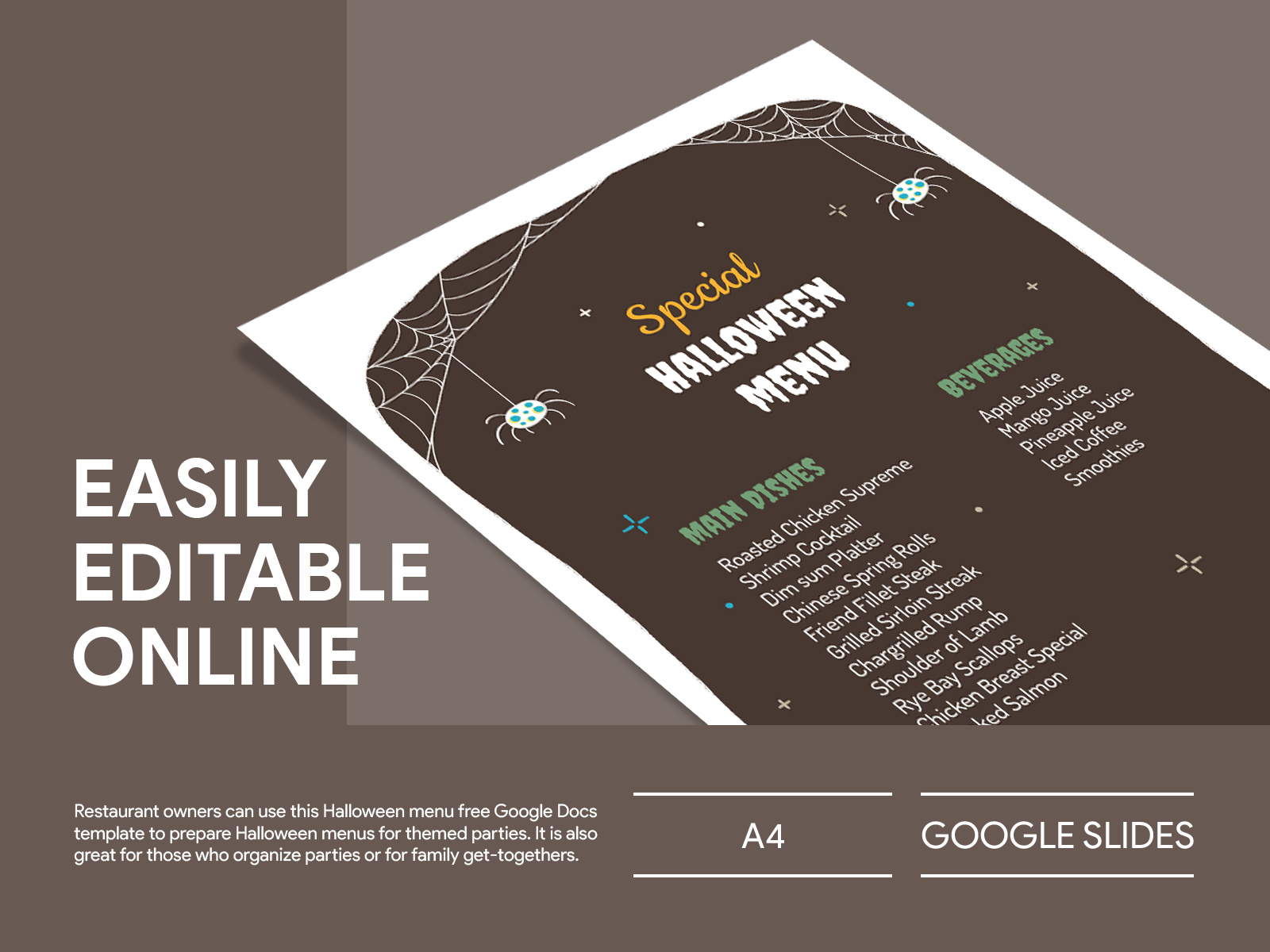
Why Use a Halloween Menu Template?
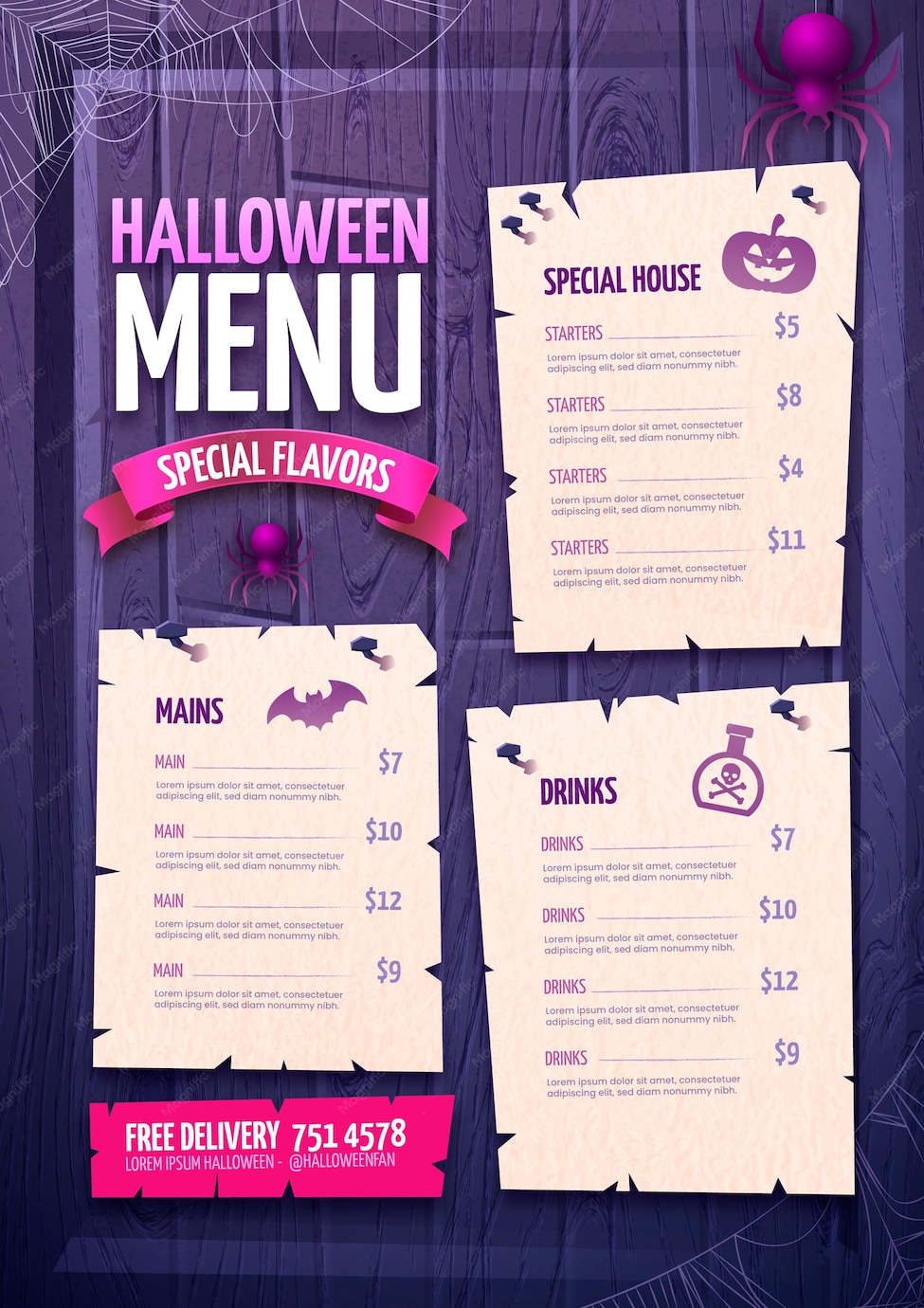
When it comes to planning a Halloween gathering, having a structured menu can make all the difference. A well-organized menu helps you keep track of what you need to prepare and what ingredients to buy. Plus, it adds a level of professionalism and fun to your event. The Halloween Menu Free Google Docs Template is designed to be user-friendly, making it accessible for anyone, regardless of their design experience.
With this template, you can easily list appetizers, main courses, desserts, and drinks. You can also add fun descriptions that tie into the Halloween theme. For instance, why not call your punch “Witch’s Brew” or your cupcakes “Ghostly Delights”? Personal touches like these can elevate your menu and make it more memorable for your guests.
Customizing Your Halloween Menu
One of the best features of the Halloween Menu Free Google Docs Template is its customization options. You can change text, colors, and even add images or icons that fit your party’s theme. Here are some practical tips for customizing your menu:
- Color Scheme: Stick with traditional Halloween colors like orange, black, and purple. This will create a cohesive look that ties your menu to the overall atmosphere of your party.
- Font Choices: Choose a spooky font for headings to make your menu visually appealing. There are plenty of free font resources available online if you want something unique.
- Images: Add clip-art or images of Halloween icons like pumpkins, ghosts, or bats to make your menu more engaging. Just be sure not to overcrowd the layout.
- Descriptions: Don’t just list the food items; include fun descriptions that play into the Halloween theme. For example, “Bloody Eyeballs (meatballs with a spicy marinara sauce)” can spark curiosity and excitement.
Organizing Your Halloween Menu
When creating your menu, organization is key. The Halloween Menu Free Google Docs Template allows you to categorize your dishes easily. Here’s a simple way to structure your menu:
- Appetizers: Start with finger foods that are easy to grab, like “Mummy Dogs” (hot dogs wrapped in dough) or “Pumpkin Deviled Eggs.”
- Main Courses: This could include themed dishes like “Cauldron Chili” or “Spooky Spaghetti.”
- Desserts: Halloween is all about sweet treats! Think “Graveyard Cake” or “Spider Cookies.”
- Drinks: Create a section for drinks, such as “Vampire Punch” or “Ghostly Lemonade.”
By organizing your menu into these categories, it not only makes it easier for your guests to choose but also helps you keep track of what you need to prepare.
Practical Printing and Display Tips
Once you’ve crafted your perfect Halloween menu, it’s time to think about how you’ll display it. Here are some practical tips for printing and showcasing your menu:
- Paper Choice: Use cardstock for a sturdier menu that will stand up to spills or smudges. If you plan to laminate it, cardstock holds up best.
- Size and Layout: Portrait layout tends to work better for most home printers. A standard letter size (8.5×11 inches) is ideal, but if you want a more elegant look, consider using a larger format.
- Display Options: If you’re having a sit-down dinner, place the menu on each table setting. For a buffet-style setup, consider displaying it in a frame on the buffet table so guests can easily see their options.
Next Steps: Downloading and Using Your Template
Getting started with the Halloween Menu Free Google Docs Template is simple. Just download the template, customize it to fit your party theme, and print it out. You can find the template easily online, and it usually comes in a format that allows you to edit it directly in Google Docs.
Once you’ve personalized your menu, consider sharing it digitally with your guests before the event. This way, they can get a sneak peek at what’s cooking and even RSVP based on their dietary preferences.
Creating a Halloween menu doesn’t have to be a daunting task. With the Halloween Menu Free Google Docs Template, you can ensure your party is both festive and organized, allowing you to focus on what truly matters: having fun with your friends and family. So, get creative, enjoy the process, and let your spooky culinary skills shine!
Halloween Menu Free Google Docs Template Gallery