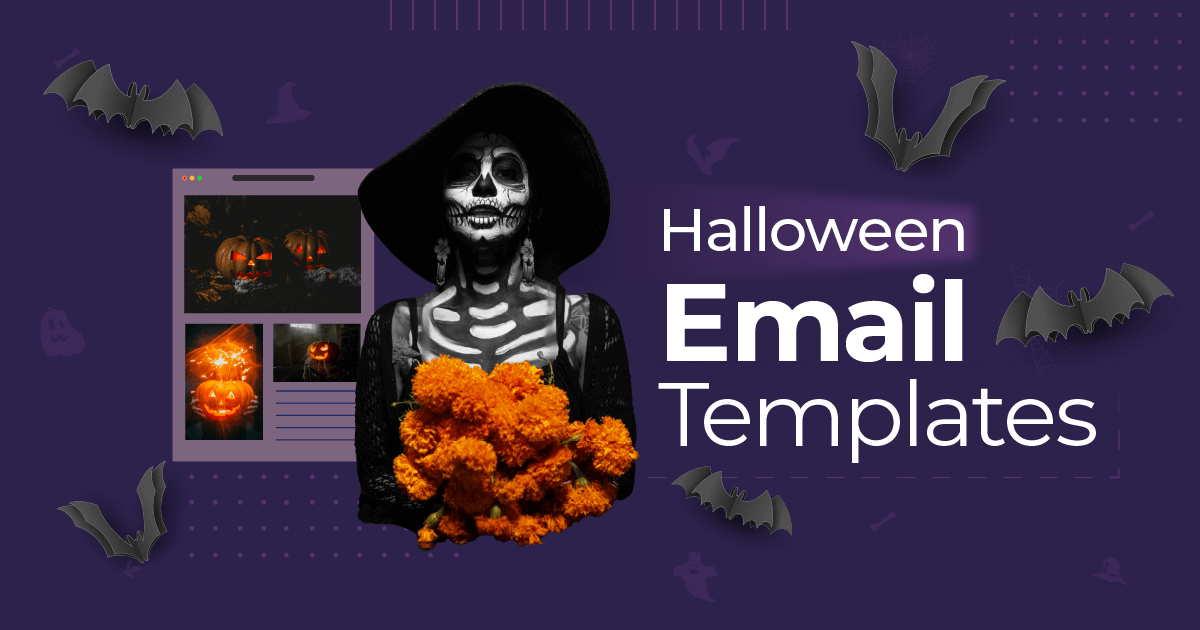
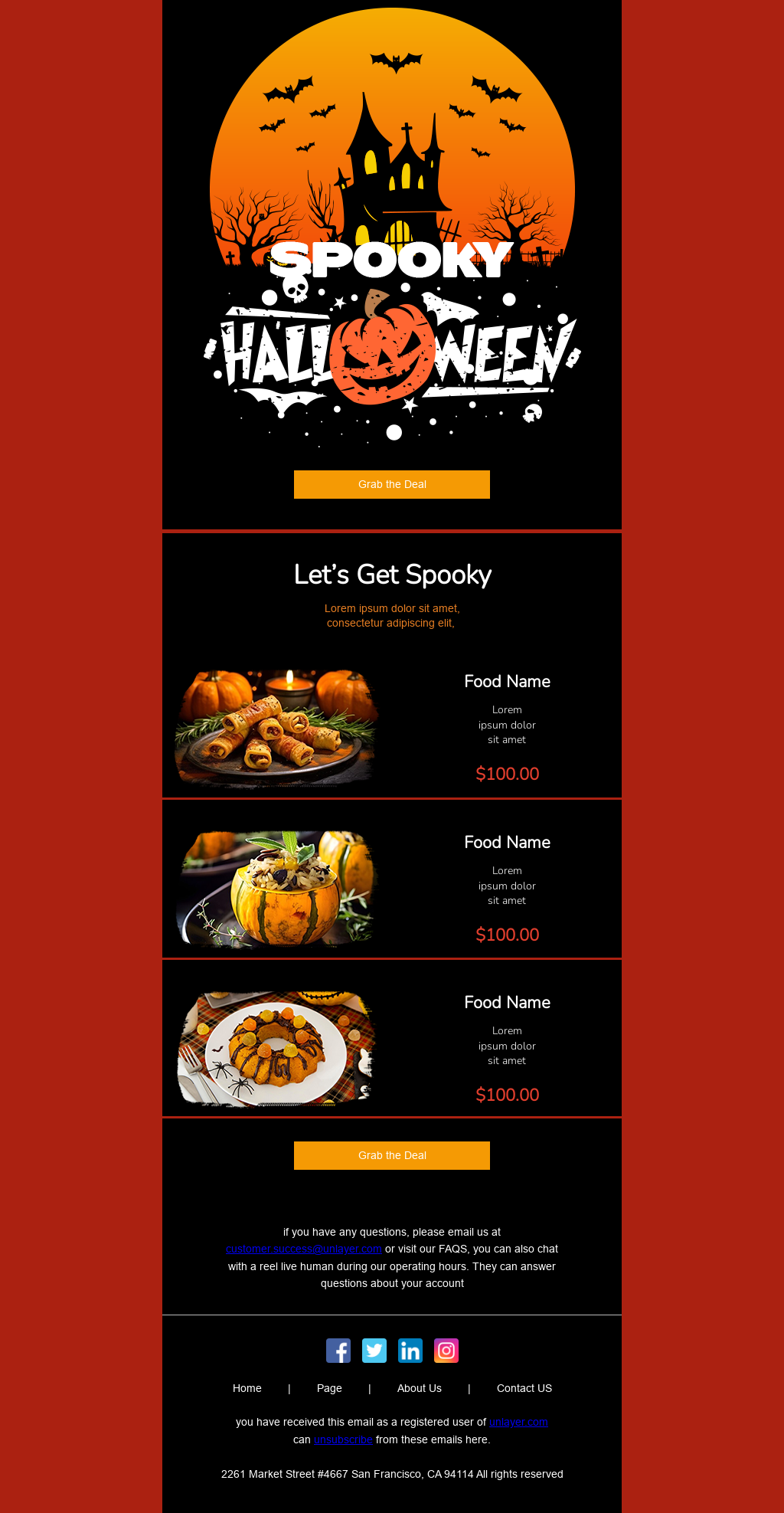
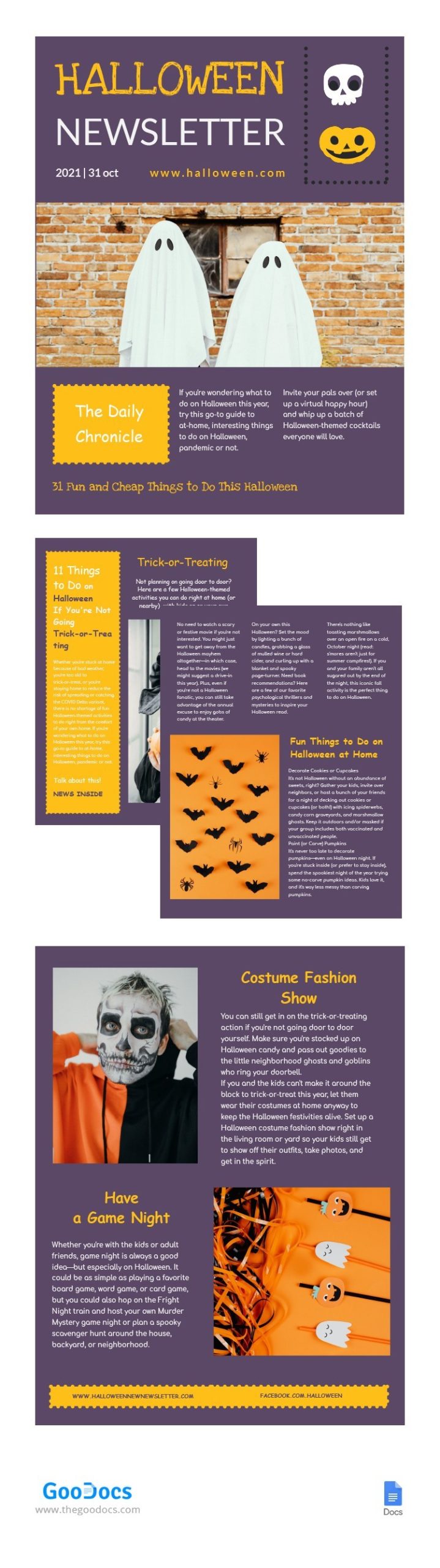
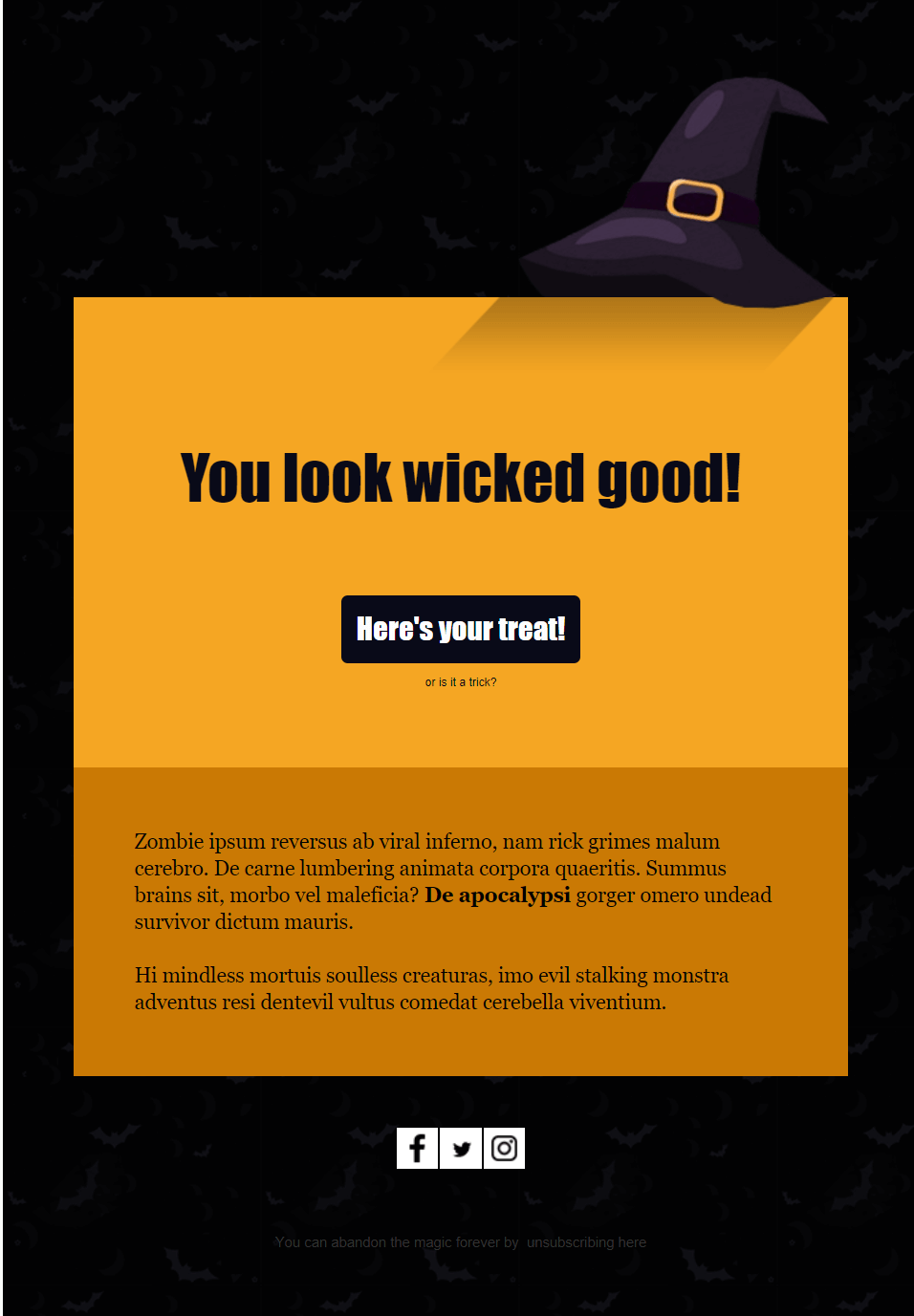
If you’re looking to add some spooky flair to your communication this Halloween, the Halloween Email Newsletter Free Google Docs Template is just what you need. This resource is designed to help you create engaging newsletters that share festive updates with friends, family, or your community. With easy customization options, you can swiftly adapt it to suit your needs and make your Halloween celebrations a little more interactive.
Why Use a Halloween Email Newsletter Template?
Using a template saves you time and effort. Instead of starting from scratch, you can focus on the content while the layout is already taken care of. This template provides a structure that guides you through the essential elements of a newsletter, ensuring you don’t miss important details. You’ll find sections for upcoming events, fun Halloween trivia, and even space for personal notes or stories.
Plus, using Google Docs means you can access your template from anywhere. If you are at home or on the go, you can easily make changes and share your newsletter with others. This flexibility is especially useful during the busy Halloween season when plans can change quickly!
Customizing Your Template
Once you’ve downloaded the Halloween Email Newsletter Free Google Docs Template, it’s time to make it your own. Here are some steps to customize it effectively:
- Choose Your Color Scheme: Halloween is all about vibrant oranges, blacks, purples, and greens. Adjust the colors in your template to reflect the spooky season. Google Docs allows you to change text and background colors easily.
- Add Your Logo or Images: Personalizing your newsletter with images or your logo can make it feel more official. You can embed images directly from your computer or use Google Images to find Halloween-themed graphics.
- Update Event Details: Make sure to include any Halloween-related events, such as costume parties, trick-or-treat times, or local happenings. You can also insert a section for family traditions or favorite Halloween recipes.
- Engage Your Audience: Use the template to include interactive elements, like questions or polls. This encourages your readers to respond and engage more with your newsletter.
- Proofread: Always check for spelling and grammar errors. A polished newsletter reflects well on you and keeps your audience engaged.
Downloading and Printing Your Newsletter
The Halloween Email Newsletter Free Google Docs Template is in a format that’s easy to download and print. Here’s how you can do it:
- Download the Template: Once you’ve customized your newsletter, go to the ‘File’ menu in Google Docs. From there, select ‘Download’ and choose your preferred format. PDF is a great choice if you want to maintain formatting.
- Printer Setup: Make sure your printer settings are adjusted correctly. Portrait layout usually works best for newsletters. Set the paper size to standard letter size (8.5×11 inches) to ensure everything fits well.
- Paper Choices: For a professional look, consider using heavier paper or cardstock. This will give your newsletter a more substantial feel. If you plan to laminate it for durability, cardstock is also a great option.
- Print a Test Page: Before printing multiple copies, print one test page. This will help you catch any formatting issues or color mismatches. Adjust as necessary.
- Distribution: Once printed, you can hand out your newsletters or mail them to recipients. If you’re opting for digital distribution, simply email the PDF version to your contacts.
Engaging Your Audience With Content Ideas
Now that you have your template set up, think about what content will keep your audience excited about Halloween. Here are some ideas:
- Costume Ideas: Share fun and creative costume ideas for kids and adults.
- Halloween Recipes: Include a section for spooky treats or festive drinks your readers can make.
- Fun Facts: Add some interesting Halloween trivia or history to engage your audience.
- DIY Projects: Suggest simple crafts or decorations that families can do together.
By incorporating these ideas into your newsletter, you make it more informative and enjoyable for your readers.
Final Considerations
When using the Halloween Email Newsletter Free Google Docs Template, remember to keep your audience in mind. Tailor your content to their interests and needs. And be mindful of formatting—especially with images and text alignment—as these can significantly affect readability.
Additionally, keep an eye on print quality, particularly if you’re using colored ink. Sometimes, colors can appear differently on paper than they do on screen. So, adjust your colors if necessary to ensure a vibrant final product.
With thoughtful customization and engaging content, your Halloween email newsletter will surely delight your readers and add a festive touch to the season. Enjoy the process, and don’t hesitate to get creative!
Halloween Email Newsletter Free Google Docs Template Gallery