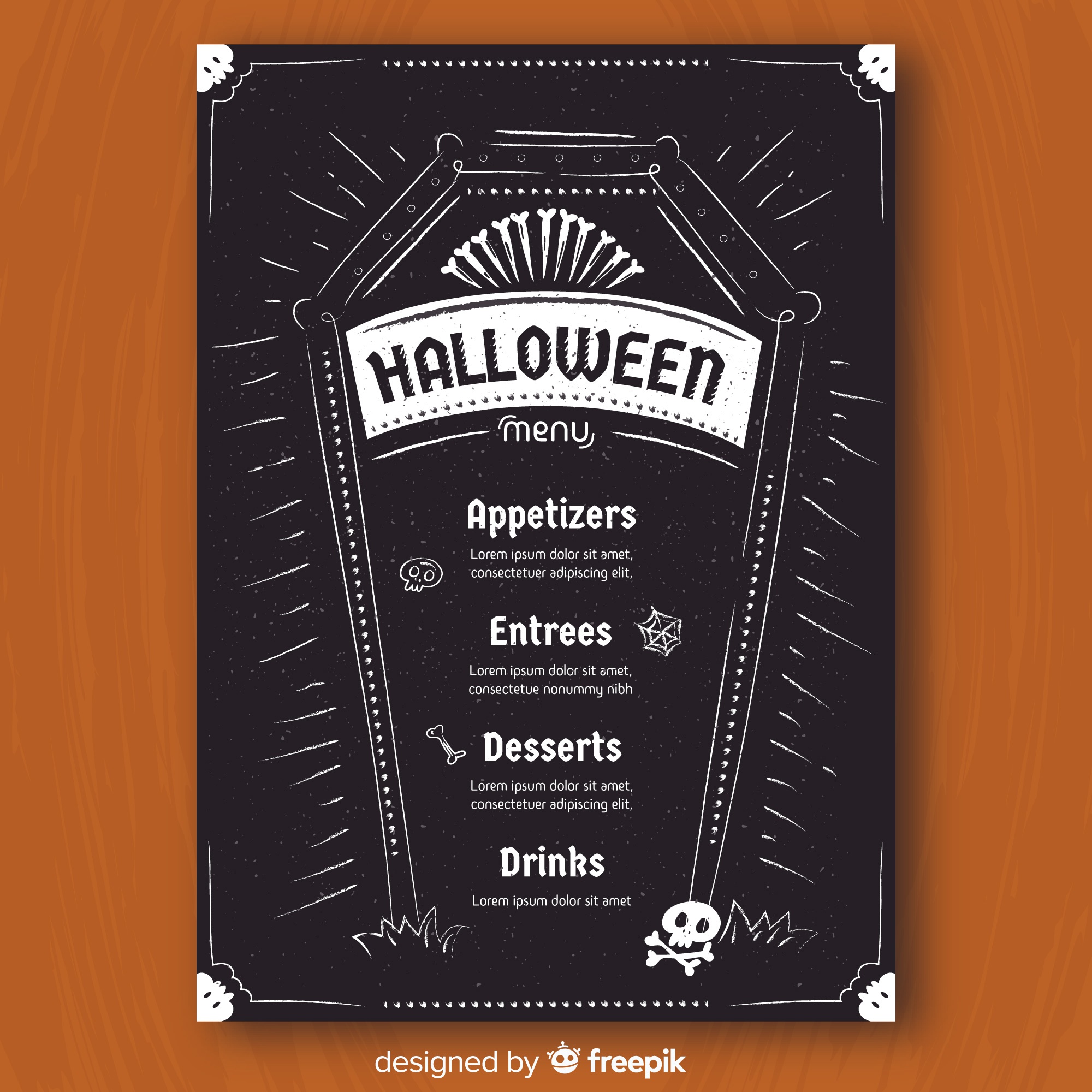
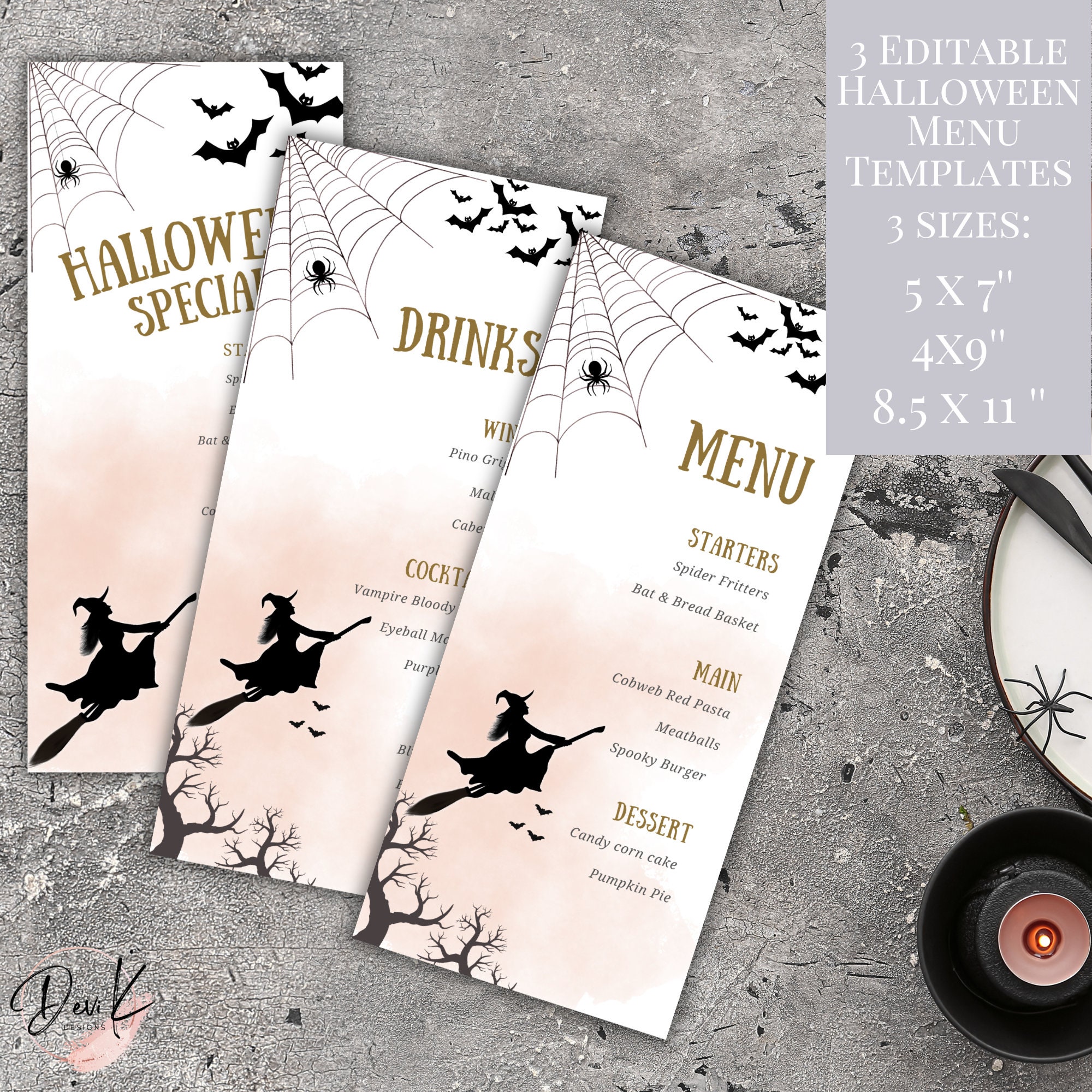
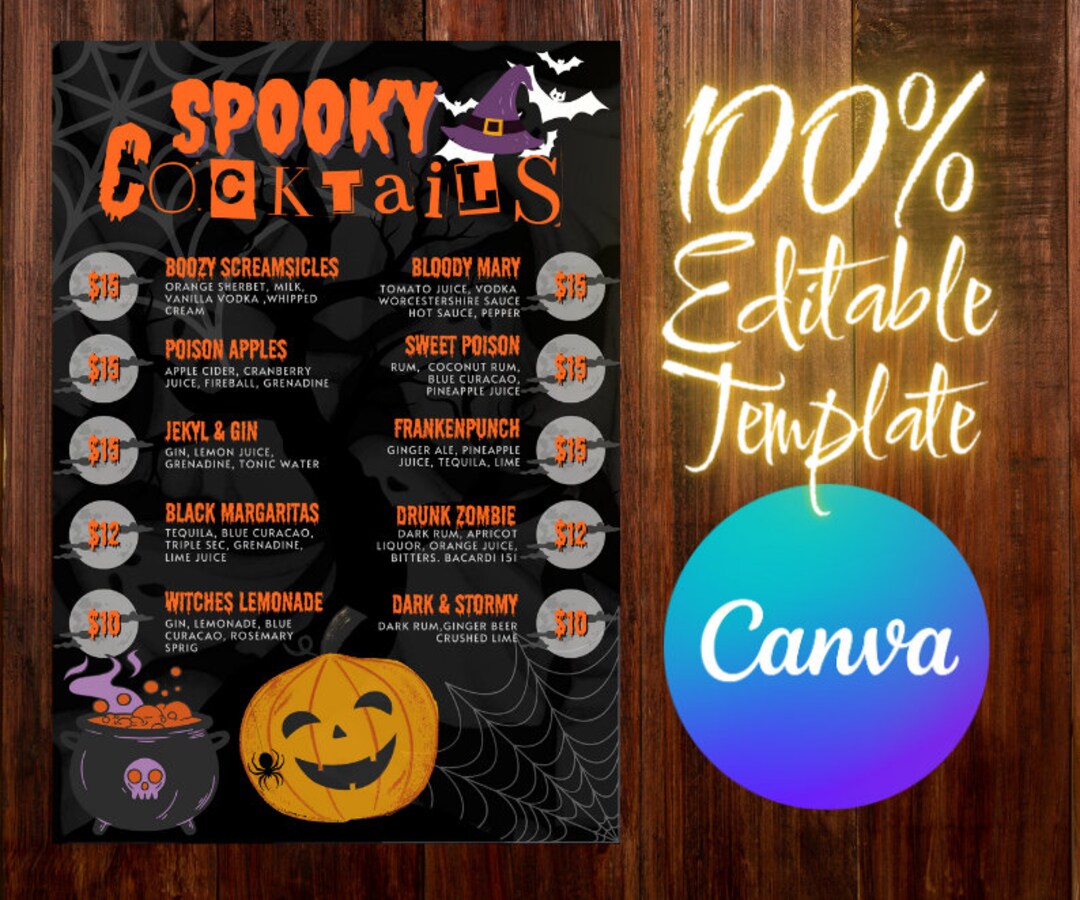
As fall rolls around and Halloween approaches, I often find myself planning the perfect spooky gathering. One of the most fun aspects of these parties is creating a themed drink menu that adds an extra touch of excitement for my family and friends. That’s where the Halloween Drink Menu Free Google Docs Template comes into play! This template is a fantastic resource that makes it easy to craft a festive drink menu, giving you more time to enjoy the festivities instead of stressing over details.
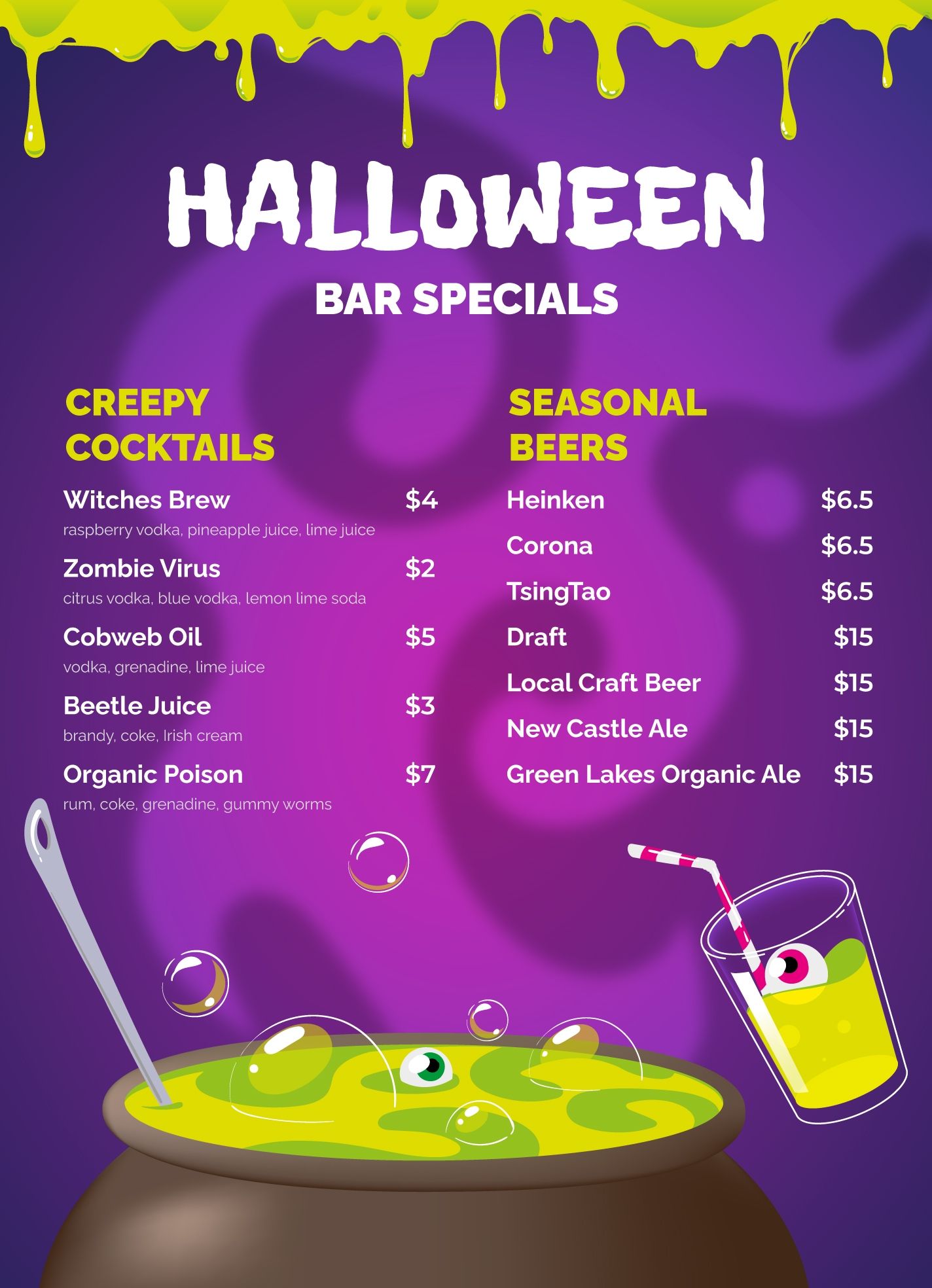
Why Use a Halloween Drink Menu Template?
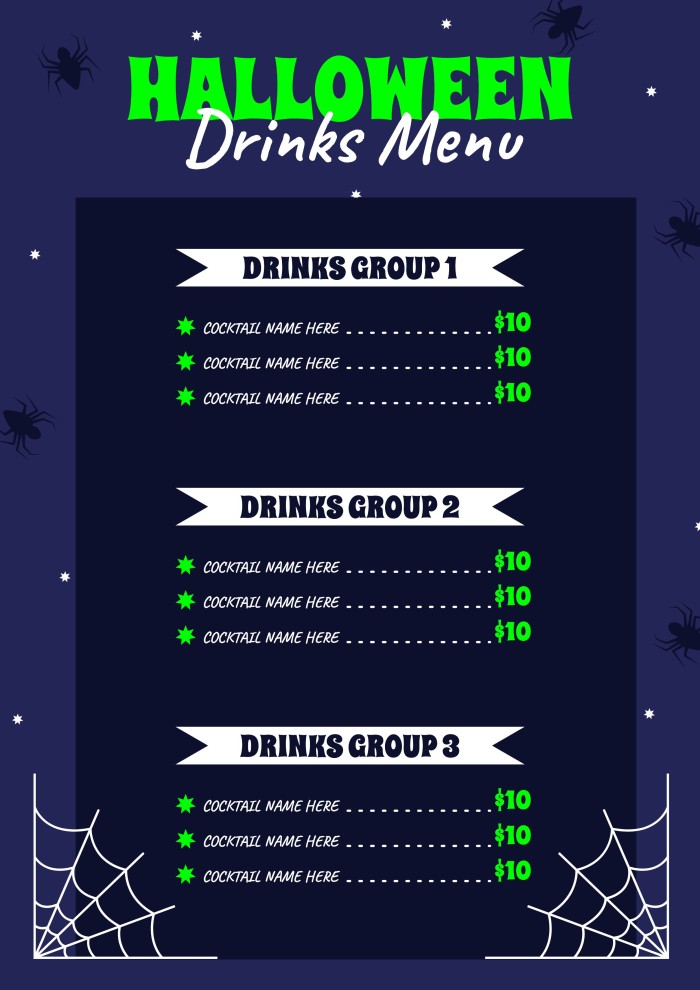
Having a designated drink menu can elevate your Halloween gathering. It helps guests know what to expect and adds a touch of charm to your setup. Plus, with a free Google Docs template, customization is a breeze! You can easily adjust the text, colors, and even add your own spooky graphics to fit your theme. I love how this template allows you to keep everything organized, especially when juggling multiple recipes and drinks.
Customizing Your Halloween Drink Menu
When you open your Halloween Drink Menu Free Google Docs Template, you’ll find a straightforward layout that you can personalize to match your event. Here are some tips to make it your own:
- Choose Your Colors: The default colors may suit your style, but don’t hesitate to switch them up. I often opt for classic Halloween shades like orange, black, and purple. You can change the text color or background to create a cohesive look.
- Add Your Favorite Drinks: Think about what cocktails, mocktails, or even non-alcoholic beverages you’d like to serve. I find that including a mix of fun names—like “Witch’s Brew” or “Zombie Punch”—adds to the theme. Simply type in your drink names and recipes into the template.
- Incorporate Graphics: If you’re feeling creative, adding images or illustrations can enhance the menu. You can find free Halloween-themed graphics online or use stickers from Google Docs to spice up the design.
- Adjust the Layout: Depending on how many drinks you’re featuring, you might want to rearrange the sections. Google Docs allows you to easily move text boxes and images around to create a balanced look.
Printing and Displaying Your Menu
Once you’ve customized your Halloween Drink Menu, it’s time to think about printing and displaying it. Here are some practical tips:
- Paper Choice: For a sturdy menu, consider using cardstock. It holds up better if you’re planning to display it on a table or hang it up. A good thickness is around 80 lb cover stock, which provides a nice, professional feel.
- Print Settings: Most home printers will handle a standard 8.5×11 inch size well, but double-check your settings before printing. Use the portrait layout for a more traditional menu look. If you’re using a color printer, ensure that your ink levels are adequate for vibrant colors.
- Laminate for Durability: If you want your menu to last through the evening (or even for future parties), consider laminating it. This can protect against spills and stains, especially if you have kids around.
- Display Options: You can place your menu in a small easel on the drink table or hang it on a wall. I like to use a clip to attach it to a decorative Halloween-themed string, adding to the ambiance!
Ideas for Drinks to Include
Here are some fun drink ideas to inspire your menu:
- Witch’s Brew: A green punch made with lime sherbet and lemon-lime soda.
- Vampire’s Kiss: A mix of cranberry juice and sparkling water, garnished with gummy worms.
- Ghostly Smoothies: Banana smoothies with whipped cream ghosts on top.
- Pumpkin Spice Latte: A seasonal favorite that warms up chilly October evenings.
These drink ideas not only fit the Halloween theme but also cater to various tastes, ensuring everyone has something to enjoy.
Final Touches for Your Halloween Gathering
As you finalize your Halloween Drink Menu Free Google Docs Template, think about how it ties into the overall theme of your event. Will you have themed decorations, spooky snacks, or perhaps a costume contest? Your drink menu can serve as a centerpiece that ties everything together.
Remember, the key is to have fun while planning. Enjoy the creative process and don’t hesitate to involve your kids—they can help brainstorm drink names or even assist in the decorating. With this template, you’ll be well on your way to hosting a memorable Halloween party that friends and family will talk about for years to come. Whether you opt for spooky graphics or playful drink names, your Halloween drink menu will surely add a delightful touch to your festivities!
Halloween Drink Menu Free Google Docs Template Gallery