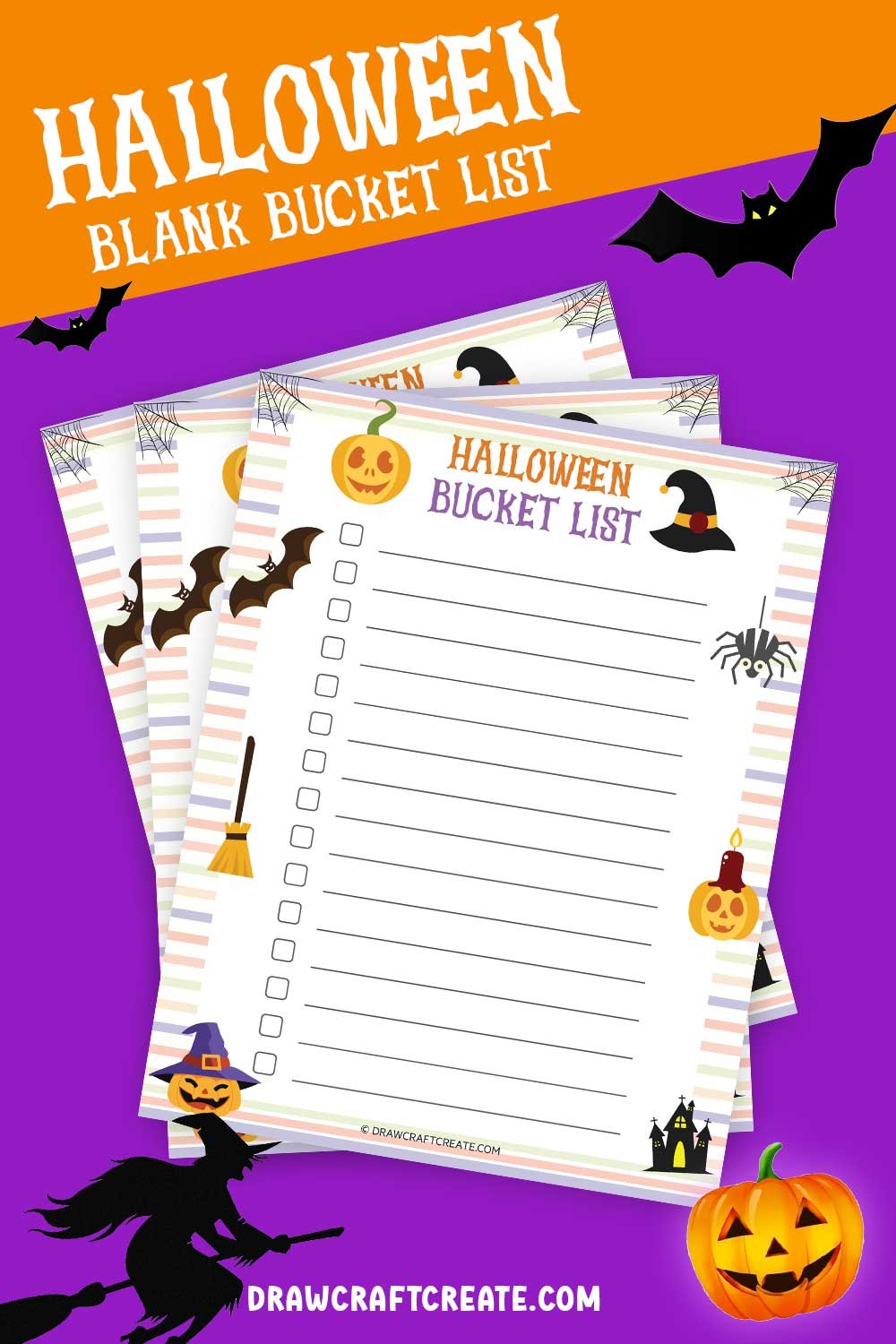
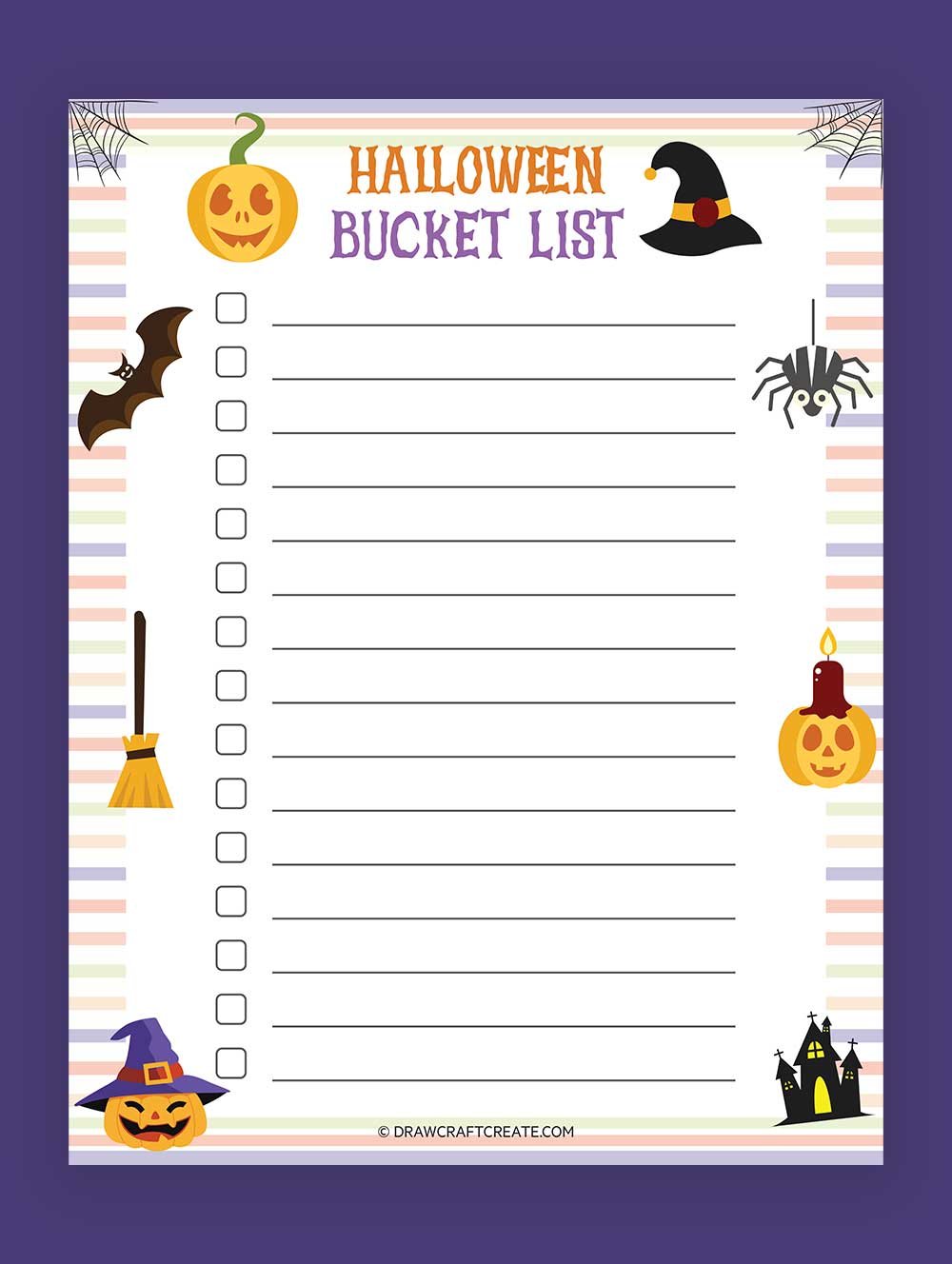
Halloween is an exciting time for families, filled with costumes, candy, and activities that create lasting memories. If you’re looking for a way to organize your spooky season plans, the Halloween Bucket List Free Google Docs Template is an excellent resource. This template stands out from others because it’s customizable and easy to share with family and friends. You can easily access it from anywhere, allowing you to update your plans on the go.
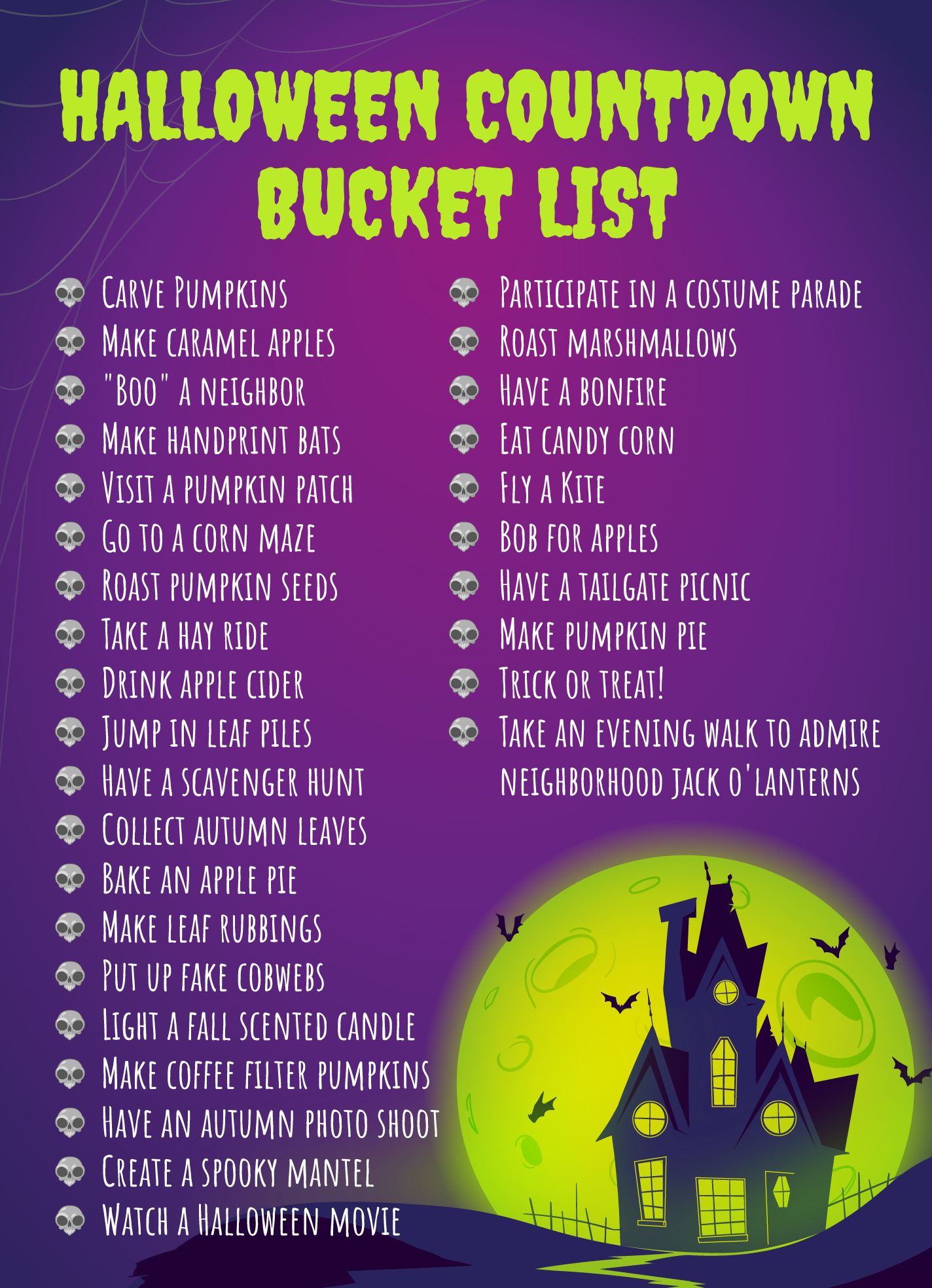
Key Features of the Halloween Bucket List Google Docs Template
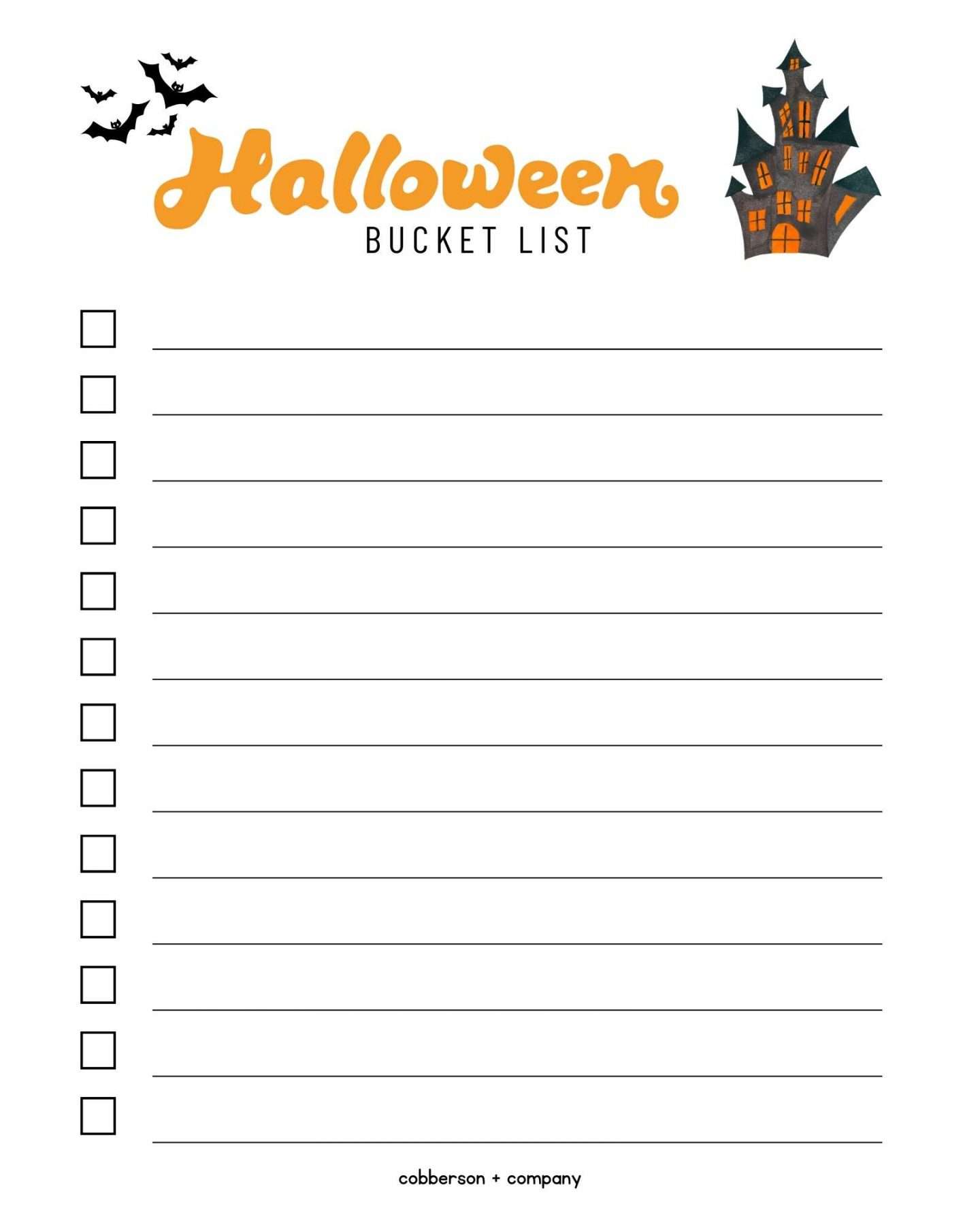
The Halloween Bucket List template has a user-friendly layout that makes planning enjoyable and straightforward. The document is divided into sections, each dedicated to different types of activities. You can easily add your own ideas or check off completed tasks, making it interactive.
- Activity Categories: The template includes sections for various activities such as pumpkin carving, costume parties, and spooky movie nights. This categorization helps you see all your options at a glance.
- Customizable Fields: You can modify the text, colors, and even fonts to suit your family’s style. Want to make it extra spooky with creepy fonts? Go for it!
- Printable Option: If you prefer a physical version, you can easily print the template. This is perfect for hanging on the fridge or keeping in a family binder.
How to Use the Halloween Bucket List Template
Using the Halloween Bucket List Free Google Docs Template is straightforward. Here’s how to get started:
- Download the Template: Click on the link provided, and it will open in Google Docs. Make sure you are logged into your Google account.
- Make a Copy: To edit the document, go to “File” and select “Make a copy.” This will save it to your Google Drive, allowing you to customize it.
- Fill in Your Activities: Start by brainstorming activities you want to include. Think about local events, traditions, and new ideas you want to try. You can add personal touches, like family favorites or new adventures.
- Share with Family: Once you’ve customized your list, share it with family members by clicking the “Share” button. This allows everyone to see the plans and contribute their ideas.
Customizing Your Bucket List
One of the best features of this template is the ability to customize it to fit your family’s needs. You can easily modify sections to add specific details like dates, locations, or even who will handle certain tasks. Here are some customization tips:
- Color Coding: Use different colors for various activity types. For example, you might use orange for outdoor activities and purple for indoor ones. This not only looks festive but also helps you quickly identify what’s planned.
- Adding Images: If you want to make it visually appealing, consider adding images. You can include pictures of last year’s Halloween events or even images of the activities you plan to do.
- Printable Design: If you plan to print the list, consider using a portrait layout. This tends to work better for home printers and allows for easy readability.
Practical Decisions for Downloading and Printing
When it comes to printing your Halloween Bucket List, there are a few options to consider:
- Paper Type: For a durable list that can withstand the excitement of Halloween, use cardstock. It holds up better than regular printer paper, especially if you want to laminate it later.
- Print Settings: Adjust your printer settings to ensure the best quality. Most home printers do well with standard A4 or letter-sized paper (8.5” x 11”). If you’re using a color printer, make sure to select high-quality settings for vibrant colors.
- Digital Access: If you’re not keen on printing, you can keep the document saved on your phone or tablet. This allows you to access it wherever you are, making it easy to check off activities as you complete them.
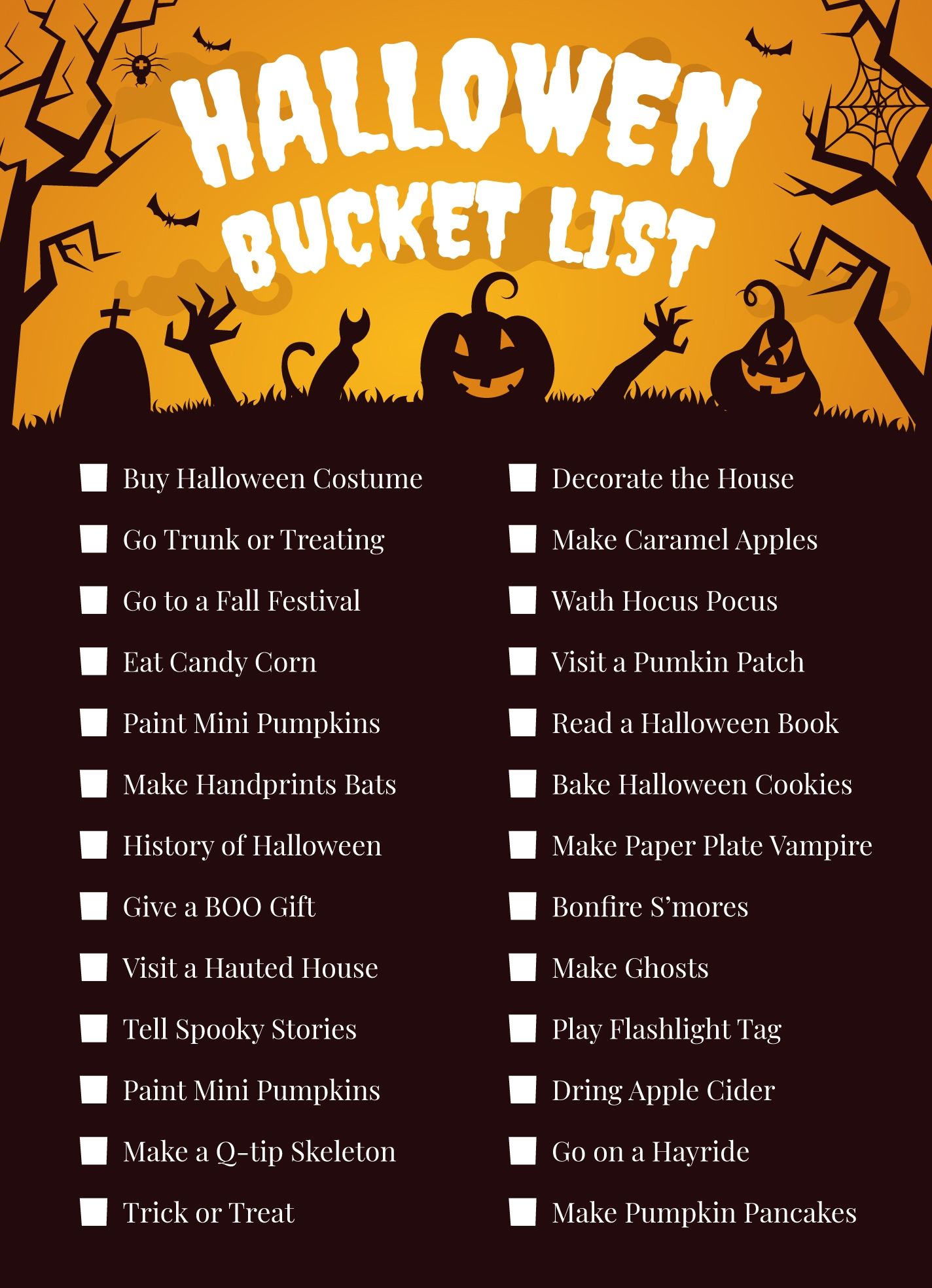
Creative Ideas for Your Halloween Bucket List
Now that you have your template ready, let’s brainstorm some fun activities to include in your Halloween Bucket List:
- Attend a Local Pumpkin Patch: Always a family favorite, visiting a pumpkin patch can be a fun outing. Consider making a day of it with a picnic!
- Host a Costume Party: Invite friends and family for a costume party. You can even include a prize for the best costume to encourage creativity.
- Watch Classic Halloween Movies: Create a movie marathon with classics like “Hocus Pocus” or “The Nightmare Before Christmas.” Don’t forget the popcorn!
- Go on a Haunted House Tour: If your family enjoys spooky thrills, check out local haunted houses or ghost tours. This can be a fun way to explore your community.
By using the Halloween Bucket List Free Google Docs Template, you’re setting your family up for a season filled with fun and memorable experiences. The combination of customization and interactivity means you can adapt it to fit your family’s unique style and preferences. Whether you choose to keep it digital or print it out, this resource is sure to enhance your Halloween festivities. So, gather your family, start planning, and let the spooky season begin!
Halloween Bucket List Free Google Docs Template Gallery