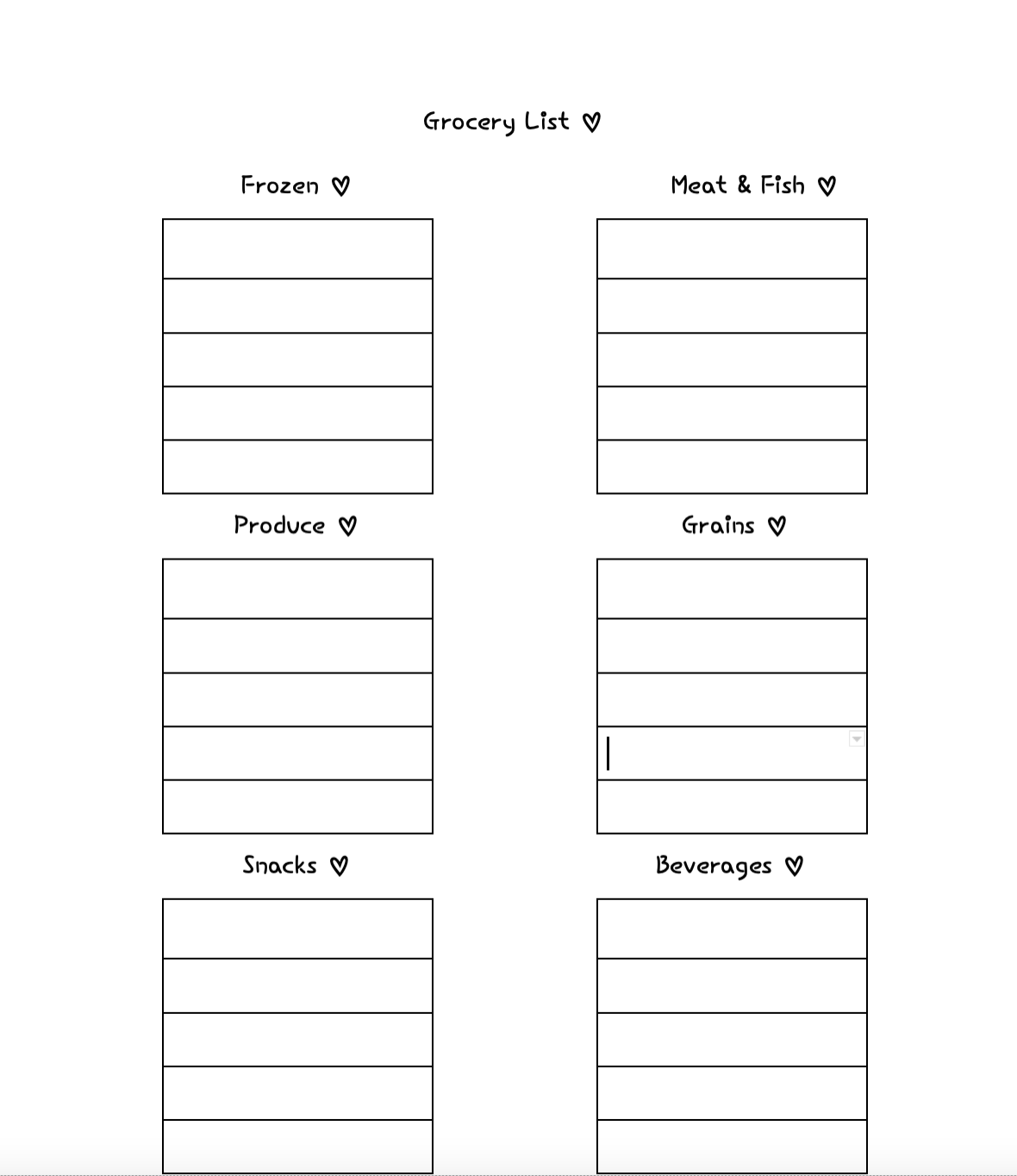
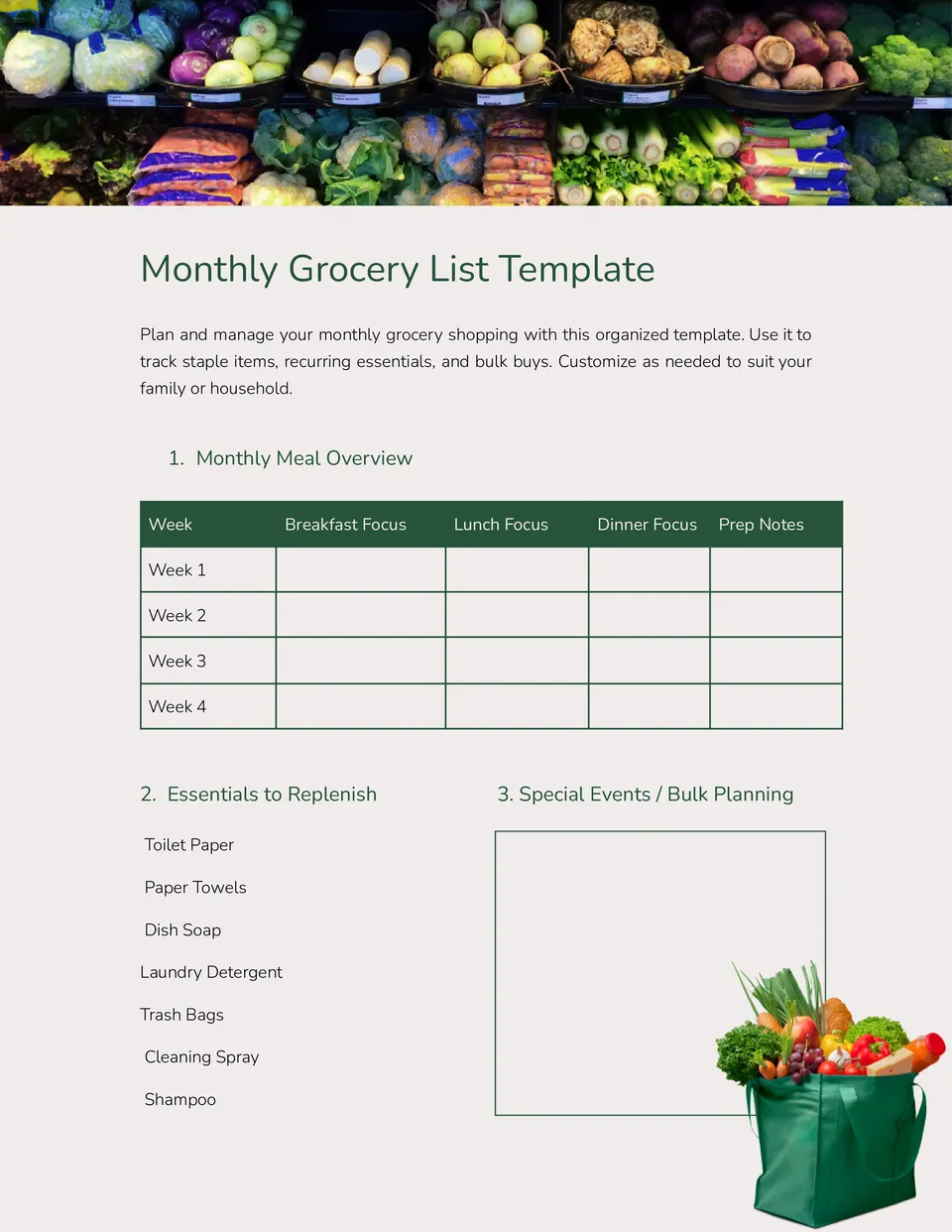
Creating a grocery store list can be a useful option for your shopping experience. Not only does it save you time, but it also helps you stick to your budget and avoid impulse buys. That’s why I’m excited to share the Grocery Store List Free Google Docs Template with you. This template is designed to make your grocery shopping easier and more efficient, allowing you to customize it to fit your family’s needs.
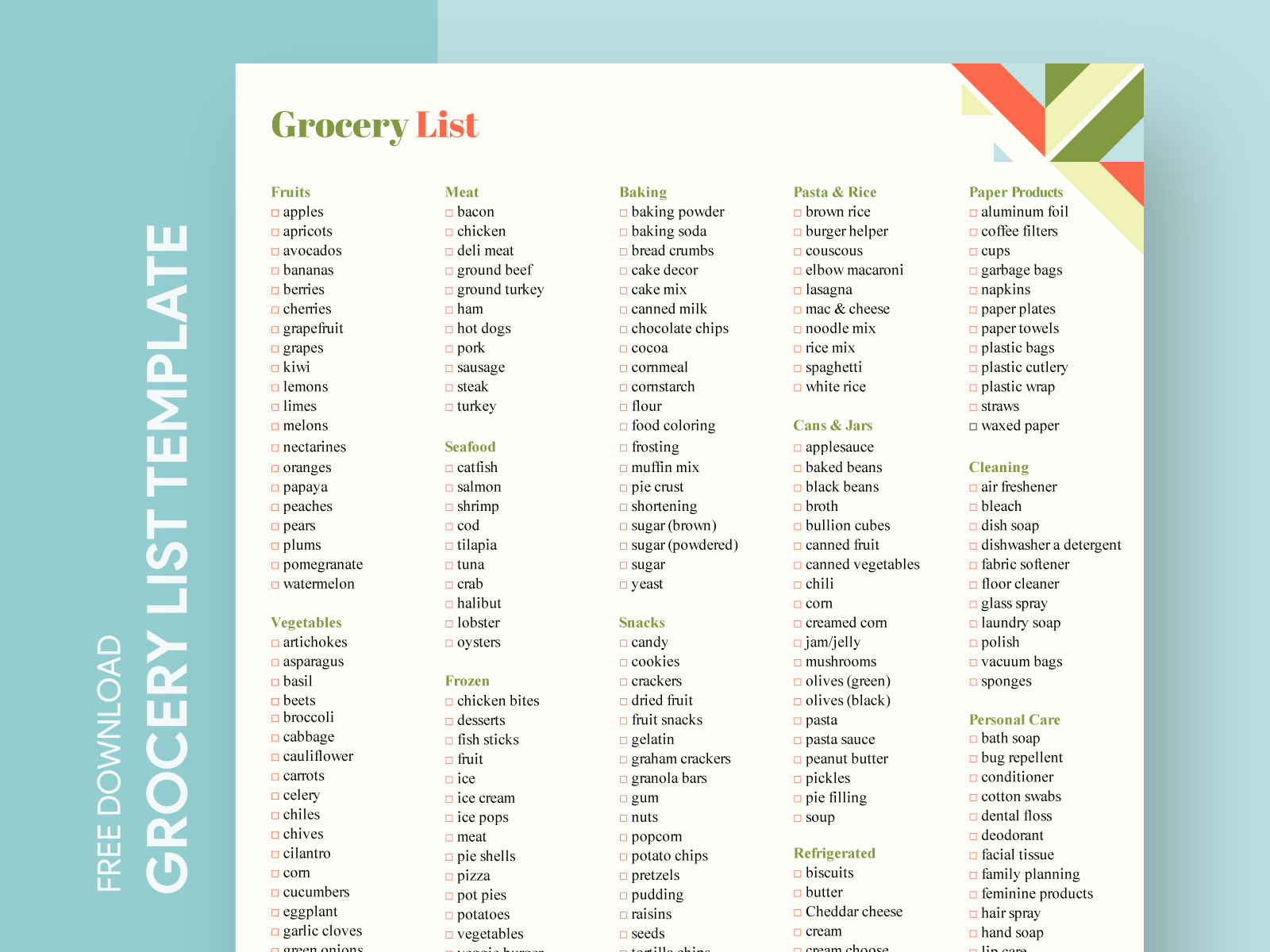
Features of the Grocery Store List Free Google Docs Template
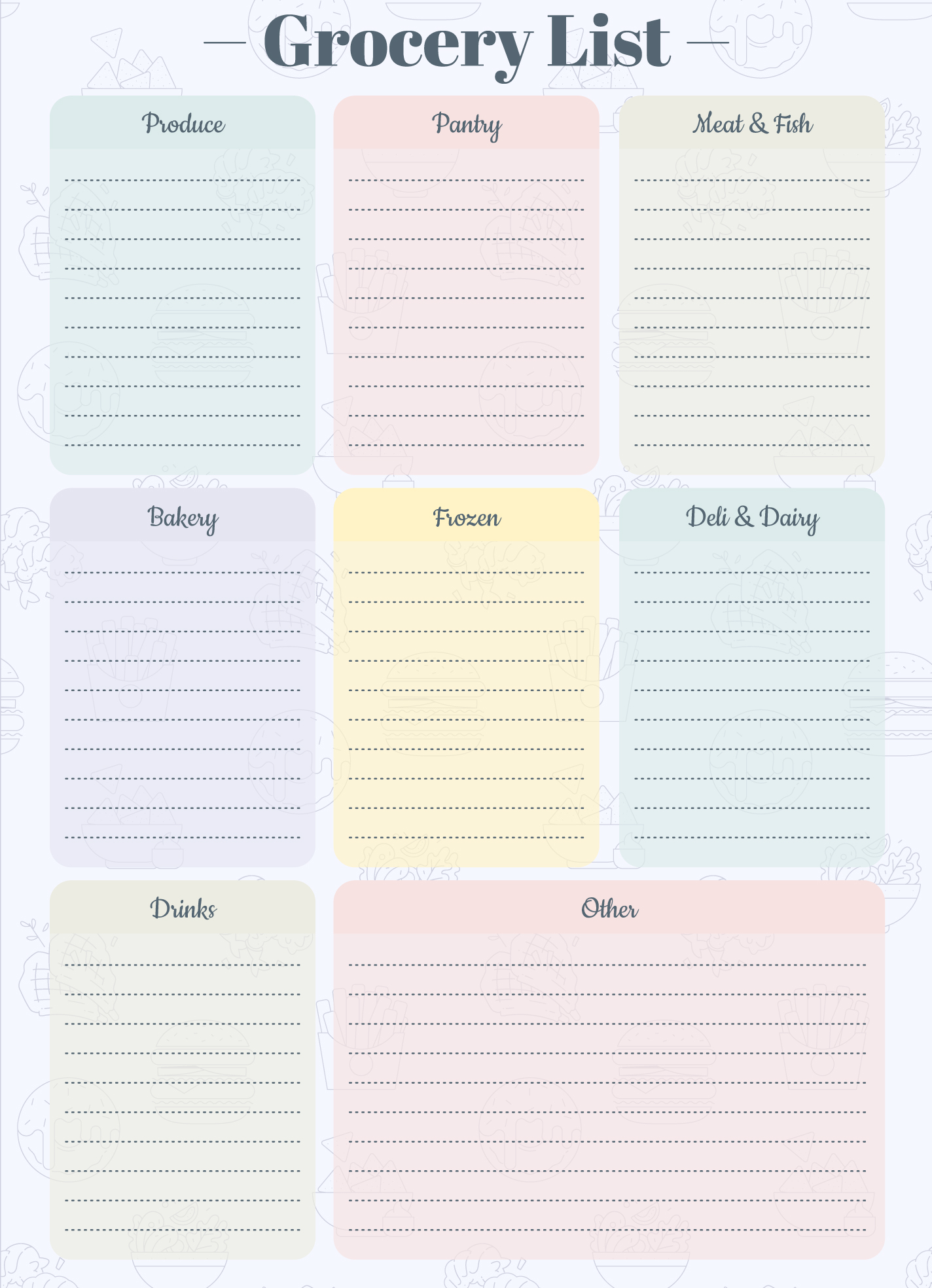
This template is straightforward and user-friendly. You can easily edit it in Google Docs, which means you can access your shopping list from anywhere—If you are at home, work, or on the go. Here are some standout features:
- Customizable Sections: The template includes categories for different types of groceries, such as fruits, vegetables, dairy, meats, and snacks. You can add or remove sections based on your preferences.
- Check Boxes: Each item on the list has a check box next to it. This way, you can tick off items as you shop, keeping your list organized and making sure you don’t forget anything.
- Shareable: You can easily share your grocery list with family members. This is especially helpful if someone else is doing the shopping for you.
How to Download and Customize Your Template
Getting started with the Grocery Store List Free Google Docs Template is simple. Follow these steps to download and customize it:
- Download the Template: Click on the link provided on the website to access the Google Docs template. You can also make a copy to your own Google Drive by selecting “File” and then “Make a copy.”
- Customize It: Once you have the template open in your Google Docs, you can modify the categories and add your own grocery items. Don’t hesitate to tailor it to suit your family’s routine and dietary needs.
- Print It Out: If you prefer a physical list, simply click “File” and then “Print.” Adjust your printer settings as needed, keeping in mind that portrait layout usually works best for most home printers.
Tips for Printing and Using Your Grocery List
When it comes to printing your grocery list, there are a few tips that can enhance your experience:
- Paper Choice: Standard printer paper (8.5 x 11 inches) is perfect for this list. If you want something sturdier, consider using lightweight cardstock. Cardstock holds up better if you plan to reuse the list or laminate it.
- Print Settings: Ensure your printer is set to print in color if you’ve added any color coding to your list. Otherwise, black and white will suffice for a clean, easy-to-read document.
- Laminating Options: If you want to use this list repeatedly, think about laminating it. You can write on it with dry-erase markers, allowing you to reuse it week after week without needing to print new copies.
Practical Uses for the Grocery Store List Template
This template isn’t just limited to grocery shopping. Here are some practical ways to utilize it:
- Meal Planning: Use the grocery list template alongside your meal planning for the week. By listing out the ingredients you need for your planned meals, you can streamline your shopping and reduce food waste.
- Family Contributions: Involve your family in the grocery shopping process. Ask everyone to add their favorite snacks or meals to the list, making shopping more collaborative and ensuring everyone gets what they want.
- Budgeting: Keep track of prices as you shop. You can add a column for prices next to each item, helping you stay within your budget. This is especially useful if you’re trying to stick to a specific grocery budget each week.
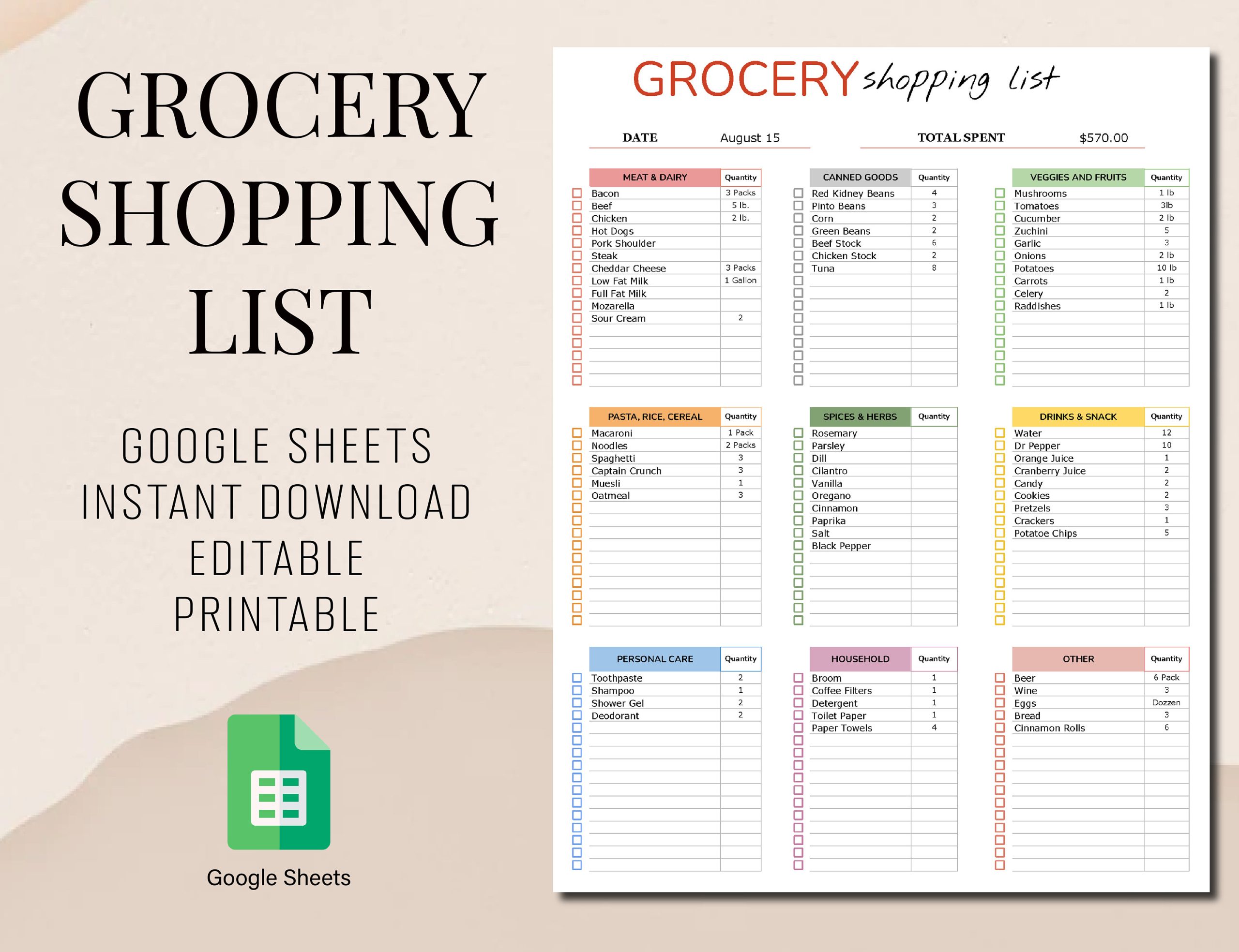
Next Steps: Get Your Template and Start Organizing
Now that you know how valuable the Grocery Store List Free Google Docs Template can be, it’s time to take action. Download the template, customize it to fit your needs, and start using it for your next grocery shopping trip. You’ll be amazed at how much easier shopping can become when you have a well-organized list in hand. Happy shopping!
Grocery Store List Free Google Docs Template Gallery