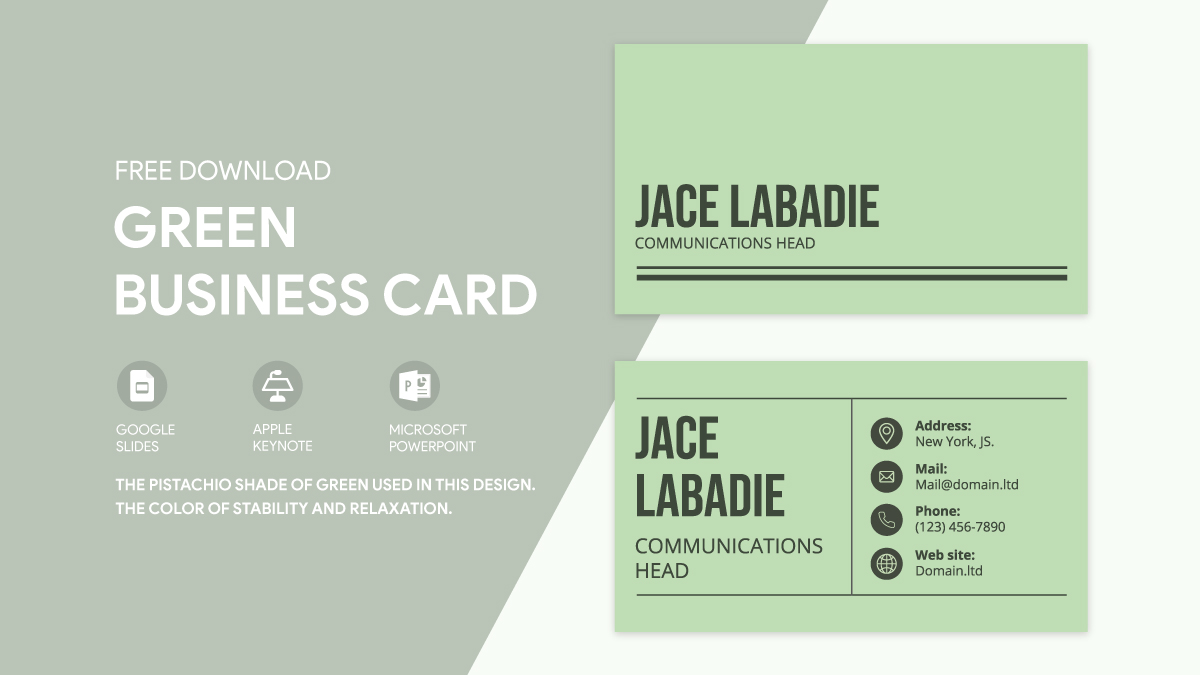
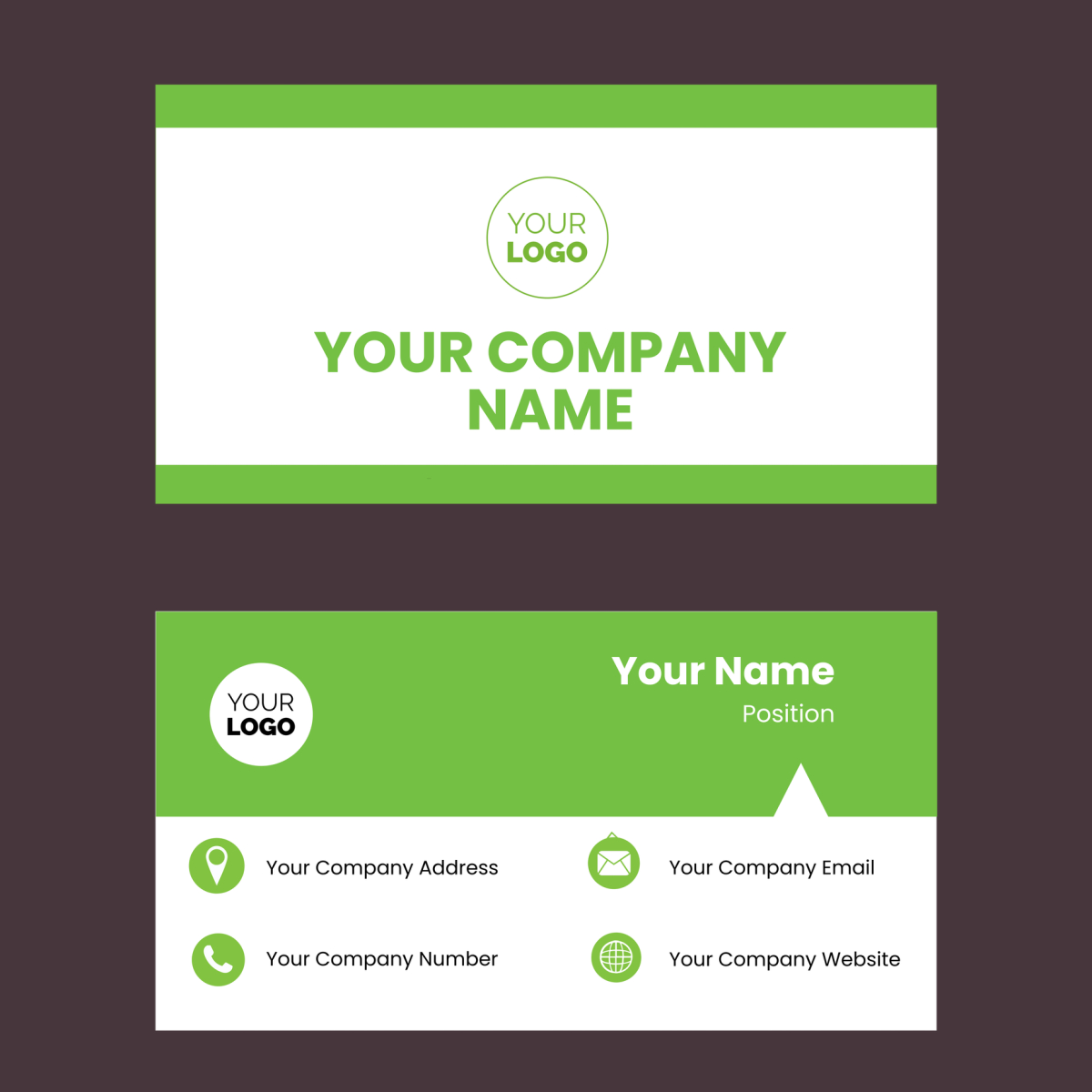
Creating a professional and eye-catching business card can be a game-changer for your networking efforts. If you’re looking for a straightforward way to design and print your own, the Green Business Card Free Google Docs Template is an excellent choice. This template offers a clean design suitable for various industries, making it easy to customize according to your needs.
Why Use a Google Docs Template for Business Cards?
Using a Google Docs template for your business card has several advantages. It allows for easy customization and collaboration. You can access your document from anywhere, which is particularly useful if you need to make last-minute changes. Plus, Google Docs is user-friendly, even for those who aren’t tech-savvy.
Another reason to use this specific template is its eco-friendly design. The green color scheme not only conveys a sense of professionalism but also aligns with environmentally conscious branding. This can be particularly appealing if your business emphasizes sustainability.
How to Customize Your Green Business Card Template
Once you’ve downloaded the Green Business Card Free Google Docs Template, the first step is customization. Here are some practical tips to make your card stand out:
Personalizing Your Information
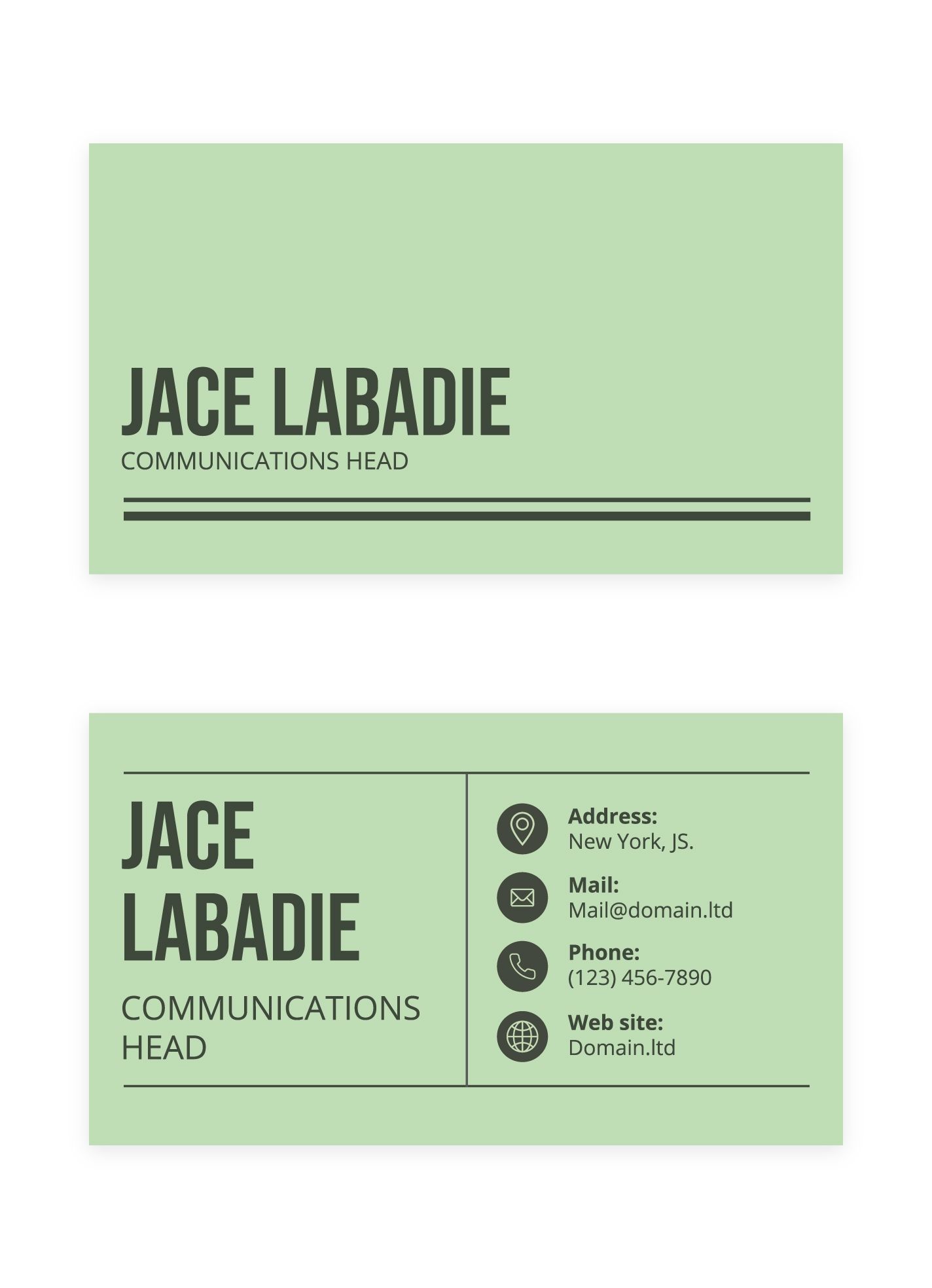
Start by replacing the placeholder text with your personal details. Include your name, job title, company name, and contact information. You might also want to add your social media handles or a website, depending on how you wish to connect with others.
Editing the Design Elements
The template includes various design elements that you can tweak. Change the font style and size to match your personal or company branding. You might also consider adjusting the layout; for instance, switching from a horizontal to a vertical design can give a fresh look.
Choosing the Right Colors
While the template is primarily green, you might want to incorporate additional colors that align with your brand. Google Docs allows you to easily adjust colors through its editing tools. Keep in mind that using too many colors can distract from your essential information, so stick to a cohesive palette.
Printing Your Business Cards
Once you’ve personalized your Green Business Card Free Google Docs Template, it’s time to print. Here are some practical considerations to ensure your cards look professional:
Selecting the Right Paper
For business cards, cardstock is usually the best choice. It’s thicker than regular printer paper, providing a more professional feel. Common sizes for business cards are 3.5 x 2 inches or 5 x 3 inches, so be sure to select the appropriate dimensions in your print settings.
Printer Settings
If you’re printing at home, make sure your printer settings are adjusted for high-quality output. Use the best print quality setting available, and opt for portrait layout if the design is vertical. If your printer supports borderless printing, enabling this feature can add a polished look to your cards.
Professional Printing Services
If you prefer a more polished finish, consider using a professional printing service. Many local print shops offer options for business cards, including various finishes like matte or glossy. This can provide a more durable and visually appealing product compared to home printing.
Using Your Business Cards Effectively
Now that you have your business cards ready, it’s essential to use them effectively. Here are some practical tips:
Networking Events
Always carry a few cards with you, especially when attending networking events or meetings. When you meet someone new, hand them your card after introducing yourself. This not only provides them with your contact information but also serves as a conversation starter.
Follow-Up
If you give someone your card, make sure to follow up with them within a few days. A quick email or message referencing your conversation can help solidify the connection and keep you top-of-mind.
Store Your Cards Wisely
Consider using a cardholder to keep your business cards safe and in good condition. A professional-looking holder can also enhance your image when you hand out your cards.
By utilizing the Green Business Card Free Google Docs Template, you can create a functional and stylish business card that reflects your brand. Remember, the key to effective networking is not just having a card; it’s how you present yourself and follow up with your connections. So, take the time to customize your card, print it professionally, and use it wisely to expand your professional network.
As a final tip, always print a few extra cards to have on hand for unexpected opportunities. You never know when a chance encounter may lead to your next big connection!
Green Business Card Free Google Docs Template Gallery