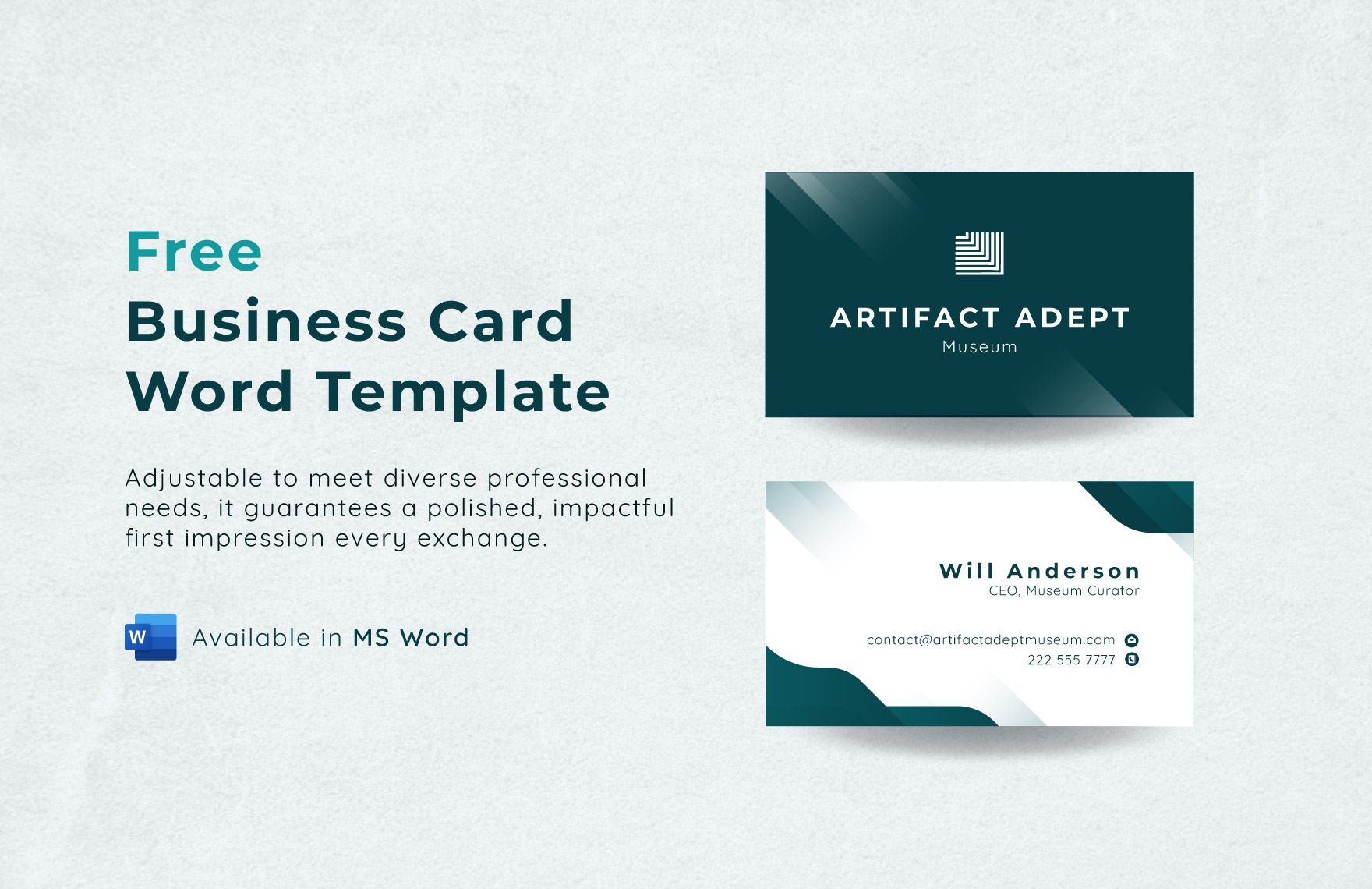
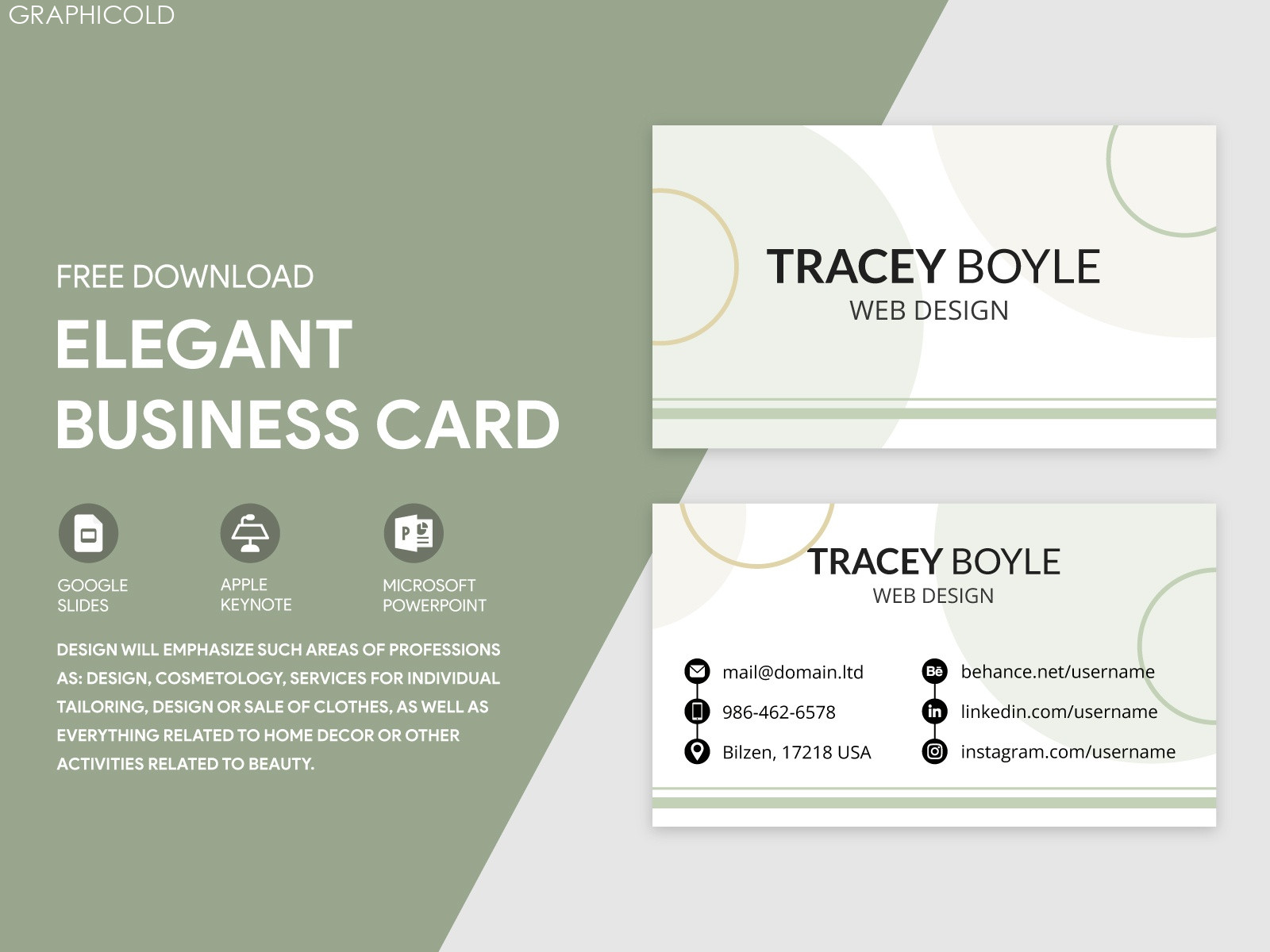
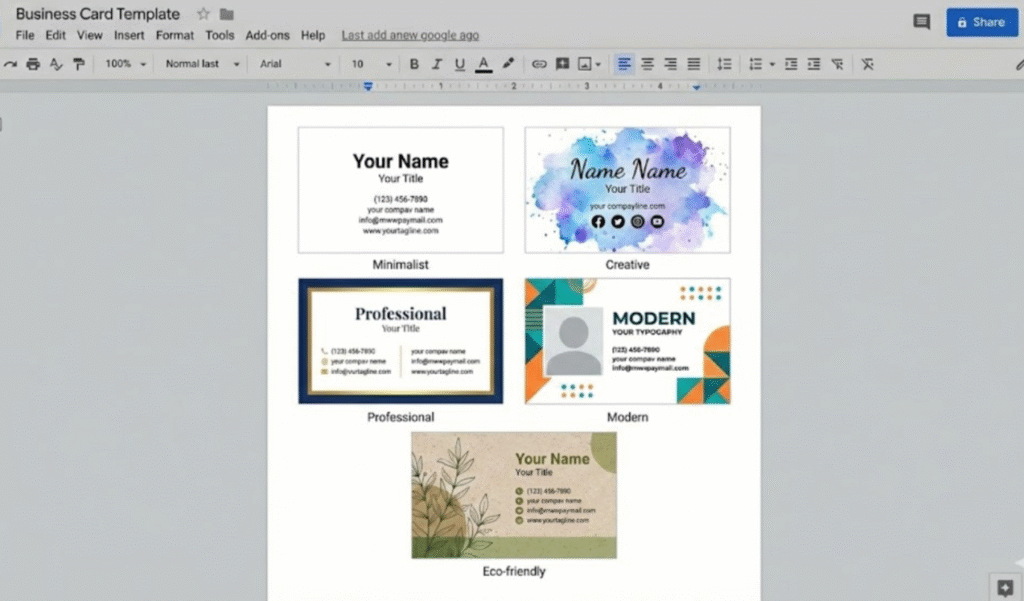
Creating a professional business card is a crucial step for any graphic designer. If you are just starting or looking to refresh your brand, a well-designed card can make a lasting impression. The Graphic Designer Business Card Free Google Docs Template stands out as an ideal resource for anyone in need of a quick and customizable solution. This template allows you to create an elegant, professional-looking card without needing advanced design software, ensuring that you can focus more on your craft and less on the technical details.
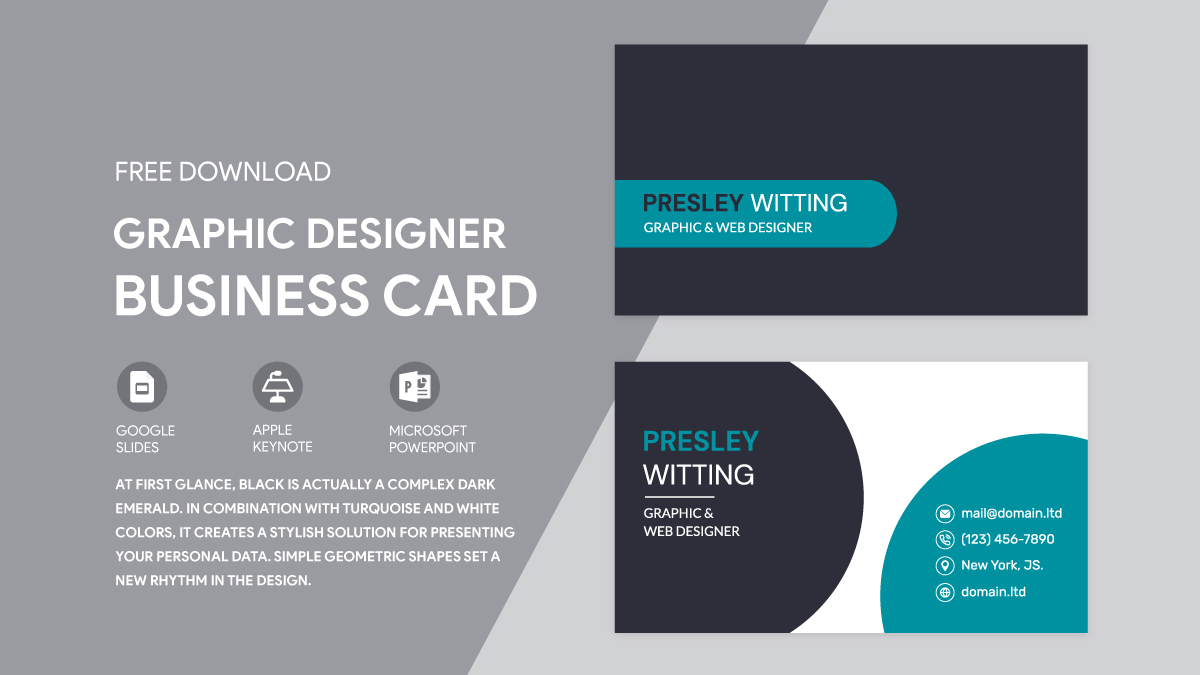
Why Use a Google Docs Template for Your Graphic Designer Business Card?
Using a Google Docs template offers several advantages. First, Google Docs is universally accessible; you can edit your card from any device with internet access. This means you can work on your design at home, in a coffee shop, or during a meeting. Plus, you don’t need to worry about compatibility issues, which can arise when using different software.
With the Graphic Designer Business Card Free Google Docs Template, you also benefit from ease of customization. The built-in design elements are user-friendly, allowing you to modify colors, fonts, and layout with just a few clicks. This flexibility is especially useful during busy seasons, such as the start of the new school year or when preparing for industry events. You can create a unique card that reflects your personal style and brand identity without extensive design knowledge.
Customizing Your Business Card Design
Once you’ve accessed the template, customization is straightforward. Begin by changing the text to reflect your name, job title, and contact information. Make sure to include essential details such as your email, phone number, website, and social media handles.
Choosing the Right Colors and Fonts
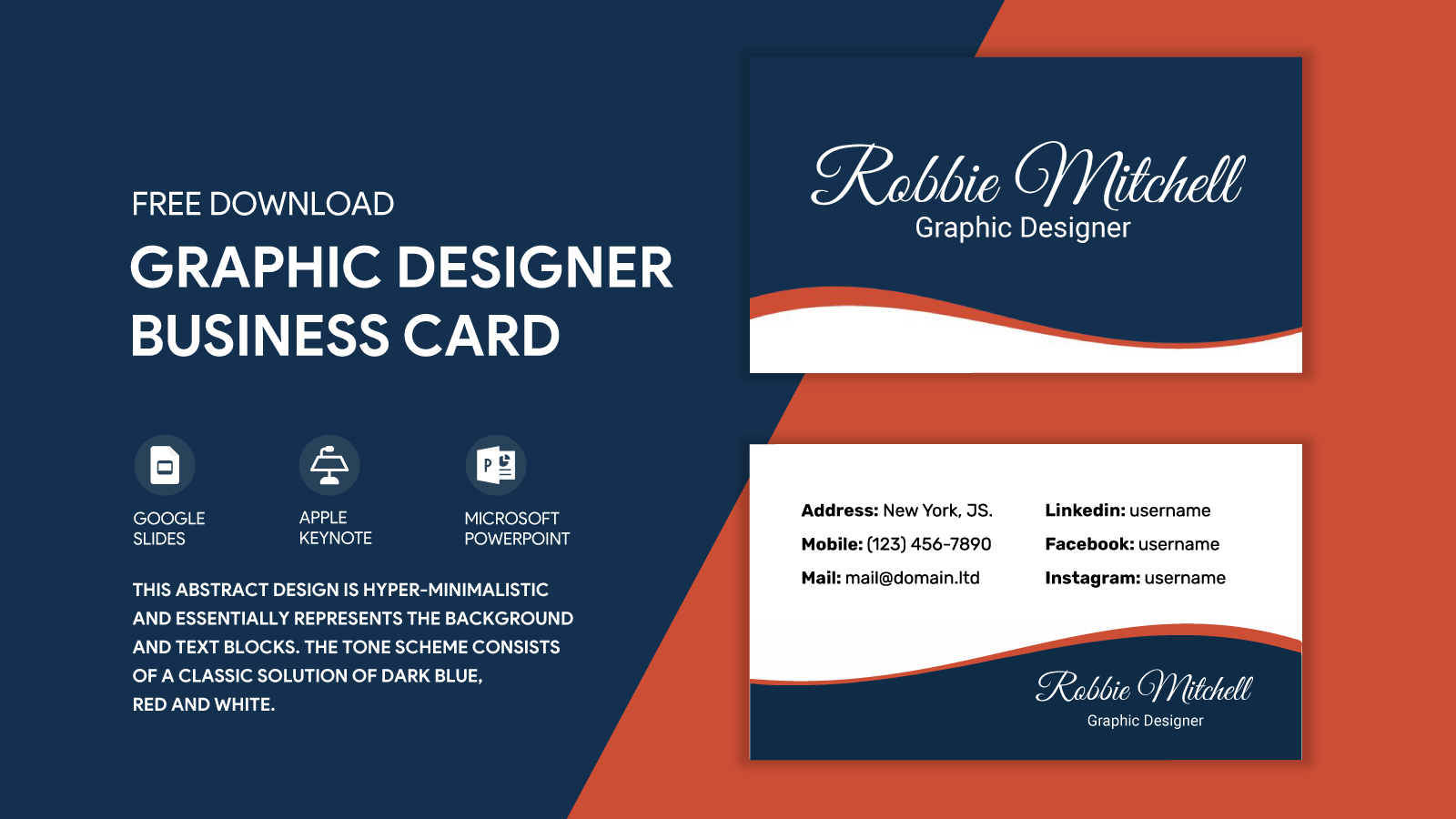
The color scheme and font choices play a vital role in the overall aesthetic of your business card. For graphic designers, it’s often best to choose colors that align with your portfolio or personal brand. Consider utilizing a color palette that is both inviting and professional.
When selecting fonts, aim for readability. You want potential clients to easily read your information at a glance. A combination of a bold typeface for your name and a simpler font for your contact details often works well. Don’t forget to ensure that your colors have good contrast for legibility.
Adding Graphics and Logos
As a graphic designer, your business card is a canvas for showcasing your skills. If you have a logo or unique graphic style, incorporate it into the design. The template allows for easy image uploads, so you can add your logo without hassle. Position it wisely—typically at the top or on one side—to ensure it draws attention but doesn’t overwhelm the card’s essential information.
Printing Options for Your Business Card
After customizing your card, it’s time to think about printing. The ideal size for a business card is typically 3.5 x 2 inches. When printing, consider using high-quality cardstock for a professional feel. Cardstock is thicker than regular paper, which not only enhances durability but also gives a more premium look.
Print Settings to Consider
When you’re ready to print, check your printer settings. Most home printers can handle the job, but make sure to select the highest quality print option available. If you’re printing multiple cards, you might want to check if your printer allows for double-sided printing. This can be a great way to include additional information, such as a portfolio link or a QR code leading to your website.
If you prefer to leave the printing to professionals, many local print shops offer great services. Just ensure you save your Google Docs template as a PDF before sending it off; this format preserves your design and prevents any formatting issues.
Utilizing Your Business Cards Effectively
Now that your business cards are printed, it’s essential to consider how you’ll use them. Carry a stack with you wherever you go. Networking events, conferences, and even casual meet-ups are perfect opportunities to share your card.
Making Connections
When you hand out your card, take a moment to engage in conversation about your work. This personal touch can make your card more memorable. Consider offering a unique proposition, such as a special discount for first-time clients, which could entice potential customers to reach out.
Moreover, keep your business cards in a dedicated holder to avoid bending or damaging them. A well-kept card can speak volumes about your professionalism and attention to detail.
By using the Graphic Designer Business Card Free Google Docs Template, you equip yourself with a practical tool that can help elevate your networking efforts. With just a few clicks, you can create a personalized business card that represents you and your work effectively. So go ahead, download the template, customize it to reflect your unique style, and get ready to make meaningful connections!
Graphic Designer Business Card Free Google Docs Template Gallery