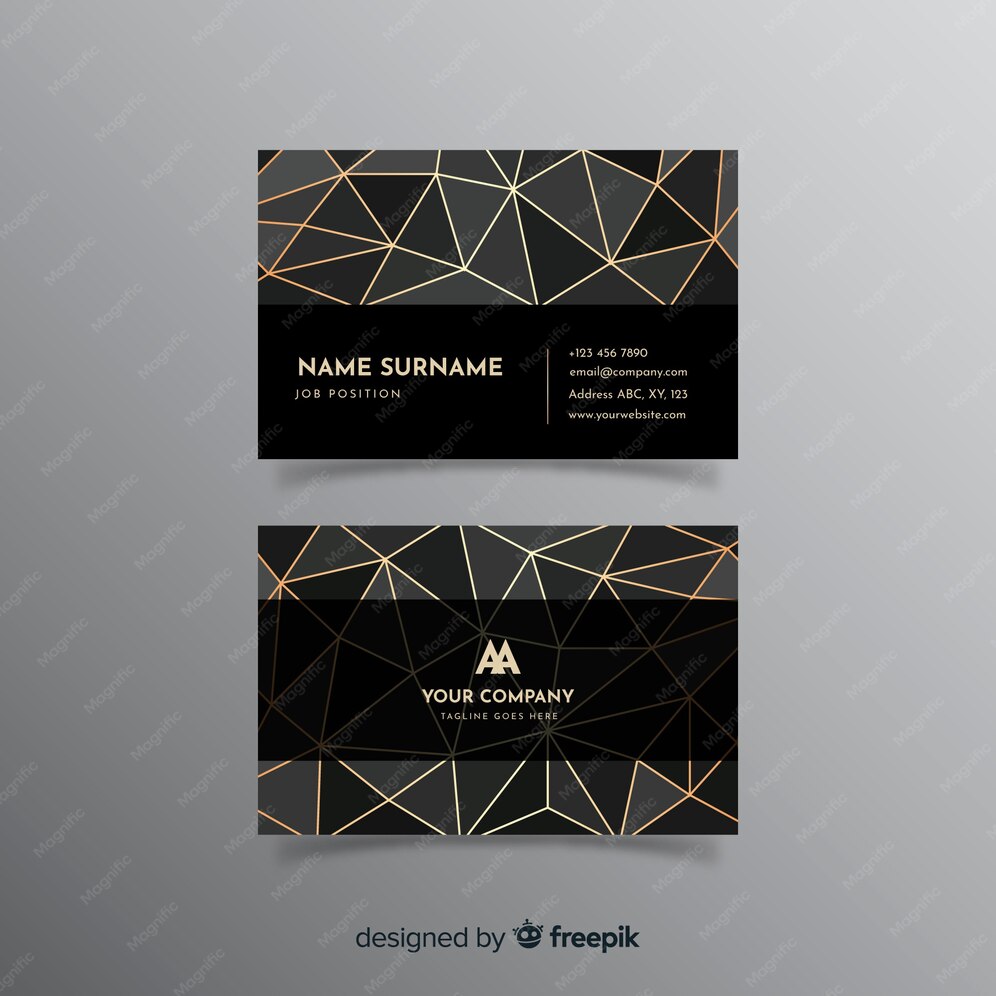
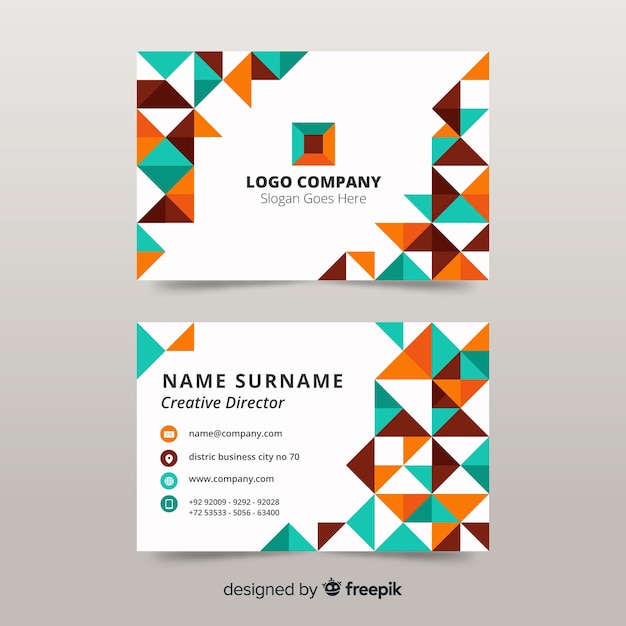
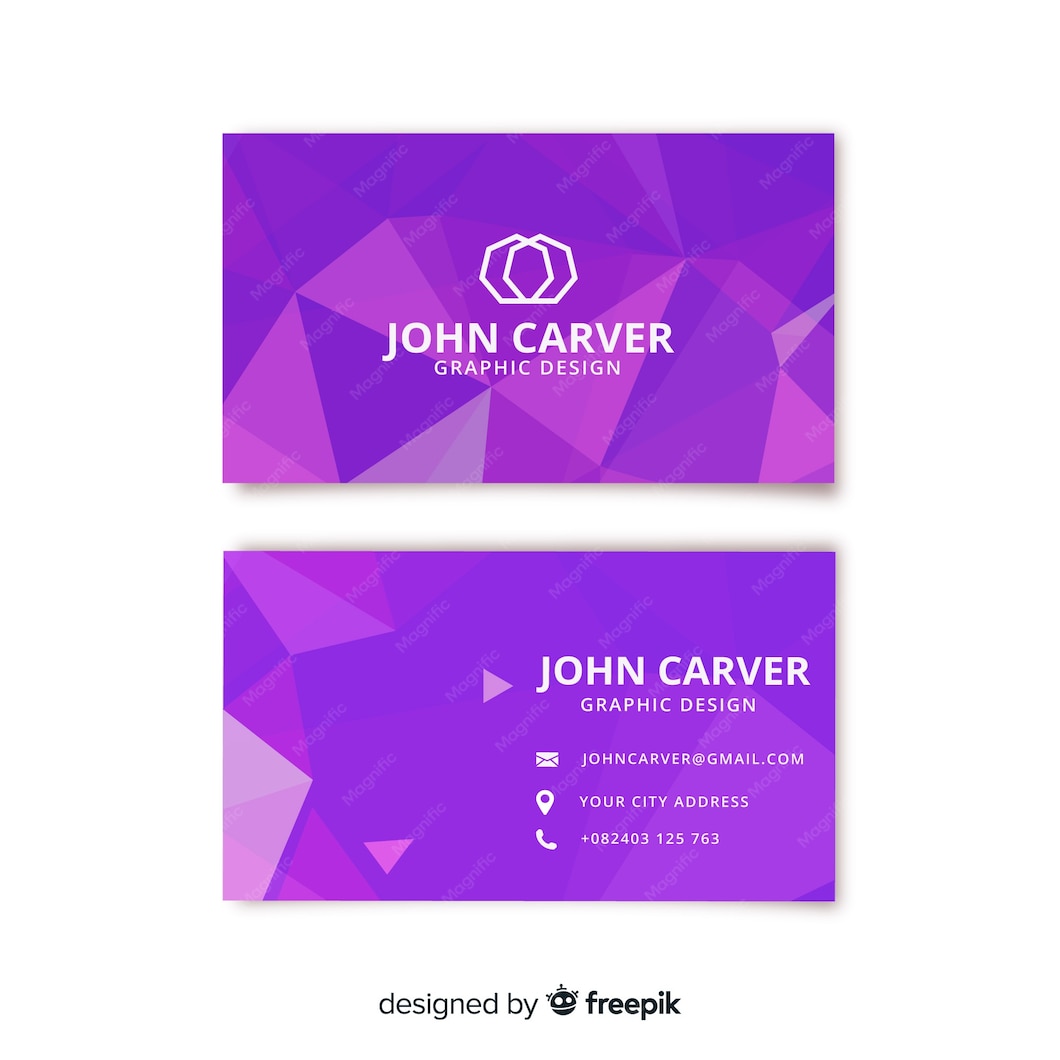
Creating a standout business card is essential for anyone looking to make a memorable impression, and a Geometric Business Card Free Google Docs Template makes it simple to design one right from your computer. With this template, you can easily customize your business card to reflect your unique style and professionalism, all while ensuring that your contact information is clear and accessible.
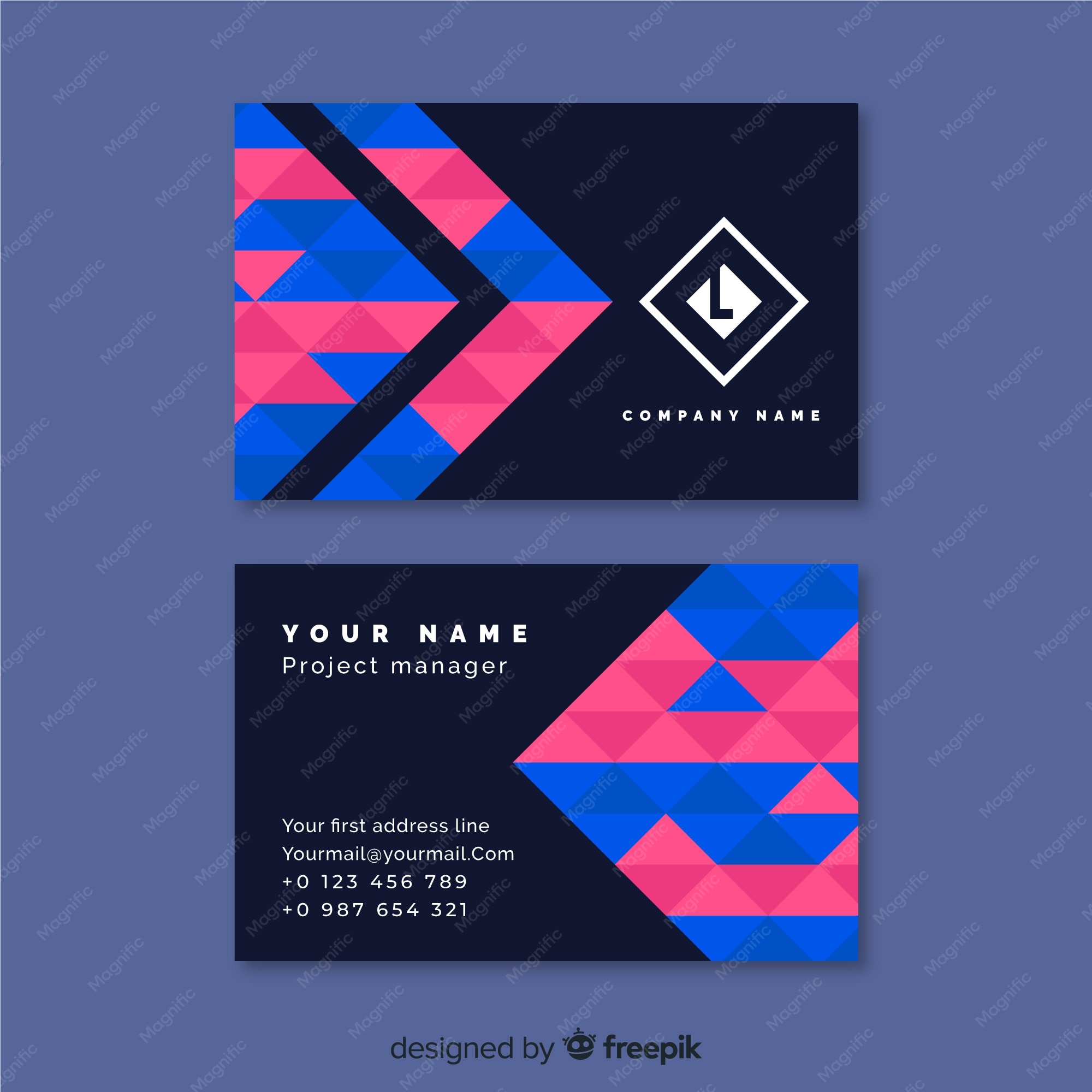
Understanding the Geometric Business Card Template
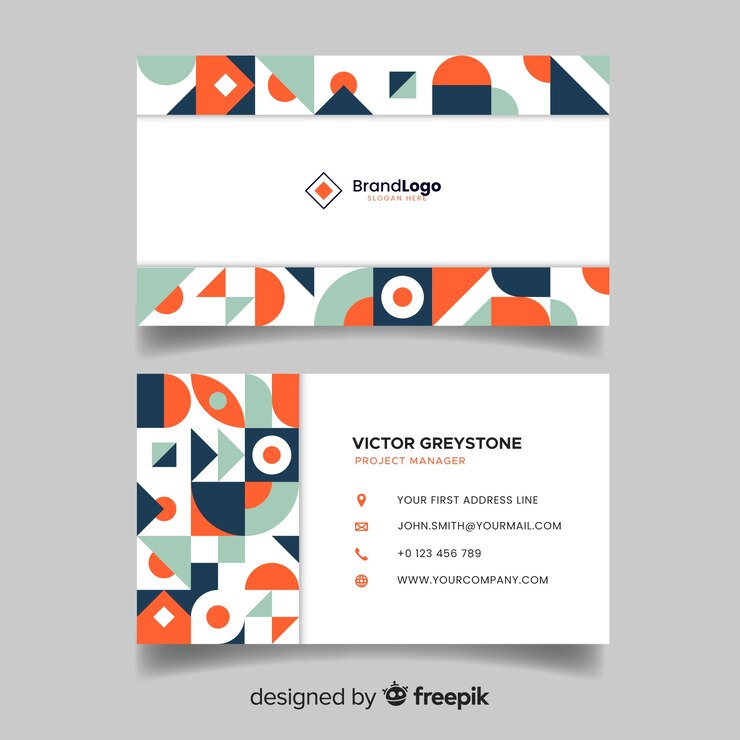
When you download a geometric business card template, you’ll find a design that features clean lines, bold shapes, and often a modern color palette. These elements combine to create a visually appealing card that stands out from traditional designs. You can personalize the template to include your name, title, company logo, and contact info.
To get started, you can access the template through Google Docs, which is user-friendly and allows for easy edits. This means you don’t need any advanced design skills to create a professional-looking card. Simply fill in your details, adjust the colors if desired, and print!
Paper and Cardstock Choices
Choosing the right paper or cardstock is crucial for your business card’s look and feel. Here are some practical options to consider:
- Standard Cardstock (80-110 lb): This is a common choice for business cards. It’s sturdy enough to hold up during exchanges but still flexible for printing.
- Thicker Cardstock (130 lb and above): If you want to make a statement, thicker cardstock gives a more premium feel. It’s excellent if you want your card to stand out in a stack.
- Textured Paper: Consider using a textured cardstock for a unique touch. Options like linen or felt can add a tactile element that makes your card memorable.
- Color Options: While white is a classic choice, colored cardstock can help your geometric design pop. Just ensure that your text is still legible against any background color you choose.
Printing Techniques for Best Results
Once you’ve selected your paper, it’s time to print your business cards. Here are some tips to ensure a clean and professional finish:
- Printer Type: A laser printer is generally preferred for printing business cards because it produces sharper images and text compared to inkjet printers. If you don’t have access to one, many local print shops offer high-quality printing services.
- Print Settings: Set your printer to the highest quality setting. This will ensure that the geometric designs are crisp and vibrant. If you’re using a heavier cardstock, check your printer’s manual for any specific settings or adjustments.
- Test Print: Before printing multiple copies, do a test print on plain paper. This allows you to check the alignment and colors without wasting your cardstock.
Folding Techniques for Presentation
If your design includes a fold, such as a double-sided card, proper folding techniques will enhance the presentation. Here’s how to achieve neat folds:
- Scoring the Card: Use a bone folder or a scoring tool to create a clean line where you’ll fold. Scoring helps prevent the paper from tearing and ensures a sharp crease.
- Folding: Align the edges carefully before pressing the fold down. Use a flat surface to push down on the fold evenly for a crisp finish.
- Finishing Touch: If desired, you can laminate your cards for added durability. This is particularly useful if you’ll be handing them out frequently.
Using Your Geometric Business Card
Now that you have your business cards printed and ready to go, think about how you’ll use them effectively:
- Networking Events: Keep a stack of cards on hand for any networking events, conferences, or meet-ups. A well-timed card can lead to new opportunities.
- Personal Branding: Use your card to convey your personal brand. The geometric design can reflect your style and professionalism, making it a conversation starter.
- Follow-Up: Handing out your card after a meeting or event can serve as a reminder of your conversation. It’s a great way to make sure your new contacts have your information easily accessible.
By downloading the Geometric Business Card Free Google Docs Template, you’re taking a step toward enhancing your professional image. With the right materials and techniques, you can create a card that not only reflects your personal style but also leaves a lasting impression. Now, go ahead and start designing!
Geometric Business Card Free Google Docs Template Gallery