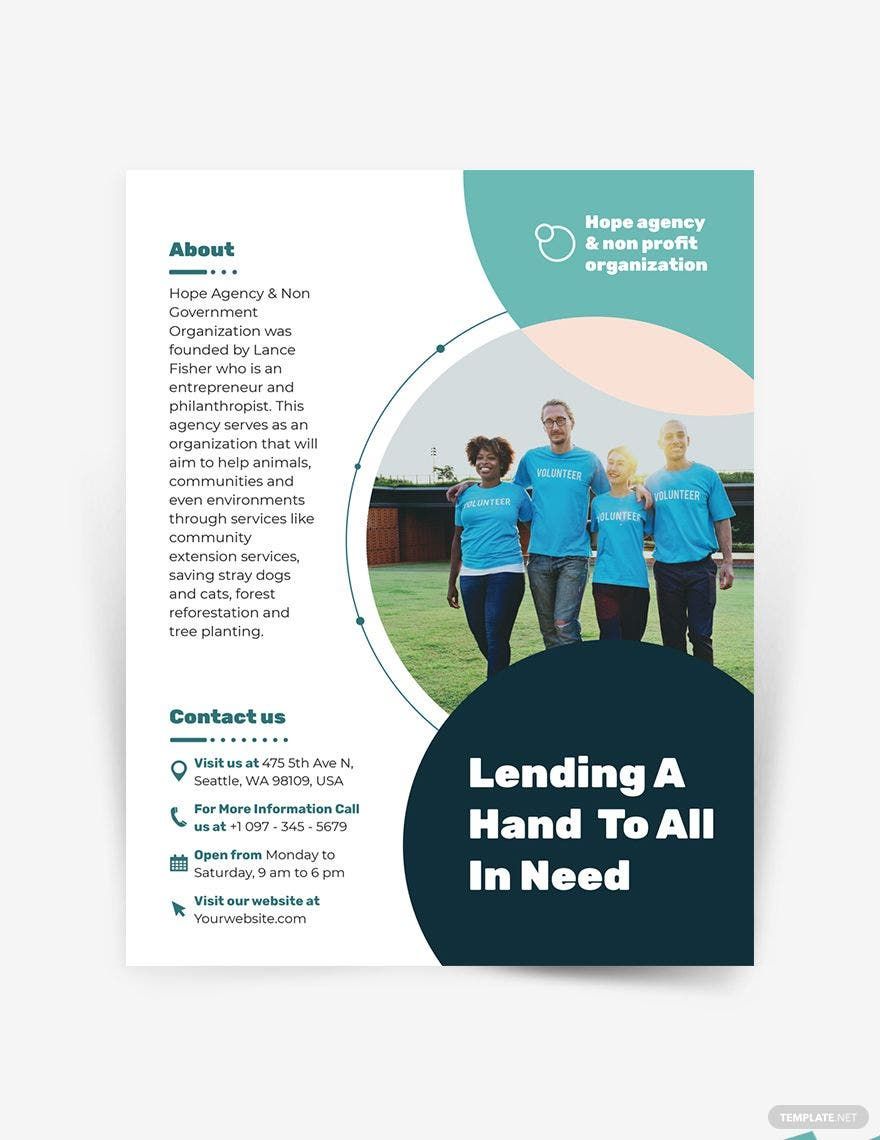
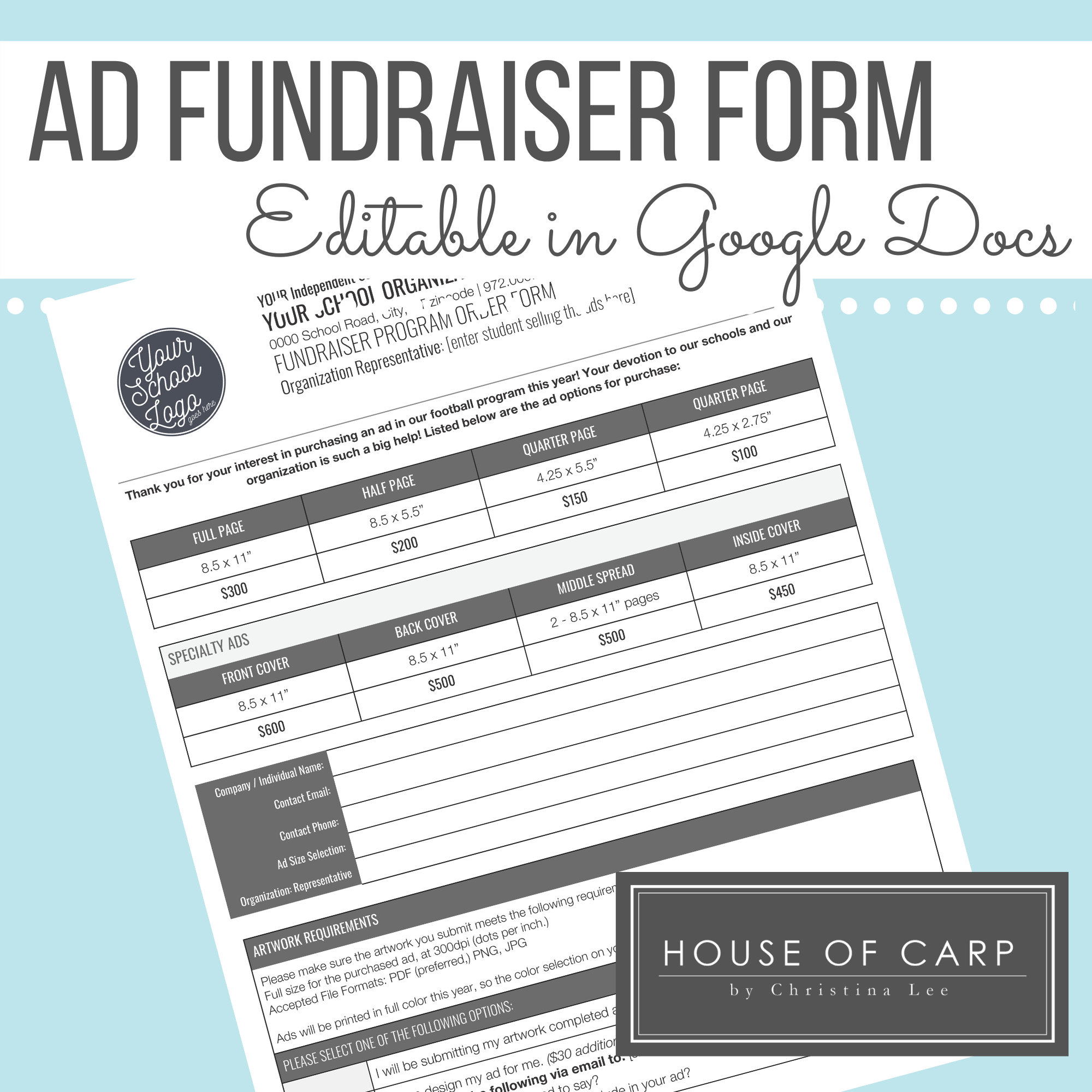
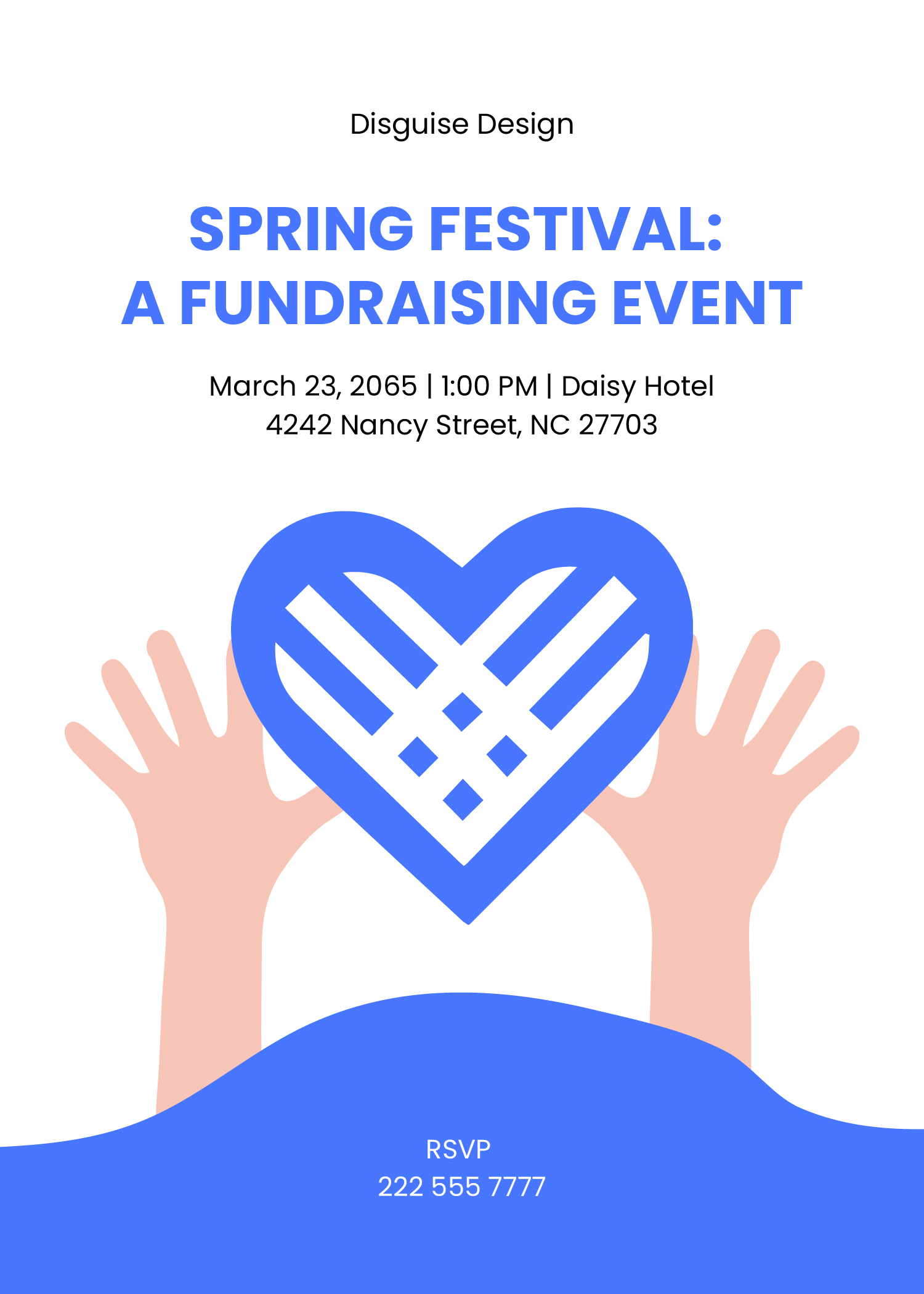
Creating an eye-catching fundraiser flyer is a crucial step in rallying support and resources for your cause. If you’re looking for a Fundraiser Flyer Free Google Docs Template, you’ve landed in the right place. This template not only simplifies the design process but also allows for easy customization, making it accessible for anyone wishing to promote their fundraising efforts effectively.
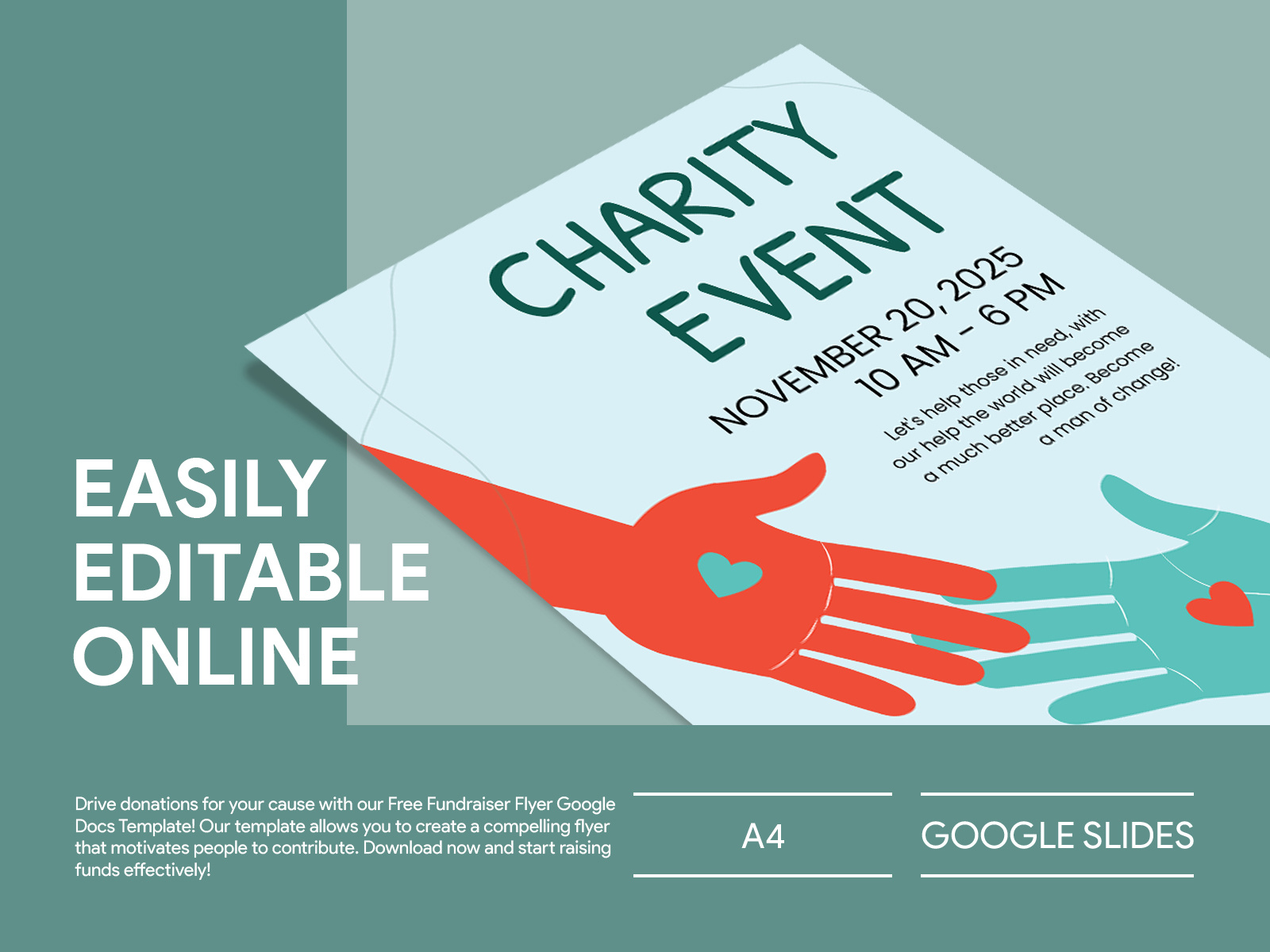
Understanding the Free Google Docs Fundraiser Flyer Template
A fundraiser flyer serves as a visual representation of your event, conveying essential details like the purpose, date, time, and location. Using a Google Docs template means you can adjust elements with ease, If you are adding graphics, changing colors, or modifying text. The flexibility of Google Docs also makes sharing with team members straightforward, ensuring everyone is on the same page.
What You Can Customize
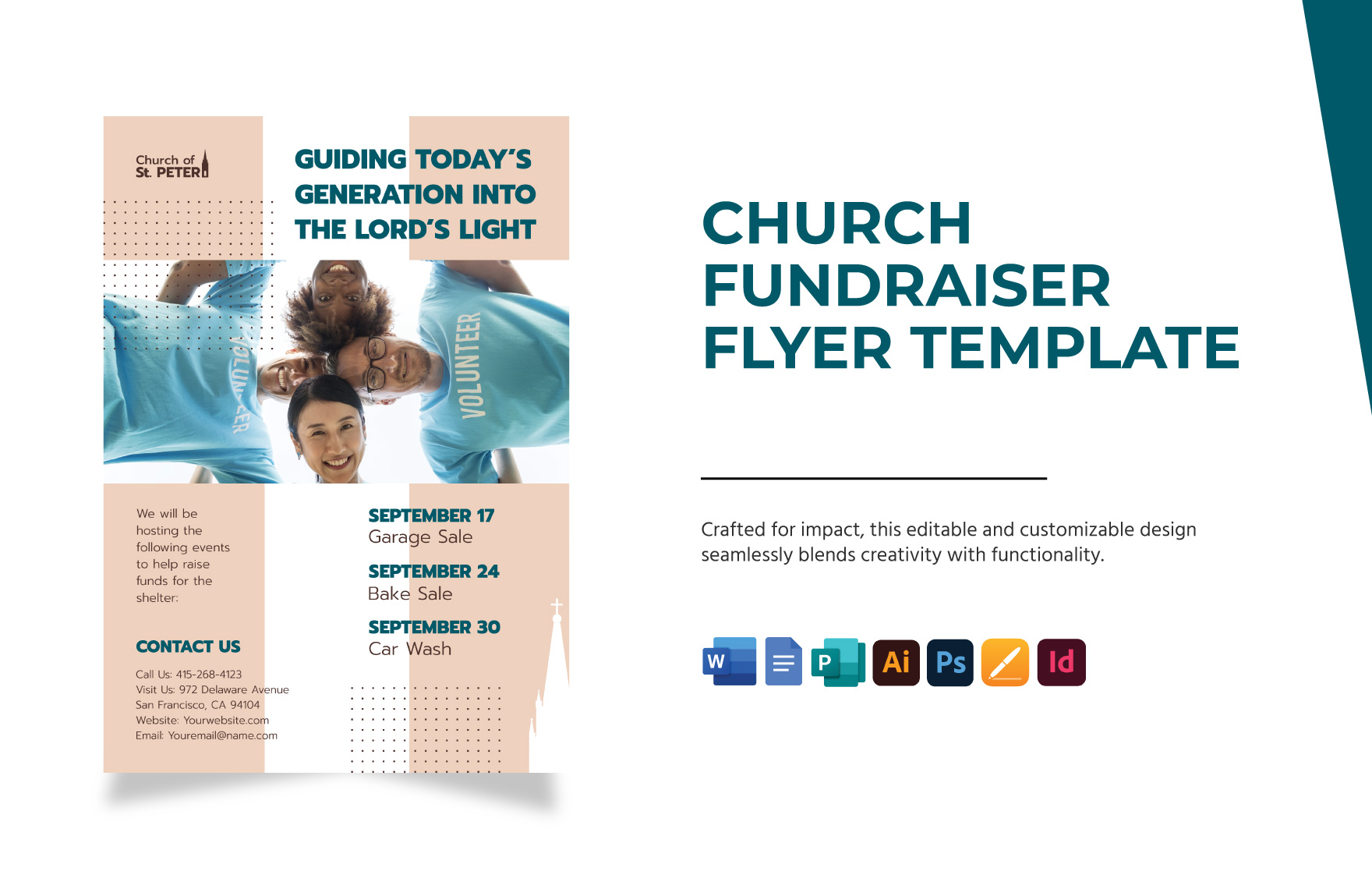
When you download the Fundraiser Flyer Free Google Docs Template, you’ll discover various customizable sections. Here are some key elements you might want to adjust:
- Event Title: Make sure the title stands out. Use a bold font and a larger size to grab attention.
- Date and Time: Clearly state when the event will take place. This is crucial for your audience to plan accordingly.
- Location: Specify where the fundraiser will happen. If it’s a virtual event, include the link or platform details.
- Purpose: Briefly explain what the funds will support. People are more likely to contribute if they understand the cause.
- Contact Information: Include your email or phone number for inquiries. This adds a personal touch and encourages communication.
Downloading and Printing Your Flyer
Once you’ve customized your flyer, the next step is downloading and printing it. Google Docs offers several options to ensure your flyer looks professional in print. Here’s how to proceed:
- Download as PDF: For the best print quality, download your flyer as a PDF. This format preserves your layout and design, avoiding reformatting issues that might occur with other file types.
- Print Settings: If you’re printing at home, set your printer to the highest quality setting. Use portrait layout, as this is generally effective for flyers.
- Paper Size: Standard letter size (8.5″ x 11″) works well for most flyers. If you want to go bigger, consider using tabloid size (11″ x 17″).
- Paper Type: For a more durable flyer, print on cardstock. This material holds up better, especially if you’re displaying the flyers outdoors or in high-traffic areas.
Where to Distribute Your Flyers
Once printed, you’ll want to ensure your flyers reach the right audience. Here are some effective distribution strategies:
- Community Centers: Post your flyers where community members gather, such as libraries, schools, and local shops.
- Social Media: Take a photo of your flyer and share it on platforms like Facebook, Instagram, or Twitter. You can even create a digital version to share online.
- Local Events: Attend other community gatherings and distribute your flyers. Networking can help you reach more people.
- Email Campaigns: If you have a mailing list, include a link to the digital flyer for easy access.
Tips for an Effective Fundraiser Flyer
Creating an effective flyer involves more than just filling in the blanks. Here are some tips to enhance your design and messaging:
- Use High-Quality Images: If you include any graphics or photos, make sure they are high resolution. This will keep your flyer looking professional.
- Keep it Simple: Avoid clutter. A clean, straightforward design helps convey your message clearly.
- Incorporate a Call to Action: Encourage readers to take action, such as buying tickets or donating. Phrases like “Join us!” or “Help us make a difference!” can motivate people.
- Highlight Any Incentives: If you have special offers, such as early bird pricing or raffle entries, make sure to mention them. These can be powerful motivators for potential attendees.
By using the Fundraiser Flyer Free Google Docs Template, you’re equipped with a versatile tool to promote your event effectively. Remember to tailor it to reflect your unique message and goals. And when you’re ready to distribute, think creatively about where your flyers can make the biggest impact.
One concrete tip to keep in mind: always have a few flyers on hand for spontaneous opportunities to share your event. You never know when you might meet someone who could help amplify your cause!
Fundraiser Flyer Free Google Docs Template Gallery