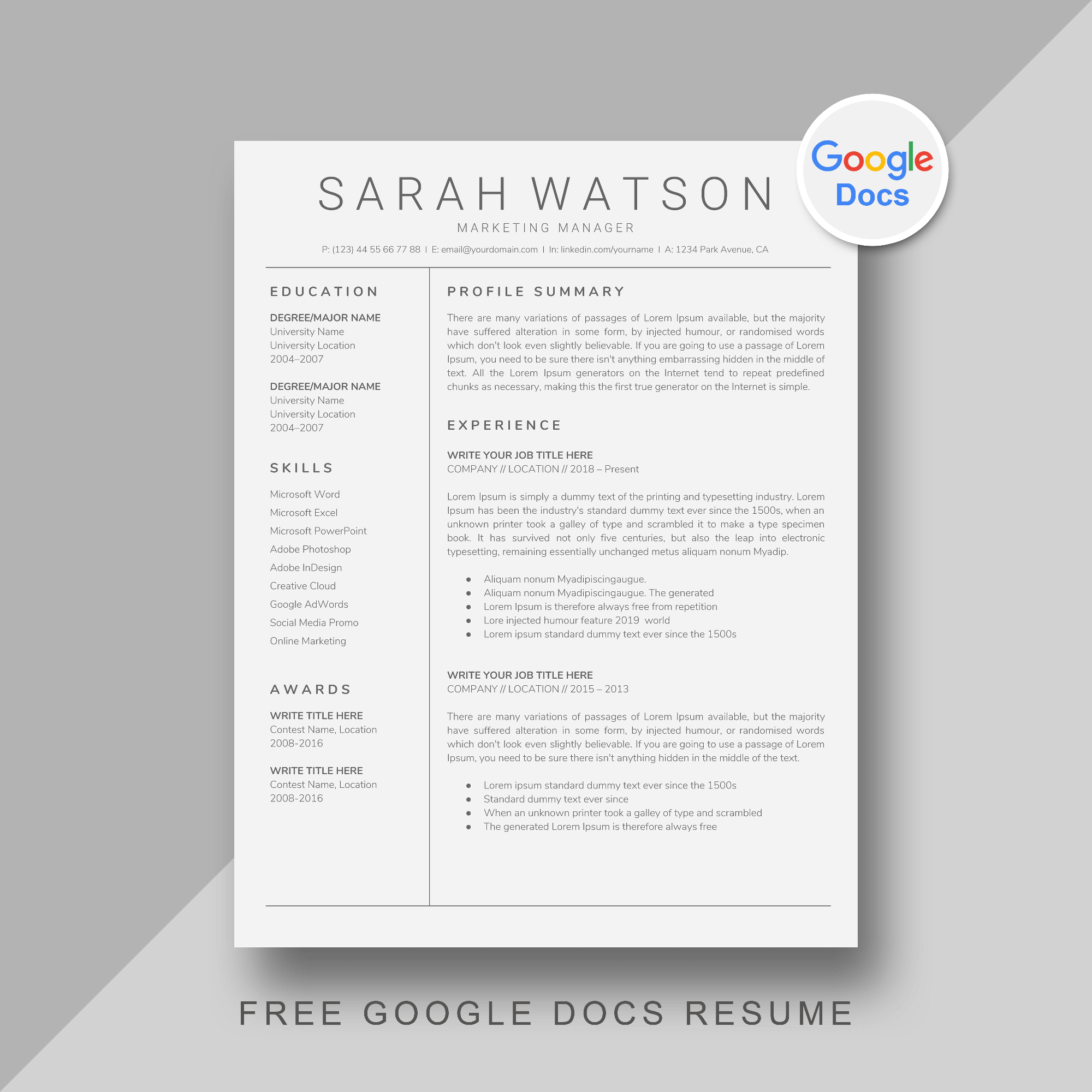
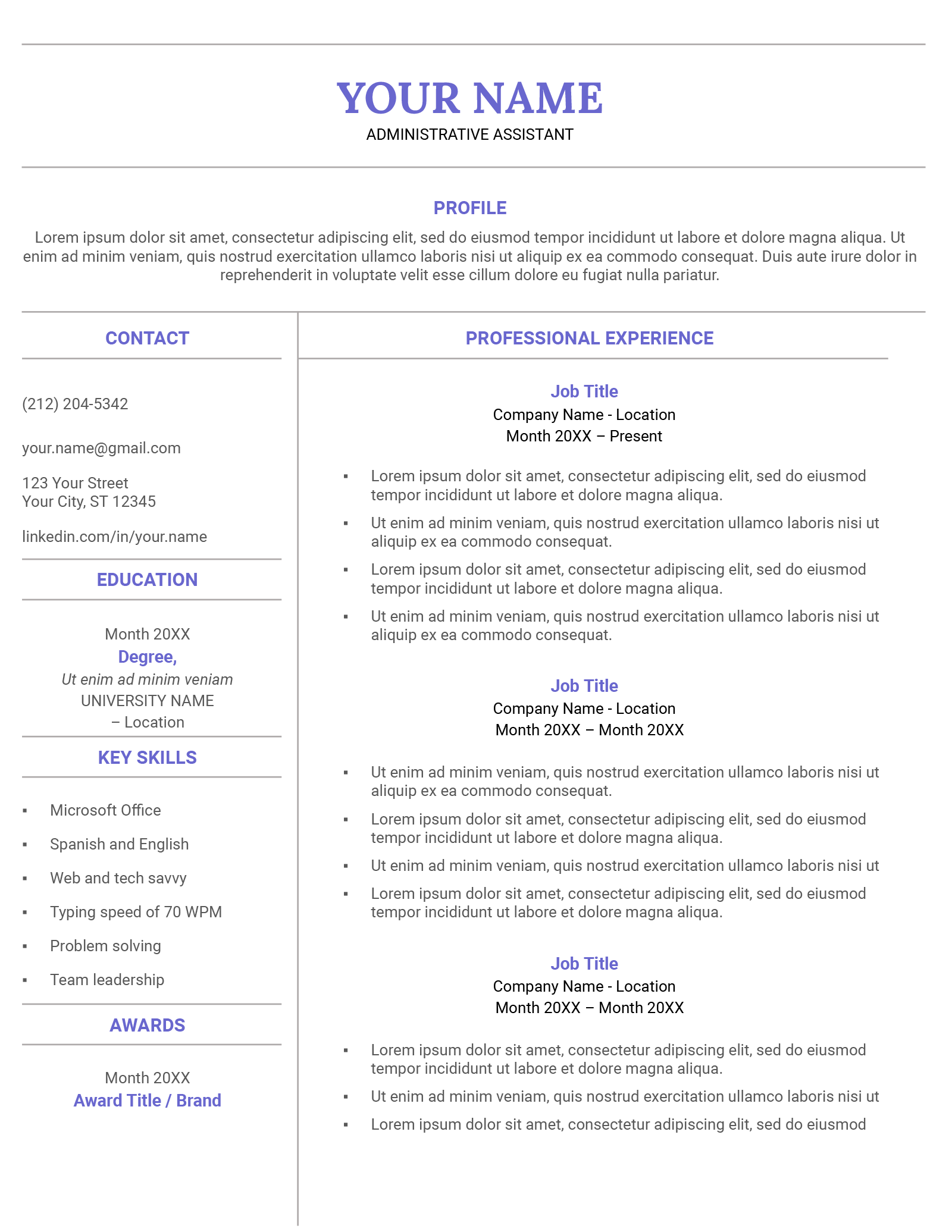
When it comes to crafting a resume, the choice between a functional format and a traditional chronological layout can be significant. A Functional Resume Free Google Docs Template is a fantastic option for those looking to emphasize their skills and competencies rather than their work history. This template can be particularly beneficial for parents re-entering the workforce or anyone changing careers. Let’s explore the features, customization options, and practical uses of this template to help you make an informed decision.
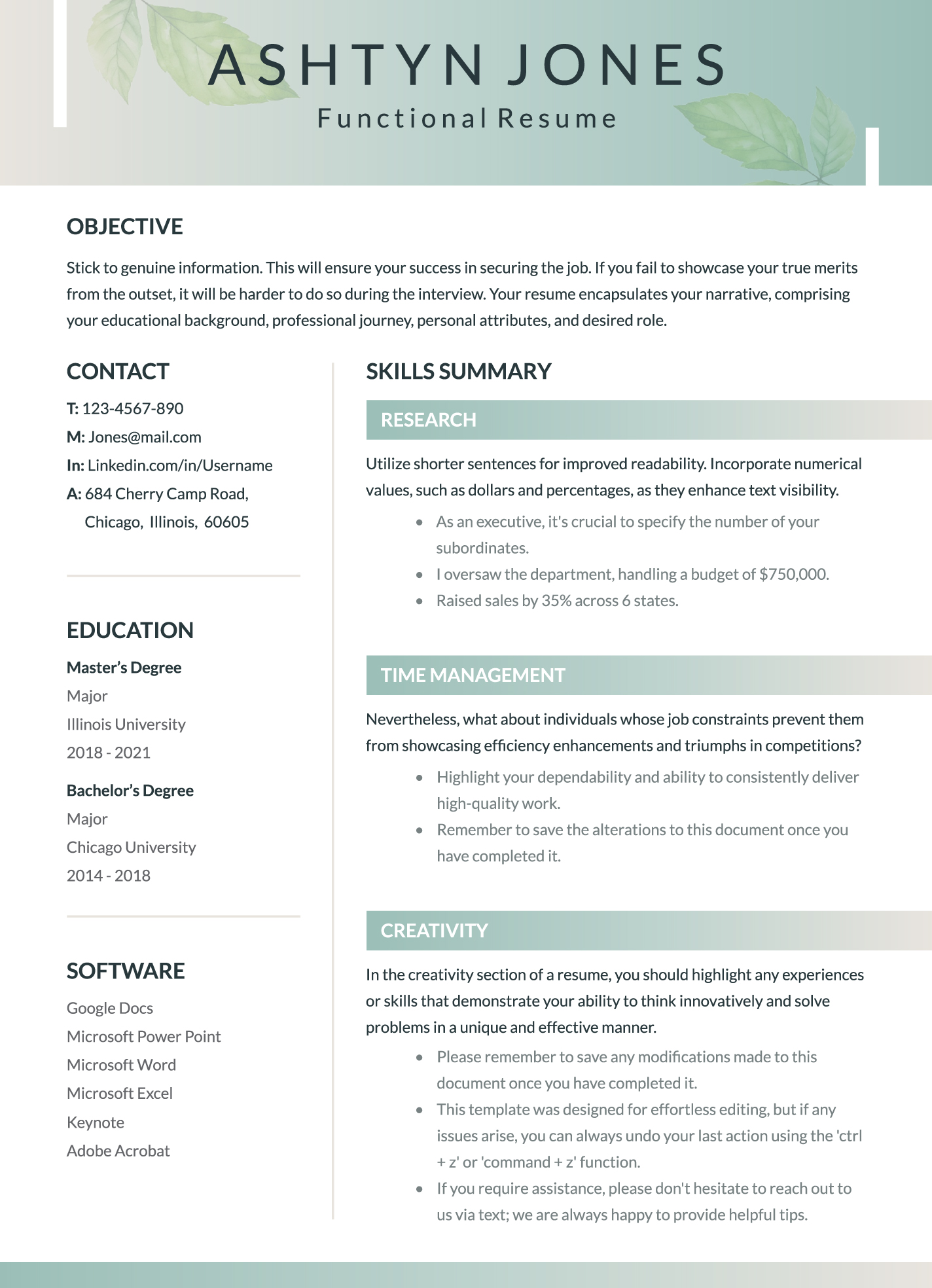
Understanding the Functional Resume Format
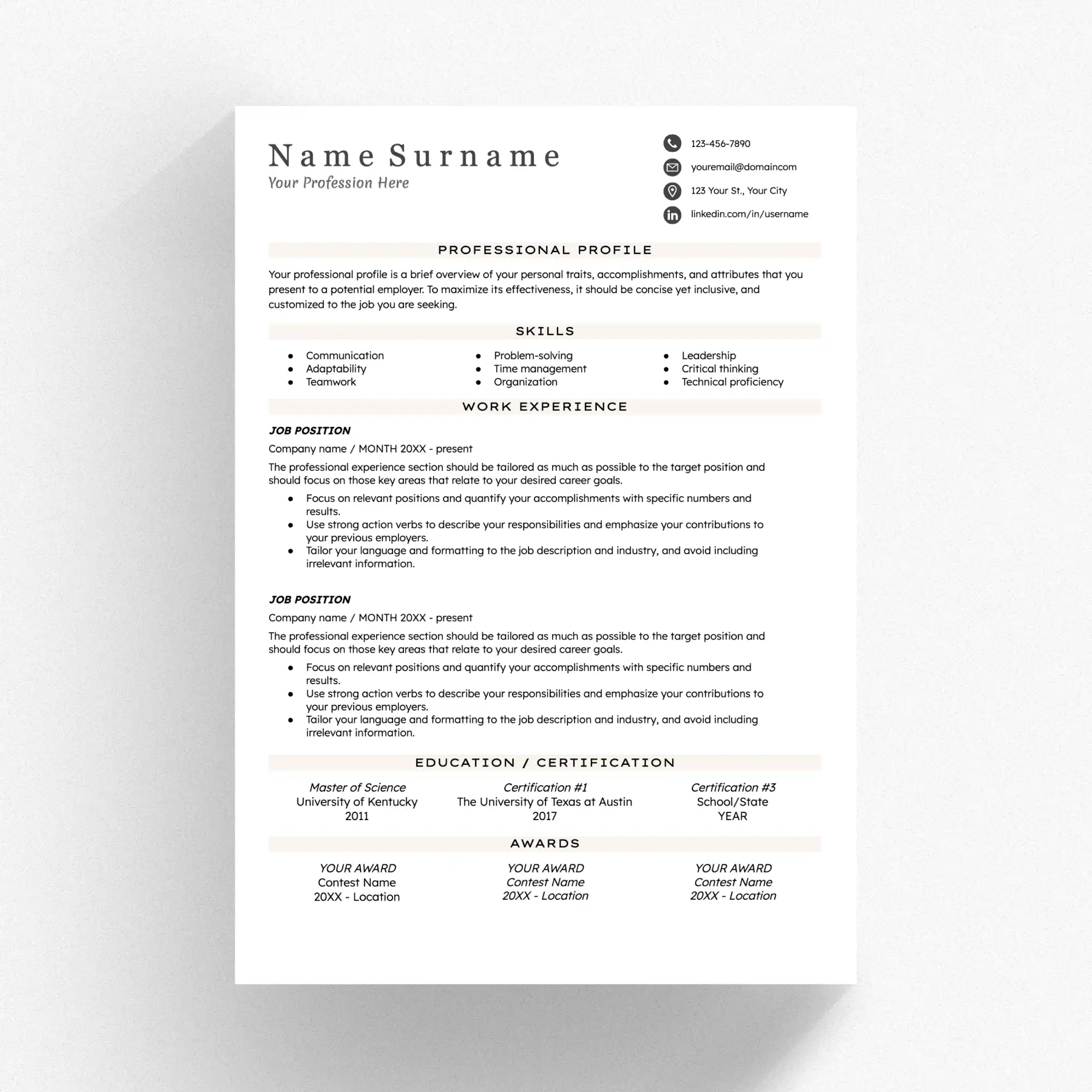
A functional resume focuses on your skills and abilities rather than the order of your employment history. This format is ideal for individuals with gaps in their work history, those changing careers, or anyone wanting to highlight specific skills relevant to a job. While a chronological resume lists jobs in order, a functional resume allows you to showcase what you can do first.
This approach can be particularly useful if you’ve been out of the workforce for a while. For example, if you’ve spent years raising children, you might want to focus on skills acquired during that time, such as time management, organization, and multitasking.
Features of the Functional Resume Free Google Docs Template
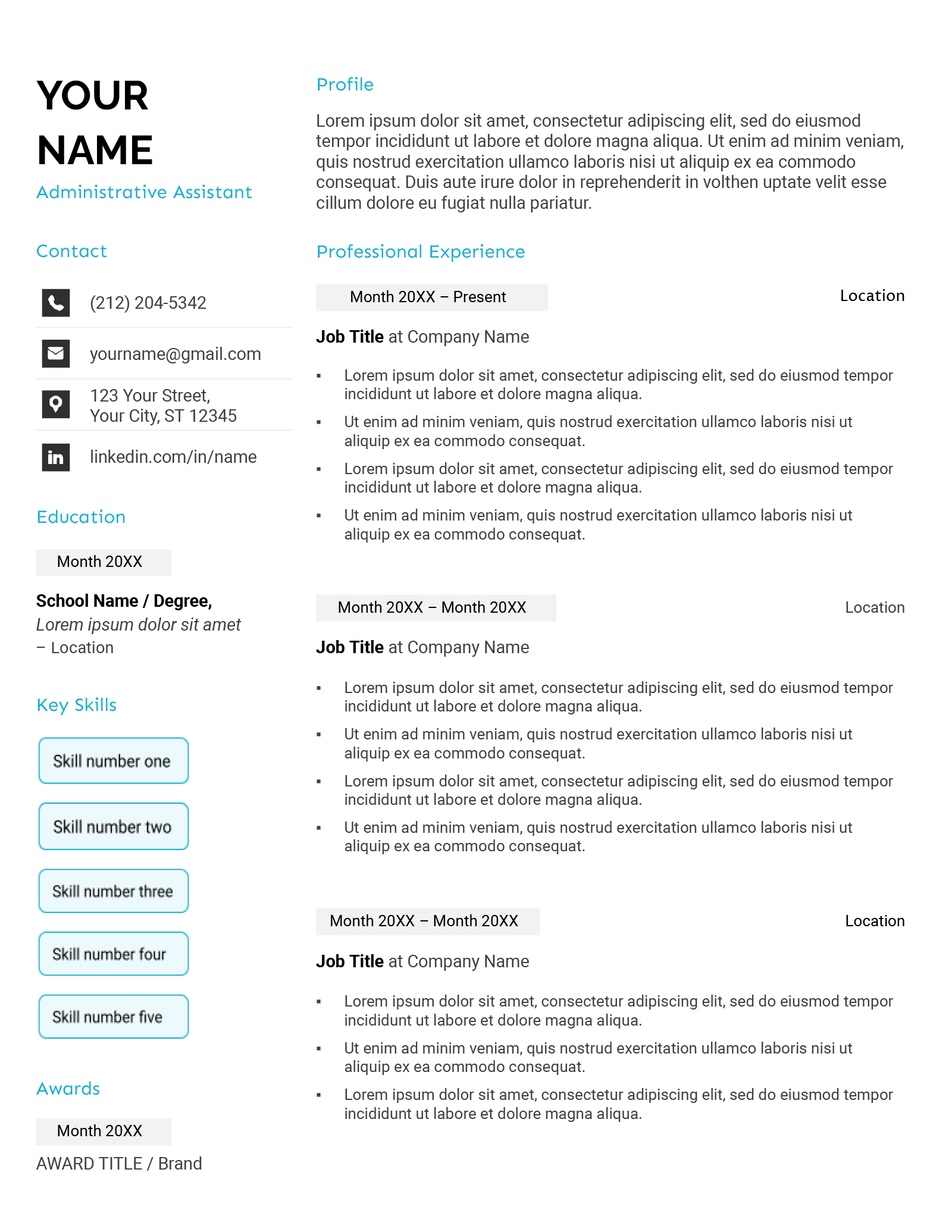
This template comes with several customizable features that make it user-friendly. Here’s what you can expect:
- Easy Customization: You can easily edit the text fields to add your information. Google Docs allows for straightforward text editing, so you can change fonts and colors to fit your style.
- Pre-Designed Sections: The template includes sections for your skills, experiences, and education. This guidance helps you organize your information effectively.
- Printable Format: Once you’ve completed your resume, it’s simple to print directly from Google Docs or save it as a PDF for online applications.
- Professional Aesthetic: The design is clean and professional, ensuring that your resume stands out without being overly flashy.
Customizing Your Template
When you first open the Functional Resume Free Google Docs Template, take a moment to familiarize yourself with its layout. Here are some customization tips:
- Tailor the Skills Section: Focus on skills that are most relevant to the job you’re applying for. If you’re shifting to a new industry, highlight transferable skills. For instance, if you’ve been a stay-at-home parent, emphasize skills like budgeting, project management, and team collaboration.
- Add Relevant Experience: While you may not have a lot of traditional work experience, consider including volunteer work, freelance projects, or even significant responsibilities you’ve held at home. Each of these can demonstrate your capabilities effectively.
- Education and Certifications: If you have relevant educational qualifications or certifications, make sure to include them. This helps bolster your profile, especially if you’re entering a specialized field.
- Adjust the Aesthetic: Feel free to change colors and fonts to match your personal branding. A fresh, modern look can make a significant difference in how your resume is perceived.
Practical Use Cases for the Template
This template is designed with practical applications in mind. Here are a few scenarios where it can be particularly useful:
- Job Seekers Transitioning Careers: If you’re looking to switch industries, the functional format allows you to showcase transferable skills that might not be apparent in a chronological format.
- Parents Re-entering the Workforce: For parents who have taken time off to care for children, this template gives you the opportunity to highlight relevant skills gleaned from that experience.
- Recent Graduates or Career Changers: If you’re new to the job market or re-entering after a long absence, a functional resume can help you present your skills and education prominently.
Downloading and Printing Your Resume
Downloading your completed resume from Google Docs is straightforward. You can save your document in various formats, including PDF, which is often preferred for job applications. Here’s how to do it:
- Click on “File” in the top left corner.
- Select “Download.”
- Choose “PDF Document” to ensure the formatting stays intact.
When printing, consider using high-quality paper to give your resume a professional feel. Standard letter size (8.5” x 11”) works best for most job applications, but always check the specific requirements of the employer.
A Practical Caveat
While the Functional Resume Free Google Docs Template provides a solid foundation, it’s essential to remember that not every employer prefers this format. Some hiring managers may favor chronological resumes, especially in traditional industries. Before submitting, research the company culture and job requirements to determine whether a functional resume will be well received. Tailoring your approach can significantly enhance your chances of making a positive impression.
Functional Resume Free Google Docs Template Gallery